

Applicant Tracking System Software: The Complete 2026 Guide & Top Platforms

How Applicant Tracking System Software Actually Works
An applicant tracking system software isn’t one feature it’s a pipeline of connected steps that take a job requisition from “open” to “filled.” Platforms like Recruitment Management 365 handle every one of these steps inside a single system. Here’s what happens under the hood.
AI-Driven Resume Parsing & NLP
When a candidate submits a resume, the ATS runs it through Optical Character Recognition (OCR) and Natural Language Processing (NLP) engines. OCR converts scanned or image-based resumes into machine-readable text. NLP then reads that text the way a person would — pulling out job titles, skills, certifications, and years of experience, whether the resume is a clean PDF or a messy two-column layout.
This matters more than most hiring teams realize. Research citing Jobscan and Harvard Business School data found that approximately 75% of resumes are rejected by ATS before a human recruiter ever sees them, and resumes with tables, graphics, or complex layouts can lose 50% or more of their content when parsed. A well-built ATS software solution — Recruitment Management 365 included — reduces these false rejections by parsing structured and unstructured formats accurately, so qualified candidates don’t get filtered out over formatting.
Multi-Channel Job Syndication
Instead of manually posting to LinkedIn, Indeed, Glassdoor, and niche industry boards one at a time, an ATS pushes a single job requisition to all of them with one click. Recruitment Management 365 keeps job descriptions consistent across every channel and gives recruiters a single dashboard to see which source is actually sending qualified applicants — instead of guessing.
Automated Candidate CRM & Scheduling
Modern ATS platforms include a built-in candidate relationship management (CRM) layer: automated SMS and WhatsApp updates, two-way email sync so replies land directly in the candidate record, and calendar integrations that let candidates self-book interview slots. Given that 69% of applicants won’t accept a job offer if the company takes too long to respond, automated candidate communication directly affects offer acceptance rates not just recruiter convenience.
Curious what that looks like inside Outlook and Teams instead of a separate app?
See a live walkthrough of Recruitment Management 365 scheduling.
Enterprise Security & Compliance (GCC, GCC High, GDPR & SOC 2)
For regulated industries and public sector employers, security architecture isn’t optional.
- US Federal Cloud Readiness: Recruitment Management 365 is built for Government Community Cloud (GCC) and GCC High tenants, so public sector agencies and federal contractors run hiring inside the same compliance boundary they already use for email and file storage.
- SOC 2 Type II Certification: Security controls audited over time — not a one-time snapshot. This covers ongoing threat monitoring, access logging, and database protection.
- GDPR Alignment: Built-in consent capture and automated data anonymization give candidates control over their information, including the Right to Be Forgotten.
The ROI of Modern ATS: Real Business Impact
An applicant tracking system justifies its cost through measurable outcomes, not vague promises.
Time-to-Fill Reduction
According to SHRM, organizations using an ATS reduce time-to-hire by an average of 40% compared to manual recruitment processes. Separately, more than 86% of recruiters agree their ATS has reduced their overall time-to-hire. The mechanism is simple: parsing, scheduling, and communication that used to eat hours of manual admin now happen automatically.
Cost-per-Hire Savings
Recent industry research citing iCIMS Insights found that companies using an ATS report a 60% reduction in time-to-hire compared to manual screening, which compounds into lower recruiter hours per hire and less dependency on external staffing agencies.
Quality of Hire
Speed only matters if the hire sticks. Companies that use ATS have a 40% lower turnover rate for new hires compared to those without one. Predictive scoring models — the kind built into Recruitment Management 365 — rank candidates against role requirements before a human reviews the shortlist, improving consistency in who gets interviewed.
Want to see the cost-per-hire math for your own team size?
Run a quick estimate with Recruitment Management 365.
Entity Disambiguation: ATS vs. HRMS vs. Recruitment CRM
These three terms get used interchangeably, but they solve different problems. An ATS manages candidates before they’re hired. A Recruitment CRM nurtures passive talent before they even apply. An HRMS manages the employee lifecycle after the offer is signed.
Feature | Recruitment CRM | Recruitment management 365 (ATS) | HRMS (HR Management) |
Primary Goal | Passive talent nurturing | Active candidate hiring | Active employee lifecycle |
Target Stage | Pre-Application | Application to Offer | Onboarding to Offboarding |
Key Metrics | Email open rates, event attendance | Time-to-hire, cost-per-hire | Retention, performance reviews |
Payroll Processing | None | None | External integrations only (incl. Power BI reporting) |
This distinction matters when evaluating software — plenty of vendors blur the line to look all-in-one when they’re really strong in just one lane. Recruitment Management 365 sits in the “Standalone ATS” column today, with a direct upgrade path into the HRMS column (more on that below).
Top 4 Applicant Tracking System Software for 2026
1. Recruitment Management 365
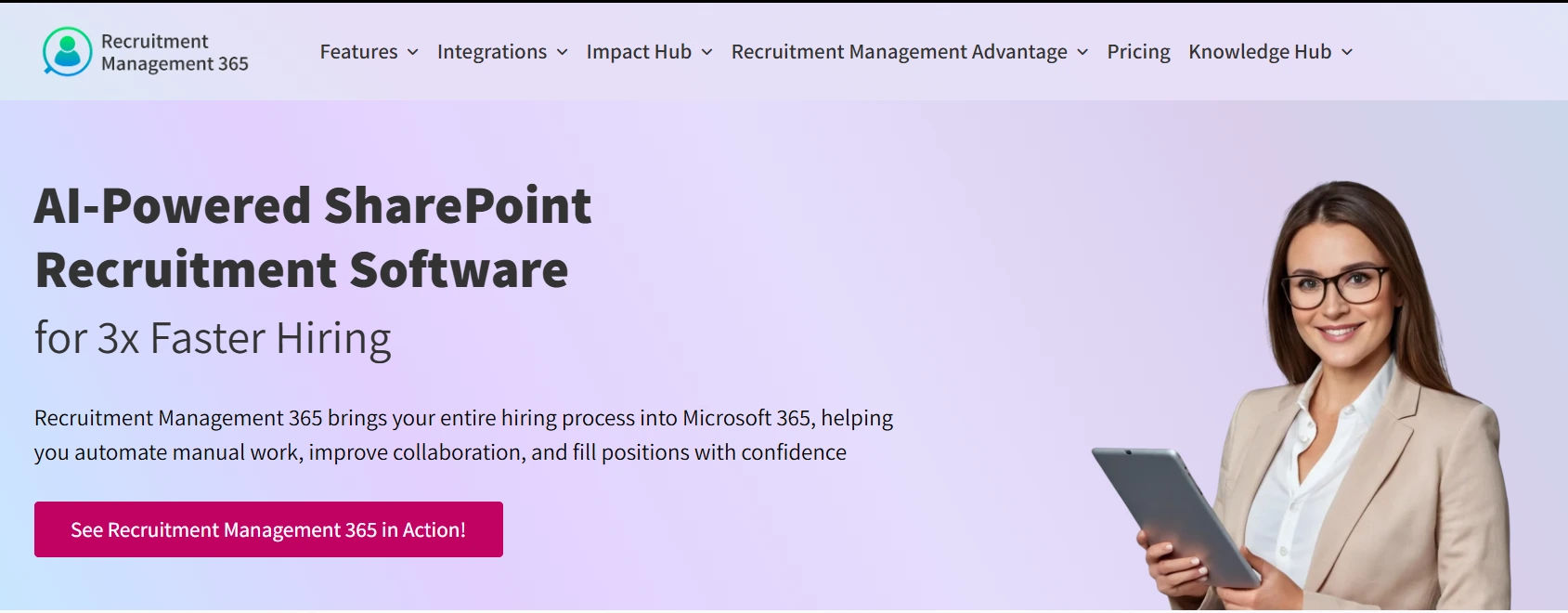
Core Strength: Recruitment Management 365 runs natively inside Teams, Outlook, and SharePoint, with direct compatibility for organizations already on Dynamics. It’s built for GCC and GCC High federal tenants, so public sector agencies and government contractors get compliance-ready hiring without adding a separate vendor to their security review.
Pros:
- No new login — recruiters, hiring managers, and interviewers work entirely inside the Microsoft 365 tools they already use daily
- Candidate data stays inside the existing Microsoft tenant instead of syncing to a third-party cloud
- Interview scheduling, approvals, and candidate communication happen directly in Outlook and Teams
Honest limitation: Recruitment Management 365 is purpose-built for Microsoft-centric IT environments. Teams primarily on Google Workspace will need to weigh migration effort against the integration payoff.
Best For: Small-to-medium businesses, government contractors, and public sector agencies already standardized on Microsoft 365.
If that’s you, book 20 minutes with the Recruitment Management 365 team and bring your current job board list — they’ll show you exactly what syncs.
2. Workday
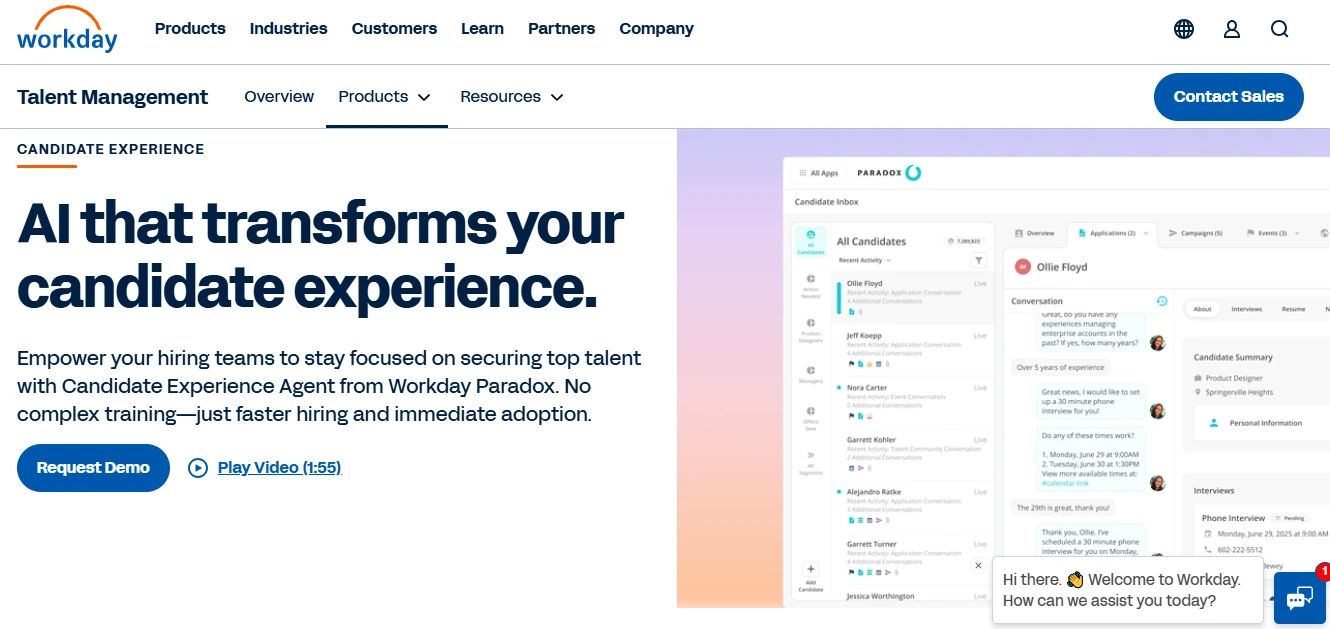
Pros: Unmatched depth for global, large-scale HCM and financial reporting, with a single data model spanning payroll, benefits, and workforce planning alongside recruiting.
Cons: Extremely high total-cost-of-ownership (TCO), and a notoriously complex implementation that can take 6–12 months to fully deploy.
Best For: Fortune 500 companies with complex, global payroll and compliance requirements.
3. Greenhouse
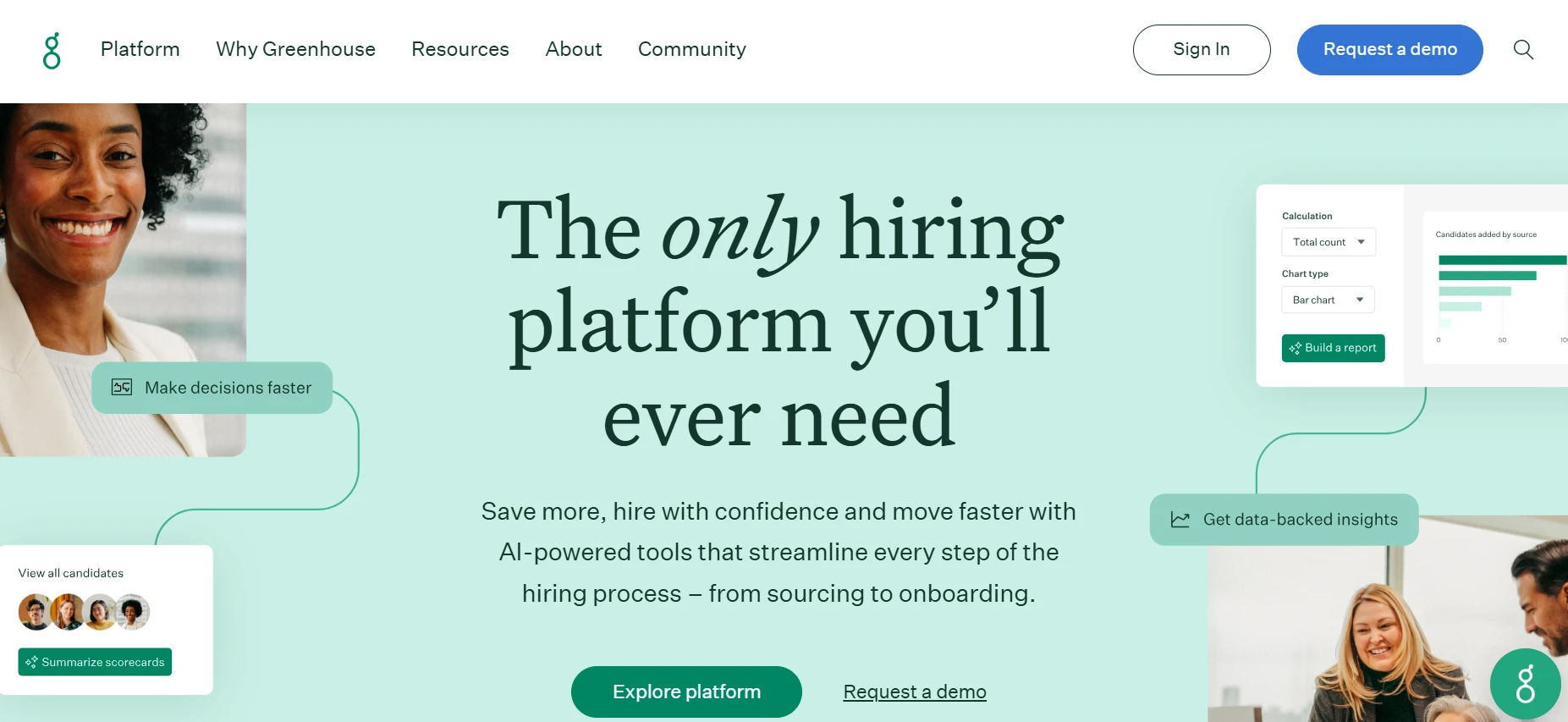
Pros: Industry leader in structured hiring frameworks, with calibrated scorecards and interview kits built specifically to reduce unconscious bias.
Cons: The interface is powerful but has a steeper learning curve, and getting real value out of it requires significant internal process definition before rollout.
Best For: Scaling tech companies that prioritize rigorous, interview-based hiring standards.
4. Lever
Built to Grow: Onboarding & HRMS Scalability
Recruitment Management 365 works as a complete standalone hiring tool, but it shares its architecture with the broader HR365 suite of Microsoft-native HR applications.
No Re-Entry Data Flow. When a candidate is marked “hired” inside Recruitment Management 365, their profile data moves directly into modules like Employee Onboarding 365 and Employee Directory 365 — inside the same Microsoft tenant. No manual re-entry of names, documents, or start dates between systems.
The Modular Advantage. Teams don’t need to commit to a full HRMS rollout on day one. Recruitment Management 365 solves an immediate hiring bottleneck now, with the option to expand into onboarding, employee records, and performance modules later — without a system migration or a second vendor contract.
Thinking beyond hiring into full employee lifecycle management?
Ask about the HR365 modular roadmap when you demo Recruitment Management 365.
How to Choose the Right ATS for Your Team
- Map your hiring workflow first. Document every stage from requisition approval to offer letter before comparing tools — this reveals which features actually matter for your team.
- Audit existing software licenses. If your organization already runs Microsoft 365, a native ATS software solution like Recruitment Management 365 avoids duplicate licensing costs and cuts the number of vendors your IT team has to vet.
- Evaluate Microsoft-native options first if you’re already in that ecosystem. Recruitment Management 365 removes the integration work standalone platforms require.
Ready to run a secure, automated hiring process directly inside your Microsoft ecosystem?
Book a free demo of Recruitment Management 365 today.
Conclusion
Choosing applicant tracking system software in 2026 comes down to one question: does the platform fit how your team already works, or does it force your team to adapt to it? The data is clear — ATS adoption cuts time-to-hire, lowers turnover, and improves candidate experience. But the platform with the strongest ROI is usually the one with the least friction to adopt. For teams already running Microsoft 365, that means putting Recruitment Management 365 on the shortlist before signing with a standalone tool that adds a new login, a new interface, and a new vendor relationship to manage. If you’re currently piecing together spreadsheets, inbox folders, and a job board login, a short demo of Recruitment Management 365 is the fastest way to see what a connected hiring workflow actually looks like. Talk to the team.
Ready to transform your hiring?
Recruitment Management 365 gives you everything you need to hire faster and smarter in 2026. Book a free demo today!
Frequently Asked Questions
We already pay for Microsoft 365 — do we really need a separate ATS on top of that?
No, and that’s the point. Recruitment Management 365 runs inside the Microsoft 365 licenses you already have, so you’re not adding a new subscription just to track candidates.
How long does it actually take to go live, realistically? Not the sales answer
For Recruitment Management 365, most SMB teams have live requisitions running within a couple of weeks — there’s no separate login system or data migration to a third-party cloud.
Does an ATS actually stop good candidates from getting filtered out, or is it just another filter?
A well-built ATS uses NLP-based parsing instead of rigid keyword matching, so it reads resumes the way a recruiter would rather than rejecting someone who described their experience a little differently.
Our recruiter spends half her day just coordinating interview times over email. Does this fix that?
Yes — Recruitment Management 365 syncs directly with Outlook calendars so candidates self-book open interview slots without a recruiter manually chasing each one down.
Is a free or cheap ATS enough for a 15-person team, or will we outgrow it?
Depends on growth plans. If hiring volume stays low and stable, a lighter tool works fine. If you expect hiring to scale, or you’ll eventually need onboarding and employee records in the same system, starting with a modular platform like Recruitment Management 365 avoids a painful migration later.
What happens to a candidate's data once they're actually hired — does it just sit in the ATS?
With Recruitment Management 365, hired candidate data flows directly into Employee Onboarding 365 and Employee Directory 365 with no manual re-entry, so the ATS record becomes the starting point for the employee’s HR profile.
Can this handle government or federal contract hiring, or is that a different category of software entirely?
Recruitment Management 365 is built specifically for GCC and GCC High tenants, so public sector agencies and federal contractors can run compliant hiring workflows without adding a non-compliant third-party vendor to the stack.


_JiluXJRGNl.svg)























