
HRMS Software: Complete Guide to Features, Benefits, and How It Works in 2026

- HRMS software brings employee information and HR processes into one digital system.
- Automation can reduce repetitive HR work such as approvals, reminders, and routine requests.
- Microsoft-focused HRMS platforms can connect HR activities with Microsoft 365, SharePoint, and Microsoft Teams.
- The right HRMS software should match your organization’s processes, team size, existing tools, and future needs.
HRMS software is a digital hr platform that brings core HR activities, employee information, and everyday people-management tasks into one system. Depending on the platform, it can cover recruitment, onboarding, employee records, attendance, timesheets, leave, performance, learning, expenses, tasks, and HR reporting.
For organizations already using Microsoft 365, HRMS software can also connect HR work with tools such as Microsoft Teams, SharePoint, Outlook, Power BI, and Power Automate. HR365 HRMS, for example, is designed around the Microsoft ecosystem and brings HR activities into a connected Microsoft 365 environment.
According to PwC, 82% of companies now consider HR technology essential for improving employee experience and decision-making.
What is HRMS software?
HRMS software stands for Human Resource Management System software. It is used to manage employee information and HR processes from a central digital platform.
The main purpose of HRMS software is to give HR teams, managers, and employees a shared place to manage HR information and complete everyday tasks.
Instead of keeping employee details in spreadsheets, documents, email threads, and separate HR applications, an HRMS brings important information and workflows together.
- Recruitment and hiring
- Preboarding and onboarding
- Employee records
- Employee directory
- Attendance and timesheets
- Leave management
- Performance management
- Learning and training
- Expense management
- Task management
- Employee requests and approvals
Spreadsheets | HRMS Software |
Employee information stored across files | Centralized employee information |
Manual updates | Digital workflows |
Email-based approvals | Structured approvals |
Limited visibility | Dashboards and reports |
Separate files for different processes | Connected HR functions |
Manual tracking | Automated reminders and tasks |
Difficult to maintain as teams grow | Designed for growing HR operations |
Spreadsheets can work for basic employee information when an organization is small. As HR processes grow, however, managing records, approvals, leave, attendance, tasks, and reporting across multiple files becomes harder.
HRMS software provides a central environment where these processes can be organized and tracked.
How Does HRMS Software Work?
HRMS software typically works by bringing employee information, HR processes, workflows, and reporting into one digital environment.
The process usually follows five steps:
- Store employee information: Employee profiles contain information such as names, roles, departments, contact details, employment information, documents, and other relevant records.
- Manage HR processes: HR teams can use the system for activities such as recruitment, onboarding, leave, attendance, performance, learning, expenses, and employee requests.
- Automate routine workflows: HRMS platforms can automate repetitive actions such as approval requests, reminders, notifications, task assignments, and status updates.
- Give managers and employees access: Managers can review relevant team information and pending actions, while employees can access their own HR information and submit requests.
- Turn HR data into insights: Dashboards and reports help HR teams understand attendance, leave, performance, tasks, employee information, and other HR activities.
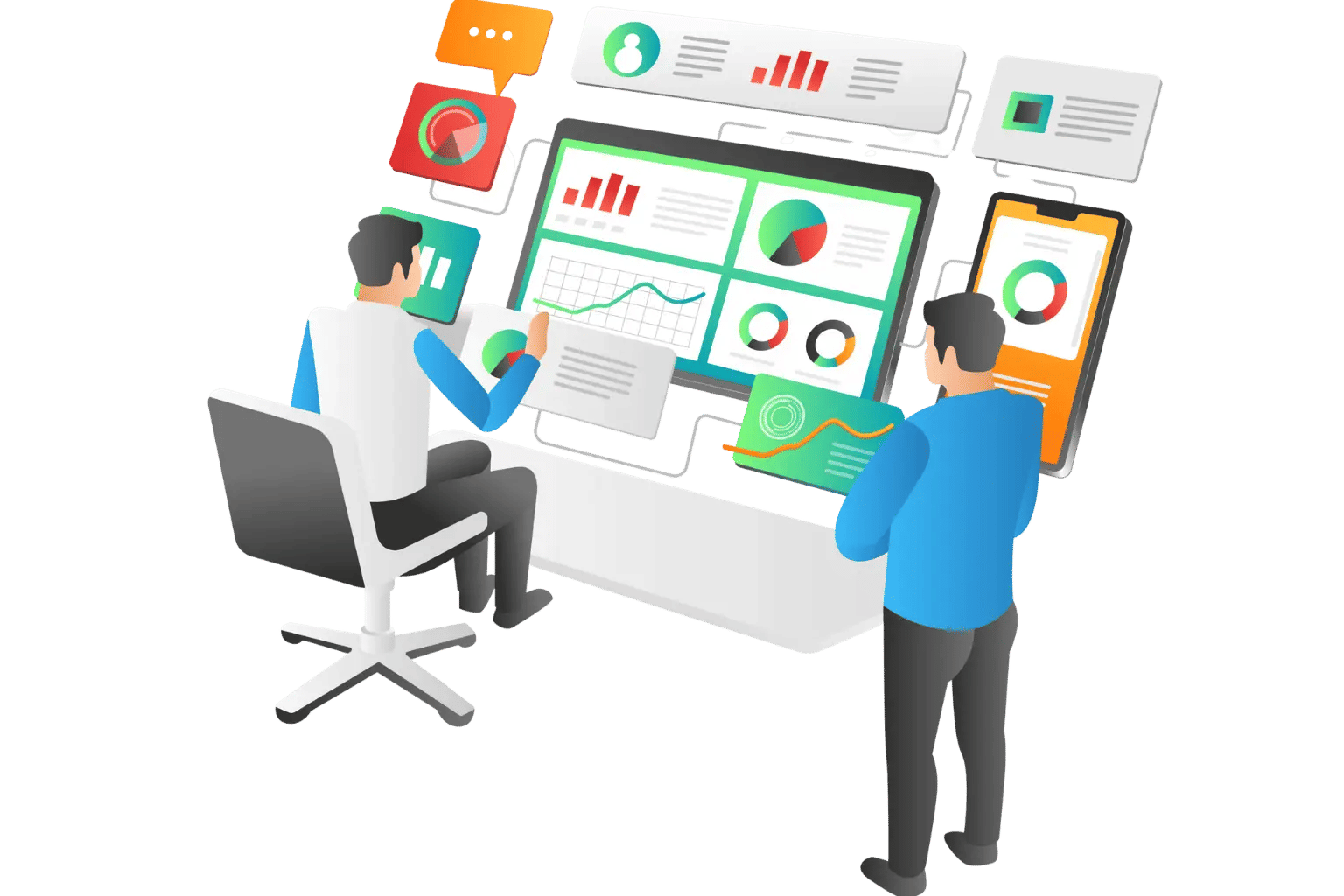
HR365 HRMS provides a dashboard that brings employee information, attendance, leave, tasks, approvals, performance, and other HR activities into a central view.
Key Features of HRMS Software
The features available in an HRMS depend on the provider. However, most modern HRMS platforms cover several core areas of employee and HR management.
An employee directory gives HR teams and managers a central view of employee information.
Depending on the system, profiles can include:
- Employee details
- Job roles
- Departments
- Contact information
- Work history
- Documents
A centralized employee directory makes it easier to find the right person and understand team structures.
HR365 HRMS provides a centralized employee information system for managing profiles, roles, departments, documents, and work history.
Recruitment features help HR teams manage the hiring process from a central location.
Common capabilities include:
- Job openings
- Candidate information
- Hiring stages
- Candidate communication
An HRMS with recruitment functionality gives hiring teams better visibility into open positions and candidate progress.
Onboarding software helps organizations organize the activities that take place before and after a new team member joins.
Common onboarding tasks include:
- Welcome activities
- Document collection
- Information sharing
- Manager approvals
- Employee updates
HR365 HRMS supports preboarding through offboarding, including onboarding tasks, documents, communication, and employee transitions.
HRMS software can record attendance and work time digitally.
Depending on the platform, teams may be able to:
- Record attendance
- Submit timesheets
- Review time records
- Monitor attendance status
- View work-time reports
HR365 HRMS includes automated time tracking for attendance and work hours.
Leave management gives employees and managers a digital way to handle time-off requests.
Typical functions include:
- Leave approvals
- Leave history
- Availability tracking
- Manager notifications
This gives managers a clearer view of team availability and pending requests.
Performance management features help managers and employees track goals, reviews, feedback, and progress.
An HRMS can support:
- Progress tracking
- Manager feedback
- Employee feedback
- Performance insights
HR365 HRMS also includes AI-powered feedback and insights designed to help teams understand employee data and support HR decisions.
Learning management features help organizations plan and track employee development.
Common capabilities include:
- Learning courses
- Training assignments
- Progress tracking
- Learning records
HR365 HRMS includes learning management features for creating training programs, assigning courses, and tracking employee progress.
Expense management features help employees submit expenses and help managers review them.
A modern HRMS may support:
- Receipt uploads
- Expense approvals
- Mobile receipt capture
HR365 HRMS includes mobile receipt scanning, allowing users to capture and upload expense receipts from a mobile device.
HR work often involves tasks that need to be assigned, approved, and completed.
Task management features can help teams:
- Assign HR tasks
- Set deadlines
- Track progress
- Manage approvals
- Monitor pending actions
HR365 HRMS includes task and approval functionality as part of its HR management feature set.
Dashboards give HR teams and managers a central view of important HR activities.
Depending on the system, dashboards can show:
- Employee information
- Attendance
- Leave
- Tasks
- Approvals
- Performance information
- Expenses
- HR activity
HR365 HRMS provides dashboard views for employee information, attendance, leave, tasks, approvals, and other HR activities.
AI is becoming an important part of modern HR software.
AI features can support routine HR questions, employee requests, information searches, and repetitive tasks.
HR365 HRMS includes an AI Agent designed to provide support for daily HR activities, employee questions, requests, onboarding, attendance, expenses, performance activities, and other common HR tasks.
Ready to Upgrade Your HR Management?
Book a demo to see how HR365 HRMS fits your HR needs, automates routine tasks, and works with your existing Microsoft 365 environment.
Top HRMS Software in 2026
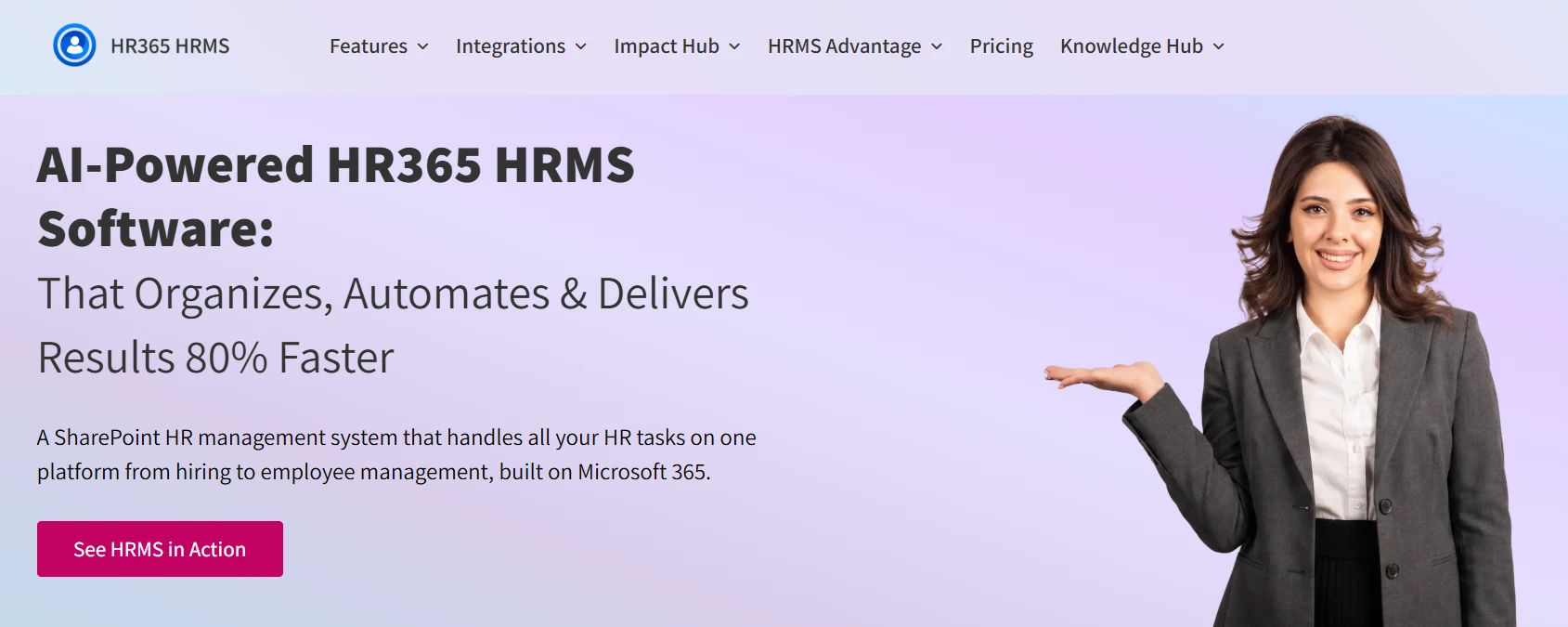
HR365 HRMS is a SharePoint-based HR management platform designed for organizations working within the Microsoft ecosystem. It brings HR processes into Microsoft 365 and connects with tools such as SharePoint, Microsoft Teams, and Outlook.
The platform covers areas across the employee lifecycle, including recruitment, onboarding, employee information, leave, attendance, performance, tasks, learning, and expenses. Its dashboard provides a central view of key HR information, while AI and automation features support HR workflows.
Key highlights:
- Microsoft 365 and Teams integration
- Employee directory and employee records
- Recruitment and onboarding
- Leave and attendance management
- Performance management
- Learning and training
- Task and expense management
- HR reporting dashboards
- AI-powered HR automation
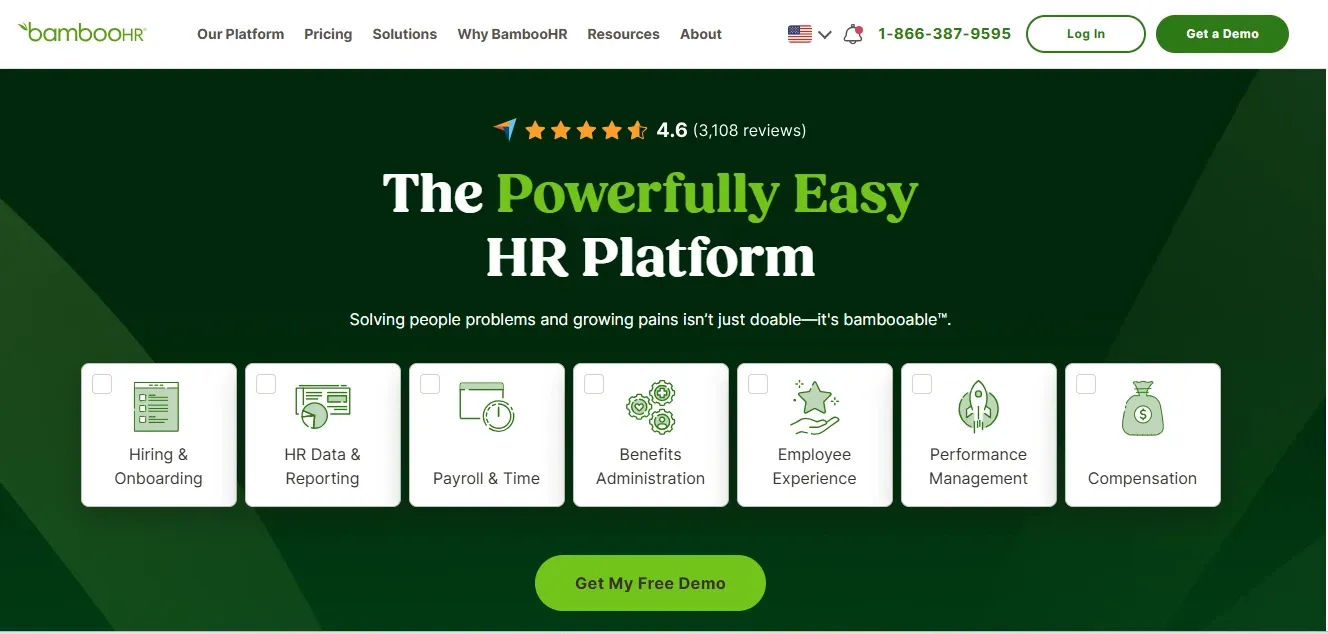
BambooHR is an HR platform focused on core HR management and people operations. It provides tools for managing employee information, hiring, onboarding, performance, time tracking, and employee experience.
Key highlights:
- Employee records
- Hiring and onboarding
- Performance management
- Time tracking
- Reporting and analytics
- Employee experience tools
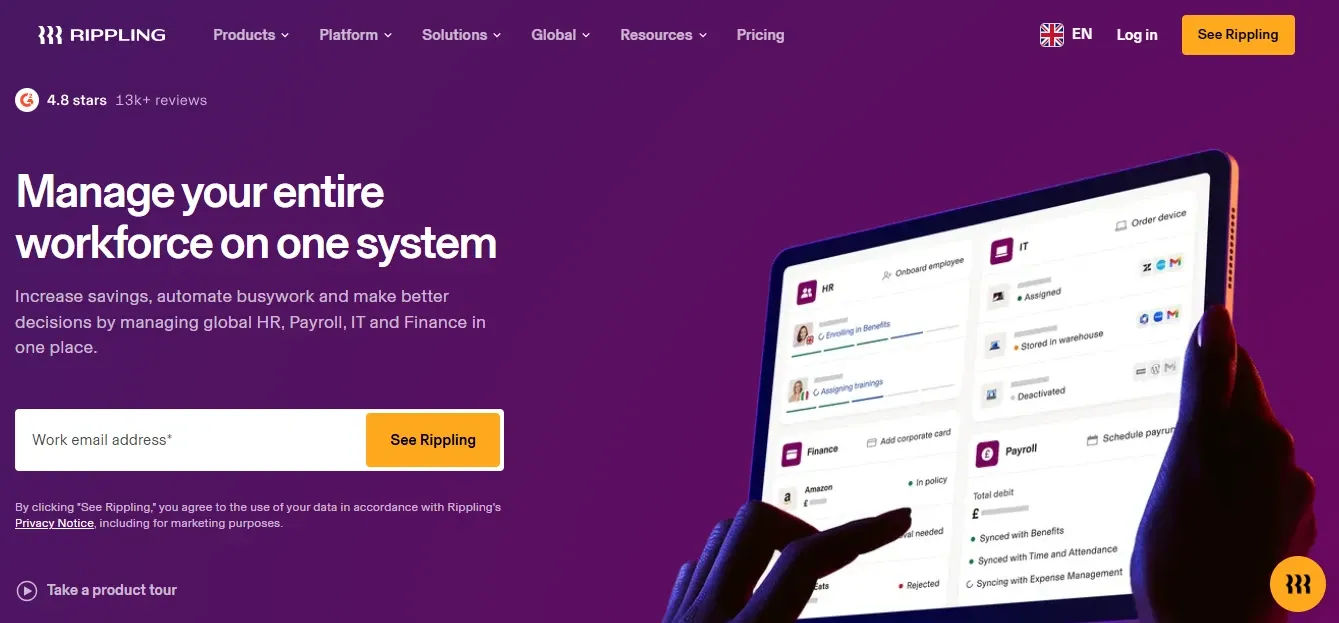
Rippling combines HR management with IT and workforce administration. The platform brings areas such as employee data, hiring, onboarding, benefits, payroll, and device and application management into one system.
Its broader focus makes it relevant for organizations looking to manage HR and technology-related processes through a single platform.
Key highlights:
- Employee management
- Recruiting and onboarding
- Payroll and benefits
- Time and attendance
- IT and device management
- Application management
- Reporting
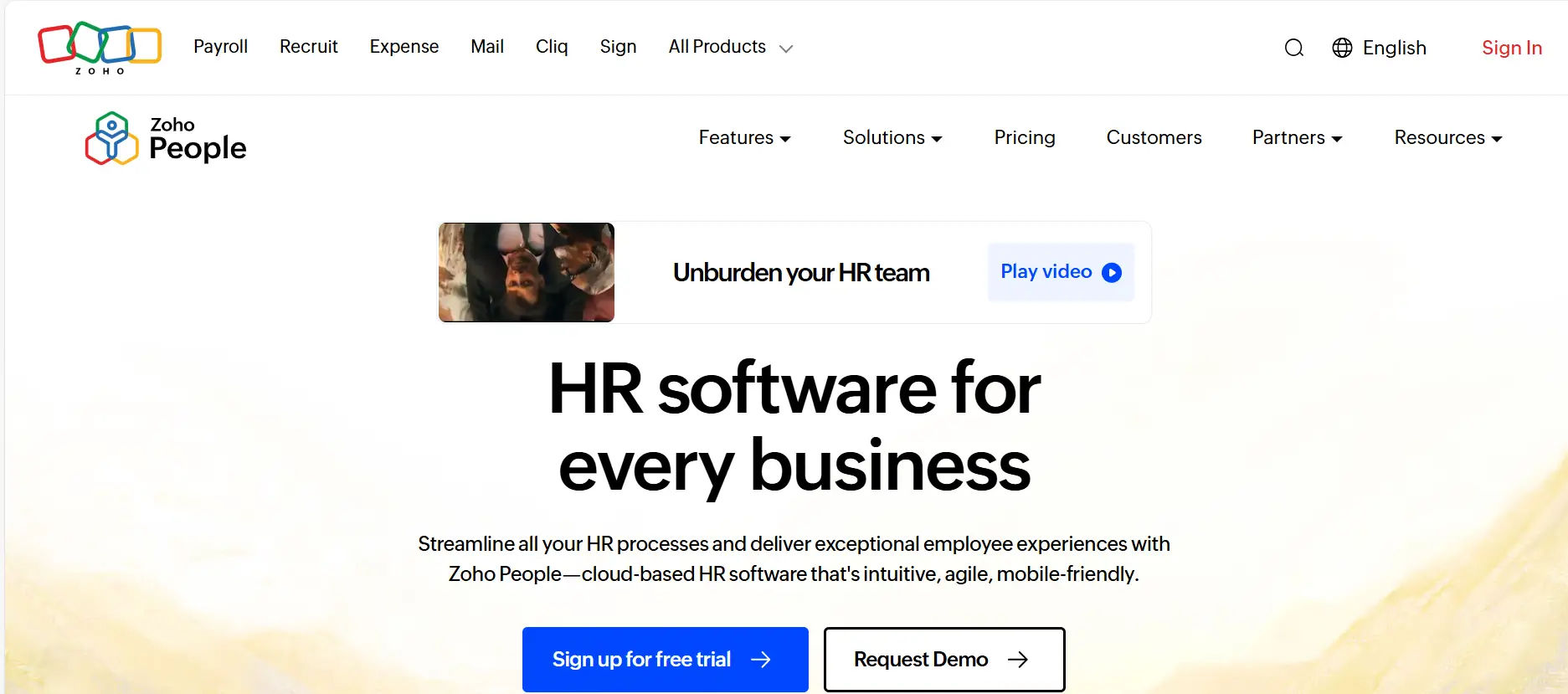
Zoho People is an HR management platform from Zoho that covers core HR processes and employee management. It provides tools for employee information, attendance, leave, performance, recruitment, and learning.
Businesses already using other Zoho applications may consider it when looking for an HR platform that fits into their existing technology environment.
Key highlights:
- Employee information
- Leave management
- Attendance and time tracking
- Performance management
- Recruitment
- Learning management
- HR analytics
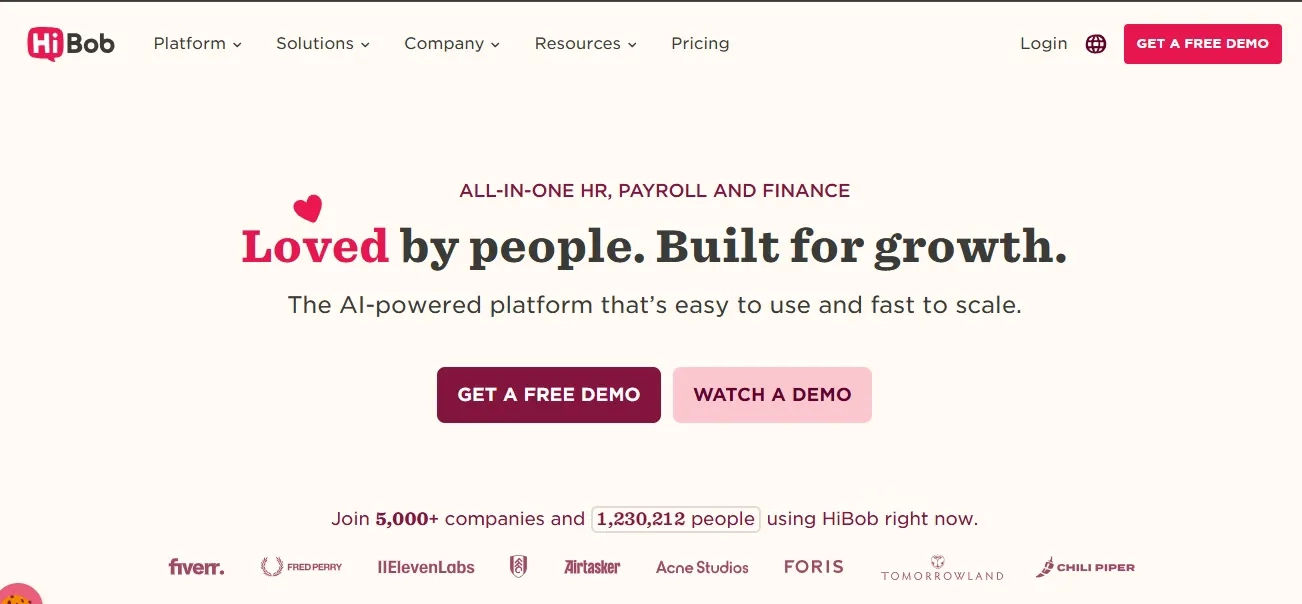
HiBob, also known as Bob, is a people management platform designed for growing organizations. It focuses on employee information, onboarding, performance, compensation, time off, and employee engagement.
The platform provides HR teams with tools for managing people processes across different locations and organizational structures.
Key highlights:
- Employee records
- Onboarding
- Time off management
- Performance management
- Compensation management
- Employee engagement
- HR reporting
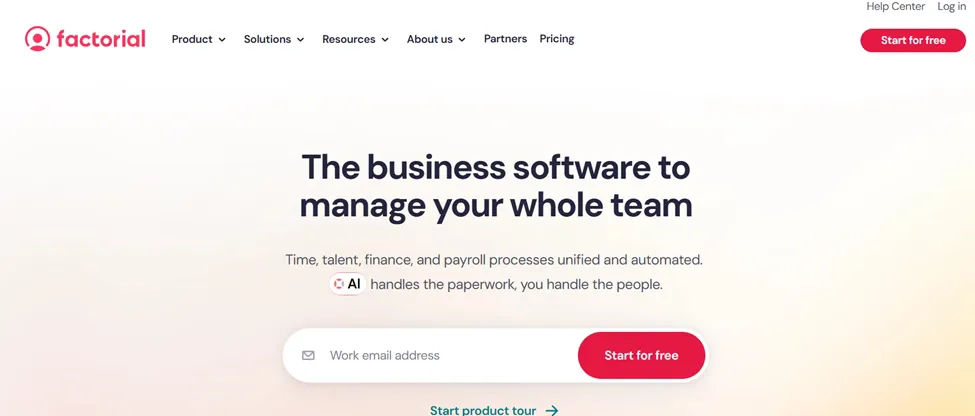
Factorial is an HR platform that brings several people management functions into one system. Its capabilities cover areas such as employee management, time tracking, leave, recruitment, performance, expenses, and document management.
It is positioned for businesses looking for a broad set of HR tools in one platform.
Key highlights:
- Employee management
- Time tracking
- Leave management
- Recruitment
- Performance management
- Expense management
- Document management
- HR reporting

Personio is an HR platform focused on small and midsize businesses, with a strong presence in the European market. It provides tools for core HR, recruiting, onboarding, time management, performance, and employee workflows.
The platform brings several HR processes together while providing reporting and automation capabilities.
Key highlights:
- Core HR
- Recruiting
- Onboarding
- Time management
- Performance management
- Employee workflows
- HR reporting
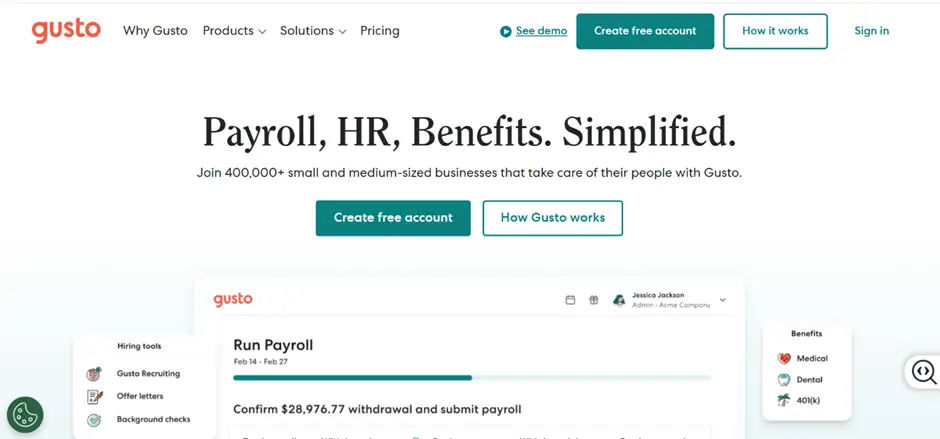
Gusto provides HR, payroll, benefits, and related workforce management services for small businesses. Its platform combines employee management with payroll and benefits administration.
Businesses looking for HR software alongside payroll services may consider Gusto as part of their software evaluation.
Key highlights:
- Employee management
- Hiring and onboarding
- Reporting
- Payroll
- Benefits administration
- Time tracking
- Performance management
Benefits of HRMS Software
The value of HRMS software comes from bringing information and HR processes together in a structured digital environment.
- Centralized Employee Information- HR teams can access employee information from one place instead of searching through multiple spreadsheets, documents, and systems.
- Less Manual HR Work- Digital workflows can handle repetitive activities such as approvals, reminders, notifications, and routine requests.
- Better Visibility- Dashboards give HR teams and managers a clearer view of current HR activities and pending actions.
- Faster HR Requests- Employees can submit requests digitally and managers can review them from the same system.
- More Consistent Processes- Structured workflows help organizations follow the same process for recurring HR activities such as onboarding, leave requests, and approvals.
- Better Employee Access- Employees can access relevant information and complete common HR tasks without sending an email for every request.
- Easier Reporting- HR teams can use dashboards and reports to review HR data and identify patterns that may need attention.
- Better Connection Between HR and Daily Work– When HR software connects with tools employees already use, HR activities become part of the existing workplace environment rather than another isolated application.
What Can You Manage With HRMS Software?
A useful way to evaluate HRMS software is to look at the employee lifecycle rather than individual features.
1. Before Joining
HRMS software can support recruitment, candidate tracking, hiring tasks, preboarding, document collection, and new-hire preparation.
2. During Employment
The system can manage employee records, directory, attendance, timesheets, leave, performance, learning, expenses, tasks, and employee requests.
3. During Employee Development
HR teams can handle training programs, learning activities, performance reviews, goals, feedback, and development progress.
4. During Daily HR Operations
HRMS software brings together approvals, notifications, HR tasks, employee updates, reports, dashboards, and automated workflows.
5. During Employee Transitions
HRMS platforms also support structured onboarding and offboarding processes.
This lifecycle approach shows that HRMS software is more than an employee database—it connects people, processes, and HR activities across the employee journey.
HRMS Software Integration with Microsoft 365
For organizations already using Microsoft 365, the technology ecosystem should be an important part of the HRMS selection process.
A Microsoft-focused HRMS can connect HR processes with this existing environment.
SharePoint Integration: Manage HR information and documents within SharePoint, keeping HR data connected to the Microsoft 365 environment.
Microsoft Teams Integration: Bring HR updates, notifications, and selected HR workflows into Teams, where business users already collaborate.
Outlook Integration: Support HR communication, notifications, and calendar-based activities through Outlook.
Microsoft Entra ID Integration: Connect employee identities with HR systems and Microsoft 365 user accounts where supported.
Power Platform Connections: Connect HR workflows with Power Automate and Power BI for automation, reporting, and business insights.
Microsoft AI Integration: Use Microsoft Copilot and AI capabilities with supported HR workflows and Microsoft 365 data.
Bring HR Management Into Microsoft 365
Book a demo and see how HR365 HRMS brings HR management into Microsoft 365, SharePoint, and Microsoft Teams.
How to Choose the Right HRMS Software
The best HRMS software is not necessarily the platform with the longest feature list. It should match the way your organization manages HR today and where it needs to go next.
- Identify HR processes you want to digitize (recruitment, onboarding, attendance, leave, performance, etc.)
- Check integration with existing tools (especially Microsoft 365 apps like Teams, Outlook, SharePoint)
- Ensure easy user experience for employees, managers, and HR teams
- Look for strong automation (approvals, reminders, onboarding, workflows)
- Review dashboards and reporting (attendance, leave, performance, expenses, HR data)
- Consider scalability for future growth (users, departments, features, integrations)
- Compare total cost, not just subscription (setup, training, customization, support, migration)
Why Choose HR365 HRMS for your Organizations?
HR365 HRMS is a Microsoft 365-based HR management platform designed for organizations that want to manage HR activities within the Microsoft ecosystem.
Instead of creating another isolated HR environment, HR365 HRMS connects HR management with tools such as SharePoint, Microsoft Teams, Outlook, Power Automate, and Power BI.
1. Manage Employee Information
HR365 HRMS provides a centralized way to manage employee profiles, roles, departments, documents, and work history.
2. Manage Hiring and Onboarding
Recruitment and onboarding features help teams manage candidates, hiring activities, onboarding tasks, documents, and employee transitions.
3. Track Attendance and Leave
Teams can manage attendance, work hours, leave requests, approvals, and employee availability from the HRMS environment.
4. Support Performance and Learning
Performance management and learning features help organizations manage goals, feedback, training programs, courses, and employee development.
5. Manage Expenses and Tasks
Employees can submit expenses, capture receipts, and manage HR-related tasks and approvals from the platform.
6. Use AI for Everyday HR Support
The HRMS AI Agent can answer common HR questions, support requests, provide information, and assist with routine HR activities.
7. Work Inside the Microsoft Ecosystem
HR365 HRMS connects HR activities with Microsoft 365 tools, including SharePoint, Teams, Outlook, Power BI, and Power Automate.
For organizations already invested in Microsoft 365, this approach can make HR management part of the existing digital workplace.
Conclusion
HRMS software brings employee information and HR processes into one digital environment. Instead of managing HR activities across disconnected spreadsheets, documents, emails, and applications, organizations can use one system for employee records, recruitment, onboarding, attendance, leave, performance, learning, expenses, tasks, and reporting.
The right platform should match your HR processes and technology environment. For organizations using Microsoft 365, HR365 HRMS provides an HR management approach built around SharePoint, Microsoft Teams, Outlook, Power Automate, Power BI, and other Microsoft tools.
Frequently Asked Questions
What does HRMS stand for?
HRMS stands for Human Resource Management System. HRMS software is used to manage employee information and HR processes through a central digital platform.
What is HRMS software used for?
HRMS software is used for activities such as employee records, recruitment, onboarding, attendance, timesheets, leave management, performance management, learning, expenses, tasks, reporting, and HR automation.
What are the main features of HRMS software?
Common HRMS features include employee records, employee directories, recruitment, onboarding, attendance, timesheets, leave management, performance management, learning, expenses, task management, dashboards, reporting, and workflow automation.
Is HRMS software useful for small businesses?
Yes. Small businesses can use HRMS software to organize employee information and automate recurring HR tasks. The most suitable system depends on the organization’s size, processes, budget, and technology environment.
Can HRMS software work with Microsoft 365?
Yes. Some HRMS platforms are designed specifically for the Microsoft ecosystem. HR365 HRMS connects HR activities with Microsoft 365 tools such as SharePoint, Microsoft Teams, Outlook, Power Automate, and Power BI.
What should I look for when choosing HRMS software?
Start with your HR processes and then compare features, integrations, usability, automation, reporting, scalability, implementation requirements, and cost. If your organization uses Microsoft 365, Microsoft Teams and SharePoint integration should also be part of the evaluation.


_JiluXJRGNl.svg)























