
_eH2jDg7dZ.png)
Managing employee performance no longer needs to be complicated. With the right employee performance review software online, it becomes easier to track progress, give feedback, and support employee growth.
- Modern performance review software supports continuous feedback, goal tracking, and employee growth.
- Key features include easy reviews, customizable workflows, reporting, integrations, and secure access.
- The right tool can reduce manual work and improve manager–employee alignment.
- Performance 365 brings goals, reviews, feedback, and analytics into the Microsoft 365 environment.
Only 2 out of 10 employees feel truly supported by how their performance is managed, showing just how many are missing the motivation they need to grow. This highlights a clear need for better tools and processes in today’s evolving work environment.
Traditional reviews are no longer enough. Modern businesses need performance management software and performance review software that enable ongoing feedback, goal alignment, and real-time insights.
In this blog, we explore the Top 10 Employee Performance Review Software Online to help you choose the best fit for your team.
What Is Employee Performance Review Software Online?
Performance review software is a tool that helps managers check progress set goals and give feedback. It comes with templates and ratings to make reviews easier. It saves time and removes paperwork so managers can focus on helping their teams grow. Being online means it works well for both office and remote teams.
Why Your Company Needs It Now
You do not have to wait for things to go wrong before making a change supporting your team early can turn good performance into great progress. Even high-performing teams benefit from structured, ongoing feedback. In today’s work environment where speed, transparency, and accountability matter performance review software is no longer optional; it is essential
Here’s Why More Companies Are Making the Switch
- People want feedback that matters. Around 67% of employees say regular check-ins help them do better at work.
- Teams get more done. Companies using review tools report up to 74% better productivity thanks to clearer goals and timely feedback.
- HR is going digital. Nearly 9 in 10 HR leaders have moved away from paper-based reviews in Favor of easier, software-driven processes.
- Less time lost on admin. Automated reviews mean fewer delays and quicker evaluations for both managers and staff.
- Clarity leads to action. Employees can now see what’s expected of them and where they’re headed no confusion, no guesswork.
- It keeps people around. When feedback becomes a regular habit, employees feel supported and are less likely to leave.
- Works wherever your team works. Whether in-office or remote, cloud-based platforms make sure everyone stays connected and on track.
Manual review processes are not just outdated they can hold your team back. A modern workforce needs modern tools that support continuous growth and communication. Investing in performance review software today can help you build stronger teams for tomorrow.
What to Look For in Review Software
Before jumping into any tool, take a step back. What does your team actually need from employee performance review software online? It should help not just replace a stack of forms with a digital version. The best tools make it easier to have meaningful conversations, track progress that matters, and give feedback people can act on
Here are a few things to watch for:
- Is it easy to use? If the dashboard feels confusing or takes too long to figure out, most people won’t use it.
- Can you make it your own? Teams have different rhythms. Being able to adjust templates and review formats makes a big difference.
- Can feedback happen anytime? Waiting for a yearly review is outdated. Look for tools that support ongoing feedback.
- Are goals built in? The tool should help managers and employees set clear goals and actually track them.
- What does reporting look like? It should be simple to see how someone is doing and where support might be needed.
- Will it work with what you already use? If it connects with your HR system or calendar, that’s a win.
- Can people use it on the go? Mobile access is a must especially with hybrid and remote teams.
- Is your data safe? Make sure the platform protects sensitive info and follows privacy rules.
In the end, the best tool is the one that fits how your team works not the one with the longest feature list.
Top 10 Employee Performance Review Software Online
Modern teams need more than yearly reviews. The right software helps build trust clear goals and regular feedback. Below are ten tools that are easy to use and built for today’s work needs.
1. Performance 365
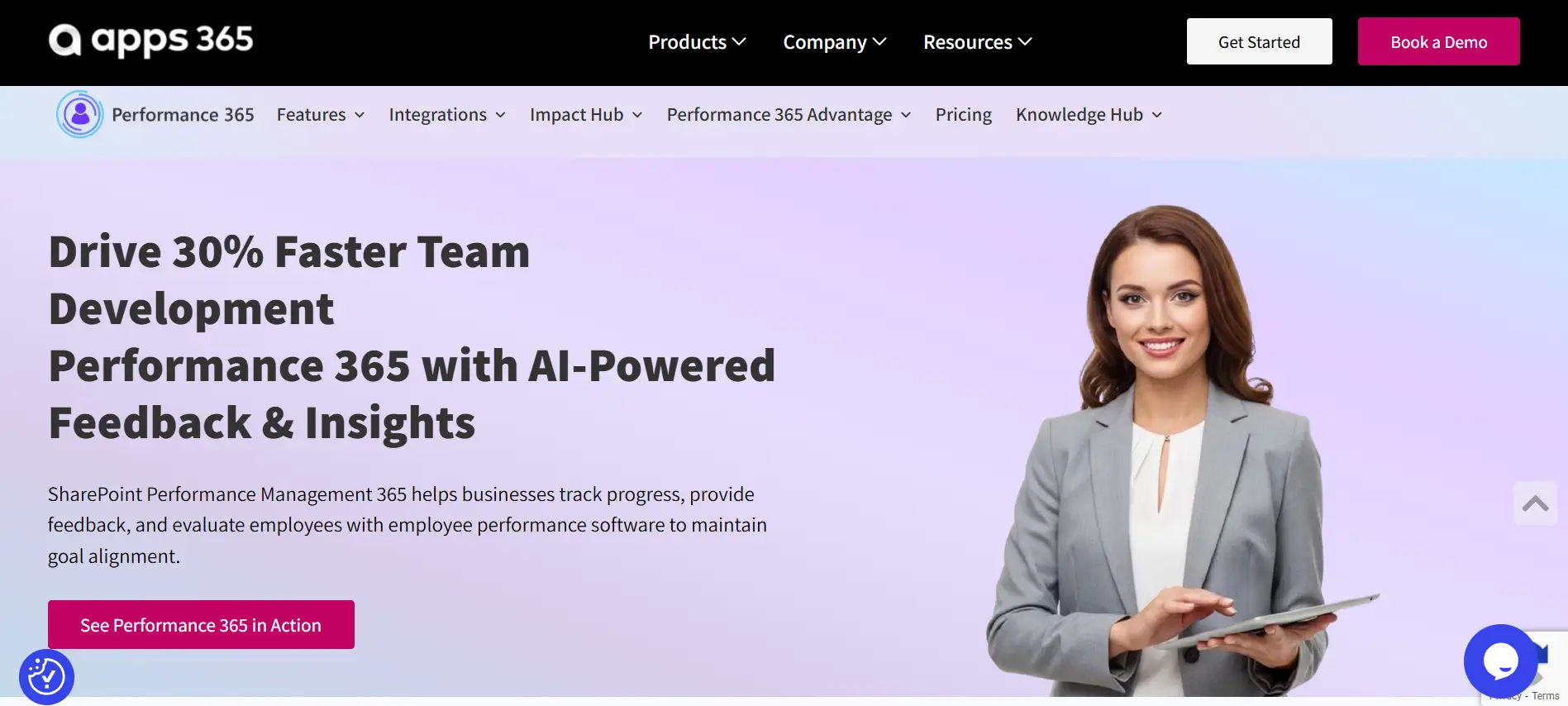
Best for – Teams using Microsoft 365
Top feature – Native Microsoft 365 integration
Performance 365 is designed for organizations that want to manage employee performance within their existing Microsoft 365 environment. Instead of requiring employees to learn and switch between multiple systems, the platform brings employee performance closer to the tools teams already use every day.
With Performance365, organizations can set goals, conduct performance reviews, collect feedback, and track employee progress from a centralized platform that aligns with Microsoft 365 workflows. This helps reduce administrative effort while making performance conversations more consistent and transparent across the organization.
Key Features:
- Native Microsoft 365 integration
- Goal setting and progress tracking
- Continuous feedback and employee check-ins
- Performance reviews and appraisals
- 360-degree feedback capabilities
- Custom review workflows and templates
- Performance analytics and reporting
- Microsoft Teams and SharePoint connectivity
Pros:
- Seamlessly fits into existing Microsoft 365 environments
- Reduces the need to switch between multiple applications
- Familiar user experience for employees and managers
- Supports continuous performance best practices
- Enterprise-grade security and compliance through Microsoft technologies
Cons:
- Best suited for organizations already using Microsoft 365
- Some advanced capabilities may require process configuration during setup
It is an excellent choice for businesses that want to align performance software with their Microsoft 365 ecosystem. Its native integration approach helps organizations manage goals, feedback, and reviews more efficiently while keeping employees engaged within familiar workplace tools.
2. Lattice
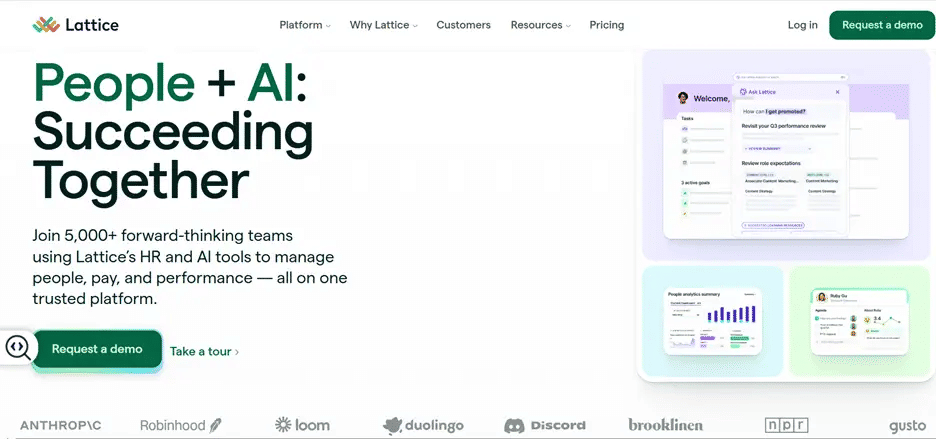
Best for – Mid-sized teams
Top feature – One-on-one meetings and career growth
Lattice helps teams manage reviews, goals, feedback, engagement, and employee development in one platform.
Key Features:
- One-on-one meetings
- Goal tracking
- Continuous feedback
- Performance reviews
- Engagement surveys
- Career development
Lattice is a good fit for growing teams focused on employee development and continuous performance management.
3. 15Five
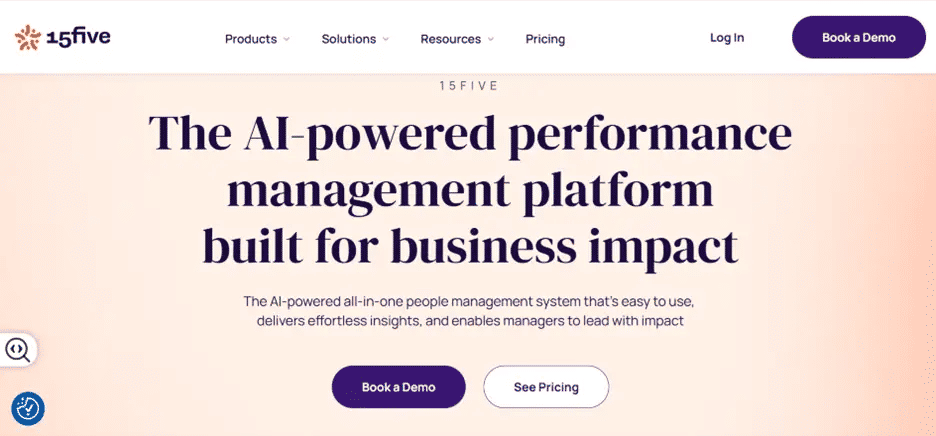
Best for – Teams focused on regular communication
Top feature – Pulse surveys and team check-ins
15Five helps managers and employees stay connected through regular check-ins, feedback, goal tracking, and performance conversations.
Key Features:
- Weekly check-ins
- Pulse surveys
- Goal and OKR tracking
- Continuous feedback
- One-on-one meetings
- Performance reviews
- Employee development
15Five is a good fit for teams that want stronger communication, engagement, and continuous feedback.
4. PerformYard
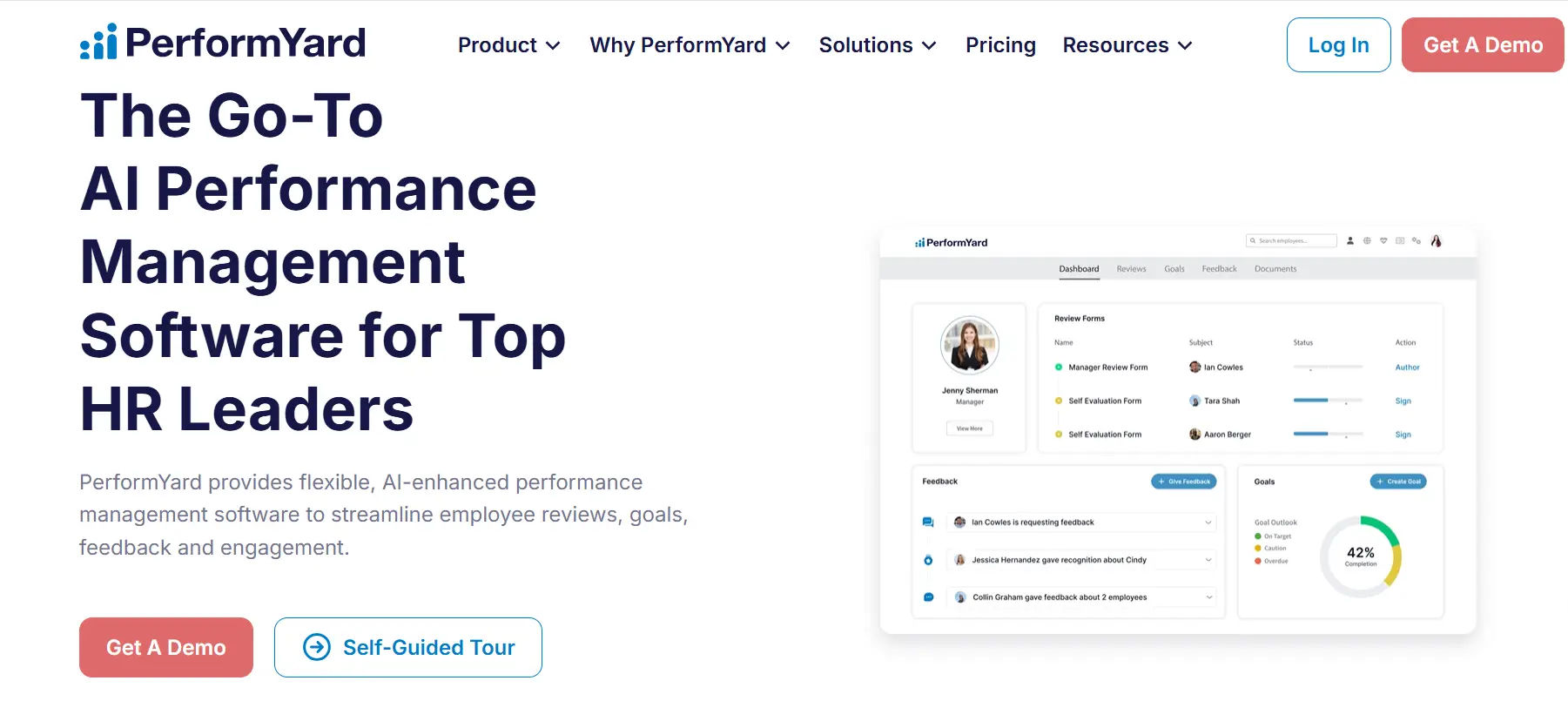
Best for – Teams with custom review needs
Top feature – Customizable review workflows
PerformYard helps organizations create flexible performance review processes that match their existing evaluation methods.
Key Features:
- Custom review workflows
- Flexible review cycles
- Continuous feedback
- 360-degree feedback
- Goal tracking
- Self-assessments
- Performance reporting
PerformYard is a good fit for teams that need flexible and customizable performance processes.
5. BambooHR
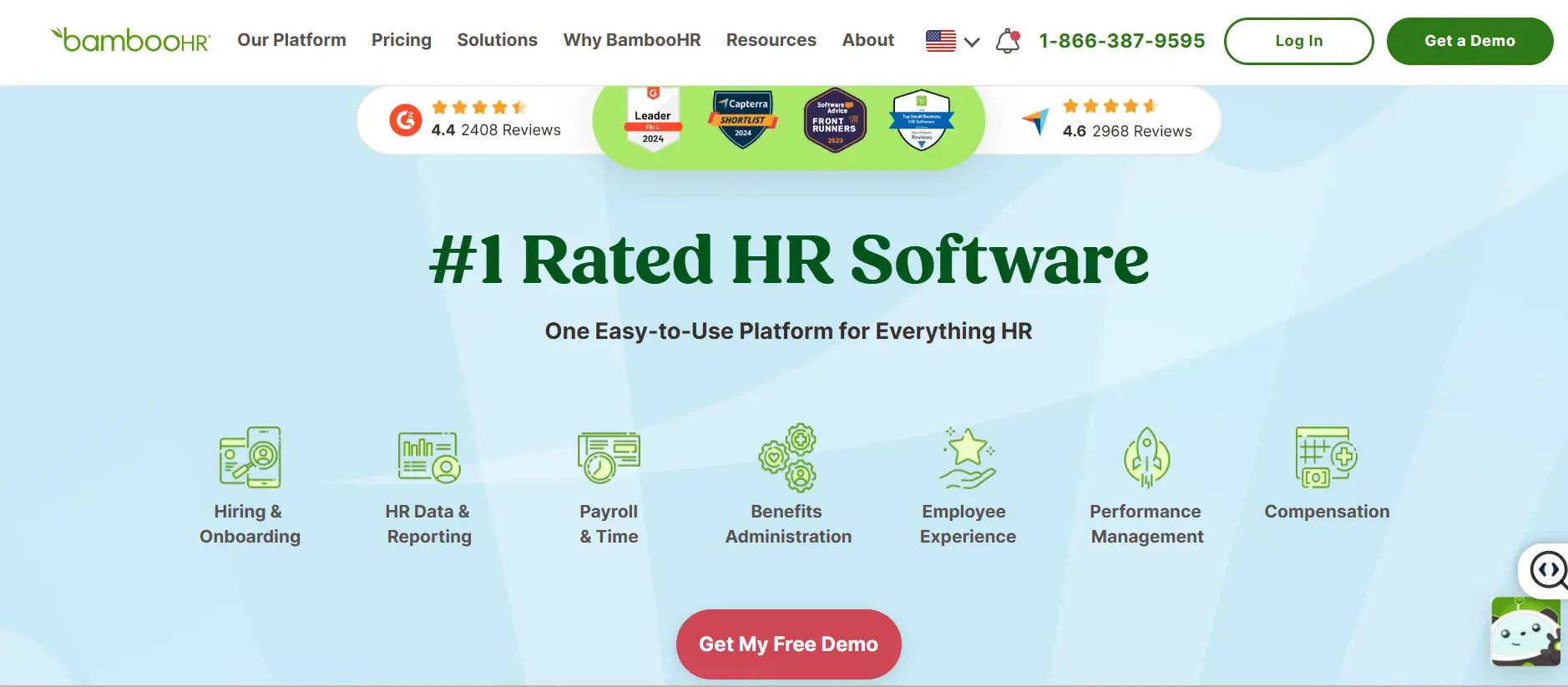
Best for – Small to mid-sized teams
Top feature – Simple goal tracking
BambooHR helps growing teams manage goals, reviews, feedback, and employee records through an easy-to-use HR platform.
Key Features:
- Goal setting and tracking
- Performance reviews
- Self-assessments
- Manager feedback
- Review reminders
- Performance reporting
BambooHR is a good fit for teams that want simple performance software combined with core HR tools.
6. Leapsome
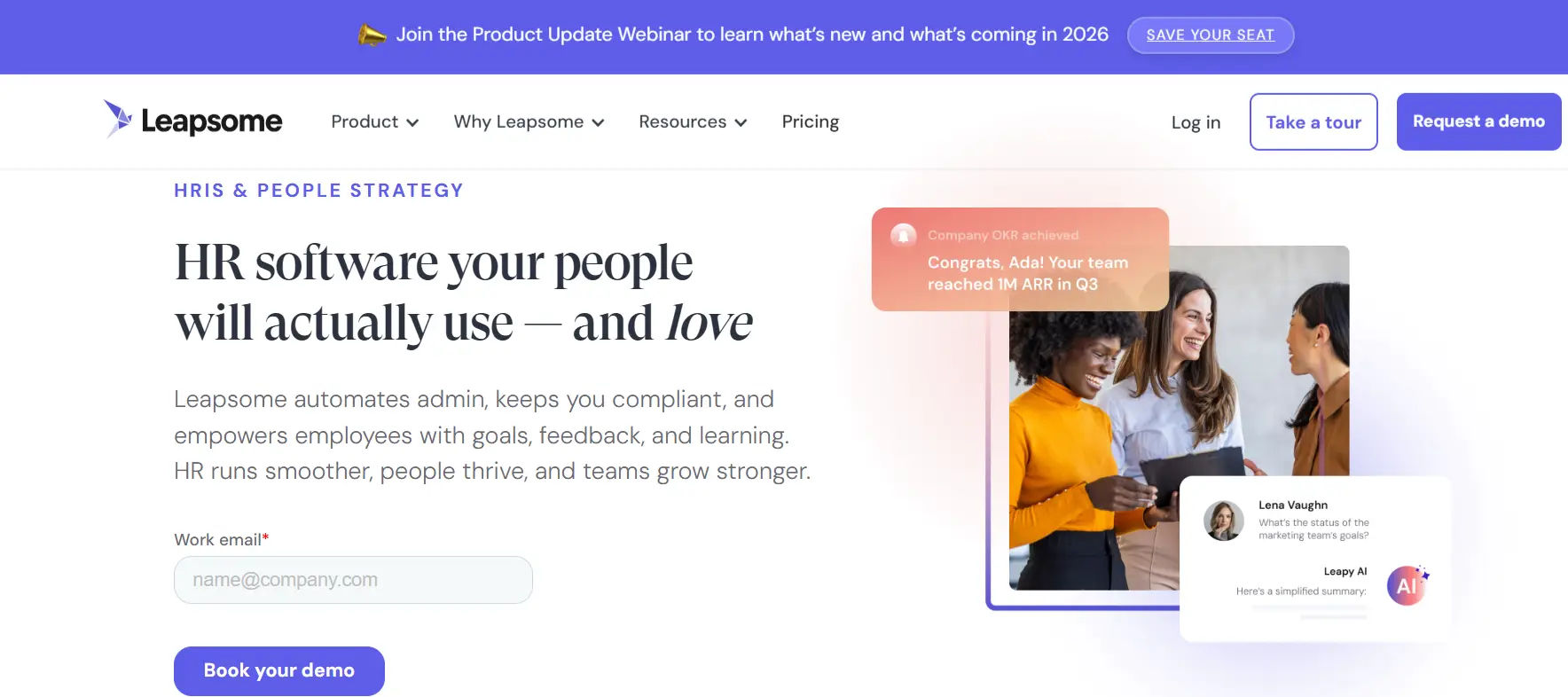
Best for – Learning-focused teams
Top feature – Performance and learning management
Leapsome combines performance reviews, goals, feedback, and learning tools to support employee growth and development.
Key Features:
- Performance reviews
- Learning and development
- Goal and OKR tracking
- Continuous feedback
- Engagement surveys
- Skill assessments
- Career development
Leapsome is a good fit for teams that want to connect performance software with continuous learning and career growth.
7. Culture Amp
Best for – Teams focused on fairness and employee experience
Top feature – Research-backed review templates
Culture Amp combines performance software with employee experience insights to support more consistent reviews and better feedback.
Key Features:
- Performance review templates
- Continuous feedback
- Goal tracking
- 360-degree feedback
- Engagement surveys
- Performance calibration
- People analytics
- Development planning
Culture Amp is a good fit for teams that want structured, fair, and data-informed performance and development processes.
8. Effy.ai
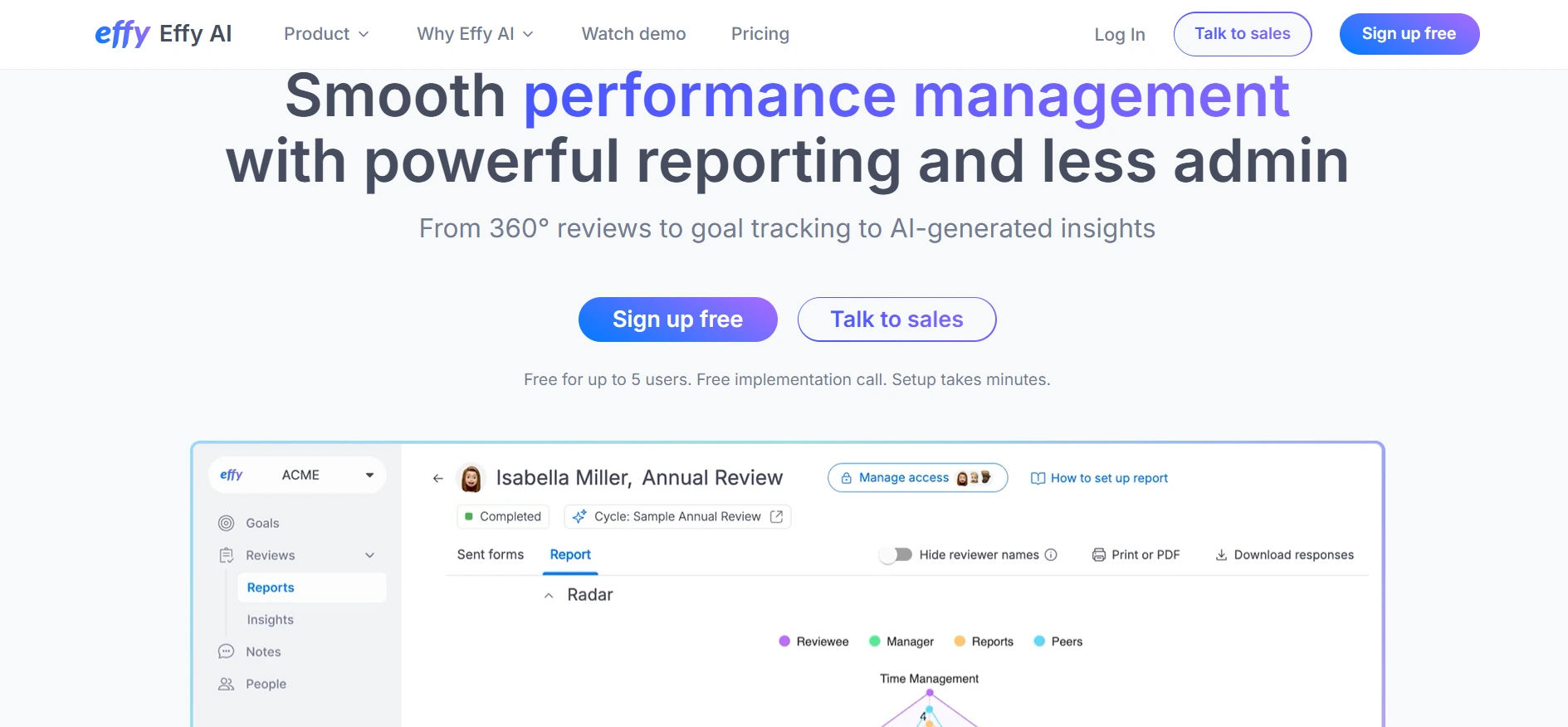
Best for – Startups and fast-moving teams
Top feature – AI-powered review prompts
Effy AI helps growing teams run performance reviews faster with AI-generated questions, feedback prompts, and simple workflows.
Key Features:
- AI-powered review prompts
- Performance reviews
- 360-degree feedback
- Self-assessments
- Goal tracking
- Automated workflows
- Performance insights
Effy AI is a good fit for startups that want a simple, AI-assisted performance review process.
9. PeopleGoal
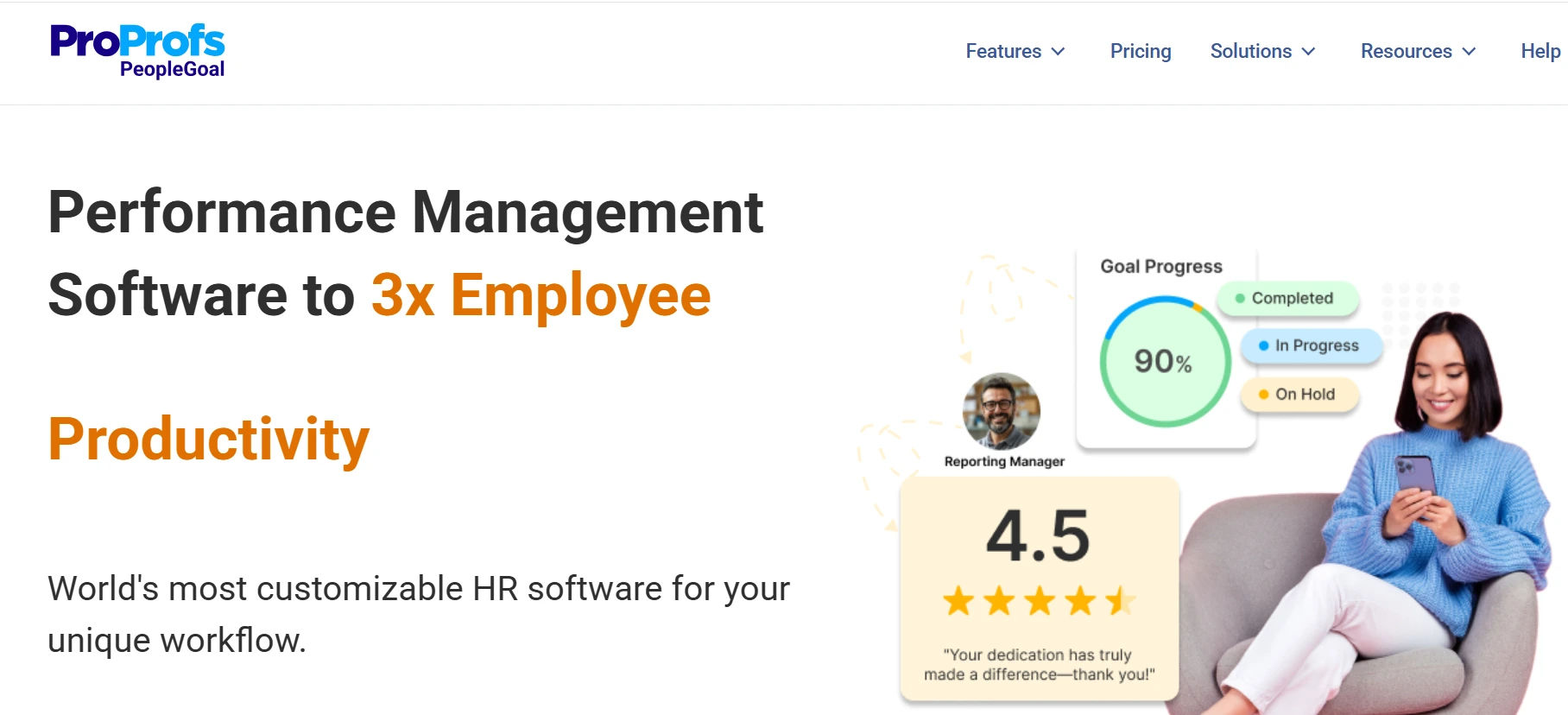
Best for – Teams needing custom workflows
Top feature – Drag-and-drop review builder
PeopleGoal helps teams create customizable performance reviews, forms, and workflows without coding.
Key Features:
- Drag-and-drop builder
- Custom review workflows
- Goal tracking
- Continuous feedback
- 360-degree feedback
- Development planning
- Reporting and analytics
PeopleGoal is a good fit for teams that need flexible and customizable performance review processes.
10. Trakstar
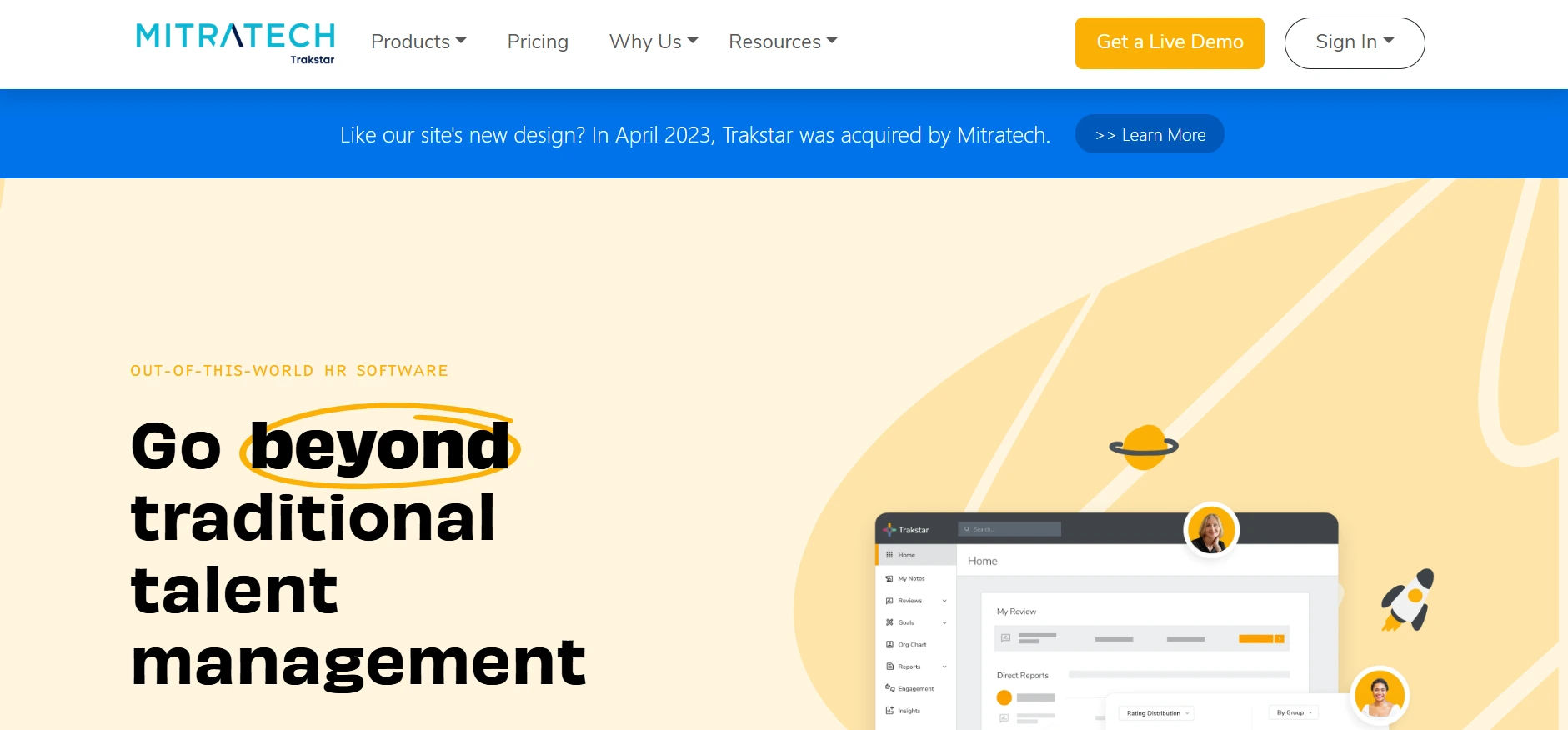
Best for – Teams automating performance reviews
Top feature – Automated reminders and dashboards
Trakstar helps organizations automate review cycles, track goals, collect feedback, and monitor performance from one place.
Key Features:
- Automated review reminders
- Performance reviews
- Goal tracking
- Continuous feedback
- 360-degree feedback
- Self-assessments
- Performance dashboards
Trakstar is a good fit for teams that want to reduce manual review tasks and keep performance processes on schedule.
Who Should Use This Software
Performance review software is useful for teams of any size. It helps organize feedback, track progress, improve focus, and build stronger communication and trust.
This software works well for:
- HR Managers
HR teams often get stuck in manual tasks. This tool saves time and helps them focus on goals and people instead of paperwork.
- People Leaders
Leaders need to know how each team member is doing. They can use this tool to set goals share 360 feedback and plan better.
- CEOs and Founders
Business heads want to see progress. This tool shows who is growing who needs support and how the team is moving forward.
- Remote Teams
Remote teams face gaps in communication. This tool keeps everyone connected with clear goals feedback and updates in one place.
- Small Business Owners
Even a team of five can use this software. It adds structure that helps people work better and feel more valued.
If you want your team to grow perform better and stay clear about what matters most this software is for you.
Benefits of Employee Performance Review Software
A good performance tool shows results fast. It removes delays brings clarity and helps people work with focus. The right tool can turn small steps into long term gains
Key benefits include:
- Fewer Errors
Performance review software automates reminders, tracks progress, and keeps evaluations organized, helping teams complete reviews consistently an
- More Trust
Clear and consistent feedback helps employees understand their performance, improve over time, and build stronger trust with managers.
- Time Saved
Performance review software automates routine tasks, giving managers more time for employee development, meaningful discussions, and strategic planning.
- Better Planning
Performance review software automates routine tasks, giving managers more time for employee development, meaningful discussions, and strategic planning.
- More Engagement
Regular feedback and recognition help employees stay motivated, connected, and engaged with their work.
- Simple Goal Setting
Regular feedback and progress tracking help employees stay aligned with goals, recognize their growth, and remain engaged and motivated. - Better Growth Tracking
Performance review software helps teams set measurable goals, track progress, and stay aligned with business priorities. Better Growth Tracking
Managers can track employee progress and achievements in one place, making it easier to identify growth opportunities and support development.
This is not just a tool. It is a step toward building better teams and a healthy work culture.
Key Features Comparison Table
Choosing the right software starts with knowing what each one offers. This table helps you compare and pick the tool that matches your team needs.
Software | Best For | Top Feature |
Goal setting and workflows | ||
Lattice | Mid size teams | One on one meetings |
15Five | Engagement | Weekly surveys |
PerformYard | Custom cycles | Cycle builder |
BambooHR | SMBs | Easy goal tracking |
Leapsome | Growth culture | Learning and reviews |
Culture Amp | Culture insight | Research templates |
Effy.ai | AI automation | Smart reviews |
PeopleGoal | Custom workflows | Drag and drop forms |
ClearCompany | Full HR suite | Talent alignment |
Trakstar | Automation | Cycle reminders |
This view helps you make a smart and clear choice based on what your team needs most.
How to Choose the Best Employee Online Review Software
There are many tools out there. The right one should match how your team works. It should be easy to use simple to set up and helpful in daily tasks.
Ask these questions before you decide:
- What size is your team
Big teams may need deep features. Small teams may want something quick and simple.
- Do you have remote employees
Pick a tool that helps your team stay updated from any location.
- How often do you run reviews
Some teams check in every week. Others do it once a year. Make sure the tool fits your timing.
- What is your budget
Pay only for what you need. Do not go for extra features that you may never use.
- Do you need integrations
Check if the tool works with Microsoft 365 or other apps you use daily.
When you answer these questions, you will know what to look for. Then you can choose a tool that fits well supports your people and makes your work easier.
Conclusion
Every team wants to grow. But growth needs support. A good review tool gives you that support every day.
You can track progress give feedback and help people reach their best. It saves time clears confusion and helps your team stay strong.
Pick a tool that fits how you work. Not just to check tasks but to help your team move forward with purpose.
Curious how it could work for your team?
Book a free demo with us today and see Performance 365 in action no pressure, just possibilities.
Join Our Creative Community
Frequently Asked Questions
What is employee performance review software, and how does it work?
Employee performance review software is a digital tool that helps managers and HR teams evaluate employee performance, set goals, give feedback, and track progress. It automates the review cycle and provides real-time insights, reducing paperwork and improving consistency.
Is performance review software only for large organizations?
No. These tools are useful for businesses of all sizes. Whether you are a startup or a growing mid-sized team, performance software brings structure, transparency, and better communication to your review process.
Can this software support remote or hybrid teams?
Yes. Most modern platforms are cloud-based, allowing managers and employees to collaborate, review, and share feedback from anywhere. Features like mobile access, automated reminders, and real-time tracking are especially valuable for distributed teams.
How secure is employee performance data on these platforms?
Leading performance review tools offer enterprise-level security, including data encryption, access controls, and compliance with global privacy regulations. Always look for software that prioritizes data protection as a core feature.
What should I consider before buying performance review software?
Think about your team’s size, your review process, and your goals. Choose a tool that saves time, fits your workflow, and actually helps people grow.
How to automate employee reviews for your organization?
To automate employee reviews, use performance management software that schedules review cycles, sends reminders, collects self-evaluations, gathers manager feedback, tracks goals, and generates reports automatically. This helps reduce manual work and improves consistency.


_JiluXJRGNl.svg)























