


































AI SharePoint Employee Directory: Find the right person instantly
Find and connect with colleagues quickly through the SharePoint Employee Directory 365 & Centralizes calls, texts,emails,profiles, and org charts in one easy platform.
Trusted by 11700+ businesses from 167 countries


Get to know your colleagues-engage and collaborate with each other!
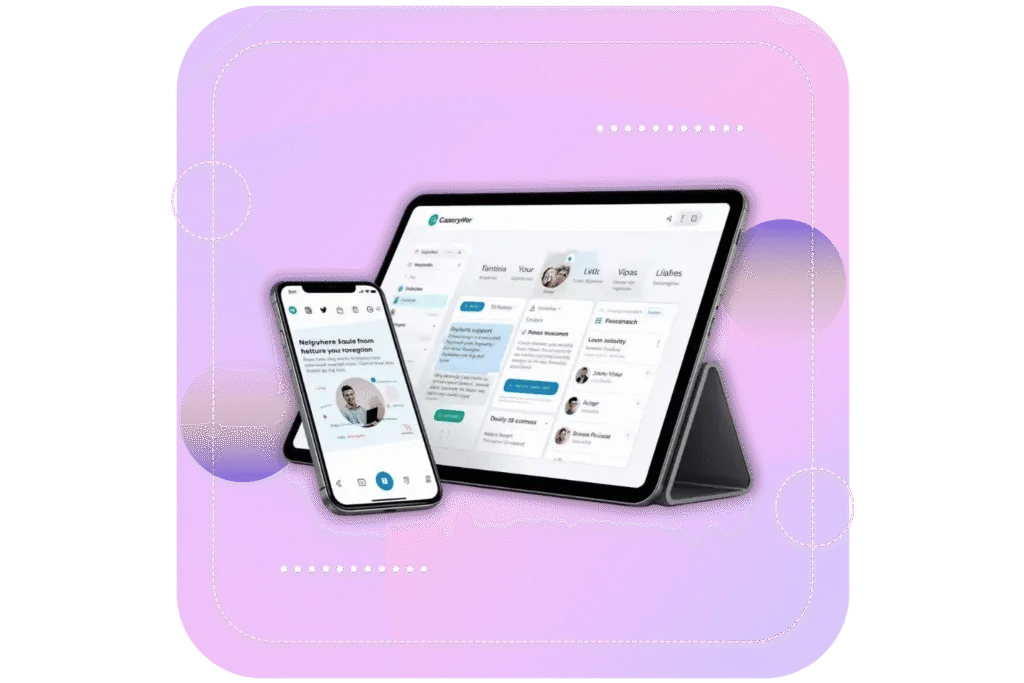
Employee Directory helps employees find colleagues by skills, expertise, or department with up-to-date profiles showcasing experience and interests, accessible in Teams, Outlook, and SharePoint.
Timesheet 365 is now available on Microsoft Teams with
AI &
Copilot
Find People, Skills, and Teams Without the Effort
Easily connect with the right people and skills across your organization using a smart and intuitive employee directory.
AI employee search
AI employee search helps users quickly find the right people by understanding intent, skills, and roles using intelligent search capabilities.
Employee Information
Employee information provides a centralized view of employee details such as roles, contact info, and organizational data for easy access.
Organizational Chart
An organizational chart visually displays the company structure, showing reporting relationships and team hierarchy for better clarity.
Profile Management
Profile management allows employees to update and manage their personal and professional details, ensuring accurate and up-to-date information.
Built to Work with Microsoft 365 & Beyond
Designed to integrate with Microsoft 365, it connects with Teams, SharePoint, and Outlook to create a unified employee directory that keeps information organized, easy to find, and consistently up to date across the organization.
Connection that Works
Connect your employee directory with the tools you already use, from Teams to SharePoint and beyond, bringing people, information, and communication together in one unified space where everything stays aligned and easy to find.
Smart Features, Real Impact
Everything your team needs to reply, solve issues, and grow together.
Employee Search
Quickly find employees using name, role, department, or other details.
Multiple Viewing Options
View employee data in different formats like cards, lists, or grids.
Employee Exclusion / Filtering
Control visibility by excluding or filtering specific employees or groups

Org Chart
Visualize reporting structure and team hierarchy in a clear format.
Work Status Indicator
See employee availability, such as in-office, remote, or on leave.
Privacy and Restricted Access
Manage who can view or edit employee information with role-based controls.
Manage External Contacts
Store and manage details of vendors, partners, or external stakeholders.
Multilingual Support
Use the directory in multiple languages for global teams.
Timesheet 365 - Smart AI Time Tracking Anywhere
Track work hours, log tasks, and update projects from any device, desktop, laptop, or mobile. Real-time updates, automated reminders, and seamless task management keep your team productive, accountable, and on schedule, no matter where they are.
Why Employee Directory 365?
A smart employee directory that organizes workforce information, making it easy to find, stay updated, and improve collaboration across your organization.

Built for Microsoft 365
It works within the tools you already use, like Teams and SharePoint. No extra effort needed, it fits right into your daily workflow.

Everything in One Place
All employee details are stored in a single location. You can quickly find people, view profiles, and understand team structures with ease.
Smart Employee Discovery
Find the right people instantly using intelligent search based on roles, skills, or departments, not just names.

Secure & Scalable
Your data stays within Microsoft 365, ensuring security. As your organization grows, the directory adapts without any issues.
Find Employees Faster with Employee Directory 365
Live on Azure
Buy directly from Azure Marketplace or via your enterprise agreement.
Special Pricing for NPOs
Non-profits and government-funded educational institutes can avail exclusive rates.
Enterprise Pricing for 50+ Users
Organizations with more than 50 users can avail special pricing.
Apps 365 Advantage
Apps 365 delivers smart, cloud-powered solutions that simplify operations and fuel growth. With seamless integrations and top-tier security, it helps businesses stay agile, efficient, and ahead of the curve.
Cyber Security
Cyber Security in GCC & GCC High within the Microsoft environment places high importance on stringent measures to protect sensitive government data, ensuring security with robust defenses and Microsoft applications.
GCC & GCC High
Our apps are built for GCC & GCC high tenants of US Federal clouds.
SOC2 Type II Certified
Our apps ensure security, compliance, and data protection
MS Azure Marketplace
Our apps are tested by Microsoft and available on MS Azure Marketplace
Microsoft Appstore
Our innovative applications are available on the Microsoft Appstore.
Customer Support
Your Support Team merges technical prowess with sincere care, fostering trust through expertise and empathy. They build lasting relationships, transcending mere service to create meaningful connections.
AI Enabled Apps
Our innovative apps are built with the options of Azure AI, Copilot, and custom AI solutions.
Swift Deployment
Choose any deployment method—Teams, Outlook, or SharePoint—that suits your preferences.
Modern UI/UX
Every app is crafted using the latest Fluent UI, ensuring seamless functionality across all devices.
Free Updates
Our valued subscribers enjoy unlimited support, enhancements, features, and updates.
SharePoint Consultant, Raymond West
California
Finance Manager, Exeevo
New York
Sharepoint Developer, Recor Medical
Washington, US
Business Manager, Cerilon
Canada
Director of IT, JConnelly
New York
System Admin
Oregon, US
IT Manager, Pallas LLP
England, UK
IT Officer, HanmiGlobal Saudi
Saudi Arabia
ICT Manager, SMT Shipping
Europe
Barton Associates
Cofounder
Vice President of Operations
Head Of Information & Technology
Director of Infrastructure
Solutions Engineer
US
Director of Marketing
Chicago, US
Cloud Consultant
Netherland
Global Head, IT & Information Security
California
Educator, Department of Education
New York
IT Lead
Aberdeen, Scotland
System Administrator
San Antonio, Texas
HR Ops & Admin Manager
Boston
Partner & President
Puerto Rico
Program Manager
Adelaide, Australia
Learning & Development Manager
Florida, USA
IT Manager
Indiana
Digital Solutions Analyst
Montréal, Canada
Asset Manager
North Carolina
Administration
Dubai
IT Support Specialist
Virginia, USA
Supervisor
Mexico
IT Admin
United States
Customer Testimonials
Hear from satisfied organizations that have transformed their IT and internal support with Employee Directory 365.
Clients Speak
Explore Our Latest Blogs
Role of Employee Directory Software in Team Collaboration
One Place for All Your Time Tracking
Track hours, manage work, and stay aligned all inside Microsoft 365.
Book a Personalized Timesheet 365 Demo!
Frequently Asked Questions
Yes, you can search for employees within Microsoft’s employee directory software by entering a brief statement or keyword related to the person you’re looking for. This could be the employee’s name, job title, department, or even a skill set. The software typically uses this input to generate a list of matching profiles for you to review.
The application validates the license status by connecting to our license services. It checks the status as ‘Purchased’, ‘Trial’, ‘Expired’, etc., and updates the status within the app accordingly.
Once the application is deployed in your Microsoft 365 tenant, we do not maintain any access, permissions, or control over it.
Yes, SharePoint allows for extensive customization of employee directories. You can customize the list columns to include specific employee details, configure views to display information in different formats, apply permissions to control access, and add additional features as needed.
Yes, a SharePoint employee directory synced with Azure AD or Microsoft 365 can automatically update employee roles, departments, and reporting lines as changes occur, ensuring the directory stays current without manual work.
Absolutely. A SharePoint employee directory can include custom fields like experience, certifications, or skills, enabling users to filter and discover the right colleagues for specific projects or collaboration needs.
The SharePoint employee directory fosters collaboration by making it easy for teams to locate colleagues by name, department, or expertise, and by integrating directly with Teams and Outlook for seamless communication.
Schedule a free personalized 1:1 demo
By proceeding, you accept Cubic Logics’s terms and conditions and privacy policy


By proceeding, you accept Cubic Logics Terms and Conditions and Privacy Policy
Try It Free, No Obligation


Please provide your contact details, we will connect with you soon!
By proceeding, you accept Cubic Logics Terms and Conditions and Privacy Policy
Schedule a free personalized 1:1 demo
By proceeding, you accept Cubic Logics’s terms and conditions and privacy policy


By proceeding, you accept Cubic Logics Terms and Conditions and Privacy Policy