

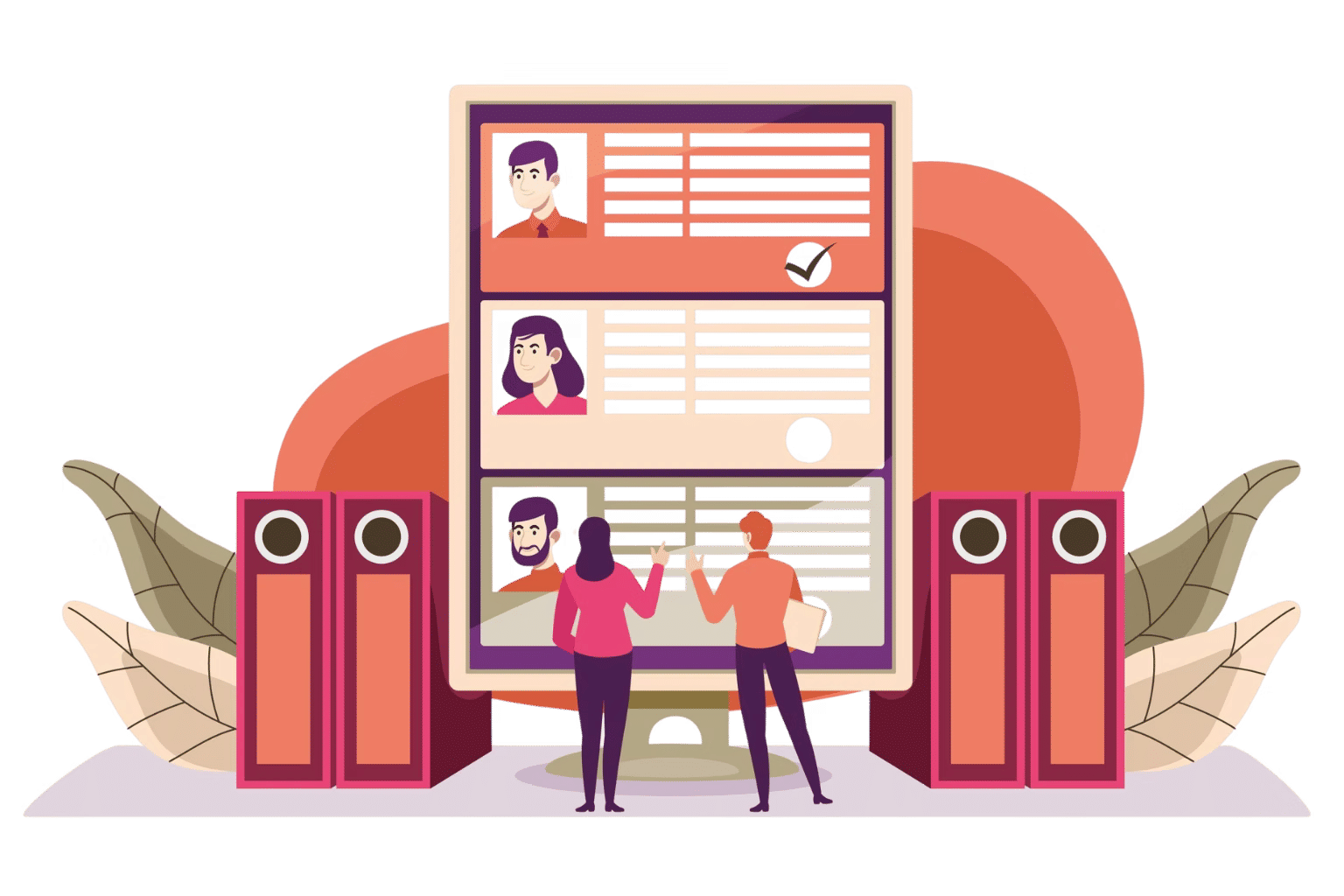
Employee Exclusion

Control What Employees Can View

Exclude employee data by roles, departments, or rules to keep your directory clean, relevant, and aligned with business needs. 

AI skill finder

Refining Directory Visibility with Smart Exclusions

Keep your employee directory clean and relevant by excluding unnecessary information and showing only what matters.

AI Helpdesk

Access Control

Exclude employee information based on roles, ensuring users view only relevant directory data.

AI Agent

Department Exclusion

Hide specific departments to create focused directory views tailored to business needs.

Intellgent

Custom Rules

Apply custom exclusion rules to filter employees by location, status, or other attributes.

Copilate

Clean Directory

Remove inactive or unnecessary profiles to maintain an accurate and clutter-free directory.

Focused Directory Experience — Show What Matters, Hide What Does Not

Keep your employee directory relevant and organized by controlling who appears in it. Ensure every team sees only the people that align with their role and needs. 

Smart Exclusion Control

Exclude employee profiles based on roles, departments, or locations so users interact only with relevant people, reducing clutter and confusion.

Remove specific users or groups from the directory using flexible rules. Tailor views to match your organizational structure and privacy requirements.

Hide inactive or unnecessary profiles to maintain a directory that reflects your current workforce clearly and correctly.

Create personalized directory views for different teams, ensuring each user sees only meaningful and useful information without distractions.

ai helpdesk software

Where Smart Exclusions Create Real Impact

Keep your employee directory precise, controlled, and aligned with how your teams are structured. 

Handling

Managing Individual Exclusions

Ensure employees see only the profiles relevant to their work by removing individuals who fall outside their scope, reducing noise and improving focus.

Supporting

Excluding Specific Groups

Remove entire departments, roles, or locations from view to create clear, team-specific directories tailored to each group's needs.

AI helpdesk

Maintaining an Accurate Roster

Exclude inactive, offboarded, or on-leave employees to keep your directory clean, current, and free from outdated information.

Scaleble

Supporting Privacy and Access Control

Restrict visibility of sensitive employee profiles with flexible exclusion rules, ensuring personal data is only accessible to those who need it.


From controlling visibility to keeping your directory clean,

everything stays relevant with smart exclusions.

Frequently Asked Questions

Employee exclusion allows you to hide specific users or groups from the directory based on roles, departments, or custom rules. 

Yes, you can exclude inactive or former employees to keep the directory accurate and up to date. 

Yes, role-based filtering ensures that users see only the information relevant to their permissions. 

Schedule a free personalized 1:1 demo

By proceeding, you accept Cubic Logics’s terms and conditions and privacy policy

"Outstanding product that combines ease of use, robust security, and cut Expenses."
Try It Free, No Obligation
By proceeding, you accept Cubic Logics’s terms and conditions and privacy policy
"Exceptional tool that delivers seamless integration, powerful features, and unmatched reliability."

Please provide your contact details, we will connect with you soon!

Please provide your contact details, we will connect with you soon!

Request for the custom price​

By proceeding, you accept Cubic Logics Terms and Conditions and Privacy Policy

Schedule a free personalized 1:1 demo

By proceeding, you accept Cubic Logics’s terms and conditions and privacy policy

"Outstanding product that combines ease of use, robust security, and cut Expenses."
License Request Form

By proceeding, you accept Cubic Logics Terms and Conditions and Privacy Policy




















