


- Learn what HR automation software is, how it works, and the business benefits it offers.
- Explore the HR processes you can automate, including recruitment, onboarding, leave, attendance, performance, learning, and expense management.
- Discover the essential features and best practices for choosing the right HR automation software.
- Understand how Microsoft 365 integration and AI-powered automation can create more efficient HR workflows with HR365 HRMS.
Managing HR through emails, spreadsheets, and manual approvals becomes challenging as organizations grow. HR automation software replaces repetitive work with digital workflows, making everyday HR operations faster and more consistent.
Modern automated HR solutions bring key HR processes into one platform, reducing manual work and approval delays. For Microsoft 365 organizations, integration with SharePoint, Microsoft Teams, and Microsoft Entra ID creates a connected HR experience.
According to AIHR (2024), companies that adopt HR automation see a 72% boost in productivity and significantly higher employee satisfaction. It’s not just about working faster it’s about working smarter and creating a better workplace for everyone.
In this guide, you’ll learn what HR automation software is, how it works, its key benefits, the HR processes it can automate, the features to look for, implementation best practices, and how to choose the right solution for your organization.
What is HR Automation Software?
HR automation software is a digital solution that helps businesses streamline and simplify everyday HR tasks. Instead of handling everything manually like onboarding, time-off requests, or employee data updates HR teams can use automation tools to complete these processes faster, with fewer errors.
Some common tasks automated by HR software include:
- Document and record management
- Employee self-service portals
- Workflow approvals and alerts
With automation in place, businesses run smoother, employees get quicker responses, and HR teams gain back valuable time. It’s not just a tool it’s a smarter way to manage your people.
And the best part? You don’t need to be a tech expert to get started. Most HR automation tools are built with user-friendly dashboards and step-by-step workflows, making them easy to adopt even for small teams or growing startups.
Why HR Automation Software Matters More Than Ever
Instead of spending hours on repetitive tasks, HR professionals can shift their focus to high-impact, strategic work that drives business growth.
In fact, a 2024 study by AIHR found that 67% of HR leaders say automation enables them to prioritize people strategy over paperwork a shift that leads to better outcomes for both employees and organizations.
Here’s how automation transforms your HR operations:
- Accelerates hiring by automating job postings, applicant tracking, and interview scheduling
- Minimizes errors in compliance and reporting with built-in checks and updates
- Enhances engagement through self-service tools that empower employees
- Simplifies performance management with automated reviews and reminders
- Delivers smart insights with real-time analytics and dashboards
With these advantages, it’s no surprise that more companies are turning to automated HR solutions as a must-have not a nice-to-have for success in 2026.
Who Needs HR Automation Tools?
Whether you’re a busy HR manager, a small business owner, or part of a large corporation, these tools can simplify your workload and improve how your organization runs.
✓ HR Managers Overwhelmed by Administrative Work
If your days are consumed by endless paperwork, approvals, and tracking employee information, HR automation software can be a game-changer. It takes routine, repetitive tasks off your plate, allowing you to focus on what really matters building strong teams, improving employee satisfaction, and shaping your company culture.
✓ Small Business Owners Without Dedicated HR Teams
Small business owners often juggle multiple roles, and HR tasks can quickly become overwhelming without specialized help. HR automation tools make it easy to manage essential HR functions like onboarding, leave requests, and employee records all without needing a full HR department.
✓ Remote Teams Needing Smooth Communication
When your team is spread across different locations, managing HR processes manually can create confusion and delays. Automation ensures consistent communication and gives employees easy access to their information anytime, anywhere. This helps keep everyone connected and informed, no matter where they work.
✓ Fast-Growing Startups Requiring Scalable Solutions
Startups that are rapidly expanding need HR systems that can keep up with growth. Automation tools streamline hiring, onboarding, and performance tracking, so you can add new employees quickly without slowing down your team or creating bottlenecks.
✓ Large Enterprises Aiming to Cut Costs and Increase Efficiency
For large organizations, managing thousands of employees manually isn’t just difficult—it’s costly and prone to errors. HR automation software helps reduce mistakes, improves compliance, and speeds up HR processes, all while freeing up your HR team to focus on bigger-picture initiatives.
Features of HR Automation Software Tools
Choosing the right HR automation tools means finding a solution packed with features that simplify your daily work and enhance overall HR effectiveness. Below are 10 essential features that every great HR automation tool should offer:
- Automated Onboarding
Guiding new hires through digital forms, necessary training, and task checklists all managed in one place. This ensures that nothing is missed, reduces manual work, and helps new employees feel welcomed and prepared from day one.
- Time and Attendance Tracking
Keeping track of work hours, overtime, vacation days, and sick leave manually can be a hassle and prone to mistakes. With automation, these tasks become seamless.
- Performance Management
Good performance management is key to employee growth and business success. Automation tools support this by helping set clear goals, collect ongoing feedback, and schedule performance reviews.
- Employee Self-Service
Self-service portals provide employees with easy access anytime, which boosts satisfaction and speeds up everyday processes.
- Analytics and Reporting
HR Solutions offer customizable dashboards and reports that provide insights into hiring trends, employee turnover, attendance patterns, and more.
- Recruitment and Applicant Tracking
Finding and hiring the right talent quickly is essential for growth. Automated recruitment features streamline the process by posting jobs to multiple platforms.
- Document Management
Managing employee documents manually can lead to misplaced files and delays. With document management features, certifications and performance reviews are stored digitally.
- Workflow Automation
Workflow automation eliminates bottlenecks by automatically routing requests for leave approvals, performance evaluations, or policy acknowledgments to the right people, ensuring nothing gets stuck or forgotten.
Top 10 HR Automation Software Tools for 2026
Based on extensive research and expert feedback, here are the top Automated HR Solutions you should consider this year, each offering unique strengths to suit different business needs.
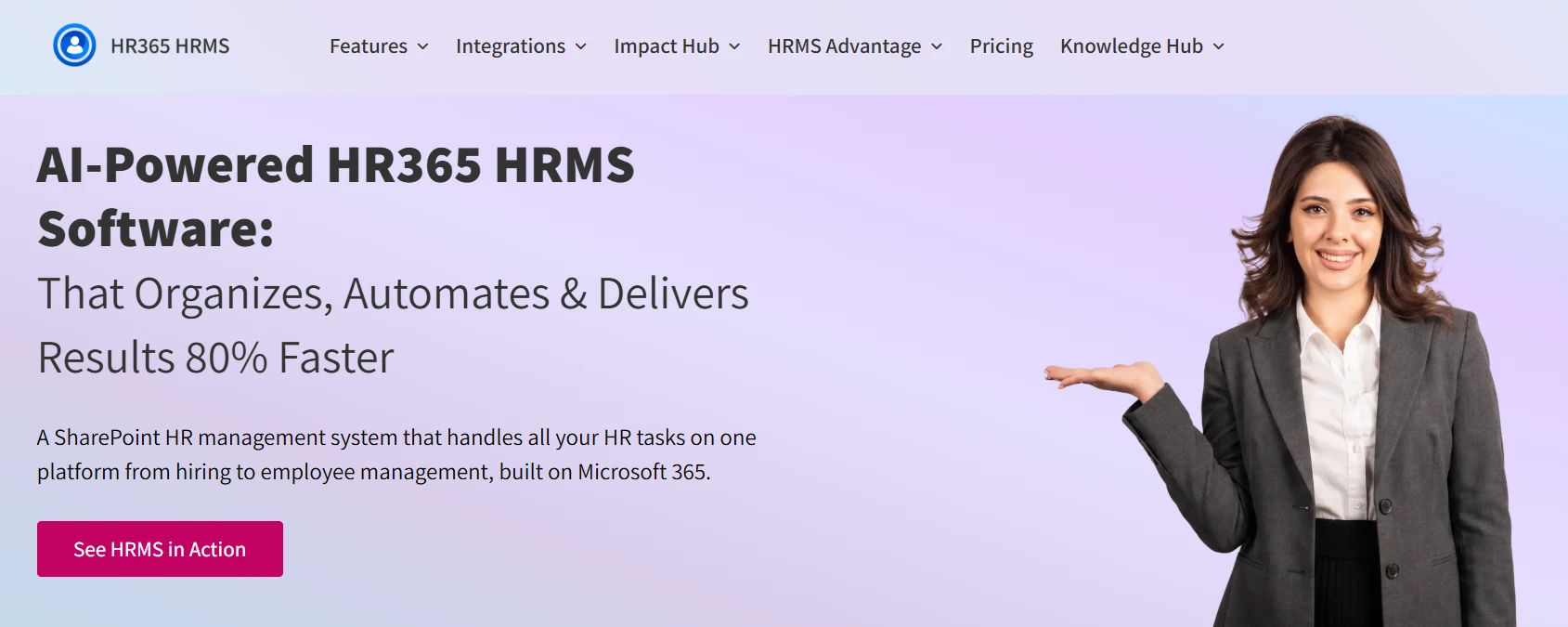
HR365 HRMS is a cutting-edge HR automation platform built for seamless integration with Microsoft 365 tools like Teams, Outlook, and SharePoint. Designed for companies of all sizes, HRMS 365 centralizes your HR functions to provide a smoother, more productive experience for HR teams and employees alike.
Key Features:
- Microsoft 365 Integration: Leverage tools your teams already use daily for a cohesive workflow.
- Automated Onboarding: Customize onboarding sequences that guide new hires through paperwork, training, and introductions automatically.
- Real-time Analytics: Access live dashboards showing employee attendance, performance trends, and compliance status.
- Mobile Compatibility: Manage HR tasks on the go, whether approving requests or updating records, through a fully responsive mobile interface.
- Custom Workflows: Tailor approvals and task automation to fit your company’s unique processes, streamlining workflows and reducing delays.
- Employee Self-Service Portal: Empowers staff to update personal data, submit leave requests, and access company policies anytime, reducing HR workload.
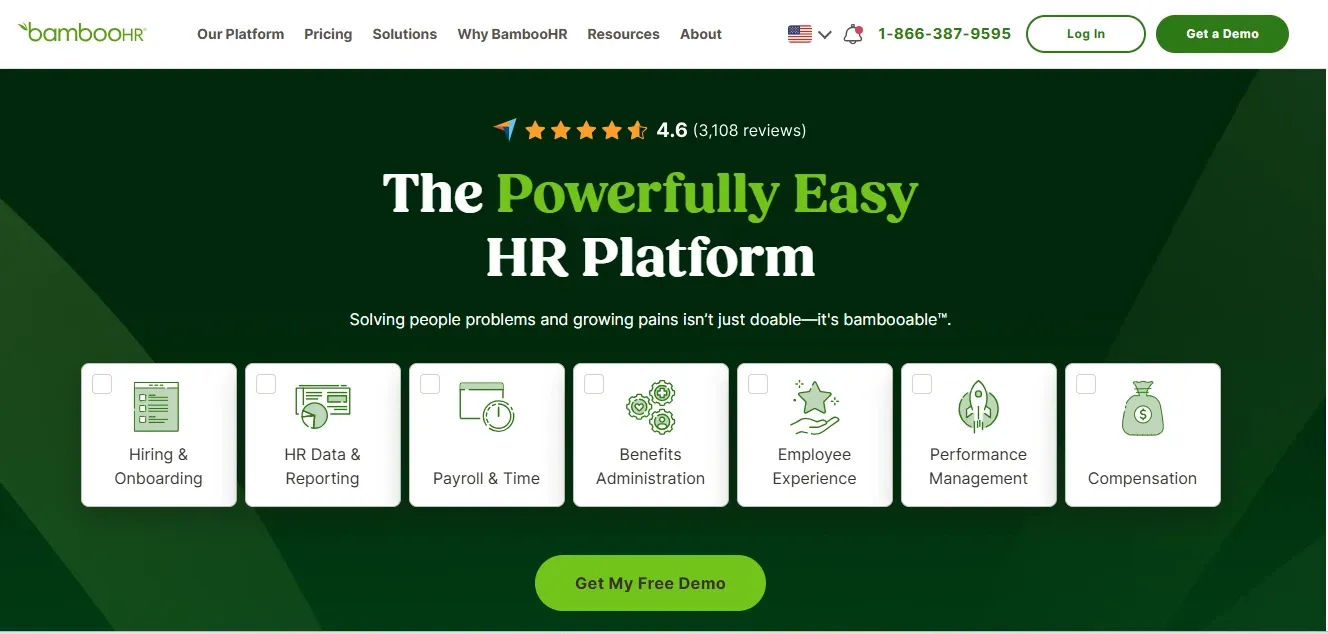
BambooHR is a user-friendly HR software solution designed primarily for small to medium-sized businesses. It emphasizes simplicity without sacrificing powerful HR automation tools.
Key Features:
- User-friendly Interface: Easy navigation and a clean design make onboarding and daily HR tasks straightforward.
- Custom Workflow Automation: Automate employee approvals, time-off requests, and onboarding checklists based on your company’s specific needs.
- Mobile App: Enables managers and employees to handle HR tasks anytime, anywhere.
- Reporting Tools: Track turnover rates, hiring progress, and employee satisfaction through detailed analytics.
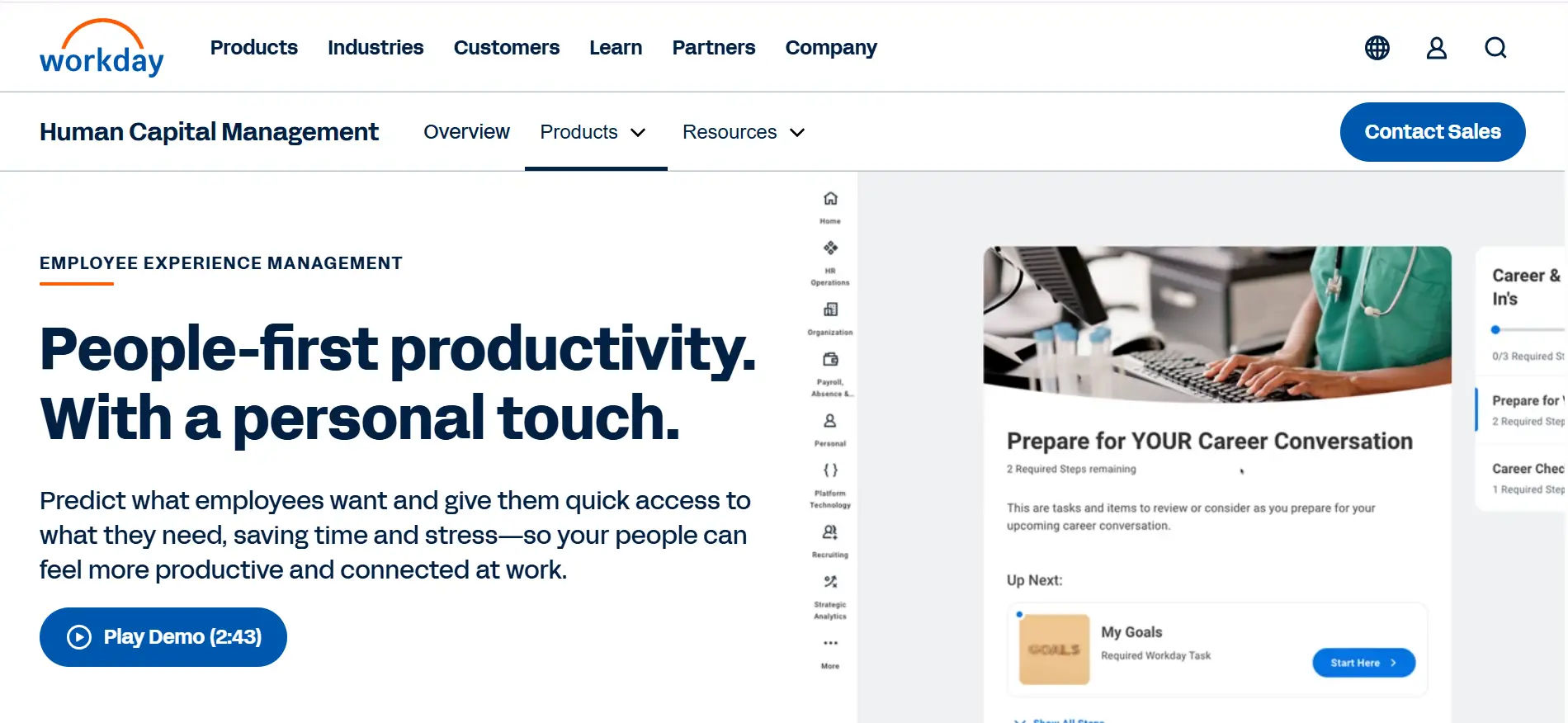
Workday is a robust, enterprise-grade HR platform favored by large organizations with complex HR demands. It provides a single cloud platform that integrates HR, finance, and talent management.
Key Features:
- AI-powered Analytics: Advanced machine learning helps predict employee turnover, optimize workforce planning, and identify skill gaps.
- Comprehensive Talent Management: From recruitment to career development, all HR processes are covered seamlessly.
- Employee Self-Service: Allows employees to manage personal info, benefits, and career goals.
- Mobile Access: Provides access to HR tools on any device, supporting global and remote teams.
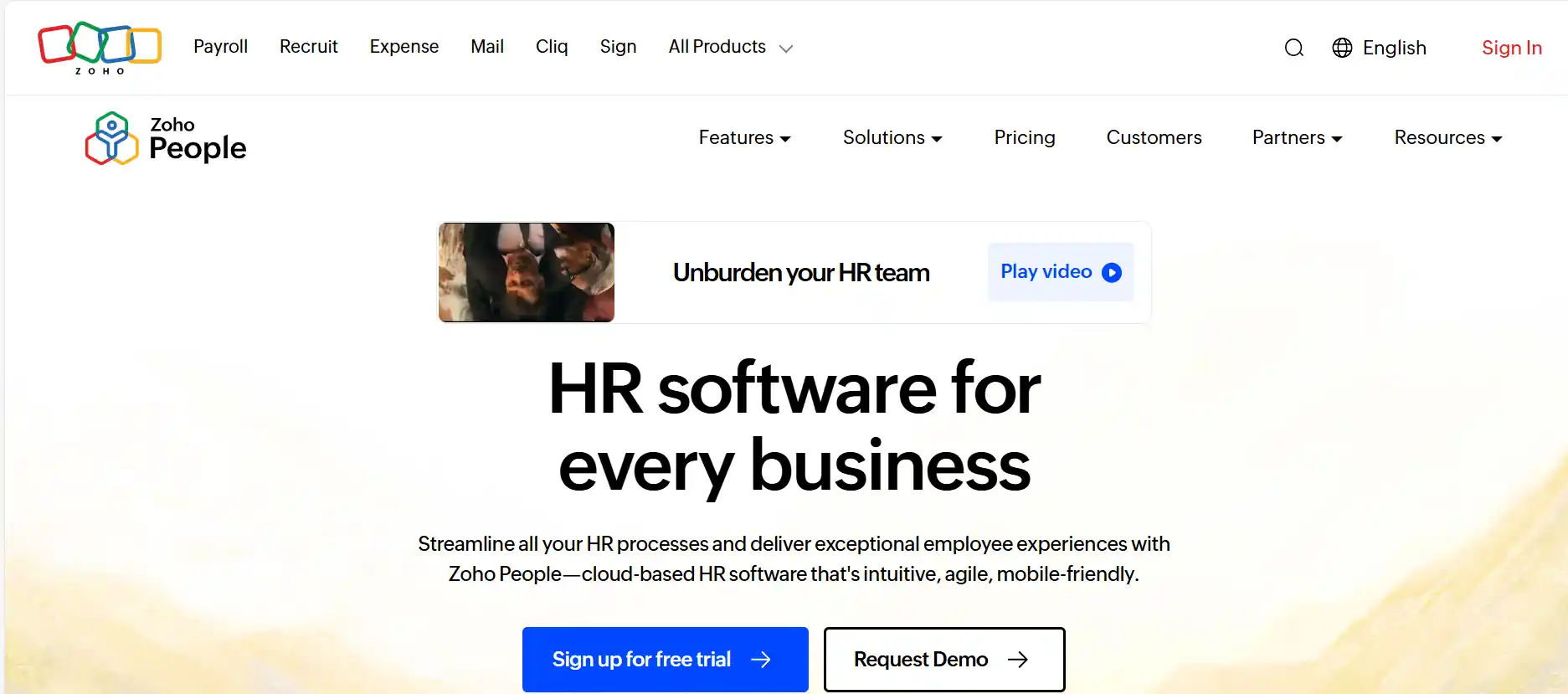
Zoho People offer an affordable yet feature-rich solution ideal for startups and small to mid-sized businesses. Its flexibility allows HR teams to easily customize processes without coding.
Key Features:
- Leave & Attendance Management: Automate leave approvals and track attendance with easy-to-use modules.
- Performance Reviews: Schedule and automate performance cycles, feedback collection, and appraisal processes.
- Integration with Zoho Suite: Connect seamlessly with other Zoho apps like CRM and Finance for holistic business management.
- Customizable Dashboards: Visualize key HR metrics to monitor employee productivity and satisfaction.
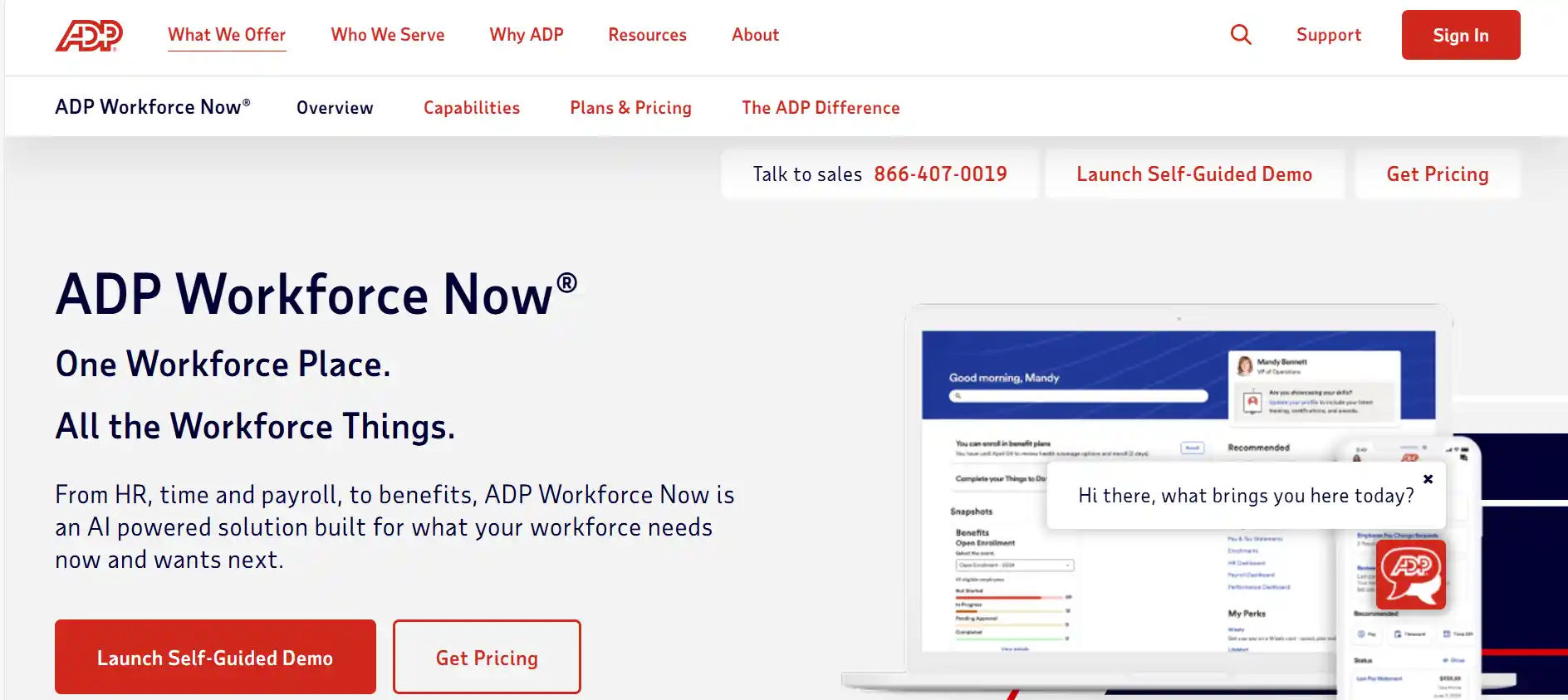
ADP Workforce Now is a trusted, scalable platform popular among businesses of all sizes, especially those prioritizing compliance and payroll accuracy.
Key Features:
- Payroll Automation: Handles paycheck calculations, tax deductions, and filings automatically.
- Benefits & Retirement Management: Simplifies administration of employee benefits programs and retirement plans.
- Regulatory Compliance Tools: Keeps you up to date with labor laws, tax regulations, and reporting requirements.
- Robust Reporting: Generate reports needed for audits, compliance, and strategic HR insights.
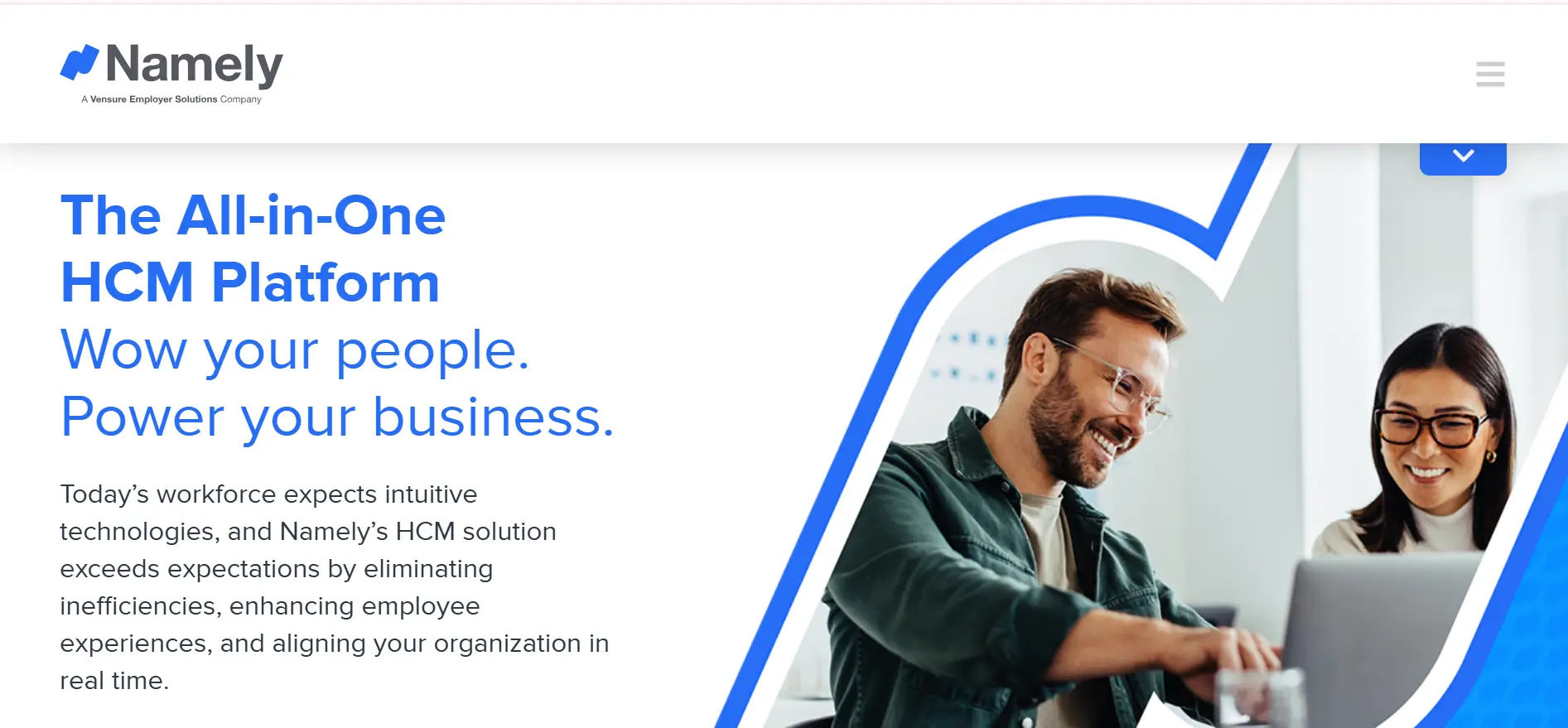
Namely combines core HR automation with strong employee engagement tools, making it a favorite for mid-sized companies focused on culture and collaboration.
Key Features:
- Employee Self-Service: Staff can update personal info and access benefits with ease.
- Custom Task Automation: Tailor workflows for approvals, reminders, and other routine HR activities.
- Social Recognition: Features like peer shoutouts and reward programs encourage a positive workplace.
- Integrated Benefits Administration: Manage health, dental, and retirement plans in one platform.
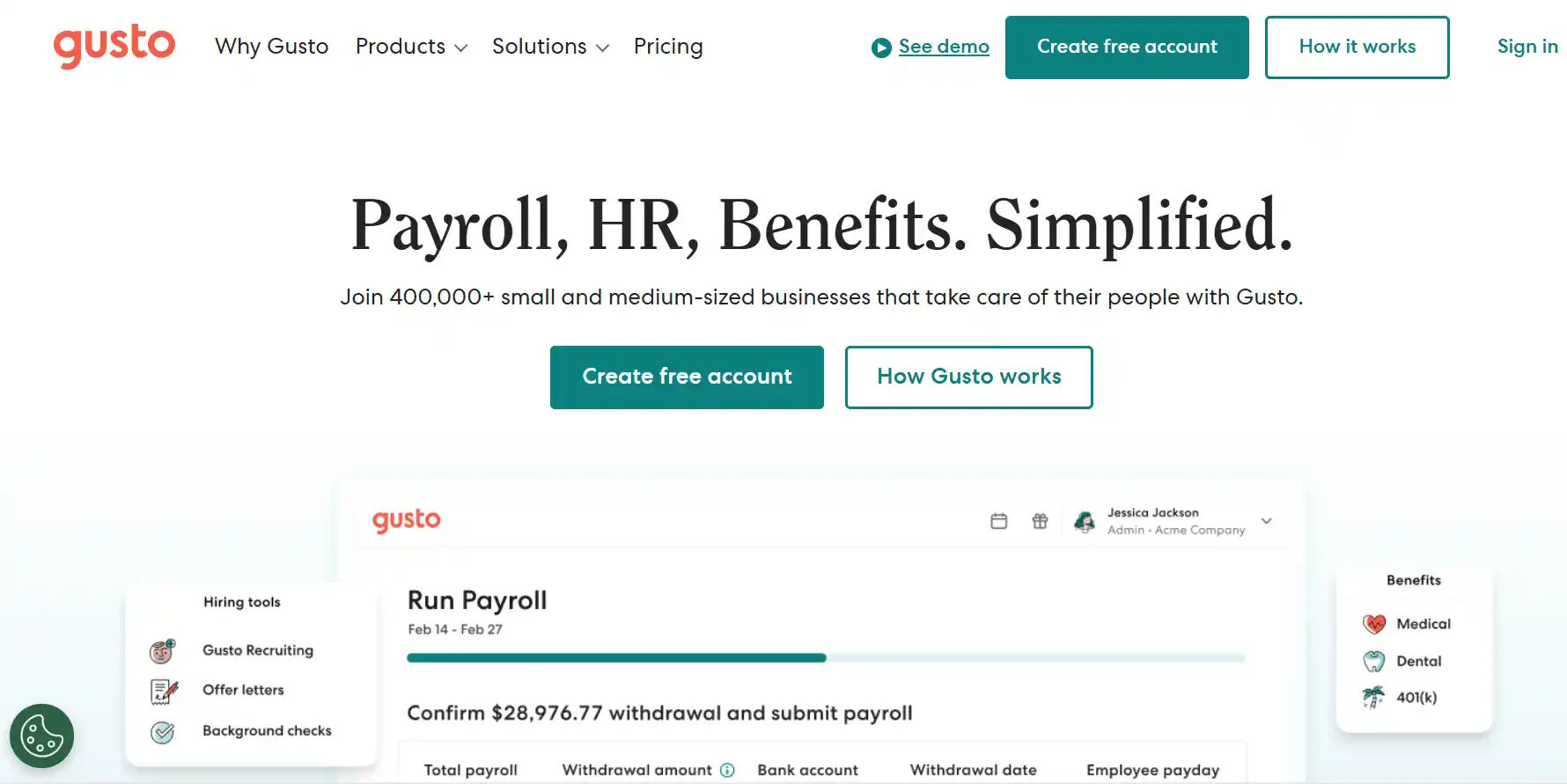
Gusto simplifies HR, benefits, and compliance for small businesses, offering easy-to-use tools for payroll and onboarding.
Key Features:
- Automated Tax Filings: Handles all tax payments and filings accurately and on time.
- Time & PTO Tracking: Manage employee hours and paid time off with automated workflows.
- Benefits Management: Integrate and administer insurance and retirement benefits smoothly.
- Employee Self-Onboarding: New hires complete forms and get set up without manual HR intervention.
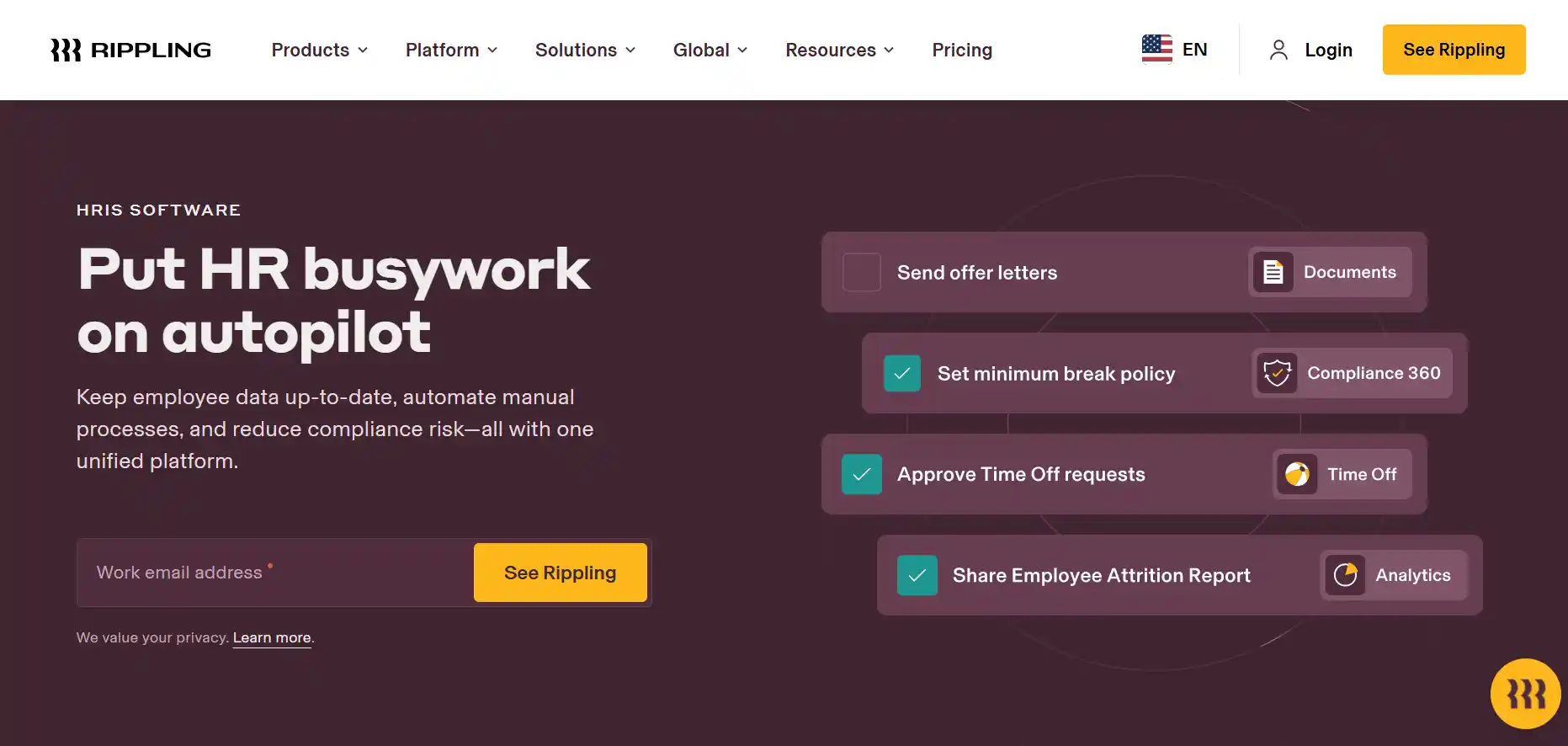
Rippling stands out by combining HR, IT, and device management into a single platform, making it ideal for tech-savvy businesses with diverse needs.
Key Features:
- Unified Employee Records: Centralizes HR, IT, and finance data for a complete employee overview.
- Automated Onboarding/Offboarding: Ensures new hires and departing employees have all system accesses correctly managed.
- Device & App Management: Automate software provisioning and hardware assignments.
- Compliance & Security Controls: Helps maintain data security and regulatory compliance seamlessly.
How to Select the Right Automated HR Solutions
1. Identify Your Core HR Challenges
Review your current HR processes and identify where manual work, scattered records, or inconsistent workflows create challenges.
2. Define Your Budget and Timeline
Set a realistic budget and implementation timeline. Consider software costs, training, onboarding, and future needs.
3. Focus on Features That Fit Your Workflow
Choose software based on your actual HR needs rather than the number of features. Prioritize capabilities that support your daily processes.
4. Test the Software With a Demo or Trial
Use a demo or trial to assess the dashboard, usability, workflows, and overall fit before making a decision.
5. Evaluate Customer Support and Training
Check the available onboarding, training, and support options. Reliable assistance can make implementation easier for your HR team.
6. Check Integration With Your Existing Tools
Make sure the software works with your existing tools, such as Microsoft 365, SharePoint, Microsoft Teams, or other business applications.
7. Think Long-Term, Not Just Short-Term
Choose a solution that can support your organization’s growth, changing HR needs, new departments, and expanding teams.
8. Involve Your Team in the Decision
Get input from HR, managers, and other users who will work with the platform. Their feedback can help you choose a solution that fits daily workflows.
How HR365 HRMS Supports Your Business
HR365 HRMS brings core HR activities into the Microsoft 365 environment, helping teams manage everyday processes from one platform.
✦ Automate Routine HR Work: Automate onboarding, leave requests, attendance tracking, approvals, notifications, and other repetitive HR tasks.
✦ Work Within Microsoft 365: HR365 HRMS integrates with Microsoft 365, SharePoint, Microsoft Teams, and other tools your organization already uses.
✦ Use AI for HR Automation: AI-powered features can reduce repetitive work and help HR teams focus on higher-value priorities.
✦ Self-Service Access: Employees can submit requests, access HR information, and complete routine tasks without relying on HR for every step.
✦ Get a Clear HR Overview: Centralized dashboards help HR teams and managers monitor leave, attendance, recruitment, performance, learning, expenses, and other key activities.
✦ Support Hybrid Teams: Cloud-based access allows HR teams, managers, and employees to complete HR activities from different locations.
✦ Manage Performance Effectively: Set goals, manage reviews, collect feedback, and track employee progress through a structured performance management process.
✦ Scale With Your Organization: Flexible workflows and centralized HR management help HR365 HRMS adapt to your organization’s changing needs.
By adopting automated HR solutions, HR teams can spend less time on repetitive tasks and focus more on strategic priorities. HR365 HRMS supports efficient HR processes and gives teams a connected way to manage everyday HR activities.
Conclusion
HR automation software has become an essential part of modern HR management by reducing manual work, improving process consistency, and helping organizations manage the entire employee lifecycle more efficiently. From recruitment and onboarding to leave management, attendance tracking, performance reviews, learning, and expense management, automation gives HR teams more time to focus on strategic initiatives instead of repetitive administrative tasks.
When choosing an HR automation solution, look for software that supports your current processes, scales with your organization, and integrates with the tools you already use. For organizations using Microsoft 365, HR365 HRMS combines HR management, workflow automation, AI-powered capabilities, and native integration with SharePoint, Microsoft Teams, Microsoft Entra ID, and Power Automate, providing a connected platform to manage HR operations from one place.
Take the first step toward a more efficient and agile HR function.
Schedule a demo today and discover how HR365 HRMS can elevate your business to new heights.
Frequently Asked Questions
What is HR automation software?
A: HR automation software refers to digital platforms designed to automate repetitive and time-consuming HR tasks such as recruitment, employee onboarding, attendance tracking, performance evaluations, and more. These HR automation software tools help streamline your human resources processes, reduce manual errors, and improve overall efficiency. By automating routine tasks, HR teams can focus more on strategic initiatives that add real value to the company.
Can small businesses benefit from HR automation tools?
A: Definitely! Many HR automation tools are specifically created to meet the needs of small businesses. Hr automation software for small business helps reduce administrative workload, cut down on costly errors, and keep employee data organized without requiring a large HR department. Small business owners can leverage these tools to save time, improve compliance, and offer a better experience to their employees, all while staying within a reasonable budget.
How secure is HR automation software?
A: Security is a top priority for most HR automation software providers. These platforms utilize advanced encryption methods, secure cloud storage, and comply with industry standards and data protection regulations like GDPR or HIPAA. Whether you are a small business or a large enterprise, these HR automation software tools ensure that your sensitive employee data remains protected from unauthorized access and breaches.
Are Automated HR Solutions Available for Microsoft 365?
A: Yes. Some automated HR solutions are designed to work with Microsoft 365 tools such as SharePoint and Microsoft Teams, making them suitable for organizations already using the Microsoft ecosystem.
How long does it take to implement HR automation software?
A: The timeline for implementing HR automation software depends on the size of your organization, the complexity of the software, and your existing systems. For most companies, implementation takes a few weeks and involves integrating the software with current tools, customizing workflows, and training staff. Modern HR automation software tools often offer user-friendly setups and support to make the transition as smooth as possible, even for small businesses new to automation.


_JiluXJRGNl.svg)























