#7 Best Expense Monitoring Apps for Businesses & Employees in 2027

Managing employee expenses becomes difficult when receipts, approvals, and financial records are spread across emails and spreadsheets. The best expense monitoring apps help businesses track spending, capture receipts, manage approvals, and maintain accurate expense records.
Expense 365, Expensify, Zoho Expense, Ramp, SAP Concur Expense, QuickBooks Online, and Emburse are seven options worth comparing. Each offers different features, integrations, and pricing models.
Choosing the right expense monitoring app depends on your company size, accounting tools, spending policies and reporting needs. A small business may need basic receipt tracking, while a growing organization may require department-level reporting and multiple approval stages.
In this guide, we compare seven expense monitoring apps, examine their features and pricing, and explain how to choose the right solution for your business.
- The best expense monitoring apps help businesses track spending, manage receipts, automate approvals, and generate expense reports
- Expense 365, Expensify, Zoho Expense, Ramp, SAP Concur, QuickBooks Online and Emburse offer different features for different business needs
- Choose an expense monitoring app based on pricing, business size, accounting integrations, and approval workflows
- Businesses using Microsoft 365 can consider Expense 365 for employee expense tracking, automated approvals, and reporting within SharePoint
#7 Best Expense Monitoring Apps at a Glance
A business expense monitoring app helps employees record work-related spending while giving finance teams better visibility into expenses, approvals, and supporting documents.
The seven tools below cover different business requirements, from employee reimbursements to corporate card transactions and accounting.
| Expense Monitoring App | Key Capabilities | Starting Price | Trial or Free Option |
| Expense 365 | AI receipt scanning, expense approvals, reporting, Microsoft 365 integration | $3/user/month, billed annually* | 14-day free trial |
| Expensify | Receipt scanning, expense reporting, reimbursements, card management | $5/member/month for Collect | Free Submit option |
| Zoho Expense | Expense reports, approvals, mileage, multi-currency support | Free; Standard from $3/user/month annually | Free plan for three users |
| Ramp | Corporate cards, spending controls, expense automation | Free; Plus from $15/user/month plus platform fee | Free plan |
| SAP Concur Expense | Expense reporting, policy management, travel expense support | Base from $7/report | Contact sales for applicable options |
| QuickBooks Online | Expense tracking, receipt capture, accounting, financial reports | Simple Start from $38/month | 30-day trial option |
| Emburse Spend | Receipt management, approvals, reimbursements, integrations | Basic from $8/user/month | 30-day trial |
Which expense monitoring app should you shortlist?
Business Requirement | Apps to Evaluate |
Expense management inside Microsoft 365 | Expense 365 |
Receipt scanning and employee reimbursements | Expense 365, Expensify, Zoho Expense |
Corporate card spending and controls | Ramp, Expensify |
Multi-country travel and expense policies | SAP Concur Expense, Zoho Expense |
Expense tracking within accounting software | QuickBooks Online |
ERP integrations and configurable expense workflows | Emburse Spend, SAP Concur Expense |
These are starting points for evaluation, not guarantees that every listed capability is available on every plan.
Detailed Reviews of the #7 Best Expense Monitoring Apps
The following reviews cover key features, advantages, limitations, pricing and considerations before purchase.
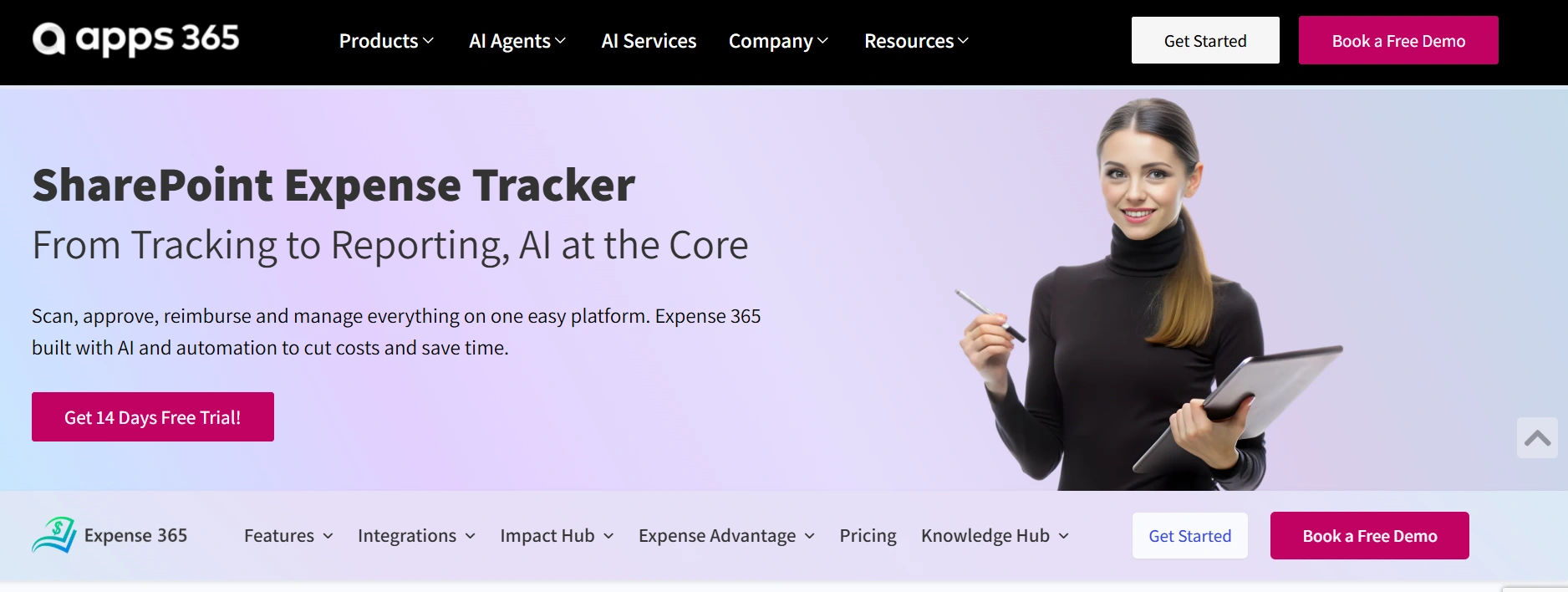
Expense 365 is a Microsoft 365-based expense management solution that helps businesses manage employee expenses, receipt submissions, approvals, reimbursements, and reporting.
Built around SharePoint and Microsoft 365, it allows organizations to manage expense information within their existing Microsoft environment.
Employees can submit expense claims and supporting receipts. Managers review requests, while finance teams monitor spending and prepare reports.
Key features
- AI-powered receipt scanning
- Automated expense approval workflows
- Employee expense reimbursement management
- Expense reports and dashboards
- Mileage and per diem tracking
- Corporate card expense management
- Microsoft 365 and SharePoint integration
- Accounting software and Bank integration capabilities
Advantages
- Works with familiar Microsoft 365 applications
- Keeps expense information in the organization’s SharePoint environment
- Supports expense visibility across employees and departments
- Helps finance teams manage approvals and supporting documents
- Offers a 14-day free trial
Limitations
- Offers its strongest ecosystem fit for organizations already using Microsoft 365
- Companies requiring specialized ERP integrations should confirm compatibility
- Teams should test their required workflows and accounting connections during the trial
Pricing: Plans start at $3 per user/month/billed annually. Expense 365 also offers a 14-day free trial and special pricing for nonprofit organizations and NGOs
Suitable for: Organizations using Microsoft 365 that want employee expense tracking, reporting, and approval management in their existing work environment
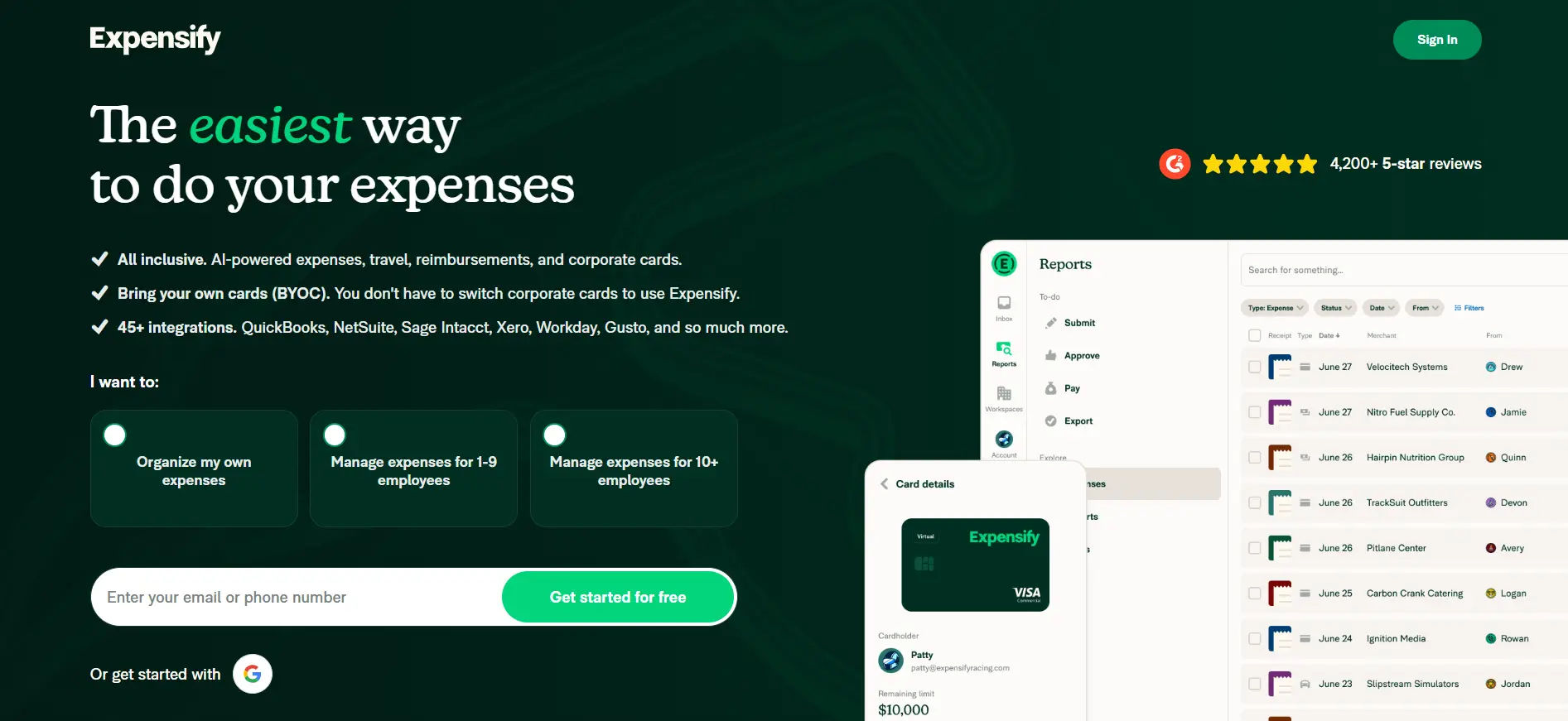
Expensify offers receipt capture, expense reporting, employee reimbursements, and corporate card management.
Employees can scan receipts, record business purchases, and submit expenses. Finance teams can review expense reports and connect approved financial information to supported accounting systems.
Key features
- SmartScan receipt capture
- Expense report creation
- Mileage tracking
- Employee reimbursement support
- Corporate card management
- QuickBooks and Xero integrations
- Approval rules and spending controls
Advantages
- Receipt scanning reduces manual entry
- Free Submit option for individual use
- Integrates with popular accounting tools
- Offers different plans for basic and advanced expense management
Limitations
- Advanced approval controls require a higher-tier plan
- Pricing depends on subscription structure and card usage
- Businesses should review whether billing applies to all members or active users
Pricing: Collect starts at $5 per member/month. Control offers additional features with pricing that varies by subscription and qualifying card usage
Suitable for: Businesses looking for receipt scanning, employee reimbursements, and expense report management
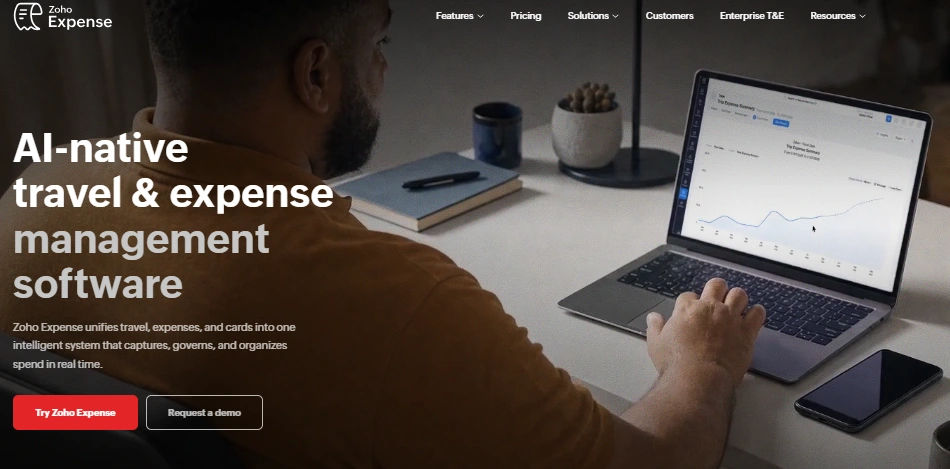
Zoho Expense provides digital expense tracking, reporting, approval workflows, and support for business travel expenses.
It is part of the Zoho business software ecosystem and offers features for organizations managing employee claims across departments and currencies.
Key features
- AI-powered receipt scanning
- Expense policy management
- Mileage and travel expense tracking
- Multi-currency support
- Corporate card expense reconciliation
- Automated approval workflows
- Expense analytics and reporting
Advantages
- Free plan available for three users
- Supports international expense tracking
- Integrates with other Zoho applications
- Offers multiple paid plans
Limitations
- Receipt scanning allowances vary by plan
- Some advanced integrations and controls may require higher plans
- Organizations should review the features included in each subscription
Pricing: Free for up to three users. Standard starts at $3 per user/month, billed annually, in the US
Suitable for: Small and growing businesses that need expense reporting, multi-currency support, and flexible subscription options
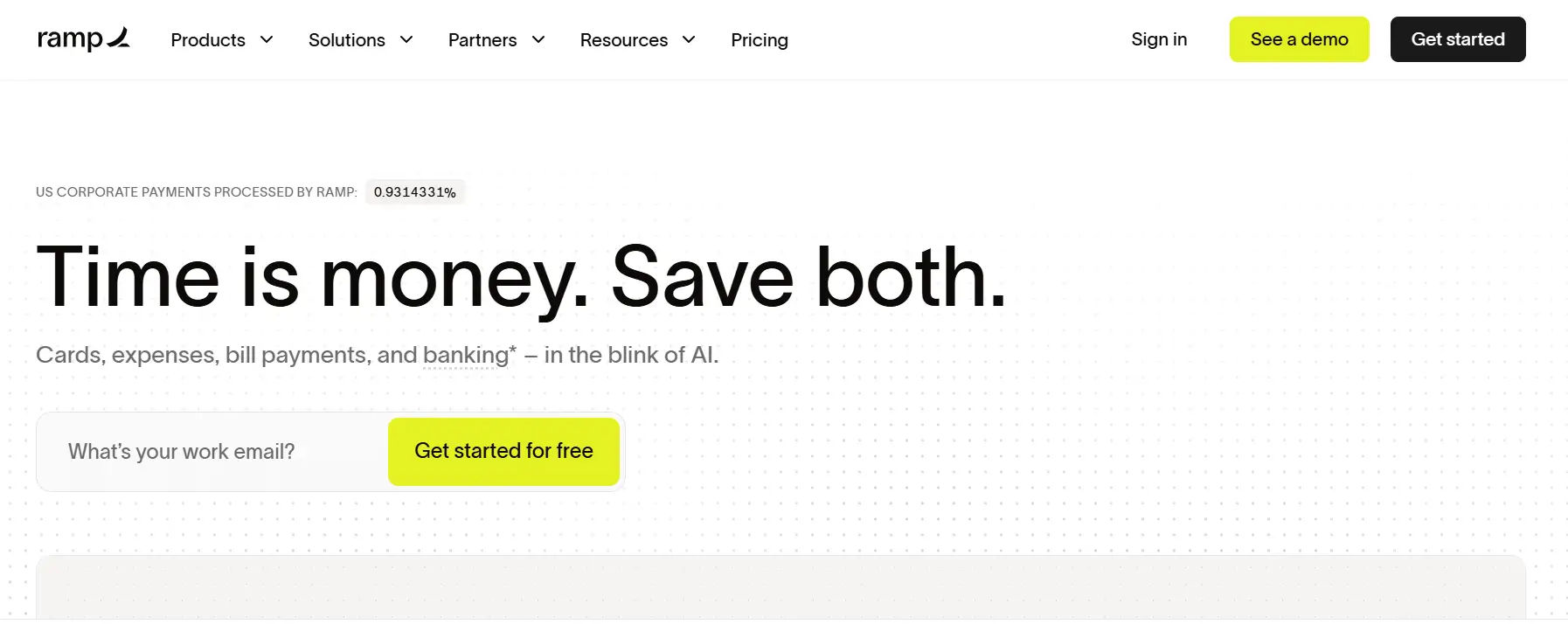
Ramp combines business expense management with corporate cards, payment controls, and finance automation.
It allows businesses to manage card transactions, apply spending rules, and collect expense documentation.
Finance teams can review transactions, identify missing receipts, and connect supported financial data to accounting systems.
Key features
- Physical and virtual corporate cards
- Spending limits and purchasing controls
- Automated receipt collection
- Expense approvals
- Employee reimbursements
- Accounting integrations
- Business spending analytics
Advantages
- Connects card transactions with expense records
- Offers a free entry plan
- Provides controls over company card spending
- Supports QuickBooks Online and Xero integrations
Limitations
- Eligibility and availability depend on business requirements and location
- Some advanced accounting integrations require paid plans
- Ramp Plus includes an additional platform fee
Pricing: Free plan available. Ramp Plus starts at $15 per user/month, plus a platform fee, with annual billing discounts advertised
Suitable for: Businesses evaluating corporate cards alongside expense controls and finance automation
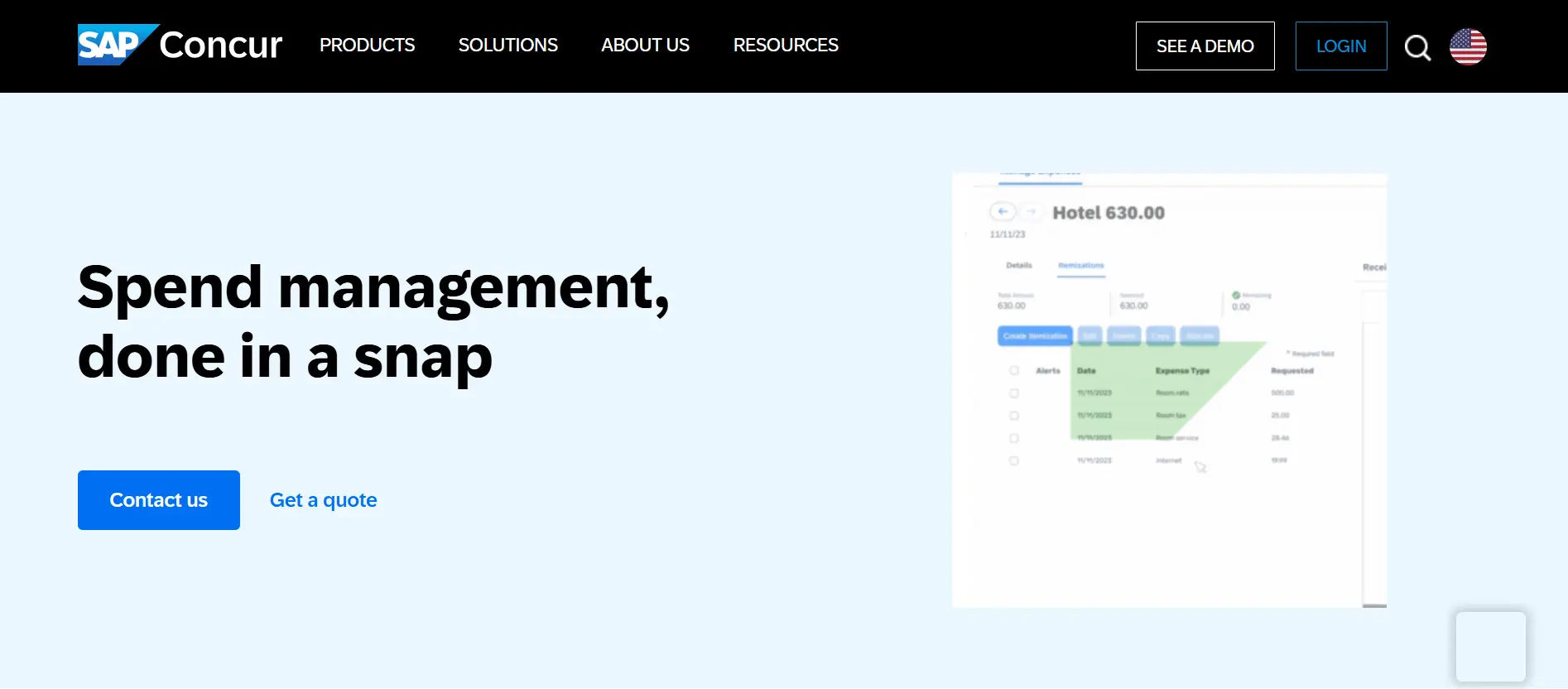
SAP Concur Expense supports employee expense reporting, spending policy management, and expense approval workflows.
Organizations can use it to review employee claims, manage documentation, and apply different rules across expense categories and business units.
Related SAP Concur products also support travel and invoice management.
Key features
- Expense report management
- Receipt capture
- Expense policy controls
- Approval workflows
- Employee reimbursement support
- Reporting and analytics
- Related travel management products
Advantages
- Supports configurable expense policies
- Offers options for organizations managing complex processes
- Connects expense reporting with related travel solutions
- Provides different pricing tiers based on requirements
Limitations
- Advanced configurations may require additional setup
- Organizations should evaluate implementation and support requirements
- Pricing can depend on the number of reports and selected modules
Pricing: Base starts at $7 per report, Plus at $11 per report, and Premium uses custom pricing
Suitable for: Organizations evaluating configurable expense policies, international processes, and travel expense requirements
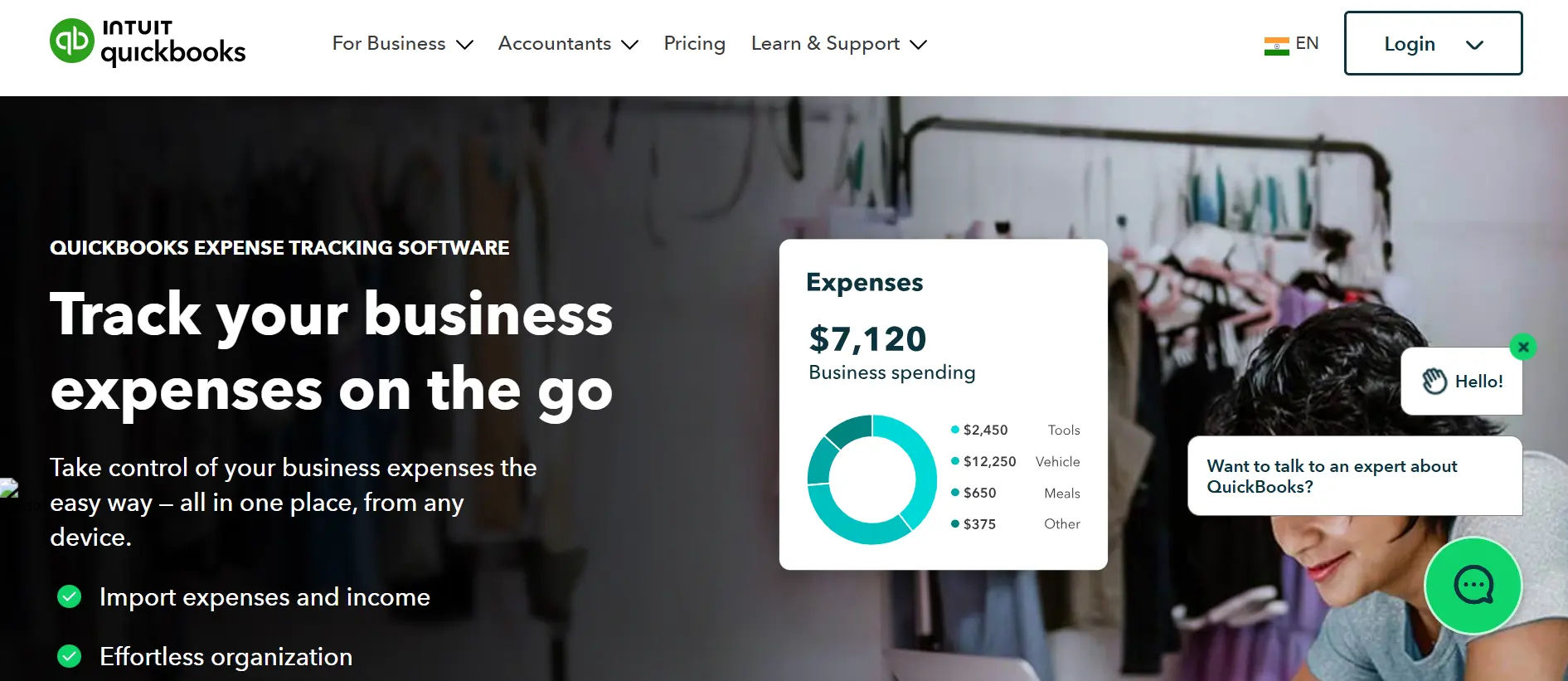
QuickBooks Online is an accounting platform that includes expense recording, receipt capture, financial reporting, and bookkeeping features.
Unlike dedicated employee expense management tools, its primary purpose is to manage business accounting.
Companies can track expenses alongside other financial transactions and use reports to understand business performance
Key features
- Income and expense tracking
- Receipt capture
- Bank transaction imports
- Automated transaction categorization
- Financial reporting
- Bill management features on eligible plans
Advantages
- Combines accounting and expense records
- Supports financial reporting and bookkeeping
- Connects bank and credit card transactions
- Provides several subscription options
Limitations
- Dedicated employee expense approval requirements may call for additional tools
- Access to advanced capabilities depends on the subscription
- Pricing increases with the selected plan
Pricing: Simple Start has a published regular price of $38/month. Promotional pricing may be available
Suitable for: Small businesses that want expense tracking as part of their accounting software
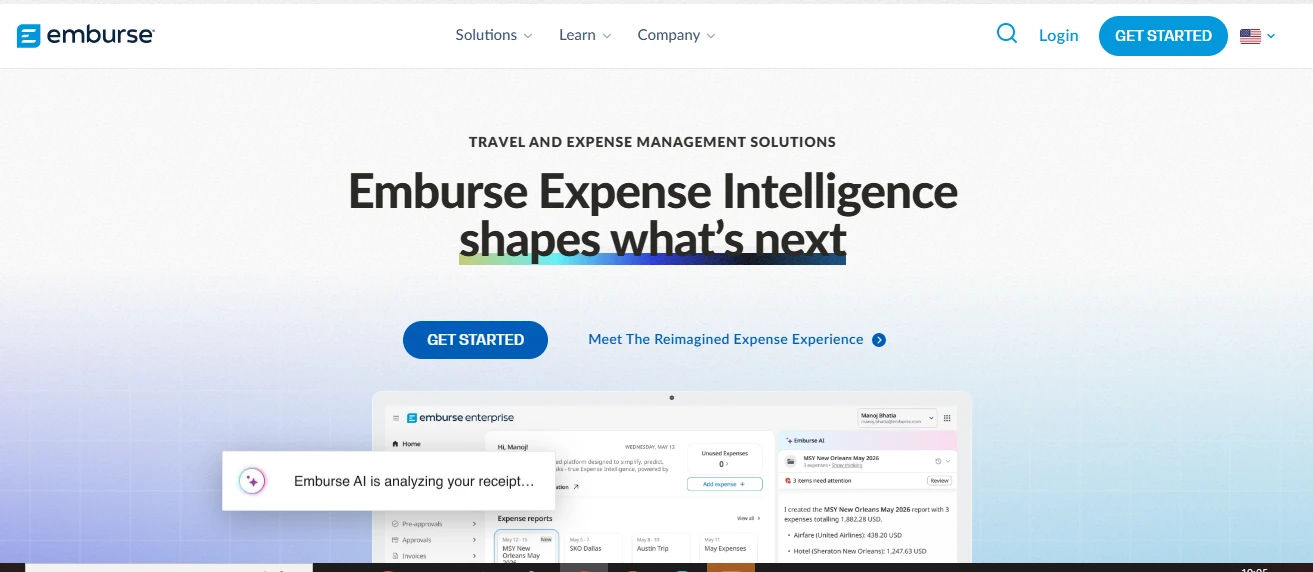
Emburse provides expense management products covering receipt collection, approval workflows, employee reimbursements, and spending visibility.
Its portfolio includes Emburse Spend and other offerings with different capabilities and pricing structures.
Businesses should confirm which Emburse product they are evaluating before comparing costs or integrations.
Key features
- Receipt submission and storage
- Expense approval workflows
- Employee reimbursements
- Corporate card expense management
- Accounting integrations
- Reporting and expense controls
Advantages
- Offers expense management options for different organizations
- Supports integrations with accounting and ERP platforms
- Includes reimbursement and approval capabilities
- Publishes pricing for Emburse Spend
Limitations
- Capabilities differ across the Emburse product family
- Advanced integrations may require a higher-tier subscription
- Enterprise requirements may involve additional product evaluation
Pricing: Emburse Spend Basic starts at $8 per user/month and Plus at $12 per user/month, with a 30-day trial advertised
Suitable for: Organizations assessing configurable expense workflows, reimbursements, and accounting integrations
What Features Should You Look for in an Expense Monitoring App?
The right expense monitoring software should make it easier to record expenses, review claims, manage approvals, and understand where money is going.
Businesses should evaluate these seven essential features before choosing a platform.
Finance managers need access to recorded spending before the end of the accounting period.
A useful expense dashboard should show:
- Submitted and approved expenses
- Outstanding approval requests
- Expenses by employee or department
- Spending trends across reporting periods
- Exceptions requiring finance review
However, visibility depends on when spending information reaches the system. Employee-submitted expenses may not appear until the claim is entered, while connected card transactions may become available earlier.

Digital receipt capture allows employees to upload or photograph supporting documents.
Useful receipt management capabilities include:
- Mobile receipt submission
- AI-assisted extraction of receipt details
- Supporting documents attached to claims
- Searchable expense records
- Missing receipt identification
The IRS generally requires documentary support for lodging costs and certain other business expenses of $75 or more, subject to exceptions.
Businesses should review the official IRS guidance on expense records when setting documentation requirements.
Expense categories help businesses understand how much they spend on different activities.
Common categories include:
- Employee travel
- Business meals
- Office supplies
- Client meetings
- Transportation
- Software subscriptions
For example: a consulting company may classify project travel costs separately from general administrative expenses.
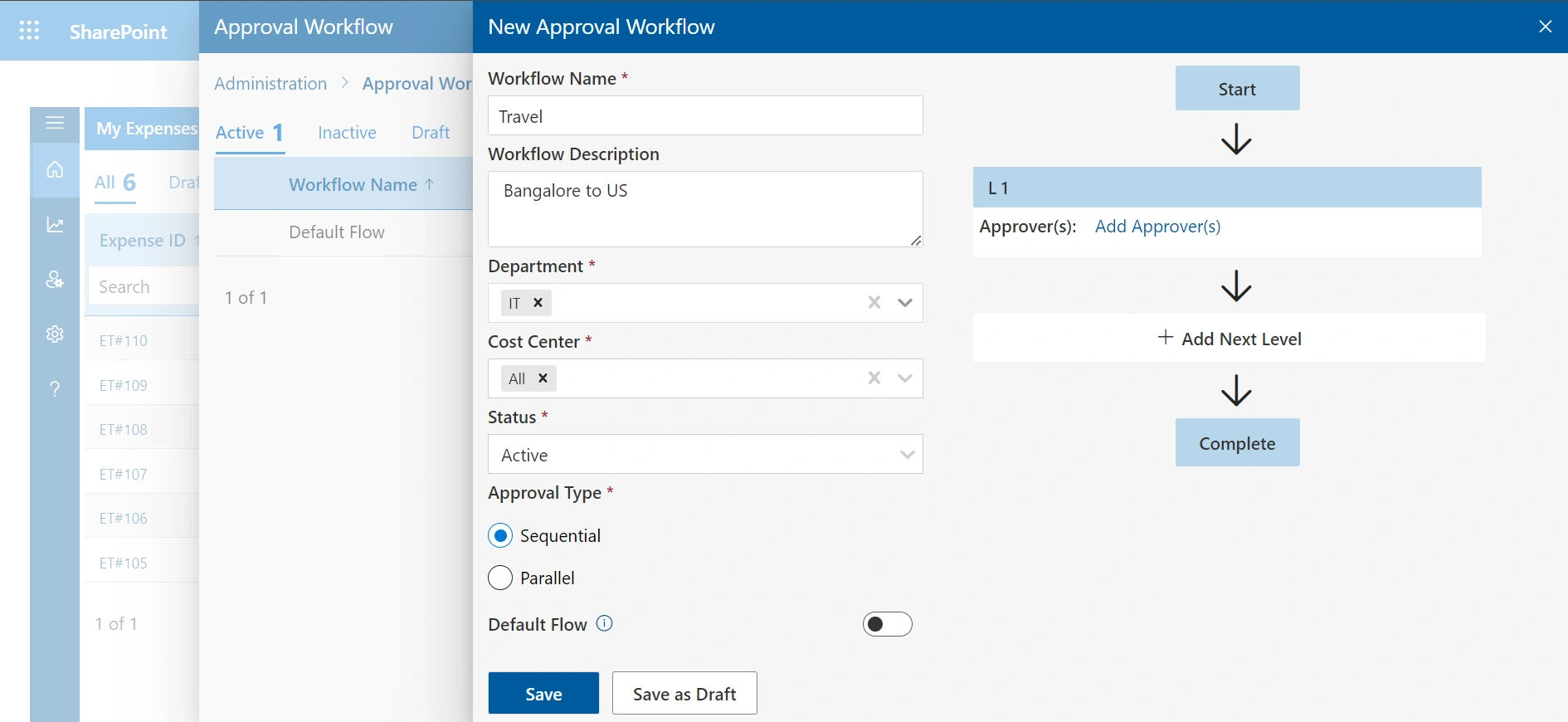
An expense approval workflow determines who reviews a submitted claim and what happens after approval.
Look for software that supports:
- Manager approval assignments
- Multiple review stages when required
- Claim status tracking
- Notifications for pending requests
- Rejection reasons and resubmissions
- Approval history
For example, a business may require team manager approval for normal expenses and finance approval for claims above a defined threshold.
Expense reporting software should provide enough information for finance teams to review spending and prepare financial records.
Important reporting capabilities include:
- Spending by employee
- Department expense reports
- Monthly expense summaries
- Category-level spending analysis
- Pending reimbursement reports
- Report export options
A business can use these reports to identify expense trends and investigate unusual spending.
- Role-based permissions
- Multi-factor authentication
- Single sign-on support
- Audit logs
- Data storage location
- Retention and deletion controls
- Relevant security documentation
How to Choose the Right Expense Monitoring App for Your Business
Choosing the best expense monitoring apps requires more than comparing monthly subscription prices.
Follow these six steps to evaluate products based on your actual business needs.
with the types of expenses employees submit and the problems your finance team wants to address.
Ask:
- How many employees submit expenses?
- Are receipts collected digitally or manually?
- Do employees use personal or corporate cards?
- Are multiple approval stages required?
- Do managers need department or project reports?
Document the features your business must have before evaluating vendors.
Identify the applications already used for accounting, collaboration, and financial reporting.
For example, an organization using Microsoft 365 may want to evaluate Expense 365, while a company already using QuickBooks may prioritize accounting integrations.
The objective is to understand where approved expense information must go after submission.
Create two example expense policies and test whether shortlisted products can support them.
For example:
- Travel expenses above $500 require department manager approval
- Project-related expenses must include a project code
- Claims without required receipts should be returned for correction
Then review whether the reporting dashboard provides the information finance needs.
A low starting price does not always mean a lower overall expense management cost.
Review:
- Subscription fees
- Minimum user commitments
- Implementation and setup costs
- Platform fees
- Paid integrations
- Support charges
- Additional features
- Training requirements
Example: Annual subscription comparison
Consider a company with 40 licensed users.
Monthly Price Per User | Annual Subscription Cost |
$3 | $1,440 |
$5 | $2,400 |
$8 | $3,840 |
$15 | $7,200 |
These are illustrative subscription calculations, not vendor quotations. They assume all 40 users are billed for 12 months and exclude platform fees, taxes, onboarding, and add-ons.
Before purchasing, use the trial to evaluate daily activities.
Test the following:
- Submit a receipt from a mobile device
- Correct an incorrectly captured amount
- Submit a claim without a required attachment
- Route a claim through an approval workflow
- Generate a department expense report
- Export approved transactions
- Review user access and permissions
Record whether each activity works as expected.
Your expense volume may increase as the business grows.
Consider whether the software can support additional employees, departments, cost centers, and approval requirements.
Ask about:
- User onboarding
- Technical assistance
- Available integrations
- Data export options
- Subscription changes
- Implementation support
A successful trial should demonstrate both everyday usability and compatibility with your financial processes.
How Does Expense 365 Help Businesses Monitor Employee Expenses?
Expense 365 is an employee expense tracking app designed for organizations working within Microsoft 365.
It connects expense submissions, approvals, and reporting through a SharePoint-based environment, helping finance teams manage business spending without relying on disconnected spreadsheets.

Expense 365 allows employees to submit work-related expenses with supporting information and receipts.
AI-assisted receipt scanning helps capture information from expense documents, reducing manual entry.
Finance teams can work with centralized expense records rather than collecting documents across multiple inboxes.
83% of employees who travel for work struggle to reconcile their travel expenses a challenge that points directly to how broken traditional reimbursement processes are for most organizations.
A well-designed expense monitoring app connects the submission, approval, and payment steps into a single workflow.
Employees submit their expenses, approvals happen digitally with full visibility into status, and expense reimbursements are processed in a predictable, timely cycle.

Expense 365 provides reporting capabilities to help businesses review employee spending.
Finance teams can examine expense information by employee, department, category, or reporting period, depending on the configured reports.
This supports internal expense reviews, budget monitoring, and preparation for financial audits.
Microsoft 365 and SharePoint integration
Expense 365 is built around Microsoft 365 and SharePoint, making it relevant for organizations using Microsoft applications for daily work.
Its Microsoft ecosystem connections can support collaboration and expense information access within existing workflows.
Businesses should confirm their required accounting connectors and Microsoft 365 configurations during implementation.
Expense reimbursement management
Employee reimbursements require businesses to review claims, confirm eligibility, and maintain payment records.
Expense 365 supports expense reimbursement management by keeping related claims, approval information, and reporting records together.
For a deeper explanation, read the business expense reimbursement process.
Want to evaluate Expense 365 with your own expense data?
Try Expense 365 with sample receipts, approval rules, and reports to see whether it fits your Microsoft 365 environment.
Common Mistakes to Avoid When Choosing Expense Monitoring Software
| Common Mistake | Why It Matters | What to Do Instead |
| Choosing based only on price | Additional fees may increase total cost | Compare annual expenses and required features |
| Ignoring accounting integrations | Finance may have to enter the same information twice | Test the complete accounting export or sync process |
| Overlooking employee experience | Complicated submissions can delay expense reporting | Test receipt capture with employees |
| Skipping approval workflow testing | Incorrect routing can delay claims | Create sample approval rules before purchase |
| Assuming all plans include the same features | Advanced controls may require upgrades | Review feature availability by plan |
| Ignoring migration requirements | Historical records may be difficult to transfer | Confirm export and import options |
Conclusion
The best expense monitoring apps help businesses record employee spending, manage receipt documentation, review approvals, and prepare accurate financial reports.
Expense 365 is worth evaluating for organizations using Microsoft 365 and SharePoint. Expensify and Zoho Expense provide receipt and expense reporting capabilities. Ramp combines expense management with corporate cards, while SAP Concur Expense supports configurable expense policies. QuickBooks Online includes expense tracking within accounting software, and Emburse offers products for expense and reimbursement management.
The right choice depends on your expense volume, existing software, approval requirements, and total cost.
For organizations already working in Microsoft 365, explore Expense 365 or book a personalized free demo to see how it handles employee expenses, approvals and reporting.
Frequently Asked Questions
What is the best expense monitoring app for a small business?
The right expense monitoring app depends on the company’s accounting software, number of users, and expense reporting requirements. Zoho Expense offers a free plan for small teams, while Expensify, Expense 365, and QuickBooks Online are other options to evaluate.
Are there free expense monitoring apps?
Yes. Zoho Expense offers a free plan for up to three users, Ramp has a free plan, and Expensify offers a free Submit option. Businesses should review feature limits and account eligibility before choosing a free product.
What is the difference between expense monitoring and expense management software?
Expense monitoring focuses on recording and reviewing spending. Expense management software typically covers a broader process that may include policy controls, approvals, reimbursement handling, and reporting. Many products offer both capabilities.
Can expense monitoring apps integrate with accounting software?
Yes. Many applications support accounting connections or exports. Expensify, Ramp, and other products offer integrations with accounting systems such as QuickBooks and Xero. Supported integrations vary by vendor, plan, and configuration.
Can businesses track expenses across multiple departments?
Yes. Many business expense monitoring apps allow organizations to categorize expenses by department, employee, project, or cost center. The availability of specific reporting fields depends on the software.
Can expense monitoring software help prevent duplicate reimbursements?
Some expense management products offer duplicate detection or review controls. However, companies should verify whether a particular plan identifies repeated receipt images, matching expense amounts, or duplicate claims before assuming that it prevents duplicate payments.