
Best Free Time Card Calculator for Managers and HR Teams in 2027

Adding up time cards by hand looks simple until a payroll mistake lands on your desk. A good time card calculator totals clock-in & clock-out times, subtracts breaks, flags overtime and returns payroll-ready hours in seconds.
- A time card calculator turns clock-in and clock-out times into payroll-ready hours.
- net is the fastest free option for one-off weekly totals.
- Clockify, Jibble, Toggl, Everhour, Harvest and Timesheet.io add tracking, attendance and billable hours.
- Timesheet 365 automates time capture in Microsoft 365, with a 14-day free trial.
But not every tool works the same way. Some are free web calculators you use once. Others are full time card calculator apps that track time all week, split billable from non-billable hours and export reports.
This guide compares seven free tools managers and HR teams actually use: TimeCardCalculator.net, Timesheet.io, Toggl Track, Clockify, Everhour, Harvest and Jibble. For each one, you will see what it does well, where the free version stops and who it suits best. After the list, we cover Timesheet 365, the option for teams that want time capture automated inside Microsoft 365.
What Is a Time Card Calculator?
A time card calculator converts employees’ start and end times into total hours worked for a day, week or pay period. The simplest version is a free web form where you type times into a grid and get a weekly total.
A time card calculator app goes further. Employees start a timer or clock in from a phone, browser or desktop, and the app totals hours, applies overtime rules and produces reports automatically.
- Fewer manual errors. Working out 7:52 a.m. to 4:19 p.m. minus a 30-minute lunch is easy to get wrong across 40 employees.
- Correct overtime. Under the Fair Labor Standards Act (FLSA), non-exempt employees earn 1.5 times their regular rate for hours over 40 in a workweek. A calculator applies that rule every time.
- Payroll accuracy and trust. Pay errors hurt morale quickly. ADP Research’s People at Work 2025 report found that a significant share of workers say they have been underpaid or paid late, so accurate hours are a retention issue as well as a compliance one.
- Employee financial pressure. PayrollOrg’s Getting Paid in America 2025 survey found that most U.S. workers would struggle if a paycheck were delayed, which makes corrections and reissued checks costly for staff.
- Accurate client billing. For agencies and consultants, every untracked hour is lost revenue. Splitting billable and non-billable hours shows exactly what to invoice.
How to Choose the Right Time Card Calculator App
Before you commit to a tool, check these six points:
- Ease of use. Employees should be able to clock in or start a timer in under 10 seconds.
- Overtime and break rules. The tool should handle weekly or daily overtime and deduct unpaid breaks.
- Decimal hours. Payroll systems usually need hours in decimal form, such as 7.75 instead of 7:45.
- Billable vs. non-billable tracking. Client-facing teams need hours split by project, client and rate.
- Approvals and reports. Managers need to review, approve and export timesheets.
- Integrations and free-plan limits. Check the caps on users, projects and exports, and whether the tool connects to the apps your team already uses.
7 Free Time Card Calculator Apps and Tools
# | Tool | Type | Free version | Best for |
1 | TimeCardCalculator.net | Web calculator | Fully free, no signup | One-off weekly totals |
2 | Timesheet.io | Mobile and web app | Free basic plan | Individuals and small crews |
3 | Toggl Track | Timer app | Free up to 5 users | Small project teams |
4 | Clockify | Timer and timesheet app | Free, unlimited users | Budget-conscious teams |
5 | Everhour | Project time tracker | Free plan for small teams | Teams in Asana, Jira or Trello |
6 | Harvest | Time tracking and invoicing | Free for 1 seat, 2 projects | Freelancers who invoice |
7 | Jibble | Time clock and attendance app | Free, unlimited users | Shift and field teams |
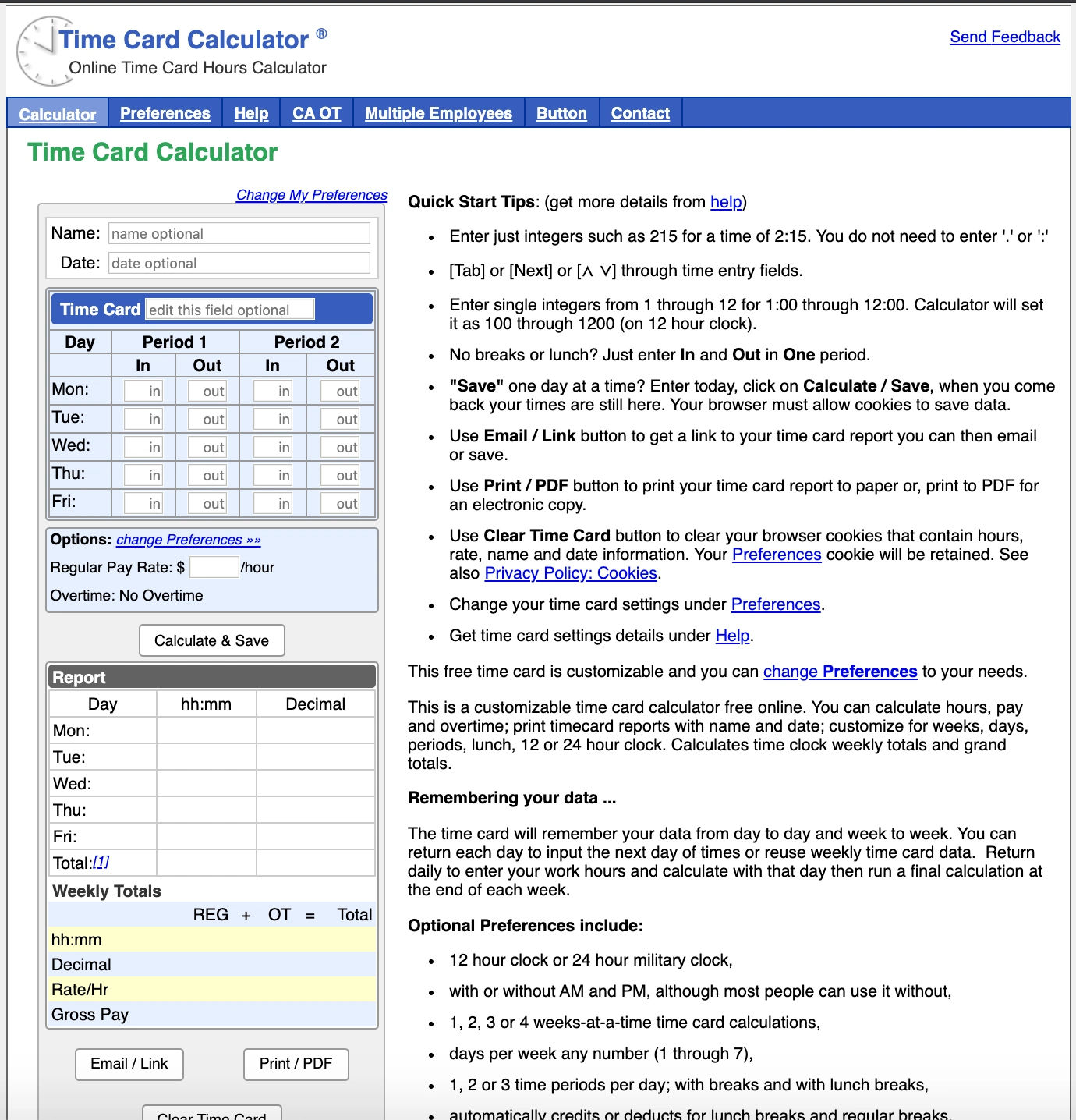
TimeCardCalculator.net is a free, no-signup time card calculator built for quick weekly totals. You enter in and out times for each day, add lunch breaks, and it returns total hours in both hours:minutes and decimal format.
- Weekly grid with start, end and break times
- Overtime calculation after 40 hours
- Optional hourly rate to estimate regular and overtime pay
- Print or save the result for your records
Best for: managers checking one employee’s week or verifying a paper time card.
Free version: 100% free and ad-supported.
Limitation: it is a calculator, not a system. There is no clock-in, no saved history, no approvals and no multi-employee reporting.
2. Timesheet.io
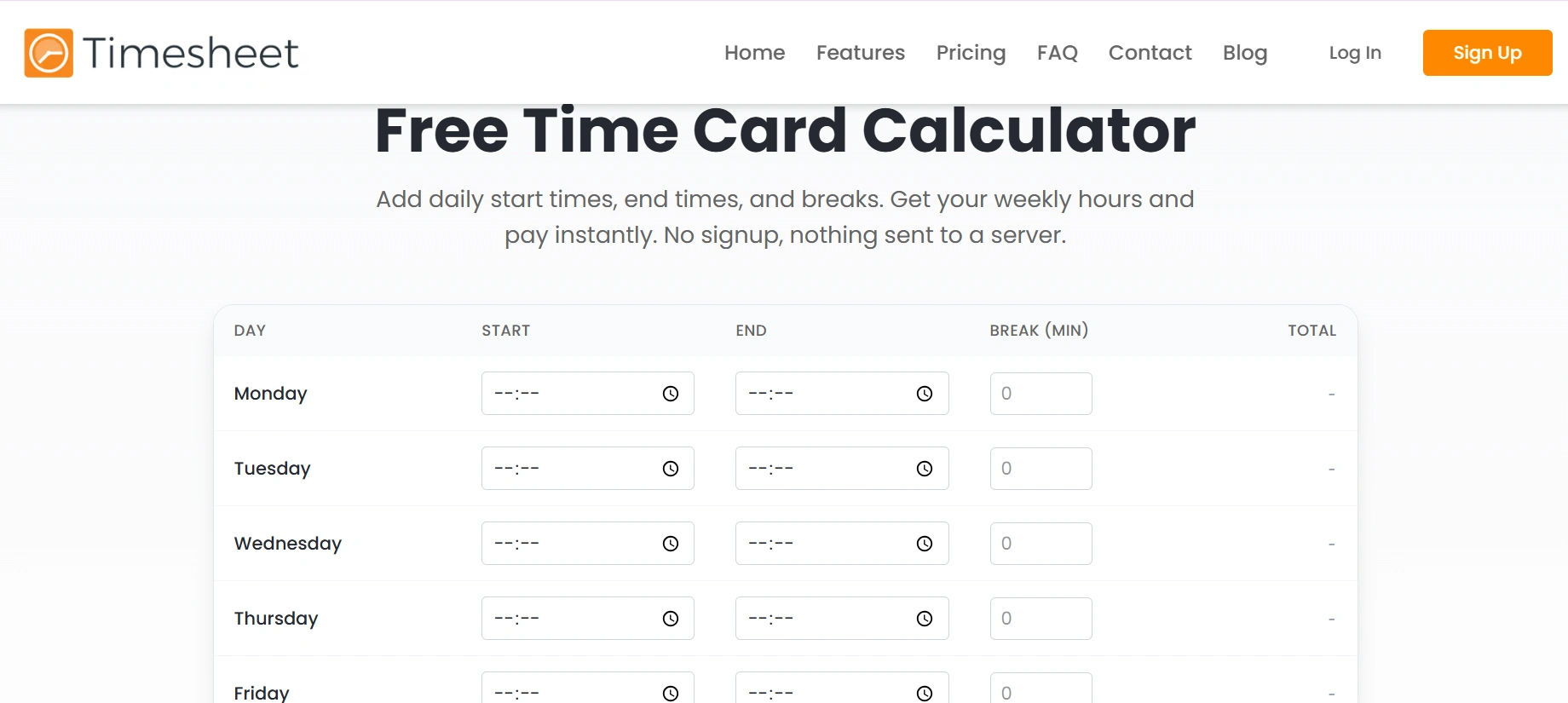
Timesheet.io is a time tracking app for iOS, Android and the web. Users start a timer or add entries manually, and the app calculates hours, breaks and earnings per project.
- One-tap timer with break tracking
- Projects, tasks, notes and hourly rates
- Expense tracking alongside hours
- Excel, CSV and PDF exports, plus invoice creation on paid plans
Best for: freelancers, contractors and small field crews who log time on the go.
Free version: a free basic plan covers core tracking. Paid Pro and Team plans add advanced exports and team management.
Limitation: team features, approvals and full reporting sit behind paid plans, so it is light for HR-led payroll.
3. Toggl Track
Best for: freelancers, contractors and small field crews who log time on the go.
Free version: a free basic plan covers core tracking. Paid Pro and Team plans add advanced exports and team management.
Limitation: team features, approvals and full reporting sit behind paid plans, so it is light for HR-led payroll.
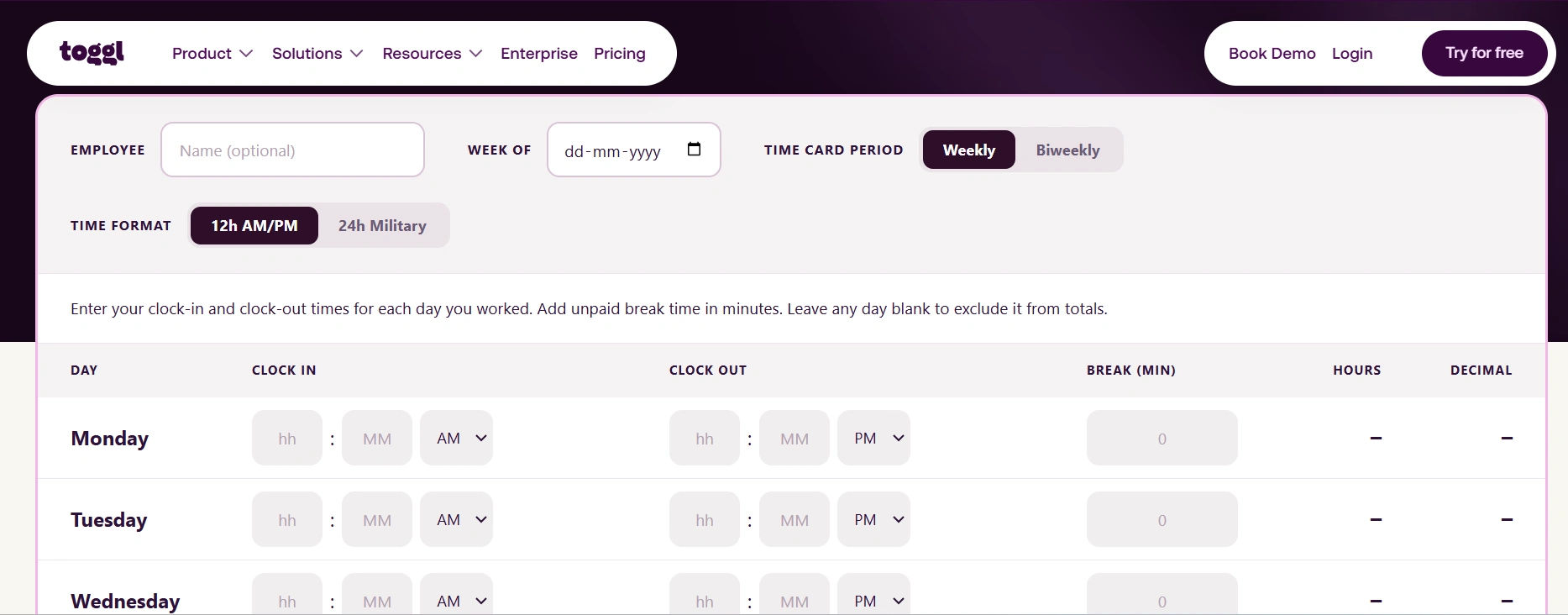
- One-click timer with browser extensions and 100+ integrations
- Weekly timesheet view and summary reports
- Idle detection and tracking reminders
- Projects, clients and tags
Best for: small project teams and freelancers.
Free version: free for up to 5 users. Paid plans start at about $9 per user per month, billed annually.
Limitation: the 5-user cap, and billable rates, approvals and timesheet locking need a paid plan.
4. Clockify
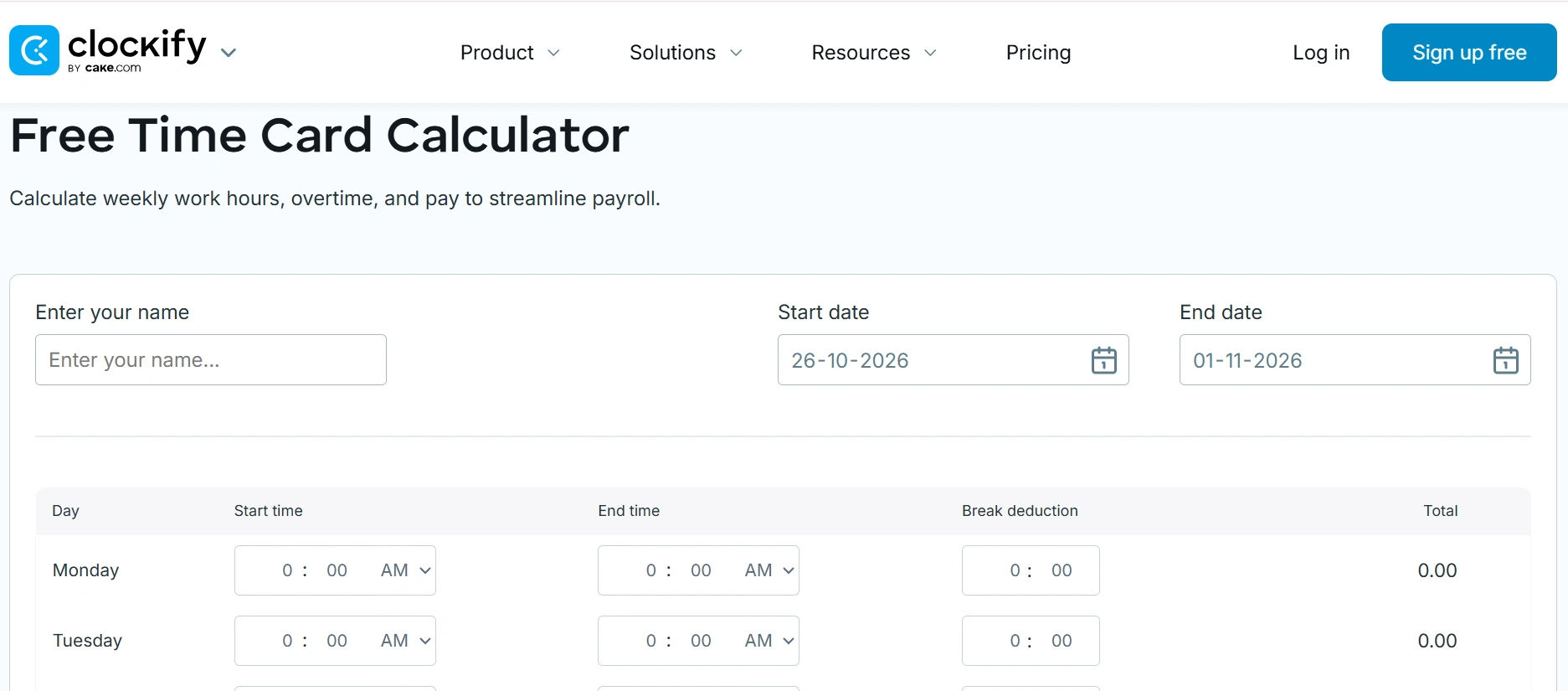
Clockify is one of the most widely used free time trackers. Its free plan allows unlimited users, which makes it a common first step up from spreadsheets.
- Timer and weekly timesheet modes
- Projects, clients and billable or non-billable flags
- Dashboard and summary reports with CSV and PDF export
- Apps for desktop, web and mobile
Best for: budget-conscious teams that need basic employee time tracking for everyone.
Free version: free forever for unlimited users. Paid plans start at about $3.99 per user per month, billed annually.
Limitation: timesheet approvals, kiosk clock-in, GPS and overtime rules are paid features.
5. Everhour
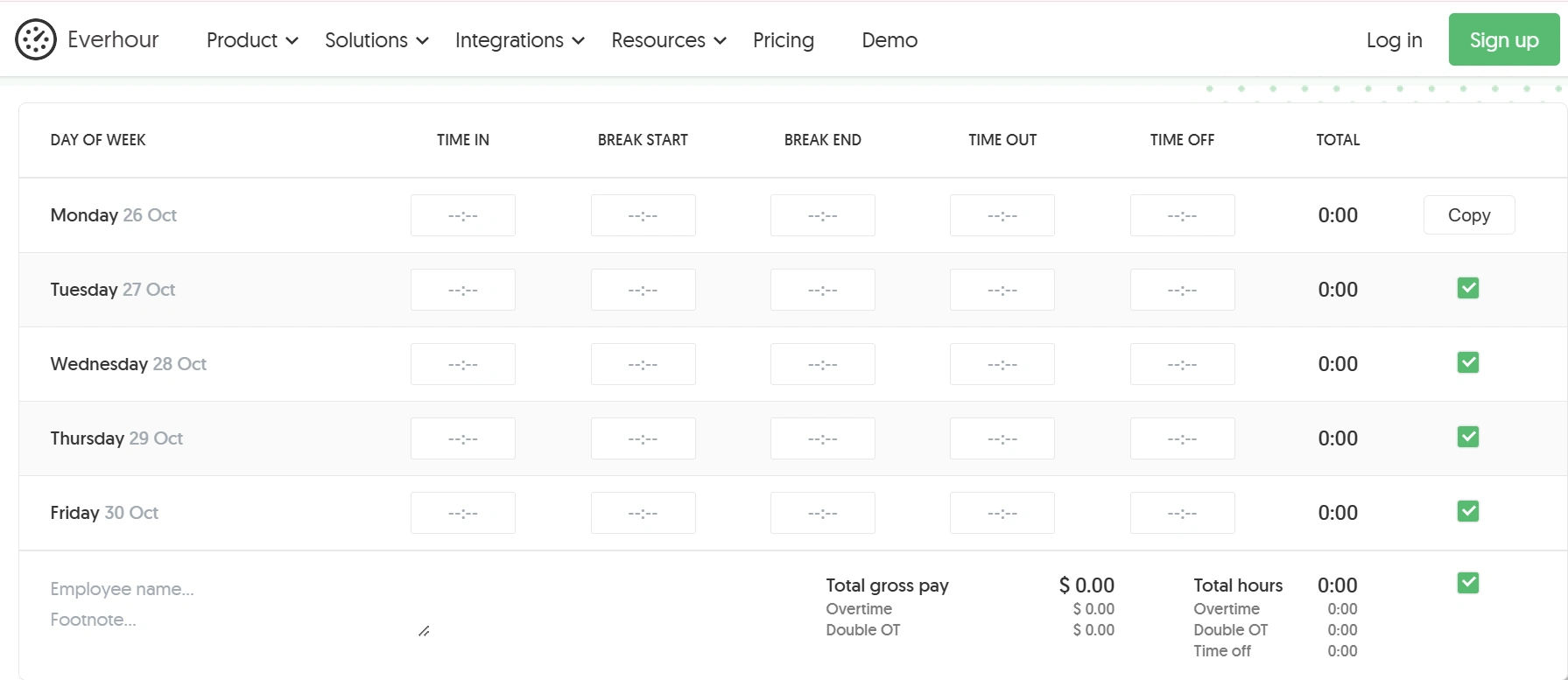
Everhour adds a time tracker directly inside project management tools such as Asana, Jira, Trello, ClickUp and Basecamp. Hours roll up into budgets, reports and invoices.
- Timer embedded in your project management tool
- Project budgets and billable rates
- Timesheets, reports and invoicing
- Time-off and resource planning on paid plans
Best for: agencies and product teams that already manage work in a project tool.
Free version: a free plan for small teams, with core time tracking. Paid plans start at about $8.50 per user per month, billed annually.
Limitation: the integrations, billing and budgets that make Everhour useful mostly require a paid plan.
6. Harvest
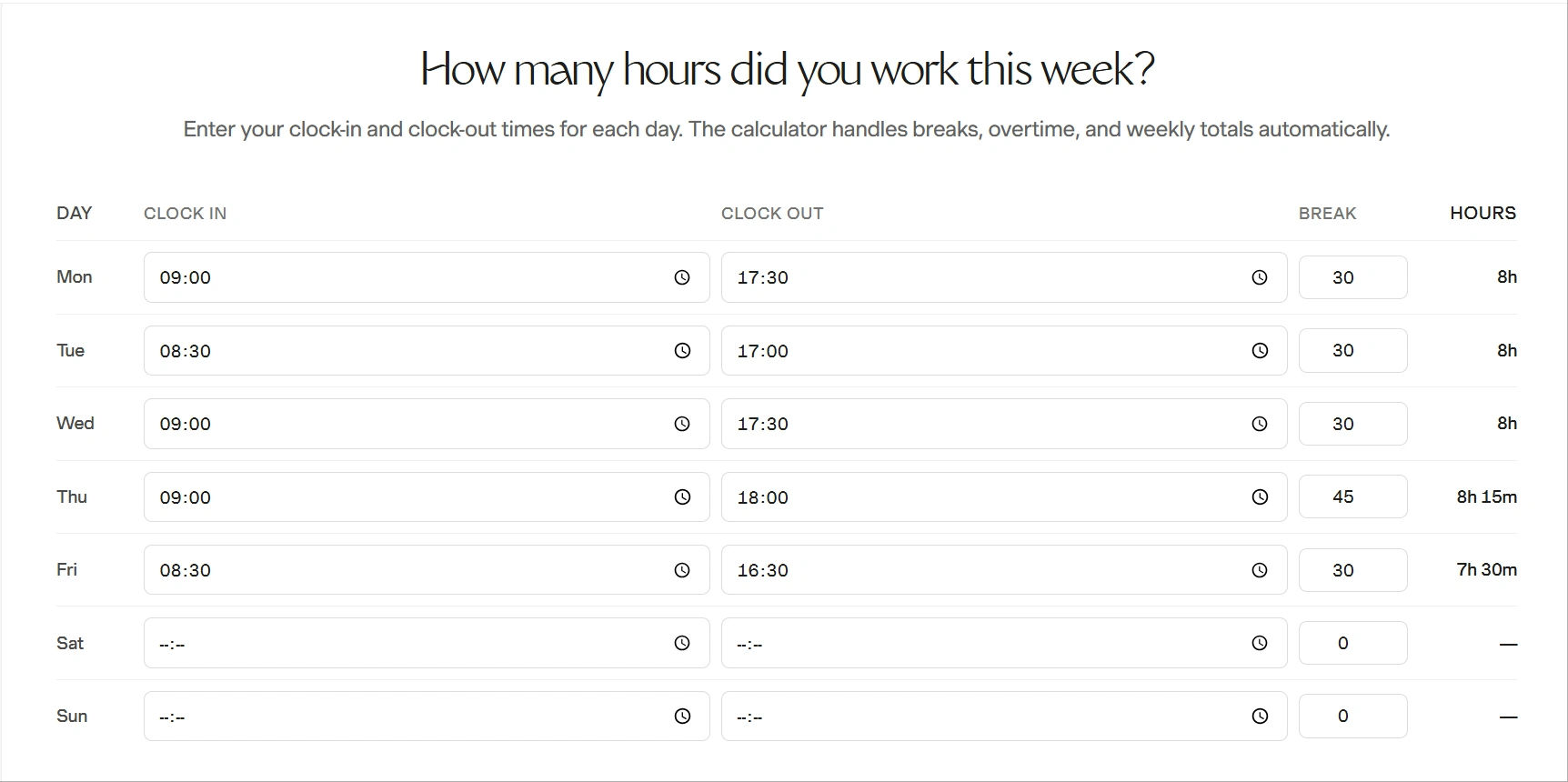
Harvest combines time tracking, expenses and invoicing in one clean app. It turns tracked hours straight into client invoices.
- Timer and weekly timesheets with reminders
- Billable and non-billable hours with project budgets
- Invoicing and online payments
- Integrations with QuickBooks, Xero, Asana and Slack
Best for: freelancers and small agencies that bill by the hour.
Free version: free for 1 seat and 2 projects. Paid Pro plans start at about $11 per seat per month, billed annually.
Limitation: the free plan is too small for a team, and costs climb quickly as seats are added.
7. Jibble
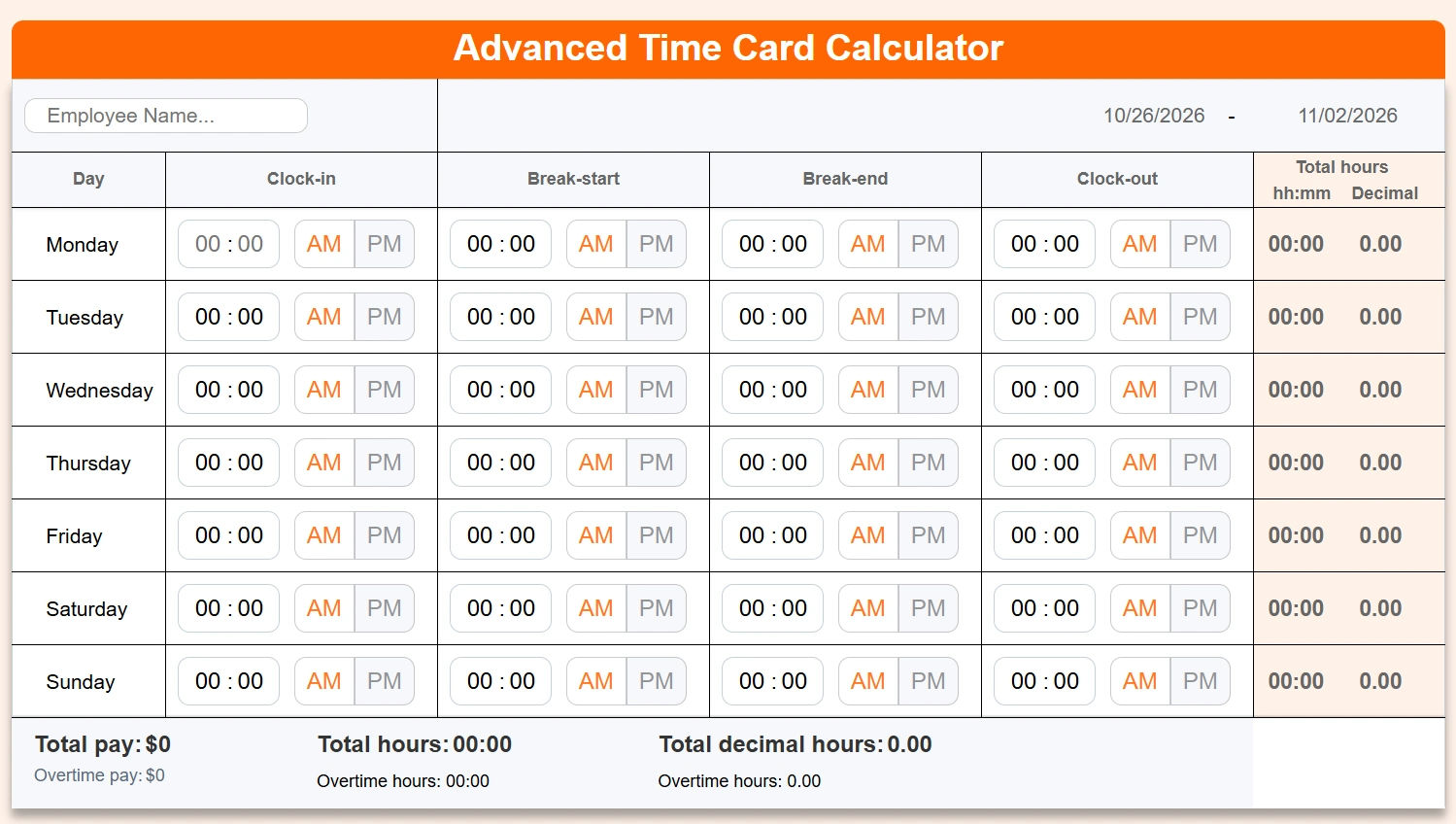
Jibble is a free time clock and attendance app. Employees clock in from a phone, browser or shared kiosk, and Jibble turns those punches into timesheets with hours and overtime calculated automatically.
- Clock in and out on mobile, web or kiosk
- Facial recognition and GPS location to prevent buddy punching
- Automatic daily, weekly and overtime calculations
- Timesheets and attendance reports with exports
Best for: shift-based, hourly and field teams that need attendance tracking for every employee at no cost.
Free version: free forever for unlimited users. Paid plans start at about $3 per user per month, billed annually.
Limitation: geofencing, advanced reports and payroll-ready exports need a paid plan, and project-level billable tracking is limited compared with Harvest or Everhour.
Timesheet 365: Best for Accurate Hours & Billable Tracking
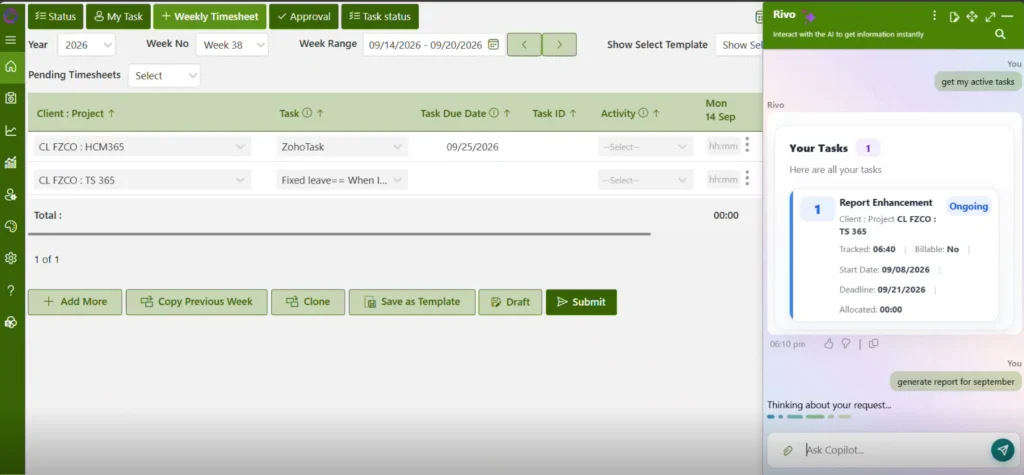
Free calculators and trackers work well until your team grows, clients question invoices, or HR has to defend every hour in an audit. At that point you need more than a calculator. You need time that is captured accurately from the start.
Timesheet 365 is timesheet software built for Microsoft 365. It is not a downloadable template. It is an automated system that runs where your team already works.
- An AI agent that automates work capture. Timesheet 365 AI agent captures work as it happens, so timesheets reflect the work actually done instead of entries reconstructed from memory on Friday afternoon. The result is accurate reports for payroll, billing and project costing.
- Native Microsoft Teams and SharePoint integration. Employees log time inside Microsoft Teams, and data is stored in SharePoint within your Microsoft 365 environment. There is no new app to adopt and no separate login.
- Billable and non-billable hours. Every hour can be split by client, project or internal work, so invoices are complete and utilization reports are reliable.
- Accurate, automatic hours calculation. Daily totals, weekly totals, overtime and decimal hours are calculated for you. There are no formulas, rounding mistakes or copy-paste between spreadsheets.
- Approvals and reporting. Managers review and approve timesheets, then export payroll-ready and client-ready reports.
Best for: managers, HR teams and professional-services firms on Microsoft 365 that have outgrown free time card calculator apps.
Free version: a 14-day free trial with full features, so you can test it on a real pay period before you commit.
Start your 14-day free trial of Timesheet 365 and see your team’s hours calculated automatically, right inside Microsoft Teams.
Join Our Creative Community
Time Card Calculator FAQs
How do I calculate time card hours?
Subtract the start time from the end time for each shift, deduct unpaid breaks and add the days together. For example, 8:15 a.m. to 5:00 p.m. is 8 hours 45 minutes; minus a 30-minute lunch, that is 8 hours 15 minutes. A time card calculator does this for the whole week automatically.
How do I convert minutes to decimal hours for payroll?
Divide the minutes by 60. So 15 minutes is 0.25, 30 minutes is 0.5 and 45 minutes is 0.75, which makes 8 hours 15 minutes equal to 8.25 hours. Multiply decimal hours by the hourly rate to get gross pay.
Does Timesheet 365 work as a time card calculator app?
Yes. Timesheet 365 totals daily hours, weekly hours, overtime and decimal hours from captured time entries, so there is no separate template or manual math. It is software rather than a free template, and you can test it with a 14-day free trial.
Can Timesheet 365 track billable and non-billable hours?
Yes. Each entry can be marked billable or non-billable by client and project. That keeps invoices accurate and shows how much time goes to internal work.
Does Timesheet 365 integrate with Microsoft Teams and SharePoint?
Yes. Timesheet 365 is built for Microsoft 365. Employees track time in Microsoft Teams, data is stored in SharePoint, and its AI agent automates work capture so reports stay accurate.


























