
Your Search Ends HereFind the Best Timesheet Software for Your Team
Explore popular options, compare key features, and find the right timesheet software for your team.
_mVFFaHUZhS.webp)

Why Timesheet Software Needs Really in 2026
Running a business without solid timesheet software is like driving at night with no headlights. You know where you want to go, but you cannot see the hours, costs, and small mistakes piling up along the way. Maybe you are a freelancer who forgets to log hours until Friday. Maybe you manage a remote team spread across three time zones. Or maybe you lead a crew that clocks in from five different job sites. Whoever you are, guessing at work hours costs you money, trust, and time you cannot get back.
Think about the last time a client questioned an invoice, or payroll took an extra day because two spreadsheets did not match. Multiply that stress by every week of the year, and it is easy to see why so many small teams feel like they are always one step behind. A good time tracking tool does not just log minutes. It hands back the trust, the time, and the money that manual tracking quietly eats away.
Most of this damage is quiet. Buddy punching, rounded breaks, and forgotten log-ins rarely show up as one big number. They show up as many small ones, spread across a year, until a manager finally adds them up.
Benefits of Timesheet Software
Once the guesswork disappears, the benefits show up fast, and they show up in more than one part of the business.
- Hours of manual admin work disappear every week, freeing up time for real project work instead of paperwork.
- Payroll errors and time theft drop sharply once every hour is logged automatically instead of by hand.
- Client invoices go out faster and get questioned less, since every hour is backed by a timestamp.
- Managers get real visibility into remote and field teams without micromanaging a single person.
- Raw hours turn into clear, exportable reports, so budgeting and forecasting stop being a guessing game.
Whether you call it a time tracking tool, a work hour tracker, or just “that thing HR keeps asking about,” the benefit is the same: turning hours into honest numbers everyone can trust.
Want to see these benefits in your own numbers?
Choosing the Best Timesheet Software: 20+ Tools Compared
We tested each tool the way real teams use them: logging hours, assigning tasks, and pulling reports. Here is how they stack up, body content and standout features included for every single one.
Some of these are full timesheet tools built for whole teams. Others are lighter time tracking apps meant for one person watching their own hours. A few blur the line and work well either way. Knowing which type you actually need will save you from paying for features you will never touch.
1. Timesheet 365 — Best overall pick.
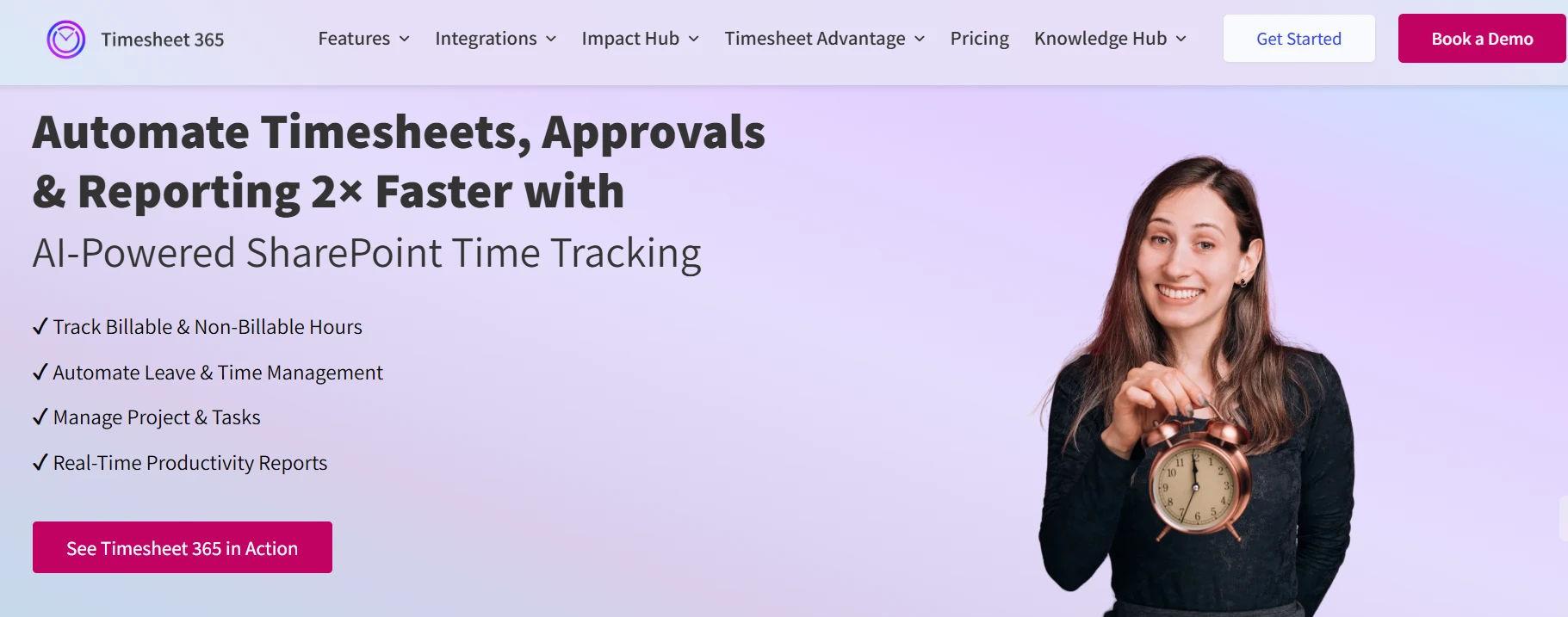
As an all-in-one timesheet software, Timesheet 365 combines task-based time tracking, manager approvals, and smart reminders in a single clean dashboard, so nothing slips through the cracks. It offers a 14-day free trial with full access to core features, so you can test the whole platform before paying anything. Most teams are fully set up within a day, and it scales smoothly as headcount grows without a painful migration to another platform later. It also connects natively with Microsoft 365 and SharePoint, and includes location-based tracking to confirm where hours were actually logged. For teams already living inside the Microsoft ecosystem for documents and files, that native connection keeps timesheets, files, and approvals in one place instead of scattered across separate logins.
Key features:
- Task-based time tracking with manager approvals
- Automated reminders to prevent missing timesheets
- Calendar view with drag-and-drop scheduling
- Access across web, desktop, and mobile
- Smart time-entry suggestions based on past entries
- Deep integration with Microsoft 365 and SharePoint
- Location-based tracking to verify where hours were logged
2. Toggl Track — Best for overall ease of use
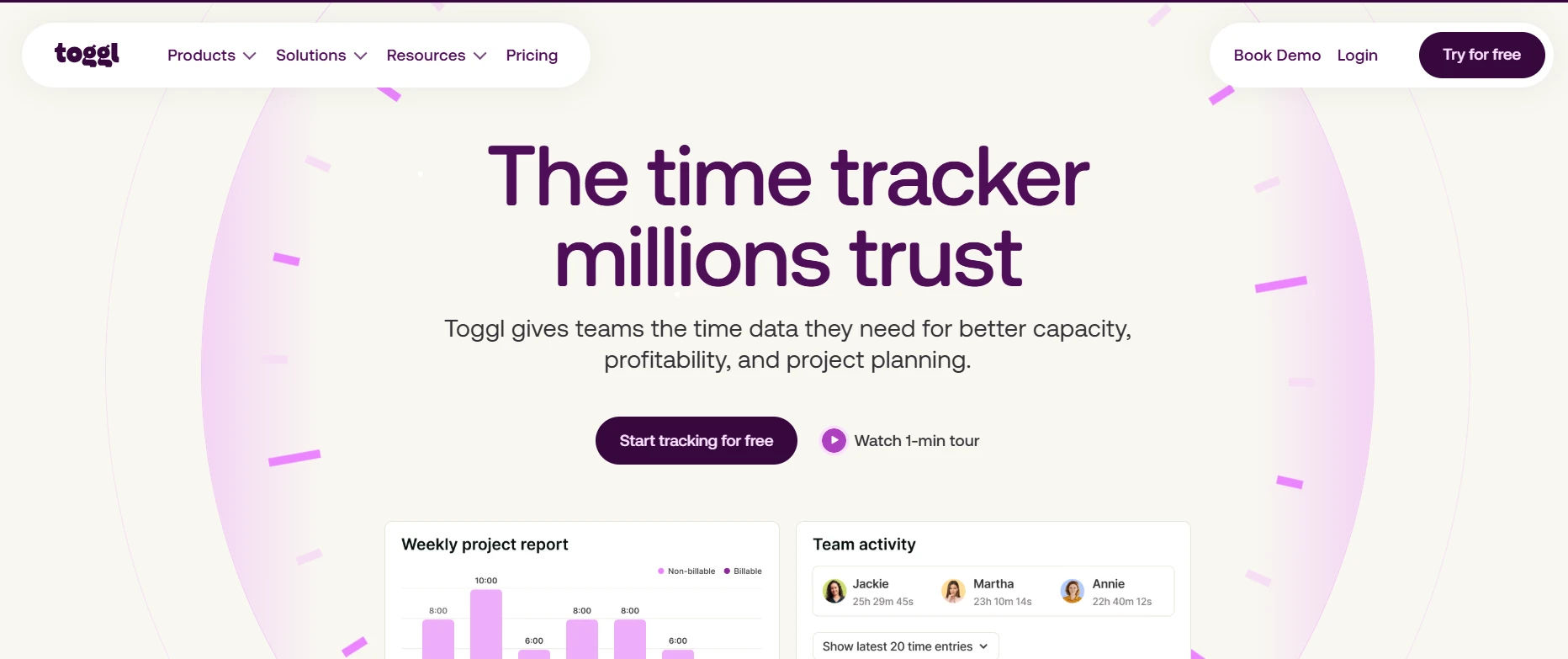
Toggl Track is a time tracking app built on a sharp, simple interface that freelancers and small teams can pick up in minutes. A single click starts the timer, and the free plan for up to five users still includes solid reporting, so smaller teams rarely feel boxed in early on. Most people are logging their first hour within minutes of signing up, with no training needed. The mobile app mirrors the desktop experience closely, so switching devices does not mean relearning the interface. Teams that outgrow the free tier tend to do so because they want more integrations, not because the tracking itself falls short.
Key features:
- One-click timer with a built-in Pomodoro mode
- Idle detection and automatic tracking triggers
- Exportable reports plus 100-plus app integrations
- Browser extension and mobile apps for tracking on the go
- Role-based access as your team grows
3. Jibble — Best for unlimited users
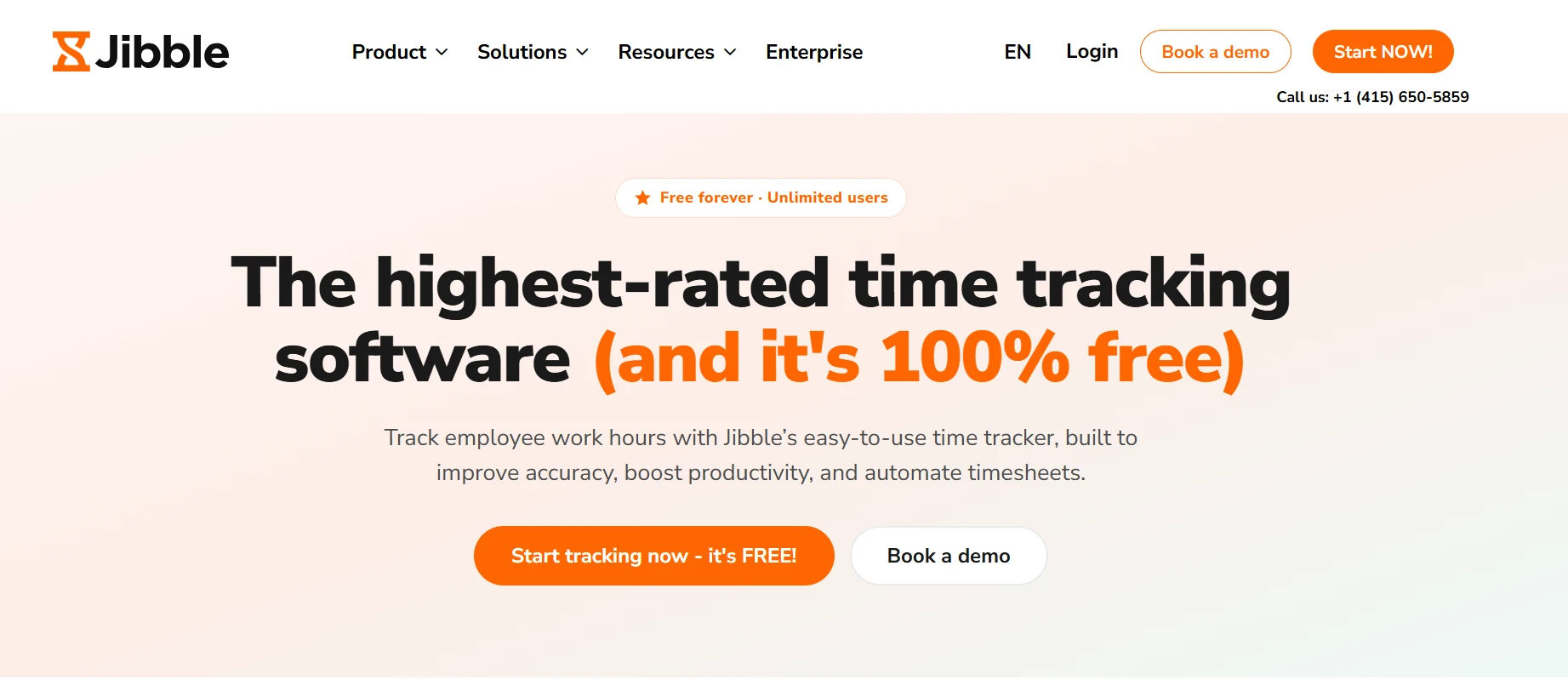
Jibble is timesheet software that stays free no matter how many people you add, which makes it a natural fit for growing or seasonal teams. Its on-site tools, including facial recognition and PIN codes, give managers confidence that the person clocking in is really the person on payroll. Because pricing stays free as the team grows, it is a safe pick even before you know your final headcount. Shift scheduling sits alongside the clock-in tools, so managers are not juggling a separate app just to plan a week. Seasonal businesses in particular lean on Jibble because adding temporary staff during a busy month does not raise the bill.
Key features:
- GPS and facial recognition clock-ins
- PIN code and geofenced check-ins
- Free kiosk mode for shared devices
- Selfie check-ins for extra identity verification
- Automated timesheet generation from clock data
4. Connecteam — Best for small teams
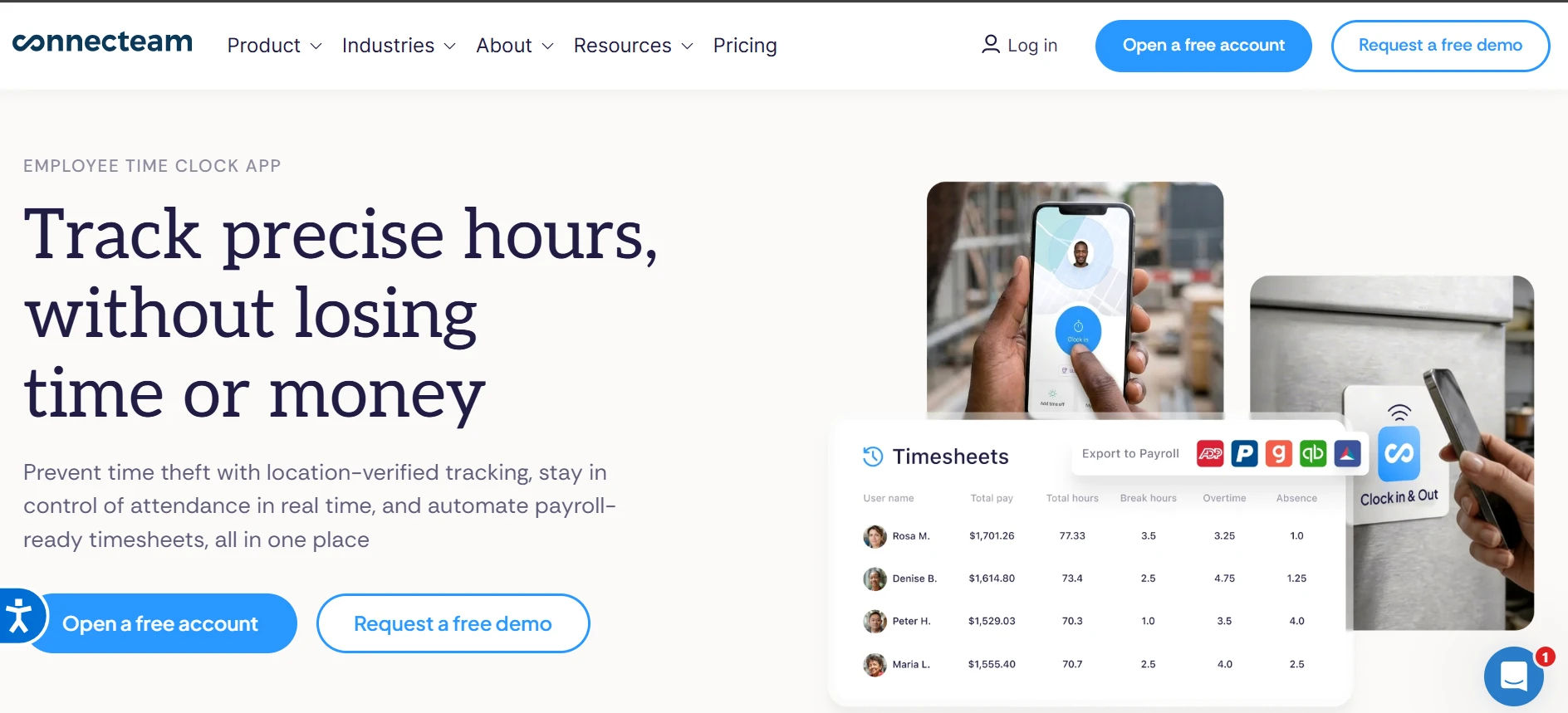
Connecteam packs scheduling, task management, and time tracking into one app, then adds extras like team chat and document handling that most timesheet tools skip entirely. Free access for up to ten users makes it a strong all-in-one pick for small businesses that would rather not juggle five separate apps. New team members usually find their way around without any onboarding call. The mobile-first design matters most for teams who rarely sit at a desk, like retail or hospitality staff. Once a business passes ten employees, the free plan ends, so it is worth mapping out growth before settling in.
Key features:
- Built-in scheduling and task management
- Team chat and employee directory
- Custom digital forms with saved signatures
- Leave requests and job reporting in one place
- Drag-and-drop templates you can clone and reuse
5. busybusy — Best for field teams.
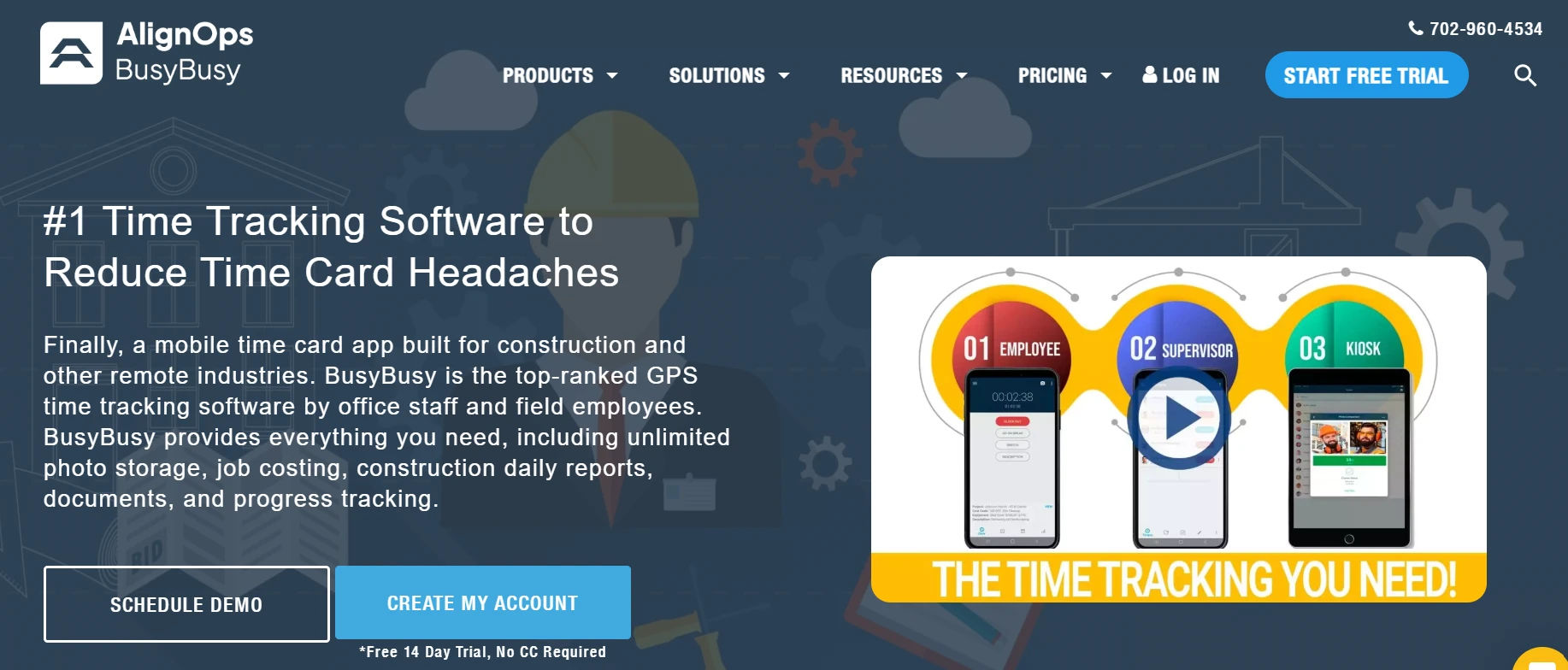
busybusy is a rugged time tracking tool built with a hard hat in mind, not a desk chair. It tracks labor hours right alongside equipment use and job costs, which gives construction and field companies a fuller financial picture than a simple clock-in app, even when a crew is working with no signal at all. That level of detail is hard to find in general-purpose timesheet software. Superintendents often use the cost-code breakdown to catch a job running over budget before the project wraps, not after. It is less useful for an office-only team, since most of its strength is built around physical job sites.
Key features:
- Equipment and labor cost tracking by job
- Custom overtime and break rules
- Offline mode for low-signal job sites
- Fuel level tracking across equipment and vehicles
- Mobile-friendly reporting straight from the field
6. Clockify — Best for integrations
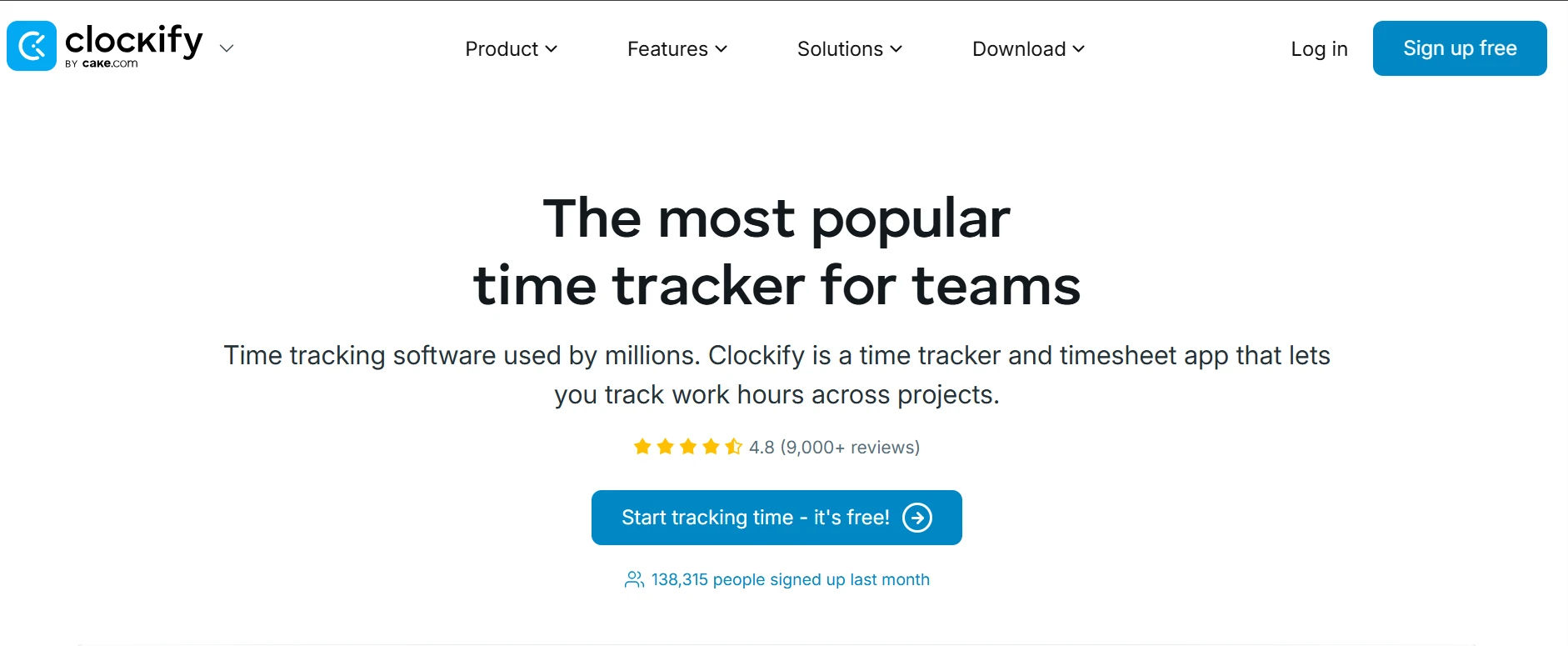
Clockify earns its spot through sheer compatibility. With more than eighty native integrations and free API access, it slots into almost any existing tech stack instead of forcing a team to change how they already work, which is why so many mixed-tool teams choose this timesheet software. It is also one of the few free tools that will not eventually ask you to pay for API access. Teams already committed to a specific project management tool tend to pick Clockify simply because it slots in without disrupting anything else. The tradeoff is a less polished interface than some paid alternatives, though most users adjust quickly.
Key features:
- 80-plus integrations, including Trello, Asana, and Slack
- Free API and webhook access
- Drag-and-drop calendar scheduling
- Tasks assignable to specific clients and projects
- Open-source extension for custom integrations
7. OfficeTimer — Best for check-in and check-out logs
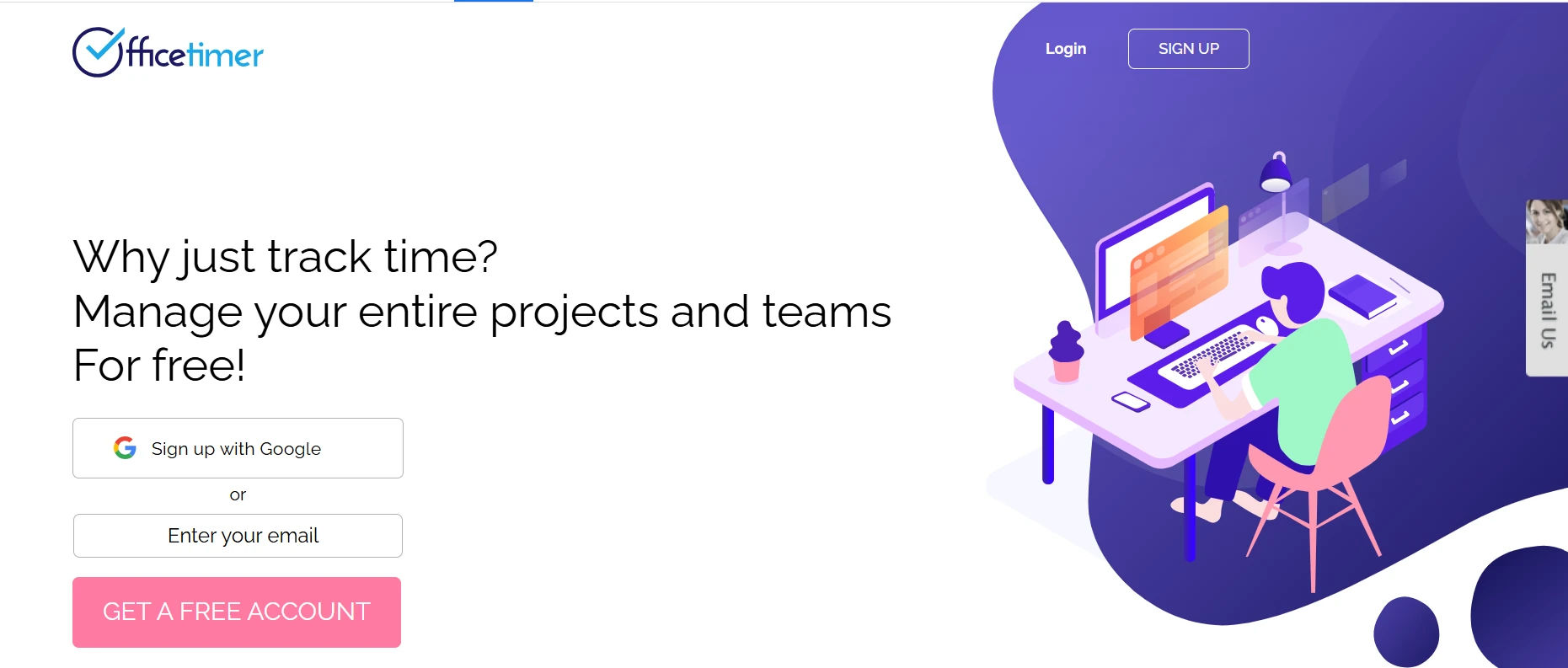
OfficeTimer is straightforward timesheet software that skips the flashy design and focuses on one job: dependable attendance and project logging. Unlimited users, projects, and reports on the free plan make it a solid pick for teams that want the basics done well, and free real-time support is a rare bonus at no cost. It will not win a design award, but it rarely breaks either. Expense management sits in the same dashboard as attendance, so finance teams are not exporting data from two different systems. It suits teams that want dependable basics more than a tool packed with extras they will never open.
Key features:
- Unlimited check-ins, projects, and reports
- Built-in leave and overtime tracking
- Free real-time customer support
- Geotagging included at no extra cost
- Expense tracking alongside logged hours
8. TMetric — Best for client billing
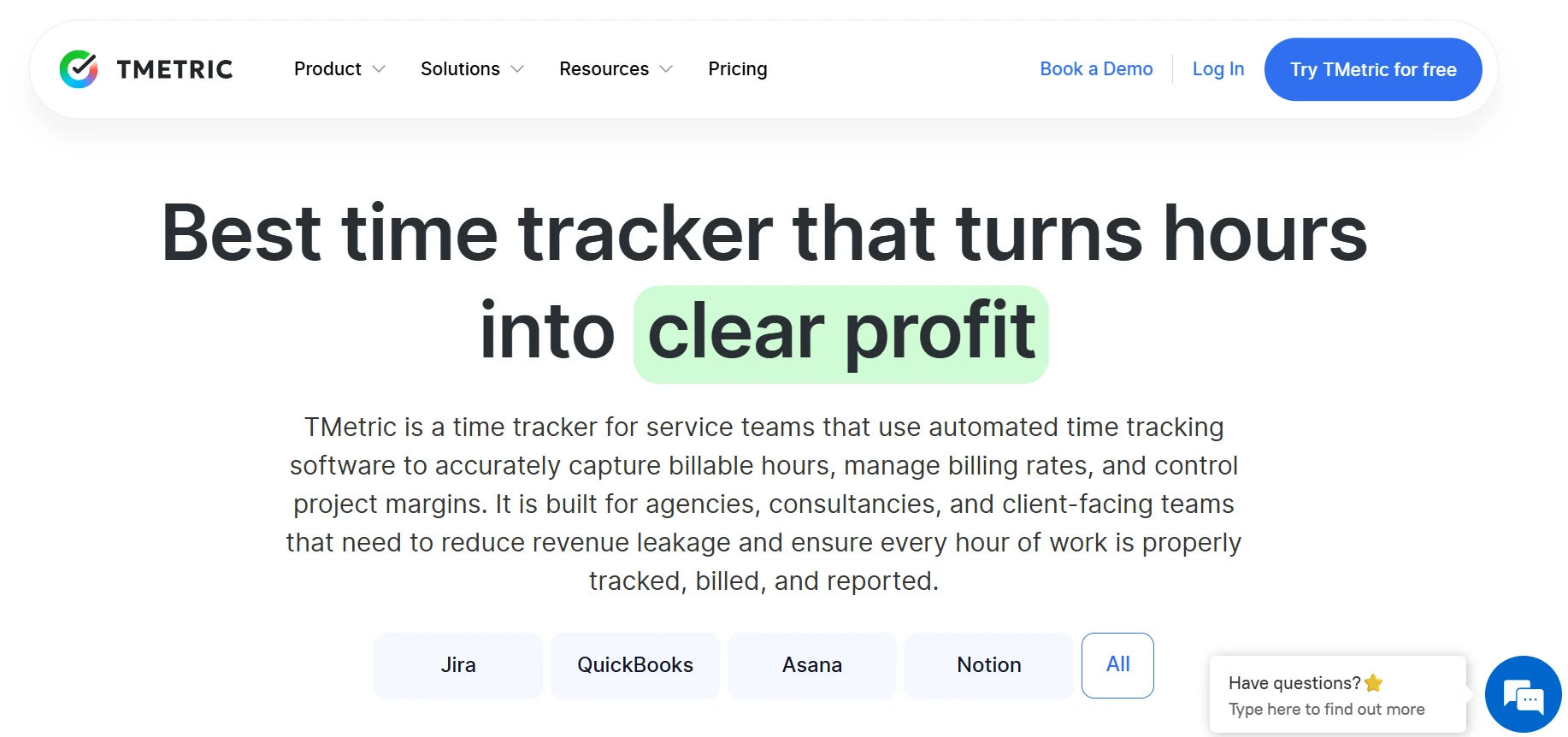
TMetric is time tracking software built around one question: can you turn hours into an invoice a client will not argue with? Its billing-first design tracks rates by client and project, then backs every number with a visual activity timeline, which is exactly what agencies need when a bill gets questioned. That level of detail can settle a billing dispute before it turns into an argument. Agencies managing several retainer clients tend to like it most, since rates can differ by client without any manual recalculating. The seven-day activity history on the free plan is the main limit worth knowing about upfront.
Key features:
- Billing-ready reports by client and project
- Ten-minute activity timeline for accountability
- Free Chrome extension for one-click tracking
- Unlimited clients and projects, even on the free plan
- Notes and tags on every logged entry
9. Traqq — Best for activity monitoring
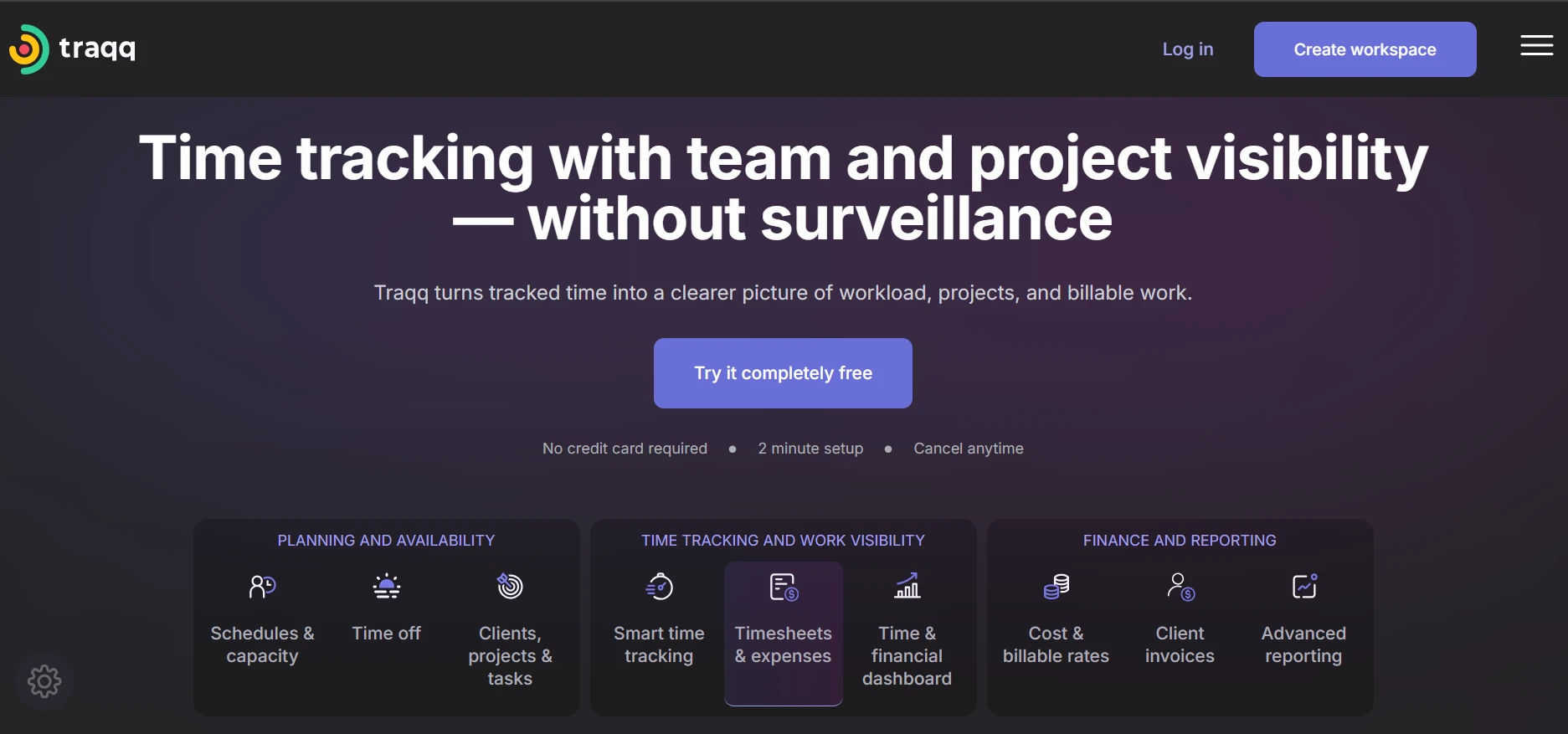
Traqq leans into visibility. Automatic, privacy-blurred screenshots and productivity scores give managers a real sense of how remote work is actually going, not just how many hours got logged. It is a trade-off some teams want and others do not, but for the ones who do, it delivers. Teams that are comfortable with screen monitoring tend to get the most value here. Some remote employees find the screenshots intrusive even with blurring, so it is worth discussing openly before rolling it out. Managers overseeing several remote hires at once tend to get the clearest payoff from the productivity scoring.
Key features:
- Automatic screenshots with privacy blur
- Productivity scoring per employee
- Scheduled reports sent straight to managers
- Flags idle time and manual edits automatically
- Full premium feature set for teams up to three
10. TrackingTime — Best for task management
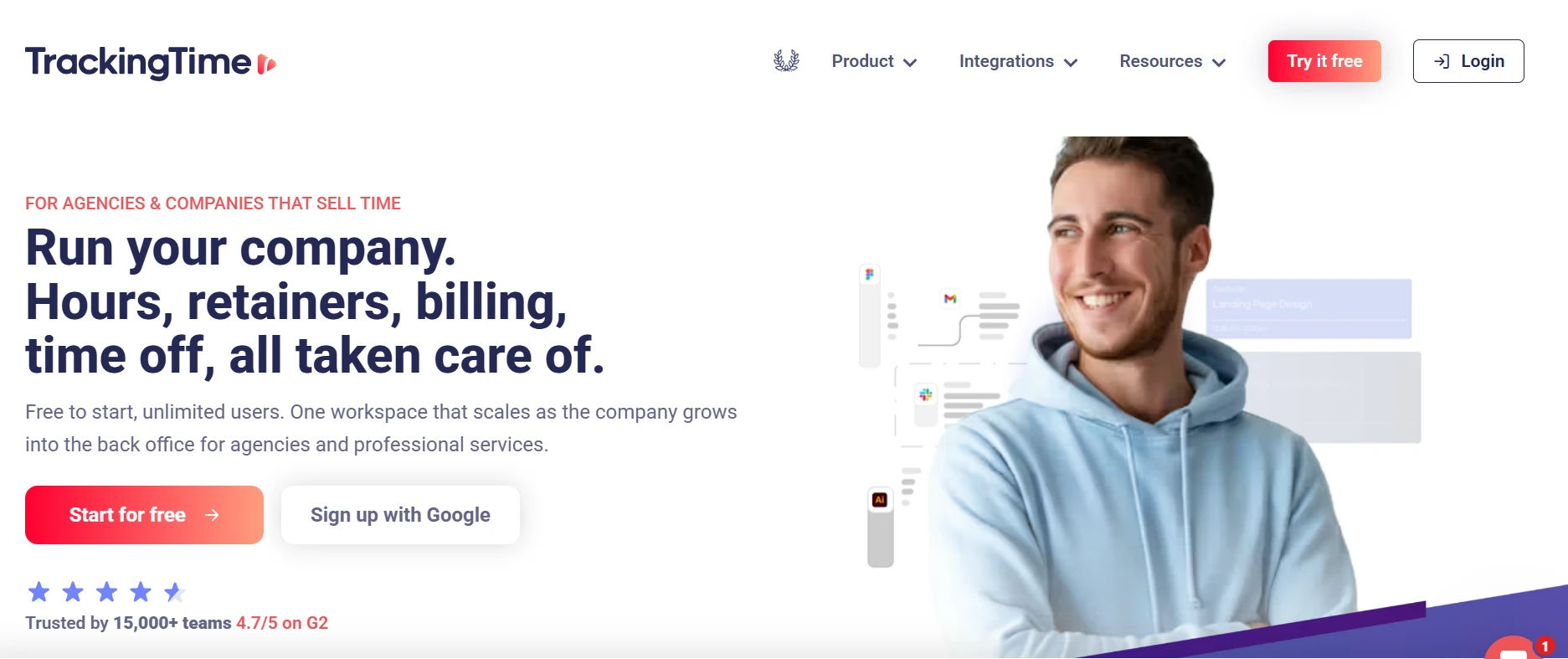
TrackingTime treats hours and tasks as one problem instead of two. Unlimited tasks and subtasks sit right next to the timer, so planning and logging happen in the same place, and billable rate tracking is included free, which is rare for a tool this focused on task management. It works especially well for creative teams juggling several small projects at once. The Pace view is particularly useful for agencies trying to spot a project drifting behind schedule early enough to fix it. Only three users fit on the free plan, so it fits solo operators and very small teams best.
Key features:
- Unlimited tasks and subtasks
- Billable rate tracking on the free plan
- Branded, exportable reports
- Pace module for tracking deadlines and progress
- Calendar sync and bulk time editing
11. Everhour — Best for interactive timesheets
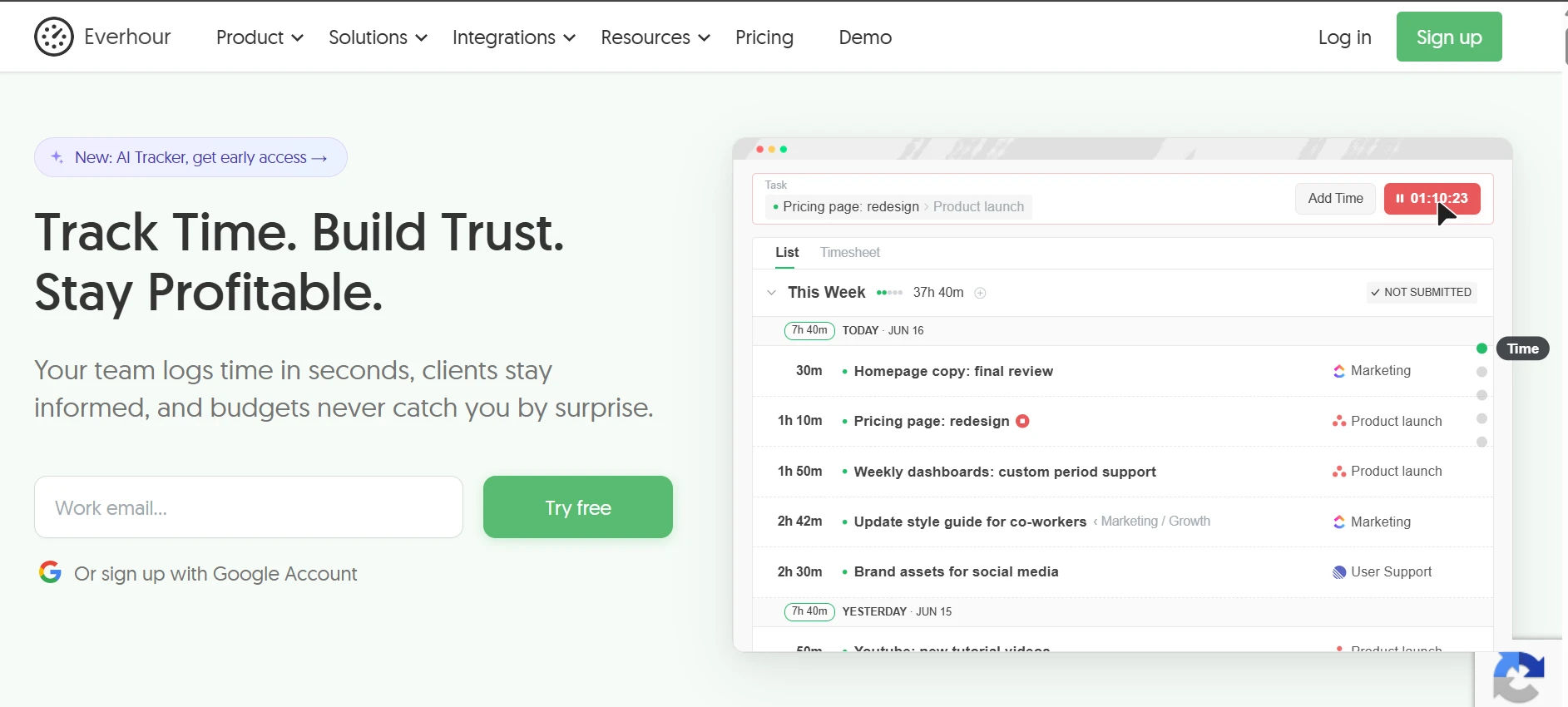
Everhour is timesheet software built to be touched, not just viewed. Teams can edit entries, add notes, and submit time-off requests without leaving the grid, and deep integration with tools like Asana and Jira means the timesheet lives right where the project work already happens. Project managers who live inside Asana or Jira rarely need to open a separate app. Client-facing teams like that the exported reports look clean enough to send along with an invoice with no extra formatting. Everhour leans heavily on its integrations, so teams without Asana, ClickUp, or Jira may not get the full benefit.
Key features:
- Editable, interactive timesheet grid
- Deep integration with Asana, ClickUp, and Jira
- Time-off requests handled in the same view
- Export timesheets as PDF, CSV, or XLSX
- Create and assign new tasks from the timesheet
12. My Hours — Best for freelancers
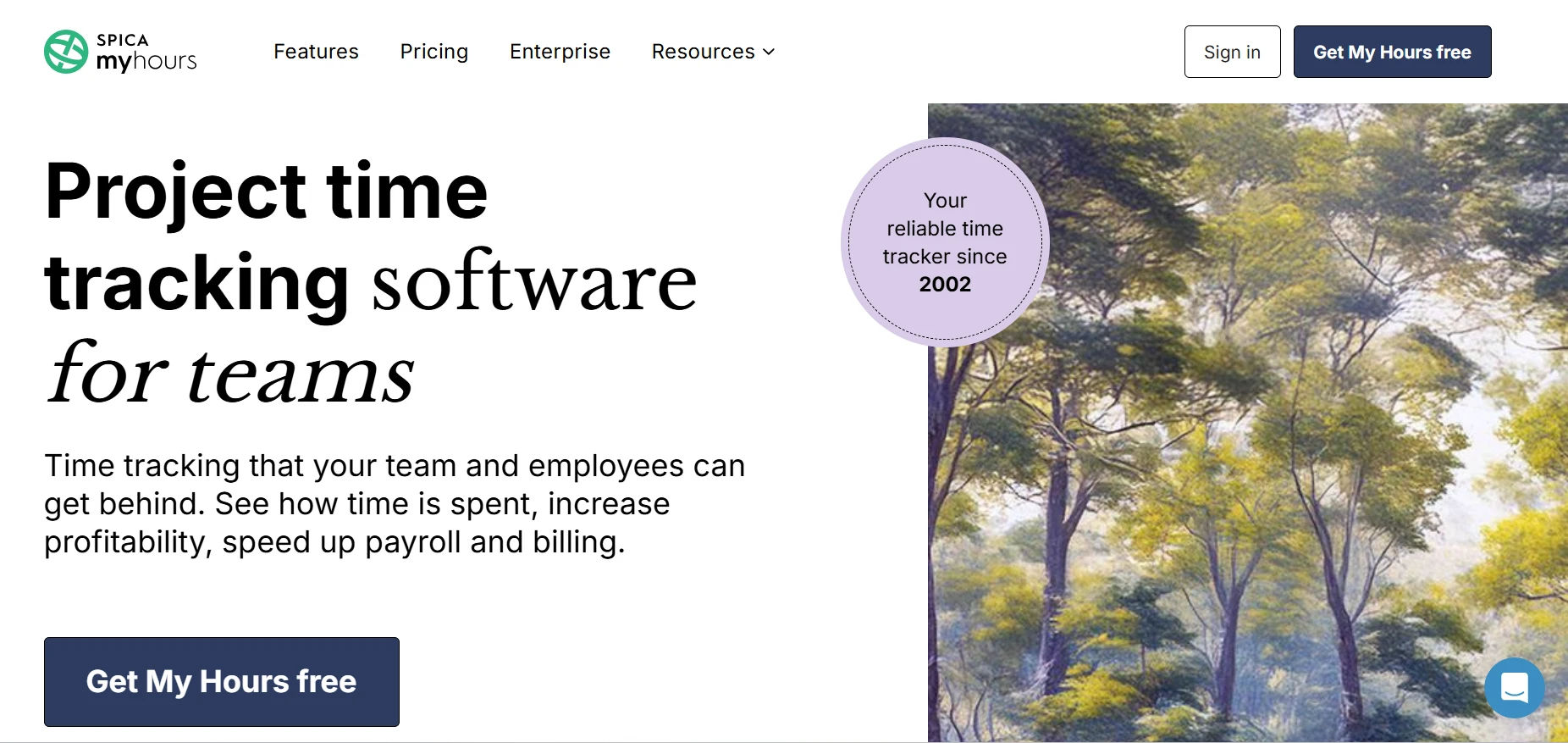
My Hours keeps its focus narrow on purpose: track hours, track cost, know if the project still makes sense. Unlimited projects and clients on the free tier mean solo consultants can grow their client list without hitting a wall, and notes or files attached to entries keep context in one place. That clarity is often what keeps a freelance business profitable instead of just busy. The budget alerts are especially useful for fixed-price projects, where going over hours quietly erodes the profit margin. It stays simple by design, so teams wanting deep team management features will likely outgrow it.
Key features:
- Unlimited projects and clients
- Project budgets by hours or cost
- Notes and file attachments on entries
- Start or stop timer, or log hours manually
- Reports split total hours from billable hours
13. Kimai — Best for open-source teams
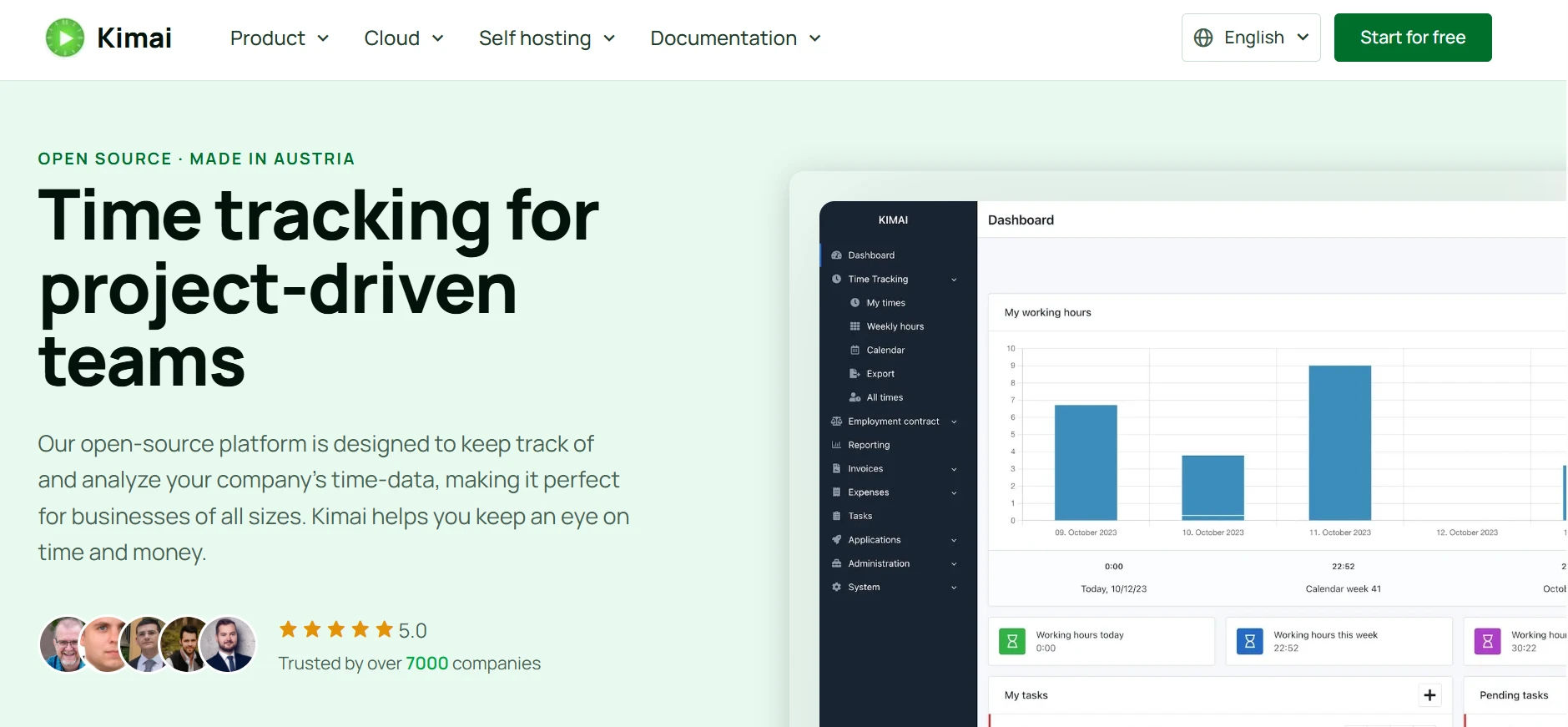
As self-hosted, open-source timesheet software, Kimai hands the keys over completely. It is built for developers and IT teams who want full control over their own data and are comfortable maintaining the system themselves in exchange for that control and a library of community plugins. The trade-off is that your IT team owns updates and uptime, not a vendor. Agencies with strict data residency requirements often choose Kimai specifically because the data never leaves servers they control. It asks more upfront setup time than any hosted tool on this list, which is the real cost of that control.
Key features:
- Fully self-hosted and open source
- Custom plugins and community add-ons
- Complete ownership of your own data
- Runs entirely on your own server
- No recurring per-user license fees
14. Harvest — Best for time plus expenses
Harvest is time tracking software that pairs hour tracking with invoicing and payment collection, so a solo consultant can go from logged hours to a paid invoice without switching tools. The free plan is narrow, covering one user and two projects, but for a single freelancer billing directly, it covers the essentials well. For a one-person business, that alone can replace a separate invoicing tool. Clients tend to pay Harvest invoices faster simply because the line items map directly to logged hours, with no guesswork on either side. Teams past a handful of people should expect the per-user pricing to add up quickly once the free plan is outgrown.
Key features:
- Built-in invoicing generated from tracked hours
- Online payment collection built in
- Expense tracking alongside logged hours
- Simple setup for solo consultants
- Clean project-by-project time breakdown
15. TimeCamp — Best for automatic tracking
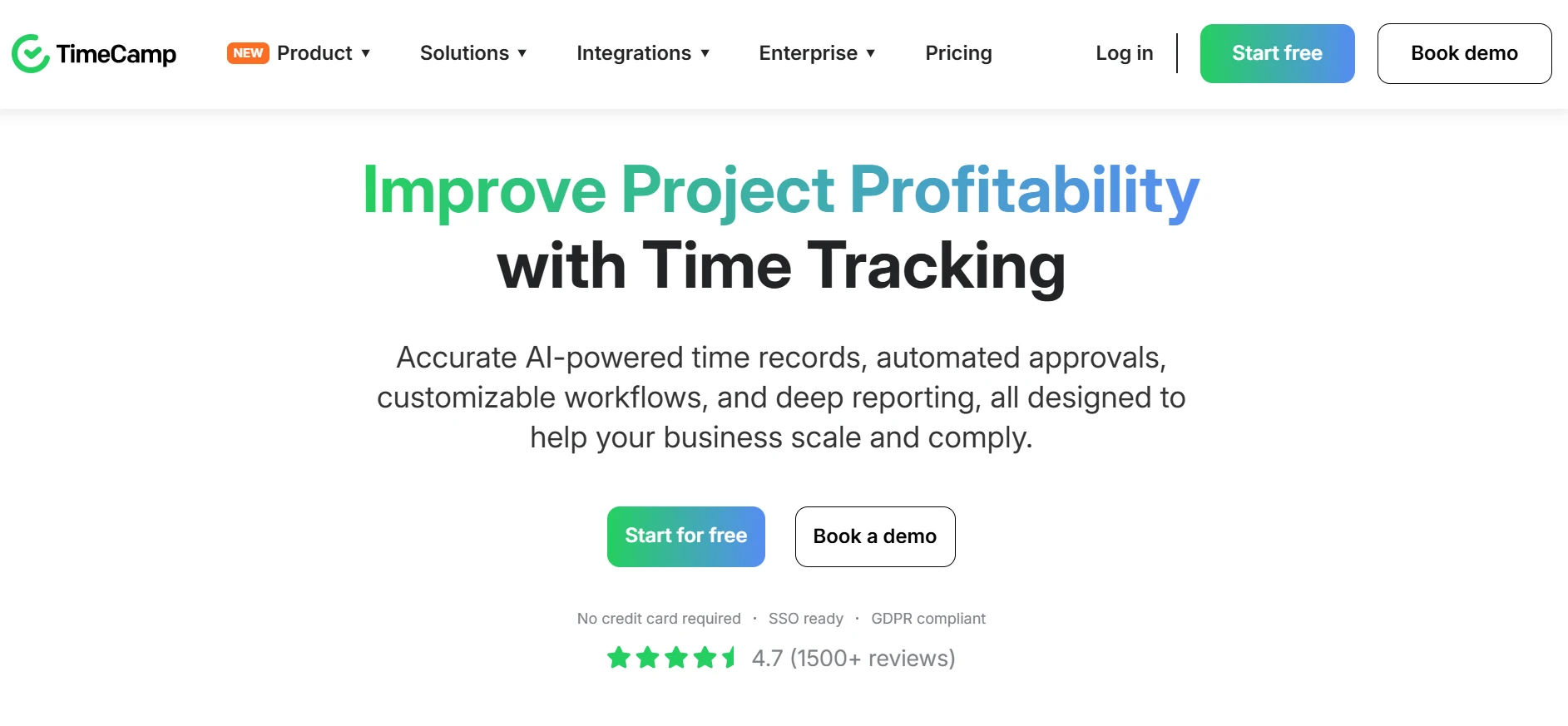
TimeCamp is a time tracking app that works quietly in the background, logging computer and app activity so almost nobody has to remember to press start. That makes it a strong fit for teams who mean well but forget to track, since the software does the remembering instead of the person. Over a few weeks, the background data alone can reveal where a workday actually goes. Some employees are uneasy with software that watches every app in the background, so it is worth being transparent about what is tracked and why. Managers get the most value when they treat the data as a coaching tool, not a scorecard.
Key features:
- Automatic background activity tracking
- Idle time detection
- Visual, easy-to-scan timesheets
- Tracks time spent on specific websites and apps
- Built-in productivity analysis on every report
16. Replicon — Best for large teams planning to scale
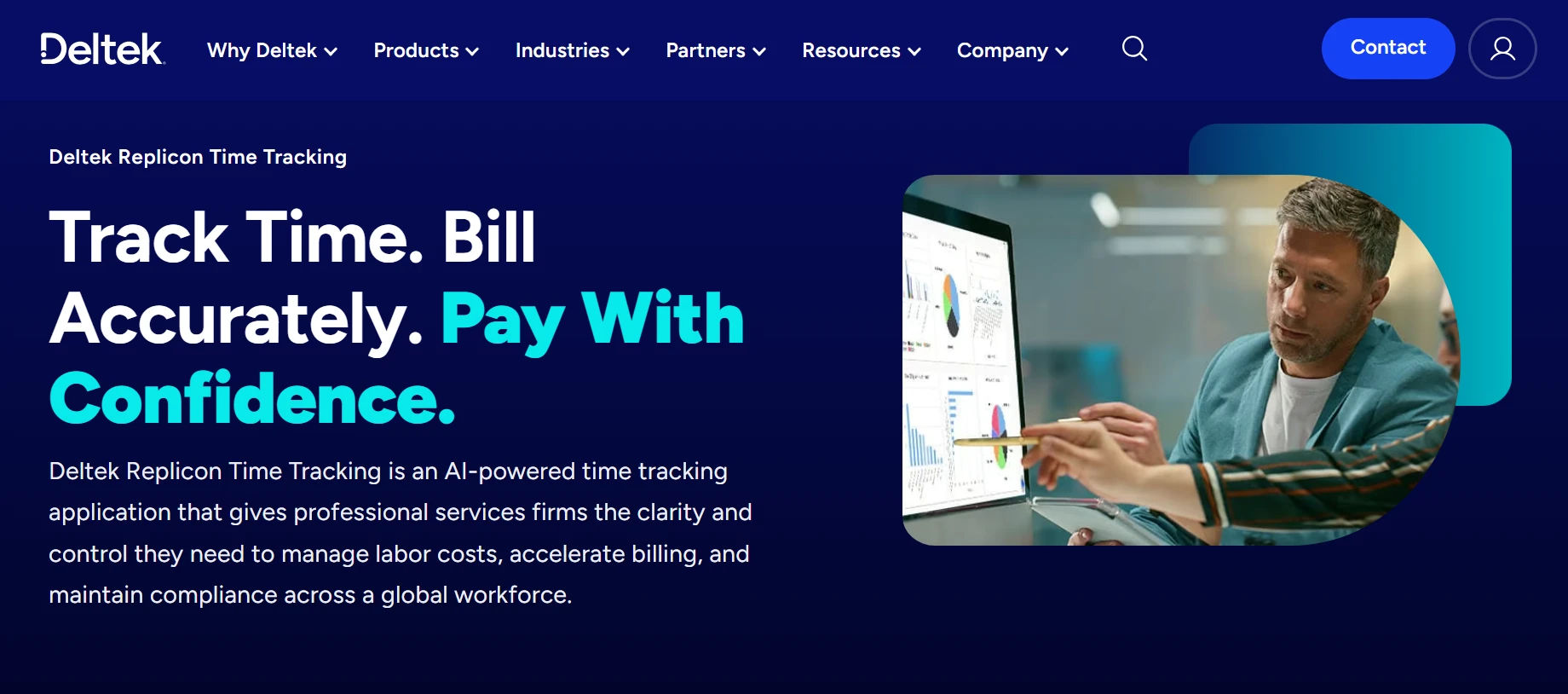
Replicon is best understood as enterprise timesheet software with a lighter free tier attached. The free version covers basic time capture, while the paid tiers add the compliance and global attendance rules that larger, multi-country organizations eventually need as they grow past a single office. It is worth a look mainly if you already know you will need that scale soon. Multinational payroll teams like that overtime and holiday rules can be set per country instead of one blanket policy. Smaller teams often find the interface more complex than they need for basic time tracking.
Key features:
- Basic time capture on the free tier
- Modular add-ons that unlock as you scale
- Built with global compliance rules in mind
- Designed for multi-country organizations
- Enterprise-grade options as headcount grows
17. RescueTime — Best for personal habits
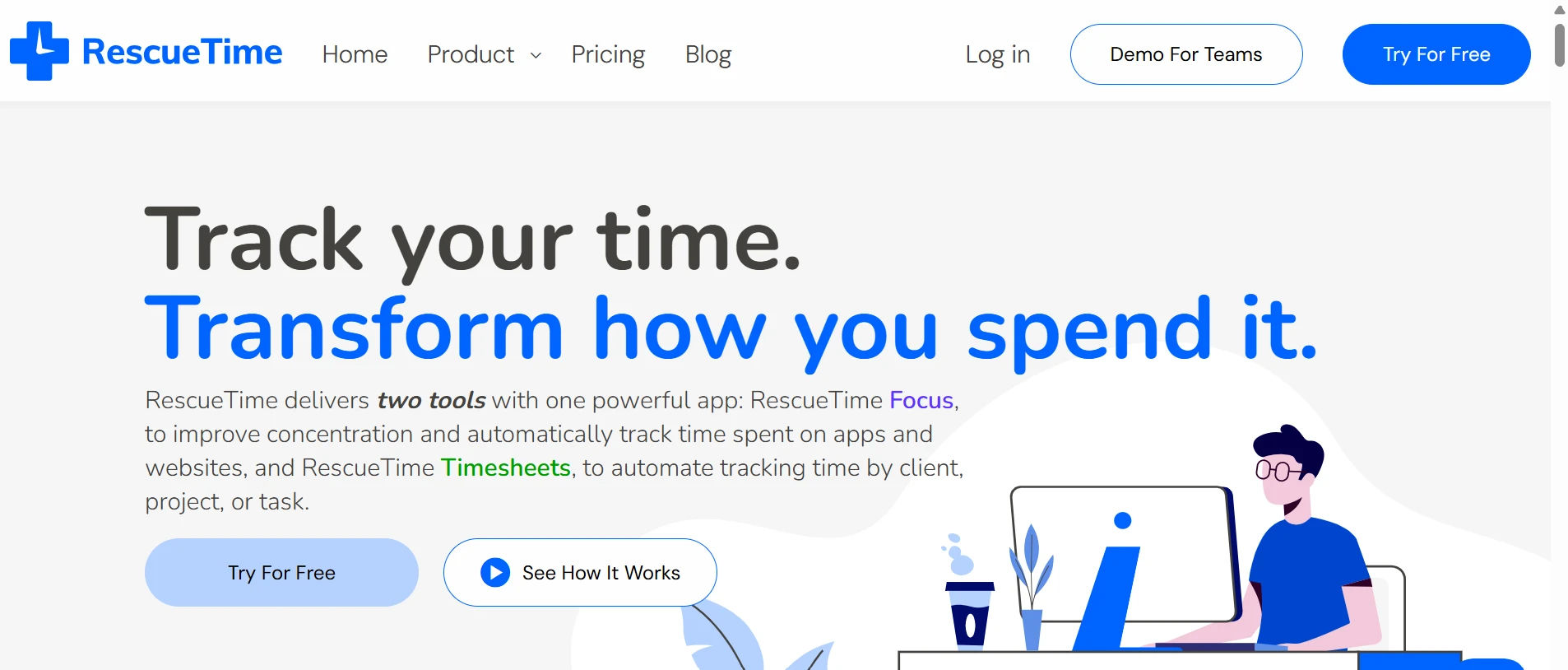
RescueTime is not really a team timesheet tool, and it does not pretend to be. It tracks how one person spends time across apps and websites, then turns that into a personal productivity report, which makes it a better fit for self-improvement than for payroll or client billing. It works best as a mirror, not a manager. Freelancers use it to spot which client work quietly eats more hours than it should. It will not generate an invoice or a team report, so pair it with something else if billing is the goal.
Key features:
- Automatic tracking of apps and websites
- Personal productivity reports
- Free-forever plan for individuals
- Highlights your most distracting apps and sites
- Weekly summaries to track progress over time
18. TimeTrack — Best for multi-device logging
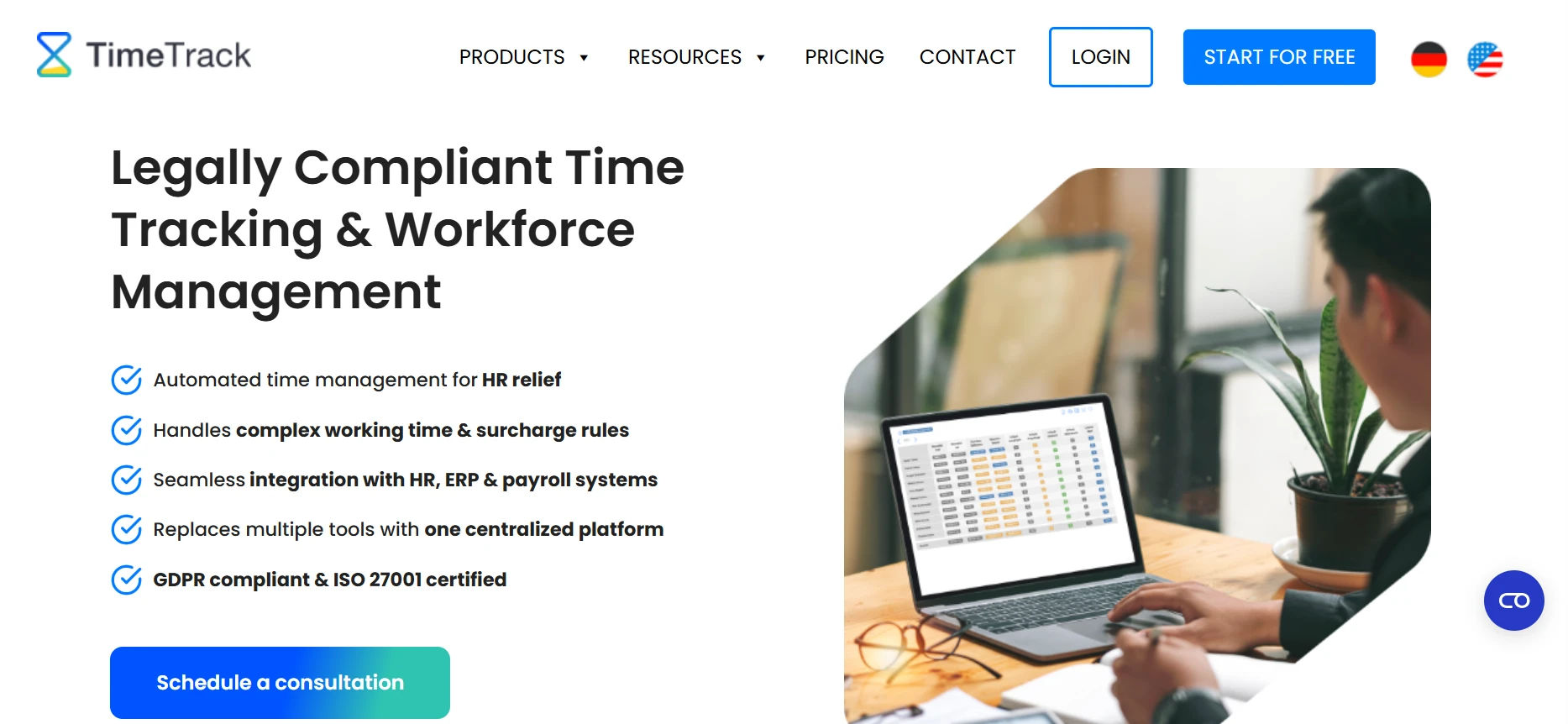
TimeTrack is a cloud-based timesheet tool built for the person who starts a task on a laptop and finishes checking it on a phone during the commute home. Cloud sync keeps every entry lined up across desktop, tablet, and mobile, and free apps for both iOS and Android cover most personal setups. Nothing about it feels unfamiliar, which is part of the appeal. Small teams that split time across a handful of clients appreciate how quickly a new entry can be logged between tasks. It covers the basics solidly but does not go much further into billing or advanced reporting.
Key features:
- Cloud sync across desktop, tablet, and phone
- Manual and automatic tracking modes
- Free iOS and Android apps
- Entries stay in sync the instant you save them
- Simple enough to set up in one sitting
19. Paymo — Best for light project work
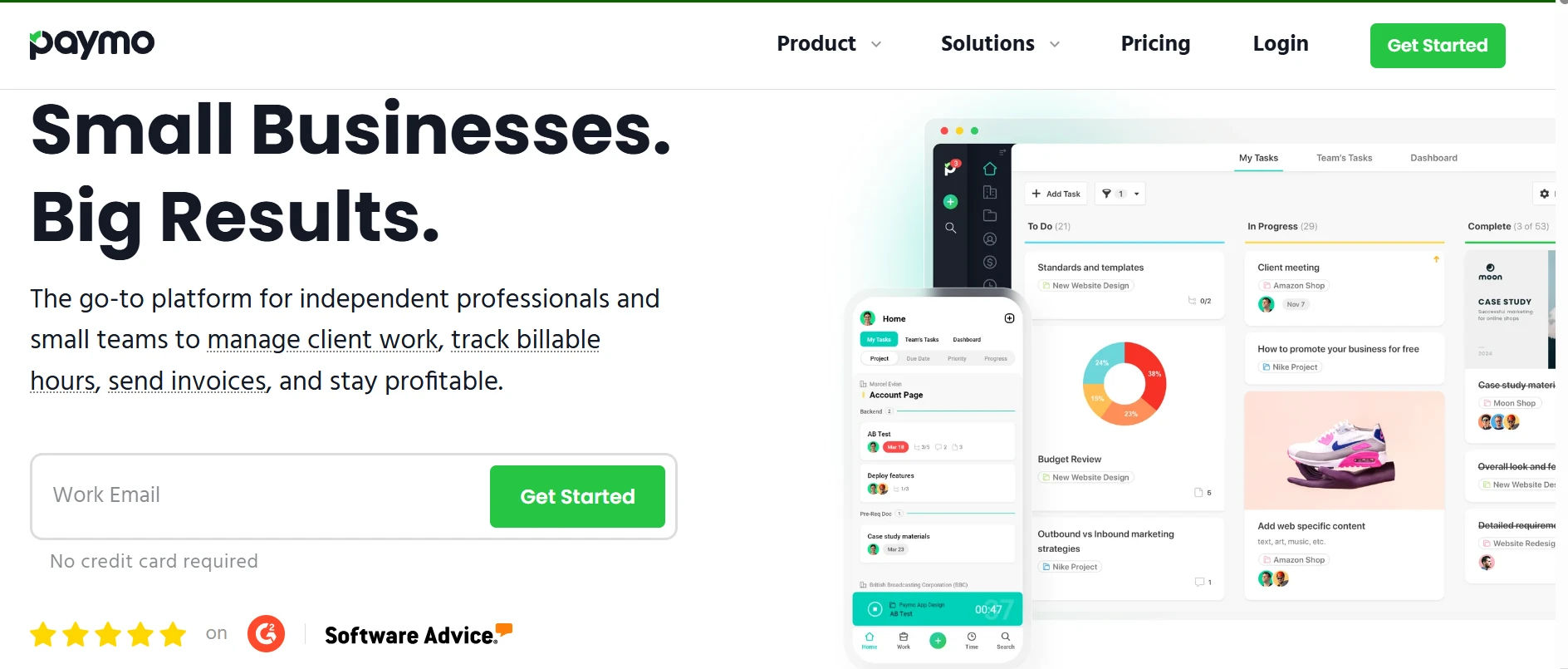
Paymo bundles task lists, time tracking, and basic invoicing into one lightweight time tracking app, aimed at freelancers and small teams who would rather not stitch three separate apps together. Visual project timelines make it easy to see, at a glance, whether work is on schedule or slipping. It is a fair trade for teams who found Asana or Jira to be overkill. Small design and marketing studios tend to like it most, since the visual timeline doubles as something clients can be shown directly. The free plan supports only one user, so it is really built for solo freelancers rather than teams.
Key features:
- Task lists alongside built-in time tracking
- Basic client invoicing included free
- Visual project timelines
- Works well for solo freelancers on the free tier
- One platform instead of three separate apps
20. ClockIt — Best for GPS and biometric attendance
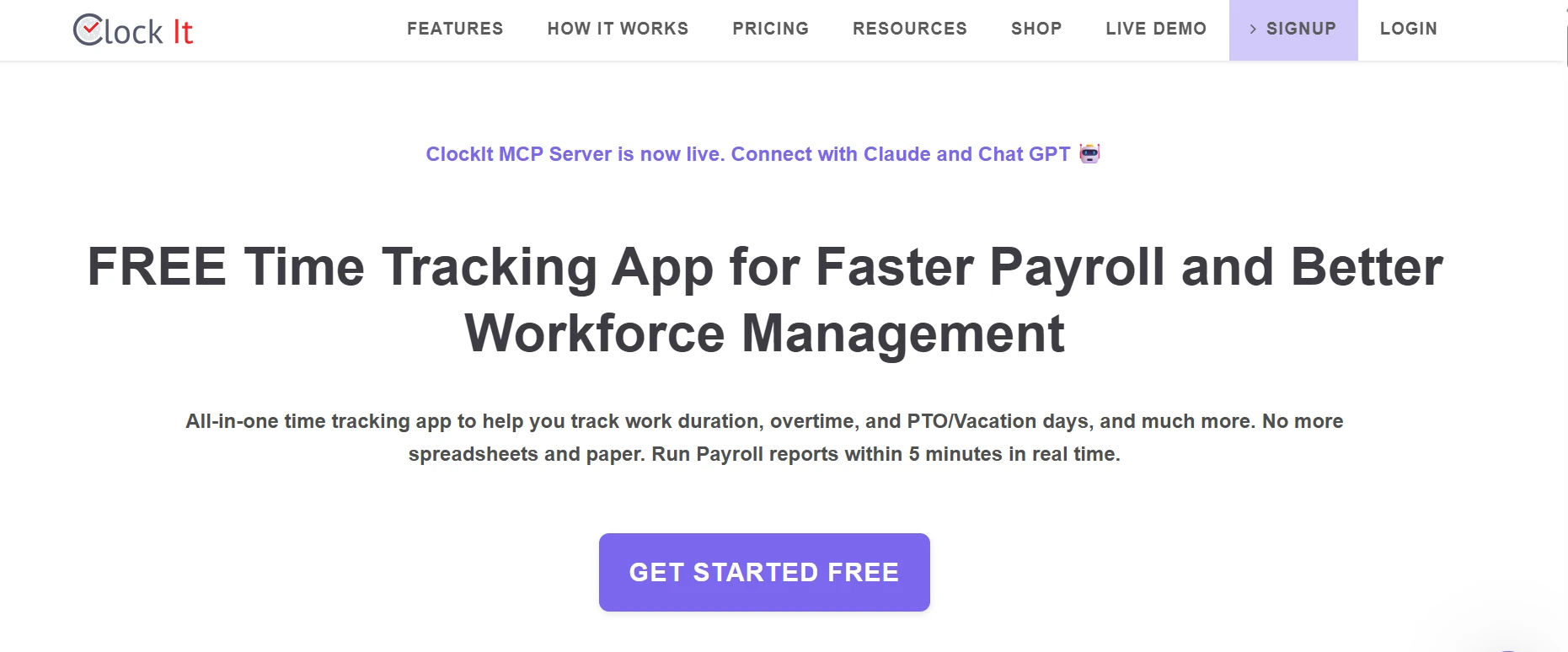
ClockIt is timesheet software built for teams spread across more than one location, where a manager cannot simply glance across the room to see who showed up. Geofencing and facial recognition confirm attendance automatically, giving multi-location businesses real-time location data without anyone needing to micromanage from a distance. For franchise and multi-site operators, that alone can be worth the switch. Retail chains and clinics with rotating shifts use it to confirm coverage at each location without a manager physically checking in. The biometric features do raise valid privacy questions, so it is worth checking local regulations before rolling it out broadly.
Key features:
- GPS-verified clock-ins
- Facial recognition attendance
- Geofencing for multi-location teams
- Real-time location data on every clock-in
- Works for on-site and remote teams alike
Every name on this list earned its spot through real testing, not a paid listing. But if you want one tool that covers almost everyone here, freelancers, agencies, HR teams, and field crews alike, Timesheet 365 is the one we keep coming back to.
Curious how Timesheet 365 compares to the tool you use now?
Timesheet 365: Our Top Pick for 2026
If you only read one section of this guide, make it this one.
Timesheet 365 was built to solve the exact problems this article started with: messy hours, slow approvals, and reports nobody trusts. It is timesheet software that feels like it was made by people who actually fill out timesheets, not just people who sell them. It works for the freelancer billing three clients a week, the HR manager closing payroll every other Friday, and the field supervisor checking in on five crews at once. Instead of forcing everyone into the same rigid workflow, it bends to match how your team already works. That flexibility is exactly why so many teams that try it never look back.
Picture a ten person marketing agency. Before Timesheet 365, the office manager spent half a day every other Friday chasing down hours over Slack and email. After switching, that same task takes about ten minutes, and reports are ready before payroll even asks for them.
Why teams switch to Timesheet 365:
- A clean layout that does not need a manual to use, so new hires are logging hours on day one.
- Task and project-based tracking, not just one running clock, which means every hour ties back to real work.
- Manager approvals and smart reminders built right in, so nobody has to chase a late timesheet by email.
- Calendar views, drag and drop scheduling, and real time sync across devices, from a laptop at a desk to a phone on a job site.
- Idle time alerts, access controls, and report exports, all included from day one of your trial.
- Native Microsoft 365 and SharePoint integration, so timesheets connect directly to the tools your team already uses for files and documents.
- Location-based tracking that confirms where hours were logged, without needing a separate GPS app.
After your 14-day trial:
- Custom billable rates
- Advanced reporting templates
- Deeper payroll and HR integrations
Most tools force you to choose between simple and powerful. Timesheet 365 does not. It gives you a genuinely full-featured 14-day trial to prove its value, then grows with you as your team does, from five people to five hundred, without a painful move to a whole new platform later on.
Risks and the Future of Timesheet Software
Skipping timesheet software is not a neutral choice. It carries real, measurable risk, and that risk is only becoming more relevant as work keeps changing.
- Time theft and buddy punching can cost a business up to 7% of gross payroll every year, according to the American Payroll Association.
- In industries built around billable hours, like legal services, firms have reported capturing as little as a third of their actual billable time when tracking is inconsistent, according to Clio’s Legal Trends Report.
- More than half of employees in remote friendly roles now work hybrid or remote schedules, according to Gallup, a shift that makes manual tracking harder to manage by the day.
- Businesses that move from manual methods to automated timesheet software commonly report cutting payroll prep time by close to half.
None of these numbers are about software for its own sake. They are about hours you already paid for, and whether you are actually seeing the value of them. Every percentage point above is a real dollar amount hiding somewhere in your current payroll.
Looking ahead, the biggest shift is automation getting smarter, not just faster. More timesheet software now suggests entries based on calendar events, flags likely errors before payroll ever sees them, and connects directly to accounting and HR systems instead of sitting off to the side. As remote and hybrid work keep expanding, the tools that adapt fastest to distributed teams are the ones that will matter most over the next few years.
Conclusion
Choosing timesheet software is not about finding the flashiest app on the market. It is about finding the tool that fits how your team actually works, whether that is a freelancer logging hours between clients, an HR manager closing out payroll, or a supervisor tracking a crew across job locations.
No matter which persona above matches you best, the right fit is out there, and it will not take long to find. Every tool on this list can help. But if you want one platform that covers tracking, approvals, reporting, and reminders backed by a genuine 14-day trial, Timesheet 365 remains the strongest all around choice for 2026.
Every week you wait is another week of hours you cannot fully account for. The fix is smaller than it feels, and most teams are up and running the same day they start. Your hours, your budget, and your team deserve better than guesswork.


Frequently Asked Questions
What is timesheet software?
It is a tool that logs work hours and helps managers track, approve, and report on them, replacing manual spreadsheets with accurate records.
Is there free timesheet software available?
Yes. Toggl Track, Jibble, and Clockify all offer real free plans, not just short trials. Timesheet 365 offers a 14-day free trial instead.
How do I choose the best timesheet software for my team?
Match it to your biggest pain point: strong invoicing for client billing, GPS and offline mode for field teams, simple approvals for HR.
Can timesheet software help managers approve timesheets?
Yes. Many timesheet platforms include approval workflows that allow managers to review and approve submitted timesheets before they are finalized.
Is Timesheet 365 available with a free trial?
Yes. Timesheet 365 offers a 14-day free trial so teams can explore its time tracking and timesheet features before choosing a plan.
Can timesheet software track billable hours for clients?
Yes. Most tools here, including Timesheet 365, TMetric, and Everhour, let you set billable rates and export invoice-ready reports.
Is it hard to switch from spreadsheets to timesheet software?
No. Most teams import old data or start fresh in under an hour, and a full switch usually takes one afternoon.
Can timesheet software track time by project and task?
Yes. Teams can associate logged hours with specific projects and tasks, giving managers a clearer view of how time is allocated.
Try It Free, No Obligation










Schedule a free personalized 1:1 demo
By proceeding, you accept Cubic Logics’s terms and conditions and privacy policy





Please provide your contact details, we will connect with you soon!
Please provide your contact details, we will connect with you soon!
By proceeding, you accept Cubic Logics Terms and Conditions and Privacy Policy
Schedule a free personalized 1:1 demo
By proceeding, you accept Cubic Logics’s terms and conditions and privacy policy







