
Employee Management Software for Small Business: Top Solutions Compared for Growing Teams in 2026

As small businesses grow, managing people becomes more complex. What starts with a few spreadsheets and email threads can quickly turn into missed requests, scattered information, and time-consuming administrative work. Employee management software for small business helps bring structure to daily operations by keeping important processes organized, improving visibility across teams, and giving business leaders more time to focus on growth instead of routine administration.
In this guide, we’ll explore what employee management software is, why small businesses need it, the features that matter most, and the best solutions available in 2026.
- Employee management software for small business helps replace manual processes with a centralized system, making it easier to manage teams as your organization grows.
- The best solutions combine onboarding, attendance, leave management, performance tracking, and other essential HR functions in one platform.
- Choosing software that integrates with your existing tools, such as Microsoft 365 and SharePoint, can improve productivity and user adoption.
- Comparing features, scalability, and long-term value—not just price—helps you invest in a solution that supports your business today and as it grows.
What Is Employee Management Software?
Employee management software is a digital system that helps businesses manage personnel information, workplace processes, and team activities from a central platform.
Instead of relying on spreadsheets, paper forms, or scattered applications, businesses can keep important information organized and accessible.
Most employee management software solutions support activities such as:
- Employee records management
- New hire onboarding
- Attendance and timesheet tracking
- Leave management
- Performance reviews
- Recruitment processes
- Learning and training programs
- Expense management
- Team communication
- Task tracking
For small businesses, these tools reduce administrative workload while creating a better experience for managers and team members.
The goal is simple: spend less time managing processes and more time growing the business.
Why Small Businesses Need Employee Management Software
Many small businesses initially believe they can manage everything manually, and this often works when there are only a few team members, but as the organization grows, problems start to appear because information becomes harder to find, requests get lost in email threads, managers struggle to track progress, new hires receive inconsistent onboarding experiences, and what once felt manageable quickly turns into a daily source of frustration.
Employee management software for small business addresses these challenges by creating consistency across departments and locations.
1. Growing Teams Create More Complexity
Every new hire introduces additional records, approvals, documents, training activities, and communication needs.
Without a structured system, businesses often experience:
- Missed deadlines
- Delayed approvals
- Duplicate work
- Data entry errors
- Poor visibility into team activities
A centralized platform helps eliminate these issues before they affect growth.
2. Better Employee Experience
People expect workplace processes to be simple.
When personnel can easily request leave, access information, complete onboarding tasks, and receive feedback, they feel more connected to the organization.
Positive experiences contribute to stronger engagement and retention.
3. More Time for Strategic Work
Administrative work often consumes valuable hours each week.
Managers spend time answering routine questions, locating documents, and following up on requests.
Modern employee management software automates many repetitive activities, allowing leaders to focus on business priorities.
4. Improved Visibility
Small business owners need accurate information to make informed decisions.
A centralized dashboard provides visibility into:
- Team attendance
- Open tasks
- Hiring progress
- Performance activities
- Training completion
- Leave schedules
This visibility supports better planning and resource allocation.
5 Clear Signs It's Time to Invest in Employee Management Software
Many business owners recognize the need for software only after problems become noticeable.
If any of the following situations sound familiar, it may be time to consider a dedicated solution.
You Spend Hours Searching for Information
Employee records stored across folders, emails, and spreadsheets create unnecessary delays.
Finding a simple document should not require multiple phone calls and email searches.
Onboarding Feels Different Every Time
A strong onboarding process creates positive first impressions.
Without a standardized workflow, new hires may receive inconsistent experiences that affect productivity and engagement.
Leave Requests Are Difficult to Track
When requests arrive through multiple channels, it becomes difficult to maintain visibility and avoid scheduling conflicts.
Performance Reviews Are Often Delayed
Feedback conversations frequently get postponed when managers lack structured processes and reminders.
Team Growth Creates Administrative Pressure
As headcount increases, manual processes become harder to sustain.
Tasks that once required a few minutes may eventually consume hours each week.
What Are the Must-Have Features Every Growing Business Should Prioritize?
Not all platforms offer the same capabilities.
Small businesses should focus on solutions that support both current needs and future growth.
Employee Directory
A centralized employee directory serves as a single source of truth for personnel information.
Managers and team members can quickly access contact details, reporting structures, roles, and department information.
This becomes especially important for growing organizations with multiple departments or locations.
Employee Onboarding
Onboarding shapes the first impression new hires have of an organization.
A structured onboarding process helps ensure that:
- Documents are completed on time
- Tasks are assigned automatically
- New hires understand expectations
- Managers follow a consistent process
Organizations with effective onboarding programs often see stronger retention and faster productivity.
Leave Management
Managing leave manually creates unnecessary complexity.
A leave management system helps teams:
- Submit requests digitally
- Track balances
- Monitor approvals
- View team calendars
This reduces confusion while improving planning.
Performance Management
Regular feedback supports professional growth and business success.
Performance management tools help managers:
- Set goals
- Conduct reviews
- Document achievements
- Track development plans
These activities create stronger alignment between individual contributions and organizational objectives.
Timesheet Tracking
Accurate time tracking supports accountability and project visibility.
Modern systems provide:
- Attendance records
- Work-hour tracking
- Approval workflows
- Reporting capabilities
This information helps managers understand workload distribution and productivity patterns.
Recruitment and Hiring
Hiring the right people remains one of the most important business decisions.
Recruitment tools support:
- Job postings
- Candidate tracking
- Interview coordination
- Hiring workflows
A structured process improves candidate experiences while reducing administrative effort.
Learning and Training
Continuous learning contributes to long-term business success.
Training management features help organizations:
- Deliver learning content
- Track completion
- Support professional development
- Maintain skill visibility
These capabilities become increasingly important as businesses grow.
Task Management
Clear task ownership improves accountability.
Integrated task management tools help teams organize activities, monitor progress, and meet deadlines more consistently.
Expense Management
Expense processes often become difficult to manage as organizations expand.
Digital workflows reduce paperwork and provide better visibility into reimbursement requests and approvals.
AI and Automation
Automation continues to reshape workplace operations.
Modern employee management software increasingly includes automation for:
- Approval workflows
- Notifications
- Document management
- Task assignments
- Reporting activities
These capabilities reduce repetitive work while improving consistency.
How Employee Management Software Supports Business Growth
Growth creates opportunities, but it also introduces complexity.
Businesses that rely on manual processes often discover that administrative demands increase faster than expected.
Employee management software creates a foundation that supports sustainable expansion.
Instead of constantly creating new processes, organizations can scale existing workflows with confidence.
Benefits often include:
- Faster onboarding
- Better communication
- Improved visibility
- Reduced administrative work
- More consistent experiences
- Stronger operational control
The result is a business that can grow without becoming overwhelmed by internal processes.
What Factors Matter Most When Comparing Employee Management Software?
Not every platform is designed for the needs of small businesses.
For this comparison, we evaluated solutions based on several factors.
- Ease of Use: Small businesses need systems that are simple to adopt and manage.
- Feature Coverage: We considered whether platforms support core employee management activities across the employee lifecycle.
- Scalability: The best solutions support growth without requiring major process changes.
- Automation Capabilities: Automation helps reduce manual effort and improve consistency.
- Reporting and Visibility: Decision-makers need accurate information to guide business planning.
- Value for Investment: Cost matters, but long-term value matters even more.
Solutions that reduce administrative effort and improve operational efficiency often deliver stronger returns over time.
Top 6 Employee Management Software for Small Businesses in 2026
1. HR365 HRMS
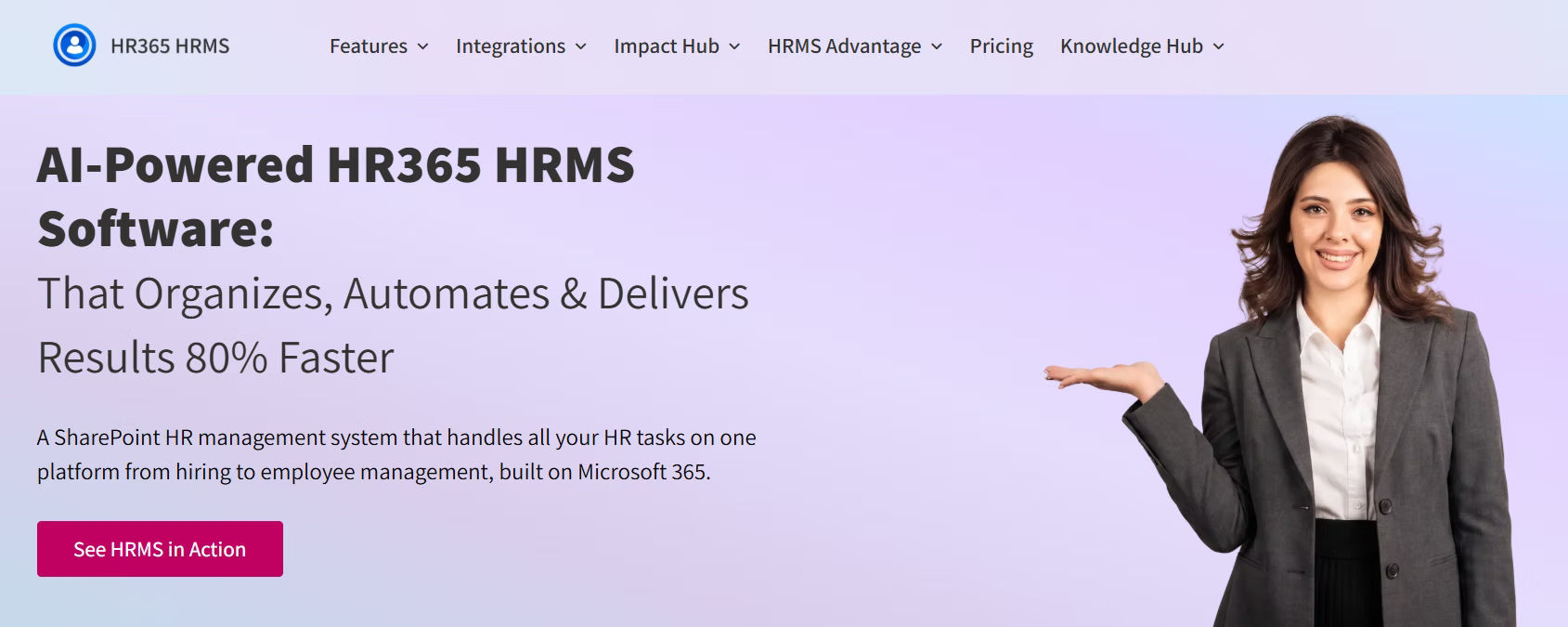
HR365 HRMS is designed for organizations that want a comprehensive employee management platform built within the Microsoft ecosystem. HR365 HRMS works closely with Microsoft 365, SharePoint, and Teams, helping businesses manage people and processes from familiar tools.
Key strengths :
- Employee Directory for quick access to staff details, roles, and contact information
- Employee Onboarding to streamline new hire setup and create a smooth first-day experience
- Leave Management to track requests, approvals, and team availability in one place
- Performance Management to support reviews, goals, and ongoing employee growth
- Timesheets to monitor work hours, attendance, and daily productivity
- Recruitment to manage hiring from start to finish with less manual effort
- Learning and Training to support employee growth and skill development
- Expense Management to simplify reimbursements and reduce paperwork
- AI-powered automation to reduce manual work and speed up routine tasks
- Microsoft Teams integration for easy collaboration and faster communication
For organizations already using Microsoft technologies, HR365 HRMS offers a practical way to centralize employee management without introducing unnecessary complexity.
2. BambooHR
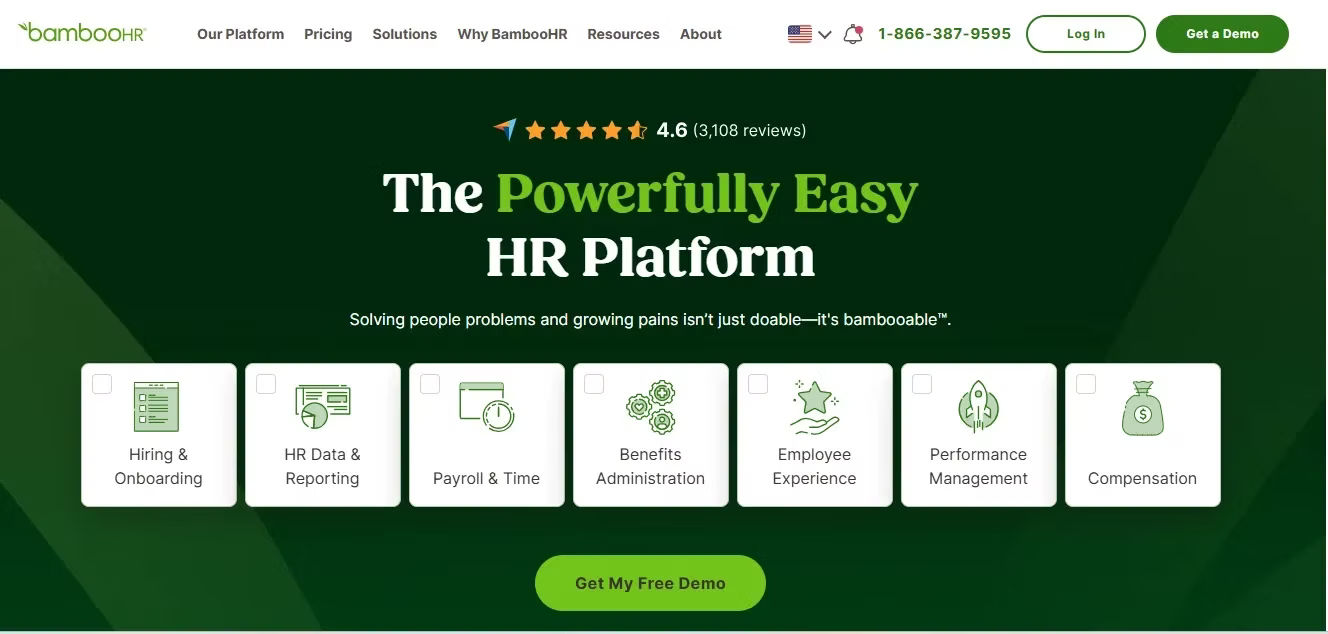
BambooHR is one of the most recognized names in the HR software market. It is popular among small and mid-sized businesses looking for a user-friendly platform.
The software focuses heavily on core HR functions and provides an intuitive interface that is easy for managers and team members to adopt.
Key strengths:
- Employee records management helps businesses store and organize employee information in one central place.
- Onboarding workflows guide new hires through each step of the joining process with less manual work.
- Time-off tracking makes it easy to manage leave requests, balances, and approvals.
- Performance management supports regular feedback, goal setting, and employee growth.
- Reporting tools give managers clear insights into team activity and workforce trends.
- Employee self-service lets staff update details, submit requests, and access key information on their own.
- Document storage keeps important HR files organized and easy to find when needed.
- Org charts help teams understand reporting lines and company structure more clearly.
- Custom reminders support timely follow-ups for reviews, tasks, and policy actions.
- Mobile access allows employees and managers to handle HR tasks from anywhere.
BambooHR is a strong option for businesses looking for a dedicated HR platform. However, organizations already invested in Microsoft 365 may find that additional integrations are required to connect workplace tools.
3. Rippling
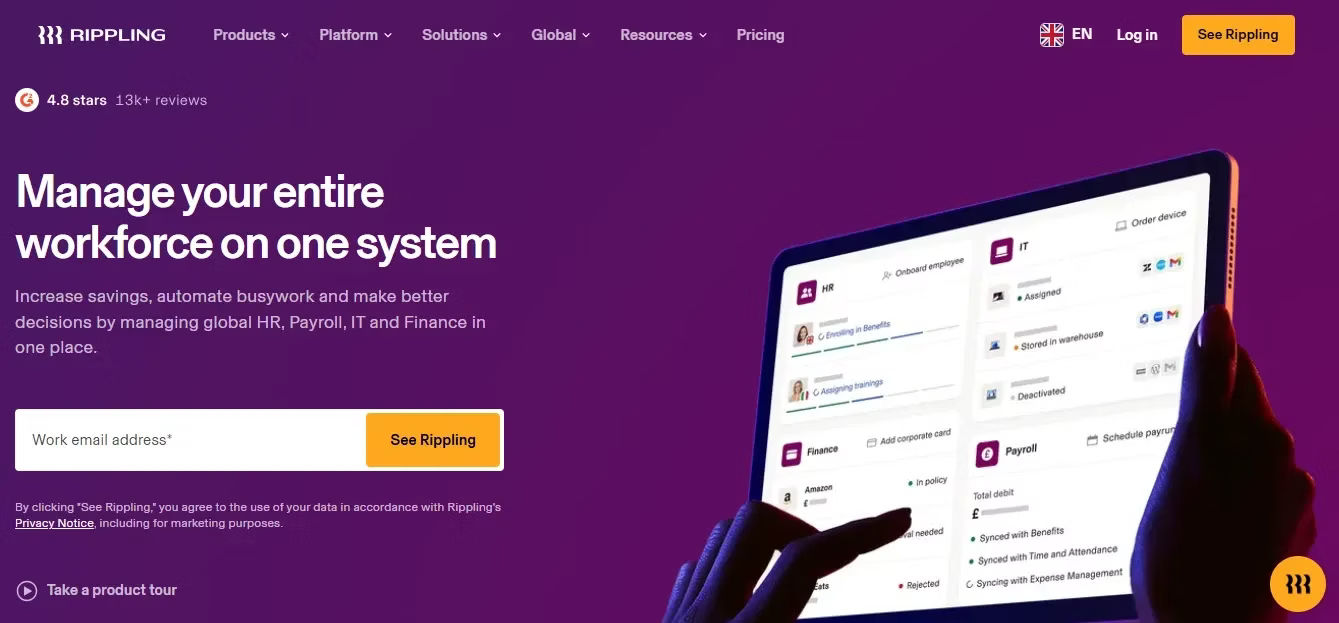
Rippling combines HR, IT, and operations management into a single platform.
The solution is often chosen by fast-growing businesses that want to manage multiple business functions from one system.
Key strengths :
- Employee management helps businesses organize employee records, roles, and daily people operations in one place.
- Workflow automation reduces manual work by handling repetitive tasks and approvals automatically.
- Device management lets teams control company laptops, phones, and other equipment from a central system.
- Onboarding processes guide new hires through tasks, documents, and training steps in a smooth way.
- Reporting capabilities give leaders clear insights into team activity, performance, and business trends.
- App and access management helps businesses control software permissions for each employee more easily.
- Payroll support connects people data with pay processes for better accuracy and less duplication.
- Role-based controls help managers assign the right access to the right people.
- Compliance tools support policy tracking and reduce risk across HR and IT tasks.
- Scalability makes it easier for growing companies to add new users and processes without major disruption.
Rippling offers extensive functionality, but some smaller businesses may find the platform more complex than necessary during the early stages of growth.
4. Connecteam
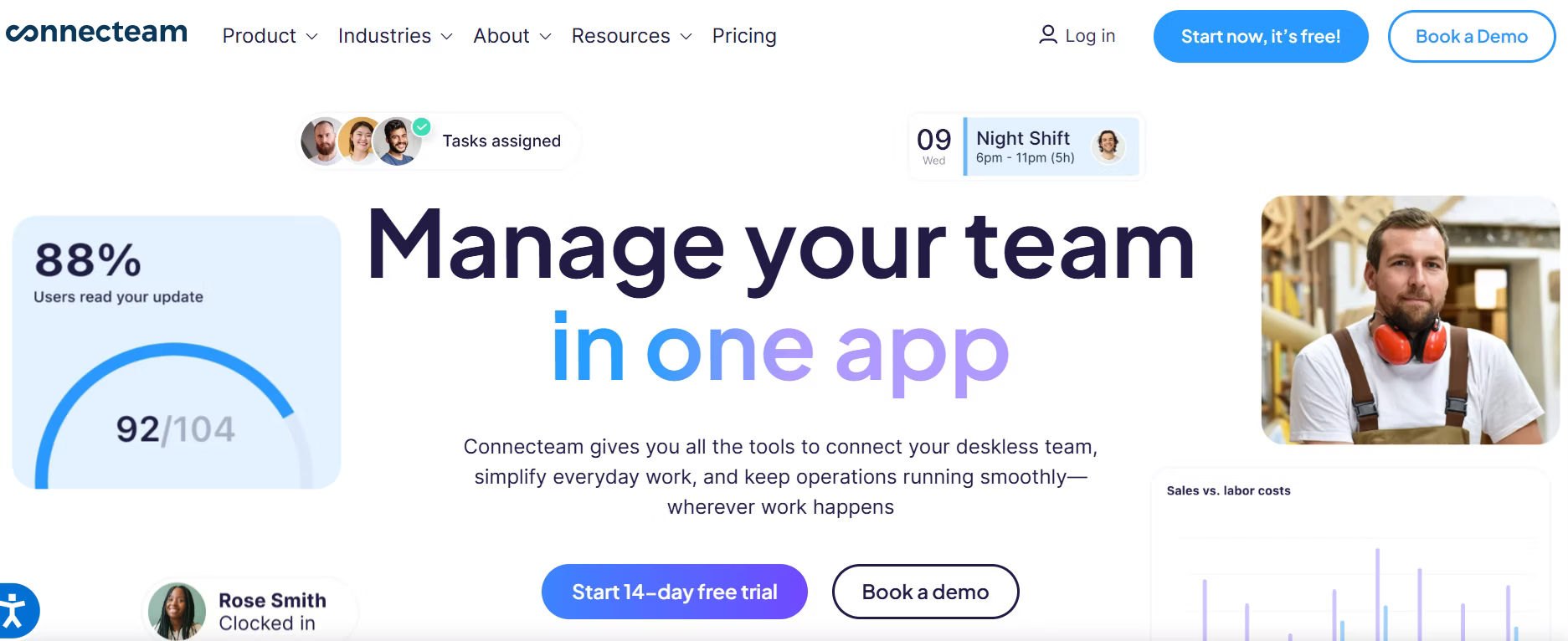
Connecteam is designed primarily for businesses with deskless and frontline teams.
Its mobile-first approach makes it attractive for industries such as retail, construction, hospitality, and field services.
Key strengths:
- Mobile access lets employees and managers handle work tasks, check updates, and stay connected from anywhere using their phones.
- Scheduling helps teams plan shifts, assign work, and avoid confusion about who needs to be where and when.
- Time tracking makes it easy to record work hours accurately so managers can review attendance and payroll details without manual effort.
- Internal communication keeps everyone informed through one shared channel, which reduces missed messages and improves teamwork.
- Task management helps teams assign, track, and complete work on time by keeping responsibilities clear and organized.
- Forms and checklists support daily operations by making routine processes easier to follow.
- Team updates help managers share announcements, reminders, and instructions quickly.
- GPS-based tools can support field teams that need location-aware work tracking.
- Employee engagement features help workers stay connected even when they are not in the office.
- Simple mobile workflows make the platform easy to use for teams that work on the move.
Businesses with office-based teams may require additional functionality beyond Connecteam’s core strengths.
5. Zoho People
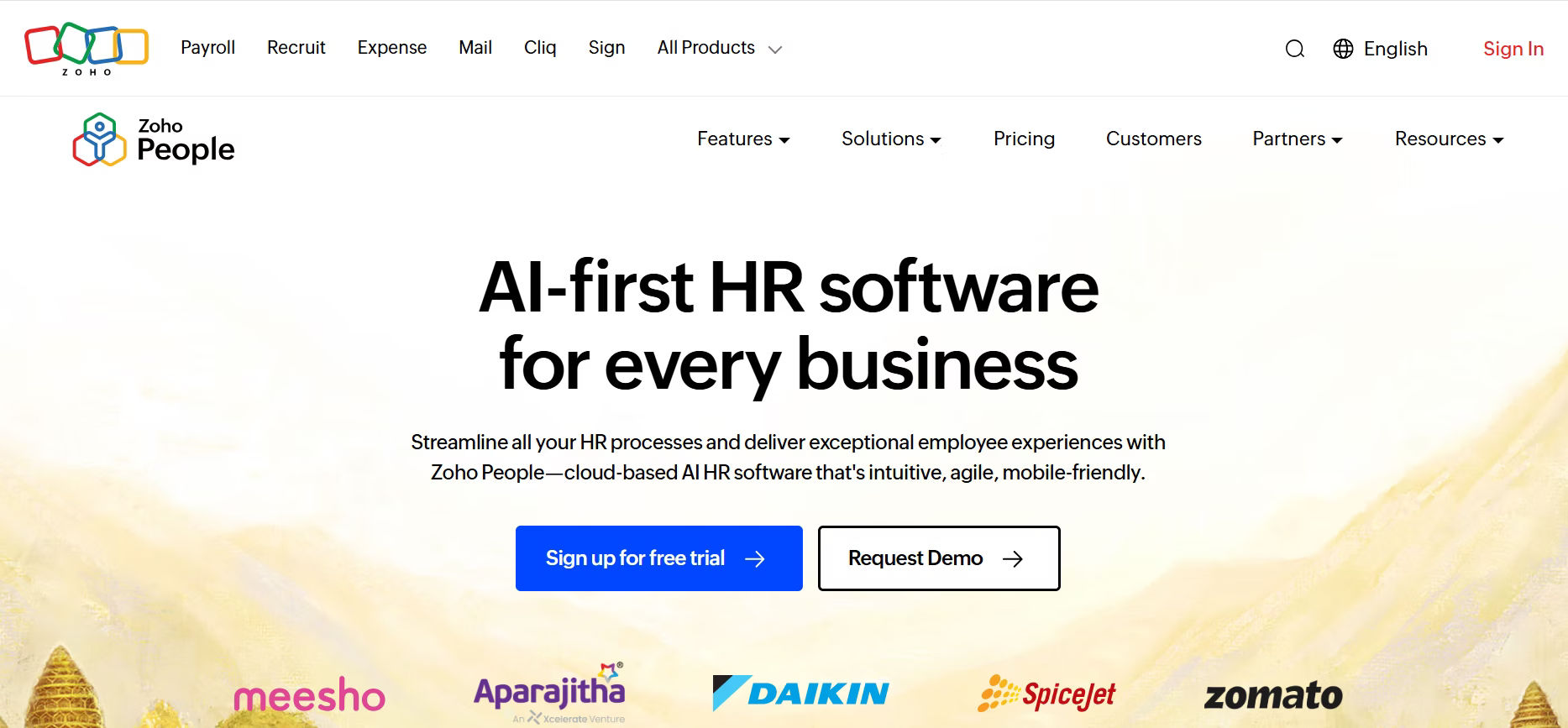
Zoho People is part of the broader Zoho ecosystem and provides a range of HR management capabilities.
Organizations already using other Zoho applications often appreciate the platform’s connected environment.
Key strengths :
- Employee database tools help you store, organize, and quickly access all employee details in one central place.
- Attendance tracking features let you monitor work hours, check-ins, and presence with less manual effort.
- Leave management systems make it easy to request, approve, and track time off without confusion.
- Performance reviews help managers give feedback, set goals, and track employee growth in a structured way.
- Workflow automation reduces repetitive tasks by handling approvals, reminders, and routine processes automatically.
- Shift scheduling supports teams that need clear work plans across different hours or locations.
- Document management keeps employee files and HR records organized for faster access.
- Self-service tools allow employees to update information and complete common requests on their own.
- Analytics and reports help leaders understand workforce patterns and make better decisions.
- Integration with Zoho apps creates a more connected experience for businesses already using the Zoho suite.
Zoho People can be a good fit for businesses seeking affordability and flexibility.
6. Deel
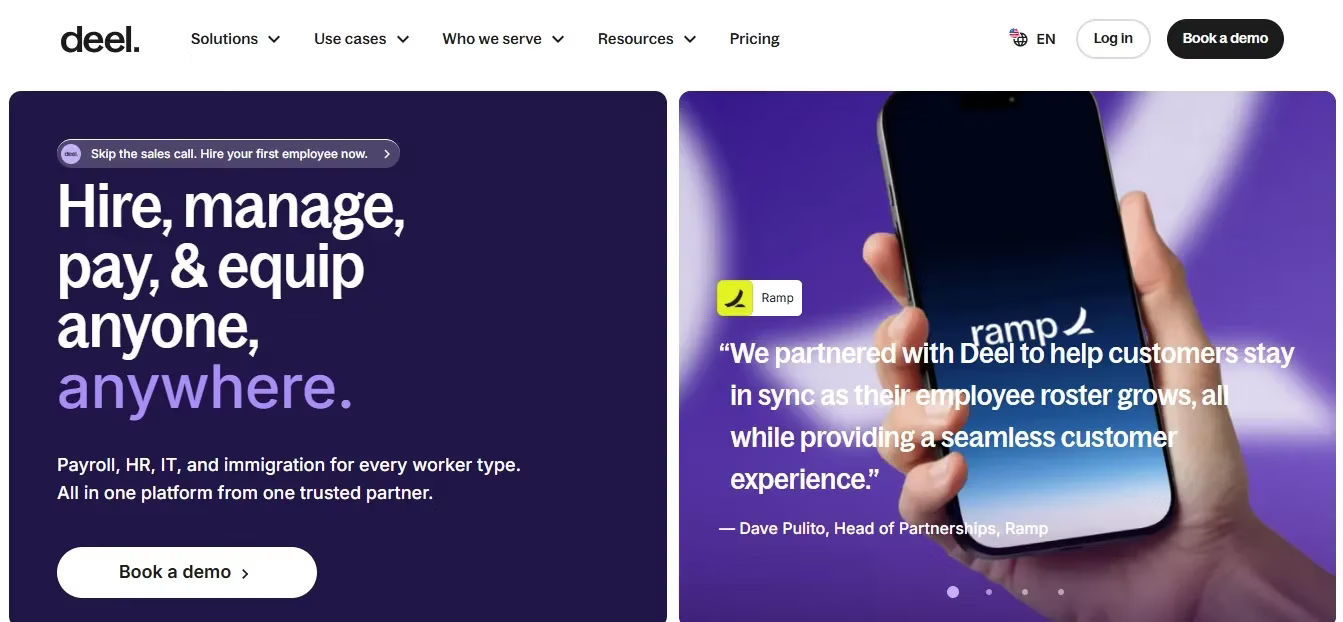
Deel has gained popularity among companies managing global teams.
The platform simplifies hiring and managing personnel across different countries.
Key strengths:
- International hiring support helps businesses recruit and onboard employees in different countries with less complexity.
- Contractor management makes it easier to organize payments, documents, and work details for independent workers.
- Global workforce administration gives teams one place to manage people, tasks, and records across regions.
- Compliance support helps businesses follow local rules and reduce risk when hiring across borders.
- Cross-border operations allow companies to run teams in multiple countries with better control and visibility.
- Localized contracts help businesses create agreements that fit regional requirements.
- Payment management supports smoother transactions for international workers and contractors.
- Tax and legal guidance features help reduce confusion in global hiring processes.
- Multi-country support makes it easier to manage distributed teams from one platform.
- Remote workforce tools help organizations stay organized while working across time zones and locations.
Organizations with primarily local teams may find other solutions better aligned with their daily management needs.
7. Factorial
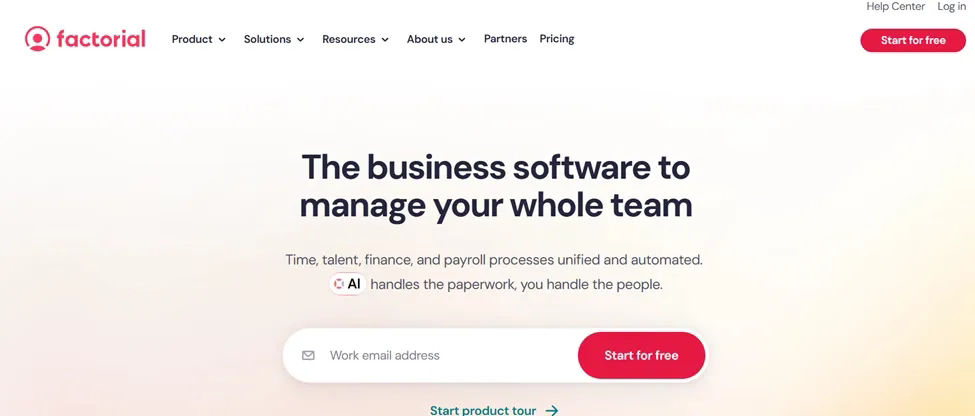
UKG is a human capital management platform designed for organizations that need comprehensive solutions for people management, workforce operations, talent development, and employee engagement. The platform serves businesses of various sizes and is particularly known for its workforce management and scheduling capabilities.
Key Strengths
- Comprehensive employee management with centralized records, organizational data, and workforce information.
- Advanced workforce scheduling, shift planning, and labor management capabilities.
- Time and attendance tracking with automated calculations, approvals, and reporting.
- Recruitment and talent acquisition tools for candidate sourcing, hiring, and onboarding.
- Performance management features including goal tracking, feedback, reviews, and career development planning.
- Employee engagement solutions with surveys, communication tools, and workplace sentiment insights.
- Workforce analytics, reporting, dashboards, and business intelligence capabilities for strategic planning.
- Leave, absence, and workforce planning tools to manage staffing requirements effectively.
- Employee and manager self-service functionality for requests, approvals, and information access.
- Mobile access that supports scheduling, attendance management, approvals, and workforce communication from anywhere.
UKG is a strong choice for organizations that require advanced workforce management alongside core HR functionality. Its combination of scheduling, talent management, employee engagement, and analytics capabilities makes it particularly valuable for businesses seeking greater visibility into workforce operations and long-term talent strategies.
How to Choose the Right Employee Management Software
The best solution depends on your organization’s goals, size, and future plans.
Before making a decision, consider the following questions.
What Problems Are You Trying to Solve?
Some businesses need help with onboarding.
Others struggle with attendance tracking, performance reviews, or employee records.
Understanding your biggest challenges helps narrow your options.
How Fast Is Your Team Growing?
A solution that works for ten people may not support a team of one hundred.
Choose software that can grow alongside your organization.
Does It Fit Your Existing Technology?
Software adoption becomes easier when new systems align with tools your teams already use.
Businesses using Microsoft 365 should carefully evaluate integration capabilities.
Will Managers Actually Use It?
Even the most powerful software delivers little value if adoption is low.
Look for intuitive interfaces and simple workflows.
Does It Support Long-Term Goals?
Think beyond today’s requirements.
The right employee management software should continue supporting your organization as responsibilities, departments, and team structures evolve.
What Mistakes Should You Avoid When Choosing Employee Management Software?
Many organizations focus only on immediate needs.
This often leads to expensive software changes later.
Avoid these common mistakes.
1.Choosing Based Only on Price
The cheapest option may lack the capabilities needed for future growth.
Consider long-term value instead of initial cost alone.
2. Ignoring User Experience
Complex systems often create frustration and lower adoption rates.
Ease of use should remain a top priority.
3. Overlooking Integration Requirements
Disconnected systems can create unnecessary work and data inconsistencies.
Evaluate how software fits within your existing technology environment.
4. Focusing on One Feature
Businesses sometimes choose a platform based on a single requirement such as attendance tracking.
A broader employee management strategy often delivers greater value over time.
What Trends Are Shaping the Future of Employee Management Software?
The employee management landscape continues to evolve.
Organizations increasingly expect software to provide more than record keeping.
Future platforms will place greater emphasis on:
- AI-powered automation
- Personalized employee experiences
- Predictive insights
- Connected workplace tools
- Self-service capabilities
- Data-driven decision making
Businesses that invest in flexible platforms today will be better positioned to adapt as workplace expectations continue to change.
Conclusion
Managing people effectively becomes more challenging as businesses grow. Manual processes that once worked well can quickly create delays, confusion, and unnecessary administrative work. The right employee management software provides the structure needed to support growth while maintaining a positive experience for managers and team members.
For small businesses evaluating their options in 2026, the focus should be on choosing a platform that supports the entire employee lifecycle, aligns with existing technology, and can scale alongside the organization. For companies using Microsoft 365, SharePoint, and Teams, HR365 HRMS offers a connected approach that brings employee management activities together in one familiar environment.
Empower Your Small Business with Smarter Employee Management
HR365 HRMS helps growing businesses streamline employee records, attendance and performance management—all from one centralized platform.
Frequently Asked Questions
What is employee management software for small business?
Employee management software for small business helps organizations manage employee information, onboarding, attendance, leave requests, performance activities, and other people-related processes through a centralized platform.
Why do small businesses need employee management software?
As teams grow, manual processes become difficult to manage. Employee management software helps create consistency, improve visibility, and reduce administrative workload.
What features should small businesses look for?
Important features include employee directories, onboarding, leave management, performance tracking, recruitment, learning and training, timesheets, task management, and automation capabilities.
Is employee management software only for HR departments?
No. Business owners, managers, department leaders, and team members all benefit from centralized employee management processes and information.
What is the best employee management software for Microsoft 365 organizations?
Organizations using Microsoft 365 often prefer solutions such as HR365 HRMS because they align closely with SharePoint, Teams, and existing workplace workflows.


_JiluXJRGNl.svg)























