

Best 15 DocuSign Alternatives In 2026 – Complete Overview

Looking for the best DocuSign alternatives? You are in the right place.
DocuSign has earned a well-deserved name in the digital space for its secure and reliable e-signing tools. Over the years, it has helped countless businesses streamline their document workflows and build trust through every signature. Its reputation as a pioneer in the e-signature world is hard to ignore.
DocuSign alternatives offer more than just e-signature capabilities they provide full contract management solutions. In this guide, we explore the top alternatives to DocuSign for businesses aiming to streamline contract creation, negotiation, approval, and review processes.
These platforms go beyond basic signing tools, delivering robust features designed for efficient, end-to-end contract workflows. Here are some standout options worth considering.
But DocuSign is not just about e-signatures. It also offers a suite of contract management software that help businesses draft, share, negotiate, and manage agreements from start to finish. And that is where our focus lies in this blog.
If you are a business looking for a simpler, smarter, or perhaps more affordable way to manage contracts without compromising on quality or security you are not alone.
So, whether you’re searching for a tool that’s more secured, having more reliable features, or simply offers a fresher experience, we have gathered a list of trusted DocuSign alternatives that could be exactly what you need.
Let’s explore the best options to take your contract management to the next level without missing a signature.
Why Explore DocuSign Alternatives
Digital contract solutions have become essential for businesses across industries. While DocuSign continues to be a trusted platform, there are other tools in the market that bring unique features and benefits. Exploring these alternatives is not about replacing what works but about discovering what fits best.
1. A Stronger Focus on Data Security
Protecting sensitive information is a top priority, especially when dealing with contracts and agreements. Some businesses may require platforms that offer data storage in specific regions, extra encryption layers, or added compliance certifications.
Certain alternatives are built with these priorities in mind, offering peace of mind for those handling confidential documents regularly.
2. Smarter Workflows Through AI and Automation
New tools in the contract space are bringing the power of artificial intelligence to everyday tasks. From handling contract risks to summarizing key terms and deadlines, AI helps reduce the time spent on manual work.
Automation also plays a key role triggering actions like reminders, approvals, or renewals without human input. This leads to faster turnarounds and fewer errors.
3. Tools That Grow Along with the Business
As a business expands, so do its needs. Teams may require more users, custom contract workflow, or deeper reporting features.
Some platforms are designed to scale smoothly without the need to overhaul systems or retrain teams.
Choosing a flexible solution today can make tomorrow’s growth much easier to manage.
4. Simpler Interfaces for Everyday Use
Not every team has the time for long onboarding or complex setups. For many, a clean and easy-to-understand dashboard makes a big difference.
Some alternatives focus on keeping things simple offering clear navigation, fewer clicks, and faster access to the tools that matter most.
This makes it easier for anyone in the team to start using the platform right away.
5. Better Connection with Existing Software
A contract platform should fit into the way work already happens. Some alternatives are built to connect easily with the tools teams use for sharing, storing, and managing documents.
This makes it easier to keep everything in one place, avoid extra steps, and get tasks done faster without disrupting the flow of work.
Exploring the Different Types of DocuSign Alternatives for Contract Management
When searching for Docusign alternatives, it’s important to understand that not all tools serve the same purpose. Some are built only for electronic signatures, while others offer much more especially when it comes to managing the full contract process.
Basic eSignature Solutions
These DocuSign alternatives focus only on electronic signing. They are simple, quick to use, and often more affordable. While they may not support the full contract process from creation to renewal they are a solid option for teams that need straightforward document signing without added features.
Complete Contract Management Platforms
Good DocuSign alternatives go beyond eSigning. Known as contract lifecycle management software, they cover every step from drafting and collaboration to approvals, signing contracts, and storing them. Ideal for growing businesses, these tools help centralize the entire contract process in one place.
Each type brings something different to the table. Some prioritize simplicity, others offer powerful features for end-to-end management.
To build this list of top DocuSign alternatives, we have researched a wide range of tools based on real-world factors, available features, integration options, pricing, ease of use, and the quality of customer support.
Best 15 Docusign Alternatives
Here are 15 top DocuSign alternatives for contract management, including CLM 365. Explore the list to find the right fit for your needs.
Alternatives | Integrations | Free Trial |
CLM 365 | MS Teams, Outlook, MS Word Plugin and SharePoint | 14 days |
Juro | Salesforce, HubSpot, Pipedrive and Slack | – |
SignDesk | eSign, API, CRM and ERP system | 30 days free trial |
Zoho Contracts | Integrates with CRM and other Zoho suites | 15 days |
Conga CLM | Integrates with office 365 | 30 days |
PandaDoc | HubSpot, Pipedrive and Monday.com | 14 days |
SpotDraft | Google Drive, Slack and Salesforce | 14 days |
eSignly | Integrates with API | 30 days |
ContractWorks | Salesforce and Pipedrive | 14 days |
SignEasy | Google Workspace, CyberChimps and HubSpot | 14 days |
Sirion | Salesforce, Oracle ERP and SAP Ariba | 14 days |
Summize | Gmail, Salesforce and Jira | – |
GateKeeper | Oracle NETSUITE and Salesforce | Connect with the sales team |
LinkSquares | Dropbox, Slack & Amazon S3 Integration | Connect with the sales team |
Cobblestone
| Google cloud, SAP & Oracle | 30-day free trial |
1. CLM 365
.avif)
CLM 365, An emerging alternative to DocuSign and making great choice for businesses that want more from their contract management tools. Built within the Microsoft ecosystem, it brings strong security and compliance benefits trusted by enterprise teams. It also integrates smoothly with everyday Microsoft apps like Teams, Outlook, and SharePoint making it easy to fit into existing workflows.
Thanks to its clean and intuitive design, teams can start managing contracts right away no extra training needed. From contract drafting and sharing to approvals and compliance, everything happens in one connected system.
For growing businesses and large teams alike, CLM 365 offers a modern, all-in-one solution to simplify and strengthen the entire contract lifecycle.
Key Features
- AI simplifies the process of drafting, reviewing, and approving contracts.
- Built-in risk detection highlights potential issues.
- Secure digital signatures for fast, compliant approvals.
- Manage contracts anytime, anywhere with mobile access.
- Organized document storage for easy access.
- Centralized platform for full contract management.
- Activity logs track every change and action.
- Offer clause libraries
- Compare drafts to spot edits instantly.
- Easy contract authoring and updates.
- Real-time reports and analytics.
- Supports multi-level approvals.
- Role-based access control for security.
Best Known for: Agentic AI-powered contract lifecycle management with secure, easy-to-use workflows and seamless integration across the Microsoft ecosystem, including Dynamics 365, SharePoint, Teams, and Microsoft 365.
CLM 365 Ratings
G2: 4.8
Capterra: 4.8
Microsoft AppSource: 4.9 (79 reviews)
2. Juro
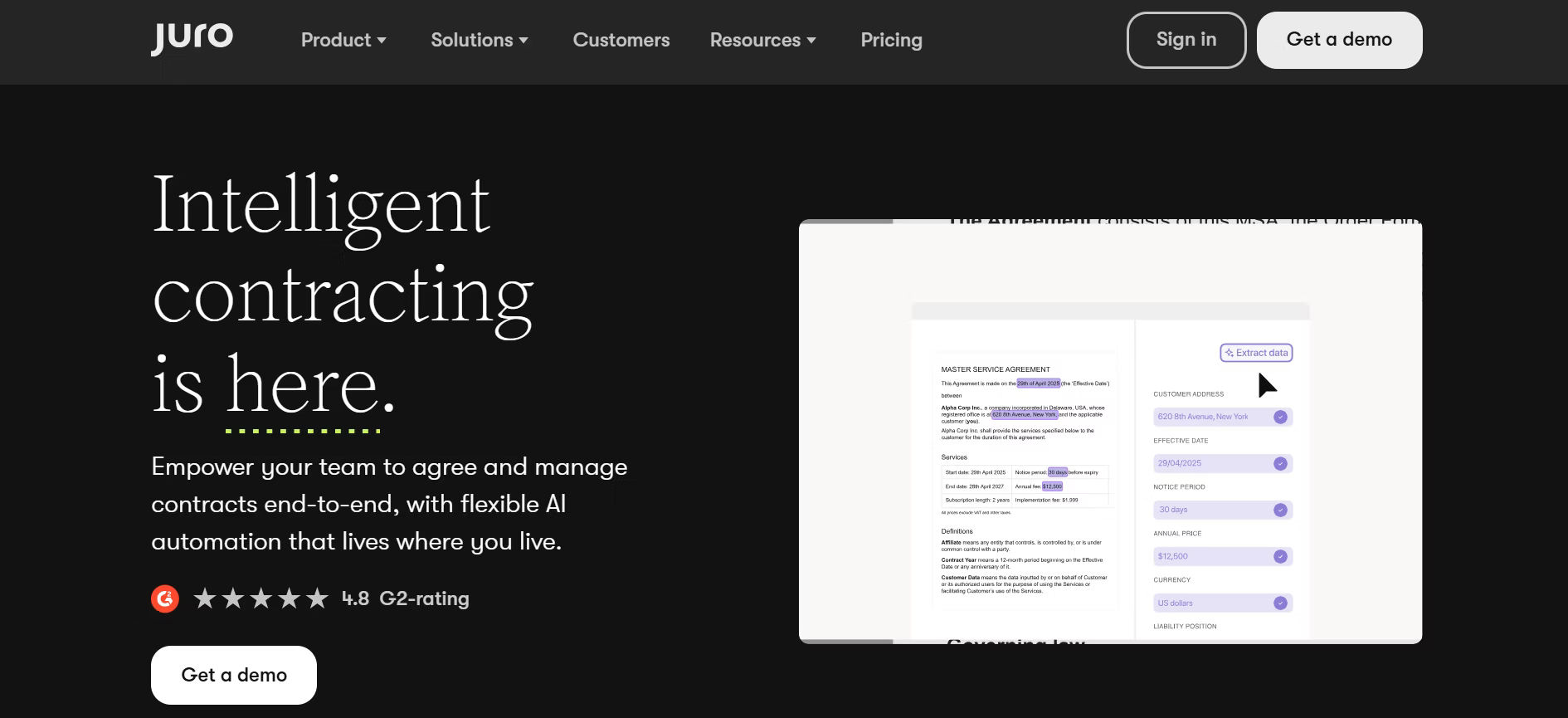
Juro has quickly become a top choice of DocuSign alternatives for modern businesses looking to simplify contract management. It brings every part of the contract process drafting, editing, collaboration, and signing into one connected platform.
At the heart of Juro is its built-in contract editor, designed specifically for legal documents. This means no more switch between Word, PDFs, or email threads. Everything happens in one place, in real time.
What sets Juro apart is its clean design and user-friendly experience. Reviews often highlight how easy it is to navigate and how much time it saves teams making it a strong fit for businesses that want speed, control, and clarity in every contract they manage.
Key Features
- All-in-one platform for end-to-end contract management
- AI assistant for fast drafting, review, and summaries
- Dashboards to monitor key contract data
- Cuts costs by replacing multiple tools
- In-browser contract editor built for legal workflows
- Real-time collaboration with internal and external teams
- Custom approval workflows to match business processes
- Secure eSigning with full audit trails
Juro Ratings
G2 Review: 4.8
Capterra: 4.8
Best known for: AI-powered collaborative contracting built for fast-moving legal and business teams.
3. Melento (Formely SignDesk)
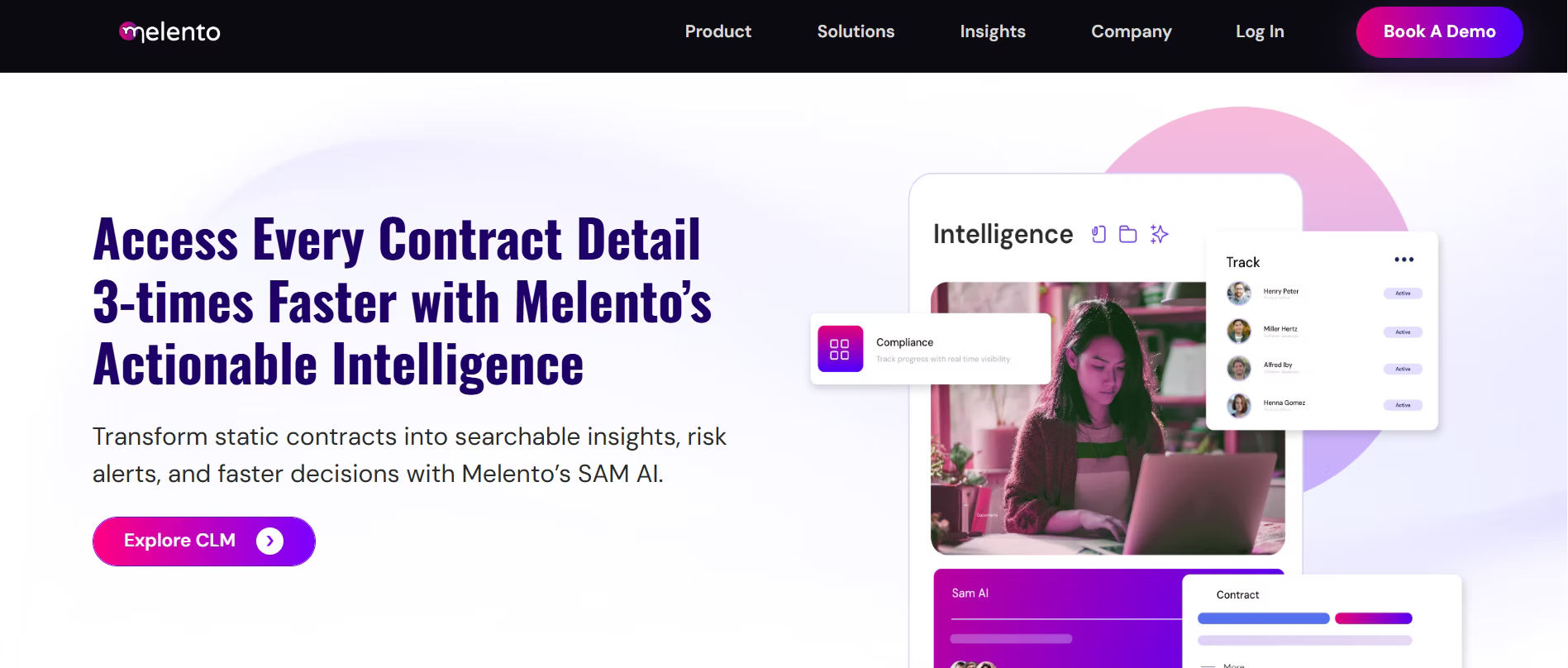
If a contract platform doesn’t simplify your work and tighten your compliance, it’s not doing its job.
SignDesk was built for industries where precision matters banking, insurance, and finance. It doesn’t just offer eSignatures. It delivers eStamping, and real-time ID checks. Legal, fast, and fully compliant.
Approvals move quicker. Manual errors disappear. Every contract is tracked, verified, and audit ready. From onboarding to renewals, SignDesk handles the hard parts so teams can move forward without second-guessing a single step.
Key Features
- Auto-populate forms using saved client data
- Centralized platform for complete contract management
- Secure eSigning built into the workflow
- Redline contracts with built-in editing tools
- Token-based editing to restrict unauthorized changes
- Role-based access control for team permissions
- Automated approval workflows
- Digital stamp paper generation
- Real-time tracking and contract status monitoring
SignDesk Ratings
Capterra: 4.6
4. Zoho Contracts
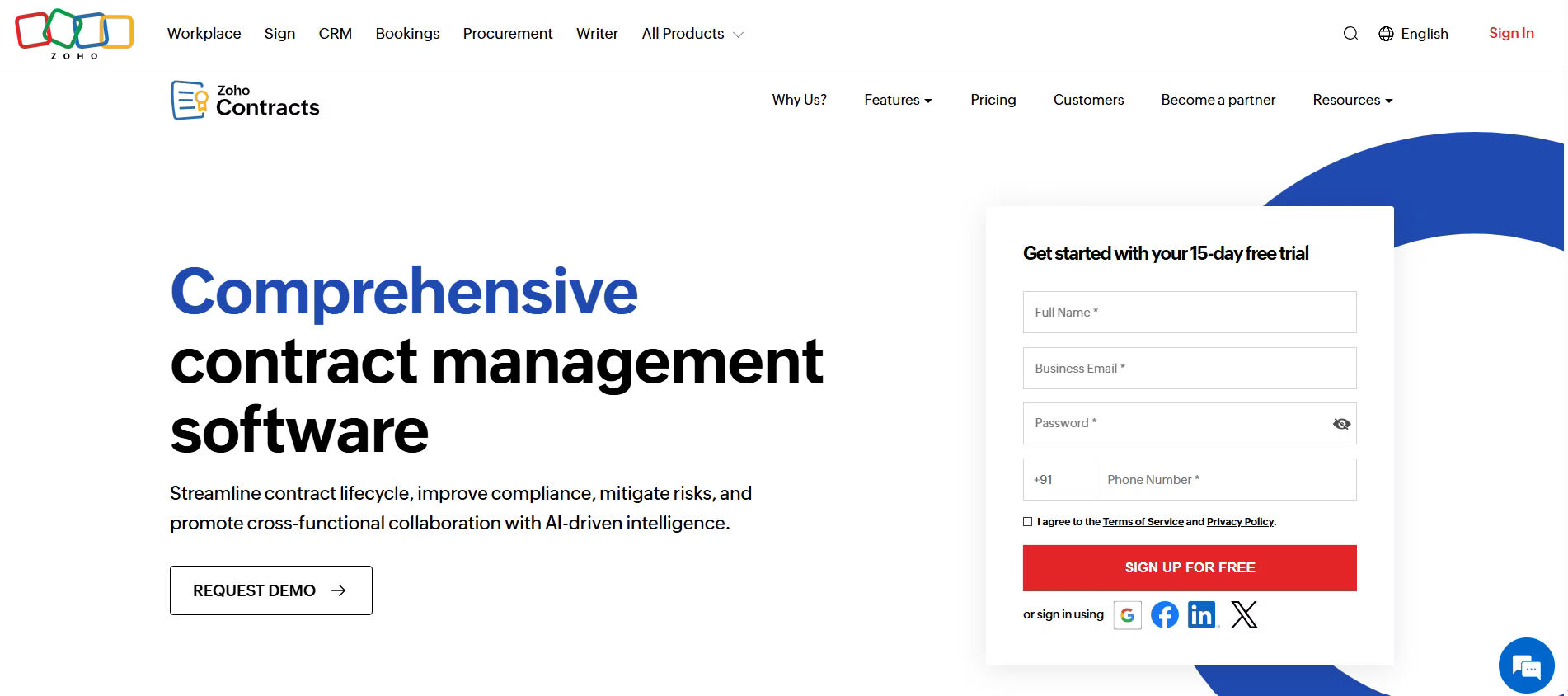
For teams already using Zoho’s suite of business tools, Zoho Contracts fits in naturally. It helps manage contracts without adding complexity or disrupting familiar workflows.
Everything feels connected, making collaboration between departments smoother and more efficient.
What makes it appealing is its thoughtful design. It does not try to reinvent how contracts are handled it simply makes the process easier to follow and easier to trust.
Whether it’s handling new agreements or keeping track of existing ones, Zoho Contracts brings structure and clarity to the table.
It’s a reliable CLM solution for businesses that want to stay organized and reduce manual work.
Key Features
- Leegality integration for secure digital execution
- Custom approval workflows
- Legally binding digital signatures
- Clause templates for faster drafting
- Obligation tracking and reminders
- Easy change management
- Analytics for contract performance
- End-to-end contract lifecycle management
- Full audit trail for compliance
- Mobile responsive
Zoho Contracts Ratings
G2 Review: 4.5
Capterra: 4.4
Best known for: A user-friendly contract lifecycle management tightly connected with the broader Zoho ecosystem.
5. Conga CLM
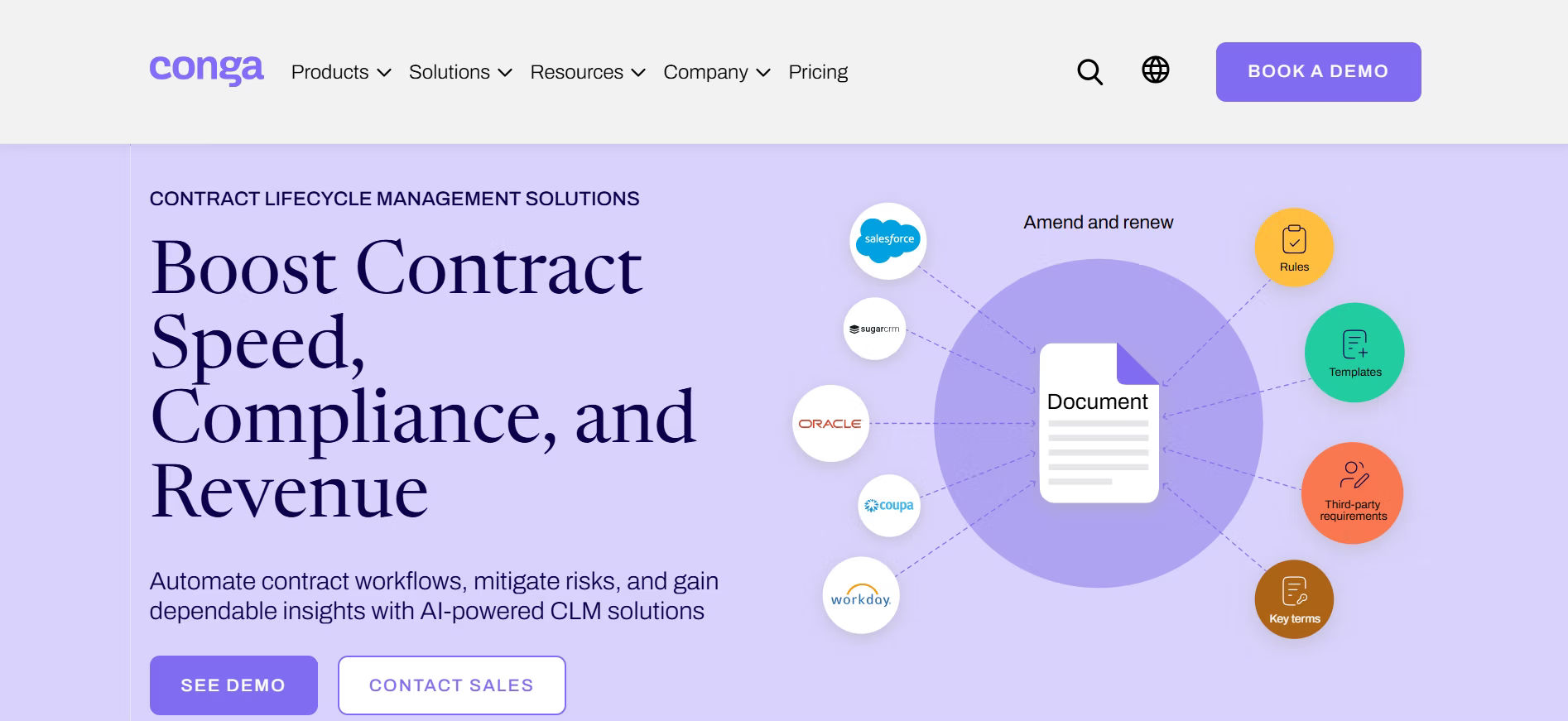
Conga CLM is built for teams that want control, clarity, and speed in their contract process without the learning curve.
It brings contract creation, editing, and collaboration into one smooth experience. Legal teams work with familiar tools, while the platform handles the structure behind the scenes.
Clause libraries keep language aligned. Contract approval processes are automated, not chased. Obligations are tracked, so follow-ups never fall through. The result? Fewer delays, fewer errors, and contracts that move as fast as the business demands.
For organizations that take contracts seriously and expect their tools to do the same Conga CLM is a powerful Docusign alternatives worth a closer look.
Key Features
- Step-by-step contract drafting without needing legal support
- Easy setup for multi-stage approval flows across teams
- Real-time collaboration with multiple reviewers at once
- Automated reports and scheduled insights for better decision-making
- Pre-approved clause bank to speed up contract creation
- Import and organize contracts created outside the system
- Seamless integration with existing CRM and ERP platforms
Conga CLM Ratings
G2 Review: 4.3
Capterra: 4.3
Best known for: Enterprise contract automation with deep Salesforce integration for sales and revenue operations.
6. PandaDoc
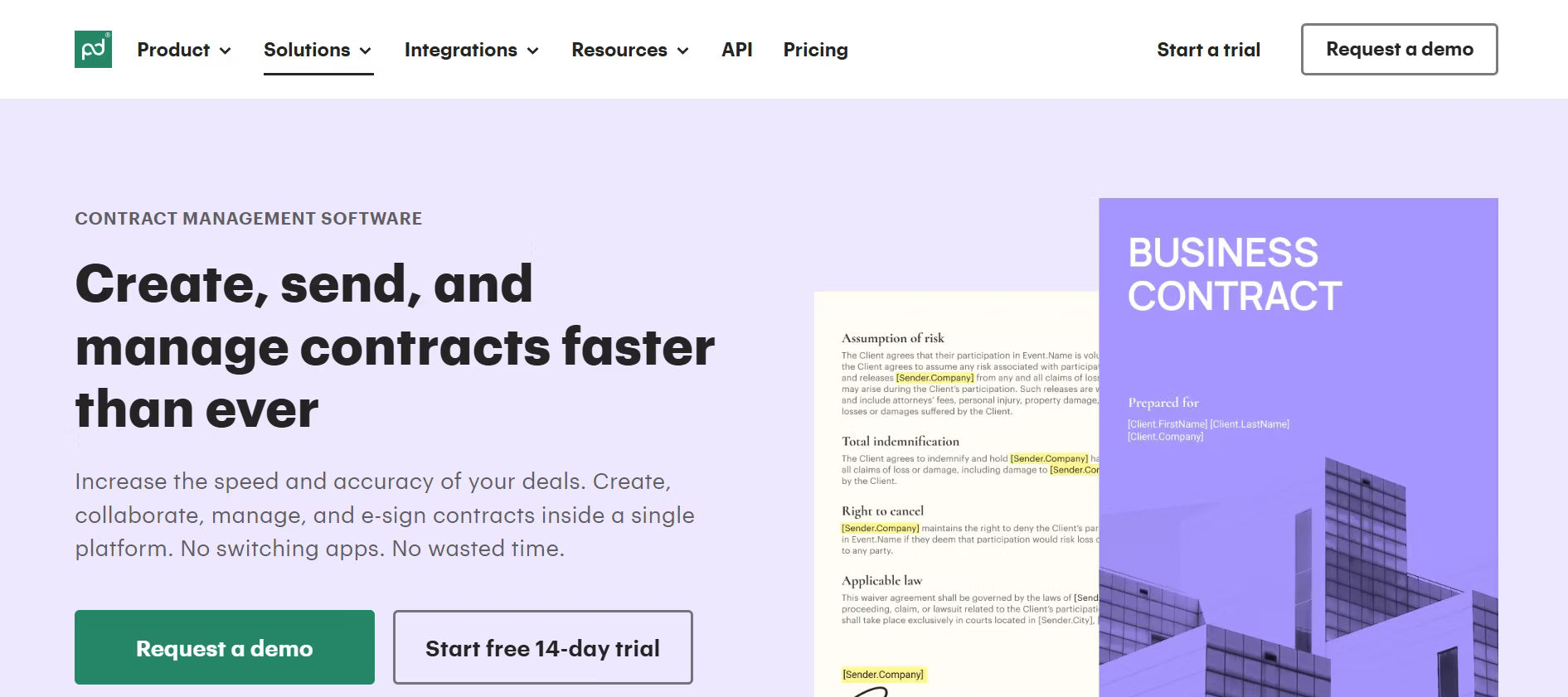
PandaDoc is a strong DocuSign alternative for businesses that want more than just a signature tool. Designed to support the entire document journey, it’s especially effective for teams managing proposals, quotes, and sales contracts at scale.
What sets PandaDoc apart is its all-in-one approach. Users can create documents, add internal comments, manage approvals, and collect signatures all within a single, intuitive platform.
This helps teams save time, stay organized, and move deals forward without unnecessary delays.
For businesses looking for an alternative to Docusign that adds value across every stage of the contract lifecycle, PandaDoc offers a seamless, end-to-end solution that’s built for speed and simplicity.
Key Features
- Automate contract workflows from draft to sign
- Lock content to prevent unauthorized edits
- Collaborate with real-time redlining
- Secure, built-in eSignatures
- Easy drag-and-drop document builder
- Insights through detailed reports and analytics
- Centralized storage for all documents
- Track document activity and engagement
- Full audit trail with version history
PandaDoc Rating
G2: 4.7
Capterra: 4.5
Best known for: Proposal automation, document tracking, and eSignature workflows designed for sales teams.
7. SpotDraft
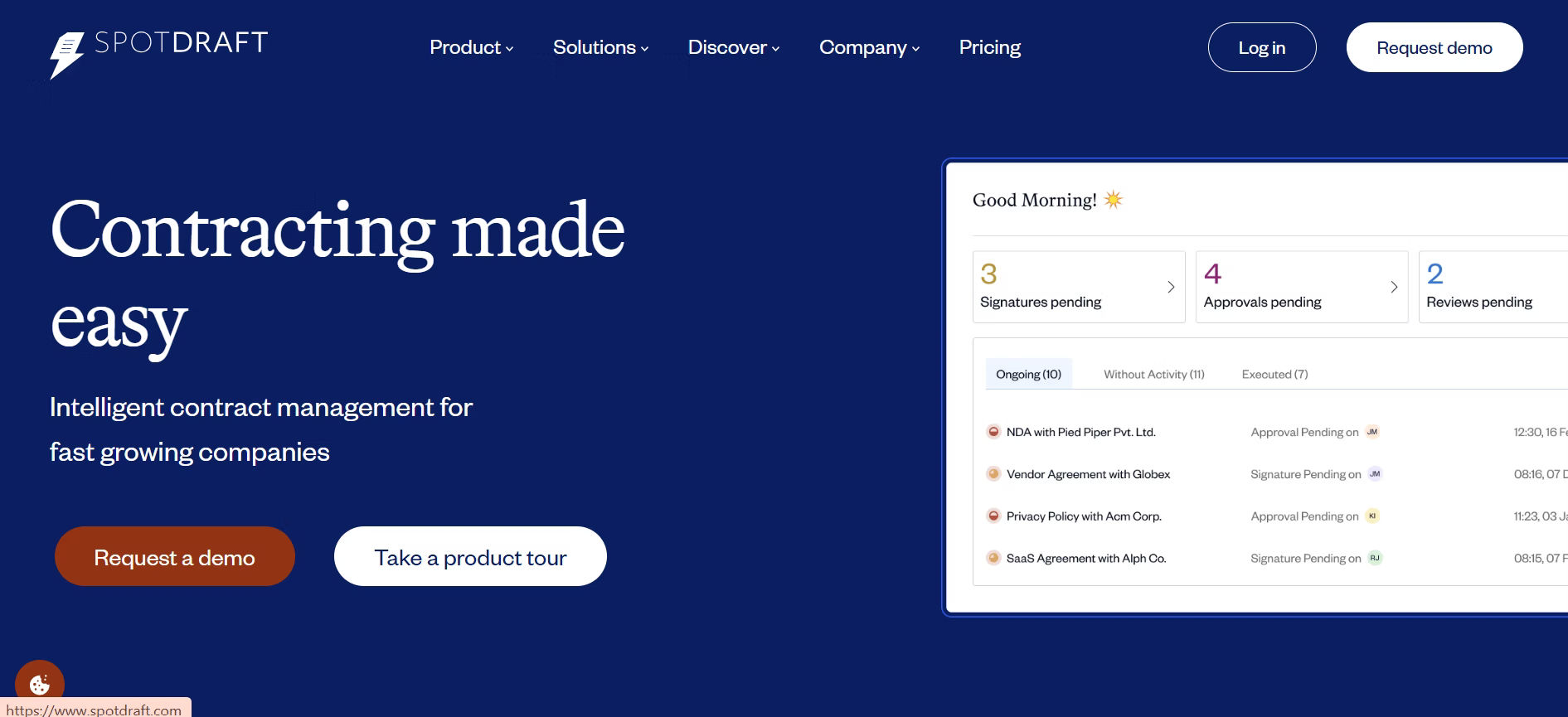
SpotDraft is a great fit for DocuSign alternatives designed to do what great software should make life easier for the people who use it. With a clean interface and intuitive design, it empowers legal and business teams to start managing contracts effectively from day one.
SpotDraft earns praise not just for its functionality, but for the experience it delivers. Onboarding is guided, responsive, and tailored to real business needs. The pricing model is straightforward, with no hidden fees just real value for teams that want full contract control without unnecessary complexity.
For businesses ready to modernize legal workflows or scale their contract operations, SpotDraft is good Docusign alternative that offers a rare balance, powerful where it counts, and simple where it matters.
Key Features
- Build contracts with built-in risk controls
- Sign documents securely with native eSignatures
- Set custom approval workflows
- Manage contracts in one centralized workspace
- Collaborate with real-time comments and updates
- Control access with role-based permissions
- Get alerts for renewals and expiries
- Use AI to suggest relevant clauses
- Track activity with version history
- View insights through dashboards and report
SpotDraft Ratings
G2 Review: 4.5
Capterra: 4.8
8. eSignly
eSignly is built for teams that want to simplify contract signing and looking for an reliable DocuSign alternative.
It’s fast, easy to use, and ideal for businesses that need reliable eSignature functionality without the added complexity of full contract suites. The platform offers a clean interface and a flexible pricing model, making it easier for teams to onboard users.
Unlike many tools in the eSignature space, eSignly allows teams to mix and match plans. Admins can opt for the Business plan, while others operate on more streamlined tiers like Pro or even Free depending on what each role requires. This balance between flexibility and affordability is what makes eSignly a standout among DocuSign alternatives.
Key Features
- Self-signing from anywhere
- In-person signing for face-to-face execution
- Scheduled signing to manage timelines
- Custom fields for specific input needs
- Contract collaboration with teams or clients
- Predefined templates for quick document setup
- Automated reminders to prevent delays
eSignly Ratings
G2: 4.2
9. ContractWorks
ContractWorks is designed with one clear goal, to make contract management feel effortless for small businesses.
It removes the usual complications that come with handling agreements, offering a straightforward experience that helps teams stay focused and organized. There is no steep learning curve just a clean, dependable system that supports the way people already work.
For those exploring DocuSign alternatives, ContractWorks offers a refreshing simplicity.
Key Features
- Instantly view important contract terms and data
- Maintain full visibility across all agreements
- Stay on schedule with smart, automated alerts
- Use OCR and intelligent search to find any document fast
- Sign contracts securely with built-in eSignature tools
- Generate tailored reports with custom filters and insights
ContractWorks Ratings
G2 Review: 4.8
Capterra: 4.8
10. SignEasy
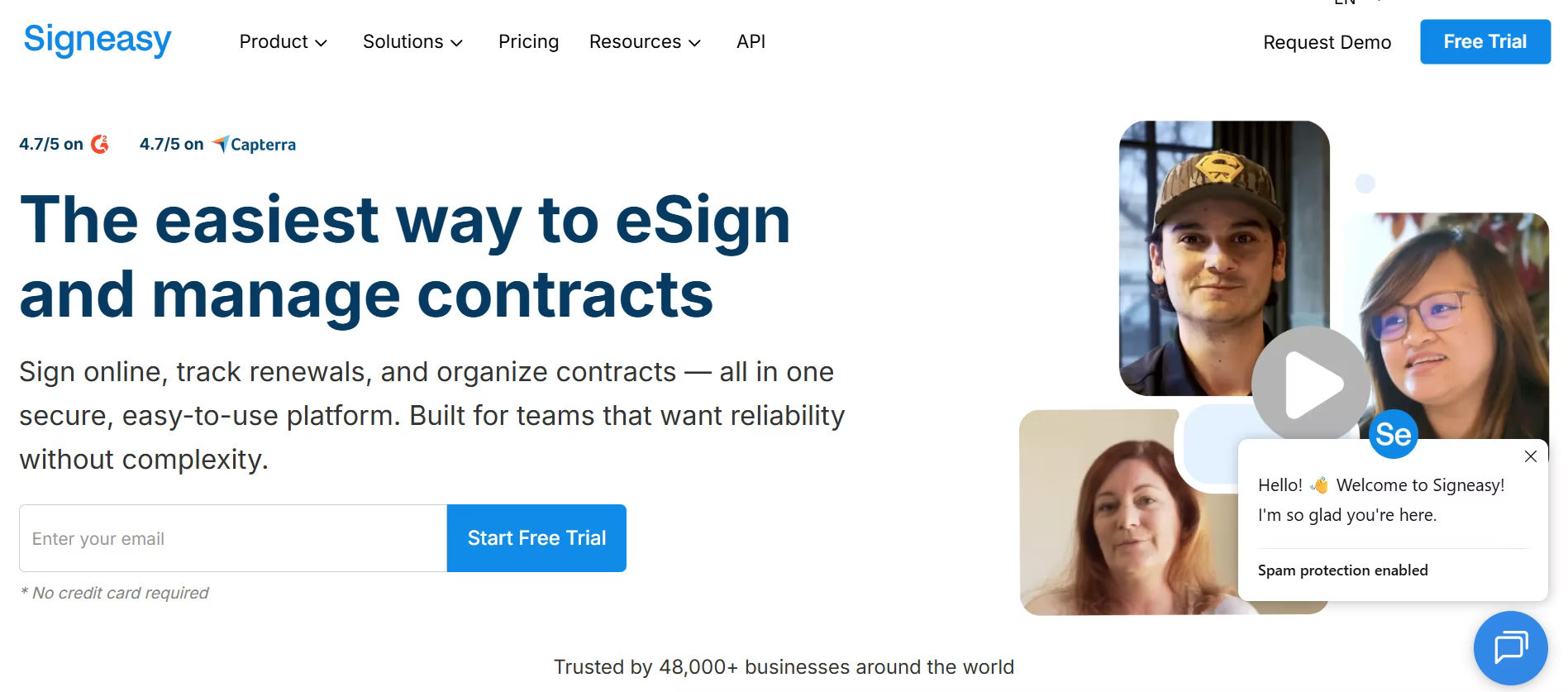
SignEasy was made for people who move fast and work on the go. It brings the convenience of mobile signing to the forefront, allowing users to handle important documents from anywhere with or without an internet connection.
SignEasy also offers features that support a smarter way to manage agreements, from tracking activity to summarizing key contract terms. It is a tool designed not just for speed, but for peace of mind.
Among today’s DocuSign alternatives, SignEasy stands out by meeting mobile-first professionals where they are: in motion, and always one step ahead.
Key Features
- Get automatic reminders and alerts before contracts expire
- Simple and secure sign-in process for all users
- Effortlessly sign documents using your mobile device.
- Customize signature workflows to match your process
- Fast and reliable document signing experience
- Dependable platform performance with minimal downtime
- Assign roles and set permissions with fine-tuned control.
- Create signature-ready documents with ease
- Maintain a complete audit trail and signature history for compliance
SignEasy Ratings
G2: 4.7
Capterra: 4.7
11. Sirion
Sirion is where the power of AI meets the precision of enterprise contracting. Built from the ground up with artificial intelligence at its core, Sirion is helping global teams rethink how contracts are created, negotiated, and managed.
Its AI-driven search, smart clause extraction, and intelligent negotiation tools remove the friction from complex workflows turning contracts into a strategic asset, not just paperwork.
Sirion offers an AI-first approach to contract management, making it a strong contender among advanced DocuSign alternatives.
Key Features
- Sirion’s AI distills essential contract terms for faster understanding
- They assist in drafting using set templates and rules.
- AI recommends edits to strengthen your negotiation process.
- It extracts key data like dates and obligations automatically.
- Teams collaborate in one place with controlled access.
Sirion & Ratings
G2: 4.5
12. Summize
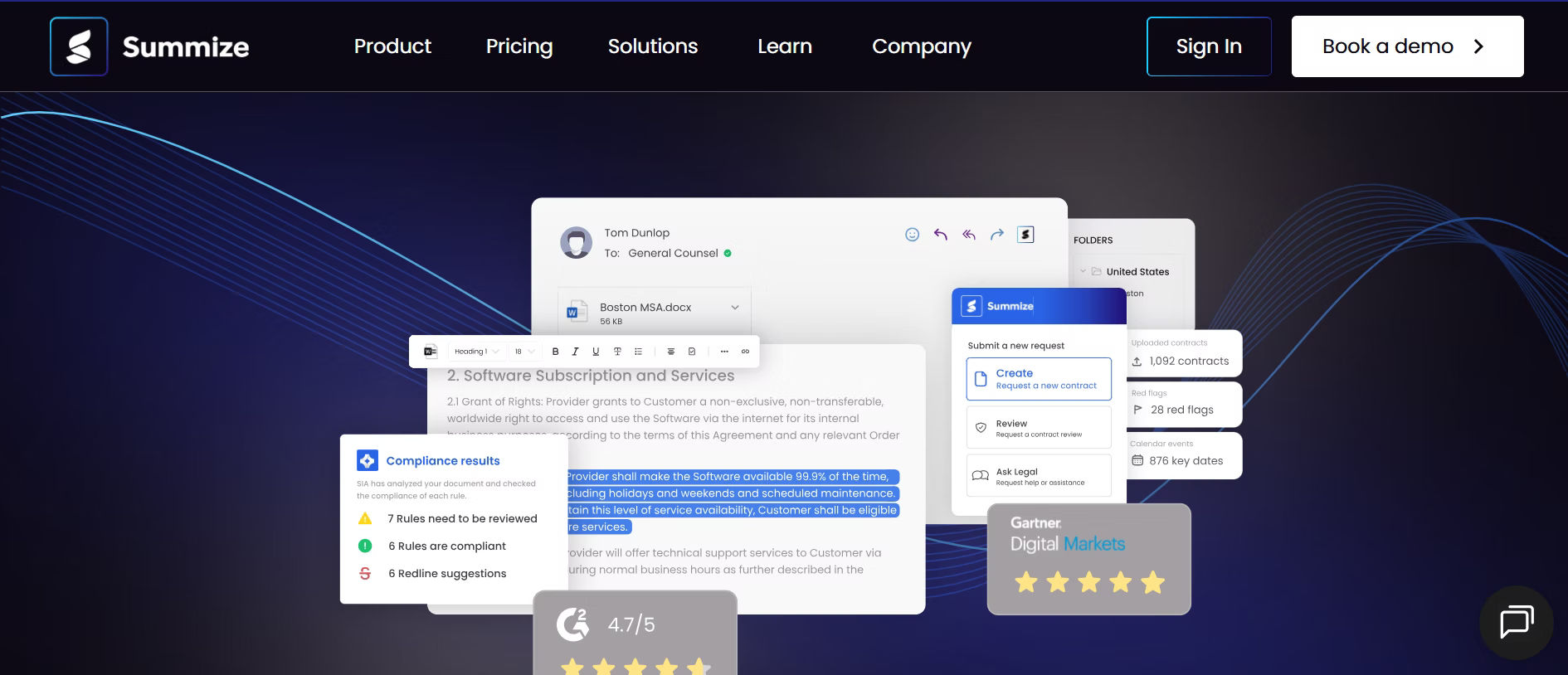
Summize is a modern platform for managing contracts from start to finish. It works well with tools teams use every day and helps make contract work faster and easier. With the power of AI, it pulls out key details from contracts gives helpful alerts and turns complex terms into clear and simple contract summaries. It helps legal and business teams stay on track and make quick decisions with less effort.
Key Features
- Edit contracts directly with tools designed for speed and accuracy.
- Gain insights with advanced analytics to track contract performance.
- Work together in real time with built-in collaboration tools.
- Store and organize all contracts in a searchable and secure database.
- Stay aligned with legal standards through automated compliance checks.
- Get smart alerts and view tasks with a built-in calendar.
- Use contracts inside Word with a dedicated add-in for easy access.
- Follow legal playbooks that guide each step of the contract process.
- Set up quickly with fast deployment and minimal technical steps.
- Use features built to support teamwork across legal and business roles.
Summize Reviews and Ratings
G2: 4.7
Capterra: 5
13. GateKeeper
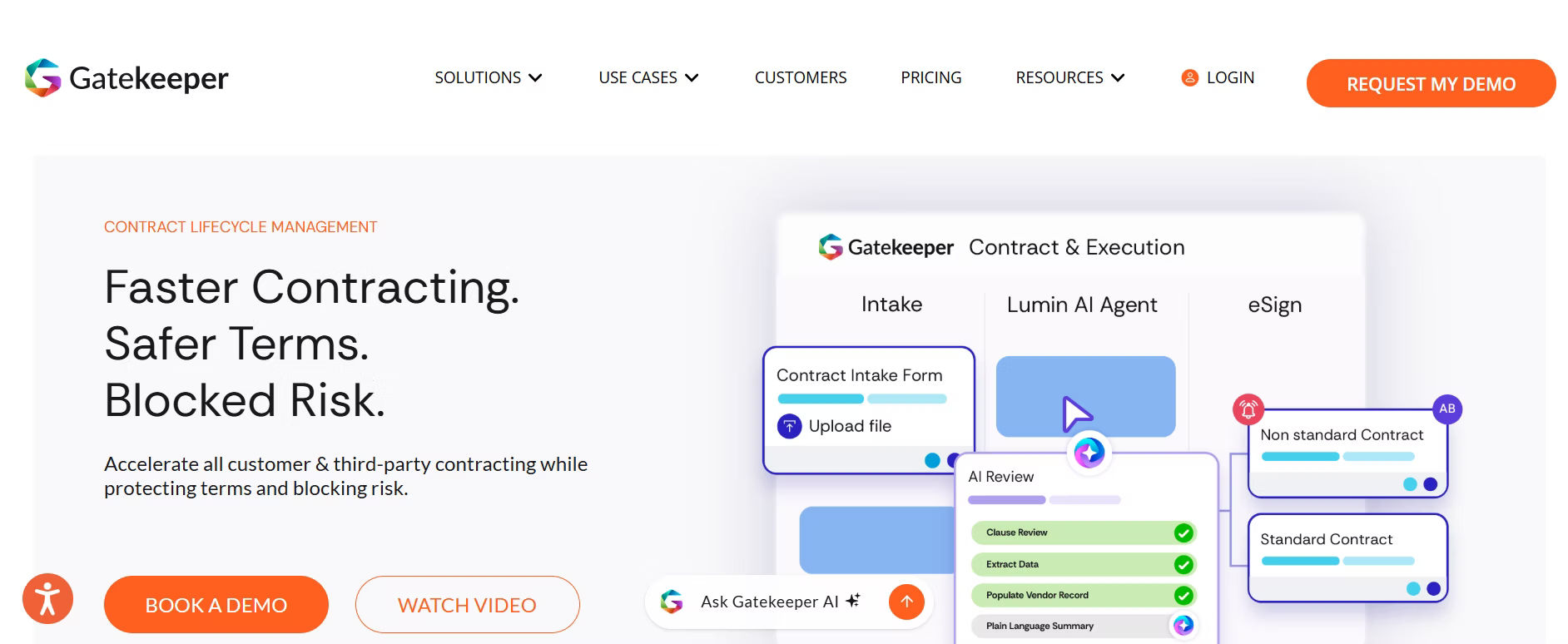
Gatekeeper is a good Docusign alternatives, and the platform built to help companies take control of their vendor and contract operations. The dashboard gives a clear view of every contract workflow in one place, helping teams spot risks avoid unwanted renewals and find ways to cut costs. With this level of clarity several companies have saved millions within their first year of using it. Gatekeeper does not just manage contracts it turns them into a source of strategic value.
Key Features
- Supports secure document signing for faster agreement.
- Sends reminders before contracts expire or need action.
- Offers a simple and secure sign-in process.
- Handles the entire signing process from initiation to completion.
- Tracks every signature with full history and audit records.
- Stores contracts in an organized and searchable database.
- Sends notifications to keep teams updated on key actions.
- Supports approval steps to control contract progress.
- Allows contracts to include relevant attachments for reference.
Gatekeeper Ratings
G2: 4.5
Capterra: 4.7
14. LinkSquares
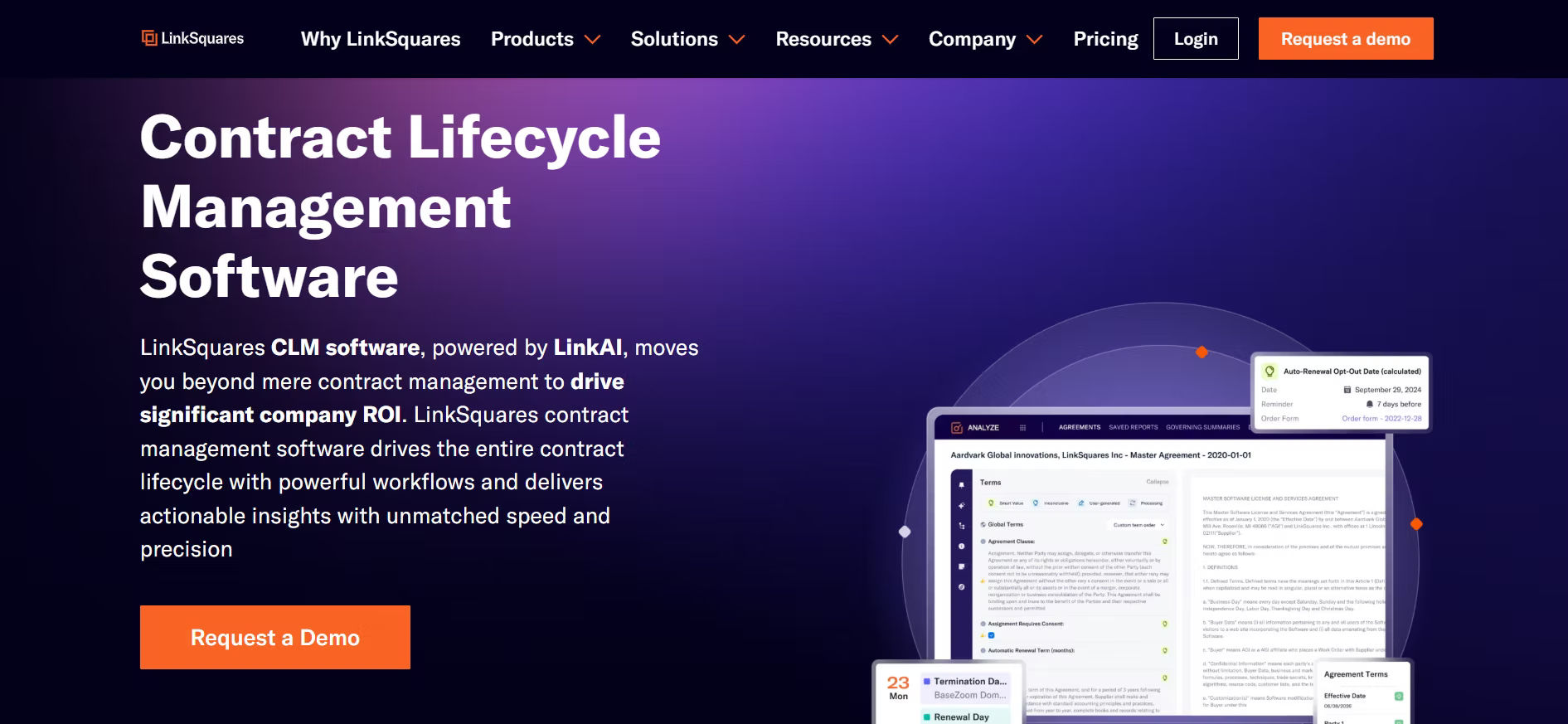
LinkSquares is a leading contract lifecycle management platform designed to help legal and business teams gain full visibility and control over their contracts. With powerful features like AI-driven contract analysis, automated workflows, and real-time collaboration, LinkSquares simplifies the complexities of contract creation, review, and management. For organizations exploring DocuSign alternatives. It is an ideal choice for teams looking to scale their contract processes without compromising on compliance or efficiency.
Key Features
- Gain insights with advanced contract analytics.
- Ensure accuracy with built-in compliance tracking.
- Store all contracts in a centralized database.
- Get timely alerts with smart notifications.
- Collaborate on contracts in real time.
- Attach and manage documents securely.
- Automate workflows with an AI-powered system.
LinkSquares
G2: 4.7
Capterra: 4.2
15. Cobblestone Software
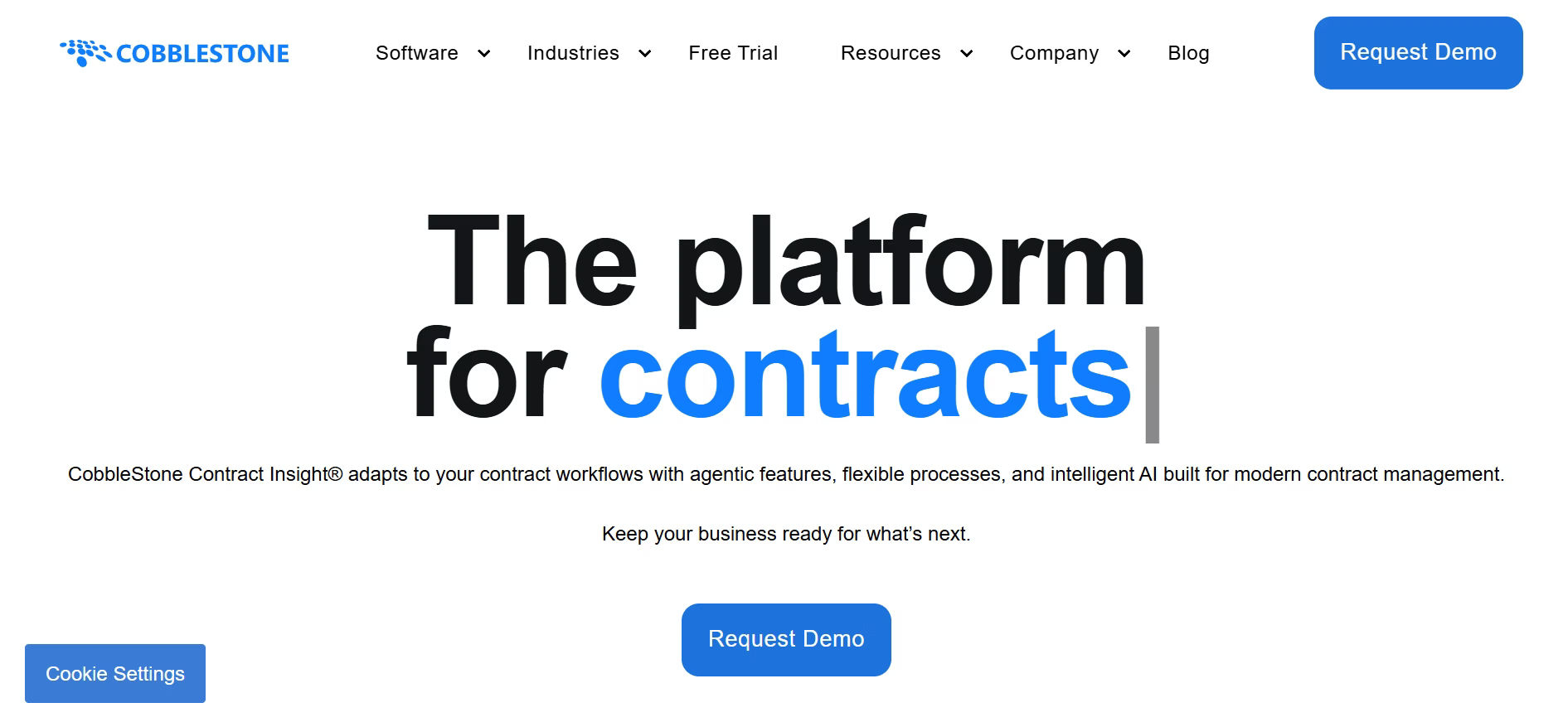
CobbleStone Software is a powerful tool that helps businesses manage their contracts from start to finish. It allows teams to create track and store contracts in one secure place. With smart features like automated tasks electronic signatures and clear activity tracking CobbleStone makes contract management easy to handle. It is built to support both small teams and large organizations and helps reduce risk improve compliance and save time.
Key Features
- Securely store and organize contracts with integrated document tools
- Monitor every edit with detailed revision tracking
- Keep a clear record of actions through end-to-end audit logs
- Streamline processes using intelligent automation flows
- Instantly search across documents with smart text indexing
- Assign role-based access with flexible permission settings
- Enhance the platform with additional optional modules
COBBLESTONE Ratings
G2: 4.8
Capterra: 4.7
How to Set Up an Effective System for Managing Contracts
Handling contracts effectively is a key part of running any business. If you do not have a good system in place things can go wrong. You might miss deadlines or lose track of important terms. This can lead to mistakes confusion or even legal trouble. With the right steps you can create a system that saves time and reduces errors.
1. Understand What You Need
Before setting up any system take a close look at how you work today. See how your team handles contracts now. Find out what is going well and where the problems are. This will help you make better choices.
- Talk to team members who deal with contracts every day
- Write down common issues such as slow reviews or missing files
- Set simple goals like faster approvals or clear tracking
Knowing what you need helps you choose a system that works for your team.
2. Choose the Right Tool
There are many tools for managing contracts. Some are basic and others offer more features. Pick one that suits your team and is easy to use every day.
- Look for tools with digital storage e signing and alerts
- Try out various alternatives before selecting the best fit
- Choose a system that can grow as your business grows
The right tool helps your team do their work faster and with less stress.
3. Organize Your Contracts
Before using the new system get your contracts in order. This makes the move smooth and helps you find what you need later.
- Gather all your contracts into one place
- Sort them into groups such as vendor or employee contracts
- Add key details like dates values and terms
A clean setup helps everyone stay on the same page.
4. Set Up Clear Workflows
Contracts often go through many steps. If the process is not clear delays and errors can happen. A simple workflow helps your team move faster.
- Decide who creates reviews and approves each contract
- Set clear rules for what steps to follow
- Use tools that send alerts when action is needed
When everyone knows their role work gets done quicker and with fewer issues.
5. Train Your Team
Once the system is ready you need to train your team. Training helps everyone feel confident and reduces mistakes.
- Show how the system works with a short session
- Share step by step guides for daily use
- Answer questions and offer help when needed
A well-trained team uses the system better and gets more done.
6. Keep Checking and Improving
After the system is in use take time to review how it is going. Make small updates as your team learns and grows.
- Ask your team for feedback on what works well and what does not
- Look for delays or repeat issues and fix them fast
- Adjust workflows as your needs change
Keeping the system freshly makes it stay helpful in the long run.
Conclusion
While DocuSign is a well-known tool for electronic signatures it may not cover all your contract management needs.
If you are looking for a reliable DocuSign alternative that brings security automation and smoother workflows together, then CLM 365 is the right solution.
Book a demo today to see how it can help your team work smarter.
Join Our Creative Community
Frequently Asked Questions
Does CLM 365 support secure electronic signatures?
Yes, CLM 365 comes with built-in secure e-signature capabilities to help businesses sign and manage contracts safely within the platform.
How are e-signature tools different from complete CLM platforms?
E-signature solutions mainly focus on document signing. In contrast, contract lifecycle management (CLM) platforms handle the full contract journey, including drafting, approvals, storage, tracking, renewals, and compliance management.
Can alternatives to DocuSign manage the entire contract process?
Yes. Several alternatives, including CLM 365, Juro, and Zoho Contracts, provide end-to-end contract management features beyond just electronic signatures.
Are DocuSign alternatives safe and legally compliant?
Most leading DocuSign alternatives follow global compliance standards and include enterprise-level security features such as encryption, audit trails, and access controls to ensure legally valid and secure transactions.
How does AI improve contract lifecycle management?
AI helps automate repetitive tasks like clause extraction, risk identification, approval workflows, and renewal reminders, helping teams save time and reduce manual errors.


_JiluXJRGNl.svg)























