
Workday vs HR365 HRMS: Which HR Software Is Right for Your Business?

- Workday is ideal for enterprise HCM, while HR365 HRMS is built for Microsoft 365 organizations.
- HR365 HRMS offers native integration with SharePoint, Microsoft Teams, and Outlook.
- Both platforms support recruitment, onboarding, leave, attendance, performance, and AI-powered HR features.
- Choose the platform that best matches your business size, technology ecosystem, and HR requirements.
Choosing the right HR software is a major decision for any organization. The right platform should support your HR processes today while adapting to future business needs. When comparing HR solutions, two names that often appear are Workday and HR365 HRMS. Although both help organizations manage HR operations, they are designed for different business requirements and technology environments.
Workday is a cloud-based Human Capital Management (HCM) platform built for medium and large enterprises that need extensive HR, finance, planning, and analytics capabilities. HR365 HRMS, on the other hand, is a Microsoft HR management solution that helps organizations manage the complete employee lifecycle directly within SharePoint, Microsoft Teams, and the Microsoft ecosystem.
In this comparison, we’ll examine Workday and HR365 HRMS across the areas that matter most to HR teams and business decision-makers. By the end, you’ll have a clearer understanding of which platform aligns with your organization’s size, technology environment, and long-term HR goals.
What is Workday?
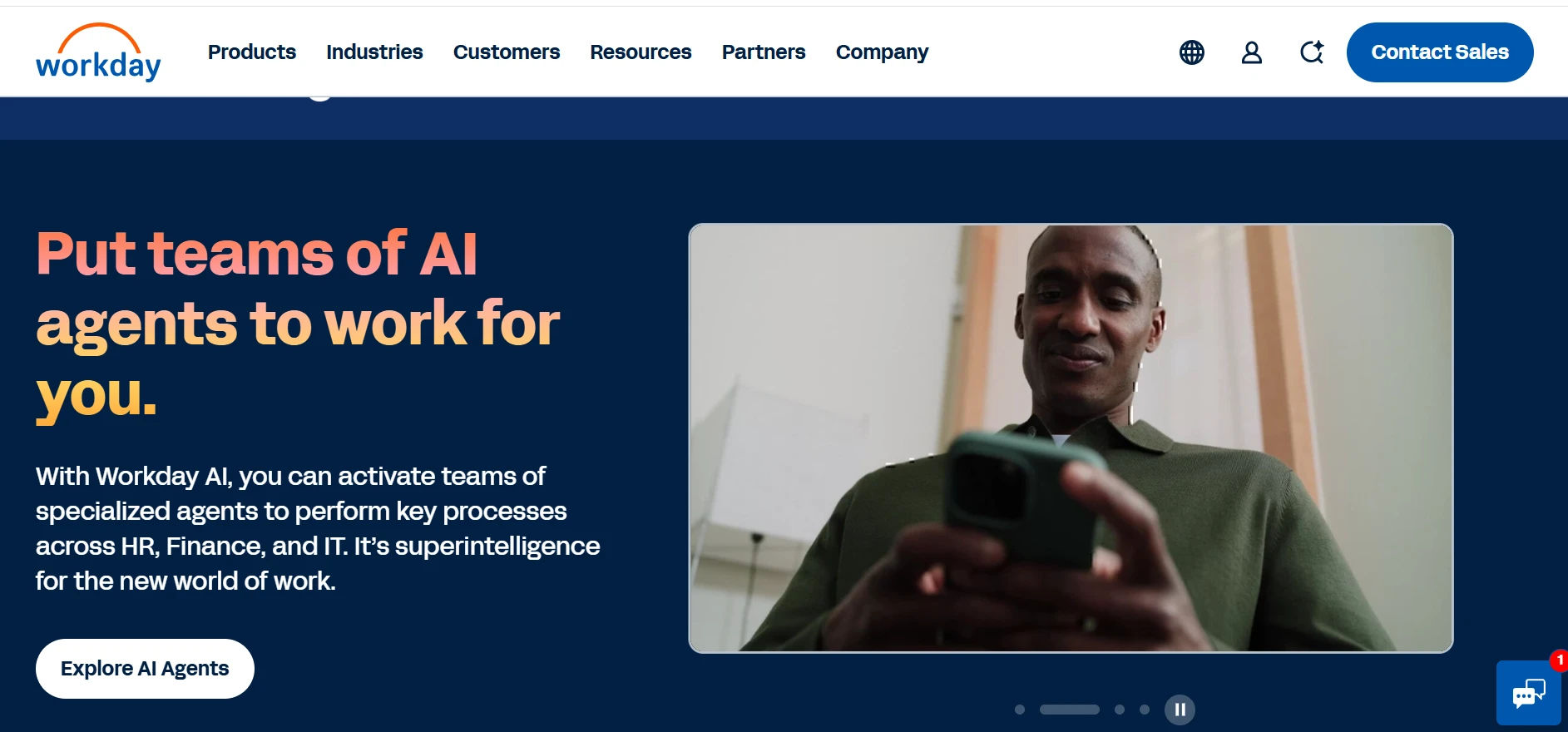
Workday is a cloud-based Human Capital Management (HCM) platform that helps organizations manage human resources, talent, finance, planning, and workforce analytics from a unified system. It is primarily designed for medium-sized businesses, large enterprises, and multinational organizations that require advanced workforce management capabilities across multiple locations.
The platform offers a broad range of HR solutions covering the entire employee lifecycle, from recruitment and onboarding to talent development, compensation, and succession planning. In addition to HR, Workday also provides enterprise finance and planning solutions, making it a comprehensive business management platform for organizations with complex operational requirements.
Workday's Primary HR Features
- Core Human Resources (Core HR) : Centralized employee records, organizational management, and HR administration.
- Recruiting & Talent Acquisition: Job requisitions, candidate tracking, interview management, and hiring workflows.
- Employee Onboarding: Digital onboarding, task assignments, document management, and new hire workflows.
- Time Tracking & Absence Management: Attendance tracking, time entry, leave management, overtime, and approval workflows.
- Performance & Talent Management: Goal setting, performance reviews, continuous feedback, career development, and succession planning.
- Reporting, Analytics & AI: Real-time HR dashboards, workforce analytics, predictive insights, AI-powered recommendations, and configurable reports.
Pros
- Comprehensive enterprise Human Capital Management platform
- Supports global organizations and complex business structures
- Advanced workforce analytics and reporting
- Strong talent management capabilities
- Integrated HR, finance, and planning modules
- Extensive AI-powered insights
- Highly scalable for enterprise growth
Cons
- Better suited for medium and large enterprises than smaller businesses
- Enterprise implementations can require significant planning
- May include capabilities that smaller organizations do not require
- Microsoft 365 integration relies on connectors rather than being Microsoft-native
- Pricing is available through custom quotations
One of Workday’s strengths is its ability to support large enterprises with complex organizational structures, global operations, and advanced reporting requirements. Organizations operating across multiple countries often choose Workday because it offers scalable HR and business management capabilities within a single cloud platform.
Workday is commonly adopted by enterprises looking for an integrated solution that combines HR, finance, planning, and analytics rather than deploying separate systems for each business function.
What is HR365 HRMS?
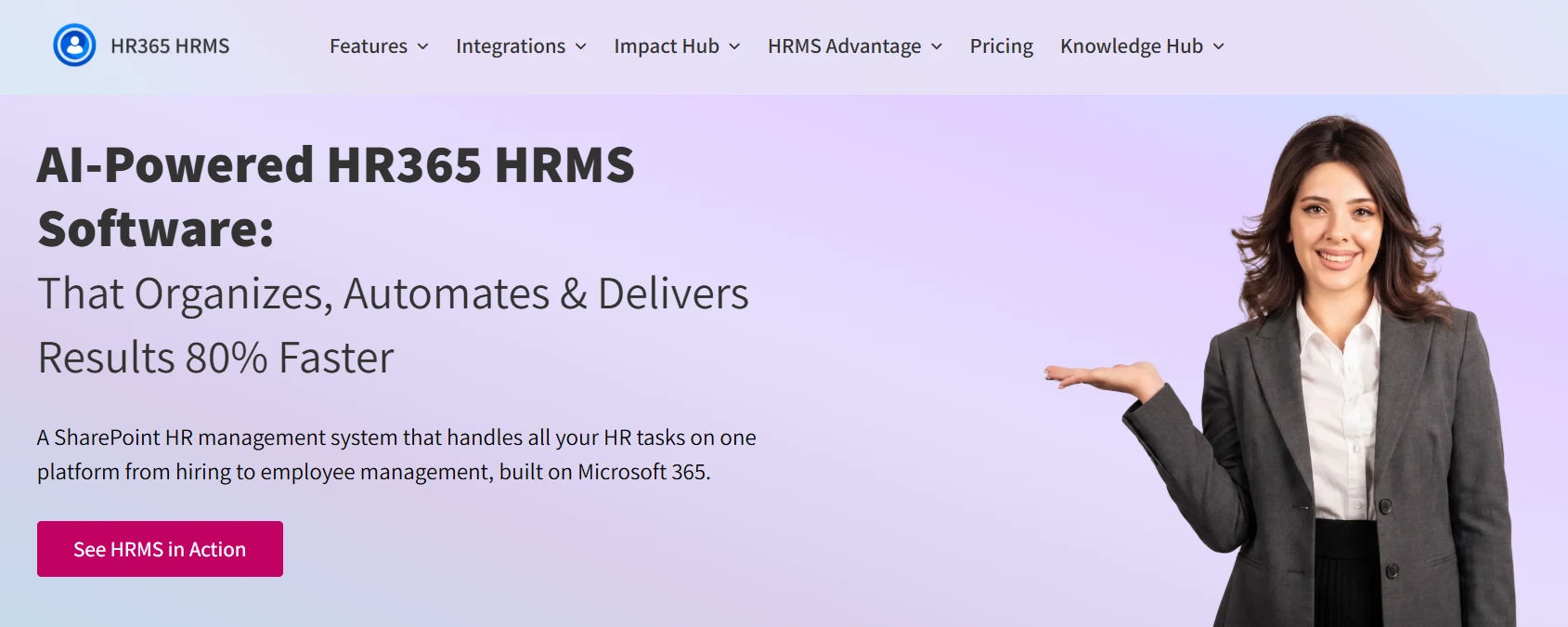
HR365 HRMS is a SharePoint HR management solution designed to simplify HR operations for organizations already using Microsoft technologies. Built on SharePoint and integrated with Microsoft Teams, Outlook, and Microsoft Entra ID, HR365 HRMS provides a centralized platform for managing the complete employee lifecycle without requiring organizations to move away from their existing Microsoft environment.
The solution focuses on delivering practical HR functionality that supports daily HR operations while maintaining a familiar user experience for both HR teams and personnel. Since it operates within Microsoft 365, organizations can manage HR processes using tools they already use every day.
HR365 HRMS's Primary HR Features
- Recruitment & Employee Onboarding: Manage the hiring process from job requisitions and candidate tracking to digital onboarding, document collection, and onboarding task management.
- AI-Powered HR Automation & Reporting: Automate routine HR processes using AI-powered workflows, access interactive HR dashboards, generate reports, and gain insights into key HR metrics.
- Employee Management: Maintain centralized employee records, organizational structures, departments, designations, documents, and employee profiles in one secure platform.
- Leave & Timesheet Management: Handle leave requests, attendance recording, work-hour tracking, timesheets, approval workflows, and holiday calendars from a centralized system.
- Performance Management: Conduct performance reviews, set goals, collect feedback, manage appraisal cycles, and monitor individual and team performance.
- Learning, Training & Expense Management: Organize training programs, assign learning courses, track certifications, and manage business expense claims with configurable approval workflows.
Pros
- Built specifically for Microsoft 365
- Native integration with SharePoint, Microsoft Teams, Outlook, and Microsoft Entra ID
- Covers the complete employee lifecycle
- Configurable workflows and approval processes
- Centralized employee records and document management
- Includes recruitment, onboarding, leave, attendance, performance, learning, expense, and task management
- Faster adoption for organizations already using Microsoft technologies
Cons
- Primarily focused on HR management rather than enterprise ERP capabilities
- Organizations requiring finance and enterprise planning modules may need additional Microsoft business solutions
- Best suited for organizations using the Microsoft ecosystem
Organizations using Microsoft 365 benefit from native integration with SharePoint, Microsoft Teams, Outlook, and Microsoft Entra ID, reducing the need for multiple disconnected HR applications. HR365 HRMS also offers configurable workflows, customizable forms, approval processes, and centralized document management to support different organizational requirements.
HR365 HRMS is particularly well suited for small and medium-sized businesses, growing organizations, and enterprises that want comprehensive HR management while maximizing their existing Microsoft 365 investment.
Transform HR Management with HR365 HRMS
Book a personalized demo today to see how HR365 HRMS can help your organization simplify HR operations within SharePoint and Microsoft Teams.
Workday vs HR365 HRMS: Quick Comparison Table
Category | Workday | HR365 HRMS |
Best For | Medium and large enterprises with complex global HR and business operations | Small, medium, and growing organizations using Microsoft 365 |
Deployment | Cloud-based | Microsoft 365 and SharePoint-based |
Microsoft 365 Integration | Supports Microsoft integrations through connectors and APIs | Native integration with Microsoft 365, SharePoint, Microsoft Teams, Outlook, and Microsoft Entra ID |
Reporting & Dashboards | Advanced enterprise reporting and analytics | HR dashboards with configurable reports |
Implementation Time | Typically longer due to enterprise-scale deployments | Faster implementation for Microsoft 365 environments |
Customization | Extensive configuration options | Configurable workflows, forms, and approval processes |
Scalability | Designed for medium and large global enterprises | Suitable for SMBs, mid-sized businesses, and enterprises using Microsoft 365 |
Pricing | Custom quotation | Flexible licensing based on organizational requirements |
Customer Support | Enterprise support and implementation partners | Product support with onboarding assistance |
📌 Bottom Line: For Microsoft 365-first organizations,HR365 HRMS is the clear winner.
Workday vs HR365 HRMS: Feature-by-Feature Comparison
Both Workday and HR365 HRMS cover essential HR functions, but they take different approaches based on their target audience and platform architecture. The following comparison highlights how each solution performs across the areas organizations typically evaluate before selecting HR software.
| Feature | Workday | HR365 HRMS |
| Core HR Management | ✔ | ✔ |
| Employee Directory | ✔ | ✔ |
| Recruitment Management | ✔ | ✔ |
| Employee Onboarding | ✔ | ✔ |
| Leave Management | ✔ | ✔ |
| Attendance & Timesheets | ✔ Time Tracking | ✔ Attendance and Timesheet Management |
| Performance Management | ✔ | ✔ |
| Learning & Training | ✔ | ✔ |
| Expense Management | Available | ✔ Built-in Expense Management |
| Task Management | Limited project task capabilities | ✔ Dedicated HR Task Management |
| AI Features | AI-powered recruiting, talent insights, and analytics | AI-powered HR automation and intelligent workflows |
| Employee Self-Service | ✔ | ✔ |
| Document Management | ✔ | ✔ SharePoint document management |
| Ideal Choice | Organizations requiring enterprise HCM combined with finance and planning | Organizations seeking HR management within the Microsoft ecosystem |
Head-to-Head: Workday vs HR365 HRMS by Category
Now let’s compare the two HR platforms across the areas that matter most when selecting an HR management solution.
HR365 HRMS
HR365 HRMS is built directly on Microsoft 365, allowing organizations to manage HR processes within SharePoint, Microsoft Teams, and Outlook. Since the platform follows Microsoft’s familiar interface, HR teams and personnel can quickly navigate the system with minimal training. Organizations already using Microsoft 365 can deploy HR365 HRMS faster without introducing a completely separate business platform.
Workday
Workday delivers a comprehensive enterprise HCM platform designed for medium and large organizations. Its implementation typically includes business process analysis, data migration, system configuration, integrations, and user training. While the platform offers extensive capabilities, deployment projects are generally larger due to the breadth of functionality and organizational change involved.
📌 Bottom line:HR365 HRMS stands out for organizations seeking a familiar Microsoft 365 experience with faster deployment, while Workday is better suited for enterprises that require a highly configurable HCM platform and have the resources for a larger implementation project.
1. AI Capabilities
HR365 HRMS
HR365 HRMS uses AI to automate everyday HR activities, helping HR teams reduce manual work and respond more efficiently. AI-powered capabilities support employee queries, automate repetitive workflows, send smart notifications, and simplify processes such as onboarding, leave requests, task assignments, and document management. Organizations can also extend automation using Microsoft Copilot, Azure OpenAI, and Power Automate.
Workday
Workday integrates AI across its HCM platform to support talent acquisition, workforce planning, skills intelligence, and predictive analytics. It provides AI-driven recommendations, workforce insights, and intelligent reporting that help enterprise organizations make strategic HR decisions.
📌 Bottom line: Workday leads in enterprise AI and workforce intelligence, while HR365 HRMS delivers practical AI automation for organizations using Microsoft 365.
2. Microsoft 365 Integration
HR365 HRMS
HR365 HRMS is built specifically for Microsoft 365 and works natively with SharePoint, Microsoft Teams, Outlook, Microsoft Entra ID, Power BI, and Power Automate. Teams can complete HR activities without switching between multiple applications, creating a connected experience across the Microsoft ecosystem.
Workday
Workday integrates with Microsoft 365 through APIs and connectors, allowing organizations to exchange data with Microsoft applications. While these integrations are robust, they typically require additional configuration and are not part of the platform’s native architecture.
3. Workflow Automation and Approvals
HR365 HRMS
HR365 HRMS provides configurable workflows for recruitment, onboarding, leave requests, attendance, expense claims, performance reviews, and employee document approvals. Multi-level approval workflows, automated notifications, reminders, and role-based approvals can be configured without complex development, making it easier for HR teams to adapt workflows as business needs change.
Workday
Workday offers highly configurable business process automation designed for enterprise organizations. It supports multi-level approvals, conditional routing, escalations, and complex workflow scenarios across HR and other business functions. These capabilities provide extensive flexibility but often require careful configuration during implementation.
📌 Bottom line:Workday is ideal for highly complex enterprise workflows, while HR365 HRMS offers practical workflow automation that is easier to configure and manage.
4. Security and Compliance
HR365 HRMS
HR365 HRMS leverages Microsoft 365 security capabilities, including Microsoft Entra ID authentication, SharePoint permissions, role-based access, and secure document storage. Organizations can manage employee information using the security controls already available within their Microsoft environment.
Workday
Workday provides enterprise-grade security with role-based access controls, data encryption, audit logging, identity management, and security monitoring. Its security framework is designed to support organizations operating across multiple regions and business units.
5. Pricing
HR365 HRMS
HR365 HRMS offers flexible licensing designed for organizations using Microsoft 365. Businesses can choose the modules they need while maximizing their existing Microsoft investment, making it a cost-effective option for managing the complete employee lifecycle.
Workday
Workday uses a customized pricing model based on organization size, selected modules, and implementation requirements. Pricing is available through consultation and is generally structured for medium and large enterprise deployments.
6. Implementation and Deployment
Implementation and Deployment Implementation timelines vary depending on the complexity of the organization, the number of users, data migration requirements, and system integrations.
HR365 HRMS
HR365 HRMS is designed for organizations already using Microsoft 365. Since it works natively with SharePoint, Microsoft Teams, Outlook, and Microsoft Entra ID, implementation is typically faster and more straightforward. HR teams can configure workflows, migrate employee data, and start managing HR processes without introducing a separate technology ecosystem.
Workday
Workday implementations are generally larger enterprise projects that involve business process analysis, data migration, system configuration, integrations, testing, and user training. The timeline varies based on the organization’s size and complexity, and deployments often require dedicated implementation teams or consulting partners.
📌 Bottom line: Workday is well suited for large enterprises with complex implementation requirements, while HR365 HRMS offers a faster and more familiar deployment experience for Microsoft 365 organizations.
Which HR Software Should You Choose?
Both Workday and HR365 HRMS are powerful HR solutions, but they are built for different business needs. The best choice depends on your organization’s size, existing technology, operational complexity, and long-term goals.
Choose Workday if your organization:
- Operates across multiple countries with complex organizational structures
- Needs a unified platform for HR, finance, planning, and analytics
- Requires advanced workforce planning and enterprise reporting
- Has dedicated resources for large-scale implementation projects
- Is looking for a comprehensive enterprise Human Capital Management (HCM) solution
Choose HR365 HRMS if your organization:
- Uses Microsoft 365 as its primary business platform
- Wants HR management integrated with SharePoint and Microsoft Teams
- Needs a centralized solution for recruitment, onboarding, employee records, leave, attendance, performance, learning, expenses, and task management
- Prefers configurable workflows that align with existing HR processes
- Wants faster implementation and a familiar user experience for HR teams and personnel
For organizations already invested in Microsoft technologies, HR365 HRMS delivers a connected HR experience without introducing a separate enterprise ecosystem. It combines essential HR capabilities with native Microsoft 365 integration, making it an ideal solution for businesses seeking practical, scalable HR management.
Conclusion
Workday and HR365 HRMS both offer comprehensive HR capabilities, but they address different business needs. Workday is well suited for organizations seeking an enterprise Human Capital Management platform that combines HR with finance, planning, and advanced analytics. Its extensive functionality makes it a strong choice for larger organizations with complex operational requirements.
HR365 HRMS is designed for organizations that want modern HR management built around the Microsoft 365 ecosystem. With native integration across SharePoint, Microsoft Teams, Outlook, and Microsoft Entra ID, it helps organizations manage recruitment, onboarding, employee records, leave, attendance, performance, learning, expense management, and task management from a connected platform.
If your goal is to maximize your Microsoft 365 investment while simplifying everyday HR operations, HR365 HRMS provides a practical and scalable solution that grows with your organization.
Frequently Asked Questions
What is the main difference between Workday and HR365 HRMS?
Workday is an enterprise Human Capital Management (HCM) platform that combines HR, finance, planning, and analytics for medium and large organizations. HR365 HRMS is a Microsoft 365-native HR management solution focused on managing the complete employee lifecycle within SharePoint, Microsoft Teams, and the Microsoft ecosystem.
Is HR365 HRMS a good alternative to Workday?
Yes, HR365 HRMS is a strong alternative for organizations that primarily need HR management capabilities and already use Microsoft 365. It provides recruitment, onboarding, employee management, leave, attendance, performance, learning, expense management, task management, and AI-powered automation without the complexity of a full enterprise HCM platform.
Which platform is better for Microsoft 365 users?
HR365 HRMS is built specifically for Microsoft 365 and integrates natively with SharePoint, Microsoft Teams, Outlook, Microsoft Entra ID, Power Automate, and Power BI. Organizations already using Microsoft technologies can manage HR processes within their existing business environment.
Does Workday include payroll and financial management?
Yes. Workday offers broader enterprise capabilities that include financial management, workforce planning, compensation, payroll (where available), and enterprise analytics in addition to its HR solutions.
Can HR365 HRMS manage the complete employee lifecycle?
Yes. HR365 HRMS supports the complete employee lifecycle, including recruitment, onboarding, employee records, attendance, timesheets, leave management, performance management, learning and training, expense management, task management, employee self-service, and HR reporting.
Which solution is easier to implement?
Implementation depends on organizational requirements. HR365 HRMS is generally quicker to deploy for organizations already using Microsoft 365 because it integrates directly with existing Microsoft services. Workday implementations are typically larger enterprise projects involving broader organizational planning and configuration.
Is Workday suitable for small businesses?
Workday is primarily designed for medium-sized and large enterprises with more complex HR and business management requirements. Smaller organizations may find they need only a subset of its enterprise capabilities.
Why do organizations choose HR365 HRMS?
Organizations choose HR365 HRMS because it combines comprehensive HR functionality with native Microsoft 365 integration. Businesses can manage HR operations within SharePoint and Microsoft Teams while benefiting from configurable workflows, AI-powered automation, centralized employee information, and a familiar Microsoft user experience.


_JiluXJRGNl.svg)























