


As companies move away from spreadsheet-driven revenue processes, more sales and finance teams are turning to dedicated software to manage quoting, approvals, billing, and reporting instead of patching the gaps with manual work. Two names that regularly come up in that search are RevOps.io and Revenue365, but they were not built to solve the exact same problem. Choosing between them depends less on which has more features and more on where the process is actually breaking down and which ecosystem the rest of the business already lives in.
- RevOps.io handles the quote-to-contract side of a deal CPQ, approvals, and e-signatures built for Salesforce and HubSpot teams.
- Revenue365 covers the full revenue cycle natively CPQ, recurring billing, tax, and reporting inside Microsoft 365.
- RevOps.io’s 2025 Maxio acquisition adds a billing connection, while Revenue365 already runs quoting and billing in one place.
- The better fit usually depends on which ecosystem Salesforce/HubSpot or Microsoft 365 the business already runs on.
What Is RevOps.io?
RevOps.io is a Deal Desk and CPQ platform built to move a quote from first draft to signed contract without stalling in an approval queue. It’s positioned for sales teams already working inside Salesforce or HubSpot who need a faster, more structured way to price, approve, and sign deals.
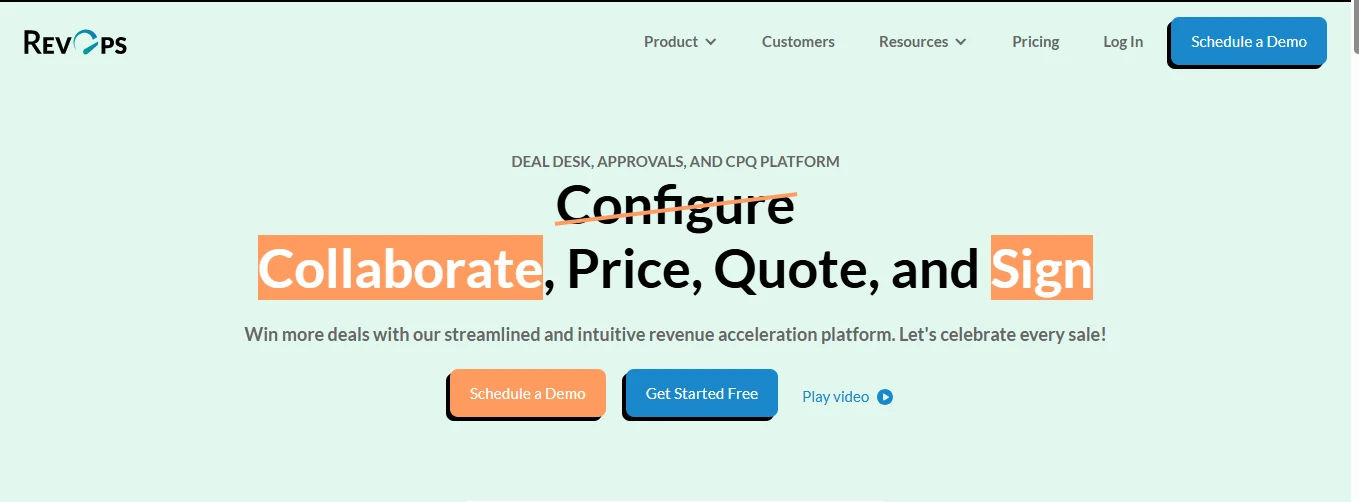
Reps build quotes from reusable pricing tables instead of starting from scratch each time, which keeps pricing consistent across the team and cuts down on quote-turnaround time.
Automated Approval Workflows:
Rules route deals for sign-off automatically based on discount size, contract term, or deal value, so managers aren’t chasing down every exception manually or holding up a deal in their inbox.
Redlining & Audit Trail:
Contract edits, comments, and version history stay inside the platform, giving the deal desk a full record of what changed, when, and who approved it.
E-Signature Collection:
Signed contracts are captured in the same platform used to build the quote, with no separate tool needed to close the loop once terms are finalized.
Native CRM Sync:
Deal data flows both ways with Salesforce and HubSpot, so reps aren’t re-entering the same information twice across two different systems.
Sandbox Mode:
New pricing rules or approval logic can be tested before they go live, which shortens the ramp-up time for sales ops when rolling out changes.
Maxio Integration:
Since RevOps.io’s 2025 acquisition by Maxio, signed deal data can flow directly into Maxio’s billing engine, extending the platform beyond pure CPQ.
What Is Revenue 365?
Revenue 365 is Apps365’s billing and revenue management platform, built natively on Microsoft 365 and SharePoint Where RevOps.io starts at the quote, Revenue365 is built to handle the full span of the revenue cycle quoting, recurring billing, tax, and reporting inside an environment finance and RevOps teams are likely already using every day.
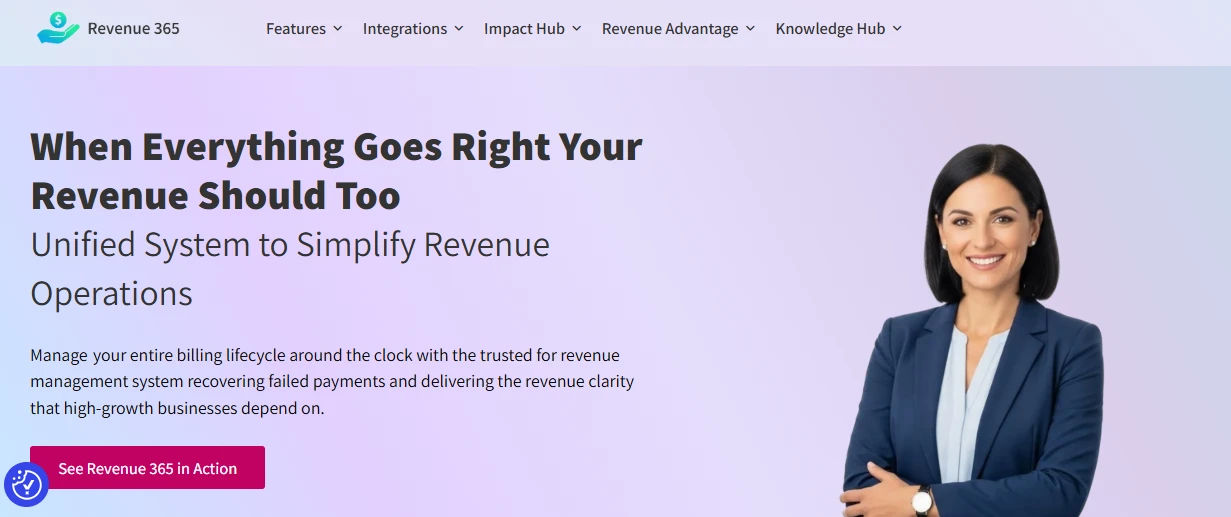
Recurring Invoicing
Bills generate automatically on schedule instead of requiring someone to manually trigger each billing cycle across every active subscription.
Subscription Lifecycle Management:
Upgrades, downgrades, and cancellations update billing and reporting automatically, without a manual spreadsheet edit every time a plan changes.
Built-In CPQ:
Quotes can be generated and managed inside the same platform that handles billing, rather than syncing data in from a separate quoting tool.
Flexible Tax Management:
Tax rates and rules can be configured across regions, which matters for organizations billing customers in multiple jurisdictions with different compliance needs.
Revenue Recognition Reporting:
Recognized revenue is tracked and reported automatically, without reconciling numbers across disconnected billing and finance systems.
Analytics & Dashboards:
Billing accuracy and subscription trends are visible in one place instead of being pieced together after the fact from separate reports.
Native Microsoft 365 Integration:
Everything runs inside SharePoint and Microsoft 365, so there’s no separate login or standalone system for IT to maintain.
RevOps.io vs Revenue 365: Key Factors Compared
Factor | RevOps.io | Revenue365 |
Ecosystem Fit | Built around Salesforce and HubSpot | Built natively on Microsoft 365 and SharePoint |
Core Starting Point | Starts at the quote CPQ and Deal Desk | Starts at the full revenue cycle from day one |
Recurring Billing | Not native; flows into Maxio’s billing engine | Core, built-in capability with no external hop |
Tax Handling | Not a focus area for the platform | Flexible, multi-region tax management |
Approval Workflow Depth | Strongest ground configurable guardrails and audit trail | CPQ exists, but approvals aren’t the primary focus |
Reporting Focus | Centers on deal velocity and quote stalls | Centers on revenue recognition and billing accuracy |
Onboarding Effort | Sandbox mode for testing configs pre-rollout | Less new-system training; sits inside familiar tools |
Post-Signature Handoff | Needs a Maxio (or other) connection | No handoff needed; quoting and billing are unified |
Want to see how these factors map to an actual revenue process?
Revenue365 and bring a real deal to test it against.
Benefits of Revenue 365 for Finance & RevOps Teams
Finance and Revenue Operations teams need accurate data, seamless collaboration, and faster workflows to drive profitable growth.
1. Fewer Manual Handoffs
Because CPQ, billing, tax, and reporting live in one platform, finance and RevOps teams aren’t re-entering the same deal information into three different systems. That alone removes a common source of billing errors.
2. Built for Multi-Region Billing
Flexible tax management means organizations selling across regions or jurisdictions don’t need a separate tax tool bolted onto their billing process.
3. Native to an Environment Teams Already Use
Because it’s built on Microsoft 365 and SharePoint, there’s no separate login, no separate permissions model, and no new system for IT to onboard from scratch.
4. Clearer Revenue Visibility
Recognition reporting and subscription analytics sit in the same platform generating the invoices, so the numbers finance reports on match what’s actually being billed.
5. Less Spreadsheet Dependence
Subscription changes upgrades, downgrades, cancellations update automatically instead of requiring someone to manually adjust a tracking sheet every time a customer’s plan changes.
Advantages of RevOps.io for Sales-Led Teams
Sales-led organizations need fast, efficient processes to keep deals moving and revenue growing.
1. Faster Approval Cycles
Automated routing based on deal parameters means reps aren’t manually tracking down a manager for every discount exception, which shortens the time between “quote sent” and “contract signed.”
2. Fewer Contract Errors
Templated quoting and centralized redlining keep pricing and terms consistent, cutting down on the kind of mistakes that happen when quotes get rebuilt from scratch or edited over email.
3. Full Audit Trail
Every change to a deal who approved what, when terms were edited — stays inside the platform, which matters when a contract gets questioned later.
4. Native CRM Workflow
Reps working inside Salesforce or HubSpot don’t have to leave their CRM to build and send a quote, which keeps adoption friction low. That same logic applies further up the funnel too — pairing RevOps.io with prospecting tools for HubSpot means reps can also source and qualify new leads without leaving their CRM, before the deal even reaches the quoting stage.
5. A Path Into Billing
The Maxio acquisition means a RevOps.io deal doesn’t have to dead-end at signature anymore — deal data can now flow into a full billing and revenue system without a manual export.
Challenges of RevOps.io and Revenue365
RevOps.io Challenges
No Native Billing:
Without the Maxio connection, RevOps.io alone can’t handle recurring invoicing or subscription changes.
Tax Handling Isn’t Native:
Multi-region tax complexity isn’t something the platform is built to solve directly.
Ecosystem Lock-In:
Its strongest integrations are Salesforce and HubSpot, so teams outside those CRMs get less value out of the box.
Revenue 365 Challenges
Microsoft 365 Dependency:
Organizations not already standardized on Microsoft 365 will weigh that adoption cost before committing.
Approval Workflow Isn’t the Focus:
CPQ exists, but the platform’s depth is in billing and reporting, not complex, multi-step deal approvals.
No Dunning Support:
Failed payment recovery isn’t part of Revenue365’s current feature set, so that gap needs a separate plan if it’s a requirement.
Feature Comparison: RevOps.io vs Revenue 365
Rather than a general “it depends” answer, it helps to look at how each platform actually handles the same feature, one at a time. That’s usually where the real decision gets made not from the marketing pages, but from what happens at the feature level when a deal moves through the cycle.
1. Quoting & Contract Management
- RevOps.io: Built around templated pricing tables and structured deal configuration, with redlining, version history, and e-signature collection kept inside the same workflow so a contract never leaves the platform between drafting and signing.
- Revenue 365: CPQ sits inside the same platform as billing, so a quote doesn’t need to be exported or synced anywhere once it’s approved it flows straight into invoicing, though it doesn’t compete on deal-desk depth the way RevOps.io does.
2. Approval Workflows
- RevOps.io: Its strongest feature area automated routing by discount size, deal value, or contract term, with a full audit trail of who approved what and when.
- Revenue 365: Supports quote approvals too, but the platform’s depth is elsewhere; it isn’t built for complex, multi-step deal-desk logic the way RevOps.io is.
3. Billing & Subscription Management
- RevOps.io: Doesn’t process billing itself; since its 2025 acquisition by Maxio, signed deal data instead flows into Maxio’s billing engine, and subscription lifecycle changes after signature aren’t a feature the platform handles on its own.
- Revenue 365: Handles this natively nvoices generate automatically on schedule, and upgrades downgrades and cancellations update billing and reporting without a manual spreadsheet edit.
4. Tax & Revenue Reporting
- RevOps.io: Doesn’t address tax handling or revenue-recognition reporting at all; its reporting instead centers on deal velocity, aimed at sales leadership rather than finance.
- Revenue 365: Supports configurable tax rates across regions and tracks recognized revenue and billing accuracy natively, with dashboards drawing from the same data generating the invoices.
5. Ecosystem Integration & Support Gaps
- RevOps.io: Syncs natively with Salesforce and HubSpot, keeping reps inside their existing CRM.
- Revenue 365: Built natively on Microsoft 365 and SharePoint, fitting organizations already standardized on that stack rather than a CRM-first environment.
Looking at it feature by feature, the two platforms rarely compete head-to-head on the same capability they’re strong in different parts of the cycle. If Revenue365 could be the billing half of that stack, request a demo and see how these features actually work together in practice
Which One Should You Choose?
The honest answer is that it depends less on features and more on where your process actually breaks down today, and which ecosystem the rest of the business already runs on.
Choose RevOps.io if:
- Your team already lives inside Salesforce or HubSpot, and switching ecosystems isn’t on the table.
- The real bottleneck is approval speed deals stalling with managers, discount exceptions sitting in someone’s inbox.
- You need a strong audit trail for redlines and approvals, and billing can be handled through a Maxio connection rather than natively.
- Sales-led motion matters more right now than finance-led reporting.
Choose Revenue 365 if:
- Your organization is already standardized on Microsoft 365 and SharePoint, and a separate login or system isn’t worth the added overhead.
- Billing, tax, and revenue recognition are the actual pain points not just getting a quote signed.
- You’re billing across multiple regions and need tax handling that doesn’t require a bolt-on tool.
- Finance need one source of truth for what’s being billed versus what’s being reported.
Conclusion
RevOps.io and Revenue365 aren’t direct competitors so much as two platforms approaching the same revenue cycle from opposite ends one starting at the quote, the other built to carry the full cycle from quoting through billing and reporting. The clearer signal isn’t which platform has more features; it’s which ecosystem Salesforce/HubSpot or Microsoft 365 the rest of the business already depends on day to day.
Either way, the decision is easier to get right when it starts with an honest look at where the current process actually breaks a slow approval chain, a messy billing handoff, tax complexity across regions rather than a feature-by-feature checklist. Teams that map their real bottleneck first tend to land on the right platform faster, and avoid paying for capabilities they don’t actually need.
Still weighing RevOps.io against Revenue 365 for an actual revenue process?
The Revenue365 and bring the current setup they’ll say plainly whether it’s a fit.
Frequently Asked Questions
Can RevOps.io handle recurring billing on its own?
Not natively it relies on its Maxio connection to handle billing.
Is Revenue365 only useful for Microsoft 365 organizations?
It’s built for Microsoft 365, so that’s where it fits best.
Does Revenue365 actually include CPQ, or is that just marketing?
Yes CPQ is a real, built-in part of Revenue365, alongside billing and reporting.
Which platform is the better fit for a sales-led organization?
RevOps.io, especially for teams already running on Salesforce or HubSpot
Which platform is the better fit for finance or RevOps teams?
Revenue365, particularly for teams standardized on Microsoft 365 already.


_JiluXJRGNl.svg)























