

Microsoft Learning Management System Built for Teams and Microsoft 365
Train, upskill and certify your people right where they already work. LMS 365 is an AI-powered Microsoft 365 learning management system that runs inside Microsoft Teams, SharePoint and Outlook. There is no new platform to learn and no extra login.
_eH2jDg7dZ.png)

What Is a Microsoft Learning Management System?
A Microsoft learning management system (LMS) is training software that runs inside Microsoft 365. Employees use it through tools like Teams and SharePoint instead of a separate website. With it, you can:
- create courses
- assign training
- track progress
- run assessments
- issue certificates
All of this uses the Microsoft accounts, security and apps your organization already has.
Traditional LMS platforms sit outside your daily tools. Employees must log in somewhere new, IT must manage another system, and learning data lives in a separate silo. A Microsoft 365 learning management system removes those barriers. Training shows up in the same place people chat, share files and read email. As a result, more people actually finish it.
A cloud-based learning management system brings course creation, learner tracking, reporting, and AI-powered learning into one centralized platform, making employee learning easier to manage and scale.
A Learning Management System Inside Microsoft Teams
A learning management system integrated with Microsoft Teams brings training directly into the tools employees already use every day. This makes learning easier to access and keeps training connected to the daily flow of work.
- Open courses and complete lessons without constantly switching between applications.
- Receive notifications about new or upcoming training through familiar channels and communication tools.
- Participate in team-based learning, allowing managers to assign courses and training programs to entire teams.
When a learning management system integrates with Microsoft Teams, SharePoint, and Outlook, learning activities, communication, and training information can stay connected across the Microsoft ecosystem.
Give your team a Microsoft learning management system they will actually use. Start training inside Teams and Microsoft 365 today.
Top 5 Microsoft Learning Management Systems
Not every LMS works the same way with Microsoft 365. Some are built inside it, while others connect through an app or integration. Here are five popular Microsoft learning management systems to consider, and who each one suits best.
1. LMS 365
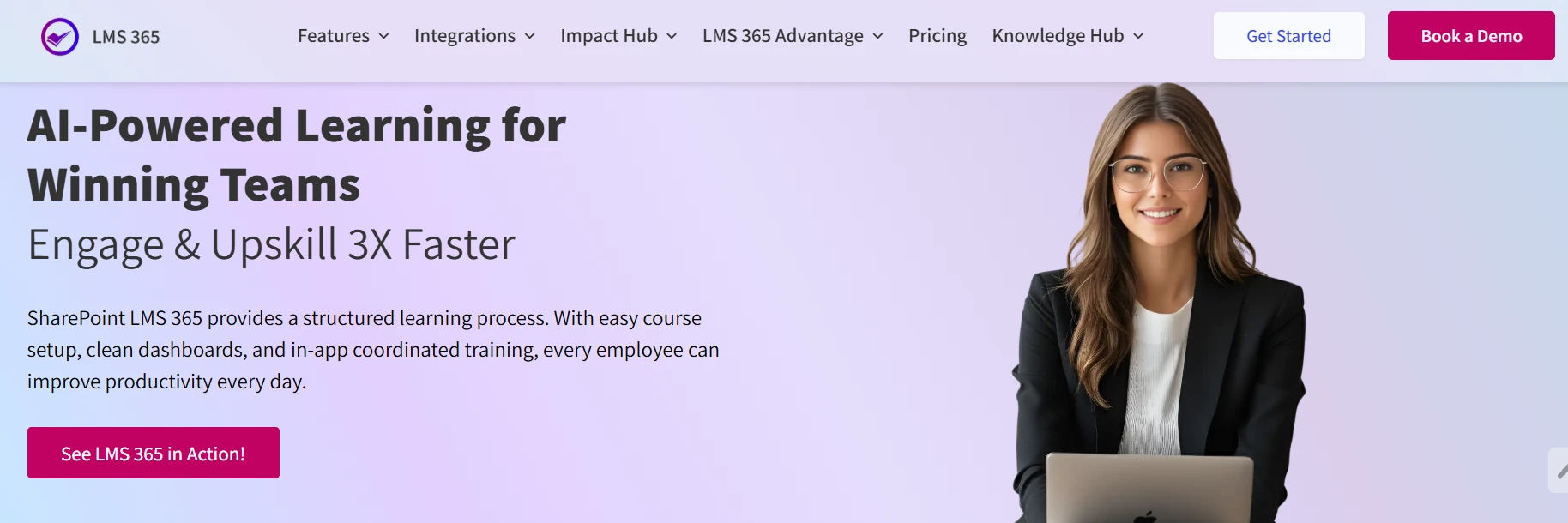
LMS 365 is a learning management system built natively inside Microsoft 365. Courses, assessments, certificates and reports all run within Teams, SharePoint and Outlook, so learners never leave their daily tools.
- Key features: Courses and chapters, AI course introductions, AI-generated questions, smart course assignment, automated certificates and advanced reporting.
- Microsoft integration: Native to Microsoft 365, with GCC and GCC High support.
- Best for: Organizations that run on Microsoft 365 and want a complete LMS with no extra platform or login.
2. Microsoft Viva Learning
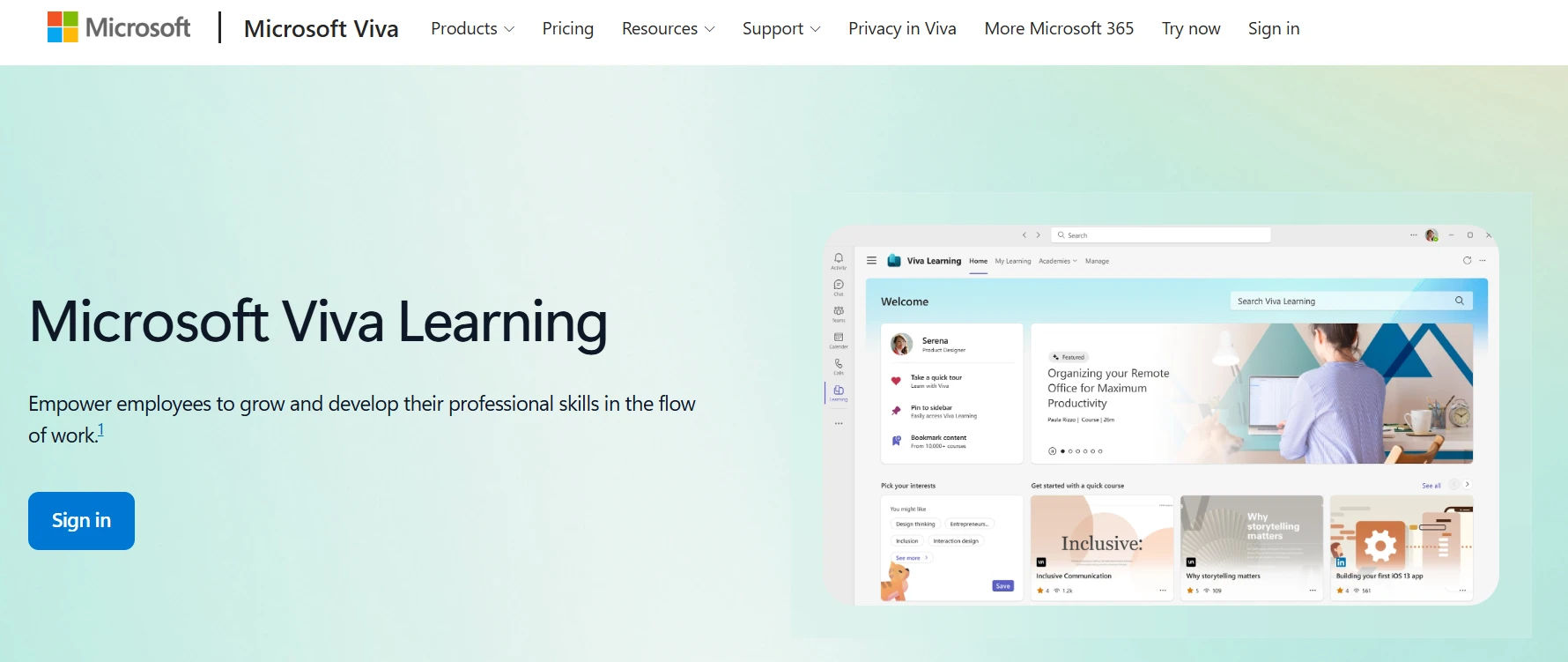
Viva Learning is Microsoft’s own learning hub inside Teams. It brings content from Microsoft Learn, LinkedIn Learning and other providers into one place, so employees can discover and share learning in Teams.
- Key features: Content discovery, learning recommendations, sharing in chats and links to content from other providers.
- Microsoft integration: Built by Microsoft and part of the Viva suite.
3. Docebo
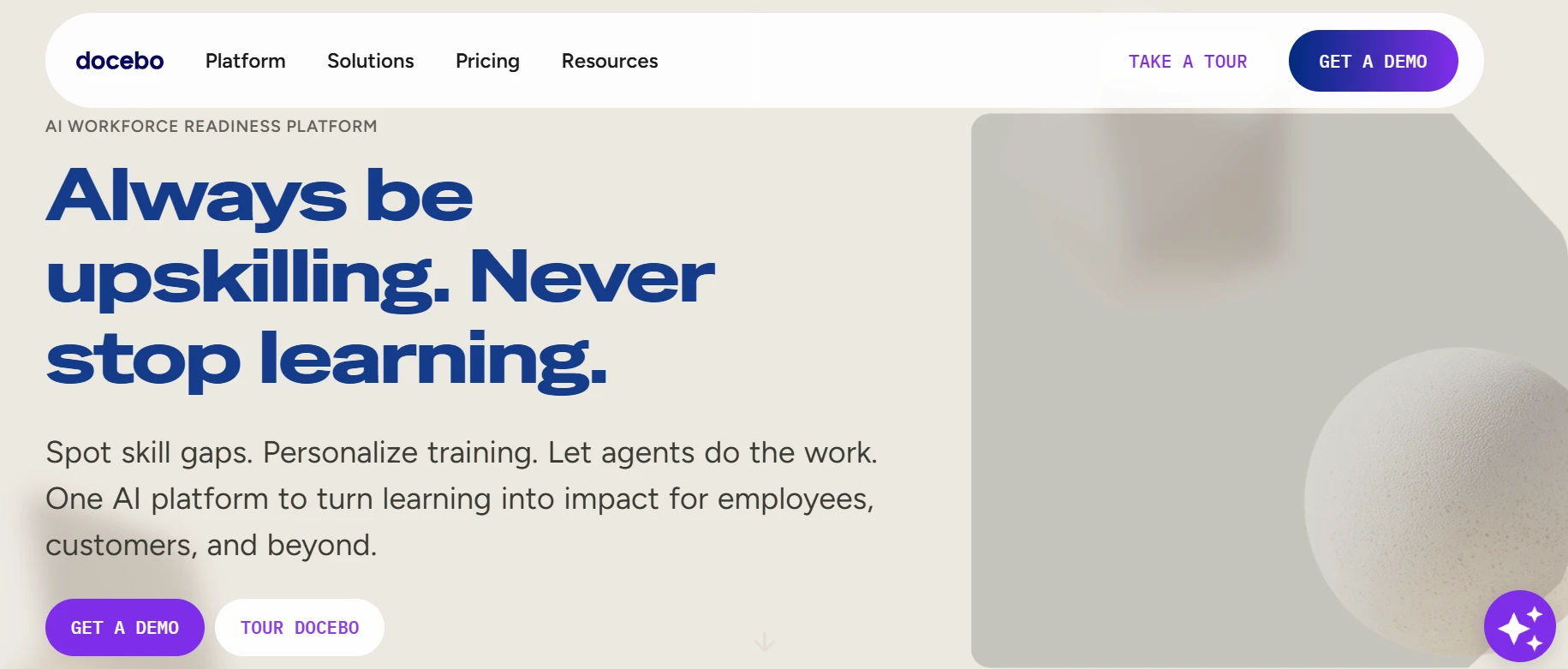
Docebo is an AI-powered enterprise LMS. It is a standalone platform that connects to Microsoft Teams and other business tools through integrations.
- Key features: AI-driven content and recommendations, learning paths, extended enterprise (customer and partner) training and analytics.
- Microsoft integration: Connects to Microsoft Teams through an app integration.
4. TalentLMS
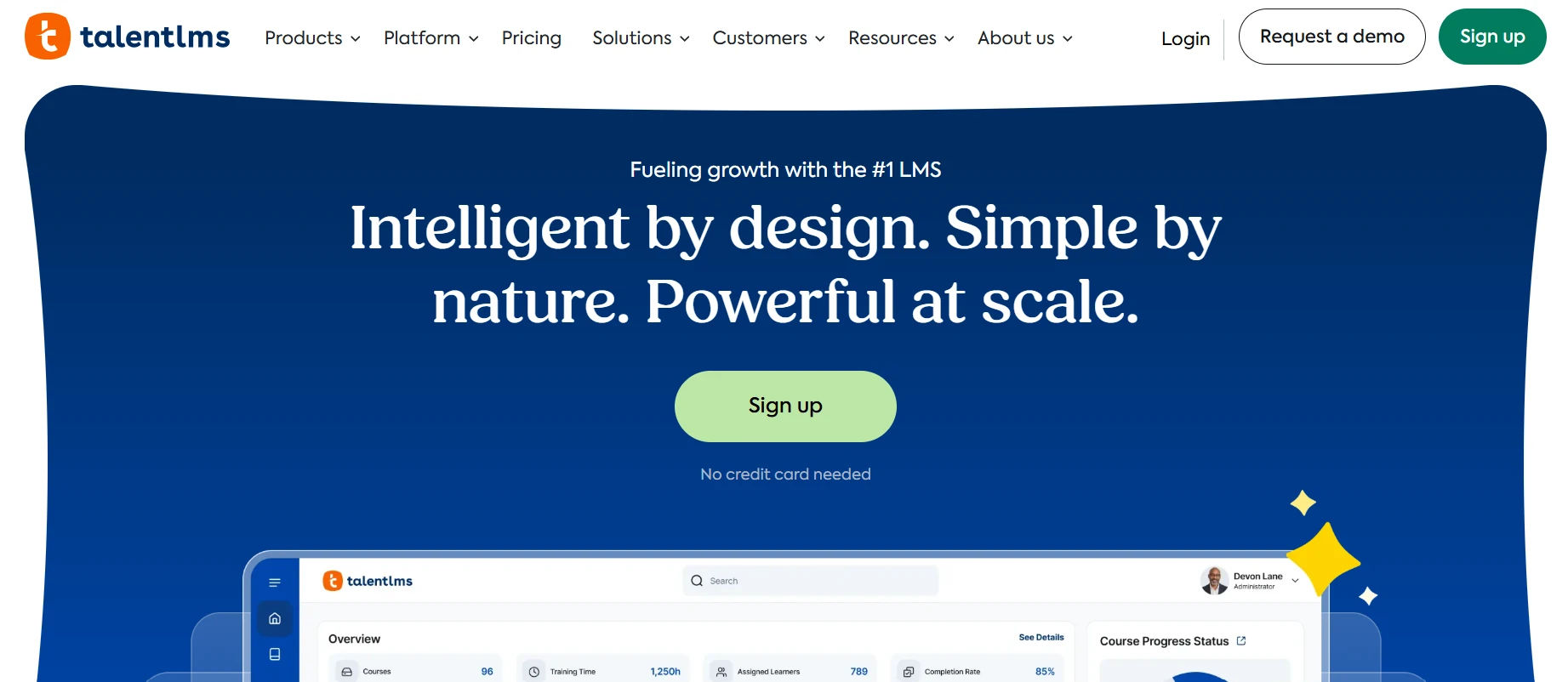
TalentLMS is a cloud LMS known for being simple and quick to set up. It is a separate platform that offers a Microsoft Teams integration.
- Key features: Easy course builder, gamification, ready-made course library and basic reporting.
- Microsoft integration: Available through a Microsoft Teams integration.
5. iSpring Learn
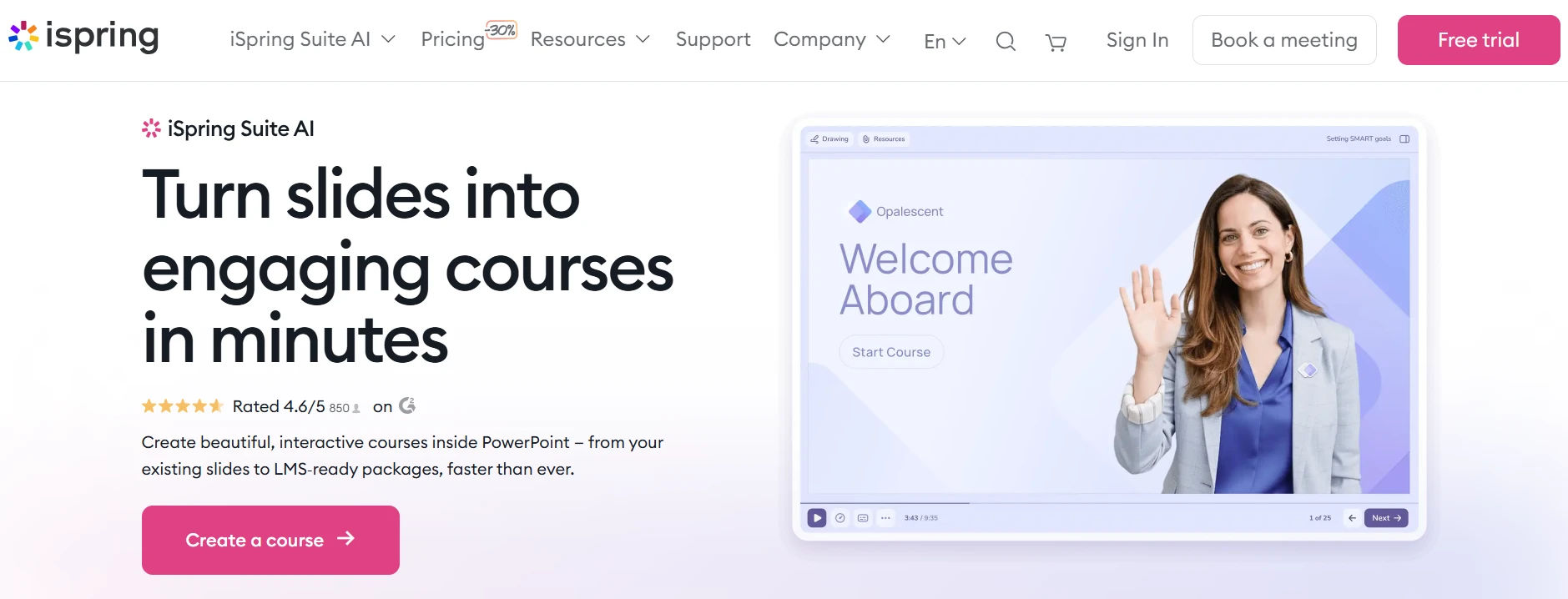
iSpring Learn is an LMS that pairs with the iSpring Suite authoring tool, which works inside PowerPoint. It is popular with teams that build training from slides.
- Key features: PowerPoint-based course authoring, quizzes, learning tracks and reporting.
- Microsoft integration: Connects with Microsoft Teams and works closely with PowerPoint.
Quick Comparison: Top 5 Microsoft Learning Management Systems
| LMS | How it works with Microsoft 365 | AI features | Best for |
| LMS 365 | Native inside Teams, SharePoint and Outlook | Yes: course intros, questions, assignment | Microsoft 365 organizations wanting a full LMS |
| Viva Learning | Microsoft’s learning hub in Teams | Recommendations | Surfacing learning content in Teams |
| Docebo | Standalone, Teams integration | Yes | Large enterprises, external training |
| TalentLMS | Standalone, Teams integration | Limited | SMBs wanting simple setup |
| iSpring Learn | Standalone, Teams and PowerPoint | Limited | PowerPoint-based training |
Key Features of LMS 365
Courses and Chapters
Build structured, step-by-step courses split into easy chapters. Learners move through content in a clear order, and admins can update lessons at any time.
AI Course Introduction
AI writes a personalized introduction for each course. Learners understand what they will learn and why it matters before they start, which reduces confusion and drop-offs.
AI-Generated Questions
Turn course content into quiz questions in seconds. Trainers save hours on assessment writing and can spend that time improving the course itself.
Smart Course Assignment
AI helps assign the right courses to the right learners. New hires, teams and departments get relevant training automatically, without manual sorting.
Assessments with Real-Time Feedback
Create quizzes tied to course goals. Learners get instant right-or-wrong feedback, so they learn from mistakes while the topic is still fresh.
Progress Tracking
See each learner’s enrollment and completion status at a glance. Managers know exactly who has finished, who is in progress and who needs a reminder.
Automated Certification
Certificates are issued automatically when a learner completes a course. This makes compliance and skills records simple to keep and easy to prove.
Advanced Analytics and Reporting
Track completion trends, engagement and performance in one dashboard. The Enroll Course Report shows participant numbers for every course.
Custom Email Templates
Send branded notifications for enrollment, completion and certification. Learners stay informed without trainers writing every email by hand.
Why Choose a Microsoft 365 Learning Management System?
No New Tools to Learn
Your team already knows Microsoft 365. There is no new interface, no new password and no new hardware, so adoption is faster from day one.
Everything in One Place
Courses, progress, assessments, certificates and reports live together. Admins stop jumping between spreadsheets and separate platforms.
Faster Upskilling
When training is easy to reach, people finish it. LMS 365 is built to help teams engage and upskill up to 3X faster.
Less Admin Work with AI
AI handles course introductions, question writing and course assignment. L&D teams spend less time on setup and more time on strategy.
Secure and Scalable
Your learning data stays within Microsoft 365’s trusted security framework. It grows easily from one department to the whole enterprise.
What Can You Use LMS 365 For?
- Employee onboarding: Give new hires a clear, guided path from their first day, inside the tools they will use every day.
- Compliance training: Assign required courses, track completion and keep certificate records ready for audits.
- Skills development and upskilling: Build learning paths that help employees grow into new roles.
- Product and process training: Keep teams up to date when tools, products or procedures change.
- Government and public sector training: Meet strict federal cloud requirements with GCC and GCC High support.
- Non-profits and education: Deliver structured learning on a budget, with special pricing for eligible organizations.
Microsoft Learning Management System vs. Traditional LMS
| Feature | LMS 365 (Microsoft-native) | Traditional standalone LMS |
| Where learning happens | Inside Teams, SharePoint and Outlook | Separate website or app |
| Login | Existing Microsoft 365 account | New username and password |
| Learner adoption | High, because it uses familiar tools | Often low, since it is one more tool |
| IT management | Uses Microsoft 365 security and admin | Separate system to secure and maintain |
| Data location | Within your Microsoft 365 environment | Stored on a third-party platform |
| AI features | AI course intros, questions and assignment | Varies by vendor |
| Government compliance | GCC and GCC High supported | Often limited |
Why Organizations Choose LMS 365 Among Microsoft Learning Management Systems
Many Microsoft learning management systems only connect to Microsoft 365 through an add-on. LMS 365 is built natively inside it, which means:
- Zero friction for learners: Training appears where work already happens.
- One unified view for admins: Courses, people and results are managed in a single place.
- AI that does real work: AI is used for specific, time-saving tasks, not as a buzzword.
Enterprise-Grade Security and Compliance
LMS 365 runs within your Microsoft 365 environment and follows its data protection standards. For U.S. government agencies and contractors, it supports GCC and GCC High cloud requirements. That makes it a strong choice for compliance-heavy organizations.
Conclusion
LMS 365 brings training right where your team already works, inside Teams, SharePoint and Outlook. With AI-powered courses, automated certificates and GCC High security, it stands out among Microsoft learning management systems.
Ready to help your team upskill faster? Book a personalized demo or start your free trial today.
Frequently Asked Questions
What is a Microsoft learning management system?
It is training software that runs inside Microsoft 365. It lets organizations create, assign and track courses within Teams, SharePoint and Outlook.
Does Microsoft have a learning management system?
Microsoft 365 does not include a full LMS by default. Tools like LMS 365 add complete LMS features on top of Microsoft 365, including courses, assessments, certificates and reporting.
Can I use Microsoft Teams as a learning management system?
Teams alone is not an LMS. With a learning management system for Microsoft Teams like LMS 365, you can deliver courses, quizzes and certificates directly inside Teams.
What is the best Microsoft 365 learning management system?
The best option is one that runs natively inside Microsoft 365, has strong reporting and supports your compliance needs. LMS 365 is built for exactly that, with AI features and GCC High support.
Can I use SharePoint as a learning management system?
SharePoint can store training files, but it cannot track progress or issue certificates on its own. LMS 365 turns SharePoint into a full LMS.
Can LMS 365 handle compliance training and certifications?
Yes. You can assign required courses, track completion and issue certificates automatically.
Does LMS 365 work on mobile devices?
Yes. Learners can access training through Microsoft Teams and Microsoft 365 on mobile.
How quickly can I set up LMS 365?
LMS 365 is available on Azure Marketplace and is designed to go live quickly, without new hardware or complex setup.
How does AI help in LMS 365?
AI writes course introductions, generates quiz questions and helps assign courses to the right learners. This saves time for trainers and makes learning more personal.
Is LMS 365 secure?
Yes. It works within Microsoft 365’s security framework and supports GCC and GCC High for government needs.
Try It Free, No Obligation










Schedule a free personalized 1:1 demo
By proceeding, you accept Cubic Logics’s terms and conditions and privacy policy





Please provide your contact details, we will connect with you soon!
Please provide your contact details, we will connect with you soon!
By proceeding, you accept Cubic Logics Terms and Conditions and Privacy Policy
Schedule a free personalized 1:1 demo
By proceeding, you accept Cubic Logics’s terms and conditions and privacy policy







