
Email Templates
Smart Emails That Guide Learners at Every Step
Automate emails that deliver the right message at the right time. All updates will feel polished, personal and aligned with your organization.
Communication That Works While You Focus on Training
Automated email templates will send reminders, updates, and notifications, so you won’t have to send anything manually. Learners will be informed, aligned, and motivated, leaving you with more time to deliver excellent training, rather than manage communications.

Pre-Built Training Email Templates
Ready-to-use messages for enrollments, reminders, completions, deadlines, assessments, and certifications ensure clear communication without manual rework.
Fully Customizable Templates
Ensure every automated message reflects your organization’s identity with consistent branding, tone, and formatting across all courses, departments, and learner groups.
Automated Sending at Key Learning Moments
Emails are sent automatically for enrollments, delays, completions, certifications, and reminders, with no manual effort required.
Dynamic Personalization Fields
Use smart placeholders for learner names, courses, due dates, progress, and certifications to send messages that feel personalized.
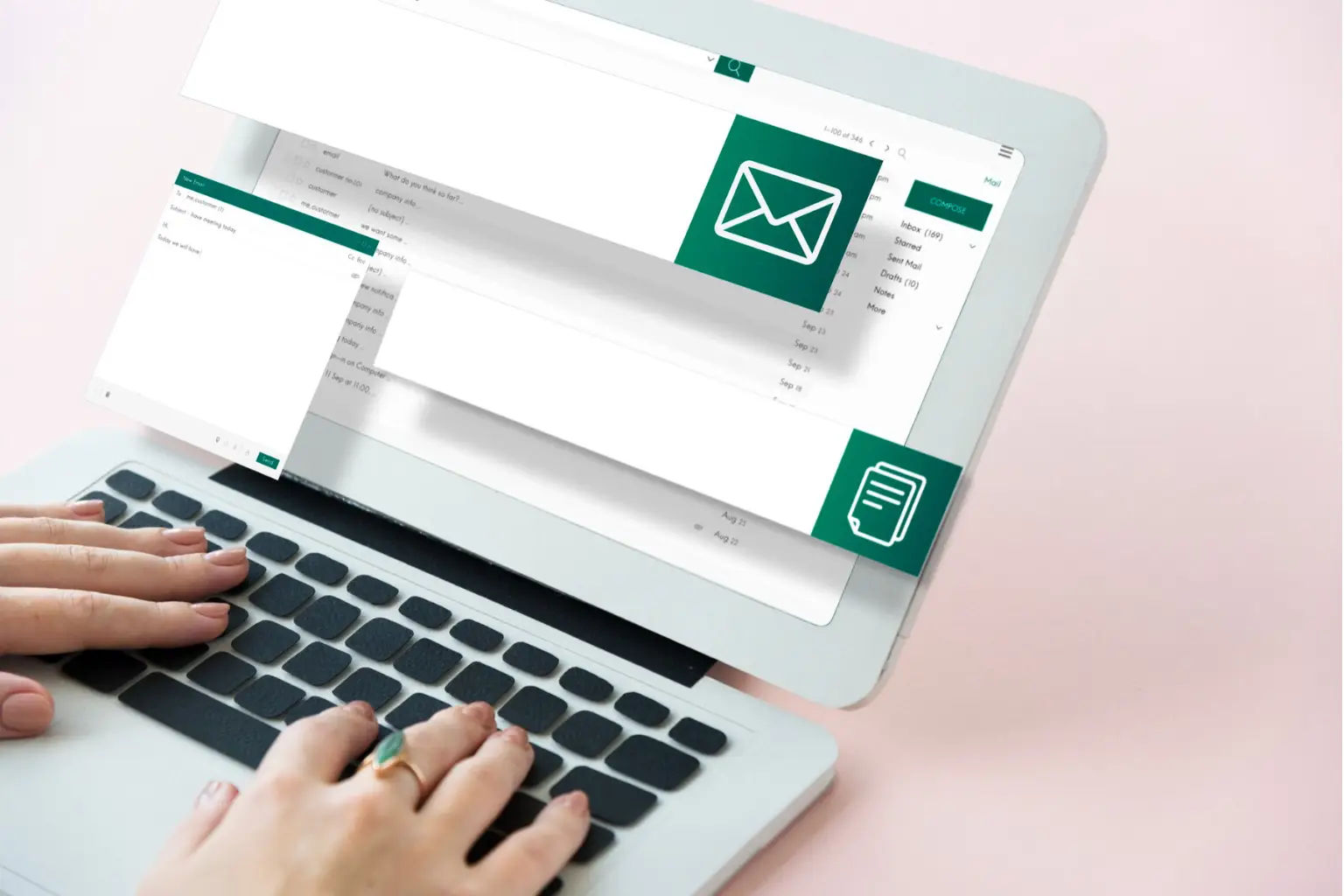
Messaging That Keeps Learning Moving Forward
Emails can provide you with speedy and error free updates. Templates can prepare emails to be sent automatically to learners with updates and reminders so you can focus on providing the best training without being distracted by managing Communications.
Pre-Built Training Templates
Email Templates provide you with the ability to automatically send clear and polished emails for all of your course’s communications. With ready-made templates for enrollment, reminders, completion notices, certification notifications, deadline notifications and many other types, you never have to create any email messages again.
Automated Emails & Timely Nudges
With Email Templates you will be able to send every learner the correct message at the appropriate time to keep them on schedule with no manual follow up.
Custom Messaging Rules
With Email Templates you will be able to set up custom messages based on the course, department or learning path that each learner is registered to complete. Each learner will receive an email message that matches their specific learning journey.
Smart Personalization Fields
Email templates also allow you to include customizable details such as the learner name, due dates, course titles and other progress markers in every email you send so that every learner feels like they have received a personal and relevant communication.
Where Custom Email Templates Create the Most Impact
Custom email templates deliver clear, timely updates that keep learners informed. They reduce manual work and make every step of the training journey smoother.

Clear Communication at Every Step of the Journey
Learners will always know what to do next with timely updates and clear guidance delivered through custom emails.

Higher Course Engagement & On-Time Completion
Smart reminders and progress notifications keep learners engaged and help them finish courses on time.
Simplified Training Administration
Automate learner communication, reduce manual effort, and manage training updates easily with smart email workflows.
Consistent, On-Brand Messaging Across Training Programs
All departments and courses utilize custom-designed email templates that provide a consistent Professional look and tone for all communications, thereby eliminating any disconnect between communicated information.

Frequently Asked Questions
Yes, every template is fully customizable from branding and formatting to tone and content so your communication always feels like your organization.
Absolutely. Emails can be triggered automatically during key training moments like enrollments, reminders, progress alerts, and certifications.
Yes. Use smart fields like learner name, course name, deadlines, completion status, and more to make every email feel personal.
Yes. You get pre-designed templates for enrollments, deadlines, reminders, completion notifications, assessments, certifications, and course updates.
Yes. Build and assign templates for specific courses, departments, programs, or learning paths.
Yes. You can see which emails were sent, when they were triggered, and whether learners received them with SharePoint LMS 365.
Definitely. Timely nudges, reminders, and progress updates keep learners active and on track.
More than you expect. It eliminates repetitive emailing and ensures no learner communication is missed.
Yes. Once created, templates can be applied to any training course, learning path, or department with a single click.