

14 Best Learning and Development Tools for Employee Training in 2026
_eH2jDg7dZ.png)
Your company spent months building a training program. Hundreds of hours went into slides, videos, and quizzes. But six months later, employees are still making the same mistakes, skills gaps are getting wider, and you are still not sure what is actually working.
This is a common challenge for Learning and Development teams. The problem is often not the effort, but the tools used to manage and measure training. Solutions such as LMS 365 can help organizations organize learning, track progress, identify skill gaps, and get better visibility into training effectiveness.
- Learning & Development tools make employee training structured, accessible, and measurable.
- AI and automation improve personalization and reduce manual training tasks.
- LMS 365 brings training, tracking, and assessments into Teams and SharePoint.
- The right L&D platform depends on goals, integrations, compliance, and user experience.
This is the situation most Learning & Development teams face. The problem is not effort. It’s the wrong tools.
91% of L&D professionals say continuous learning is essential for career success, yet only 36% of organizations have programs strong enough to be called career development champions. That gap doesn’t close on its own. The right learning and development tools close it.
This guide covers the 14 best Learning & Development Tools in 2026 what they do, who they’re best for, and how to pick the right one for your team.
What Are Learning and Development Tools?
L&D tools are software platforms that help companies train their employees. They can help you build courses, deliver them to learners, track progress, and measure results.
Some tools focus on one job, like building course content. Others handle everything from course creation to reporting under one roof. The right tool depends on your team’s size, goals, and budget.
94% of employees say they would stay longer at a company that invests in their training and development. That makes choosing the right e-learning tool an important decision for HR and Learning & Development teams.
Types of Learning and Development Tools
Before diving into the list, it helps to understand the main categories. Most tools fall into one or more of these groups:
- Learning Management Systems (LMS): Manage courses, users, and training completion. They are widely used for structured employee training.
- Learning Experience Platforms (LXP): Focus on personalized learning with AI recommendations, social learning, and tailored content paths.
- Course Authoring Tools: These help you build course content, videos, quizzes, interactive slides, and more, before uploading to an LMS.
- Microlearning Platforms: These deliver short, focused learning bursts (usually under 10 minutes) to help employees build specific skills without disrupting their workday.
- AI-Powered Training Tools: These use artificial intelligence to personalize learning paths, generate content, and give learners real-time feedback. Over 70% of employees believe generative AI tools can help them learn new skills.
Virtual Classroom & Webinar Tools: These support live, instructor-led training in a remote setting.
14 Best Learning and Development Software Tools in 2026
The right training and development software can improve training, skills, and employee performance. Here are 14 of the best learning software tools in 2026 for smarter, scalable employee learning.
1. LMS 365 Best for Microsoft 365 and Teams Users
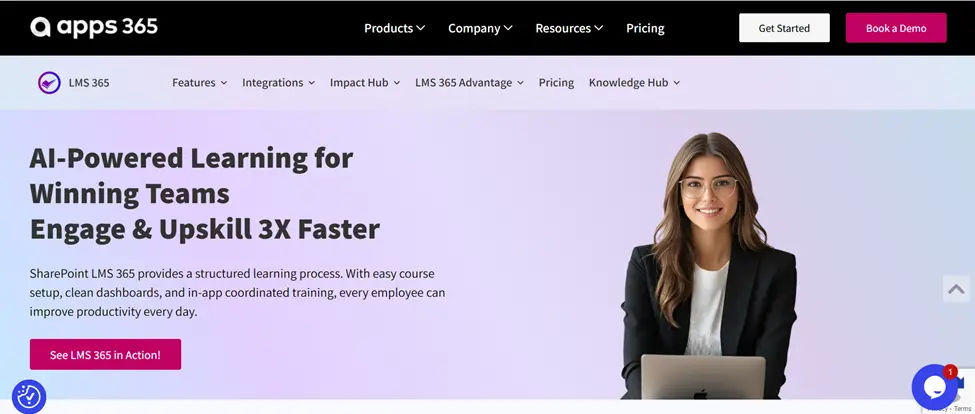
If your organization already runs on Microsoft 365, LMS 365 is the most natural fit for employee training. It is a cloud-based learning management system built directly inside the Microsoft 365 ecosystem meaning it lives inside Teams, SharePoint, and Outlook rather than sitting outside as a separate tool.
Most employees resist switching to a new platform just to complete a training course. It removes that friction entirely. Employees can find courses, watch training videos, take quizzes, and track their own progress without ever leaving Microsoft Teams. There are no extra logins, no new interfaces to learn, and no app switching.
The platform also uses AI to improve the learning experience. AI-generated course introductions help learners understand what a course is about and why it matters before they start. AI-generated questions keep assessments fresh and relevant. And automated workflows handle routine tasks like enrollment, reminders, and completion tracking, so Learning & Development admins spend less time on admin and more time on strategy.
LMS 365 supports compliance training, employee onboarding, certifications, and ongoing skill development. It scales with your organization whether you have 50 employees or 5,000. Data and training records stay securely within your Microsoft 365 environment, which is a significant advantage for organizations with strict data governance or security requirements.
It is available directly on the Microsoft Azure Marketplace and Microsoft AppSource, which simplifies procurement for IT and finance teams.
Best for: Organizations already using Microsoft 365, Teams, and SharePoint that want learning to fit into their existing workflow without adding new software.
Key features: Native Microsoft Teams and SharePoint integration, AI-generated course introductions and questions, automated enrollment and reminders, compliance and certification tracking, progress dashboards, single sign-on via Microsoft Entra ID, mobile-friendly access, Power Automate support for workflow automation.
2. 360Learning
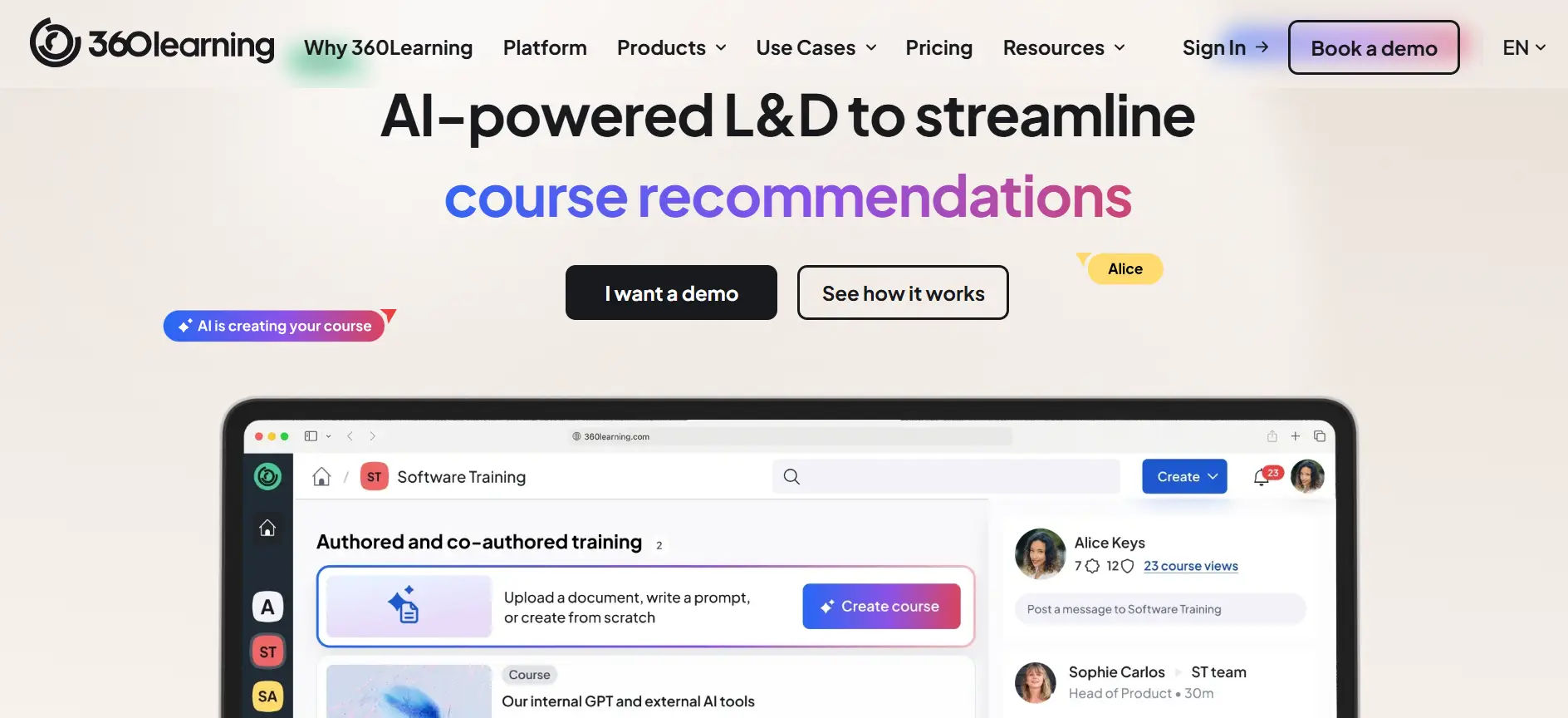
360Learning is one of the most talked-about platforms in corporate ai learning and development software tools right now. It combines LMS, LXP, and collaborative learning features in one place.
Best for: Mid-size to large companies that want to scale internal knowledge sharing.
Key features: AI-powered course creation, collaborative authoring, skill gap analysis, learner engagement analytics, Academy feature for branded learning environments.
3. TalentLMS
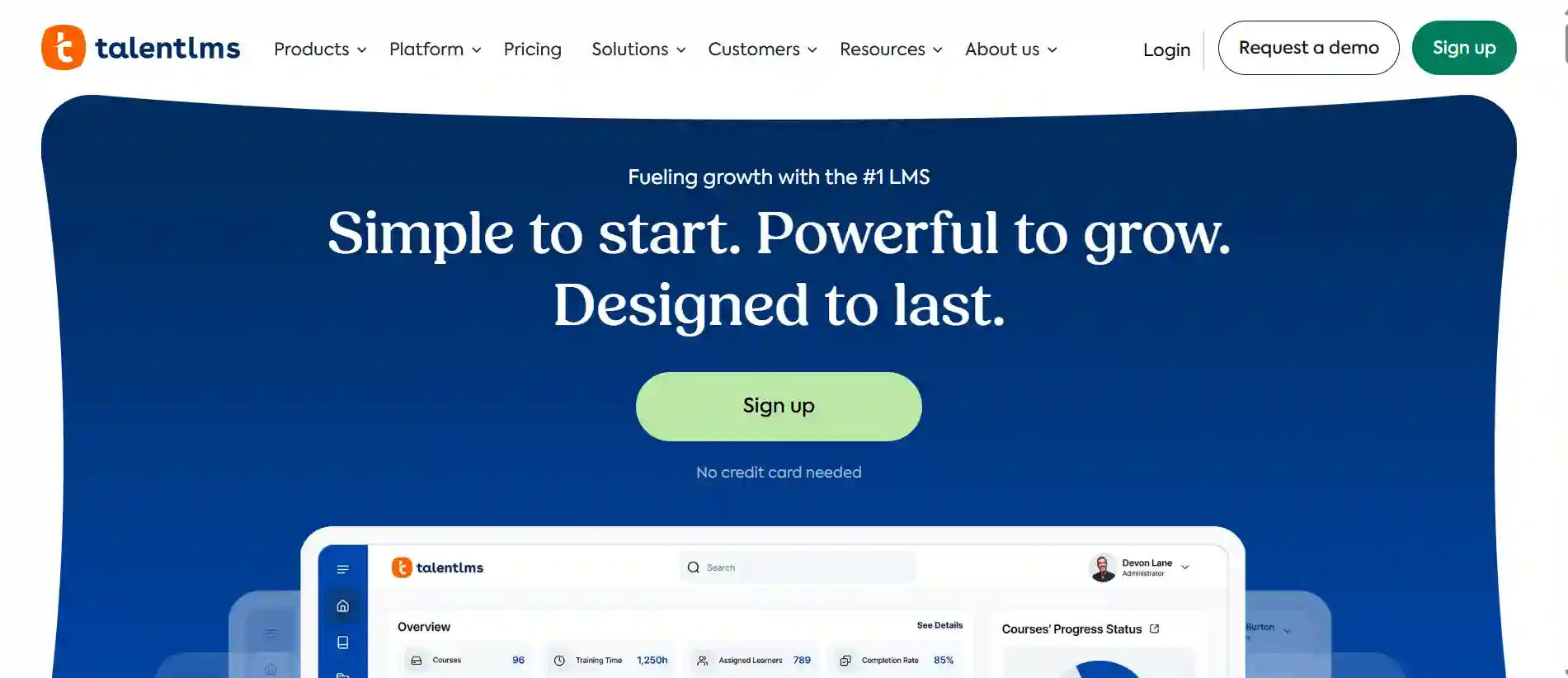
TalentLMS is one of the most popular LMS platforms for good reason. It is easy to set up, easy to use, and flexible enough to handle a wide range of training needs, from onboarding to compliance to sales enablement.
Best for: Small to mid-size businesses looking for a quick-to-launch, all-in-one LMS.
Key features: AI-assisted course creation, mobile learning, gamification, SCORM support, built-in reporting.
4. Docebo
Docebo is a full-featured LMS and learning and development tool built for large organizations. It uses AI to personalize content, automate administrative tasks, and surface learning in the flow of work.
Best for: Enterprise teams needing deep integrations and advanced reporting.
Key features: AI-powered content discovery, social learning, multi-audience support, extensive integrations, and compliance tracking.
5. Absorb LMS
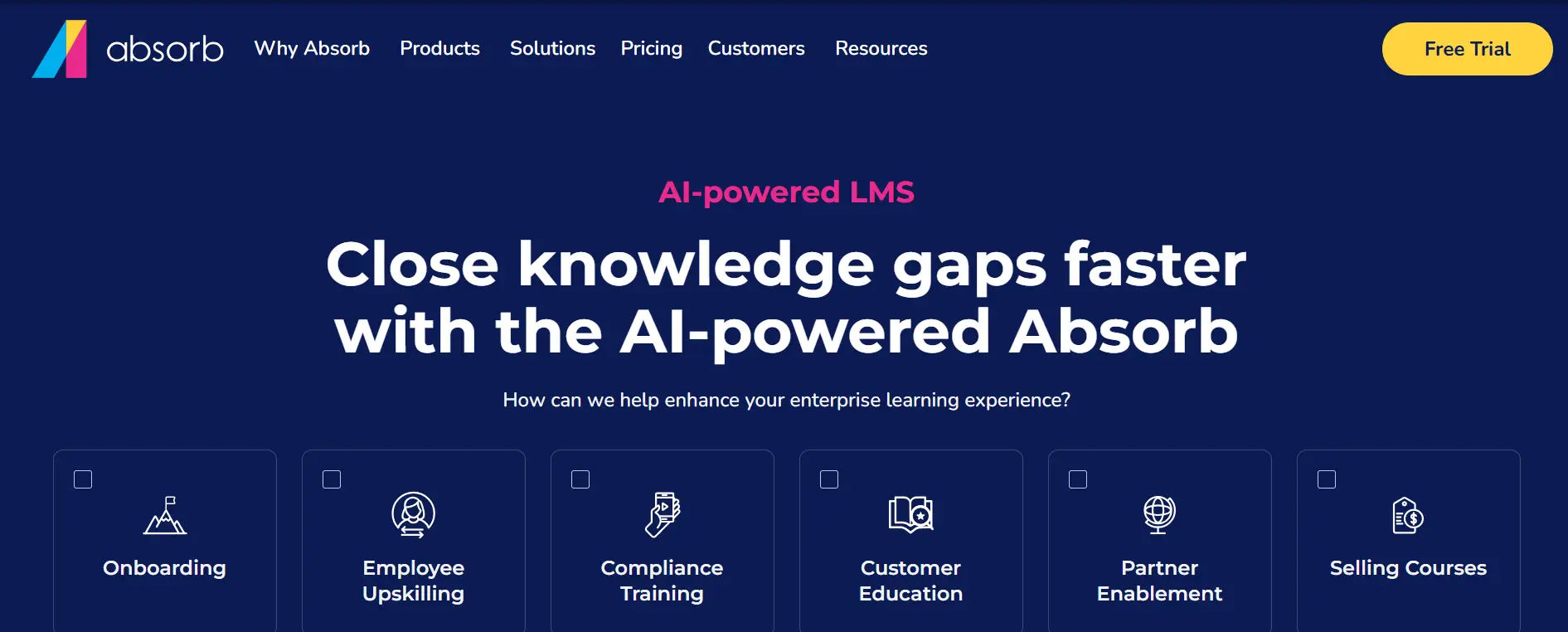
Absorb LMS is known for being easy to navigate, for both admins and learners. It has a clean interface, strong reporting tools, and good customer support.
Best for: Organizations prioritizing ease of use and learner adoption.
Key features: AI-powered recommendations, branded learner portal, e-commerce support, robust reporting dashboard.
6. iSpring Suite
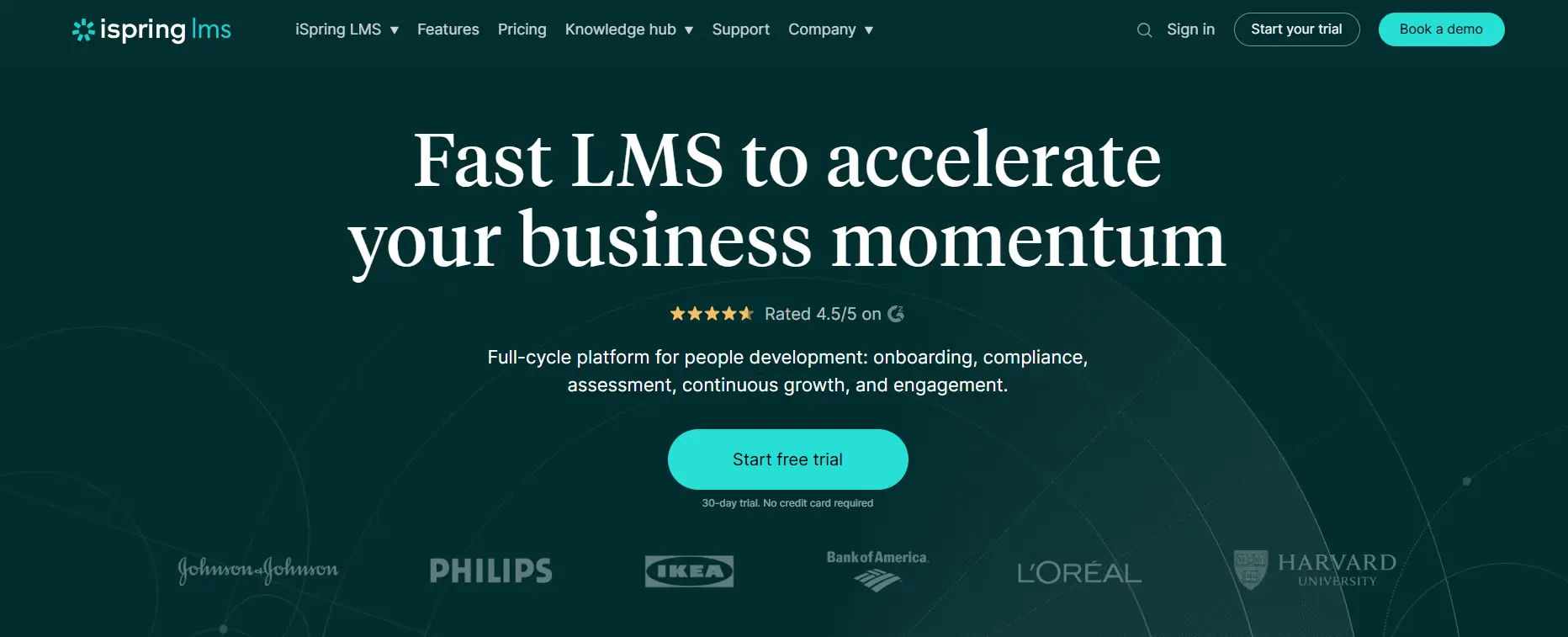
iSpring Suite is a course authoring and learning and development tool that works as a PowerPoint add-in. It helps L&D teams and subject matter experts turn existing slide decks into interactive online courses.
Best for: Teams that need to build interactive content quickly without advanced technical skills.
Key features: PowerPoint-based authoring, role-play simulations, video studio, quiz builder, and SCORM/xAPI support.
7. Articulate 360
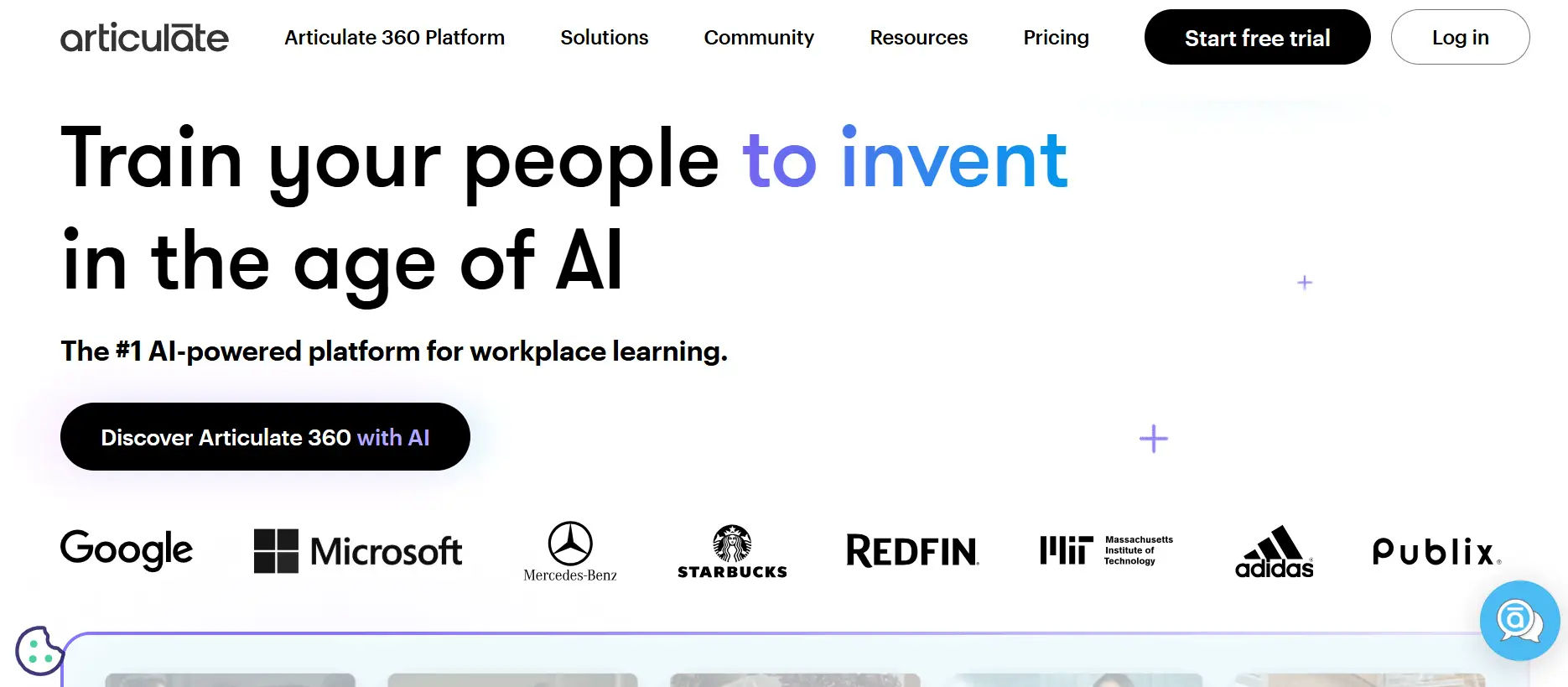
Articulate 360 is considered the gold standard in eLearning authoring. It includes two main tools, Storyline 360 (for highly interactive courses) and Rise 360 (for fast, responsive web-based courses).
Best for: Dedicated training and Development or instructional design teams building polished, complex eLearning.
Key features: Storyline and Rise authoring tools, Review 360 for stakeholder feedback, Content Library with templates and assets, team collaboration features.
8. Cornerstone OnDemand
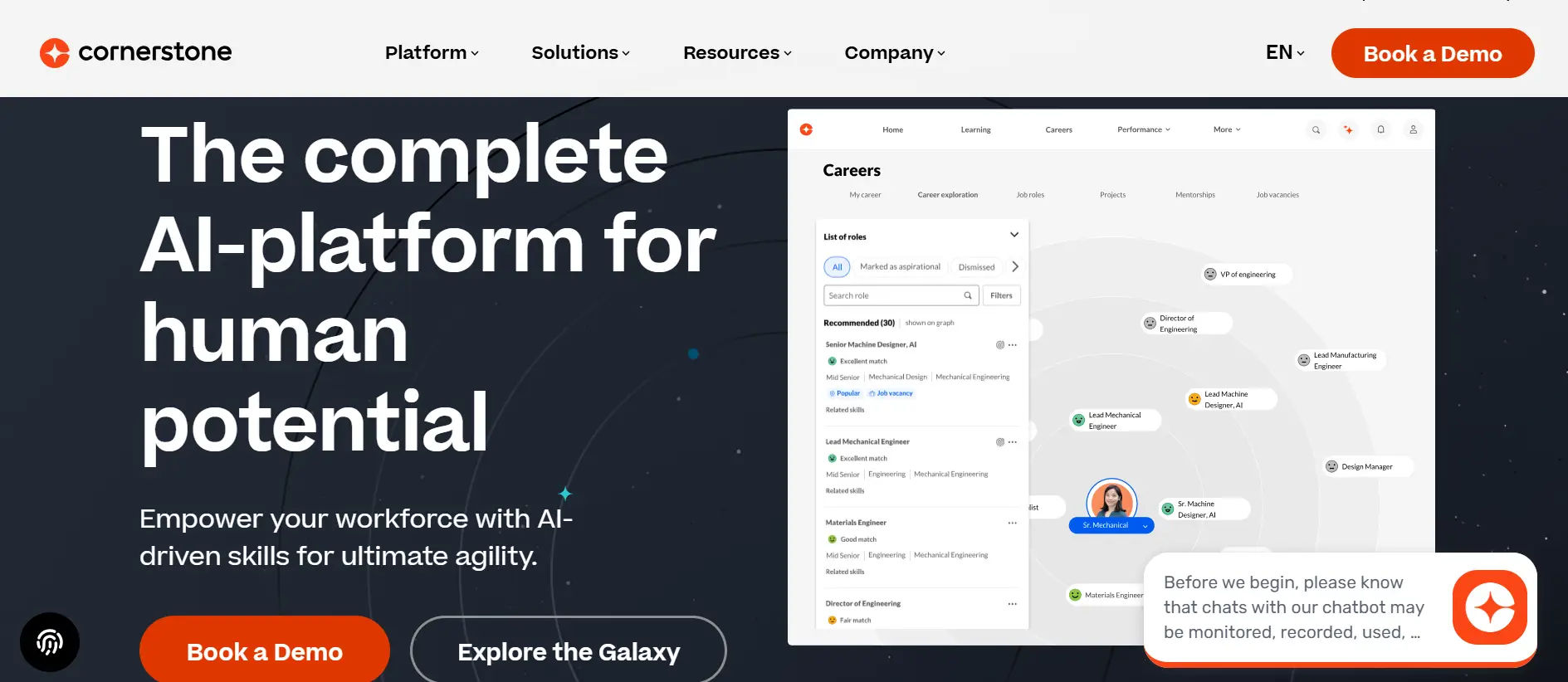
Cornerstone OnDemand is a large-scale learning and development tool that covers employee learning, performance management, and HR functions. It is a popular choice in regulated industries like healthcare, finance, and government.
Best for: Large enterprises in regulated industries that need compliance tracking alongside learning.
Key features: Compliance management, skills intelligence, content marketplace, performance reviews, and workforce planning.
9. Leapsome
Leapsome connects learning directly to performance management. Employees can see how their development goals connect to their performance reviews, which makes training feel more meaningful and tied to career growth.
Best for: HR teams that want learning and performance management in one place.
Key features: Learning paths, OKR tracking, 360 feedback, engagement surveys, skills framework.
10. SkyPrep
SkyPrep is a cloud-based LMS with strong AI tools for generating course content. It is designed to make content creation faster and less dependent on dedicated instructional designers.
Best for: Small Learning and Development teams that need to create content quickly with limited resources.
Key features: AI course builder, automated workflows, blended learning support, white-label options, reporting tools.
11. OttoLearn
OttoLearn uses gamification and adaptive algorithms to deliver microlearning that actually sticks. It delivers short training sessions, often just a few minutes, based on what each learner still needs to practice.
Best for: Organizations focused on reinforcing knowledge and reducing forgetting after training.
Key features: Adaptive microlearning, gamification, knowledge gap targeting, performance dashboards, SCORM import.
12. Moodle
Moodle is the world’s most widely used LMS, and it is free. It is open-source, which means your team can fully customize it. A large global community supports it with plugins, themes, and updates.
Best for: Educational institutions, nonprofits, and budget-conscious organizations with IT support.
Key features: Fully customizable, thousands of plugins, SCORM support, built-in quiz tools, multi-language support.
13. Seismic Learning
Seismic Learning, formerly Lessonly, is a learning and development tool built for teams that need to train quickly and apply what they learn immediately, particularly sales and support teams.
Best for: Sales enablement teams and customer service organizations.
Key features: Practice scenarios, manager coaching tools, lesson builder, performance insights, and CRM integrations.
14. LinkedIn Learning

LinkedIn Learning gives your employees access to thousands of expert-led courses across business, technology, and creative skills. It is backed by LinkedIn’s data on in-demand skills, so the content stays relevant to what the market actually needs.
Best for: Companies that need a wide ready-made content library without building courses from scratch.
Key features: 20,000+ courses, LinkedIn skill recommendations, learning paths, SCORM export, integration with LinkedIn profiles.
Learning and Development Tools Comparison Table
| Tool | Best For | Standout Feature | AI Features | Pricing |
| LMS 365 | Microsoft 365 teams | Native Teams & SharePoint integration | AI-generated quizzes and course intros | Quote-based |
| 360Learning | Collaborative learning | Peer-driven training | AI course creation and skill mapping | Quote-based |
| TalentLMS | Small businesses | Quick setup and simple UI | AI-assisted content creation | Subscription |
| Docebo | Enterprise training | Advanced automation | AI-powered recommendations | Enterprise pricing |
| Absorb LMS | Easy learner experience | Intuitive interface | AI learning suggestions | Quote-based |
| iSpring Suite | Course authoring | PowerPoint-based training creation | AI-assisted content support | Subscription |
| Articulate 360 | eLearning design | Interactive course building | AI authoring support | Subscription |
| Cornerstone OnDemand | Compliance training | Workforce management tools | AI skills intelligence | Enterprise pricing |
| Leapsome | Performance-based learning | Learning + performance management | AI-supported learning paths | Quote-based |
| SkyPrep | Fast content creation | AI course builder | Automated content generation | Subscription |
| OttoLearn | Microlearning | Adaptive learning reinforcement | Personalized learning paths | Quote-based |
| Moodle | Budget-conscious teams | Open-source flexibility | Plugin-based AI support | Free / Hosting costs |
| Seismic Learning | Sales training | Practice-based coaching | AI-driven insights | Quote-based |
| LinkedIn Learning | Ready-made courses | Large course library | AI skill recommendations | Subscription |
How to Choose the Right Learning and Development Software Tool for Your Team
With so many options available, the right choice depends on your specific situation. Here is a simple framework to help you decide:
- Start with your goals. Choose a tool based on whether you need better onboarding, compliance, upskilling, or skill development.
- Think about content creation. Pick advanced authoring tools for Training and Development teams or simpler builders for managers and subject experts.
- Consider your tech stack. Look for tools that integrate with systems like Microsoft Teams, Slack, HRIS, or CRM.
- Check the learner experience. The platform should be simple, accessible, and easy to use across devices.
- Plan for measurement. Choose tools that track not only course completion but also skills, performance, and training impact.
Conclusion
Learning and development has become a key part of employee retention and business growth. The right tools can improve training, build skills, and show whether learning efforts are making an impact.
Start with your main training goal, then choose a platform that fits your team, budget, and needs. The best solution should make learning easier to deliver, manage, and measure.
Frequently Asked Questions
What is the difference between an LMS and an LXP?
An LMS (Learning Management System) focuses on administration organizing, assigning, and tracking training. An LXP (Learning Experience Platform) focuses on the learner personalizing content, making discovery easy, and encouraging self-directed learning. Many modern platforms now blend both.
How much do Training and Development tools cost?
Pricing varies widely. Free options like Moodle exist for organizations with technical resources. Mid-range tools like TalentLMS start around $69–$159 per month for small teams. Enterprise platforms like Cornerstone or Docebo are priced based on user count and typically require a custom quote. 16% of training budgets are spent on learning technologies and tools like LMS software and eLearning development tools.
How do I measure the success of my training and Development program?
Go beyond completion rates. Track skill assessments before and after training, monitor performance changes on the job, and measure business outcomes like sales numbers, customer satisfaction scores, or error rates. The best L&D platforms provide dashboards that make this data easy to see.
What is the best Learning and Development Software tool for a small business?
TalentLMS, SkyPrep, and Moodle are strong options for small teams. They are easy to set up, affordable, and flexible enough to handle most training needs without requiring a large L&D department.


_JiluXJRGNl.svg)























