


Managing tasks should make work easier, not add more stress. If your team struggles with missed deadlines, scattered updates, or rising software costs, exploring Asana alternatives can help you find a better way to work. Asana is a popular project management tool, but it may not fit every team’s needs. Some businesses want simpler task tracking, more flexible workflows, or better connections with tools they already use.
- Best for Microsoft 365 teams: Task 365 connects with SharePoint, Teams, Outlook, and Microsoft Planner
- Best for visual workflows: monday.com offers customizable boards and automation
- Best for simple task tracking: Trello uses easy-to-follow cards and boards
- Best for all-in-one work management: ClickUp combines tasks, documents, and dashboards
- Best for client projects: Teamwork supports client collaboration, time tracking, and project delivery
- Best for notes and tasks: Notion combines documents, databases, and project planning
- Best for spreadsheet-based planning: Smartsheet offers structured project tracking and reporting
The good news? Several Asana alternatives offer useful features for planning projects, assigning tasks, tracking progress, and improving teamwork. This guide compares seven options, including Task 365, monday.com, Trello, ClickUp, Teamwork, Notion, and Smartsheet, to help you choose the right solution.
What Are the Best Asana Alternatives in 2027?
- The best Asana alternatives are task management and project management tools that help teams organize work, assign responsibilities, monitor deadlines, and collaborate.
- For teams already using Microsoft 365, Task 365 is worth considering because it works with familiar Microsoft tools. Trello is useful for simple workflows, while ClickUp and monday.com offer more ways to customize how teams manage projects.
- Other tools, such as Teamwork, Notion, and Smartsheet, serve more specific needs.
- There is no single platform that works best for every business. A small marketing team may need a simple task board, while a growing company may need dashboards, automation, and tracking across several projects.
- The goal is to choose software that solves your team’s daily problems without adding unnecessary work.
Why Do Teams Look for Asana Alternatives?
Asana supports project planning, task assignments, automation, and reporting. However, its features, pricing, and workflow design may not match every organization’s needs. Here are some common reasons businesses explore alternatives to Asana:
1. Paid features may increase costs
As teams grow, they may need more advanced features, such as project reporting, workflow automation, or workload planning.
Asana offers different subscription levels, so businesses should compare the features included in each plan before making a decision.
2. Teams want simpler daily task management
Not every team needs a complex project management system.
For example, a small HR team may only need to assign onboarding tasks, set deadlines, and track completion.
A simpler platform can reduce training time and help employees get started faster.
3. Work is spread across too many applications
Employees may use email for updates, spreadsheets for tracking, and chat applications for discussions.
When information is spread across different tools, it becomes harder to find the latest task status.
Businesses often look for task management software that connects with their existing applications.
4. Managers need better project visibility
Without a clear view of ongoing work, managers may struggle to answer basic questions:
- Which tasks are overdue?
- Who owns each assignment?
- What work needs immediate attention?
- Which projects are moving behind schedule?
A suitable task management platform can make these answers easier to find.
5. Growing teams need flexible workflows
A process that works for five employees may not work for 50.
As businesses grow, they may need custom fields, repeatable workflows, different project views, and clearer reporting.
Choosing the right Asana competitor can help teams support more complex work without losing control.
7 Top Asana Alternatives to Consider in 2027
Here are seven Asana alternatives worth evaluating, based on their features, typical use cases, and team requirements:
#1. Monday.com: Best for Visual Workflow Management
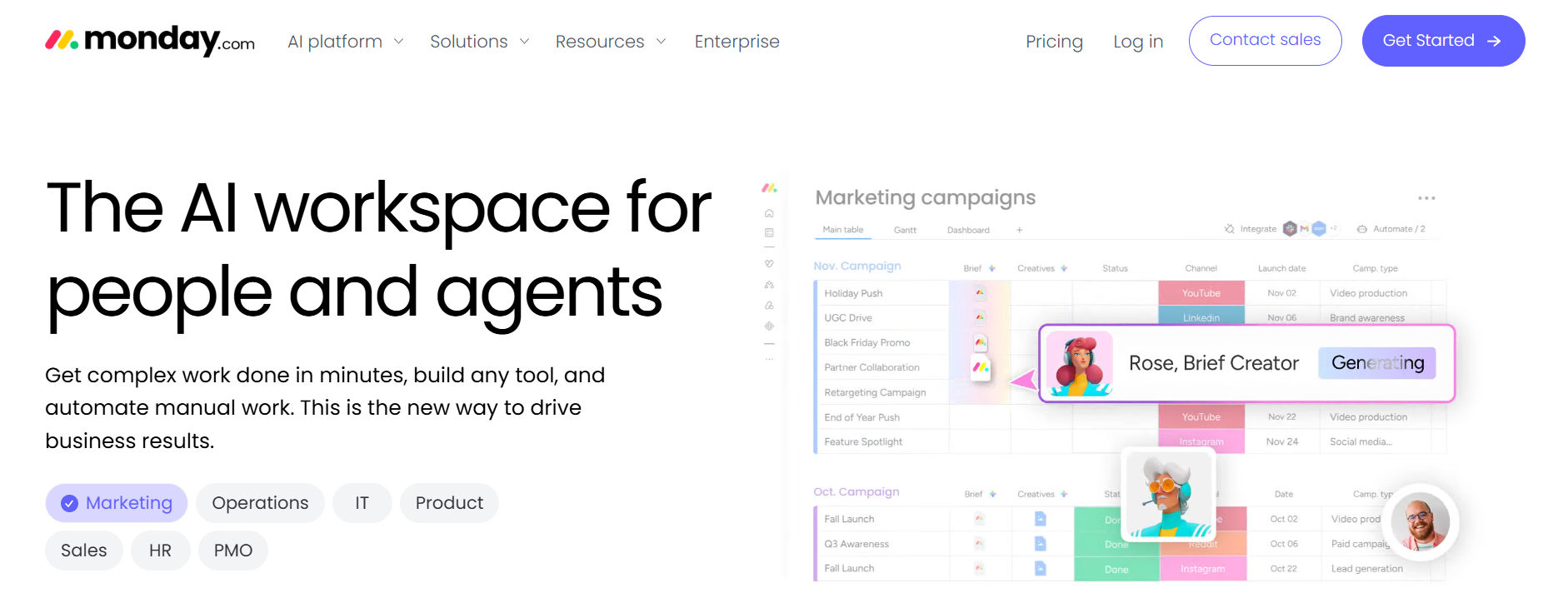
Monday.com is a work management platform that helps teams organize projects through customizable boards, visual status updates, and workflow automation. It is useful for teams that want a clear picture of ongoing work.
Key features of Monday.com
- Customizable project boards and columns
- Visual task status tracking
- Workflow automation
- Dashboards and project reporting
- Multiple project views
- Team collaboration features
How Monday.com helps teams
Imagine a sales team managing campaign launches.
- Each campaign has tasks for planning, content creation, approvals, and reporting.
- The team can use visual boards to see which activities are planned, in progress, or completed.
- Managers can review progress without asking every employee for a separate update.
Best for: Marketing teams, operations teams, and businesses that prefer visual project tracking.
Potential limitation: Advanced reporting and automation capabilities may depend on the subscription plan.
#2. Trello: Best for Simple Task Tracking
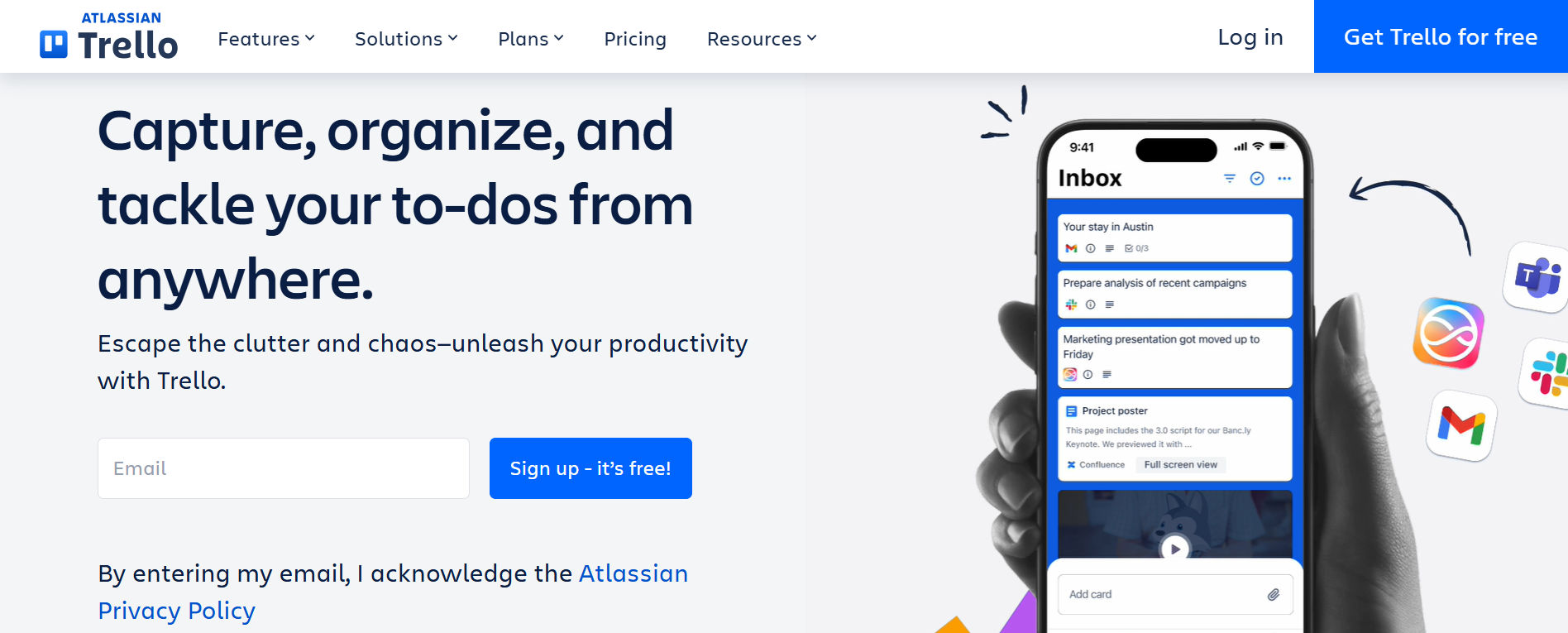
Trello is a visual task management application built around boards, lists, and cards. Its simple design makes it useful for teams that want to organize work without spending much time on setup.
Key features of Trello
- Drag-and-drop task cards
- Custom task lists and boards
- Checklists and due dates
- Task comments and attachments
- Workflow automation
- Power-Ups for additional functions
How Trello helps teams
A small content team can create three lists:
- To Do
- In Progress
- Completed
As employees finish their work, they move task cards from one list to another. This provides a simple view of progress.
Best for: Small businesses, startups, freelancers, and teams with straightforward workflows.
Potential limitation: Complex projects may require additional features, integrations, or paid plans.
#3. Task 365: Best for Microsoft 365 Task Management

Task 365 is a SharePoint task management solution designed for businesses using Microsoft 365. It helps teams create tasks, assign work, set priorities, track deadlines, and view project progress within a connected Microsoft environment. For organizations already working in Microsoft Teams, SharePoint, Outlook, and Planner, Task 365 offers a way to manage tasks without relying on a completely separate work environment.
Key features of Task 365:
- Task management: Create tasks, assign owners, set priorities, and monitor deadlines
- Multiple project views: Organize work using List, Board, Calendar, and Timeline views
- Microsoft 365 integration: Connect with SharePoint, Teams, Outlook, and Planner
- Multi-project tracking: Review progress across different projects
- Custom fields: Organize tasks by status, priority, or category
- Reports and dashboards: Monitor task progress and team performance
- AI-assisted features: Use intelligent summaries and task prioritization capabilities
- Microsoft 365 data controls: Work within your organization’s Microsoft 365 environment
How Task 365 helps teams solve common problems:
Consider a marketing team working on a product launch.
- The content writer needs to complete a blog. The designer needs to prepare graphics. The marketing manager must review everything before publication.
- Without a shared task system, updates may get lost across email messages and spreadsheets.
- With Task 365, the team can organize work into clear tasks, assign responsibilities, track due dates, and review progress.
- This helps everyone understand what needs to happen next.
Benefits of choosing Task 365
- Keep task information organized in a connected workspace
- Improve visibility into deadlines and responsibilities
- Reduce manual follow-ups through clearer task tracking
- Support collaboration using familiar Microsoft applications
- Monitor multiple projects from one place
- Use existing Microsoft 365 security and access controls
Best for: Businesses using Microsoft 365, project managers, department heads, IT teams, HR teams, and operations teams.
Consider before choosing: Task 365 is most relevant to organizations that already use Microsoft 365. Teams working mainly in Google Workspace or other ecosystems should review their integration needs first.
Explore Task 365 SharePoint Task Management Software
#4. ClickUp: Best for All-in-One Productivity

ClickUp combines task management, documents, dashboards, and collaboration features in one platform. It is designed for teams that want to manage several types of work without moving between many applications.
Key features of ClickUp:
- Task lists, boards, calendars, and timelines
- Custom task fields and statuses
- Workflow automation
- Documents and whiteboards
- Project dashboards
- Time tracking features
- AI tools on supported plans
How ClickUp helps teams:
- A product development team may need to manage ideas, design work, testing, and launch tasks.
- ClickUp allows the team to organize these activities in different views while keeping related information together.
- Managers can review task progress and identify work that needs attention.
Best for: Growing businesses, product teams, and organizations that need customizable work management.
Potential limitation: The number of settings and features may require more training and setup.
#5. Teamwork: Best for Client Project Management
Teamwork.com focuses on project delivery for agencies, consultants, and service-based businesses. It helps teams manage client work, track time, and organize project responsibilities.
Key features of Teamwork
- Client project management
- Task assignments and deadlines
- Time tracking
- Project templates
- Workload management
- Client collaboration
- Budget and project reporting features
How Teamwork helps teams:
- Consider a digital marketing agency managing five clients.
- Each client has separate campaigns, deadlines, and deliverables.
- Teamwork helps the agency organize projects, monitor employee time, and share updates with clients.
- This can improve project visibility and make client delivery easier to manage.
Best for: Agencies, consultants, professional service firms, and client-focused businesses.
Potential limitation: Teams that do not manage client projects may not need its specialized features
#6. Notion: Best for Notes, Documents and Tasks
Notion combines documents, databases, notes, and project planning in one flexible workspace. It is useful for teams that want to connect knowledge sharing with everyday task management.
Key features of Notion
- Custom pages and databases
- Task lists and project boards
- Shared documents
- Templates
- Comments and team mentions
- Calendar and timeline views
- AI capabilities on supported plans
How Notion helps teams:
- A startup may need one place for meeting notes, company policies, product ideas, and project tasks.
- Notion lets the team organize these resources in connected pages and databases.
- Employees can review project information without searching through multiple documents.
Best for: Startups, creative teams, content teams, and businesses that value flexible documentation.
Potential limitation: Teams may need to spend time building and maintaining their workspace structure.
#7. Smartsheet: Best for Spreadsheet-Based Project Planning
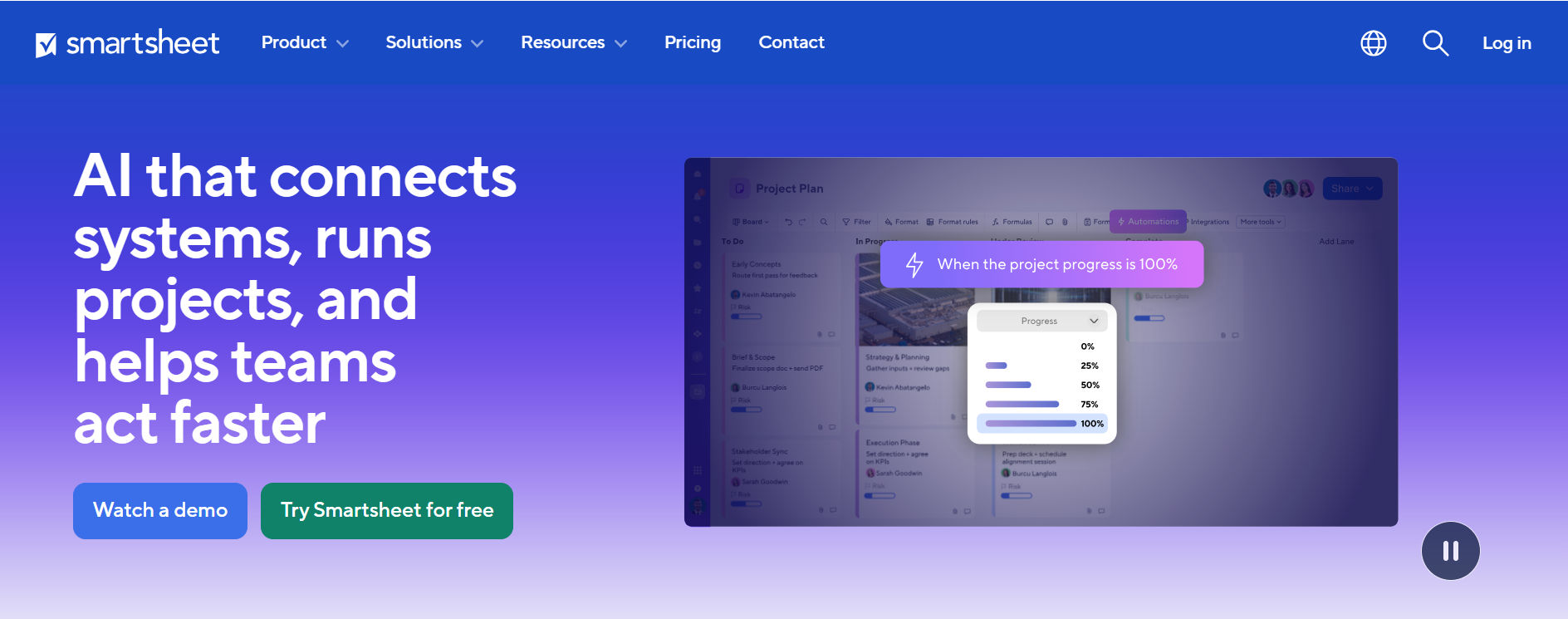
Smartsheet combines familiar spreadsheet-style planning with project management features. It helps teams manage structured information, deadlines, workflows, and project reports.
Key features of Smartsheet:
- Spreadsheet-style project grids
- Gantt charts and calendar views
- Workflow automation
- Project dashboards
- Reporting tools
- Team collaboration
- Project templates
How Smartsheet helps teams:
- An operations manager may track equipment requests, project budgets, delivery schedules, and employee assignments.
- Smartsheet allows the manager to organize this information in structured rows and columns while monitoring progress.
Best for: Operations teams, project management offices, and businesses that prefer spreadsheet-style workflows.
Potential limitation: The grid-based approach may feel less natural for teams that prefer simple task boards.
Asana Alternatives Comparison:
The table below compares seven popular Asana alternatives by their main strengths and typical use cases.
Tool | Best For | Key Strength | Main Consideration |
Task 365 | Microsoft 365 teams | SharePoint and Teams integration | Best suited to Microsoft users |
monday.com | Visual workflows | Custom boards and automation | Advanced features may cost more |
Trello | Small teams | Simple Kanban boards | Limited complex planning without upgrades |
ClickUp | Growing teams | Tasks, docs, and dashboards | Can take time to learn |
Teamwork | Client projects | Time and client management | Specialized for service teams |
Notion | Knowledge and tasks | Flexible docs and databases | Requires workspace setup |
Smartsheet | Structured projects | Spreadsheet-based planning | Less suited to simple workflows |
How to Choose the Right Asana Alternative?
Choosing the right project management software is not just about finding the tool with the most features. The better approach is to identify what your team needs and compare tools against those requirements.
1. Identify your biggest workflow problem
Start by asking what slows down your team. For example:
- Missed deadlines: Look for reminders and clear due dates
- Unclear responsibilities: Choose task assignment and ownership features
- Scattered updates: Look for connected collaboration tools
- Limited visibility: Prioritize dashboards and reporting
- Repeated manual work: Consider workflow automation
When you know the main problem, choosing software becomes easier.
2. Review the tools your team already uses
Check whether your new task management platform connects with your existing applications.
For example, businesses using Microsoft Teams, Outlook, and SharePoint may prefer a Microsoft 365 task management solution.
Organizations that depend on Slack, Google Workspace, or other applications should review those integrations.
3. Compare the total cost
Do not compare software based only on its advertised starting price. Consider the full cost of using the platform:
Cost Factor | What to Check |
Subscription | Monthly or annual user pricing |
Advanced features | Reporting, automation, and premium views |
Training | Time needed to teach employees |
Migration | Effort required to move existing tasks |
Integrations | Extra charges for connected applications |
Support | Availability of onboarding and technical help |
A cheaper tool may cost more over time if it requires additional services or manual work.
4. Test the software with a real project
Before making a final decision, select a small project and test the platform.
For example, ask five employees to manage a two-week campaign using the new software.
Check whether they can create tasks, assign owners, update progress, and find important information.
A practical test can reveal problems that are difficult to notice during a product demonstration.
5. Evaluate security and access controls
Businesses should understand where their project information is stored and who can access it.
Review user permissions, data protection, administrative controls, and relevant compliance requirements.
This is especially important for organizations managing confidential employee, client, or business information.
Why Task 365 Is Worth Considering for Microsoft 365 Teams
For businesses that already use Microsoft applications, switching between disconnected platforms can make daily work harder. Task 365 is designed to support task planning, collaboration, and progress tracking within the Microsoft 365 ecosystem. Here are the features that make it relevant when comparing Asana alternatives:
Centralized task management in SharePoint
Task 365 helps teams organize work through a SharePoint-based task management application.
Managers can assign responsibilities, set deadlines, and monitor task status.
This can reduce the need to maintain separate spreadsheets for everyday task tracking.
Collaboration through Microsoft Teams
When task updates and team discussions are disconnected, employees may miss important information.
Task 365 integrates with Microsoft Teams to support connected task collaboration.
This is useful for departments that already rely on Teams for daily communication.
Multiple views for better project planning
Different employees prefer different ways to review work.
A project manager may need a timeline, while an employee may prefer a simple task list.
Task 365 supports List, Board, Calendar, and Timeline views, allowing teams to review work in ways that suit their responsibilities.
AI-assisted task planning and summaries
Teams often spend time reviewing task details and identifying what needs attention.
Task 365 describes AI-assisted prioritization and intelligent summaries among its capabilities.
These features can help users review work and understand priorities, subject to the features enabled in their deployment.
Dashboards for tracking project progress
Managers need visibility into work across teams and projects.
Task 365 provides reporting and dashboard capabilities to help teams monitor task progress and identify work that needs attention.
This supports better planning and more informed decisions.
Microsoft 365 security and governance
Task 365 is built using SharePoint Framework technology and operates within the Microsoft 365 environment.
According to task 365, task and project data remain within the organization’s Microsoft 365 environment rather than a separate Task 365 database.
Businesses should still review deployment settings, permissions, and their own security requirements.
Want to manage tasks using the Microsoft tools your team already knows?
Explore Task 365 to see how SharePoint task management can help your team organize work, track progress, and improve collaboration.
How to Switch From Asana Without Losing Track of Work
Moving from Asana to another task management platform requires planning. A rushed migration can lead to missing tasks, duplicate assignments or confusion about project ownership. Follow these steps to make the change easier:
Step 1: Review your current projects
Identify active projects, completed tasks, upcoming deadlines, and team responsibilities.
Decide which information needs to move to the new platform.
Step 2: Export your Asana data
Asana supports project data exports, including CSV exports. Review which information is included and whether your chosen export method preserves the details you need.
Back up important project information before making changes.
Step 3: Prepare the new workspace
Create projects, set up task statuses, and assign access permissions.
Make sure your new software reflects how your team works.
Step 4: Test a small migration
Start with one project instead of moving everything at once.
Check task names, owners, due dates, and related information.
Import support varies by platform. For Task 365, confirm available migration methods with the product team before planning a full transfer.
Step 5: Train employees and review progress
Show employees how to create tasks, update statuses, and find project information.
During the first few weeks, review whether tasks are being updated correctly and deadlines remain visible.
Common Mistakes to Avoid When Choosing Task Management Software:
Even good software can create problems when businesses select it without understanding their needs. Here are four mistakes to avoid:
Choosing software only because it is popular
A platform with many users may not fit your team’s workflow.
Focus on usability, required features, and integration needs rather than popularity alone.
Paying for features your team will not use
Advanced automation, reporting, and customization can be valuable.
However, paying for features employees rarely use may increase costs without improving productivity.
Ignoring employee feedback
Employees use task management software every day.
Ask them what makes work easier and what creates unnecessary steps.
Their feedback can help you choose a platform people will actually use.
Skipping the trial or demonstration
A product page cannot show every detail of how software will work for your organization.
Test common workflows before making a long-term commitment.
Conclusion
The best Asana alternatives help teams organize tasks, improve collaboration, and manage deadlines with less confusion. If your business needs simple task boards, Trello may be a good choice. ClickUp is worth considering for customizable work management, while monday.com supports visual workflows. Teamwork serves client-focused businesses, Notion combines notes and tasks, and Smartsheet supports spreadsheet-based project planning.
For organizations using Microsoft 365, Task 365 is a relevant Asana alternative because it connects task management with SharePoint, Microsoft Teams, Outlook, and Planner. The next step is to identify your team’s main challenges, compare the features that matter most, and test your preferred platform with a real project.
Ready to simplify task management with Microsoft 365?
Explore Task 365 and book a 1:1 demo to see how it fits your team’s daily workflow.
Join Our Creative Community
Frequently Asked Questions
What are the best Asana alternatives for small businesses?
Trello, ClickUp, monday.com, and Notion are popular choices for small businesses. Trello is useful for simple task tracking, while ClickUp provides more customization. Small businesses already using Microsoft 365 can also evaluate Task 365.
Is Task 365 a good Asana alternative for Microsoft 365 users?
Yes, Task 365 is worth considering for businesses using SharePoint, Microsoft Teams, Outlook, and Planner. It supports task assignments, deadlines, project views, reporting, and collaboration within the Microsoft 365 environment.
Are there free Asana alternatives?
Yes. Trello, ClickUp, Notion, and monday.com offer free plans with different limits. Businesses should check current plan details, user limits, and feature restrictions before selecting a tool.
Can I move my existing projects from Asana to another platform?
Many project management tools support importing project data, but migration options differ. Asana provides export capabilities, including CSV. Check whether your new platform can import tasks, due dates, assignments, comments, and attachments before switching.
Which Asana alternative is best for client project management?
Teamwork is a strong option for agencies and service-based businesses. It provides client collaboration, project tracking, time management, and features for managing client delivery.

























