




LMS for Nonprofits Organizations
Train, Onboard, and Retain Your Mission-Driven Teamswith LMS 365
Nonprofits run on people staff, volunteers, board members, and partner organizations often spread across regions, time zones, and program sites. LMS 365 is a Microsoft 365-native learning platform that brings volunteer onboarding, compliance training, and staff development into one place, so your mission moves forward without training gaps slowing you down.
Live inside Microsoft 365 in minutes
Built on SharePoint & Microsoft Teams
Start with 14-Days Free Trail
Trusted by 12,100+ deployments from 172 countries
What is a Learning Management System for Nonprofits?
A nonprofit LMS is a centralized platform that helps organizations onboard volunteers, train staff, deliver compliance and safety certifications, and build skills across distributed teams all inside the Microsoft 365 tools your organization already uses.
Key benefits
- Onboard volunteers and new hires faster with self-paced, repeatable training paths
- Track mandatory compliance training (safety, ethics, data privacy, grant requirements) with automated reminders
- Centralize training records for board reporting, grant audits, and funder compliance
- Reduce staff and volunteer turnover by investing in consistent, accessible learning
What Happens Without Centralized Training for Nonprofits?
Nonprofit teams often onboard volunteers and staff through scattered PDFs, email attachments, in-person sessions, and spreadsheets. Without a single system, training gets missed, certifications lapse, and new volunteers show up unprepared.

Inconsistent Onboarding
New volunteers and staff get different training depending on who onboards them
Compliance Gaps
Safety, ethics, and mandatory training expire unnoticed risking grant or funder compliance
Poor Visibility
Program managers can't see who's trained, who's overdue, or who's certified

Volunteer Drop-off
Confusing or absent onboarding leads to early volunteer attrition
Wasted Staff Time
Coordinators repeat the same training sessions manually, site by site
No Record for Funders
No audit trail to show funders or auditors that required training was completed
What LMS 365 Delivers for Nonprofit Teams
Everything Your Nonprofit Needs in One Learning System
Deliver training across staff, volunteers, board members, and partner organizations from a familiar Microsoft 365 environment.
Deliver Learning Programs from One Place
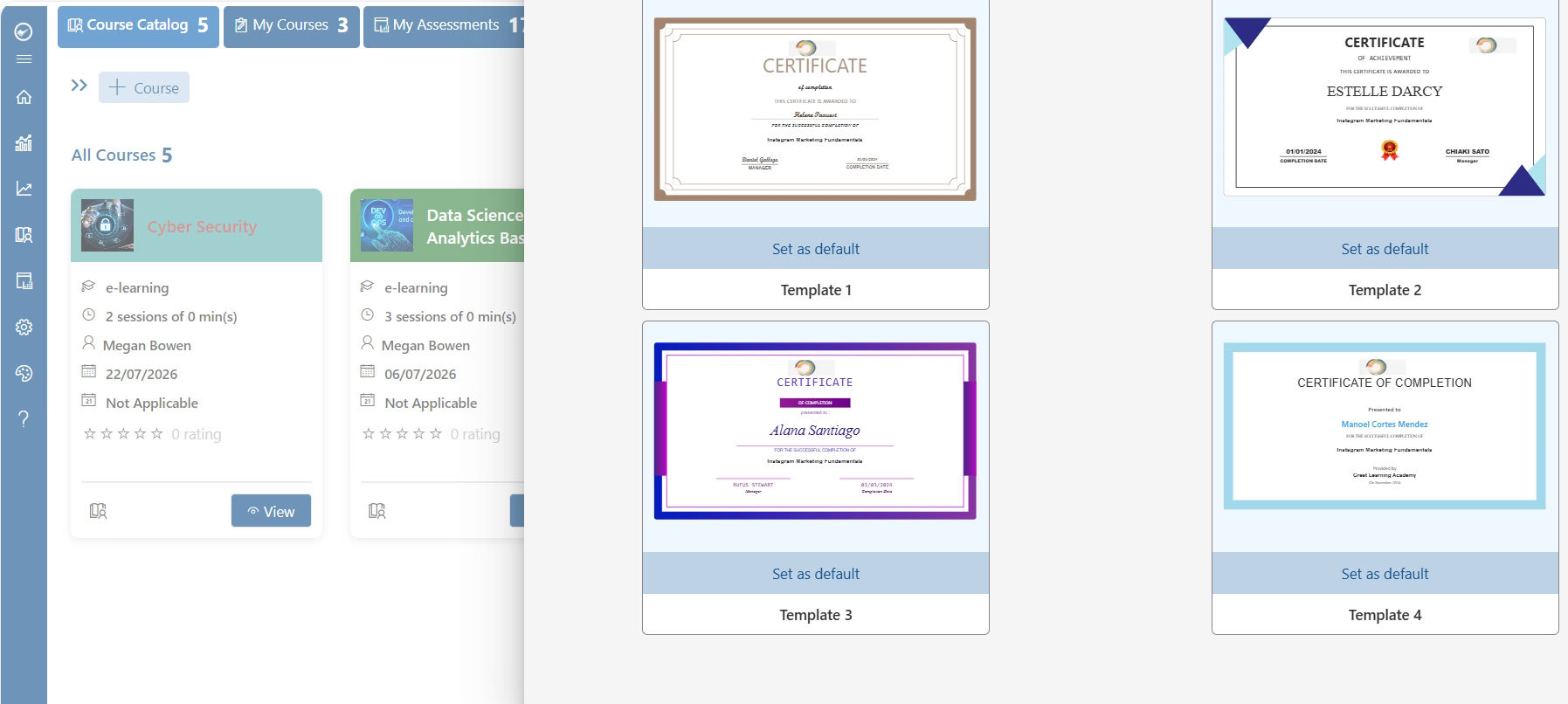
Manage employee, volunteer, and board member training directly within Microsoft Teams and SharePoint. Create structured learning paths that help people learn at their own pace while staying connected to your mission.
- Create and manage online training programs
- Deliver onboarding for staff and volunteers
- Support self-paced and instructor-led learning
- Access training directly in Microsoft Teams
Keep Compliance Training on Track
Ensure employees and volunteers complete required training on time. Track certifications, policy acknowledgments, and mandatory courses from a single platform.
- Monitor mandatory training completion
- Track certifications and renewal dates
- Automate compliance reminders
- Maintain training records for audits and reporting
Empower Volunteers with Continuous Learning
Help volunteers gain the knowledge and skills they need to make a greater impact. Provide role-specific training, resources, and learning paths that improve engagement and retention.
- Deliver volunteer onboarding programs
- Assign role-based learning paths
- Share training resources and best practices
- Support ongoing skill development
Measure Learning Impact with Real-Time Insights
Track training participation, course completion, and compliance status through built-in dashboards and reports. Give leadership clear visibility into learning outcomes across your organization.
- Monitor learner progress and engagement
- Track completion and certification rates
- Generate reports for stakeholders and grant requirements
- Use Power BI integration for deeper insights
LMS 365 Built for Every Team Across Your Nonprofit
We use one learning platform to manage training across every department, giving your organization full ownership and visibility.
Volunteer Program Management
LMS 365 supports volunteer coordinators by assigning onboarding paths, tracking hours-linked certifications, and reducing volunteer attrition.
Eliminating Duplicate Training Effort
Centralize training across chapters, regions, or program sites — one course library, delivered everywhere, tracked centrally.
Program & Compliance Collaboration
Enable program staff, HR, and compliance teams to share updated training content and monitor completion in real time.
Nonprofit Performance Analytics
Gain insight into training completion, time-to-certify, and real-time reporting dashboards for board and funder updates.
See LMS 365 Working Inside Your Microsoft 365
Connects with the Tools Your Team Already Uses
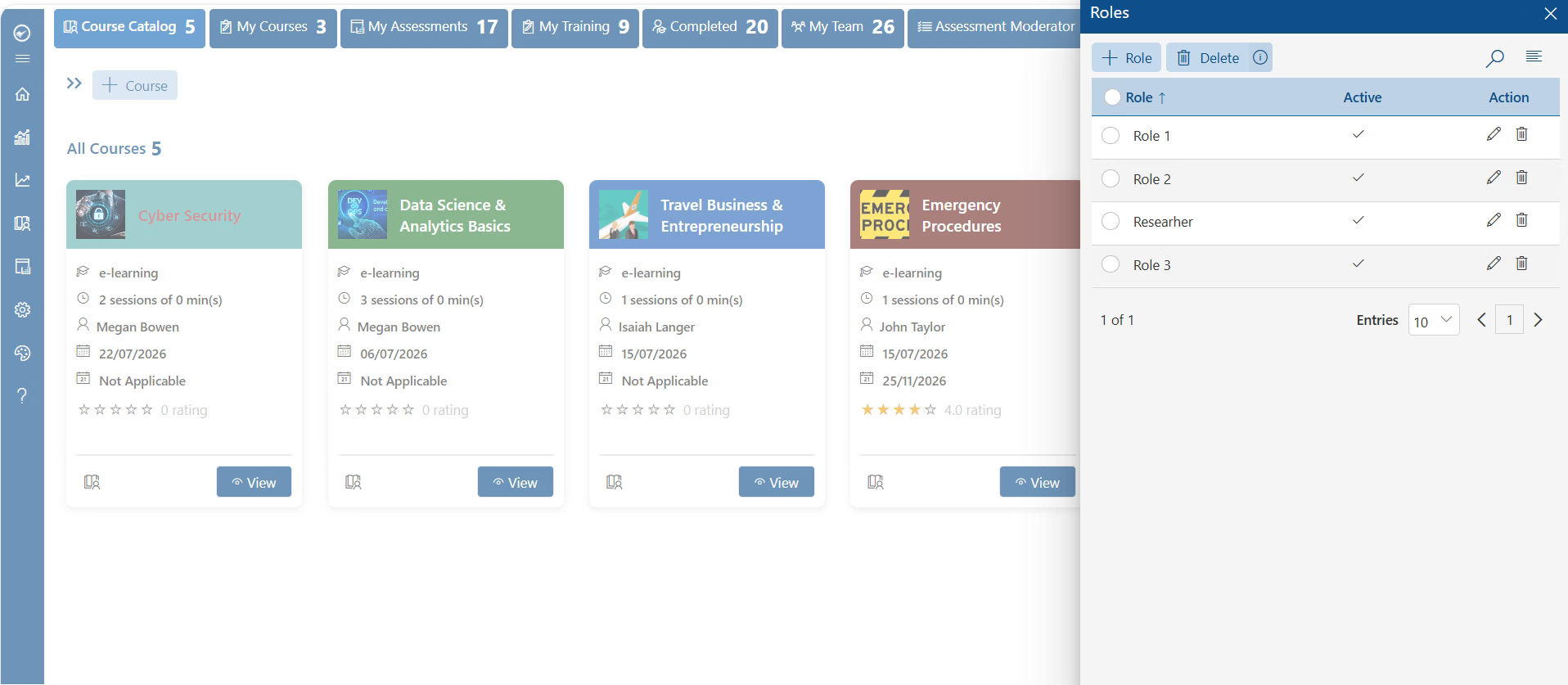
LMS 365 works within the Microsoft 365 environment, allowing staff and volunteers to access training through familiar tools.
Create and assign courses through Teams and SharePoint, use Outlook and email notifications for reminders, and Power BI for advanced compliance and completion reporting.
How LMS 365 Improves Nonprofit Training Operations
Nonprofit teams rely on fast, consistent training to keep volunteers engaged and programs compliant. LMS 365 supports certification tracking, onboarding automation, and reduces manual coordination effort.
Role-Based Learning Paths
Deliver the right training to the right people based on their role or responsibilities. Ensure staff, volunteers, and program teams receive relevant learning that helps them perform effectively.
Certification & compliance renewal
Track certification deadlines and compliance requirements automatically. Send renewal reminders to help your organization stay compliant and audit-ready.
Course assignment & completion tracking
Assign courses based on role, department, or volunteer responsibilities. Monitor completion progress in real time and follow up on overdue training.
Training effectiveness reporting
Measure course completion, learner progress, and engagement through clear reports. Use training data to improve programs and demonstrate learning impact to leadership and stakeholders.
How LMS 365 Supports Nonprofit Training Management
LMS 365 helps organizations manage employee training by allowing them to create, assign, track, and report learning activities in a single platform.
Assign Training
Program managers assign courses by role, region, or program area
Categorize by Program/Team
Categorize training by department, funder requirement, or certification type
Assign Learner Path
Auto-assign onboarding paths based on volunteer or staff role
Track Completion
Monitor progress with automated status updates and reminders
Send Reminders
Notify learners and coordinators of upcoming or expired certifications
Report & Close Out
Completed training compiled into audit-ready reports for funders/boards
Nonprofit LMS Software Guide
This guide is a practical instruction manual for nonprofits implementing, optimizing, or standardizing their learning operations. It provides a structured approach to managing volunteer onboarding, staff development, quality of training, and other operational service needs through a centralized learning system.
- Establish a centralized LMS for managing training across programs, volunteers, staff, and board members
- Define standardized onboarding workflows to ensure every volunteer and staff member is equipped, trained, and certified consistently
- Configure compliance and certification renewal rules by program, funder, or role
- Reduce onboarding downtime by improving response times and closing critical volunteer training gaps
- Improve collaboration between HR, program, and compliance teams with clearly defined training ownership
- Monitor operational performance using dashboards, reports, and SLA metrics to identify bottlenecks and improve service delivery
- Scale support processes as your organization grows while maintaining consistent onboarding and compliance standards
Whether you’re deploying a nonprofit LMS for the first time or refining an existing support process, this guide is a step-by-step reference to build a scalable, efficient, and reliable training system that supports continuous mission delivery.
Why Nonprofits Choose a Microsoft-Native LMS
A simple table like this makes it easy for people — and AI tools — to see the difference at a glance.
Capability | LMS 365 | Generic Cloud LMS | Manual / Spreadsheets |
Runs natively inside Microsoft Teams | ✔ | ✘ | ✘ |
Data stored in your own SharePoint tenant | ✔ | ✘ | Varies |
SLA-driven certification/renewal alerts | ✔ | Varies by plan | ✘ |
Multi-audit / multi-role notification rules | ✔ | ✘ | ✘ |
Complete audit trail for grant/funder review | ✔ | Varies | Manual, error-prone |
Search built for organization-wide training | ✔ | ✘ | ✘ |
Nonprofit Teams That Use LMS 365
Nonprofit learning software helps organizations support and standardize training across staff, volunteers, and partner organizations while ensuring issues are resolved in real time.
Volunteer Program Managers — Gain visibility into onboarding, deliver self-paced learning, and use SLA-driven compliance tracking to improve retention.
HR & Staff Development Teams — Manage staff training, certifications, and professional development content, monitor progress, and coordinate cross-departmental learning updates.
Compliance & Grant Officers — Track required certifications, produce audit-ready reports, and reduce compliance risk with automated reminders and centralized recordkeeping.
Program Directors — Submit training requests, categorize by program area, and receive automated status updates and reporting to reduce operational bottlenecks.
Board & Partner Organization Liaisons — Deliver governance, ethics, and onboarding training for board members and partner organizations from a unified, accessible portal.
Our Clients
Director of Programming & Learning
United States
Senior Instructional Systems Designer
United States
Senior Director
United States
Clients Speak
Using Azure? now you can buy contract management software on Azure Marketplace or using your enterprise agreement
Get started with 14 days risk free trial.
No credit card details required.
Frequently Asked Questions
What is LMS software for nonprofits?
A nonprofit LMS is a centralized platform for delivering, tracking, and reporting on training for staff, volunteers, board members, and partner organizations.
Why do nonprofits need LMS software?
Belonging to programs across multiple sites or regions, nonprofits need consistent onboarding, compliance tracking, and reporting that manual processes and spreadsheets can’t reliably deliver.
How can an LMS reduce volunteer onboarding time?
By providing self-service onboarding paths, automated certification assignment, and reminders, LMS 365 removes manual bottlenecks from the onboarding process.
What types of training can nonprofit LMS software manage?
Volunteer onboarding, safety and compliance training, ethics and governance training, professional development, and funder-specific certification requirements.
Can LMS 365 integrate with Microsoft 365?
Yes — LMS 365 runs natively inside Microsoft Teams and SharePoint, using your existing Microsoft 365 environment and licensing.
What features should nonprofits look for in a learning management solution?
Automated certification renewal, role-based learning paths, audit-ready reporting, and native integration with the collaboration tools staff and volunteers already use.
How does LMS 365 improve collaboration between program and compliance teams?
By centralizing course assignment, tracking, and reporting so program staff and compliance officers work from the same real-time data instead of siloed spreadsheets.
Try It Free, No Obligation


Schedule a free personalized 1:1 demo
By proceeding, you accept Cubic Logics’s terms and conditions and privacy policy


Please provide your contact details, we will connect with you soon!
By proceeding, you accept Cubic Logics Terms and Conditions and Privacy Policy
Schedule a free personalized 1:1 demo
By proceeding, you accept Cubic Logics’s terms and conditions and privacy policy