
7 Best Time & Attendance Apps That Save You Hours for your Teams
_mVFFaHUZhS.webp)
Every hour your team spends fixing attendance records manually is an hour taken away from real work. A good time and attendance app changes all of that. It automates clock-ins, catches errors before they spread, and gives you a clear picture of your workforce — all in one place.
What Is a Time and Attendance App?
A time and attendance software is an online application that monitors the time your employees report to work, take breaks and check out. It automatically logs all the shifts, and you will never need to run after someone hours again.
Consider it as your 24/7 employee. It is compatible with phones, desktops, tablets, and even kiosk screens. The employees press a button and their hours are automatically saved. No paper. No spreadsheets. No guesswork.
Modern time attendance apps go well beyond basic punch clocks. They handle:
- Clock-in and clock-out tracking from any device or location
- Automated timesheet generation based on real shift data
- Leave and absence management with digital approval flows
- Overtime alerts so managers stay ahead of labor costs
- Data exports that connect directly with HR and finance tools
The best time tracking software also connect seamlessly with platforms your team already uses so adoption is fast and the change feels natural from day one.
Why Your Business Needs One Right Now
Here is something nobody talks about enough: manual time tracking is silently costing you money every single month. A few missed punches, some rounded hours, and one buddy-punching situation can quietly erase thousands from your budget before you ever notice.
If you manage a team of 20 or more people, you already feel this pain. You have seen the last-minute scramble before payroll runs. You have had to fix timesheet mistakes that hold up the entire process. You have probably wondered if there is a smarter way.
According to SHRM State of the Workplace Report, more than half of HR departments are understaffed, and 58% of HR executives cite lack of time and dedicated personnel as their greatest barrier to achieving their prioritie making automated time and attendance tools not a luxury, but a necessity.
There is. And companies that make the switch often cannot imagine going back.
Here is what changes when you bring in a solid employee attendance tracker:
- Reports become faster and cleaner because data flows automatically from clock-ins to dashboards
- Managers reclaim hours every week that used to go into manual tracking and corrections
- Compliance headaches shrink because overtime rules and labor laws are enforced by the software
- Employees feel more trusted because everything is transparent and well documented
- Remote and hybrid teams stay accountable with GPS tracking and real-time dashboards
Your competitors are already using these tools. The question is: how long can you afford to wait?
🚀 Stop Losing Hours to Manual Tracking
What to Look for Before You Choose
There are dozens of tools available, and it may seem daunting to choose the appropriate time attendance app. Not all tools are applicable to all teams. This checklist will help you reduce it in a short time.
Ease of Use
When your employees require a training course to clock in, the tool has already broken down. Find applications with simple and clean interfaces that can run on any device even the older phones. The quicker the installation, the quicker you get results.
Integration With Your Existing Tools
Your attendance tracker must communicate with your HR platform and with the tools that your team uses on a daily basis. Natively integrated apps with Microsoft 365 such as SharePoint, Teams, and Outlook are the quickest to use since data flows automatically without additional configuration or imports.
Real-Time Visibility
A great workforce clock-in solution displays you live information – who is in, who is late, who is on leave – not later but now. Live dashboards enable managers to identify issues at an early stage and prevent their escalation into larger problems.
Mobile Accessibility
Your deskless employees, remote workers, and field workers require a phone-based tool. An offline mode is a bonus. GPS check-ins provide an additional level of precision to teams that are not in the office or in more than one location.
Compliance and Overtime Controls
Work laws are not a choice. The right imposes break rules, warns of overtime before it occurs and maintains a complete audit trail in case you are called upon to demonstrate compliance. This is the only feature that can help you to avoid expensive fines and legal troubles.
AI-Powered Automation
The most intelligent time attendance applications are the ones that are based on artificial intelligence, and they do not simply record hours. They identify anomalies, highlight suspicious trends, automate mundane approval processes, and provide managers with predictive insights that transform raw attendance data into something that your business can do.
Data Security
Sensitive information is the hours and schedules of employees. Select tools that provide cloud security, role access, and data encryption. In case your company is on Microsoft 365, find applications that are already certified in that platform so that your data does not leave your safe space.
7 Best Time & Attendance Apps in 2026
Choosing the wrong workforce tracking tool wastes more than money. It wastes trust. When employees find a clock-in process confusing, they skip it. When managers spend more time fixing reports than reading them, the tool has made things worse not better.
We took time to examine the tools that real teams will be using in 2026, considering how easy they are to use on a daily basis, how much they integrate, how much AI they can perform, how they perform on mobile devices, and how they fit various team sizes and industries. This narrows down to this list of seven tools that are always strong in their own right, and each designed to suit a particular type of team.
1. Timesheet 365 — Best for Microsoft 365 Teams
⭐ EDITOR’S TOP PICK | Best Overall AI-Powered Time Attendance App
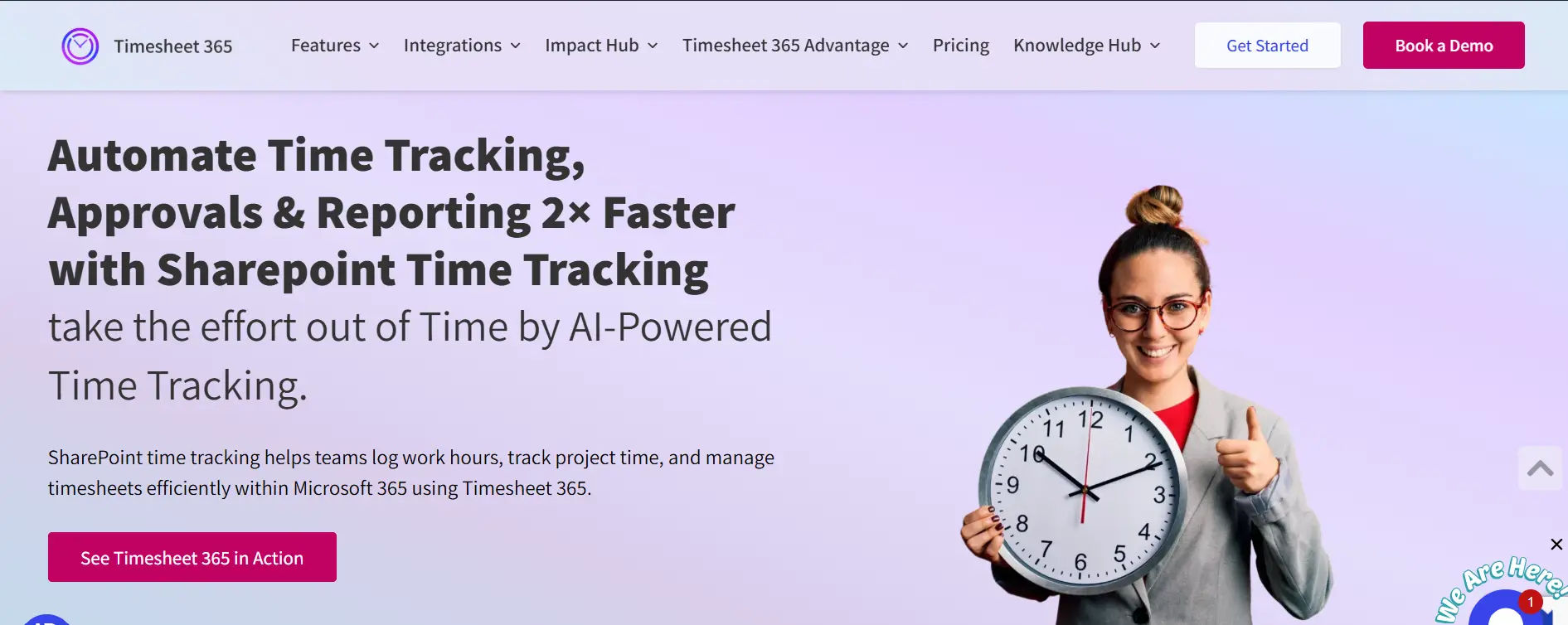
If your team already works inside Microsoft 365, Timesheet 365 is the most natural and powerful option today in case your team already operates within Microsoft 365. It is developed as a native part of the Microsoft ecosystem and operates directly in SharePoint, Microsoft Teams, and Outlook. Nothing new to install, no new password to remember, no other platform to manage.
This is the main benefit that can distinguish Timesheet 365 among nearly all other time and attendance applications in the market. Most tools are standalone products that can be attached to your existing stack. Timesheet 365 is literally within it. Your employees are already in Teams daily now that they can log hours, request leave, check project time, and handle approvals without leaving that environment at all.
According to Deloitte, a recent project with a consumer products company revealed that AI could free up 25% of HR business partners’ capacity, enabling them to take on more strategic roles in workforce planning – exactly the kind of outcome AI-powered time tracking software are built to deliver.
Key Features
- Native Microsoft 365 integration — runs inside Teams, SharePoint, and Outlook with zero disruption to your existing workflow
- AI-powered time analysis — detects anomalies, flags unusual patterns, and surfaces workforce insights automatically
- SharePoint-native architecture — your data stays inside your own Microsoft 365 tenant, never on third-party servers
- Project and task time tracking — log hours by project, task, and client for accurate billing and resource planning
- Resource allocation management — assign team members to projects intelligently and track capacity in real time
- Flexible approval workflows — set up automatic or manual approvals with deadline controls and delegation options
- Billing and invoicing support — track billable vs. non-billable hours and generate client-ready reports
- Custom fields for time entry — capture the exact data your business needs, without being limited by rigid templates
- Role-based access controls — employees see only what they need; managers and admins see everything they require
Why the AI and SharePoint Combination Matters
Most attendance tools give you data. Timesheet 365 gives you meaning behind the data. The AI layer does not just store what happened it helps you understand why, what to watch, and what to do next. And because it is all anchored in SharePoint, every insight and every record lives in the most secure, familiar environment your team already trusts.
This combination is especially powerful for organizations that need compliance visibility, project-level time accountability, and workforce intelligence all without paying for a separate analytics platform or a separate HR system.
Best For
Businesses and enterprises already using Microsoft 365 who want a workforce tracking solution that works as a natural extension of Teams and SharePoint — not another app to learn, license, or manage separately.
Pricing
Starts at $3 per user per month. A 14-day free trial is available with no credit card required.
What Users Say
“It is a great mix of being easy to use, simple to set up, and has advanced features. More importantly, it works within Microsoft 365.”
“The level of customization is awesome and the UI is very user-friendly. The support is very responsive and ready to help whenever we need any assistance.”
2. Connecteam — Best for Deskless and Field Teams
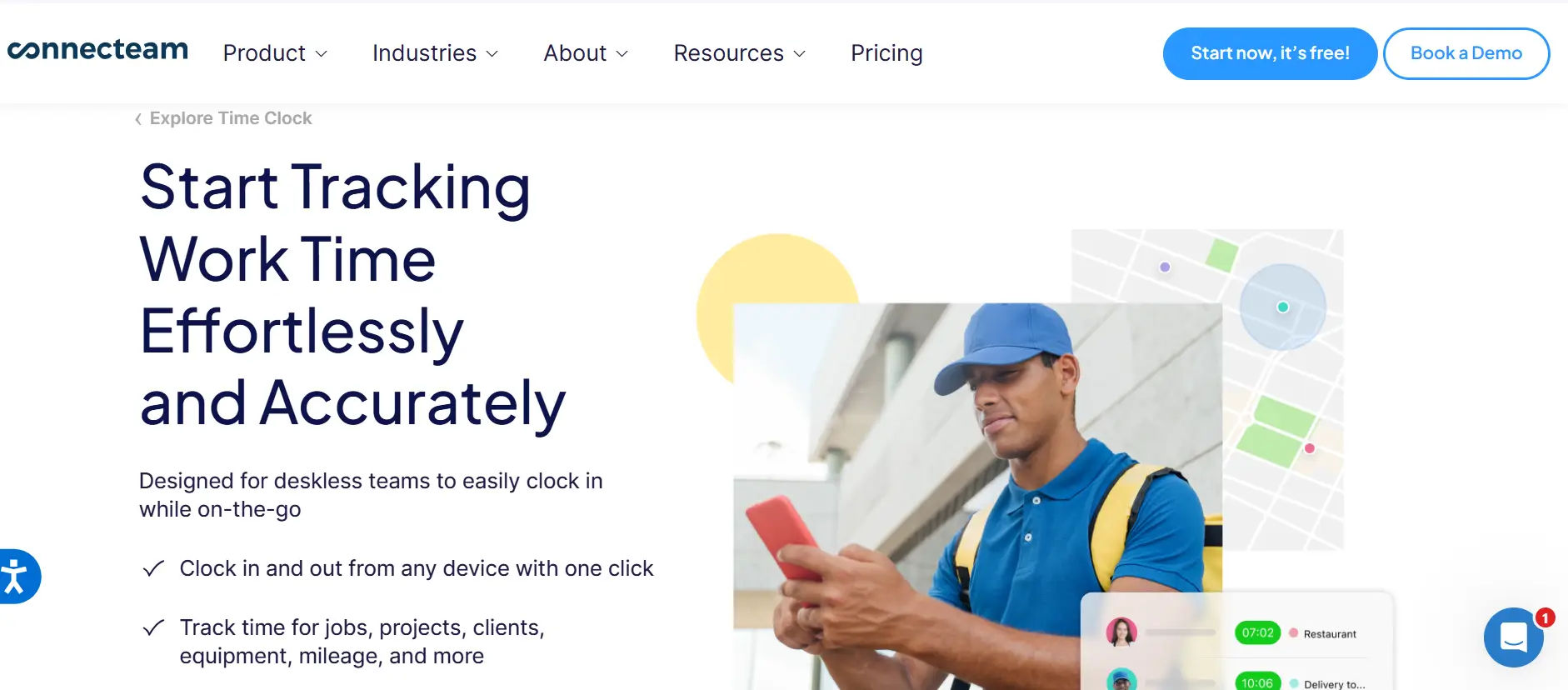
Connecteam is a mobile-first attendance platform built for businesses with frontline or deskless workers. It shines for industries like construction, retail, hospitality, and home services where employees are rarely at a desk.
The app offers a clean one-tap clock-in experience, kiosk mode for shared devices, and geofencing so employees can only punch in from approved job sites. Its built-in team chat keeps attendance-related communication in one place rather than scattered across texts and emails.
Key Features
- One-tap clock-in from mobile with PIN login and optional selfie verification
- Geofenced clock-in zones to prevent buddy punching and false location check-ins
- Kiosk mode to turn any shared tablet into a team time clock
- Built-in team messaging for shift-related communication
- Time-off tracking with leave balance management and digital approvals
- Integrations with QuickBooks, Gusto, and ADP for data exports
Best For
Small to mid-sized businesses with shift-based, hourly, or field workers who need simple mobile clock-ins and GPS-based location accountability without complex setup.
Pricing
Free plan available for small teams. Paid plans start at $29 per month for up to 30 users.
3. Clockify — Best Free Option for Small Teams
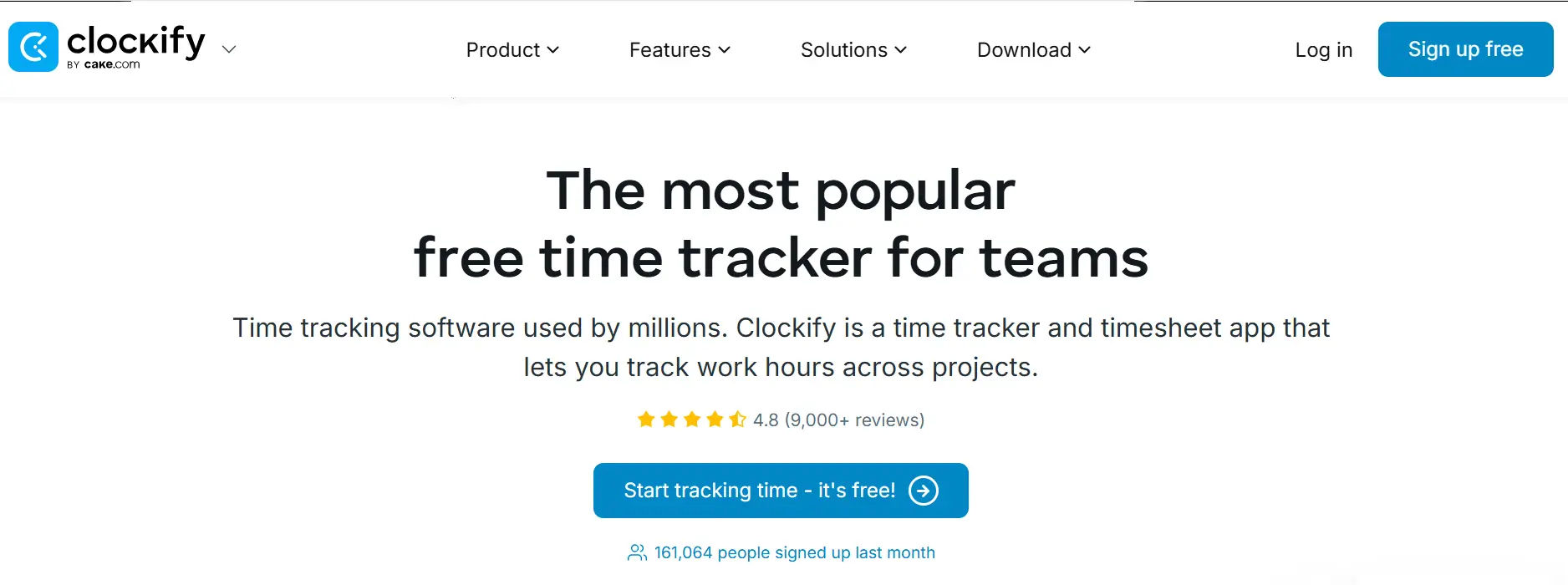
Clockify has grown to over 5 million users worldwide by offering a genuinely useful free tier. For freelancers, startups, and small teams tracking basic hours, it delivers solid value at no cost.
On the free plan, users can track hours, manage projects, and run basic reports. However, advanced features like overtime rules, scheduling, and deeper integrations are only available on paid plans.
Key Features
- Unlimited users on the free plan — no per-seat cost at the entry level
- Project and task time tracking with easy timer or manual entry
- Basic reporting and CSV exports for team summaries
- Browser, desktop, and mobile apps across all major platforms
- Paid plans add overtime rules, scheduling, and deeper integrations
Best For
Freelancers and small teams that need basic time tracking without a monthly budget. Businesses needing full attendance management, AI features, or deep platform integration should consider a more specialized tool.
Pricing
Free forever for unlimited users. Paid plans start at $3.99 per user per month.
📅 Ready to See Timesheet 365 in Action?
4. Deputy — Best for Shift Scheduling and Attendance Together
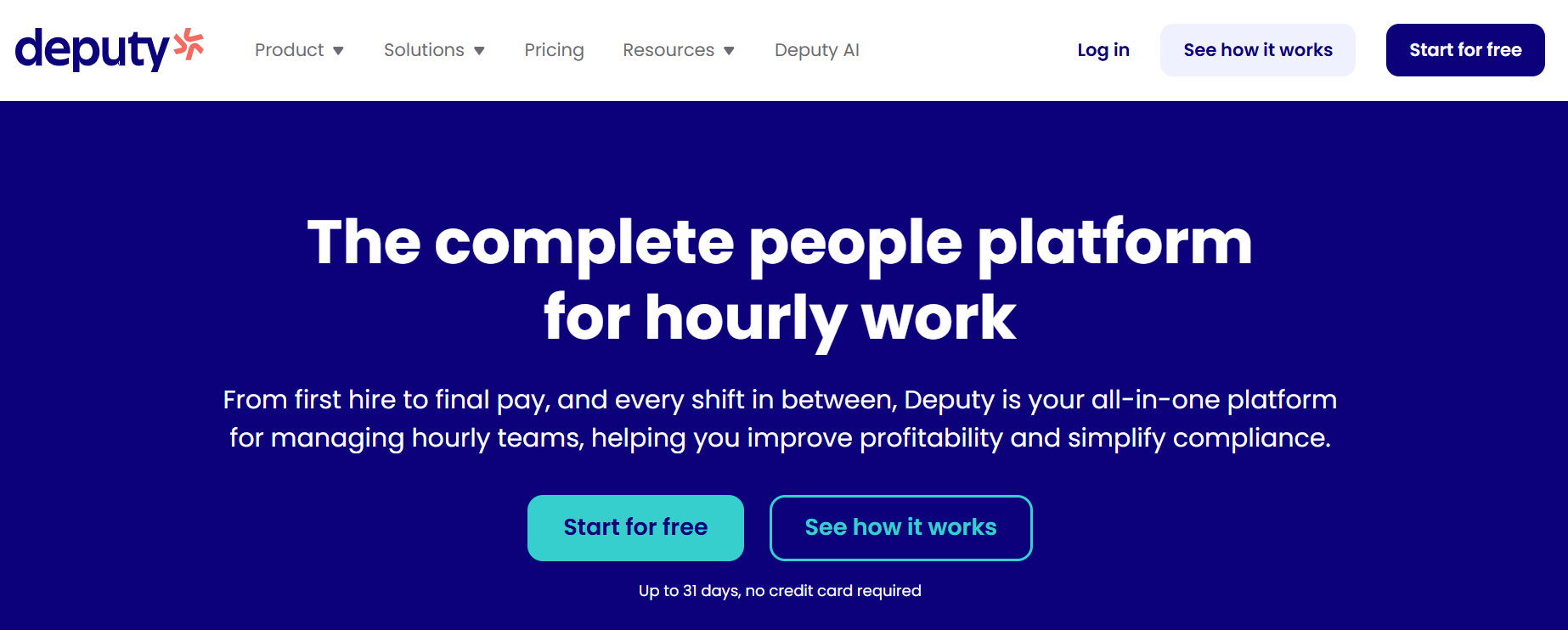
Deputy combines employee scheduling with time tracking in a single platform. It is popular with retail stores, restaurants, healthcare facilities, and any business managing complex rotating shifts across multiple locations.
AI-assisted scheduling helps managers build smarter rosters based on staff availability, skills, and labor budget. Attendance data connects directly to scheduling, flagging conflicts before they turn into problems on the floor.
Key Features
- AI-assisted shift scheduling with availability and skills matching
- Mobile clock-in with GPS verification
- Real-time attendance alerts for late arrivals or absent employees
- Integrations with Xero, QuickBooks, ADP, and other HR tools
- Leave management connected directly to the live schedule
Best For
Businesses managing large shift-based workforces where scheduling and attendance need to work together tightly across multiple teams or locations.
Pricing
Starts at $4.50 per user per month for time and attendance features.
5. Hubstaff — Best for Remote and Distributed Teams
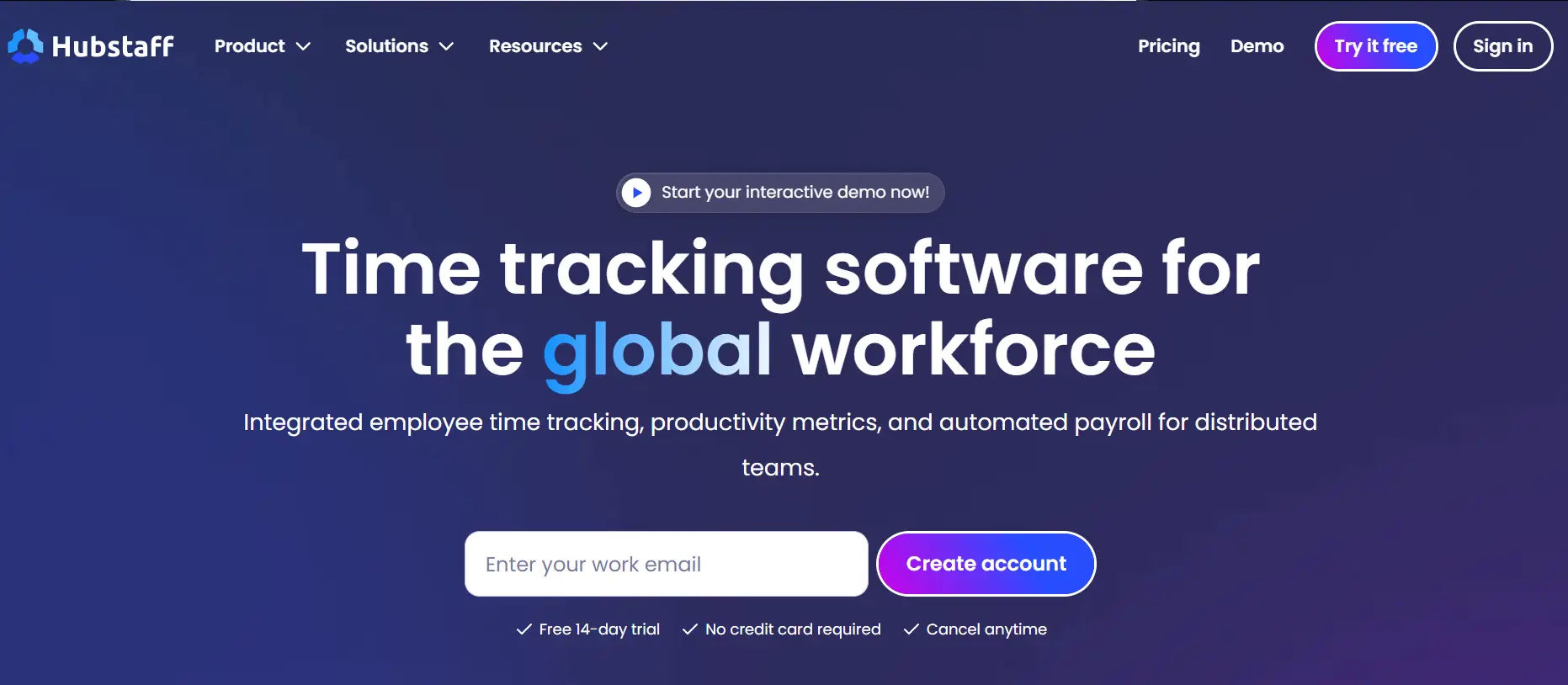
Hubstaff is built for remote-first companies that need more than just clock-ins. It combines GPS time tracking with optional activity monitoring, giving managers visibility into how time is actually being spent across distributed teams.
For agencies tracking, remote service businesses, and distributed teams billing clients by the hour, Hubstaff offers a level of detail that most general attendance tools skip. It is especially useful when accountability and accurate client billing both matter.
Key Features
- GPS breadcrumb tracking for mobile employees working across multiple sites
- Optional screenshot and activity monitoring for remote accountability
- Project-level time logging for accurate client billing
- Integrations with Wise, PayPal, Gusto, and others for data exports
- Automatic idle detection to keep time logs honest and accurate
Best For
Remote agencies, virtual teams, and field service businesses where location tracking and billing accuracy are both essential for day-to-day operations.
Pricing
Free for one user. Paid plans start at $4.99 per user per month.
6. Zoho People — Best for HR-Centric Businesses
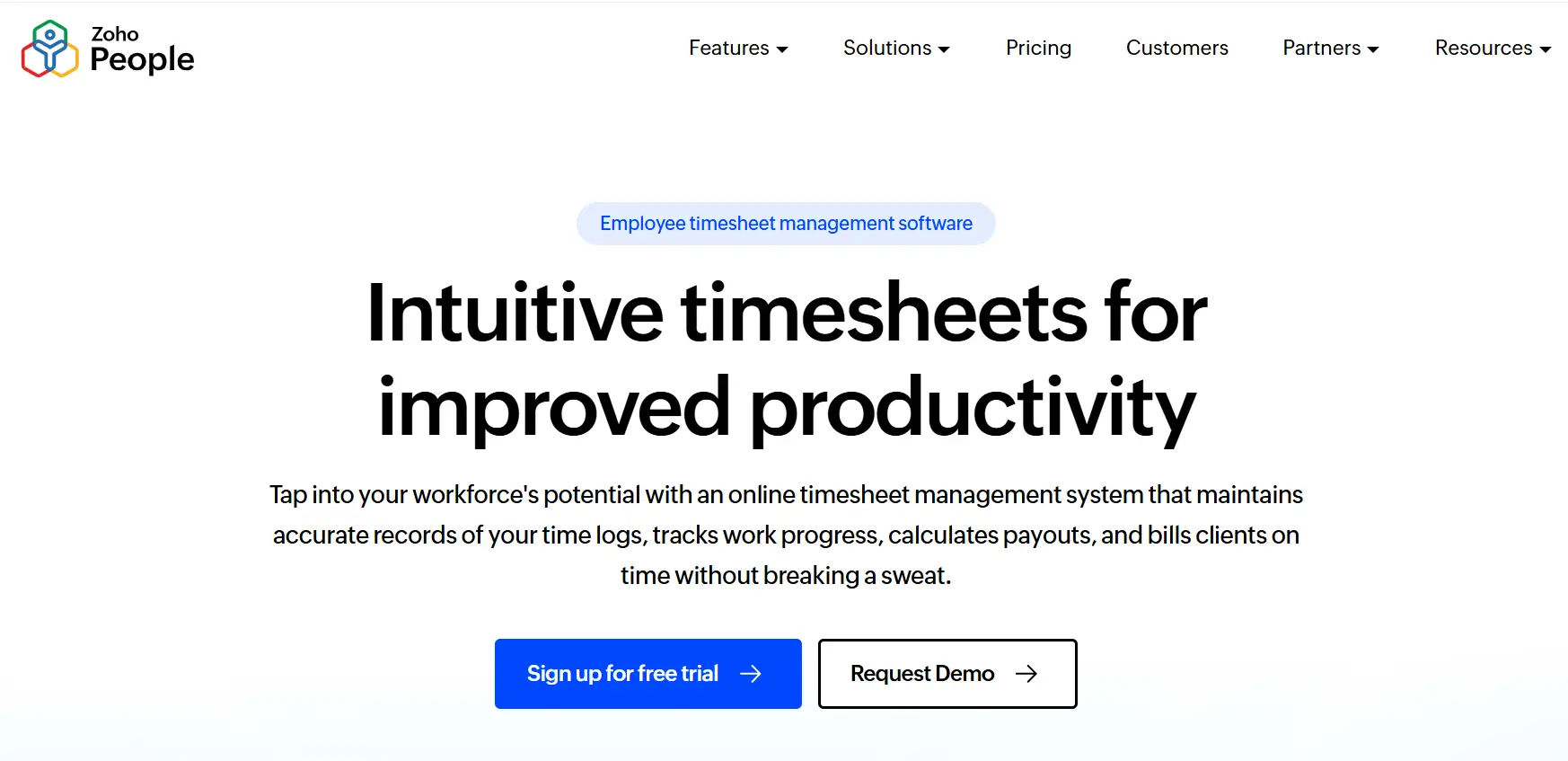
Zoho People is part of the larger Zoho ecosystem and brings attendance tracking into a full HR management platform. It handles onboarding, performance reviews, leave management, and time tracking – all inside one connected system.
For businesses already using Zoho CRM, Zoho Books, or other Zoho products, the integration is seamless. It is a strong fit for HR teams that want a single system rather than juggling separate point solutions.
Key Features
- Biometric and mobile attendance tracking with multiple clock-in options
- Full leave management with configurable company policies
- Shift scheduling and overtime rules for complex workforces
- Performance and appraisal management connected to attendance data
- Integration with Zoho Payroll and Zoho Books for connected financial workflows
Best For
HR-focused teams and businesses already invested in the Zoho product ecosystem who want attendance as part of a broader, unified HR platform.
Pricing
Starts at $1 per user per month. Scales up based on the features and HR modules needed.
7. Buddy Punch — Best for Simple and Accurate Clock-In Verification
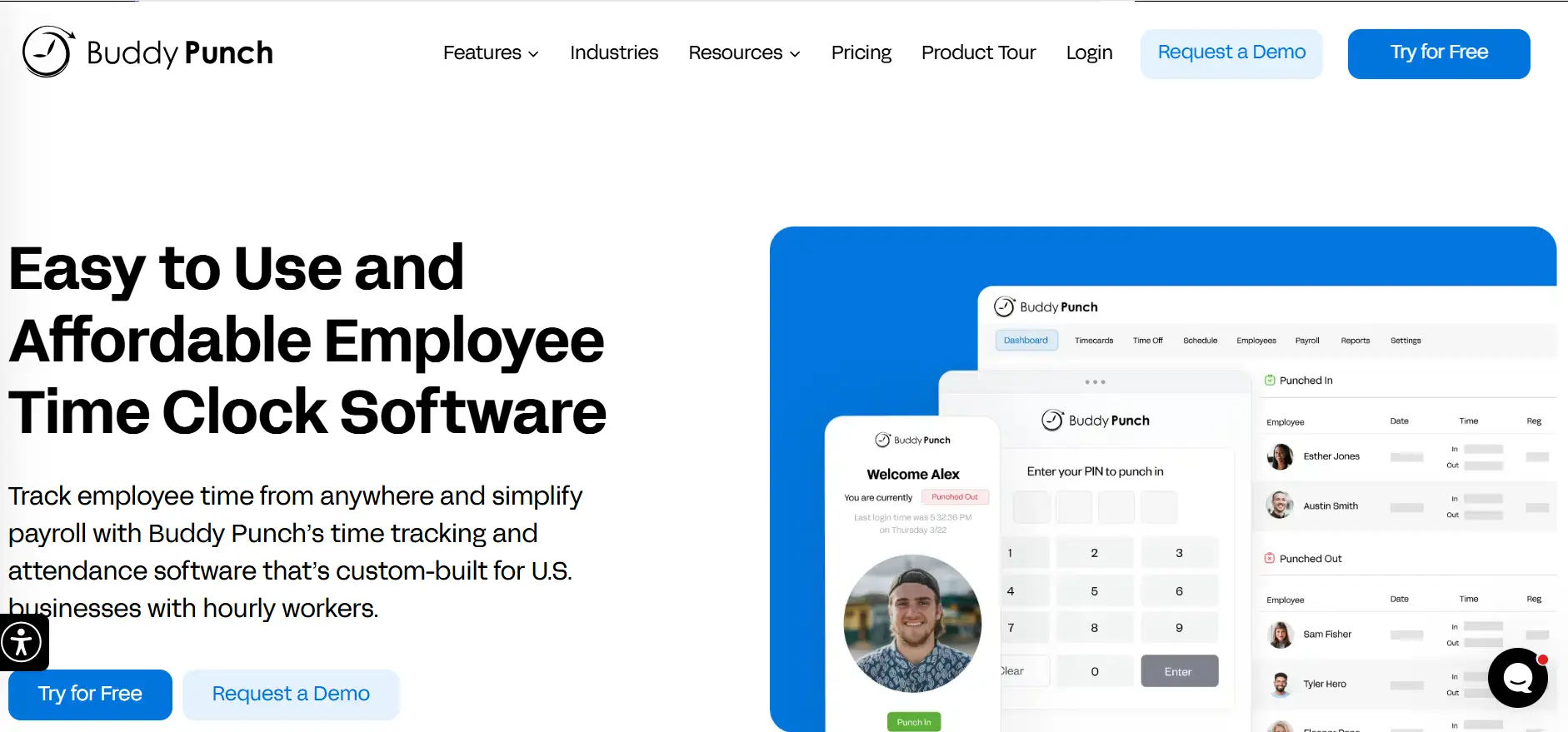
Buddy Punch lives up to its name by making clock-in fraud practically impossible. It uses facial recognition, GPS checks, and PIN-based verification to ensure the person punching in is actually the right employee at the right place.
The interface is straightforward and fast to deploy. Most teams are up and running within a single day. It produces clean timesheet exports and connects to popular HR tools without a complicated onboarding process.
Key Features
- Facial recognition clock-ins to eliminate buddy punching completely
- GPS and IP address restrictions for location-based attendance enforcement
- Automated overtime calculations based on configurable rules
- Drag-and-drop scheduling tools for quick shift management
- Integrations with QuickBooks, Gusto, and Paychex for data exports
Best For
Small businesses that want simple, accurate punch-in verification and clean timesheet data without a complex setup or steep learning curve.
Pricing
Starts at $4.49 per user per month.
How to Pick the Right App for Your Team
There is no single best time attendance app for every business. The right choice depends on your team structure, your existing tools, and your biggest daily pain points. Use this quick decision guide to narrow it down:
- Using Microsoft 365? Start with Timesheet 365. It connects natively with SharePoint, Teams, and Outlook — no extra platform, no friction, and AI-powered insights built right in.
- Managing hourly or deskless workers? Connecteam or Buddy Punch will serve you well. Both are built for mobile clock-ins and field accountability.
- Running a remote agency or distributed team? Hubstaff gives you GPS tracking and activity-level visibility for accurate client billing.
- Need AI-powered scheduling alongside attendance? Deputy combines smart rostering with real-time attendance in one tightly connected tool.
- Already inside the Zoho ecosystem? Zoho People keeps everything in one HR platform without adding new integrations.
- Small team with a tight budget? Clockify’s free tier handles basic time tracking with no monthly cost.
The key question to ask yourself: What problem is costing me the most time or money right now? Start with that answer, and the right tool becomes clear.
Conclusion
Manual timekeeping is a problem your business has already outgrown. Every week you delay switching to a dedicated time and attendance app, you are leaving hours and dollars on the table.
But if your team works inside Microsoft 365, there is one clear choice: Timesheet 365. It is the only time attendance app that lives natively inside SharePoint, Teams, and Outlook — powered by AI that actually helps you act on your workforce data, not just store it. Your employees do not have to learn anything new. They log time in the tools they already use every day.
Stop chasing timesheets. Start managing your workforce smarter. Your team is ready. The question is: are you?
Frequently Asked Questions
What is the difference between a time tracking app and a time and attendance app?
A time tracking app logs how long tasks or projects take. A time and attendance app tracks employee presence — when they arrive, when they leave, and whether they showed up at all. Most modern tools combine both into a single platform for a complete workforce picture.
Can a time attendance app work for remote or hybrid teams?
Yes. Tools like Timesheet 365, Hubstaff, and Connecteam are built specifically for distributed teams. They offer mobile clock-ins, GPS check-ins, and cloud-based dashboards so managers can see real-time attendance no matter where employees are working.
How does Timesheet 365 use AI for time and attendance tracking?
Timesheet 365 uses AI to analyze time entry patterns, detect anomalies, flag unusual activity, and surface actionable workforce insights automatically. This means managers spend less time reviewing raw data and more time making informed decisions based on clear, intelligent recommendations.
Why should a small company use a timesheet app for small business?
A timesheet app for small business helps control labor costs, improve accuracy, and simplify approvals. It eliminates spreadsheets and manual calculations while giving clear insights into employee productivity.
Is Timesheet 365 right for small businesses or only large companies?
Timesheet 365 works for teams of 5 to 5,000+ employees. It scales as your business grows, and because it runs inside your existing Microsoft 365 environment, there is almost no added complexity as team size increases.
How long does it take to set up a time and attendance app?
Most tools, including Timesheet 365, take less than a day to set up. Because Timesheet 365 runs natively inside Microsoft 365 and SharePoint, deployment is even faster — your team is already in the environment, so onboarding friction is nearly zero from the start.


_JiluXJRGNl.svg)























