

Best iSpring Alternatives Compared: Features, Pricing & Pros

If you are searching for iSpring alternatives, chances are you’ve reached a point where your current learning platform no longer meets your organization’s needs.
- iSpring is a capable LMS, but growing organizations may need stronger integrations, advanced reporting, AI features, and better scalability.
- LMS 365 is a strong iSpring alternative for organizations that already use Microsoft 365, Teams, and SharePoint.
- The best LMS depends on your specific needs, whether you prioritize AI-powered learning, compliance training, external training, customization, or enterprise growth.
- When comparing iSpring alternatives, look at integrations, ease of use, reporting, automation, AI capabilities, scalability, and long-term value.
- Choosing the right LMS can help your organization manage training more efficiently and create a better learning experience for employees.
While iSpring Learn is a well-known LMS for online training, many businesses outgrow it as they need stronger Microsoft 365 integration, advanced reporting, AI-powered learning, better compliance management, or more flexible enterprise features.
The good news is that there are plenty of excellent alternatives available. Some are built for corporate learning, while others focus on compliance training, partner education, customer onboarding, or large enterprise deployments.
In this guide, we’ll compare the 10 best iSpring alternatives, including their key features, pricing, advantages, disadvantages, and which organizations they’re best suited for.
Why Businesses Look for iSpring Alternatives
iSpring Learn is a capable LMS, but it isn’t built for every organization. Here are the most common reasons companies start looking elsewhere:
- Microsoft 365 integration — Teams already run in Outlook, Teams, and SharePoint, and want training to live in the same place instead of a separate login.
- Advanced reporting and dashboards — Basic completion reports aren’t enough once you need to track compliance, skills, or performance across departments.
- AI-powered learning — Features like AI course creation, automated quizzes, and content recommendations save admin time as course libraries grow.
- Stronger automation — Manually enrolling users, sending reminders, or tracking certification expiry dates doesn’t scale past a certain team size.
- Easier user management — Larger organizations need bulk imports, role-based access, and integration with existing HR or directory systems.
- Stronger compliance training — Regulated industries often need built-in certification tracking, audit trails, and expiry alerts.
- Enterprise scalability — What works for 50 employees may not hold up at 5,000, especially across multiple regions or languages.
- More customization and flexible pricing — Some businesses outgrow rigid plans and need pricing or branding that matches how they actually operate.
Quick Comparison Table
LMS | Best For | Microsoft 365 | AI Features | Free Trial |
LMS 365 | Microsoft organizations | ✅ Native | ✅ Yes | ✅ |
Talent LMS | SMBs | Limited | Basic | ✅ |
Docebo | Enterprise | Limited | Excellent | Demo |
Absorb LMS | Large businesses | Limited | Yes | Demo |
Learn Upon | Mid-size companies | Limited | Some | Demo |
Cornerstone | Enterprise | Limited | Advanced | Demo |
Moodle | Open-source | No | Plugins | Free |
Litmos | Compliance | Limited | Some | Demo |
SAP SuccessFactors Learning | SAP customers | Limited | Yes | Demo |
Blackboard Learn | Education & Corporate | Limited | Basic | Demo |
10 Best iSpring Alternatives to Consider in 2026
There are many learning management systems that can replace iSpring. Below, we’ve compared the best iSpring alternatives based on features, pricing, integrations, and ideal use cases to help you choose the right LMS.
1. LMS 365 – Best Overall iSpring Alternative
Overview
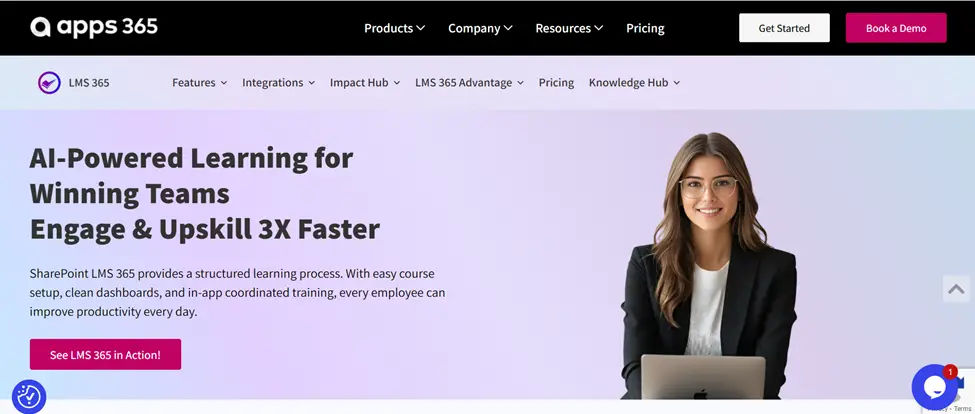
LMS 365 is an enterprise learning management system built directly inside Microsoft 365. Unlike iSpring, users don’t have to leave Microsoft Teams or SharePoint to access training.
Organizations already using Microsoft 365 can launch training with minimal change management while keeping users in a familiar environment.
Best Features
- Native Microsoft Teams and SharePoint integration
- AI course creator and AI-generated quizzes
- Learning paths and certifications
- Compliance tracking
- Power BI analytics
- SCORM, AICC and xAPI support
Pros
- ✔ Native Microsoft ecosystem
- ✔ Easy user adoption
- ✔ Enterprise reporting
- ✔ AI-powered learning
- ✔ Strong compliance tools
Cons
- ✘ Best suited for Microsoft organizations, less of a fit if you’re outside that ecosystem
- ✘ Pricing is quote-based and can be higher than standalone SMB tools like TalentLMS
- ✘ Smaller library of pre-built, off-the-shelf courses compared to marketplace-style platforms
Pricing
Quote-based, priced per user. Typically positioned in the mid-to-upper range compared to standalone SMB LMS tools, reflecting its deeper Microsoft 365 integration and enterprise feature set.
Best For
Organizations already using Microsoft 365.
💼 Ready to Transform Workplace Learning with LMS 365?
2. TalentLMS
Overview
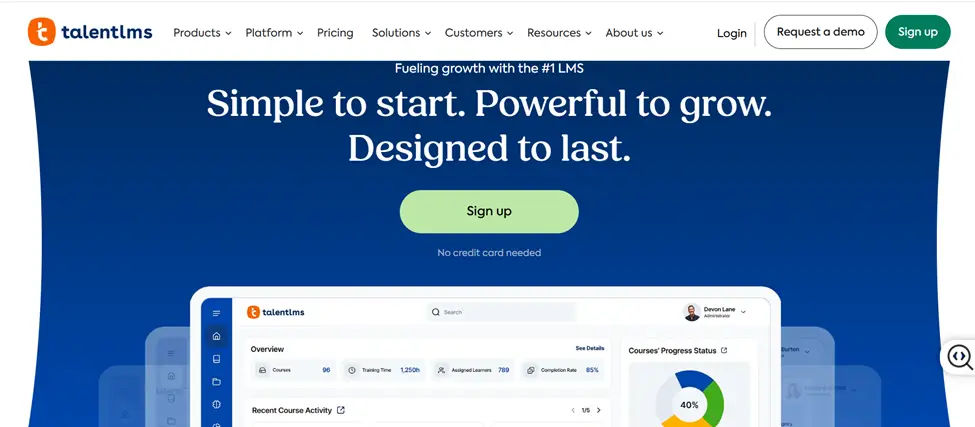
TalentLMS is a simple, cloud-based learning platform built for small and mid-sized businesses. It’s known for being quick to set up and easy for non-technical teams to use, which makes it a popular starting point for companies that don’t need heavy enterprise features.
Best Features
- Simple course builder
- Course marketplace with ready-made content
- Mobile app for learning on the go
- Gamification (badges, points, levels)
- Basic reporting dashboards
- User groups and branches
Pros
- ✔ Easy setup
- ✔ Affordable
- ✔ Mobile learning
- ✔ Course marketplace
Cons
- ✘ Limited enterprise customization
- ✘ Reporting can be basic
- ✘ Weaker Microsoft 365 integration
Pricing
Starts at a low per-user monthly rate on paid plans (roughly $20–30/month for small teams on entry tiers), with a free plan available for very small teams. One of the more affordable options on this list.
Best For
Small businesses that want an easy, low-cost LMS without a long setup process.
3. Docebo
Overview
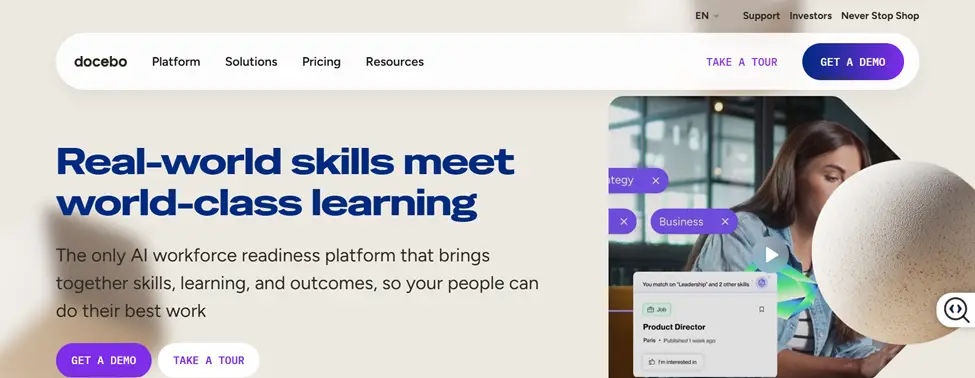
Docebo is an AI-driven learning platform aimed at larger companies with more complex training needs. It’s built around automation and content recommendations, so learners get suggested courses based on their role and behavior, similar to a streaming service.
Best Features
- AI-powered content recommendations
- Social and collaborative learning
- Extended enterprise training (for customers and partners)
- Automated workflows
- Content marketplace integrations
- Advanced analytics
Pros
- ✔ AI recommendations
- ✔ Social learning
- ✔ Automation
- ✔ Extended enterprise support
Cons
- ✘ Higher pricing
- ✘ Longer implementation time
- ✘ Can be complex for smaller teams
Pricing
Quote-based only; generally positioned as a premium, enterprise-tier product, so it tends to cost more than SMB-focused tools like TalentLMS.
Best For
Enterprise organizations that want AI-powered, large-scale learning programs.
4. Absorb LMS
Overview
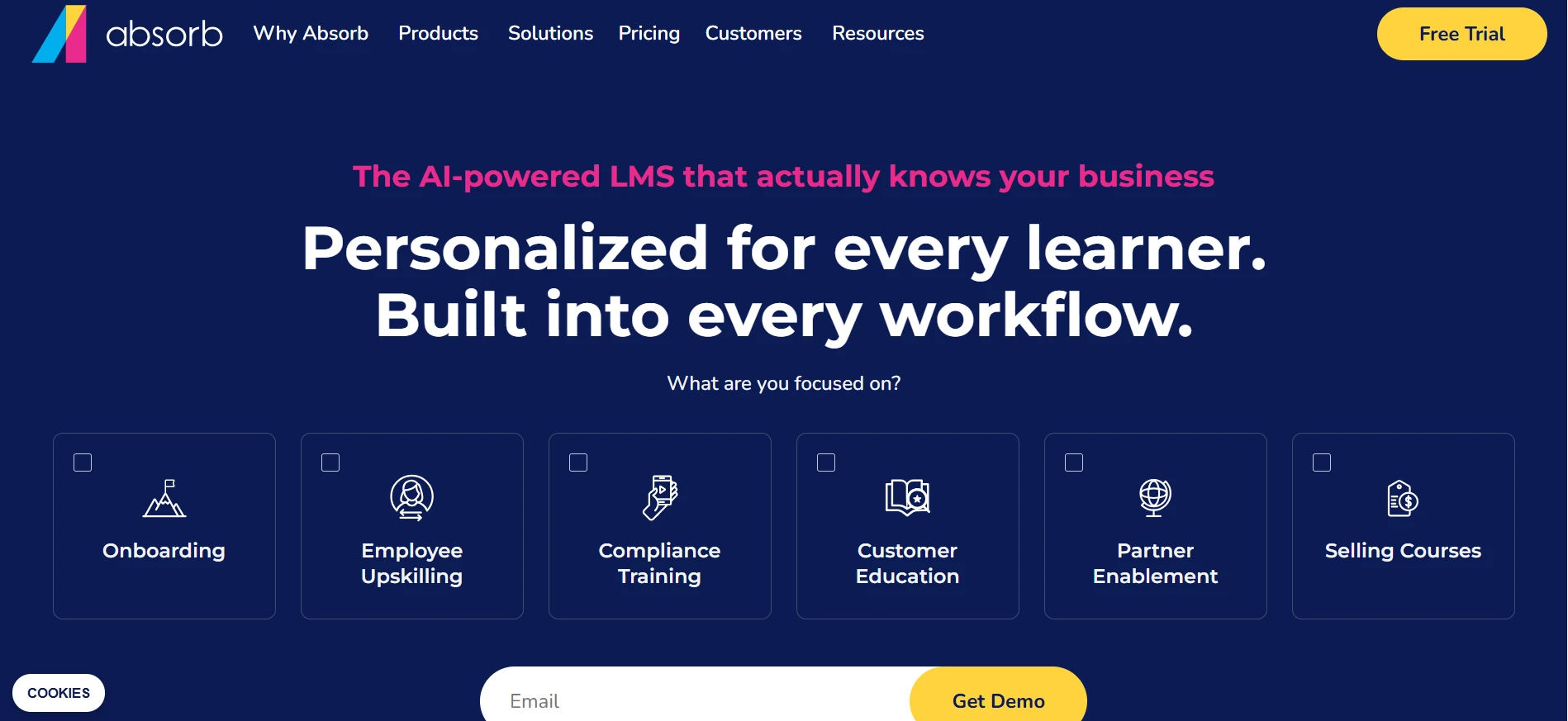
Absorb LMS is a flexible platform designed for growing enterprises that need a mix of employee training, compliance tracking, and customer education. It’s built to scale as a company adds more users, courses, and departments.
Best Features
- Absorb Create authoring tool
- AI-powered admin assistant
- E-commerce for selling courses
- Custom branding and portals
- Detailed reporting and analytics
- Third-party integrations
Pros
- ✔ Scales well as the business grows
- ✔ Strong course authoring tools
- ✔ Good customization options
- ✔ Solid support for external training (customers/partners)
Cons
- ✘ Pricing isn’t publicly listed, so quotes vary
- ✘ Some features need add-ons
- ✘ Setup can take time for larger teams
Pricing
Quote-based, typically priced per active user. Positioned as a mid-to-enterprise tier product, so it usually costs more than basic SMB tools.
Best For
Growing enterprises that need a scalable LMS for both employees and external learners.
5. LearnUpon
Overview
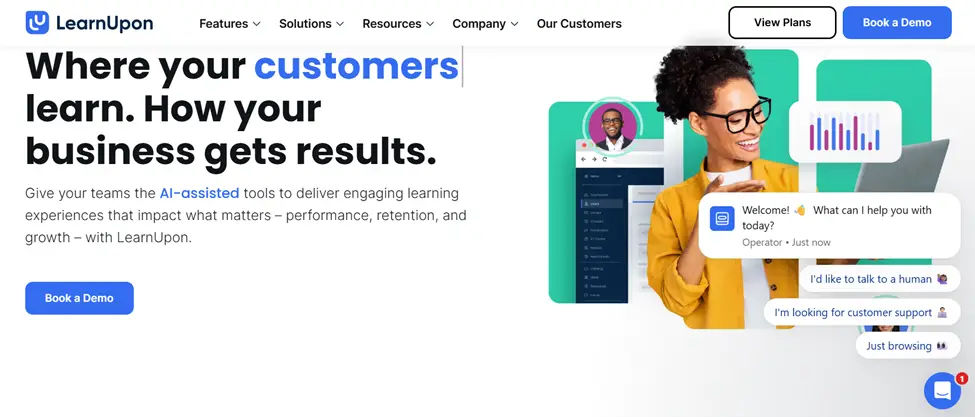
LearnUpon is built for companies that need to train more than one audience, employees, customers, and partners, all from a single platform. It’s often chosen by businesses that sell software or complex products and need to educate people outside their own organization too.
Best Features
- Multiple learner portals from one account
- Automated course assignments
- E-commerce and subscription support
- Certification tracking
- Integration with CRMs and support tools
- Reporting by audience type
Pros
- ✔ Great for training employees, customers, and partners together
- ✔ Clean, easy-to-use interface
- ✔ Good customer support
- ✔ Flexible integrations
Cons
- ✘ Advanced features may cost extra
- ✘ Limited native Microsoft 365 integration
- ✘ Customization can require support help
Pricing
Tiered, quote-based pricing that scales with number of portals and active users. Generally mid-range compared to enterprise-only platforms like Cornerstone or SAP.
Best For
Mid-size companies training employees, customers, and partners from one system.
6. Cornerstone Learning
Overview
Cornerstone is one of the most established names in enterprise learning and talent management. It’s built for large, global organizations that need to manage learning alongside performance reviews, skills tracking, and career development.
Best Features
- Skills and career development tools
- AI-based content suggestions
- Compliance and certification management
- Talent management integration
- Global multi-language support
- Advanced analytics and dashboards
Pros
- ✔ Strong fit for large, global enterprises
- ✔ Combines learning with broader talent management
- ✔ Advanced AI and reporting
- ✔ Proven at enterprise scale
Cons
- ✘ Higher cost
- ✘ Can feel heavy for smaller organizations
- ✘ Longer implementation timelines
Pricing
Quote-based, priced for enterprise deployments. Typically one of the higher-cost options on this list, reflecting its scope as a full talent management suite rather than just an LMS.
Best For
Large, global enterprises that want learning tied to talent and performance management.
7. 360Learning
Overview
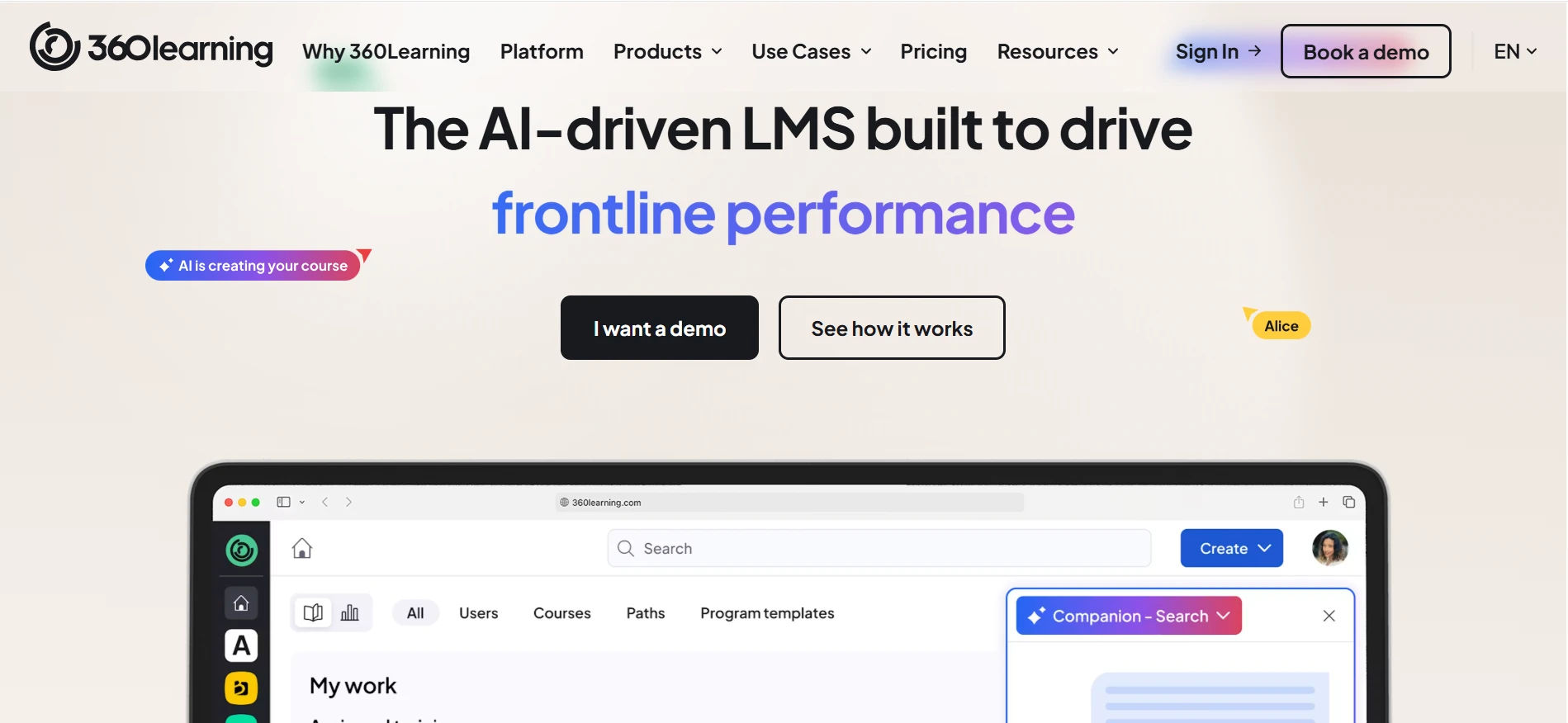
360Learning is a collaborative learning platform designed to help organizations create, share, and manage employee training programs. It focuses on peer-driven learning, allowing subject matter experts within organizations to contribute content while enabling teams to build a continuous learning culture.
Best Features
- Collaborative course creation
- AI-powered course authoring assistance
- Learning paths and skill development
- Employee-generated training content
- Assessments and feedback tools
- Learning analytics and reporting
- Integrations with business applications
Pros
- ✔ Strong focus on collaborative learning
- ✔ Easy content creation and knowledge sharing
- ✔ AI-assisted course development
- ✔ Encourages employee engagement
- ✔ Suitable for continuous learning programs
Cons
- ✘ Less focused on traditional compliance-heavy training
- ✘ Advanced enterprise features may require higher plans
- ✘ Limited Microsoft Teams and SharePoint integration compared to LMS365
- ✘ May require internal experts to contribute content
Pricing
360Learning uses a quote-based pricing model depending on the number of users, required features, and organization requirements. Pricing varies based on deployment size and learning needs.
Best For
Organizations that want to build a collaborative learning culture by enabling employees and subject matter experts to create, share, and manage training content.
8. Litmos
Overview
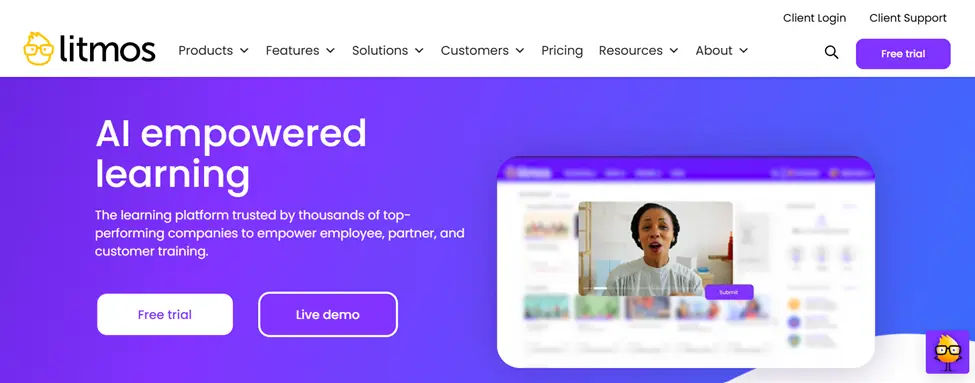
Litmos is a training platform known for its strong focus on compliance and quick course deployment. It’s a common choice for industries like healthcare, finance, and manufacturing where regulatory training is a big part of the job.
Best Features
- Large library of ready-made compliance courses
- Quick course authoring tools
- Certification and expiry tracking
- Mobile learning app
- Integration with HR systems
- Multi-language support
Pros
- ✔ Strong compliance training library
- ✔ Fast to deploy
- ✔ Good mobile experience
- ✔ Useful for regulated industries
Cons
- ✘ Reporting is less advanced than some competitors
- ✘ Limited Microsoft 365 integration
- ✘ Customization can be limited compared to enterprise-grade LMS
Pricing
Quote-based, priced per user with tiered plans. Generally positioned as mid-range, competitive with other compliance-focused platforms.
Best For
Companies in regulated industries that need fast, reliable compliance training.
9. SAP SuccessFactors Learning
Overview
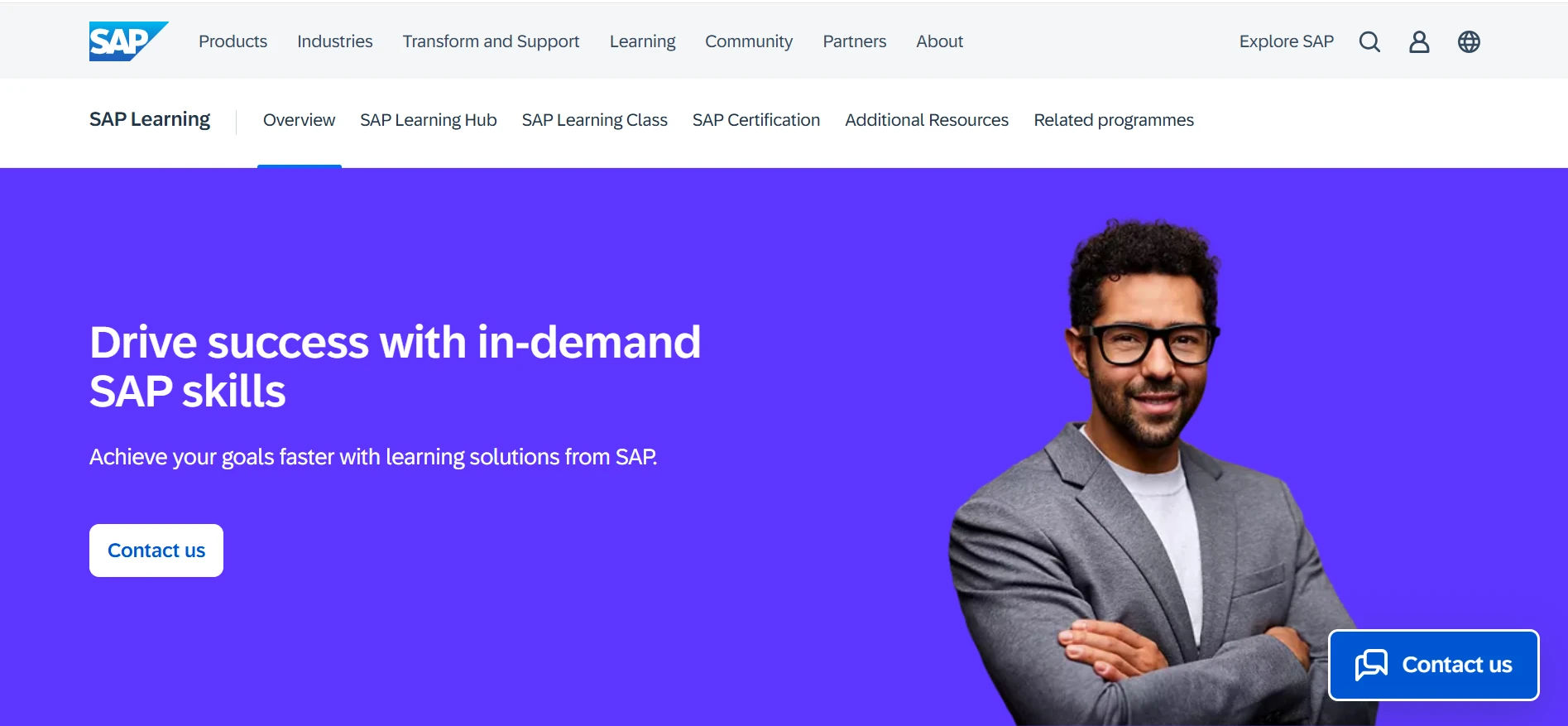
SAP SuccessFactors Learning is part of SAP’s larger HR and talent suite. It’s mainly chosen by companies that already run other SAP systems and want their learning platform to connect directly with HR, payroll, and performance data.
Best Features
- Deep integration with SAP HR systems
- Compliance and certification tracking
- AI-based learning recommendations
- Global, multi-language support
- Detailed reporting tied to HR data
- Support for instructor-led and virtual training
Pros
- ✔ Excellent fit for existing SAP customers
- ✔ Strong compliance and reporting tools
- ✔ Scales well for large enterprises
- ✔ Connects learning data with HR and performance
Cons
- ✘ Best value mainly for companies already using SAP
- ✘ Complex setup and implementation
- ✘ Higher cost
- ✘ Steeper learning curve for admins
Pricing
Quote-based, typically bundled with the broader SAP SuccessFactors HR suite. One of the higher-cost options here, and pricing is harder to justify unless you’re already an SAP customer.
Best For
Enterprises already using SAP that want learning tightly connected to HR and performance systems.
10. Blackboard Learn
Overview
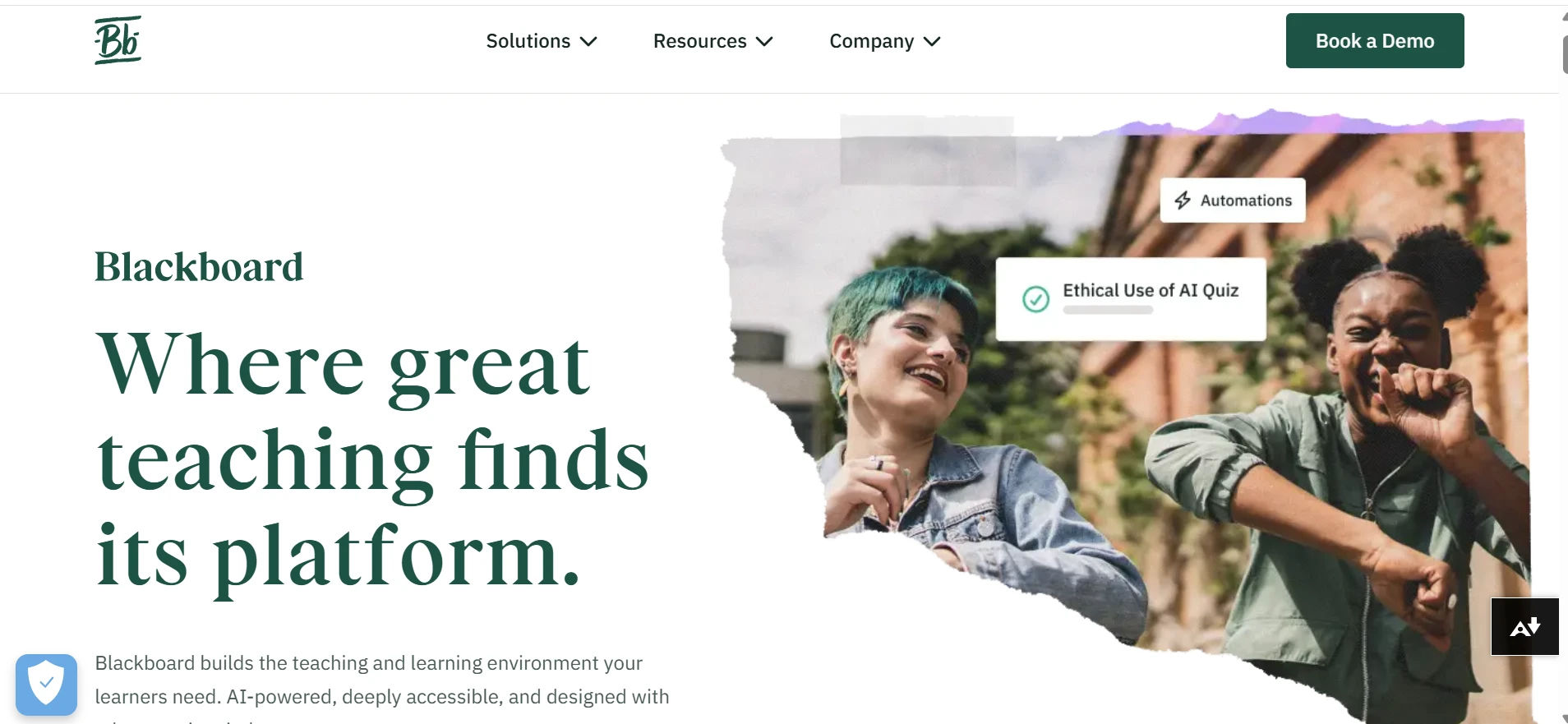
Blackboard Learn started as an education-focused platform and is still widely used by schools and universities, but it’s also used by some corporate teams, especially those with training programs modeled on academic courses.
Best Features
- Course and content management
- Discussion boards and collaboration tools
- Assignment and grading tools
- Mobile learning app
- Integration with academic and HR systems
- Basic analytics and reporting
Pros
- ✔ Strong fit for education-style training
- ✔ Good collaboration and discussion tools
- ✔ Established, widely used platform
- ✔ Works well for structured, course-based learning
Cons
- ✘ Interface feels more academic than corporate
- ✘ Limited Microsoft 365 integration
- ✘ AI features are basic compared to newer platforms
- ✘ Can feel less modern for pure corporate training
Pricing
Quote-based, and pricing structures differ significantly between education and corporate deployments. Generally not priced or marketed for small-business budgets.
Best For
Education institutions and corporate teams that want a course-based, academic-style learning structure.
How to Choose the Best iSpring Alternative
When comparing alternatives, look past the feature list and think about how each platform would actually fit your day-to-day operations:
Integration
Check whether the LMS connects with the tools your team already uses, HR software, Microsoft 365, Teams, SharePoint, your CRM, or single sign-on (SSO). A platform that requires people to log into a separate system usually sees lower course completion rates.
Ease of Use
Can an administrator with no technical background build and publish a course without support tickets or training sessions? Try building one course during a demo or trial before committing.
Reporting
Look for dashboards that show learner progress, compliance status, and completion trends at a glance, not just raw exportable data. If your team relies on Power BI or similar tools, check for native integration.
AI Capabilities
Modern LMS platforms increasingly use AI to draft course content, generate quiz questions, recommend relevant learning paths, and flag learners who are falling behind. This can meaningfully cut down admin workload, but it’s worth testing the AI output quality yourself rather than trusting it based on a feature list alone.
Automation
Ask specifically how the platform handles:
- Enrollments and re-enrollments
- Learning path assignments
- Certification renewals
- Expiry reminders
- Manager approval workflows
- Notifications to learners and managers
The fewer manual steps your admin team has to repeat, the more the LMS will scale with you.
Scalability
Think beyond your current headcount. Ask what happens to pricing, performance, and support if your user count doubles, or if you expand into new regions or languages, so you’re not forced into a migration a year or two down the line.
Which iSpring Alternative Is Best?
There isn’t a single “best” LMS, the right pick depends on your organization’s size, industry, and existing tools. Here’s a quick way to match your situation to a platform:
Already run on Microsoft 365?
LMS 365 puts training directly inside Teams and SharePoint, so there’s no separate login to adopt.
Small team, limited budget?
TalentLMS gets you up and running quickly without a big setup cost.
Large enterprise wanting AI-driven, automated learning?
Docebo focuses on content recommendations and automation at scale.
Growing company training both employees and outside customers?
Absorb LMS is built to scale across audiences and departments.
Need one platform for employees, customers, and partners?
LearnUpon supports multiple learner portals from a single account.
Global enterprise managing learning alongside performance and skills?
Cornerstone Learning ties training into broader talent management.
Want collaborative learning and easy course creation?
360Learning helps teams build and share knowledge together.
Operating in a regulated industry?
Litmos is built around fast, trackable compliance training.
Already using SAP for HR?
SAP SuccessFactors Learning connects training directly to your existing HR and performance data.
Running education-style or academic training?
Blackboard Learn is built around course structures and classroom-style collaboration.
Conclusion
iSpring remains a capable learning management system, but it’s not the best fit for every organization. As your training needs grow, you may require stronger integrations, better reporting, AI-powered features, or enterprise scalability.
The platforms in this guide each offer unique strengths. For organizations already using Microsoft 365, LMS 365 stands out by delivering learning directly within Teams and SharePoint, reducing adoption challenges while simplifying administration.
Before making a decision, compare each platform based on your budget, training goals, integration requirements, and future growth plans to find the LMS that best supports your workforce.
Ready to simplify employee training with a Microsoft 365-native LMS?
LMS365 and see how you can create, manage, and track learning directly within Teams and SharePoint.
Join Our Creative Community
Frequently Asked Questions
What are the best TalentLMS alternatives in 2026?
Some popular TalentLMS alternatives include LMS 365, Docebo, Absorb LMS, SAP Litmos, LearnUpon, Moodle Workplace, and Adobe Learning Manager. These platforms offer different features depending on training needs and organization size.
Why do organizations search for TalentLMS alternatives?
Organizations often explore TalentLMS alternatives when they need stronger integrations, better reporting, improved compliance tracking, or scalable learning systems for growing teams.
Which TalentLMS alternative works best with Microsoft 365?
LMS 365 is one of the strongest TalentLMS alternatives for Microsoft-based organizations because it runs directly inside Microsoft 365 and SharePoint Online, making learning easier to manage within existing workflows.
What should you consider when comparing TalentLMS alternatives?
When evaluating TalentLMS alternatives, businesses should consider integrations, learning path management, reporting features, scalability, and how well the platform fits their existing technology environment.
Why is LMS 365 considered a strong TalentLMS alternative?
LMS 365 stands out among TalentLMS alternatives because it integrates natively with Microsoft 365, supports compliance tracking, and allows organizations to manage training within the tools employees already use.


_JiluXJRGNl.svg)























