

You just finished building your first online course. The content is solid. The design looks clean. You’re ready to upload it to your LMS.
Then you hit a wall.
Employees complete their training, but completion records are missing. Quiz scores fail to appear, and learner progress is not updated accurately in the system.
Know the feeling?
This is what happens when your content and your LMS don’t speak the same language. That’s where SCORM comes in and why choosing the right SCORM compliant e-learning software matters more than most people realize.
In this guide, you’ll learn what SCORM actually is, why compliance matters for your training program, and which tools are worth your time in 2026. No fluff. Just the information you need to make a smart decision.
- SCORM compliance is not just about uploading courses it ensures your LMS can accurately track completions, quiz scores, learner progress, and compliance records.
- The best SCORM compliant e-learning software depends on your needs, whether that’s advanced course creation, enterprise reporting, budget-friendly learning, or Microsoft 365 integration.
- Before launching any SCORM course, always test uploads, completion tracking, score reporting, resume functionality, and mobile performance to avoid learner and reporting issues.
- While xAPI offers more detailed learning analytics, SCORM remains the most widely supported and reliable standard for organizations that need consistent tracking across different LMS platforms.
What Is SCORM and Why Should You Care?
SCORM stands for Sharable Content Object Reference Model. It’s a set of technical standards that allows e-learning content to communicate with a Learning Management System (LMS).
Think of it like a universal plug. Your course is the device. Your LMS is the wall outlet. SCORM is the standard that makes sure they fit together.
When a course is SCORM compliant, your LMS can:
- Track when a learner starts and finishes a course
- Record quiz scores and pass/fail status
- Save progress so learners can pick up where they left off
- Report completion data for compliance and auditing
Without SCORM, you’re flying blind. You might have hundreds of learners completing training, and you’d have no clean way to prove it.
SCORM Versions: What's the Difference?
You’ll see a few versions mentioned across tools:
SCORM 1.2 — Released in 2001. Still the most widely supported version. Most LMS platforms handle it well. Use this when compatibility is your top concern.
SCORM 2004 — Improved tracking, better sequencing rules, and more detailed reporting. Not all LMSes support all editions of SCORM 2004 equally. Test before you publish.
xAPI (Tin Can) — Not technically SCORM, but often bundled with SCORM-compliant tools. xAPI tracks learning experiences beyond a web browser, including mobile and offline learning.
Most modern authoring tools support all three. Your choice usually depends on what your LMS supports.
Quick Stat
Companies with clear goal-setting practices are 3.5x more likely to outperform peers, according to research by McKinsey & Company.
What Makes E-Learning Software Truly SCORM Compliant?
Not every tool that claims to be “SCORM compliant” delivers the same quality. Here’s what to actually check:
1. Proper SCORM packaging — The tool should export a clean .zip file with the right manifest file (imsmanifest.xml). Without this, the LMS won’t recognize the course.
2. Accurate data passing — The software should pass completion status, score, time spent, and learner interaction data to the LMS correctly.
3. Multiple version support — A reliable tool supports both SCORM 1.2 and SCORM 2004 at minimum.
4. LMS testing — Good vendors test their SCORM output against popular LMS platforms so you don’t have to troubleshoot every upload.
5. Responsive output — SCORM content needs to work on desktop and mobile. Check that the exported content renders properly across devices.
Now let’s look at the tools.
10 Best SCORM Compliant E-Learning Software in 2026
1. LMS 365

If your organization already runs on Microsoft 365, LMS365 is built exactly for you.
LMS 365 is a azure cloud-based learning platform that lives inside Microsoft Teams, SharePoint, and the Microsoft 365 ecosystem. You don’t have to ask employees to log into a separate system. Training happens in the tools they already use every day.
SCORM support: Full SCORM 1.2 and SCORM 2004 support. You can upload SCORM packages directly from any compliant authoring tool and track all completion, score, and progress data inside the LMS 365 dashboard.
Why it stands out in 2026:
LMS365 connects learning directly to the Microsoft environment most enterprise companies already pay for. That means lower adoption friction, no extra logins, and training that fits naturally into the daily workflow. The reporting tools pull SCORM data into clean dashboards that managers and compliance officers can actually read.
It’s a strong choice for HR teams, compliance-driven industries, and organizations that need their learning data to live alongside the rest of their business data in Microsoft 365.
Best for: Mid-size to enterprise companies using Microsoft 365 who need SCORM compliance tracking without leaving their existing tech stack.
💼 Ready to Transform Workplace Learning with LMS 365?
2. Articulate 360
Articulate 360 is one of the most recognized names in e-learning authoring. It includes Storyline 360 and Rise 360, two tools that cover almost every type of course you’d want to build.
Storyline 360 is a slide-based authoring tool with powerful interaction and branching capabilities. You can build everything from simple click-through lessons to complex simulations.
Rise 360 is a web-based tool that creates responsive, modern-looking courses faster with pre-built blocks. It’s easier to learn and great for content that needs to look clean on mobile.
Both tools export SCORM 1.2 and SCORM 2004 packages that work reliably across most LMS platforms.
Best for: Instructional designers who need full creative control and a professional output.
3. Adobe Captivate
Adobe Captivate has been around for a long time, and it shows in the depth of features it offers. It’s known for software simulations, virtual reality content, and complex branching scenarios.
If you need to train employees on how to use specific software tools, Captivate’s screen recording and simulation features are among the best available. Exports are SCORM 1.2 and SCORM 2004 compliant.
The learning curve is steeper than most tools on this list. But for teams building advanced technical training, it earns its place.
Best for: Technical trainers building software simulations or VR-ready content.
4. iSpring Suite
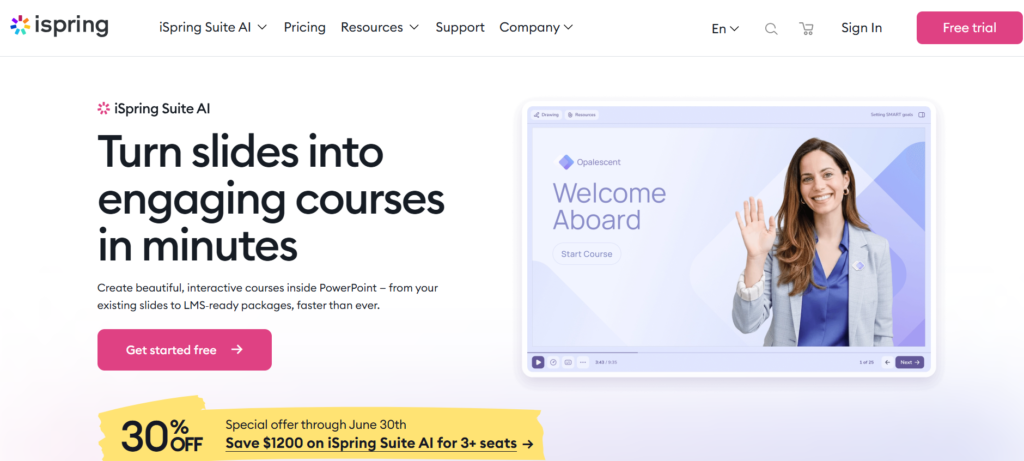
iSpring Suite is a PowerPoint plugin that turns your existing presentations into SCORM-compliant e-learning courses. If your subject matter experts live in PowerPoint, this is the fastest path to published SCORM content.
The tool adds quizzes, dialogue simulations, and video narration on top of your slides. The published output is clean and works well across most LMS platforms.
iSpring also has its own LMS (iSpring Learn) if you need both authoring and hosting in one package.
Best for: Teams that build content in PowerPoint and want a fast path to SCORM packages.
5. Lectora
Lectora has been a go-to for compliance and regulatory training for years. It supports SCORM 1.2, SCORM 2004, xAPI, and AICC giving you the widest compatibility across older and newer LMS systems.
Its strength is in building structured, text-heavy courses that meet regulatory standards. The translation features are also strong, which helps if you’re training across multiple languages and regions.
Best for: Compliance teams that need strong SCORM and AICC support with multilingual capabilities.
6. Easygenerator
Easygenerator is built for the people who know the content but aren’t trained instructional designers. It’s a simple, web-based authoring tool with a clean interface that removes the technical barrier from course creation.
You can add quizzes, videos, and interactive questions without any technical skill. The tool exports SCORM 1.2 packages that you can upload to any compliant LMS.
The tradeoff is simplicity over depth. You won’t get complex branching or advanced simulations here. But for quick, effective training content, it works well.
Best for: Business units and subject matter experts who need to build training without help from an instructional design team.
7. Docebo
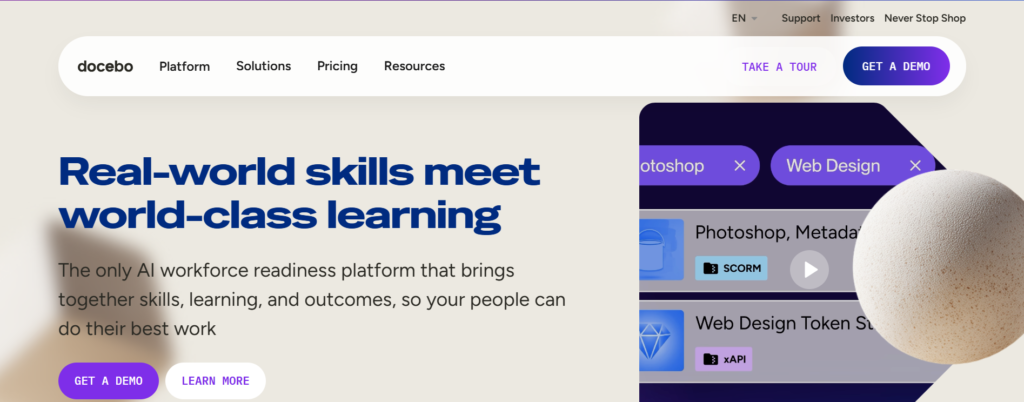
Docebo is an enterprise LMS that handles SCORM content well. You build courses in an authoring tool, export the SCORM package, upload it to Docebo, and the platform tracks everything cleanly.
Docebo supports SCORM 1.2, SCORM 2004, and xAPI. It also has an AI-powered content assistant and strong analytics. It’s built for companies running learning at scale.
The platform is on the pricier end, but for larger organizations that need reliable SCORM tracking alongside deeper learner analytics, it delivers.
Best for: Large enterprises that need a robust LMS to host and track SCORM content at scale.
8. TalentLMS
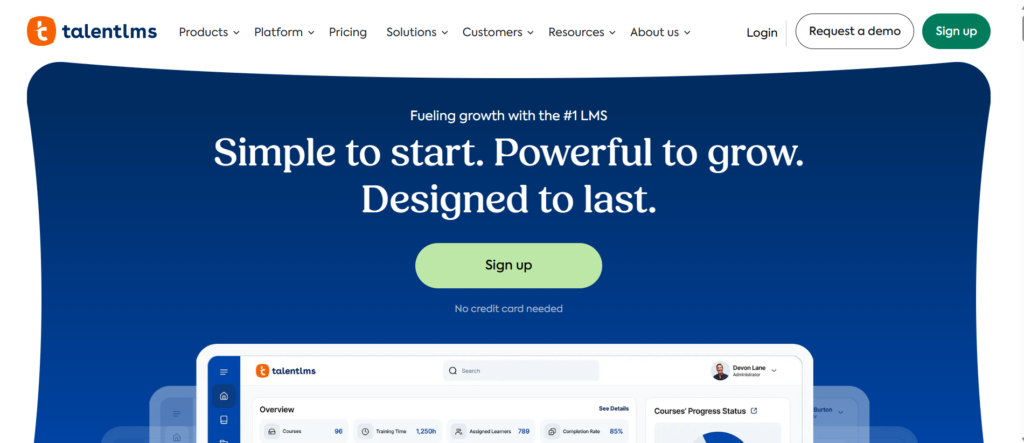
TalentLMS is a popular LMS that supports SCORM 1.2 and SCORM 2004 across all pricing tiers, including its free plan. That makes it one of the most accessible options for small businesses or teams just getting started with structured e-learning.
The interface is clean and simple to navigate. You can upload SCORM packages and have them running in minutes.
It won’t match the depth of enterprise platforms, but for the price point, the SCORM support is solid.
Best for: Small businesses and startups that need SCORM compliance without a big budget.
9. Moodle
Moodle is the world’s most widely used open-source LMS, and it has supported SCORM for many years. It handles SCORM 1.2 and SCORM 2004 natively and gives you full control over how content is hosted and reported.
The catch is setup. Moodle requires technical resources to install, configure, and maintain. But for organizations that have those resources and want full data ownership, Moodle is a strong long-term investment.
It’s also free to use, with costs limited to hosting and customization.
Best for: Organizations with technical teams that want full control over their LMS and SCORM data.
10. SAP Litmos
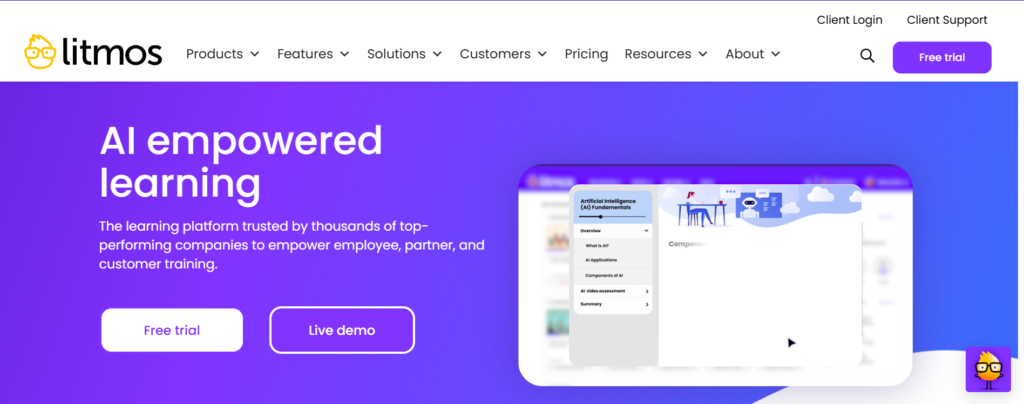
SAP Litmos is a cloud-based LMS built for fast content deployment and external training. It supports SCORM 1.2 and SCORM 2004, and it’s designed for teams that need to train salespeople, partners, or customers at scale.
The platform has a clean interface, strong reporting, and good mobile support. You can upload SCORM content and have it available to learners quickly without a lot of configuration.
Best for: Sales teams and companies that need to train external audiences like partners or customers.
How to Choose the Right SCORM Compliant Software
With so many options, the choice comes down to a few key questions:
What does your team need to build?
If you need complex simulations or branching scenarios, look at Articulate Storyline or Adobe Captivate. If you need simple, fast content, Easygenerator or iSpring will serve you better.
What LMS are you running?
If you’re on Microsoft 365, LMS 365 is the natural choice because it works inside the tools your team already uses. If you’re on Docebo, Moodle, or TalentLMS, make sure your authoring tool exports SCORM packages that have been tested with that specific LMS.
What’s your technical skill level?
Articulate Rise, Easygenerator, and TalentLMS are easier for non-technical users. Lectora, Adobe Captivate, and Moodle require more technical comfort.
What’s your budget?
TalentLMS and Moodle offer strong SCORM support at low cost. Articulate 360 and enterprise LMSes like SAP Litmos and Docebo cost more but deliver more.
Do you need compliance reporting?
If you’re training for regulatory compliance, you need airtight tracking. LMS 365, Docebo, and Lectora all handle compliance reporting well. Make sure your LMS provides the audit trail your organization requires.
Common SCORM Problems and How to Fix Them
Even with good software, SCORM issues come up. Here are the most common ones:
Courses won’t upload to the LMS Check your SCORM version. Make sure the LMS supports the version you exported. Try SCORM 1.2 if SCORM 2004 is causing issues.
Completion isn’t being tracked Check how completion is defined in your authoring tool. It may be set to “quiz score” when you need “course completion,” or vice versa.
Progress doesn’t save when learners close the course This is often a browser or LMS session issue. Check that your LMS is configured to save suspend data. Also confirm your course is passing the cmi.suspend_data field correctly.
Scores show as zero even when learners pass This usually means the score is being passed but the passing threshold is set incorrectly in either the authoring tool or the LMS.
Content doesn’t display on mobile Make sure your SCORM output is responsive. Some older authoring tools export fixed-width content that doesn’t resize correctly on mobile screens.
SCORM vs xAPI: Which One Should You Use?
This question comes up a lot. Here’s the short version:
Use SCORM if:
- Your LMS is older or has limited xAPI support
- You’re uploading standard web-based courses
- You need maximum compatibility across multiple LMS platforms
Use xAPI if:
- You need to track learning that happens outside a browser (mobile apps, simulations, on-the-job activities)
- You want richer, more granular learning data
- Your LMS supports an LRS (Learning Record Store)
Most modern tools like LMS 365, Docebo, and Articulate 360 support both. Start with SCORM 1.2 for compatibility. Move to xAPI when you need more detailed data.
Why Microsoft 365 Users Should Look at LMS 365 First
If your organization is already on Microsoft 365, the platform you use for training should fit into that environment not sit outside it.
LMS 365 is the only LMS built natively inside Microsoft 365. That means:
- Admin tools live in SharePoint
- User accounts sync with Azure Active Directory automatically
- No separate login for learners
- Completion data and SCORM reporting live inside your existing Microsoft ecosystem
For compliance training, this matters a lot. When an auditor asks for proof that employees completed required training, you can pull that SCORM completion data from LMS 365 without leaving the Microsoft environment.
It’s also significantly easier to drive adoption when training shows up in the tools employees already use every day. You’re not asking people to learn a new platform on top of learning new skills.
What to Test Before You Go Live with SCORM Content
Before you push any SCORM course to your full learner audience, run through this checklist:
Upload test — Upload the SCORM package to your LMS in a test environment. Confirm it uploads without errors.
Launch test — Open the course as a learner. Make sure it loads completely and all media plays.
Completion test — Complete the course or quiz. Check the LMS dashboard to confirm completion status updated correctly.
Score test — Take a quiz with a known score. Confirm the LMS recorded the correct score.
Resume test — Start a course, exit halfway, and relaunch. Confirm the course resumes from where you left off.
Mobile test — Complete the course on a mobile device. Confirm the content displays and behaves correctly.
Reporting test — Pull a completion report from the LMS. Confirm learner data is accurate and complete.
Run this process every time you publish new SCORM content. It takes 20 minutes and saves hours of troubleshooting later.
Conclusion
Choosing the right SCORM compliant e-learning software comes down to one thing how easily it fits into your team’s daily workflow.
If your learners need extra logins, switch platforms, or leave the tools they already use, training adoption becomes harder than it should be.
For organizations using Microsoft 365, LMS 365 makes training simple by bringing SCORM learning directly into Microsoft Teams and Microsoft SharePoint. No extra systems. No friction. Just seamless training, accurate tracking, and compliance reporting built into your existing workflow.
Give your team a learning experience they will actually use.
Book a demo today and see it in action, or start your 14-day free trial to explore how effortless SCORM training can be in 2026
Join Our Creative Community
Frequently Asked Questions
Q1. What is SCORM compliant e-learning software?
SCORM compliant e-learning software is any tool that can create or host online courses following the SCORM standard. This means the course and the LMS can talk to each other tracking completions, scores, and progress automatically.
Which SCORM version should I use — 1.2 or 2004?
Start with SCORM 1.2. It works with almost every LMS out there. Use SCORM 2004 only if your LMS supports it and you need advanced features like detailed sequencing or richer reporting.
Can I upload any SCORM package to any LMS?
Not always. Most modern LMSes support SCORM 1.2 broadly but SCORM 2004 support varies. Always test your SCORM package in your specific LMS before publishing to your full learner audience.
Why is my SCORM course not tracking completions correctly?
This usually comes down to three things the completion trigger is set wrong in your authoring tool, the LMS isn’t configured to receive that data correctly, or there’s a browser compatibility issue. Check your completion criteria first before anything else.
Do I need a separate authoring tool and LMS or can one tool do both?
Some platforms like LMS 365 and iSpring offer both authoring and hosting together. Others like Articulate 360 are authoring only you still need a separate LMS to host and track the content. Your choice depends on how much content you build and how often.


_JiluXJRGNl.svg)























