

10 Best Workforce Management Software for Growing Businesses

- Workforce management software helps organizations manage attendance, leave, onboarding, performance, and employee records from one platform.
- The right solution depends on your business size, industry, budget, and integration requirements not just the number of features.
- Comparing platforms based on functionality, scalability, pricing, and ease of use helps you make a more informed decision.
- For organizations using Microsoft 365, HR365 HRMS offers a connected workforce management experience through Microsoft Teams and SharePoint.
Managing a growing business becomes more challenging as your team expands. Tracking attendance, approving leave requests, managing employee records, onboarding new hires, and monitoring performance can quickly become difficult when handled through spreadsheets or disconnected tools. As these daily tasks increase, HR teams spend more time on administration and less time supporting the business.
This is where workforce management software makes a difference. It brings essential HR processes together in one place, helping organizations manage attendance, leave, onboarding, tasks, performance, and employee information more efficiently. According to Mordor Intelligence, the global workforce management software market is expected to reach USD 9.76 billion in 2026 and continue growing to over USD 12 billion by 2031, reflecting the increasing demand for digital workforce management solutions.
What Is Workforce Management Software?
Workforce management software is a digital platform that helps businesses manage employees from hire to retire. It typically covers attendance tracking, shift scheduling, leave management, payroll processing, performance tracking, and compliance reporting.
Instead of using spreadsheets, paper forms, and email threads to manage staff, businesses use one central system. Managers build schedules in minutes, employees check their own hours and leave balances, and HR teams get real-time data on attendance, labor cost, and productivity.
For a growing business, this software is not just about saving time. It also cuts down on payroll mistakes and gives leadership clear visibility into workforce costs as headcount increases.
According to Peopleware, 99% of workforce management professionals believe workforce management is critical to business success.
Why Do Businesses Need Workforce Management Software?
As businesses grow, managing people with spreadsheets and disconnected tools becomes more difficult. Workforce management software brings essential HR processes into one system, helping organizations save time, reduce manual work, and make better decisions.
- Reduce manual HR tasks: HR teams spend a significant amount of time on administrative work. According to Paychex, 64% of businesses spend at least 11 hours each week on HR administration, making HR automation an important investment for growing organizations.
- Minimize payroll and attendance errors: Manual time tracking and payroll processes often lead to costly mistakes. Ernst & Young reports that organizations make an average of 15 payroll corrections per pay cycle, while attendance errors can result in substantial financial losses.
- Manage employee time more accurately: Automated attendance, leave tracking, and timesheets provide accurate records, helping managers monitor working hours without relying on manual entries.
- Improve scheduling and resource planning: Modern workforce management solutions help managers organize shifts, assign work, and balance workloads more effectively, reducing scheduling conflicts.
- Support employee retention: Clear schedules, organized HR processes, and better visibility into employee information create a more consistent workplace experience, which can contribute to higher retention.
- Access real-time workforce insights: Built-in dashboards and reports provide valuable information about attendance trends, leave balances, productivity, and workforce planning, supporting informed business decisions.
- Use AI to reduce repetitive work: Many modern platforms use AI and automation to assist with scheduling, approvals, reminders, and routine HR tasks, helping HR teams focus on strategic initiatives.
How We Selected the Best Workforce Management Software
To create this list, we evaluated each workforce management platform based on the features and capabilities that matter most to growing businesses. Our goal was to identify solutions that support daily HR operations, offer long-term value, and can adapt as organizations expand.
- Core workforce management features: Employee records, attendance, leave management, onboarding, performance management, task management, reporting, and workforce planning capabilities.
- Ease of use: An intuitive interface for HR teams, managers, and team members with minimal learning curve.
- Integration capabilities: Compatibility with popular business tools, including Microsoft 365, Microsoft Teams, SharePoint, accounting software, and other business applications.
- Pricing and value: Flexible pricing suitable for small and mid-sized businesses while delivering strong feature value.
- Scalability: The ability to support organizations as they grow, without requiring a change of platform.
- Customer reviews and market reputation: Overall ratings, customer feedback, product reliability, and user experience based on trusted review platforms such as G2 and Capterra.
Best Workforce Management Software: Side-by-Side Comparison
Software | Best For | Standout Feature | Pricing Model |
Organizations using Microsoft 365 | HR operations inside Microsoft 365 | Custom quote (Free demo available) | |
BambooHR | Small and mid-sized businesses | Easy-to-use employee records and HR management | Custom quote |
Rippling | Growing businesses needing HR and IT management | Unified HR, IT, and device management | Modular pricing |
UKG Pro | Mid-sized and enterprise organizations | Advanced workforce planning and analytics | Custom quote |
Workday | Large enterprises | Enterprise HR and financial management platform | Custom quote |
ADP Workforce Now | Businesses with complex HR operations | Comprehensive HR and workforce administration | Custom quote |
Zoho People | Small businesses and Zoho ecosystem users | Affordable HR management with workflow automation | Per employee/month |
Connecteam | Frontline and deskless teams | Mobile-first workforce management | Free plan available |
HiBob | Mid-sized businesses | Employee experience and people analytics | Custom quote |
Deel | Global and remote organizations | International hiring and global HR management | Per employee/month |
Looking for the Right Workforce Management Software?
Compare the leading HR solutions and discover how HR365 HRMS helps you manage your entire employee lifecycle from one Microsoft 365-based platform.
Best Workforce Management Software: In-Depth Reviews
1. HR365 HRMS
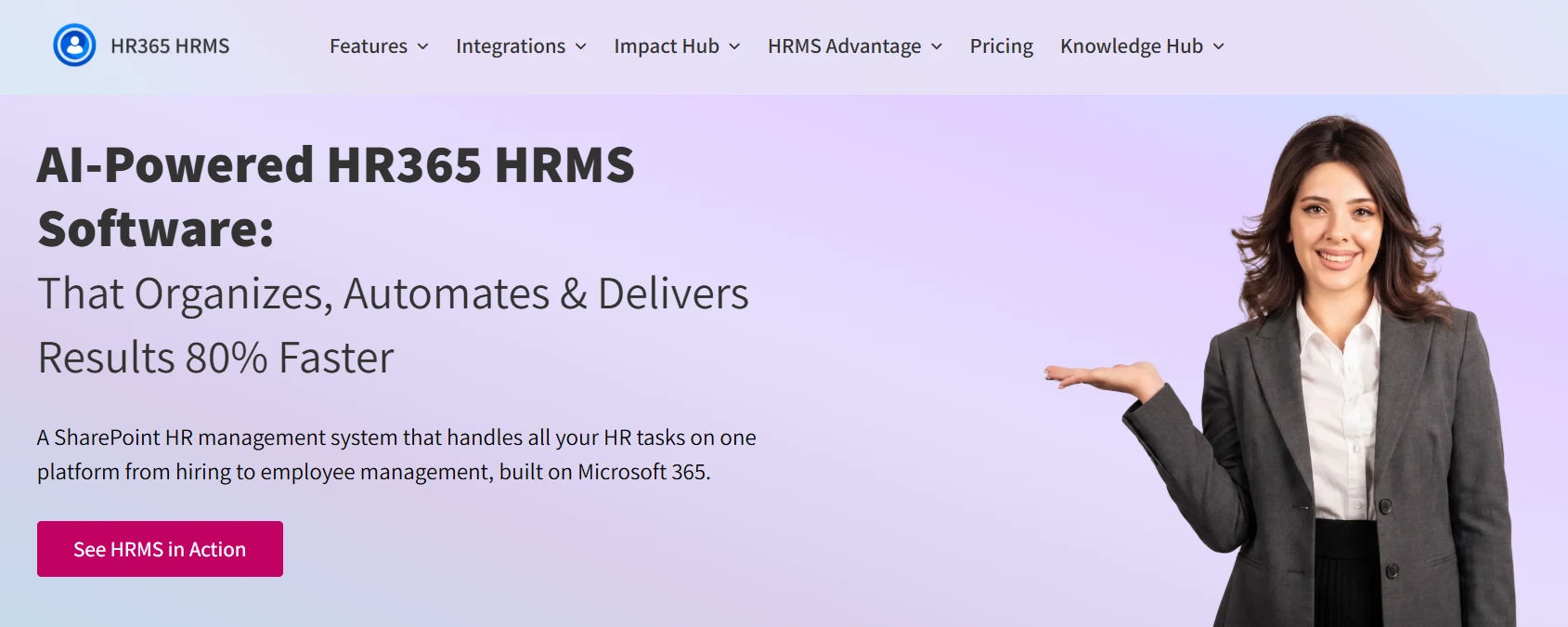
Best for: Organizations using Microsoft 365 that want to manage HR operations from one connected platform.
HR365 HRMS is a workforce management solution for organizations using Microsoft 365, SharePoint, and Microsoft Teams. It helps HR teams manage employee data, attendance, leave, onboarding, performance, learning, and expenses in one platform.
Built for the Microsoft ecosystem, it lets employees access HR services in Teams while HR teams manage records, approvals, and reports from a central dashboard. It also offers secure data management, configurable workflows, AI-powered automation, and real-time dashboards.
Key Features
- Employee Directory and centralized employee records
- Leave management with configurable approval workflows
- Attendance and timesheet management
- Recruitment and employee onboarding
- Performance management and goal tracking
- Learning and training management
- Expense management
- Task management for HR and teams
- AI-powered automation and HR dashboards
- Native integration with Microsoft 365, SharePoint, and Microsoft Teams
2. BambooHR
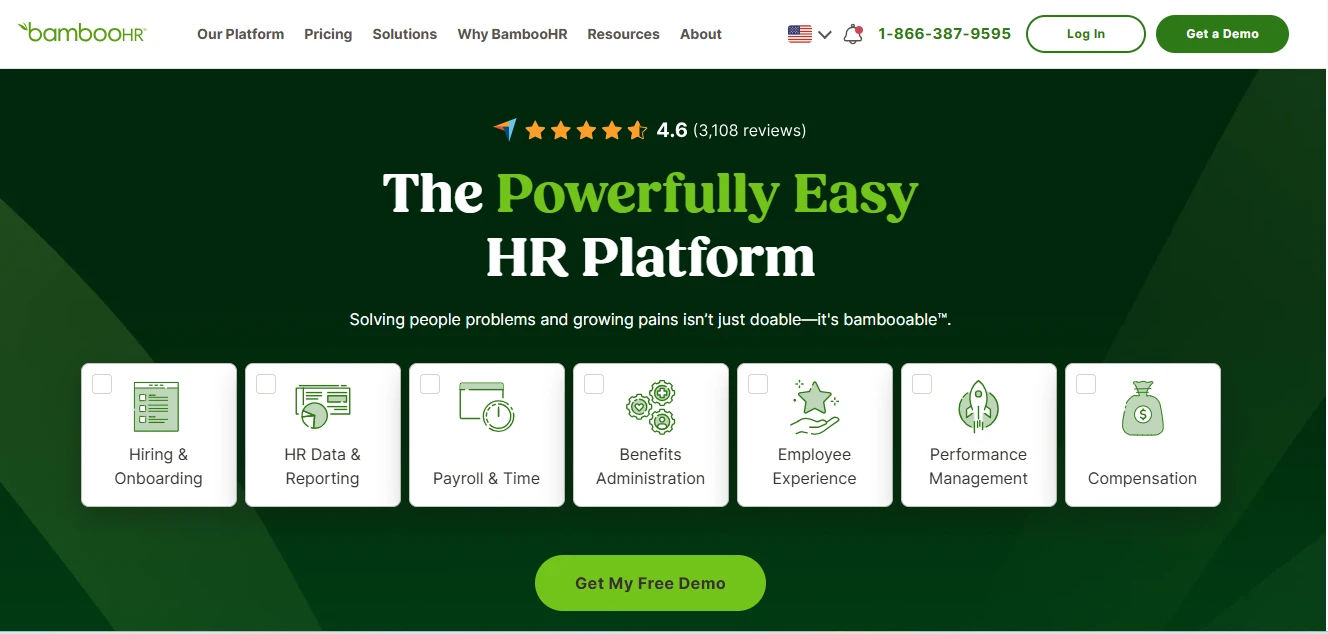
Best for: Small businesses that want simple HR software with an easy-to-use interface.
BambooHR is one of the most recognized names in HR software for small and mid-size companies. It focuses on core HR data, hiring, onboarding, and time tracking, with a clean interface non-technical teams can pick up fast.
BambooHR does not offer deep scheduling features for hourly teams, so it fits office-based businesses better than retail, healthcare, or manufacturing companies.
Key features:
- Centralized employee database
- Applicant tracking and onboarding
- Time-off tracking and approvals
- Basic performance management
- Reporting and analytics
3. Rippling
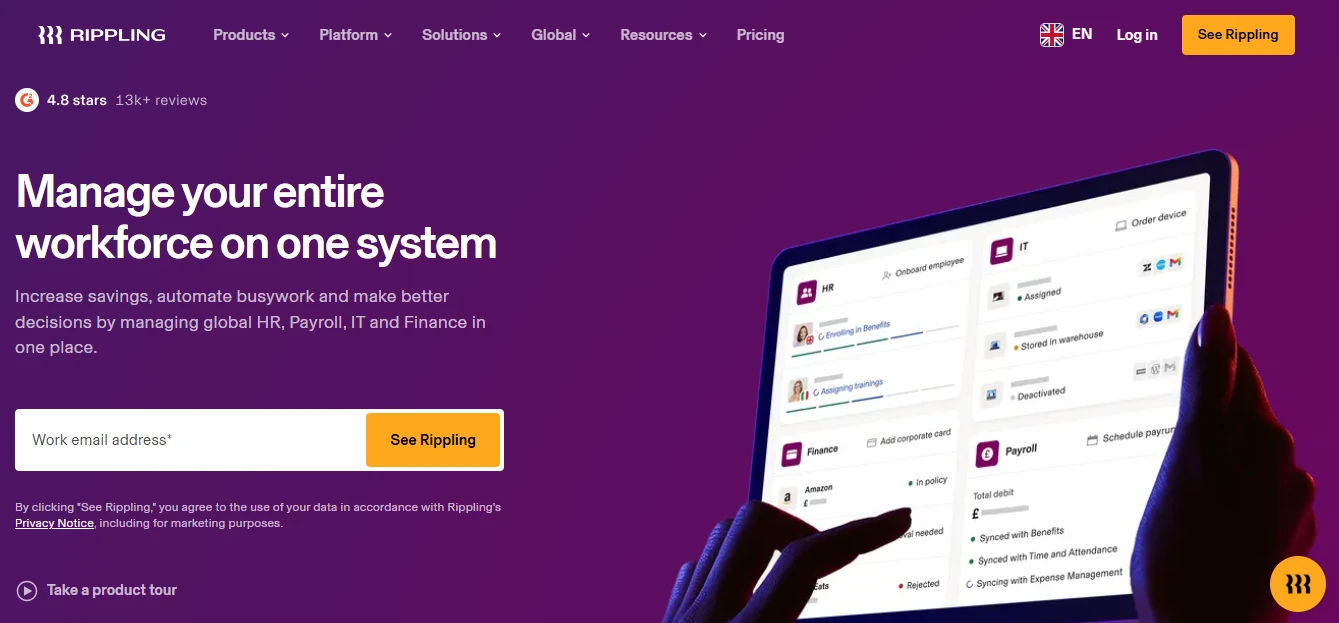
Best for: Tech companies that want HR, IT, and payroll under one roof.
Rippling combines HR, payroll, benefits, and device or IT management in one platform. It’s built in a modular way, so businesses can pick the pieces they need, whether that’s payroll alone or a full HR and IT suite.
Rippling works well for companies that want to connect employee data with apps, laptops, and system permissions, though pricing can get complex once you start adding modules.
Key features:
- Global payroll and benefits administration
- IT and device management
- Time and attendance tracking
- App and permission management
- Custom workflow automation
4. UKG Pro
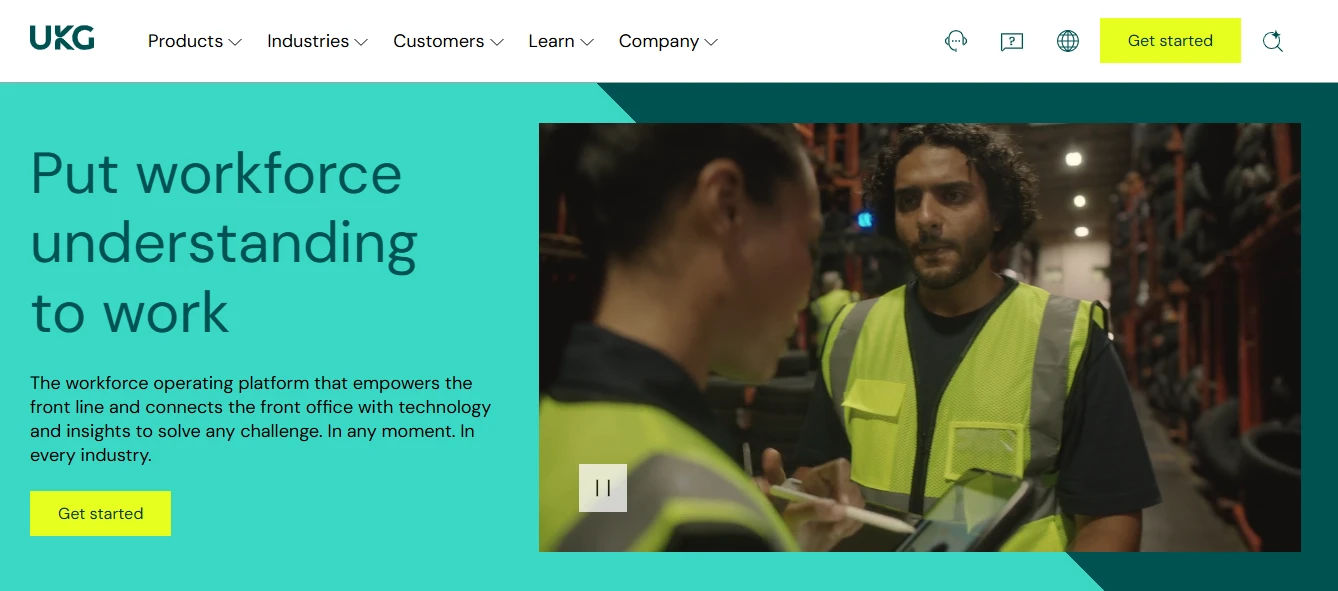
Best for: Mid-size to large companies with complex scheduling needs.
UKG Pro, from UKG, is workforce management software known for advanced scheduling, labor forecasting, and time and attendance tools. It fits industries like healthcare, manufacturing, and retail that need detailed labor tracking and compliance features. It’s built more for mid-size and larger companies, so smaller businesses may find it more than they need.
Key features:
- AI-assisted shift scheduling and labor forecasting
- Time and attendance tracking
- Payroll and tax compliance
- Talent and performance management
- Workforce analytics dashboards
5. Workday
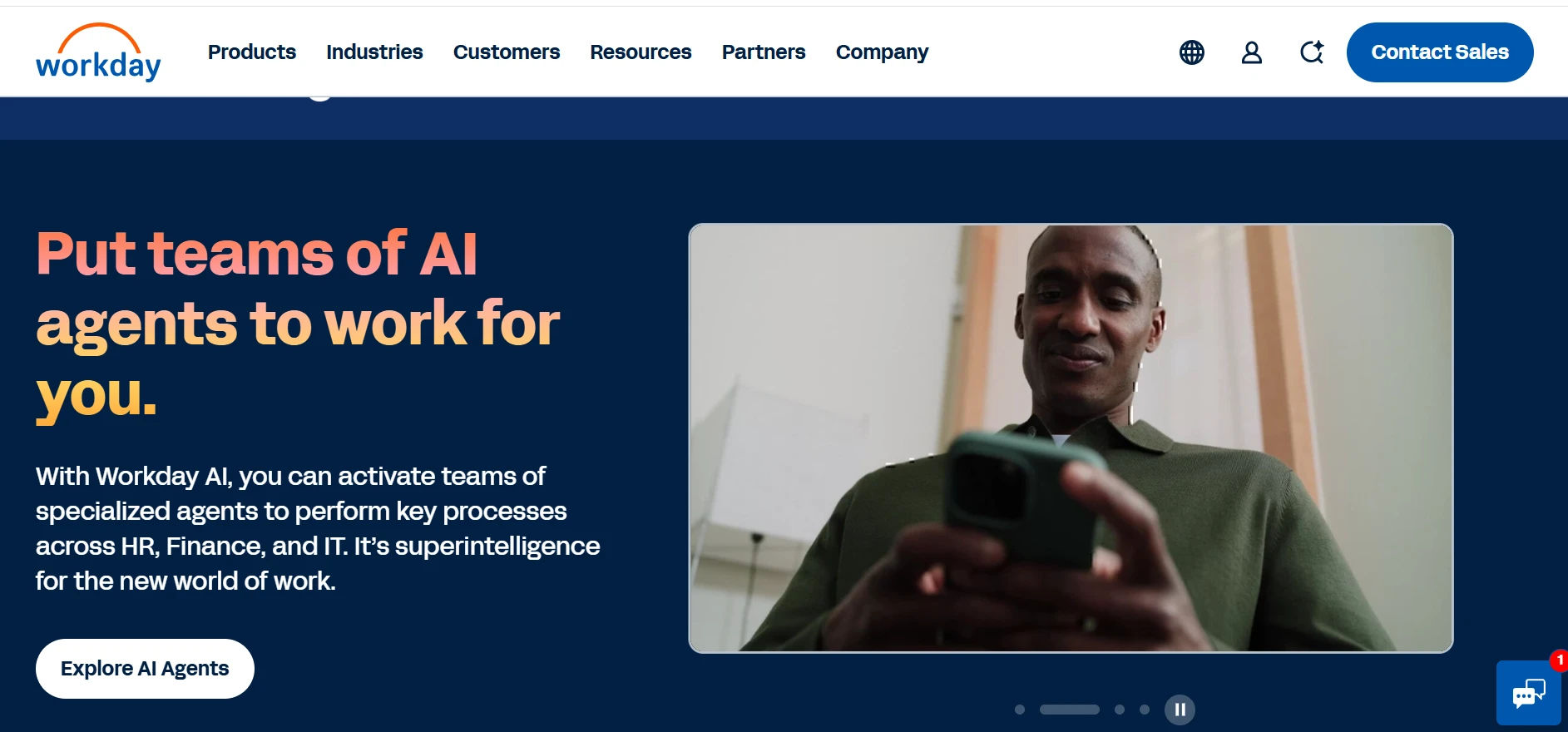
Best for: Large enterprises with complex HR and finance needs.
Workday is an enterprise platform combining HR, finance, and planning tools, widely used by large organizations that need detailed reporting across departments.
For most growing businesses, Workday can be more than what’s needed, in cost and setup time. It’s built for companies with dedicated HR and IT teams, so early-stage or mid-size businesses may find it hard to justify.
Key features:
- Core HR and workforce planning
- Financial management integration
- Advanced analytics and reporting
- Talent and performance management
- Global payroll support
6. ADP Workforce Now
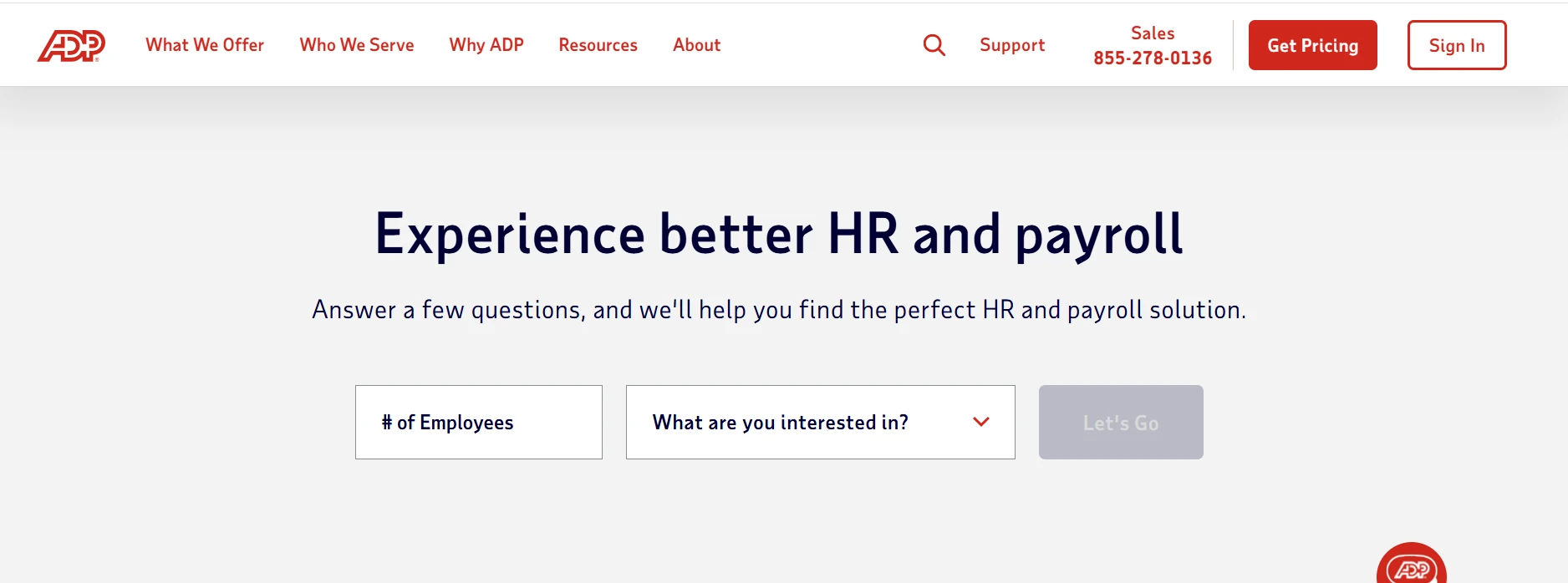
Best for: Businesses that want payroll and compliance handled by an established provider.
ADP Workforce Now is built around ADP’s long history in payroll, combined with HR, benefits, and time-tracking tools. It’s a dependable option for businesses that want payroll accuracy and compliance support from a large, established vendor.
The interface can feel dated compared to newer platforms, and pricing is quote-based, varying by modules and employee count.
Key features:
- Payroll processing and tax filing
- Time and attendance tracking
- Benefits administration
- Labor law and compliance updates
7. Zoho People
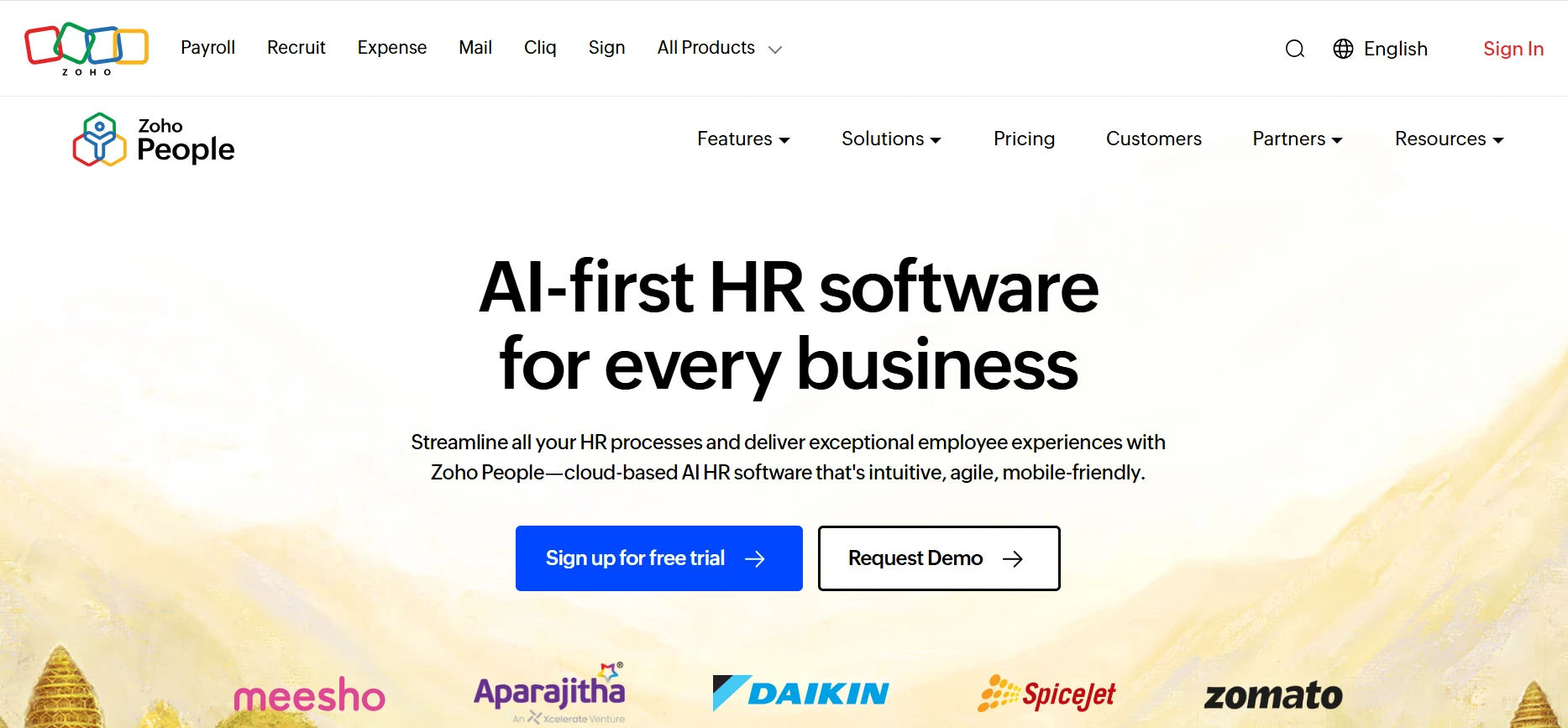
Best for: Budget-conscious businesses already using other Zoho apps.
Zoho People is an affordable HR platform for businesses already using Zoho CRM, Zoho Books, or other Zoho products. It covers core HR, attendance, leave, and basic performance management, though some users note its scheduling tools are lighter than dedicated shift-based platforms.
Key features:
- Time and attendance tracking
- Leave and shift management
- Performance appraisals
- Integration with other Zoho apps
8. Connecteam
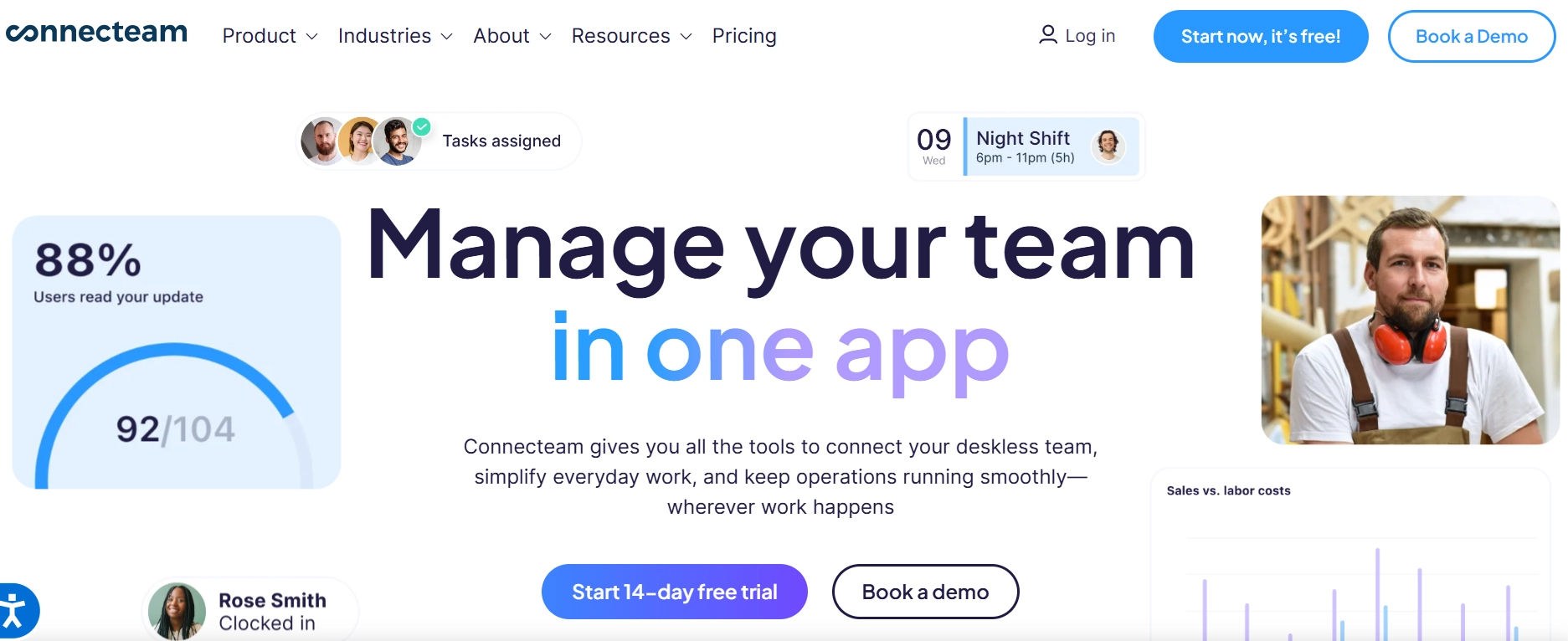
Best for: Deskless and hourly teams that need a mobile-first tool.
Connecteam is built for businesses with deskless workers, like retail, construction, and field service teams. Its mobile app covers scheduling, time tracking app, task management, and internal communication in one place. It’s priced per business rather than strictly per employee for smaller teams, which can make it a cost-friendly option, though it’s less suited to companies that need deep payroll or performance tools.
Key features:
- Mobile shift scheduling
- GPS time tracking
- Task and checklist management
- Team communication tools
- Training and onboarding modules
9. HiBob
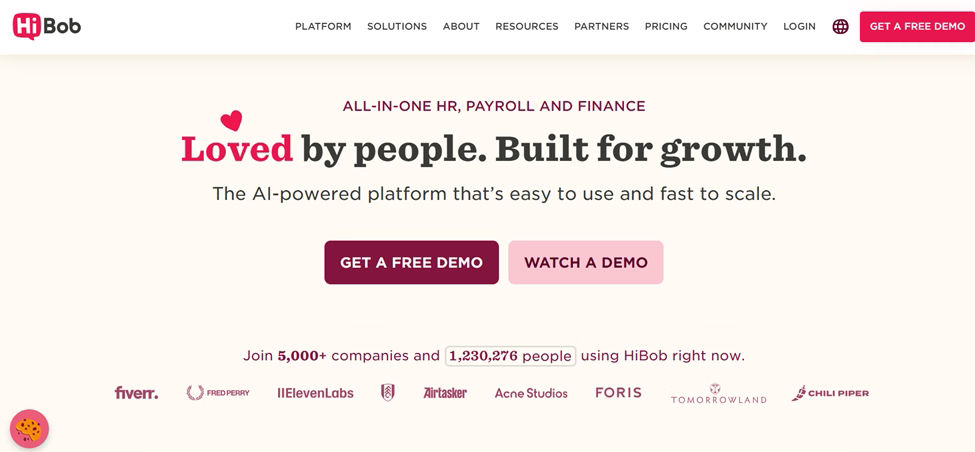
Best for: Mid-size companies that want a modern, people-first HR platform.
HiBob focuses on employee experience, with a modern interface built around culture, engagement, and people analytics. It’s popular with mid-size companies in tech, media, and professional services, but businesses with complex shift scheduling or heavy compliance needs may want to pair it with other tools.
Key features:
- People analytics and engagement surveys
- Time-off and attendance tracking
- Onboarding workflows
- Compensation management
- Culture and recognition tools
10. Deel
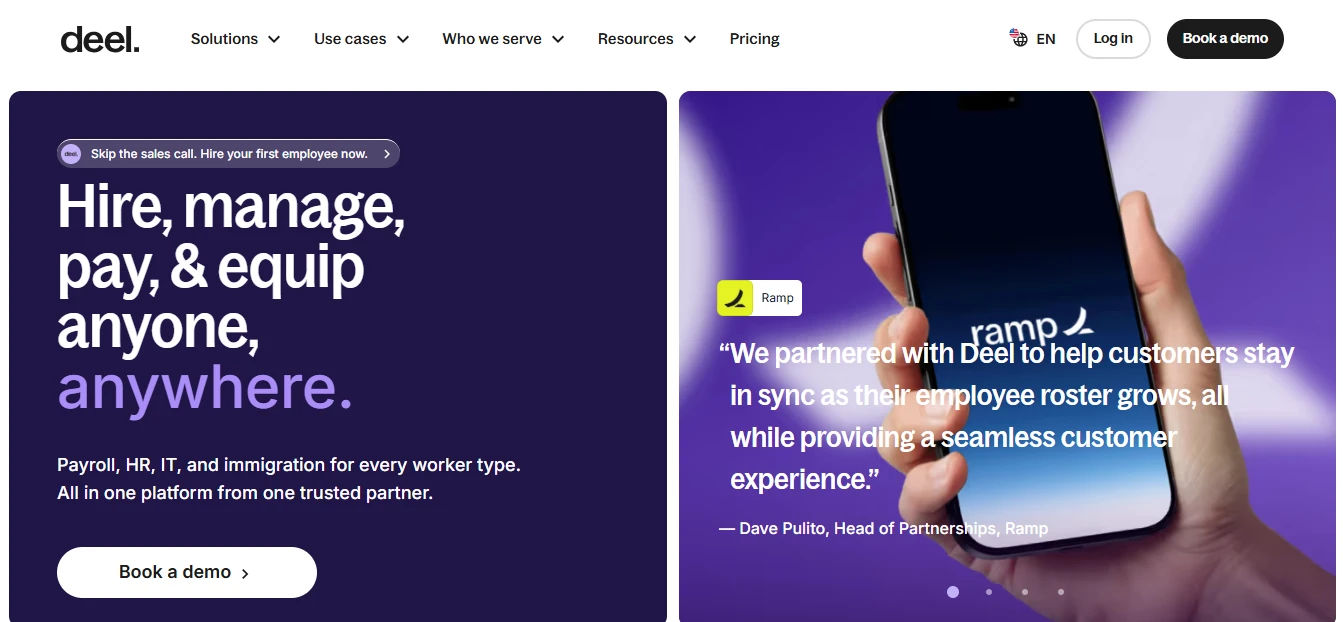
Best for: Businesses hiring international or remote teams.
Deel is built for global hiring. It handles international payroll, contractor payments, and Employer of Record (EOR) services, letting businesses hire employees in other countries without setting up a local entity. It’s less focused on scheduling and attendance, so it works best alongside other tools for businesses with a mix of local shift workers and global remote hires.
Key features:
- Global payroll and EOR services
- Contractor payments and compliance
- Employee onboarding across countries
- Visa and immigration support
- Multi-currency payments
How to Choose the Right Workforce Management Software
The best workforce management software is the one that fits your organization’s current needs while supporting future growth. Before making a decision, consider these key factors:
- Understand Your Business Requirements
Start by identifying the HR processes you want to manage, such as attendance, leave, onboarding, performance, recruitment, task management, or workforce planning. Choose a solution that addresses your day-to-day operational needs.
- Consider Your Company Size and Growth
A platform that works for a small business may not meet the needs of a larger organization. Look for software that can scale as your team grows without requiring you to switch systems.
- Check Industry Fit
Different industries have different workforce management needs. For example, office-based organizations, remote teams, healthcare providers, retailers, and manufacturing businesses often require different features and workflows.
- Evaluate Integration Capabilities
Your workforce management software should connect with the tools your organization already uses. If you’re using Microsoft 365, Microsoft Teams, SharePoint, or other business applications, choose a platform that integrates with your existing environment.
- Compare Pricing and Overall Value
Review the pricing model carefully. Some vendors charge per user, while others offer module-based or customized pricing. Compare the total value offered rather than focusing only on the subscription cost.
- Review Implementation and Customer Support
Ask about the implementation process, onboarding assistance, training resources, and ongoing customer support. Reliable support can make adoption faster and reduce disruptions during deployment.
- Look for Reporting and Automation
Modern workforce management software should provide dashboards, reports, and automation for routine HR tasks. These capabilities help HR teams make informed decisions while reducing manual work.
Conclusion
The right workforce management software can make a significant difference in how your organization manages attendance, leave, onboarding, performance, and everyday HR operations. While every platform on this list offers unique strengths, the best choice depends on your business size, industry, budget, and the tools your teams already use. Taking the time to compare features, integrations, and long-term value will help you choose a solution that supports your growth.
If your organization already relies on Microsoft 365, SharePoint, and Microsoft Teams, HR365 HRMS is a strong option to consider. It brings essential HR functions together in one connected platform, helping HR teams manage the complete employee lifecycle without adding another standalone system.
Ready to Upgrade Your Workforce Management?
Discover how HR365 HRMS brings workforce management, HR automation, and employee management together in one Microsoft 365-based solution
Frequently Asked Questions
What is workforce management software?
Workforce management software helps organizations manage essential HR operations such as attendance, leave, employee records, onboarding, task management, performance, and workforce planning from a centralized platform. Many modern solutions also include automation, reporting, and employee self-service features.
Which is the best workforce management software for growing businesses?
The best solution depends on your business needs, team size, and existing technology. If your organization uses Microsoft 365, HR365 HRMS is an excellent choice because it integrates with Microsoft Teams, SharePoint, and Microsoft 365 while covering core HR and workforce management functions.
How much does workforce management software cost?
Pricing varies by vendor. Some platforms charge per employee, while others offer custom pricing based on features, organization size, or deployment requirements. It’s always a good idea to compare pricing alongside the features and support included.
What features should workforce management software include?
A good workforce management solution should include employee records, attendance tracking, leave management, onboarding, performance management, task management, reporting, dashboards, automation, and integrations with the business tools your organization already uses.
Can workforce management software integrate with Microsoft 365?
Yes. Many platforms offer Microsoft 365 integrations, but HR365 HRMS is built specifically for the Microsoft ecosystem. It works with Microsoft Teams, SharePoint, and Microsoft 365, allowing HR teams and employees to manage HR tasks from familiar applications.
How do I choose the right workforce management software?
Consider your business size, industry, growth plans, required HR features, integration capabilities, ease of use, pricing, customer support, and scalability. Choosing software that fits your existing workflows will deliver greater long-term value.


_JiluXJRGNl.svg)























