

What is the Best Online Ticketing System for Your Business in 2026?
_eH2jDg7dZ.png)
An online ticketing system is a digital tool that helps businesses manage customer inquiries and support requests. Instead of handling issues manually, this system organizes, tracks, and prioritizes each request, making it easier for your team to respond quickly and efficiently. Customers can submit tickets, usually describing their problems or questions, and these tickets are automatically assigned to the right team or individual to resolve.
The best online ticketing system for your business in 2026 depends on your team size, support volume, and existing tools. A reliable system should organize tickets, assign them automatically, track response times, and provide clear reports.
The right solution improves accountability, prevents missed requests, and gives full visibility into support performance. Choosing a system that fits your workflow will improve efficiency and customer satisfaction.
In today’s world, most businesses rely on these systems because they simplify managing large volumes of customer requests. Whether it’s for an event, a product issue, or general customer support, online ticketing systems ensure that no request is missed and that every customer gets the help they need.
Why Choosing the Right Ticketing System Matters
Selecting the right online ticketing system is crucial for several reasons:
- Efficiency
A good ticketing system helps your team work faster. It organizes and automates many processes, like assigning tickets to the right person or sending follow-up reminders, so your team can focus on solving problems rather than managing tickets. - Better Customer Experience
Customers expect quick responses and clear communication. The best ticketing systems make it easier for your team to provide timely and accurate support. By using a system that efficiently tracks requests, customers can get updates on their tickets, ensuring they feel valued and heard. - Scalability
As your business grows, so will the number of customer inquiries. A great ticketing system can handle more requests without causing delays or errors. It can easily scale to meet the demands of your growing customer base, ensuring your support remains strong as you expand.
Choosing the right system ensures smoother operations, happier customers, and the ability to grow without getting overwhelmed by support tickets.
Key Features to Look for in a Ticketing System
Not all ticketing systems are created equal. When evaluating an online helpdesk ticketing system for your business, prioritize the following core capabilities:
- Multi-Channel Support: Email, chat, phone, social, and portal ticket capture in one place
- Automation & Workflow Rules: Auto-assign, escalate, and categorize tickets without manual effort
- SLA Management: Define, track, and enforce response and resolution time commitments
- Knowledge Base Integration: Empower customers to self-serve and reduce inbound ticket volume
- Reporting & Analytics: Real-time dashboards, CSAT tracking, and custom reports
- Collaboration Tools: Internal notes, ticket sharing, and agent collision detection
- AI Capabilities: Smart reply suggestions, sentiment analysis, and predictive routing
- Integrations: Native or API-based connections to your CRM, ITSM, Microsoft and communication tools
- Customization: Custom fields, ticket forms, workflows, and branded customer portals
- Security & Compliance: Role-based access, audit logs, SSO, GDPR, and SOC 2 compliance
For organizations running Microsoft 365, an additional critical requirement is native integration with Teams, Outlook, SharePoint, and Azure Active Directory, making Microsoft 365-based ticketing systems a particularly compelling choice.
Types of Ticketing Systems
Before diving into specific platforms, it helps to understand the four main deployment models available in today’s market:
Cloud-Based Ticketing Systems
Cloud ticketing systems are hosted by the vendor and accessed entirely through a web browser or app. They require no on-premise infrastructure, offer automatic updates, and are typically priced on a per-agent, per-month subscription model. They are the most popular choice for businesses of all sizes in 2026 due to low setup costs, fast deployment, and built-in scalability. Examples include Zendesk, Freshdesk, and BoldDesk.
On-Premise Ticketing Systems
On-premise solutions are installed and hosted on your own servers. They offer maximum control over data and customization but require dedicated IT resources for maintenance, upgrades, and security patching. They are best suited for highly regulated industries or organizations with strict data residency requirements. Examples include on-premise versions of Jira Service Management and Zoho Desk.
Microsoft 365-Based Ticketing Systems
This is one of the fastest-growing categories in 2026. Microsoft 365-based ticketing systems like Helpdesk 365 are built natively within the Microsoft ecosystem, leveraging Teams, SharePoint, Outlook, and Azure AD. For organizations that already standardize on Microsoft 365, these tools eliminate context-switching, reduce software sprawl, and leverage existing security and identity infrastructure. Agents can receive, respond to, and resolve tickets directly from Microsoft Teams.
AI-Driven Ticketing Systems
AI-driven systems use machine learning to automate ticket classification, routing, response drafting, and even resolution. While most modern platforms include some AI features in helpddesk, true AI-driven systems like Helpddesk 365, ServiceNow and the latest versions of Zendesk build intelligence into every layer of the workflow, from intake to reporting. These platforms are especially powerful for large enterprises with high ticket volumes and complex support hierarchies.
Comparison of the Top 9 Online Ticketing Systems in 2026
The table below provides a comprehensive side-by-side comparison of the leading online ticketing systems across eight critical evaluation dimensions: pricing, integrations, automation, scalability, ease of use, reporting, deployment model, and ideal business size.
| Platform | Integrations | Automation | Scalability | Ease of Use | Reporting | Deployment | Best For |
| Helpdesk 365 | Microsoft 365 native | Workflow rules, SLA automation | High | Very Easy | Advanced | Cloud (M365) | Microsoft 365 orgs |
| Zendesk | 1,000+ apps | Advanced AI triggers | Very High | Moderate | Advanced | Cloud | Large Enterprises |
| Freshdesk | 650+ integrations | Workflow automator | High | Easy | Good | Cloud | SMBs & Mid-Market |
| Jira Service Mgmt | Atlassian ecosystem | Automation rules | High | Moderate | Advanced | Cloud/On-Premise | Dev & IT Teams |
| Help Scout | 50+ integrations | Workflows & triggers | Medium | Very Easy | Good | Cloud | Small Teams |
| Zoho Desk | Zoho Suite + 200+ | Blueprint automation | High | Easy | Advanced | Cloud/On-Premise | Zoho users, SMBs |
| ServiceNow | Wide enterprise stack | Full ITSM automation | Very High | Complex | Enterprise-grade | Cloud/On-Premise | Large Enterprises |
| Spiceworks | Limited | Basic rules | Low | Easy | Basic | Cloud/On-Premise | IT Depts, SMBs |
| BoldDesk | 60+ integrations | Automation rules | Medium | Easy | Good | Cloud | Growing SMBs |
Helpdesk 365: Best Online Ticketing System for Microsoft 365 Organizations
Helpdesk 365 is purpose-built for organizations already invested in the Microsoft 365 ecosystem. Unlike other platforms that bolt on Microsoft integrations as an afterthought, Helpdesk 365 operates natively within Microsoft Teams and SharePoint, meaning agents never have to leave the tools they already use every day.
Tickets can be created directly from Outlook emails, Teams messages, or a branded self-service portal. Azure Active Directory powers seamless single sign-on and role-based access management. Automation rules handle SLA escalations, ticket routing, and status updates without manual configuration. The reporting module integrates with Power BI, giving IT and support leaders rich, customizable dashboards built on data they already own.
For Microsoft 365-centric businesses, Helpdesk 365 eliminates the friction of adopting a standalone ticketing tool while delivering enterprise-grade functionality at a competitive price point. Its free plan supports up to five agents, making it accessible even for smaller IT teams.
Zendesk: Best for Large Enterprises and Complex Support Operations
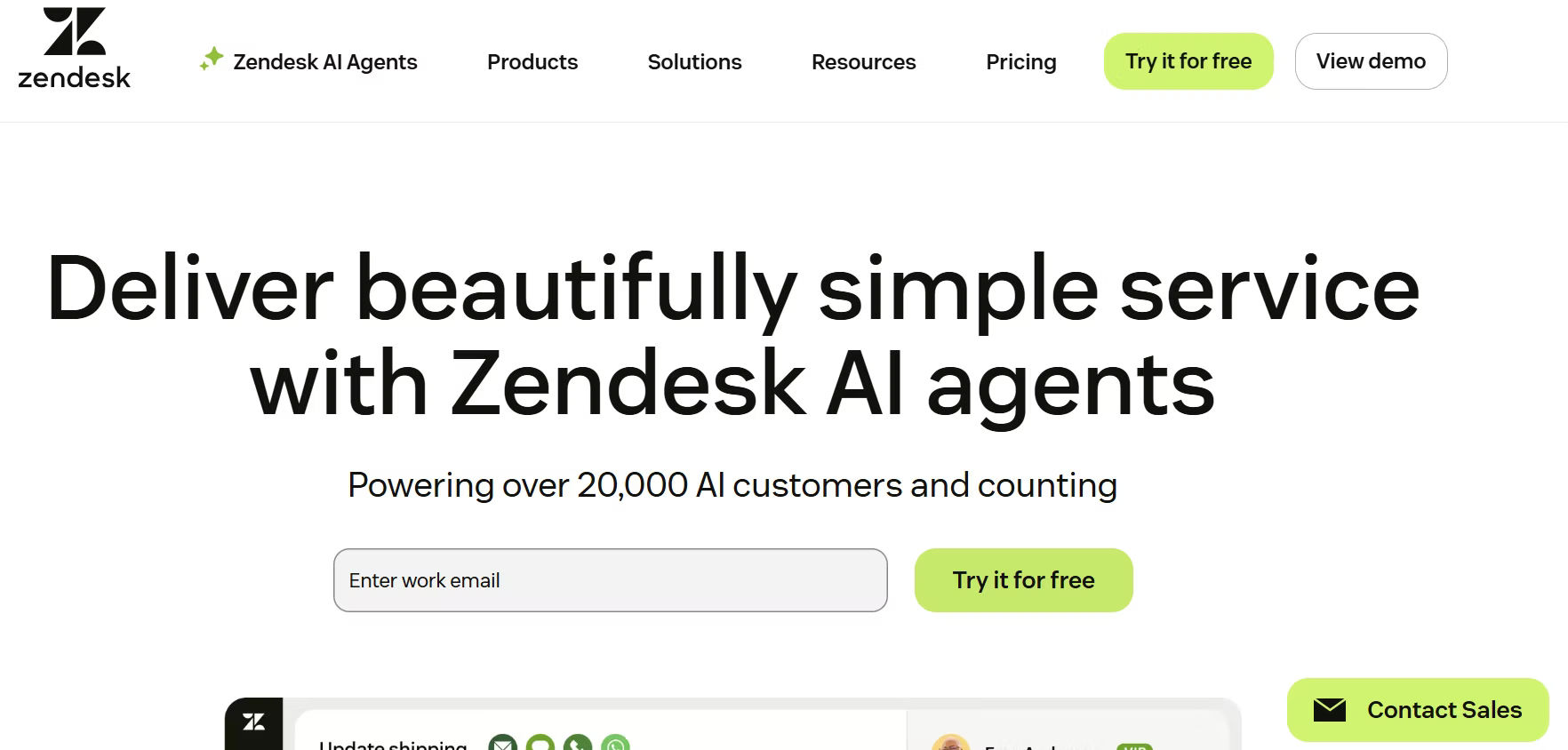
Zendesk remains one of the most feature-rich online ticketing systems available in 2026. Its Support Suite brings together email, chat, voice, social media, and self-service into a single workspace. Zendesk’s AI capabilities have matured significantly, with intelligent triage, automated responses, and predictive analytics available across all paid plans.
With over 1,000 pre-built integrations in its marketplace, Zendesk connects seamlessly to virtually any CRM, e-commerce, or communication platform. Its enterprise plans include advanced CSAT tracking, custom reporting, sandbox environments, and dedicated support. The trade-off is cost, Zendesk is one of the pricier options, and its depth of features can feel overwhelming for smaller teams.
Freshdesk: Best for SMBs Wanting Power and Affordability
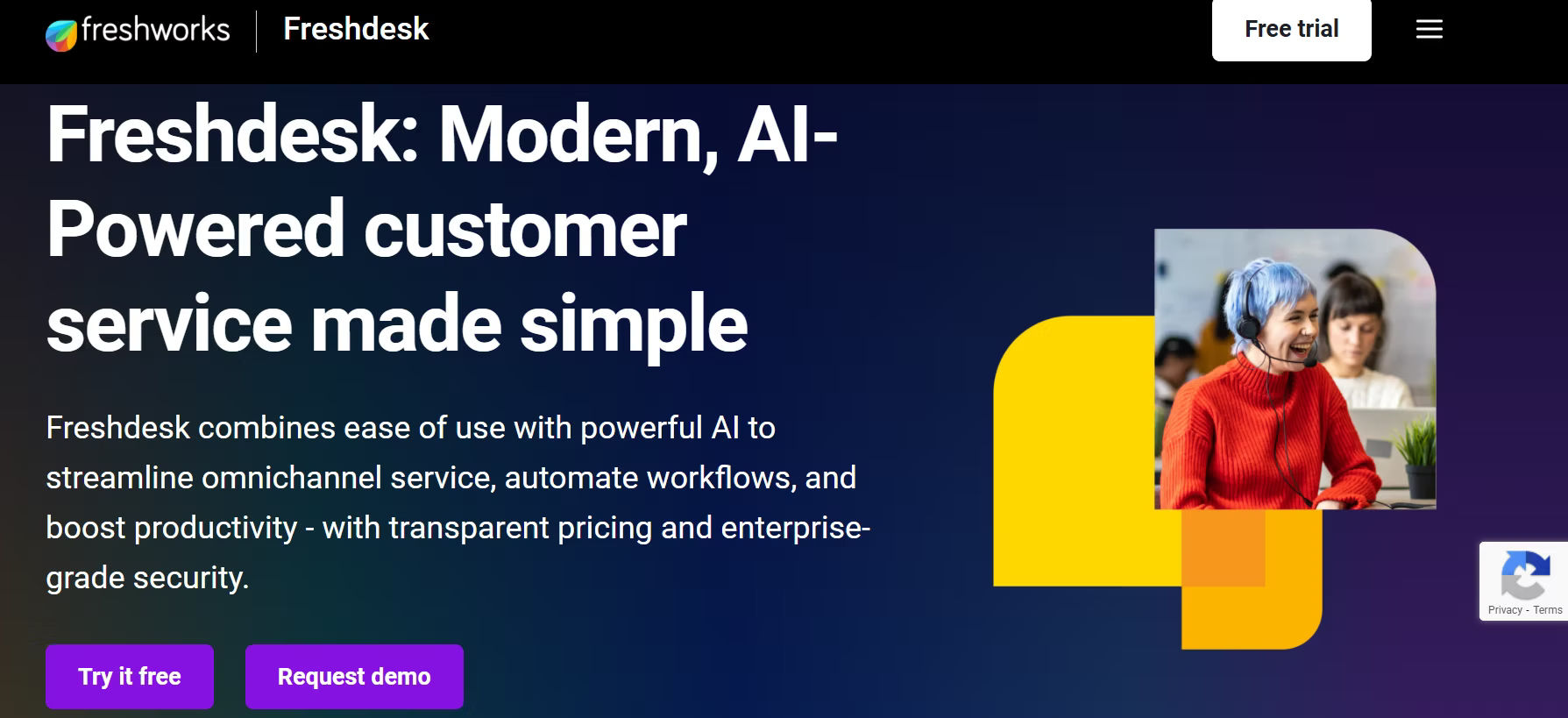
Freshdesk by Freshworks has established itself as a go-to online helpdesk ticketing system for small and mid-sized businesses. Its free plan covers up to 10 agents with solid core functionality, and its paid tiers introduce powerful automation, AI-assisted responses (via Freddy AI), multilingual support, and time-tracking.
The Freshdesk interface is clean and intuitive, minimizing onboarding time. The Growth plan at $15/agent/month is one of the best value options in the market for teams that need automation and SLA management without a large budget. Integration with other Freshworks products (CRM, ITSM, sales) makes it a strong choice for businesses looking for a unified suite.
Jira Service Management: Best for Development and IT Teams
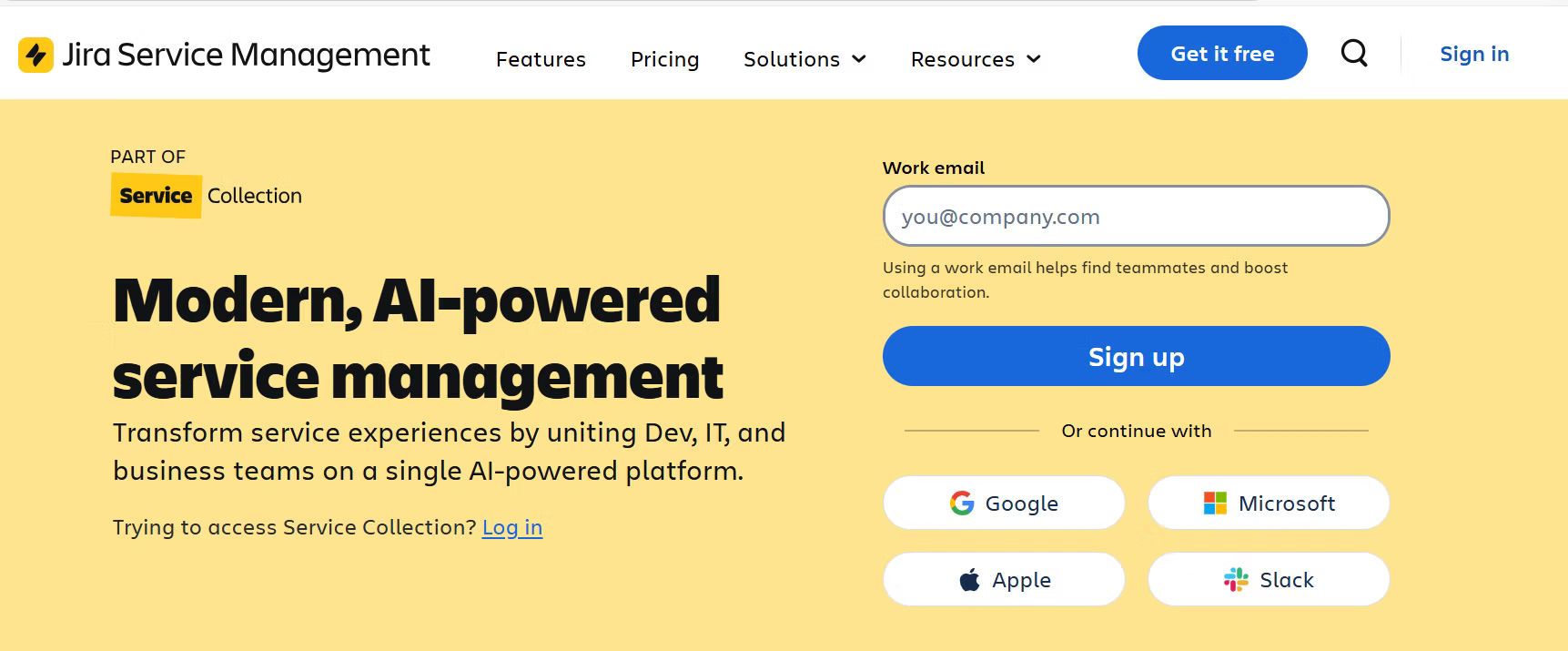
Jira Service Management (JSM) is Atlassian’s ITSM-focused ticketing system and the dominant choice for IT departments and DevOps teams. Built on the Jira platform, it offers deep integration with Jira Software and Confluence, making it ideal for organizations that need to link customer-facing incidents directly to engineering backlogs.
JSM offers ITIL-aligned workflows, change management, incident management, and a powerful automation engine. Its free tier supports up to three agents. For teams outside the Atlassian ecosystem or non-technical users, JSM can feel complex, but for IT-centric organizations, it is unmatched in depth.
Help Scout: Best for Customer-Focused Small Teams
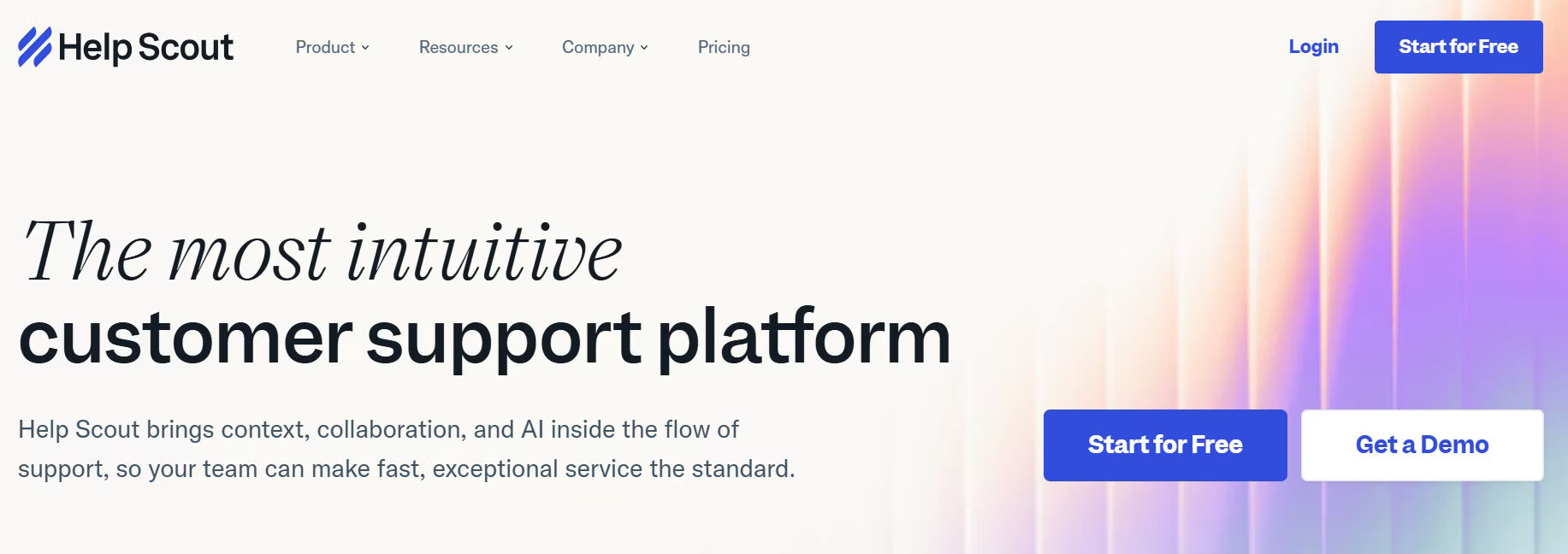
Help Scout distinguishes itself with a deliberately simple, email-like interface that makes adoption extremely fast. Unlike traditional ticket-number-heavy systems, Help Scout keeps conversations feeling personal, which aligns with its positioning as a customer-centric support tool.
It offers shared inboxes, a built-in knowledge base (Docs), live chat (Beacon), and basic workflow automation. Reporting is solid, though not as deep as Zendesk or Zoho Desk. At $20/user/month with no free plan, it is best suited for small teams that prioritize simplicity and quality of customer experience over advanced automation.
Zoho Desk: Best for Zoho Ecosystem Users and Growing SMBs
Zoho Desk is a capable, feature-rich online helpdesk ticketing system that punches above its weight class at its price point. The free plan covers three agents, and paid tiers introduce Blueprint (a visual process automation tool), Zia AI (for sentiment analysis and ticket suggestions), advanced SLA management, and a sophisticated customer portal.
Zoho Desk’s deep integration with the broader Zoho Suite, including Zoho CRM, Zoho Analytics, and Zoho Creator, makes it an obvious choice for organizations already invested in that ecosystem. Both cloud and on-premise deployment options are available, offering deployment flexibility.
ServiceNow: Best for Large Enterprises with Complex ITSM Needs
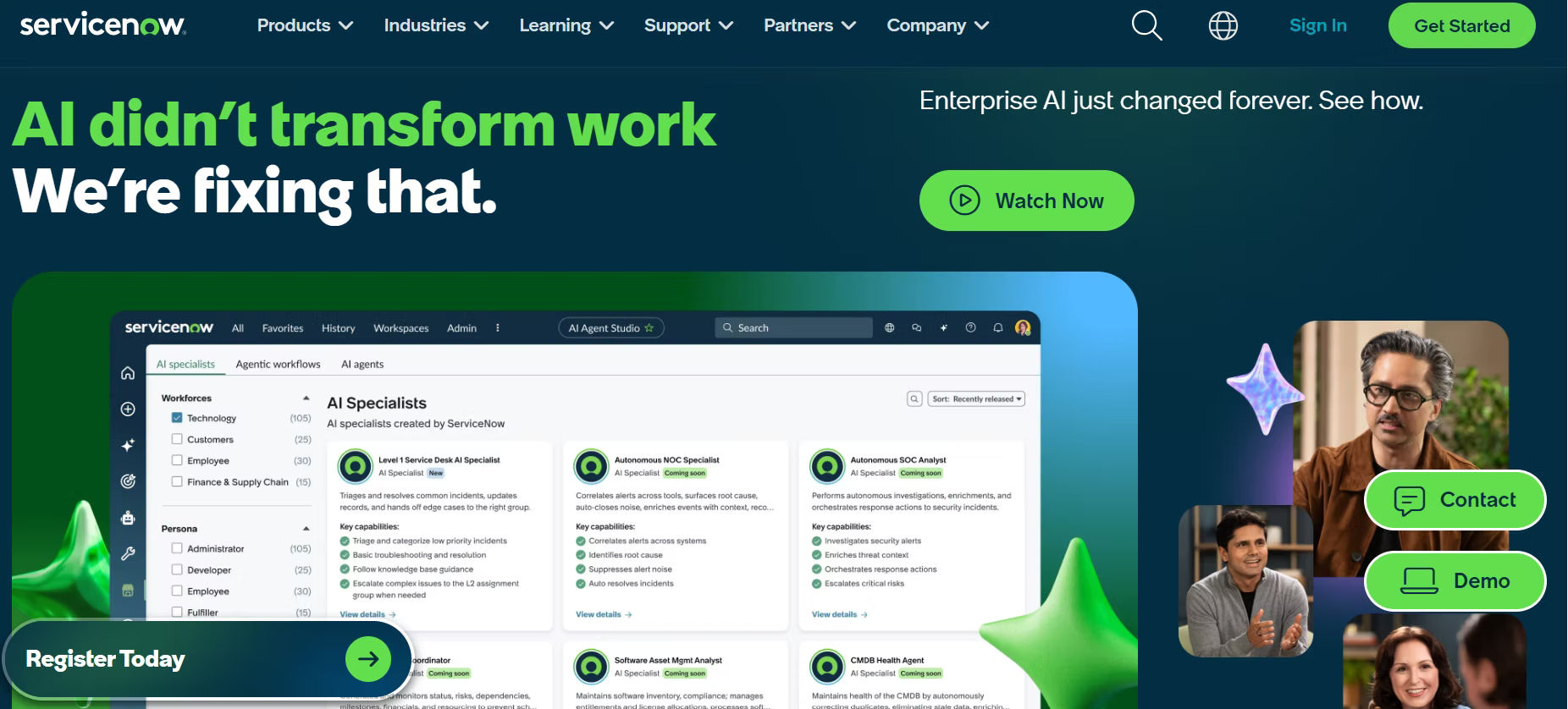
ServiceNow is the enterprise heavyweight of the ITSM and customer service management space. Its Now Platform delivers comprehensive IT service management, HR service delivery, and customer service management capabilities with extensive AI and automation built throughout. Workflow Studio enables highly complex multi-team processes without code.
ServiceNow is enterprise-only: pricing is custom and typically significant, implementation requires professional services, and the administrative complexity is high. For organizations with thousands of agents, regulatory compliance requirements, and globally distributed support teams, ServiceNow delivers unmatched power and scalability.
Spiceworks: Best Free Option for IT Departments
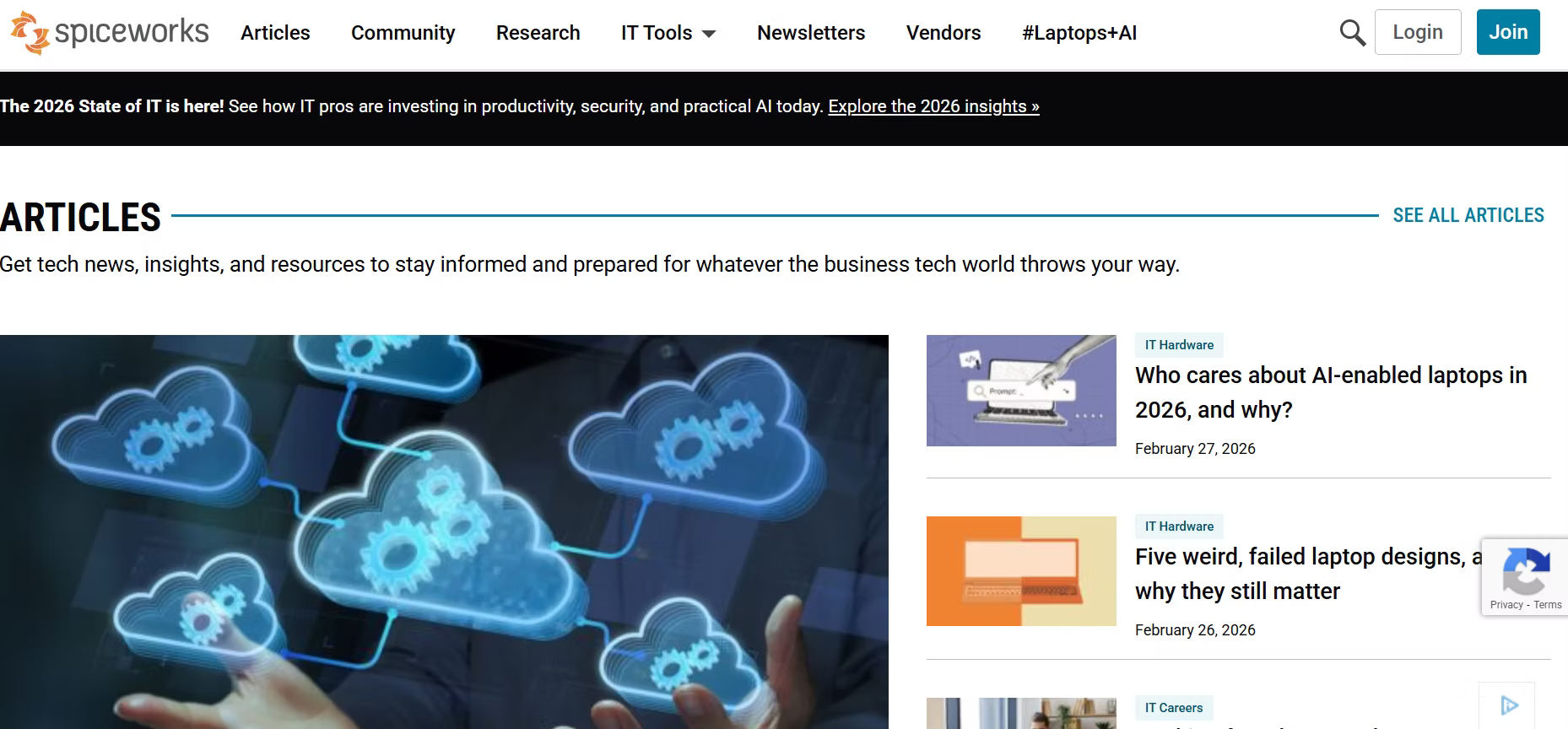
Spiceworks stands alone as the only major online ticketing system that is entirely free to use, for all features, all agents, and all time. It is supported by advertising rather than subscription revenue. The core ticketing functionality covers help desk management, asset tracking, and basic reporting.
Spiceworks is best suited for small IT departments and MSPs that need a no-cost starting point. It lacks the automation depth, AI capabilities, and scalability of paid platforms, but for organizations with tight budgets and straightforward needs, it provides genuine value.
BoldDesk: Best Budget-Friendly Option for Growing SMBs
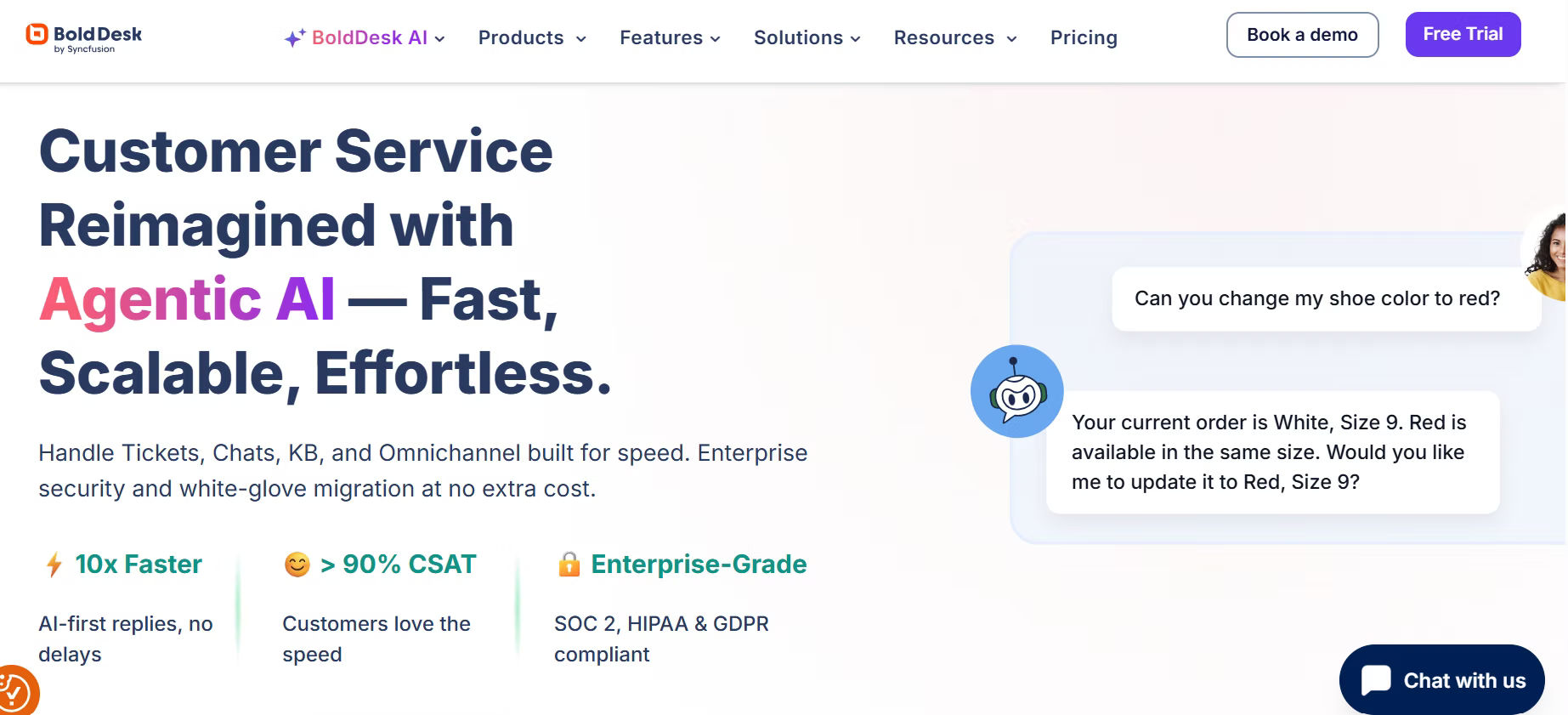
BoldDesk is a modern, clean online ticketing system from Syncfusion that has gained traction as a cost-effective alternative to the established players. At $12/agent/month, it offers solid core ticketing, automation rules, a built-in knowledge base, customer portal, and integration with popular tools like Slack, Zapier, and various CRMs.
BoldDesk does not yet match the depth of Zendesk or Freshdesk at enterprise scale, but for growing SMBs that want a well-designed, modern interface without paying premium prices, it is a strong contender worth evaluating.
Pricing Comparison: Which Ticketing System Offers the Best Value?
Pricing is one of the most important factors when selecting an online ticketing system, especially for budget-conscious teams. The table below summarizes pricing tiers across all nine platforms:
Platform | Free Plan | Starter | Growth/Pro | Enterprise | Free Trial |
Helpdesk 365 | Yes (5 agents) | $19/agent/mo | $28/agent/mo | Custom | 14 days |
Zendesk | No | $19/agent/mo | $55/agent/mo | $115/agent/mo | 14 days |
Freshdesk | Yes (10 agents) | $15/agent/mo | $49/agent/mo | $79/agent/mo | 21 days |
Jira Service Mgmt | Yes (3 agents) | $17.65/agent/mo | $44.27/agent/mo | $47.82/agent/mo | 7 days |
Help Scout | No | $20/user/mo | $40/user/mo | Custom | 15 days |
Zoho Desk | Yes (3 agents) | $14/agent/mo | $23/agent/mo | $35/agent/mo | 15 days |
ServiceNow | No | Custom | Custom | Custom | On request |
Spiceworks | Free (all features) | N/A | N/A | N/A | N/A |
BoldDesk | No | $12/agent/mo | $20/agent/mo | Custom | 15 days |
Value Analysis
For teams on a zero budget, Spiceworks is the clear winner, it is fully free, forever. For growing SMBs seeking the best combination of features and affordability, Freshdesk and Zoho Desk both offer compelling free plans and reasonably priced growth tiers. BoldDesk at $12/agent/month offers strong value in the budget paid tier.
For Microsoft 365 organizations, Helpdesk 365 offers exceptional value by leveraging infrastructure already paid for, reducing the per-agent cost when viewed against total IT spend. Zendesk and ServiceNow command premium prices justified by their depth, but are best evaluated against the total cost of operations they enable.
When evaluating pricing, always factor in the total cost of ownership: implementation time, training, integration costs, and the cost of tickets-per-month caps that some vendors apply to lower tiers.
Which Ticketing System Is Best for Your Business Size?
Business Type | Top Pick | Runner Up | Why |
Small Business (<50 employees) | Freshdesk / Zoho Desk | Helpdesk 365 | Free plans, easy setup, low cost |
Mid-Sized (50–500 employees) | Zendesk / BoldDesk | Freshdesk Growth | Scalability, automation, reporting |
Enterprise (500+ employees) | ServiceNow / Zendesk | Jira Service Mgmt | ITSM depth, compliance, custom workflows |
Microsoft 365 Organizations | Helpdesk 365 | Jira Service Mgmt | Native M365 integration, SSO, Teams |
Small Businesses (Under 50 Employees)
Small businesses need a ticketing system that is fast to deploy, easy to learn, and affordable to run. Freshdesk and Zoho Desk both offer free plans that cover the fundamentals: multi-channel ticket intake, basic automation, and a knowledge base. Neither requires a dedicated IT administrator to set up or maintain.
For small businesses already running Microsoft 365, Teams, Outlook, SharePoint Helpdesk 365 is a particularly smart choice. It uses the tools your team already knows, eliminates the learning curve of a new platform, and delivers professional-grade helpdesk functionality without adding another vendor to manage.
Help Scout is a good fit for small customer-facing teams that prioritize conversation quality over ticket-management complexity.
Mid-Sized Companies (50–500 Employees)
Mid-sized businesses need scalability, stronger automation, and more detailed reporting than free plans typically provide. At this stage, the volume and complexity of support requests justifies investment in a paid platform.
Zendesk’s Suite Team and Growth plans offer excellent functionality for mid-market teams. Freshdesk’s Growth and Pro plans add Freddy AI, time tracking, and advanced automation at reasonable per-agent costs. BoldDesk is worth evaluating as a cost-effective alternative if budget is a constraint. Zoho Desk is the natural choice for organizations already invested in the Zoho ecosystem.
Enterprises (500+ Employees)
Large enterprises demand robust ITSM capabilities, enterprise-grade security, compliance tooling, advanced workflow automation, and the ability to handle hundreds of concurrent agents across multiple geographies and business units.
ServiceNow is the market leader at this tier, offering a platform that extends well beyond helpdesk into ITSM, HR service delivery, and enterprise workflow automation. Zendesk Enterprise Suite and Jira Service Management also serve enterprise customers effectively, particularly where deep developer integration (JSM) or omnichannel customer service (Zendesk) is a priority.
Microsoft 365-Centric Organizations
If your organization runs on Microsoft 365, your ticketing system should work with that investment, not alongside it. Helpdesk 365 is the standout recommendation for Microsoft-first organizations. Built natively on SharePoint and integrated deeply with Teams, Outlook, and Azure AD, it brings ticket management into the collaboration tools your teams use every day.
This eliminates context-switching, reduces training overhead, and leverages your existing Microsoft security and compliance posture. Agents receive and respond to tickets inside Teams. IT admins manage access through Azure AD groups. Reports surface directly in Power BI. For Microsoft 365 organizations, Helpdesk 365 is the most natural fit in the market today.
Conclusion
The best online ticketing system for your business is not necessarily the most feature-rich or the most expensive, it is the one that aligns with your team’s workflows, your customers’ expectations, and your organization’s technology stack.
Take advantage of free trials across your shortlisted platforms, involve your frontline agents in the evaluation process, and prioritize the features that address your most pressing pain points today. The right online ticketing system will not just solve your current problems, it will scale with you as those challenges evolve.
Join Our Creative Community
Frequently Asked Questions
What is an online ticketing system?
An online ticketing system is software that helps businesses manage customer or internal support requests by converting them into trackable tickets. It organizes, assigns, prioritizes, and tracks issues in one centralized platform.
Which online ticketing system is best for small businesses in 2026?
The best ticketing system for small businesses in 2026 is one that offers automation, easy setup, affordable pricing, and integration with tools like Microsoft 365 or email platforms. Simplicity and scalability are key factors.
What features should I look for in a ticketing system?
Look for features such as ticket automation, SLA tracking, reporting dashboards, role-based permissions, email integration, workflow customization, and knowledge base management.
How does a ticketing system improve customer support?
A ticketing system improves customer support by reducing response time, preventing missed requests, tracking issue status, and providing full visibility into support performance.
What is the difference between helpdesk software and service desk software?
Helpdesk software focuses mainly on managing support tickets, while service desk software includes broader IT service management features like change management, asset tracking, and compliance workflows.
Is a cloud-based ticketing system better than on-premise?
Cloud-based ticketing systems are generally easier to deploy, maintain, and scale. On-premise solutions may offer more control but require higher maintenance and infrastructure costs.
How much does an online ticketing system cost in 2026?
The cost varies depending on features, number of agents, and deployment model. Pricing can range from basic per-agent monthly plans to enterprise-level custom pricing.
Can a ticketing system integrate with Microsoft 365?
Yes, many modern ticketing systems integrate with Microsoft 365, including Outlook, Teams, and SharePoint, allowing teams to manage tickets within their existing workflow.


_JiluXJRGNl.svg)























