
Best Employee Directory Software in 2026: Top 11 Solutions Compared
_eH2jDg7dZ.png)
Finding the right person, fast, is one of the smallest problems that causes the biggest slowdowns. In a hybrid-first world where your team might be spread across three time zones and four office buildings, knowing who does what, and being able to reach them in seconds, directly impacts how quickly work gets done.
- The best employee directory software improves employee search, collaboration, and organizational visibility.
- Microsoft 365 and Teams integrations are essential for keeping employee information accessible and up to date.
- Features like advanced search, profile customization, and organizational charts enhance the employee experience.
- Choose a solution that balances ease of use, scalability, and integration capabilities to support long-term growth.
According to a widely cited Gartner survey, 47% of digital workers struggle to find the information or data they need to effectively perform their jobs. A robust employee directory is no longer optional — it’s operational infrastructure.
That’s what modern employee directory software is built to solve. Not just a list of names and emails, but a searchable, always-current layer of people intelligence woven into the tools employees already use every day.
In this guide, we compare the 11 best employee directory software solutions of 2026, covering features, pricing, ideal use cases, and what real users are saying. Whether you’re a Microsoft 365 shop, an HR-first team, or building a full employee experience platform, there’s a right fit here for you.
At its core, employee directory software is a searchable, structured database of your people, names, roles, departments, contact paths, reporting relationships, skills, and locations. But that definition undersells what the best tools actually do.
A modern staff directory serves as the “who-to-ask” layer for everyday work. It answers questions like:
- Who leads the procurement team in the Singapore office?
- Who on the engineering team has experience with Kubernetes?
- Does Marketing report to the CMO or directly to the CEO after the reorg?
When search is powerful, employee profiles are rich, and data stays current through automated sync, an employee directory stops being a lookup tool and starts being shared organizational memory.
Why Employee Directory Software Matters More in 2026
The hybrid workplace has made human connection harder to maintain organically. Without being able to tap someone on the shoulder or overhear a hallway conversation, employees, especially newer ones, face a real “who do I even ask?” Gap.
Pro Tip: The fastest way to reduce Slack noise and email ping-pong in a hybrid team is a well-maintained, searchable employee directory. When people can self-serve answers to “who handles X,” your communications channels get quieter.
The compounding challenges in 2026:
- Remote and hybrid onboarding still takes longer than in-person. A strong directory shortens that learning curve.
- Frequent reorgs in cost-conscious environments mean people need structure visibility that updates in real time.
- Global teams need to find experts across geographies without knowing where to start.
- Privacy and data governance requirements are tighter than ever, making RBAC and field-level permissions critical.
Employee directory software, when implemented well, addresses all of the above.
Key Features to Look For
Before diving into the tools, here’s what separates a genuinely useful directory from a glorified spreadsheet:
| Feature | Why It Matters |
| Fast, forgiving search | People misspell names. The best tools return results anyway. |
| Rich, customizable profiles | Beyond name and title — skills, languages, certifications, availability. |
| Org chart visibility | Shows reporting lines, team structures, and cross-functional relationships. |
| HRIS/M365 sync | Data stays current automatically, not by someone remembering to update it. |
| Role-based access controls | Sensitive fields (salary bands, personal contact info) visible only to appropriate roles. |
| Mobile-friendly access | Frontline and distributed workers need it on their phones, not just desktops. |
| Analytics and adoption tracking | Tells admins if the directory is actually being used and where profiles are incomplete. |
Quick Comparison: 11 Best Employee Directory Software Tools (2026)
| Tool | Best For | Key Strength |
| Employee Directory 365 | Microsoft 365 teams | Native SharePoint/Teams integration |
| HR Directory 365 | Microsoft 365 HR teams | Rich HR profiles within M365 |
| Workleap Pingboard | Org chart visibility | Dynamic org chart + directory |
| ChartHop | Workforce planning | Org modeling + data visualization |
| Rippling | HRIS-connected workflows | Lifecycle automation |
| BambooHR | Mid-market HR | Clean records + self-service |
| HiBob (Bob) | Modern HR experience | EX-focused profiles |
| Simpplr | Intranet + people hub | People + content in one place |
| Unily | Enterprise intranets | Governance at scale |
| Staffbase | Comms-led intranets | Employee app + directory |
| Workvivo by Zoom | Engagement-led culture | Recognition + people discovery |
The 11 Best Employee Directory Software Tools in 2026
1. Employee Directory 365
Best for: Organizations already running on Microsoft 365 who want a directory that feels native — not bolted on.
Employee Directory 365 is the highest-rated employee directory app on Microsoft AppSource and the go-to solution for Microsoft 365 environments. Built on the SPFx (SharePoint Framework), it loads fast, integrates deeply with Microsoft Entra ID (formerly Azure AD), and surfaces naturally inside both SharePoint and Microsoft Teams.
What sets it apart is the combination of speed, intelligence, and governance. The search is forgiving — find people by name, role, skill, department, or location. Profiles are enriched and fully customizable. And the org chart views (multiple layout options) give every employee a clear, real-time picture of who reports to whom.
Real User Feedback: Customers consistently highlight responsive support, smooth deployment, and powerful customization for Entra ID and SharePoint fields. The Microsoft AppSource reviews describe it as the directory that “just works” inside an M365 environment.
Real User Feedback: Customers consistently highlight responsive support, smooth deployment, and powerful customization for Entra ID and SharePoint fields. The Microsoft AppSource reviews describe it as the directory that “just works” inside an M365 environment.
Standout Features:
- SPFx-powered performance at any employee count
- Multiple org chart layouts (hierarchical, card, compact views)
- Presence signals synced with Microsoft Teams
- Multilingual support for global organizations
- Milestone tracking (work anniversaries, birthdays) to keep profiles “alive”
- Auto-sync with Entra ID, profiles update without manual intervention
- Mobile-friendly with Fluent UI design language
- Built-in analytics to track adoption and profile completeness
Pricing: Quote-based for your org size and configuration. A 7-day free trial is available on Microsoft AppSource.
Ideal for: Hybrid organizations that want a directory always accessible within Teams and SharePoint — without rebuilding identity and access infrastructure.
Why it ranks #1: When your organization already lives in Microsoft 365, the best directory isn’t a new tool people have to remember to open. It’s one that appears where they already work. Employee Directory 365 delivers exactly that.
2. HR Directory 365 by Beyond Intranet
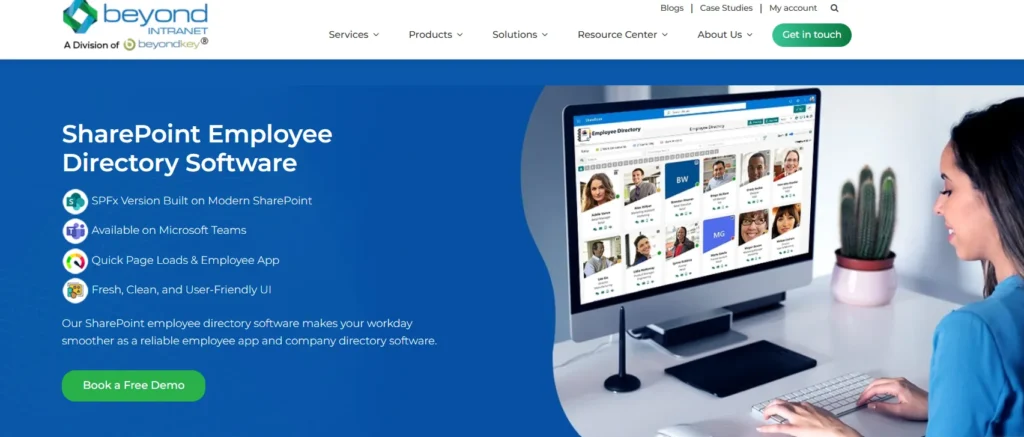
Best for: HR teams within Microsoft 365 environments that need richer HR-specific profile fields.
A companion product to Employee Directory 365, HR Directory 365 goes deeper into the HR layer — adding HR-specific fields, team structure visibility, and integration with HRIS data flows. It’s designed for HR professionals who want their directory to serve as a true people intelligence platform, not just a contact list.
Standout Features:
- HR-focused profile fields (reporting lines, employment type, location, hire date)
- Org chart with department filters
- Microsoft Teams app for in-flow access
- Profile completeness tracking for HR admins
- Data sync with Entra ID and HRIS systems
Pricing: Quote-based. Demo available via Beyond Intranet.
Ideal for: HR operations teams who manage people data and need a directory that reflects the true structure of the organization, updated in real time.
3. Workleap Pingboard
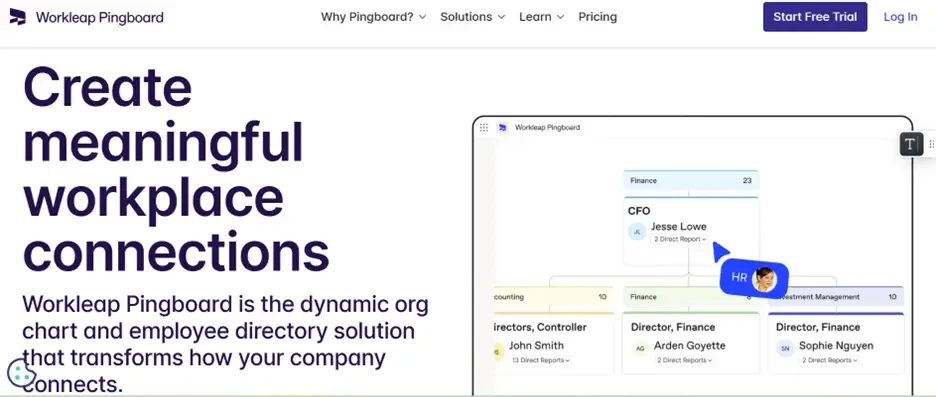
Best for: Organizations where org chart visibility and “who reports to whom” clarity are the primary pain points.
Pingboard earns its reputation as the directory-first tool for org clarity. Its combination of dynamic org charts, custom profile fields, and a “Who’s Who” quiz feature (yes, really — it gamifies getting to know colleagues) makes it a strong choice for hybrid teams navigating fast change.
Directory-first tools shine when “who owns what” keeps shifting.
Standout Features:
- Dynamic, planning-mode org charts
- Custom profile fields and HRIS data sync
- “Who’s Who” quiz for new hire onboarding
- Status indicators (out of office, availability)
- Calendar integrations (birthdays, work anniversaries)
Pricing: Starts at approximately $4/user/month (billed annually), with a 14-day free trial.
Ideal for: People teams that need quick answers during reorgs and rapid growth phases, especially for hybrid employees who rarely share physical space.
4. ChartHop
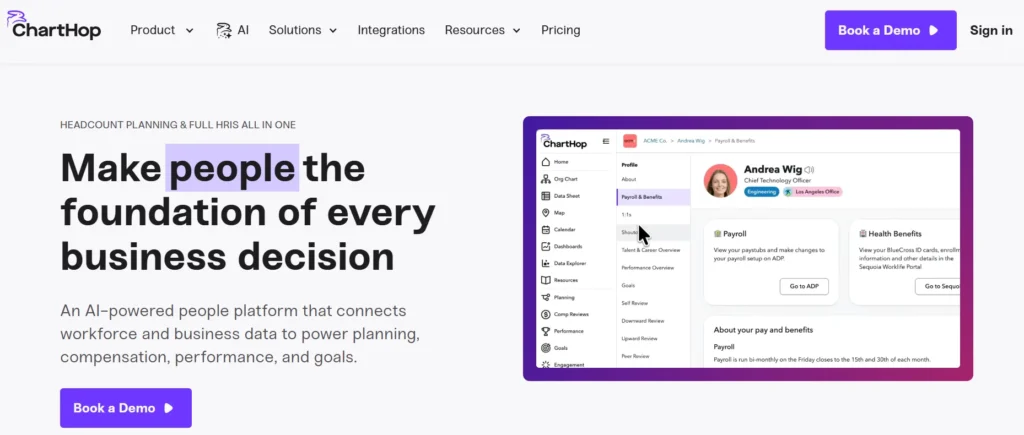
Best for: HR and People Ops teams that need workforce visualization alongside planning and reporting capabilities.
ChartHop goes further than most directory tools by connecting people data to org design and workforce modeling. If your organization restructures frequently or does headcount planning in cycles, ChartHop’s ability to visualize both today’s structure and tomorrow’s scenarios makes it uniquely powerful.
📈 Interesting Stat: Organizations that use visualization-led people planning tools report significantly faster time-to-decision during reorg planning compared to those relying on spreadsheets alone.
Standout Features:
- Org chart with layered data filters (headcount, compensation ranges, tenure)
- Workforce planning and scenario modeling
- Integration with major HRIS platforms
- Dashboards for People Ops reporting
- “Basic” org chart plan for lighter use cases
Pricing: Core module starts around $8 per employee per month (PEPM), with add-on modules at approximately $4 PEPM.
Ideal for: Fast-growing organizations doing regular headcount planning and org design where the directory needs to serve both lookup and strategic planning functions.
5. Rippling
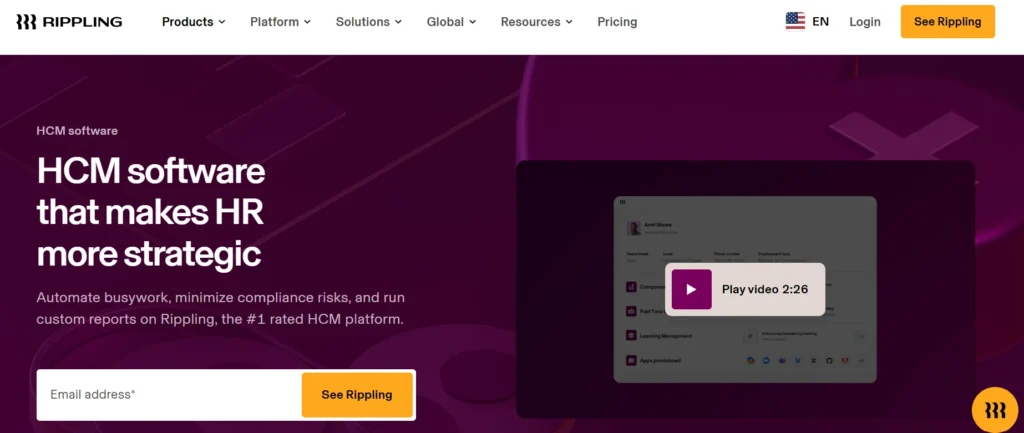
Best for: Organizations that want their employee directory tied directly to onboarding, IT provisioning, and HR workflows.
Rippling is a full-stack HRIS where the employee directory is one piece of a much larger system of record. The key value proposition: because Rippling manages onboarding, identity, and device provisioning, the directory stays accurate by default — employees are added when they’re hired and removed when they leave, automatically.
Standout Features:
- Centralized employee records with org chart
- Onboarding workflows connected to directory provisioning
- Document storage and e-signatures
- Modular add-ons (Payroll, IT, Benefits, etc.)
- Detailed reporting across all people data
Pricing: Modular; base HRIS starts around $8 PEPM plus a monthly platform fee.
Ideal for: Organizations that want directory accuracy to be a byproduct of good onboarding and offboarding processes, not a separate administrative task.
6. BambooHR
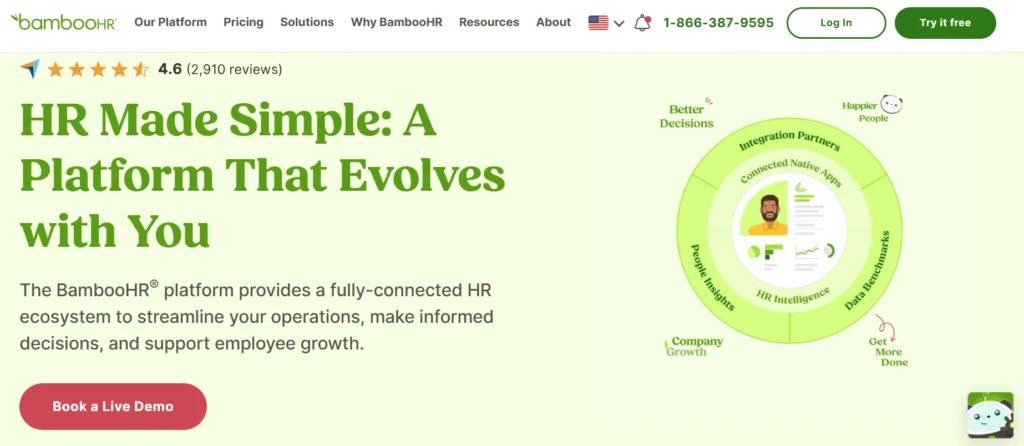
Best for: Mid-market HR teams that need a clean, reliable source of truth for employee records and self-service.
BambooHR remains one of the most trusted names in mid-market HR software, and its directory capabilities flow naturally from its strength in employee record management. If your team’s primary pain is messy, inconsistent data across multiple systems, BambooHR’s clean interface and reporting tools provide a strong foundation.
Pro Tip: Many teams use BambooHR as the “system of record” layer and connect a Microsoft 365-native directory on top for daily lookup. The two approaches complement each other rather than compete.
Standout Features:
- Employee records with self-service profiles
- HR data, reporting, and dashboards
- Workflows and approval management
- Onboarding and offboarding tools
- Integrations with payroll and benefits platforms
Pricing: Per employee per month; plans start around $10 PEPM, with flat monthly pricing options for smaller teams.
Ideal for: Mid-market HR departments that want a dependable record system with good usability and self-service capabilities.
7. HiBob (Bob)
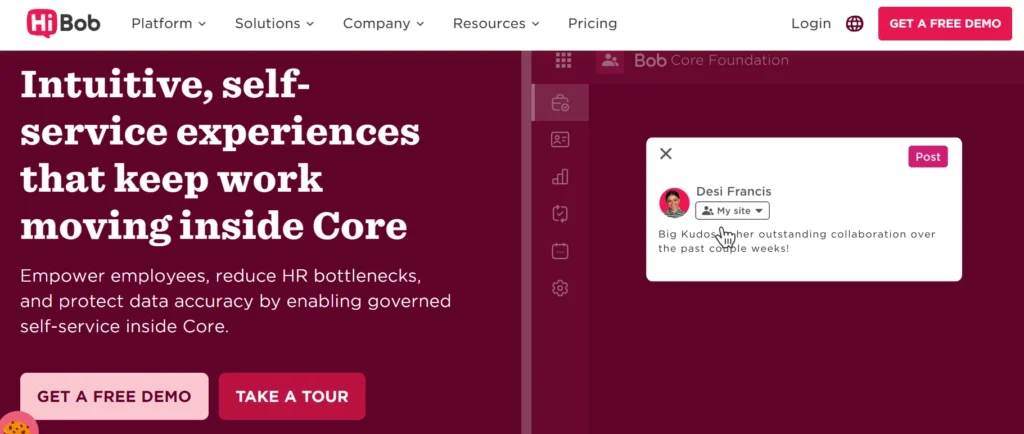
Best for: Modern, people-first HR teams that prioritize employee experience alongside directory functionality.
Bob (by HiBob) has built a strong following among growth-stage and modern companies that want their HRIS to feel like a consumer app rather than enterprise software. Its People Directory is deeply connected to employee experience features — culture hub, shoutouts, feedback, and onboarding journeys — making it more than a lookup tool.
Standout Features:
- People Directory with org chart and custom fields
- Microsoft Teams integration for in-flow access
- Employee experience modules (engagement, culture, onboarding)
- Centralized HR data with compliance workflows
- Clean, modern UI with strong mobile experience
Pricing: Custom (quote-based). Book a demo to get pricing for your headcount and requirements.
Ideal for: Growing organizations that want HR, directory, and employee experience features in one modern platform that employees actually want to use.
8. Simpplr
Best for: Organizations building an employee intranet hub where people discovery and content discovery live side by side.
Simpplr has undergone significant product development in recent years, with a revamped People Directory featuring enhanced filters and custom fields. Its strength is the “single front door” approach — employees find news, resources, and people all in one place. The result is often high adoption rates, with some customers reporting north of 90% adoption post-launch.
Intranet hubs tend to win when people + content need one front door.
Standout Features:
- People Directory with department and skill filters
- AI-powered search across people and content
- Personalized news feeds and resource hubs
- Analytics for content performance and adoption
- Integrations with HRIS, Slack, and Microsoft 365
Pricing: Custom (quote-based). Trial options may be available.
Ideal for: Comms and HR leaders rolling out a unified digital workplace where people discovery is one piece of a broader intranet strategy.
9. Unily
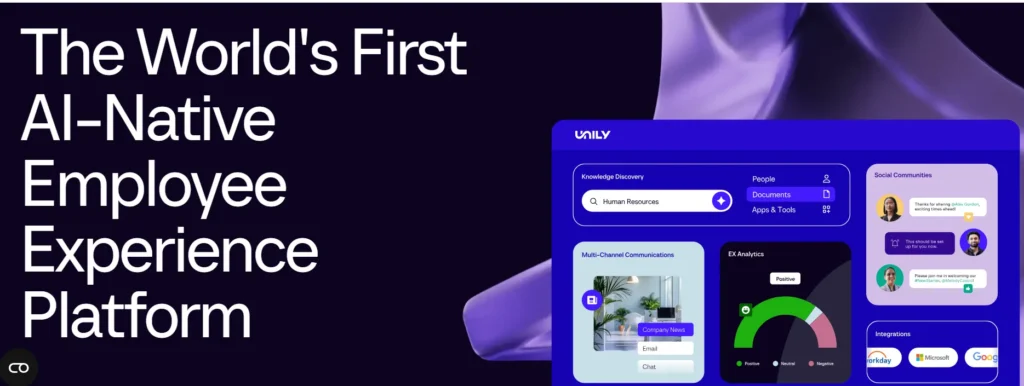
Best for: Large enterprises that need a governed, modular employee experience platform with directory, comms, and content under one roof.
Unily operates at enterprise scale. Its configurable employee profiles, interactive org charts, and robust governance features make it a strong contender when security posture, multi-brand deployments, and complex integration requirements are part of the brief.
🏢 Enterprise Reality Check: At organizations of 10,000+ employees, the directory challenge isn’t just search — it’s governance. Who can see what, which data source wins, and how does the directory stay accurate during a major acquisition? Unily is built to handle those questions.
Standout Features:
- Configurable employee profiles with rich custom fields
- Interactive org charts with enterprise filtering
- Advanced content targeting and personalization
- Integrations with enterprise identity and HRIS systems
- Strong security, compliance, and audit capabilities
Pricing: Quote-based, modular by feature set and licensed user count.
Ideal for: Global enterprises needing governed digital employee experiences across multiple divisions, geographies, or brands.
10. Staffbase
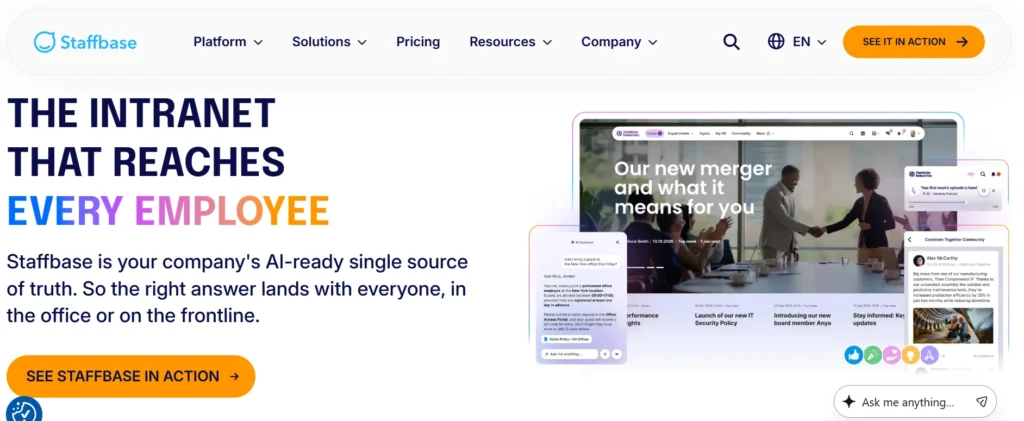
Best for: Organizations where employee communications is the driver and the directory lives inside a broader employee app experience.
Staffbase takes a comms-first approach to the digital workplace. Its employee app bundles internal communications, news, and a People Directory in one experience — particularly strong for reaching frontline and deskless workers who may never open a laptop. If your primary challenge is comms reach, Staffbase delivers. Just validate directory depth if people lookup is your primary goal.
Standout Features:
- Employee app with directory plugin
- Targeting and personalization for comms delivery
- Profile visibility controls and RBAC
- Analytics for comms performance and reach
- Strong support and onboarding programs
Pricing: Package-based; contact for pricing.
Ideal for: Multi-location organizations with frontline or deskless workforces where comms reach and directory access need to be mobile-first.
11. Workvivo by Zoom
Best for: Organizations where culture, engagement, and recognition are central to the digital workplace strategy.
Workvivo (acquired by Zoom in 2023) has matured into a comprehensive employee experience platform. Its People Directory is built from HR system data, meaning it reflects the source of truth rather than being separately maintained. Strong for both desk and frontline workers, it wraps people discovery inside an engagement and recognition layer that gives employees a reason to return regularly.
Standout Features:
- People Directory with profile org chart access
- Recognition feeds and milestone celebrations
- HR data integration for profile accuracy
- Engagement analytics
- Zoom integration for in-call people lookup
Pricing: Quote-based; pricing discussed via demo.
Ideal for: Organizations that want comms, recognition, and people discovery to reinforce each other — driving the adoption that standalone directory tools often struggle to achieve.
How to Choose the Right Employee Directory Software
Selecting the right employee directory software goes beyond simply storing employee information. The ideal solution should improve collaboration, simplify employee searches, and integrate seamlessly with your existing workplace tools.
Consider these key factors when evaluating your options:
- Integration Capabilities: Choose software that integrates with platforms like Microsoft 365, Microsoft Teams, SharePoint, or your HR systems to keep employee data accurate and synchronized.
- Search and Filtering Features: Look for advanced search options that allow users to quickly find colleagues by name, department, location, skills, or expertise.
- Customization and Scalability: Ensure the platform can adapt to your organization’s structure and grow alongside your workforce.
- User Experience: A simple, intuitive interface encourages employee adoption and makes information easier to access.
- Security and Permissions: Verify that the solution offers role-based access controls and enterprise-grade security to protect employee data.
By focusing on these factors, organizations can choose an employee directory solution that enhances communication, strengthens employee connections, and supports long-term business growth.
Conclusion
A well-implemented employee directory is not a “nice to have” in 2026. It is the foundational layer that determines how fast people connect, how confidently new hires navigate the organization, and how smoothly your company absorbs the inevitable reorgs and team changes that come with growth.
Pick one system of truth, keep permissions tight, and make the search the hero. When the tool lives where employees already work, adoption stops being a push — it becomes part of the day.
For Microsoft 365 organizations, Employee Directory 365 leads the pack in 2026 — combining native integration, fast search, rich profiles, and enterprise-ready governance in a solution that employees find without being asked to change their habits.
For teams with different stacks or broader people-platform ambitions, the right fit exists elsewhere on this list. The key is choosing based on where your people work, not just what the features list says.
Join Our Creative Community
Frequently Asked Questions
What is employee directory software?
It’s a searchable system for finding people within an organization by name, role, team, skills, or location — typically with org chart visibility and rich profile fields. Modern versions sync automatically with HRIS and identity systems to stay current.
What's the best employee directory software for Microsoft 365?
Employee Directory 365 by Beyond Intranet is the top-rated choice for M365 environments, available on Microsoft AppSource with a 7-day free trial. It integrates natively with SharePoint, Teams, and Microsoft Entra ID.
Is employee directory software free?
Most enterprise-grade solutions are paid subscriptions, typically priced per employee per month. Some tools like Employee Directory 365 offer a time-boxed trial. Free tiers, when available, usually have limited features or user caps.
Why should businesses depreciate their IT assets?
Depreciating IT assets helps businesses track their actual value over time, ensures financial accuracy, aids in planning for asset replacements, and offers tax benefits by reducing taxable income.
How do you keep an employee directory accurate?
The most effective approach: sync automatically from a single source of truth (either your HRIS or Microsoft Entra ID), establish a governance rhythm for field audits, and use a directory tool with built-in analytics to track profile completeness.
Can employee directory software work for frontline workers?
Yes, particularly tools like Staffbase and Workvivo that offer dedicated mobile apps. For Microsoft 365 environments, Employee Directory 365 also offers mobile-friendly access through Teams.


_JiluXJRGNl.svg)























