
Best SaaS Billing Software Guide 2026: Top 5 Platforms Compared

Every thriving SaaS company runs on a billing engine that works quietly in the background. As subscription models scale, so does the complexity behind them multiple pricing tiers, usage-based charges, cross-border tax rules, and constant renewals all add up fast. Choosing the right SaaS billing software isn’t just an operational decision anymore; it directly shapes how well a business retains revenue and keeps customers satisfied.
- SaaS billing platforms automate invoicing, renewals, payment recovery, and revenue tracking in one place.
- Good billing tools handle subscription, usage-based, tiered, and hybrid pricing.
- Automated renewals and payment recovery cut churn and protect revenue.
- The best platform for you depends on your growth stage, your tech stack, and the integrations you need.
The SaaS market keeps growing. That growth puts pressure on billing teams to keep up — handling recurring payments, multiple currencies, and tax rules across regions. Billing software isn’t just a back-office tool anymore. It’s a growth lever that touches everything from subscription management to accurate invoicing
What Is SaaS Billing Software?
SaaS billing software automates recurring revenue operations for subscription businesses.
Unlike one-time payment setups, SaaS pricing changes constantly. Your billing tool needs to handle:
- Renewals
- Mid-cycle plan changes
- Usage-based charges
- Multiple pricing tiers
And it needs to do all of this without manual work.
Challenges Faced in SaaS Billing
Billing in a SaaS environment goes well beyond sending invoices. Here are the recurring pain points most subscription businesses run into.
Managing Multiple Subscription Plans
Companies now juggle close to 247 SaaS renewals a year, according to Zylo research. That’s almost one every business day. As businesses expand into new regions, tracking every renewal date gets even harder. A flexible billing system is the only way to stay on top of it.
Failed Payments and Revenue Loss
Expired cards. Insufficient funds. Outdated payment details. These issues cause lost revenue every month. Worse, repeated payment failures frustrate customers. Left unresolved, they lead straight to cancellations
Tax Compliance Across Borders
Every country has its own tax rules. Get them wrong, and you risk real financial penalties. As your business grows into new markets, calculating taxes by hand becomes impossible to manage.
Churn and Customer Retention
Billing plays a bigger role in retention than most teams think. Surprise charges and rigid renewal terms push customers away. Today’s customers expect to upgrade, downgrade, pause, or cancel on their own.
Integration with Existing Systems
Billing systems hold sensitive financial data. Security matters. Look for standards like SOC 2, which confirm a platform has real controls in place encryption, access controls, audit trails, and regular security updates.
Best 5 SAAS Billing Software
Picking the right billing software helps automate processes, cut down on manual errors, and improve the overall customer experience. Here’s a look at five leading options.
Product | Integrations | Trial Period |
Revenue 365 | SharePoint, MS Teams, Outlook, Power BI | 14 days |
Recurly | Avalara, Vertex, Oracle NetSuite, QuickBooks | 14 days |
Zenskar | BigQuery, HubSpot, QuickBooks, MongoDB | Sales-assisted |
Chargebee | Slack, NetSuite, Zapier, Chartmogul | 14 days |
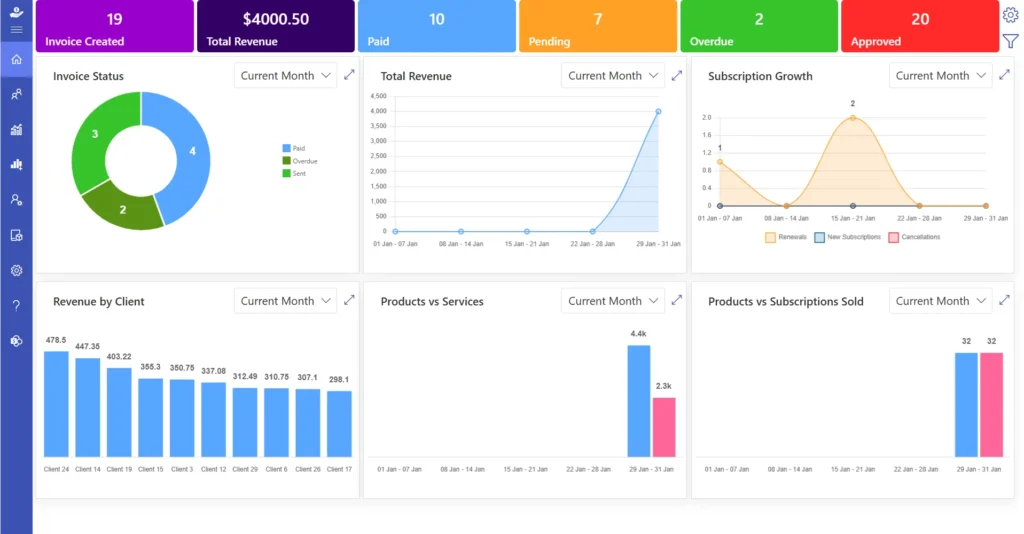
Revenue 365 helps businesses manage subscriptions, invoices, recurring payments, and custom pricing — all in one platform. It’s built on the Microsoft 365 ecosystem, so it’s a natural fit for teams already using Microsoft tools every day.
Whether you run monthly subscriptions, annual contracts, or custom service bundles, Revenue 365 adapts. Its simple interface and flexible setup work well for businesses of any size.
Key Features:
- Flexible Tax Management — Handles tax rules across countries automatically.
- Automatic Billing — Sends invoices and payment reminders without manual work.
- Secure Data Handling — Protects financial data with strong security controls.
- Easy-to-Use Interface — Simple enough for any team to manage billing fast
Looking for a SaaS billing tool that lives inside Microsoft 365?
Revenue 365 makes subscription billing simpler and faster to manage for teams already working in the Microsoft ecosystem.
Recurly supports subscription businesses with automated billing and revenue tools. It handles recurring payments, customer subscriptions, and revenue collection through a centralized system. It works well for global businesses, since it supports multiple currencies and payment methods.
Key Features:
- Billing Automation — Handles recurring invoices and payments automatically.
- Payment Recovery — Retries failed payments automatically.
- Business Insights — Reports on revenue, customer behavior, and subscription trends.
- Payment Gateway Integrations — Connects with multiple payment providers.
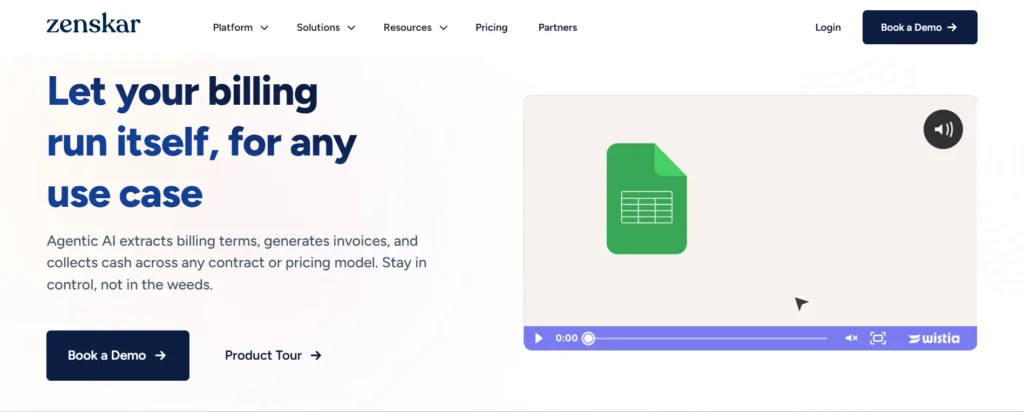
Zenskar is built for businesses using usage-based or hybrid pricing. As more SaaS companies move toward flexible pricing, Zenskar helps track usage accurately and generate precise invoices. It automates complex billing math and cuts down manual work.
Key Features:
- Usage-Based Billing — Bills customers based on actual usage.
- Workflow Automation — Reduces manual billing tasks.
- Custom Pricing Support — Lets you build custom plans, discounts, and rules.
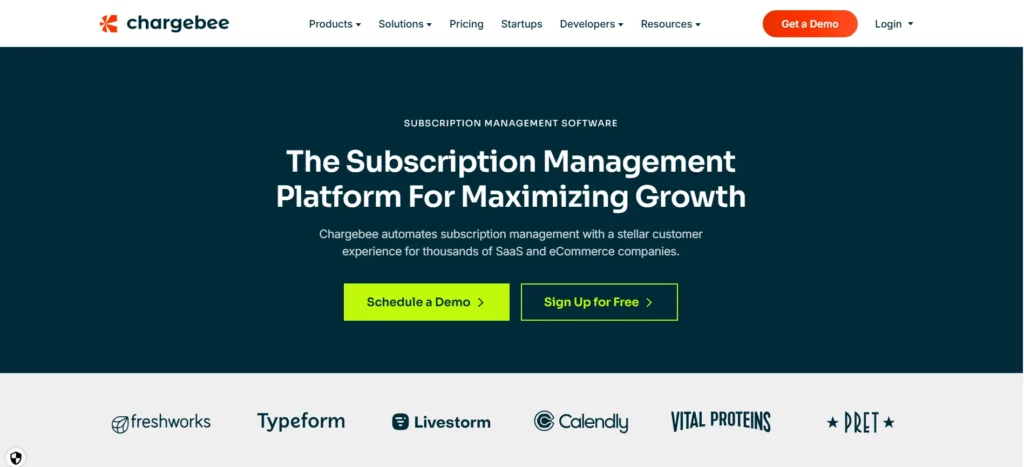
Chargebee automates billing, subscription management, and revenue operations for businesses at every stage from startups to large enterprises. It covers recurring billing, revenue recognition, tax management, and subscription analytics, all built to scale as your business grows.
Key Features:
- Automated Recurring Billing — Handles invoicing and payments on a set schedule.
- Smart Dunning Management — Recovers failed payments through automatic reminders.
- Revenue Recognition — Keeps financial reporting accurate and compliant.
- Analytics and Reporting — Tracks revenue growth, retention, and churn.
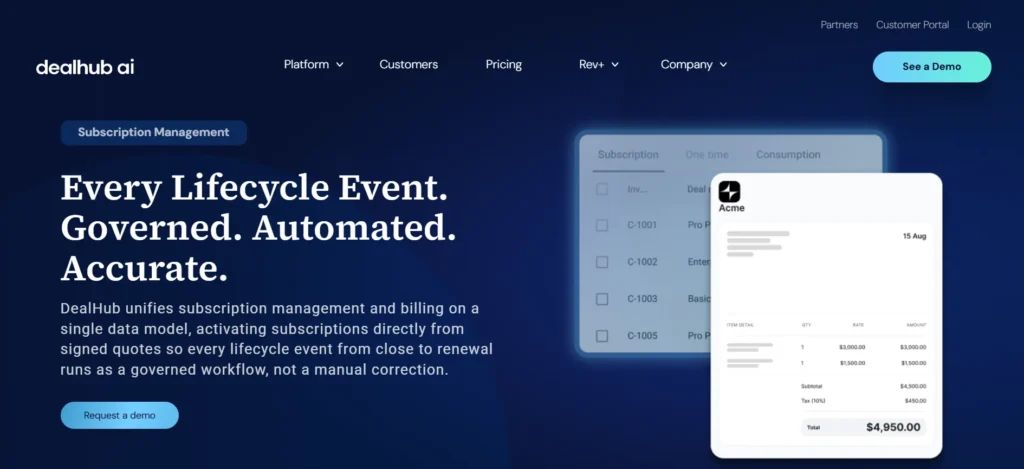
DealHub.io combines CPQ (Configure, Price, Quote) tools with billing features to simplify the sales-to-revenue process. It automates the quoting process, contracts, and billing workflows for a smoother experience on both sides.
Key Features:
- Automated Pricing and Approvals — Speeds up quotes and approvals.
- Guided Product Configuration — Keeps quotes accurate using set business rules.
- Improved Sales Productivity — Cuts manual work so teams close deals faster.
- Buyer Engagement Insights — Shows how customers interact, so sales teams can act smarter.
Features to Look for in SaaS Billing Software
The right billing software should support both your current needs and where your business is headed.
- Know your billing needs. Are renewals, failed payments, or tax compliance your biggest headache? Get clear on this first.
- Compare features closely. Look at automation depth, security, analytics, tax handling, and support quality.
- Choose a scalable platform. Pick one that supports multiple pricing models, multi-currency billing, and regional tax rules.
- Test your integrations. Make sure it connects cleanly with tools you already use, like Teams, SharePoint, and Outlook.
- Train your team. Even the best platform only works if your team knows how to use it.
Benefits Of Using SAAS Billing Software
Manual billing is slow and error-prone. Here’s what automation gets you.
- Faster Payment Processing — Invoices go out on schedule, keeping cash flow steady.
- Accurate Invoicing at Scale — Correct rates, taxes, and discounts, every time.
- Built to Scale — Handles growing transaction volume without extra overhead.
- Supports Multiple Pricing Models — 46% of SaaS companies now use hybrid pricing that blends usage-based billing with traditional models, per OpenView Partners research.
- Better Customer Experience — Clear invoices and self-service tools build trust.
- Easy Subscription Management — Renewals, upgrades, and cancellations happen automatically.
- Less Administrative Work — Frees up finance teams for higher-value tasks.
- Better Revenue Forecasting — Real-time analytics on revenue forecasting support smarter planning.
- Stronger Security and Compliance — Meets standards like Microsoft certification, SOC 2, and GDPR.
- Seamless Tool Integration — Keeps data consistent across SharePoint, Outlook, and Teams.
Best Practices for Managing SaaS Billing
- Automate invoicing and reminders. This keeps billing accurate and cuts missed payments.
- Monitor billing analytics regularly. Track trends and catch issues before they grow.
- Offer multiple payment options. Cards, bank transfers, and digital wallets reduce failed payments.
- Keep pricing transparent. Clear, itemized invoices build trust and cut disputes
- Personalize billing communication. A tailored invoice lands better than a generic one.
How to Customize Client Billing Information in Revenue 365
Follow these steps to set up billing details for each client:
- Log in to Office 365. Open the SharePoint site where Revenue 365 is installed.
- Add client products and services. Enter the plans, packages, and payment terms for that client.
- Set up billing details. Add custom invoice fields, currency, tax information, and any region-specific requirements.
Conclusion
Choosing the right billing platform is one of the biggest decisions a SaaS company makes. It shapes your billing accuracy, revenue retention, and customer loyalty. Revenue 365 brings automated invoicing, built-in tax compliance, and multi-currency support together in a system Microsoft 365 users already know.
The billing tool you pick today will either save your team hours every month or keep creating extra work down the line. For businesses already running on Microsoft 365, Revenue 365 removes the friction of managing a separate billing system altogether. Your team keeps working inside the tools they already know, while renewals, taxes, and invoices run in the background without constant oversight.
Join Our Creative Community
Frequently Asked Questions
SaaS billing software automates the recurring parts of running a subscription business invoicing, renewals, payment retries, and tax calculations. Without it, finance teams end up tracking these manually, which leads to missed renewals, billing errors, and lost revenue as the customer base grows.
Most billing platforms ask your team to learn and manage a separate system. Revenue 365 works directly inside Microsoft 365, so billing, invoicing, and reporting happen in the same tools your team already uses every day, like SharePoint, Outlook, and Teams
Yes it supports flexible tax configuration across regions, which is a common requirement for globally operating SaaS businesses.
It’s built to handle subscription, tiered, and custom pricing structures, giving businesses flexibility as their pricing evolves.
Yes, the system supports upselling by allowing you to offer additional services, premium features, or product add-ons directly within the subscriber’s billing plan.


_JiluXJRGNl.svg)























