11 Best Free Activity Monitoring & Tracking Software in 2027 (Tested & Compared)

Your team logged 40 hours last week. Can you say where those hours went, which projects they were billed to, and whether anyone is quietly burning out? Most managers can’t, and guessing is costly. Today the best employee monitoring software doesn’t spy on people. It turns everyday work into clear, fair, billable data your team can trust.
- Timesheet 365 is our #1 pick. It combines time tracking, timesheets, approvals and AI-assisted work capture inside Microsoft 365, from $3.6/user/month with a 14-day free trial.
- Free plans vs free trials matter. Clockify and Jibble offer free-forever plans. Most monitoring-heavy tools (Teramind, Time Doctor, Insightful) offer trials only.
- Productivity-focused tools beat surveillance tools for most teams. Pick screenshots and keystroke logging only if you have a real compliance need.
- Transparency drives adoption. Tools that show employees their own data improve trust and data accuracy.
We tested and compared the top activity tracking software for 2027, with a focus on tools that offer a free plan or a free trial. Here’s what we found.
Quick Comparison
# | Tool | Best for | Free plan / trial | Starting price* |
1 | Microsoft 365 teams needing time tracking + timesheets + approvals | 14-day free trial | $3.6/user/month | |
2 | ActivTrak | Productivity analytics | Free plan (limited) + trial | ~$10/user/month |
3 | Teramind | Insider-threat & compliance | Free trial | ~$15/user/month |
4 | Hubstaff | Remote & field teams | Free plan (1 user) + 14-day trial | ~$7/user/month |
5 | Time Doctor | Agencies & BPOs | 14-day free trial | ~$7/user/month |
6 | Clockify | Free time tracking | Free forever | ~$4.99/user/month |
7 | Insightful | Automatic workforce analytics | Free trial | ~$8/user/month |
8 | DeskTime | Automatic time tracking | Free plan (1 user) + trial | ~$7/user/month |
9 | CurrentWare | Web filtering & device control | 14-day free trial | ~$5–8/user/month per module |
10 | Jibble | Attendance & clock-in | Free forever | ~$3.49/user/month |
11 | Monitask | Simple screenshot monitoring | Free plan + trial | ~$5.99/user/month |
*Prices are approximate, usually billed annually, and change often. Check each vendor’s pricing page.
How We Evaluated These Activity Tracking Tools
We scored each tool on six criteria:
1. Free access: a free-forever plan or a free trial with no card required.
2. Tracking depth: time tracking app and website usage tracking, idle time tracking, and screenshot monitoring where offered.
3. Timesheet and reporting: whether tracked time becomes approvable, billable timesheets and workforce analytics.
4. Integrations: Microsoft 365, Teams, project tools, payroll and BI.
5. Privacy controls: employee-visible data, configurable tracking, GDPR readiness.
6. Value: price per user against features delivered.
Why Activity Monitoring Matters More in 2027
Employee engagement is still a business problem, not just an HR one. Gallup’s State of the Global Workplace 2025 report found global employee engagement fell to 21% in 2024. Gallup estimates the cost of low engagement in lost productivity runs into the hundreds of billions of dollars. Activity tracking software won’t fix culture by itself. It does give managers the visibility to balance workloads, spot burnout early and have fair, data-based conversations.
1. Timesheet 365: Best Overall Employee Tracking Software
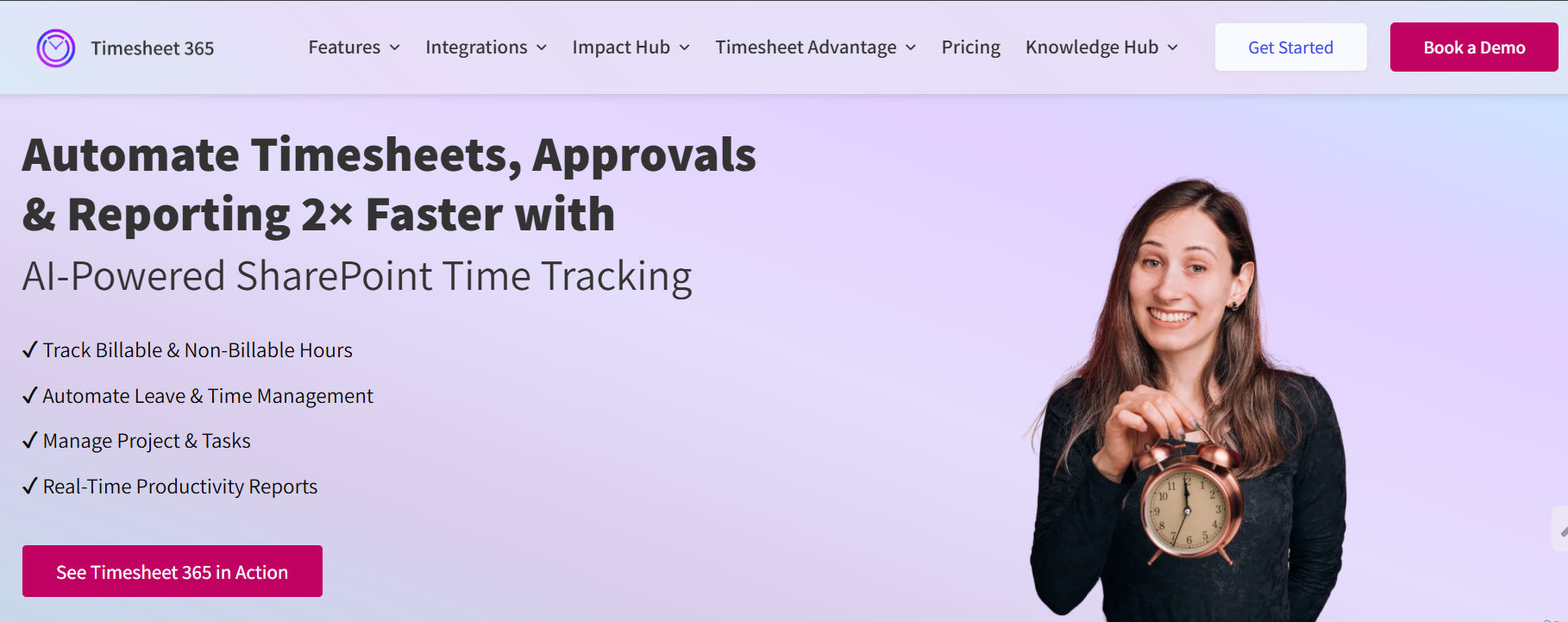
Picture an activity tracking tool your team already knows how to use, because it lives inside Microsoft Teams and SharePoint. Many employee monitoring tools make you choose between “Big Brother” surveillance and basic stopwatch apps. It takes a middle path that respects privacy. It captures what people work on, links it to projects and tasks, and turns it into approved, billable timesheets.
Best for: Organizations on Microsoft 365 that want time tracking, productivity tracking, project costing and approvals in one place.
Pros:
- Nothing new to install or learn for Microsoft 365 users
- Monitoring that respects privacy and builds trust
- AI work capture improves timesheet accuracy
- One of the lowest starting prices on this list
Cons:
- Best suited to Microsoft 365 organizations
- Not built for keystroke logging or covert surveillance (by design)
Pricing: From $3.6/user/month.
Free trial: 14-day free trial.
Most tools on this list show activity. It turns that activity into accountable, billable time, inside the apps your team already opens every morning. Honestly, it’s the tool we’d want our own managers to use.
AI agents are moving from hype to everyday work. Microsoft’s 2025 Work Trend Index reports that 81% of leaders expect AI agents to be moderately or extensively integrated into their company’s AI strategy within the next 12–18 months. Agent-based work capture, like the AI agent in Timesheet, is the practical starting point.
2. ActivTrak: Best for Productivity Analytics
ActivTrak is a workforce analytics platform focused on productivity rather than surveillance. It helps leaders understand work patterns across remote and hybrid teams.
Best for: Mid-size teams wanting productivity insights without invasive monitoring.
- App and website usage tracking with productivity labels
- Focus time and collaboration analysis
- Workload balance and burnout-risk indicators
- Goal benchmarking and team dashboards
Pros: Privacy-conscious design; strong analytics; no keystroke logging.
Cons: No built-in timesheets or billing; advanced insights need higher tiers.
Pricing: From about $10/user/month.
Free plan/trial: Limited free plan; free trial on paid tiers.
Ready to see where your team’s time really goes?
Imagine Monday mornings with timesheets already filled in, approved and ready for billing, without anyone chasing anyone.
3. Teramind: Best for Insider-Threat Detection and Compliance
Teramind is a full-featured user activity monitoring and data loss prevention (DLP) platform for regulated industries.
Best for: Finance, healthcare and enterprises with strict security requirements.
- Screen recording and live view
- Keystroke logging and OCR
- Behavior rules and automated alerts
- Data loss prevention and file tracking
Pros: Very deep monitoring; strong compliance features; cloud or on-premise.
Cons: Can feel invasive; steeper learning curve; higher price.
Pricing: From about $15/user/month.
Free plan/trial: Free trial; no free-forever plan.
4. Hubstaff: Best for Remote and Field Teams
Hubstaff combines time tracking with activity monitoring, GPS and payroll, which makes it popular with distributed teams.
Best for: Remote agencies and field-service teams.
- Time tracking with activity levels
- Optional screenshot monitoring
- GPS tracking and geofencing
- Payroll and invoicing integrations
Pros: Flexible tracking; strong mobile apps; many integrations.
Cons: Screenshots can hurt trust; key features locked to higher tiers.
Pricing: From about $7/user/month.
Free plan/trial: Free plan for 1 user; 14-day free trial.
5. Time Doctor: Best for Agencies and BPOs
Time Doctor is a productivity and time tracking tool built for teams that bill by the hour or manage outsourced staff.
Best for: BPOs, agencies and client-billing teams.
- Automatic time tracking and timesheets
- Screenshots and optional screen recording
- Distraction alerts and idle time tracking
- Web and app usage reports
Pros: Detailed productivity reports; payroll support; client access.
Cons: No free plan; interface can feel busy.
Pricing: From about $7/user/month.
Free plan/trial: 14-day free trial.
6. Clockify: Best Free Time Tracking Software
Clockify is known for its generous free-forever plan, which makes it the go-to free time tracking tool for small teams.
Best for: Budget-conscious teams that need basic tracking for free.
- Unlimited users on the free plan
- Timer and timesheet entry
- Idle detection and reminders
- Screenshots and GPS on paid plans
Pros: Truly free core plan; simple; many integrations.
Cons: Monitoring features need paid tiers; light on analytics.
Pricing: From about $4.99/user/month.
Free plan/trial: Free forever; free trial of paid plans.
7. Insightful: Best for Automatic Workforce Analytics
Insightful (formerly Workpuls) offers automatic, stealth or transparent tracking with strong workforce analytics.
Best for: Operations teams that want automatic time mapping.
- Automatic time and attendance tracking
- App and website usage tracking
- Screenshot monitoring
- Productivity trends and capacity planning
Pros: Rich analytics; flexible privacy settings; cloud or on-premise.
Cons: No free plan; setup takes time for larger teams.
Pricing: From about $8/user/month.
Free plan/trial: Free trial.
Comparing tools is exhausting, so let us make it easy.
Most tools here show you activity. It turns that activity into approved, billable timesheets inside Microsoft Teams, from just $3.6/user/month.
8. DeskTime: Best for Automatic Time Tracking
DeskTime starts tracking as soon as the computer is on, so manual timers aren’t needed.
Best for: Small teams wanting hands-off time tracking.
- Automatic time tracking
- URL, app and document tracking
- Idle time tracking and private time
- Shift scheduling and absence calendar
Pros: Effortless setup; clean interface; privacy “private time” mode.
Cons: Free plan is single-user only; limited project billing.
Pricing: From about $7/user/month.
Free plan/trial: Free plan for 1 user; free trial.
9. CurrentWare: Best for Web Filtering and Device Control
CurrentWare is a modular monitoring suite for IT teams. You buy only the modules you need, cloud or on-premise.
Best for: IT teams needing monitoring plus endpoint security.
- Web and app usage reporting (BrowseReporter)
- Website blocking (BrowseControl)
- USB and device control (AccessPatrol)
- Screenshots and remote PC shutdown
Pros: Strong security controls; on-premise or cloud; buy only the modules you need.
Cons: No timesheets; modular pricing adds up.
Pricing: From about $5–8/user/month per module.
Free plan/trial: 14-day free trial.
10. Jibble: Best Free Attendance Tracking
Jibble is a free time and attendance app with clock-in via mobile, web or kiosk, plus facial recognition and geofencing.
Best for: Shift-based, hourly and frontline teams.
- Clock in/out from mobile, web or kiosk
- Facial recognition and GPS geofencing
- Automatic timesheets and overtime
- Light activity tracking
Pros: Free for unlimited users; great for frontline staff; simple.
Cons: Light on desktop activity monitoring; advanced reports are paid.
Pricing: From about $3.49/user/month.
Free plan/trial: Free forever; free trial of paid plans.
11. Monitask: Best for Simple Screenshot Monitoring
Monitask is a lightweight monitoring tool combining time tracking with screenshots, which suits small teams with remote contractors.
Best for: Freelancer teams and small agencies.
- Random screenshot monitoring
- Activity levels and idle detection
- App and URL tracking
- Timesheets and attendance reports
Pros: Affordable; easy to deploy; clear reports.
Cons: Basic analytics; few enterprise integrations.
Pricing: From about $5.99/user/month.
Free plan/trial: Free plan for small teams; free trial.
How to Choose Privacy-Friendly Employee Monitoring Software
Interruptions, not laziness, are often the real productivity killer. Microsoft’s Breaking Down the Infinite Workday report (2025) found employees are interrupted roughly every two minutes by meetings, emails or messages during core hours. Activity tracking software should help you find and fix that fragmentation, not punish people for it. Choose with these questions:
- Do you need productivity insight or security? Teramind and CurrentWare suit compliance. Timesheet 365, ActivTrak and DeskTime suit productivity.
- Does tracked time become billable timesheets? If you bill clients, this is essential.
- Do employees see their own data? Transparency improves trust and accuracy.
- Does it fit your stack? For Microsoft 365 teams, Timesheet 365 is the most natural fit.
Remote Team Monitoring and the Hybrid Reality
Hybrid work is now the norm, which makes fair, transparent remote team monitoring essential. The Owl Labs State of Hybrid Work 2025 report shows that flexibility remains a top priority for employees. Many say they would consider leaving if it were taken away. Heavy-handed surveillance puts that trust at risk. Tools that focus on outcomes, timesheets and workload balance protect it.
Conclusion
The best free activity monitoring software depends on your goal. Clockify and Jibble win on free-forever plans. Teramind and CurrentWare win on security. ActivTrak and Insightful win on analytics. If you want employee monitoring software that turns everyday work into accurate, approved, billable timesheets, inside Microsoft 365 and with AI-assisted work capture, Timesheet 365 is our top pick for 2027. Start your 14-day free trial or book a demo today.
Join Our Creative Community
Frequently Asked Questions
What is the best free employee monitoring software in 2027?
Timesheet 365 is our top pick, with a 14-day free trial and plans from $3.6/user/month. Clockify and Jibble offer the best free-forever plans.
What is activity tracking software?
It records how work time is spent, such as apps, websites, projects, idle time and hours, to improve productivity and billing accuracy.
Is employee monitoring legal?
Generally yes, in most regions, if it is transparent, proportionate and compliant with local laws such as GDPR. Always tell employees.
Can AI automatically capture work for timesheets?
Yes. AI agents like the one in Timesheet 365 can suggest or auto-fill timesheet entries from work activity, which reduces missed hours.
Does Timesheet 365 integrate with Microsoft Teams?
Yes. Timesheet 365 runs natively in Microsoft 365, including Teams and SharePoint, with single sign-on.