
10 Best Business Expense Tracker Apps
If you’re looking for the best business expense tracker apps, you’ve come to the right place. We’ve compared the top solutions to help you find the right app for tracking and managing business expenses.


Overview
Managing business expenses is essential for maintaining financial control, but relying on manual processes often creates more work than value. If your team is still updating spreadsheets, switching between accounting tools, or collecting paper receipts, your expense management process is likely costing more time than it should.
Manual expense tracking can lead to inaccurate records, duplicate claims, delayed reimbursements, and limited visibility into where company money is being spent. As transaction volumes grow, these inefficiencies become even harder to manage.
Expense tracking automation eliminates much of this administrative burden. By capturing, categorizing, and reconciling expenses automatically, it reduces manual effort, improves accuracy, and provides up-to-date insights into business spending.
Whether you’re a growing startup or a large enterprise managing expenses across multiple teams, automated expense tracking helps simplify financial operations, improve spending control, and free your team to focus on higher-value work.
How We Evaluated Each Business Tracker App?
Choosing the right business expense tracker isn’t just about comparing features it’s about finding a solution that fits your business needs. To help you make an informed decision, we evaluated every app using consistent criteria, including verified customer reviews, core features, AI capabilities, ease of use, integrations, pricing, and overall value.
- G2 customer reviews to understand real-world user experiences, satisfaction, and recurring feedback.
- Core features and AI capabilities, including expense automation, receipt scanning, approvals, reporting, and reimbursement workflows.
- Strengths, limitations to identify where each platform performs best and where it may fall short.
- Ease of use and implementation, evaluating setup time, learning curve, and day-to-day usability for finance teams and employees.
- Integrations and ecosystem compatibility, including support for Microsoft 365, QuickBooks, Xero, ERP systems, and other business tools.
- Mobile app experience, assessing receipt capture, expense submission, approvals, and usability on the go.
- Free trial plans helping you compare solutions before making a purchasing decision.
- Pros and cons, providing a balanced, unbiased summary based on product capabilities and customer feedback, not marketing claims.
6 Important Things to Consider Before Evaluating this Tools
Before comparing business expense tracking apps, consider the key factors that matter most to your business. This will help you choose a solution that best fits your needs.
- Business requirements: Choose a solution that aligns with your company size, expense policies, and approval workflows.
- Customer reviews: Read verified user reviews to understand real-world experiences, common challenges, and overall satisfaction.
- Automation capabilities: Look for AI-powered receipt scanning, automatic expense categorization, approvals, and reimbursement workflows.
- Compatibility with existing business tools: Select an app that works seamlessly with the software your team already uses.
- Ease of use: An intuitive interface helps employees submit expenses faster and reduces the learning curve.
- Security and compliance: Ensure the platform provides strong data protection, role-based access, audit trails, and compliance with industry standards.
10 Best Business Expense Tracker Apps for 2026
Choosing the right expense tracker can save time, reduce manual work, and improve financial control. Here are the best business expense tracker apps for businesses of all sizes.
Products | Integrations | G2 Rating | Free Trial |
Expense 365 | Microsoft 365, SharePoint, Teams, Power BI, Dynamics 365, QuickBooks and More | 4.8/5 | ✅ Yes |
Zoho Expense | QuickBooks, Xero, Sage, Zoho apps, ERP systems | 4.5/5 | ✅ Yes |
Perk (Formerly Travel Perk) | QuickBooks, Xero, NetSuite, Slack, HR & payroll tools | 4.6/5 | ✅ Yes |
Ramp | NetSuite, QuickBooks, Xero, Sage Intacct, Slack, ERP & HR systems | 4.8/5 | ✅ Yes |
Pleo | Xero, QuickBooks, NetSuite and Sage | 4.7/5 | ✅ Yes |
Expensify | QuickBooks, Xero, NetSuite, Slack, Workday, SAP | 4.5/5 | ✅ Yes |
Rydoo | SAP, Oracle NetSuite, Xero, QuickBooks | 4.4/5 | ✅ Yes |
Fyle (Sage Expense Management) | Google Workspace, Sage Intacct and Xero | 4.6/5 | ✅ Yes |
Coupa | Oracle, NetSuite and SAP ECC | 4.2/5 | ✅ Yes |
Brex | Slack, Xero, Okta, Gusto and NetSuite | 4.8/5 | ✅ Yes |
Note: The G2 ratings, review counts, and free trial availability listed above are accurate as of July 2026. These details may change over time as vendors update their offerings and pricing.
Best Business Expense Tracker Apps for all Business Sizes
The following business expense tracker apps are designed to meet the needs of organizations of all sizes, offering scalable features for growing businesses and enterprises alike.
Expense 365
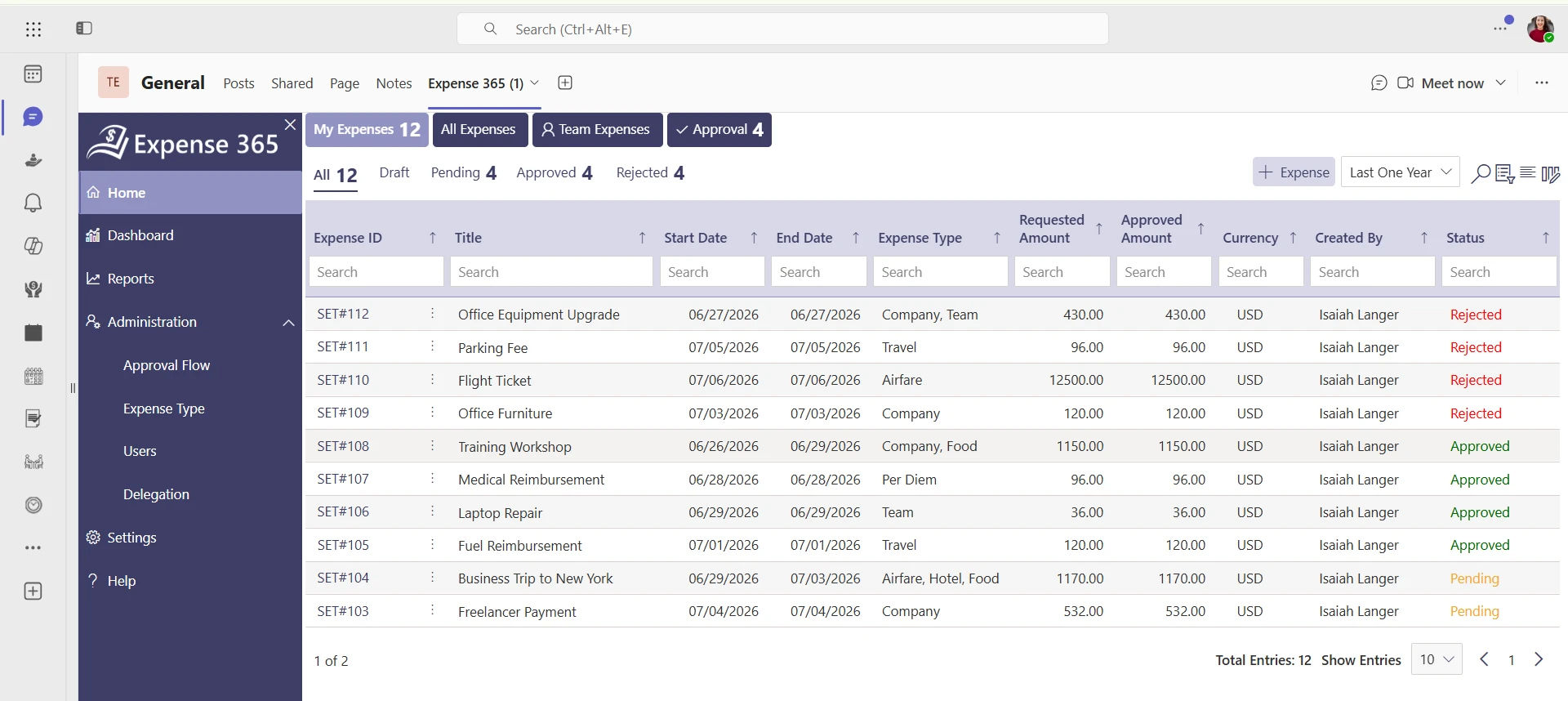
Expense Tracker 365 is a Microsoft 365-native expense management platform designed to simplify how businesses capture, approve, reimburse, and track employee expenses. Unlike standalone expense management applications, it operates within the Microsoft ecosystem, allowing organizations to manage expense data while leveraging familiar tools such as SharePoint, Teams, Outlook, and Power Automate.
The platform combines AI-powered receipt scanning, automated approval workflows, mileage tracking, corporate card management, and real-time expense reporting into a single solution. Whether a business wants to eliminate manual expense reporting, strengthen policy compliance, or gain better visibility into company spending, Expense 365 provides a centralized system that scales from growing businesses to large enterprises.
Key Features
- AI Receipt Scanner: Extracts invoice details from receipts using AI, reducing manual data entry.
- Receipt-to-Expense Automation: Converts scanned receipts into ready-to-submit expense claims.
- Multi-Level Approval Workflows: Routes expense reports through customizable approval hierarchies.
- Corporate Card Management: Matches corporate card transactions with submitted expenses for easier reconciliation.
- Mileage Tracking: Calculates travel expenses based on configurable mileage rates.
- Per Diem Management: Automates daily travel allowance calculations according to company policies.
- Budget & Policy Controls: Applies spending limits and policy checks before expense approvals.
- Mobile Expense Capture: Allows employees to submit expenses anytime by capturing receipts on mobile devices.
- Real-Time Expense Reporting: Provides dashboards and reports for monitoring spending trends and reimbursements.
- Microsoft 365 Integration: Works with SharePoint, Microsoft Teams, Outlook, Power Automate, and Microsoft Entra ID to fit into existing business workflows.
Pros
- Built natively for Microsoft 365 environments.
- AI-powered receipt capture reduces manual effort.
- Built with enterprise-grade security and an intuitive interface for businesses of all sizes.
- Backed by SOC 2 compliance, Microsoft certification, and Microsoft Solutions Partner status for trusted contract management.
- Supports GCC and GCC High environments to meet the security needs of highly regulated industries.
- Implements a Zero Trust Security Model to help protect contract data and control access.
- Suitable for organizations that want expense management within their existing Microsoft ecosystem.
What Users Wish Was Different
- Some advanced expense workflows and reporting options may require initial configuration.
- Customizing expense policies and approval workflows can take time during setup.
- Larger organizations may need additional configuration to tailor the platform to their expense processes.
Usability
Expense 365 offers a familiar experience for Microsoft 365 users, making it easy to capture receipts, submit expense claims, and manage approvals. Finance teams can automate workflows, enforce expense policies, and monitor spending from a centralized dashboard.
Why Users Like It
Users like Expense 365 because it’s easy to use, simple to navigate, and streamlines everyday expense management. Its AI-powered receipt scanning, automated reporting, and approval workflows reduce manual effort while giving finance teams better visibility into business expenses.
Pricing
Expense 365 offers transparent pricing with flexible monthly plans, billed annually, making it easy for businesses to choose a plan that fits their needs.
- Plus – $74.99 (For startups and small businesses)
- Premium – $124.99 (For growing SMBs and mid-sized businesses)
- Enterprise- $149.99 (For large enterprises with complex needs)
Hear From Our Delighted Clients – G2 Platform
“Expense Tracker 365 is a great app with excellent support. The advanced features make it a complete tool & has really improved our expense tracking and reporting workflow.”
Zoho Expense
Zoho Expense is a cloud-based expense management solution that helps businesses automate expense reporting, receipt management, approvals, and reimbursements. As part of the Zoho ecosystem, it integrates with various accounting, HR, and productivity applications, making it a suitable choice for businesses looking to simplify expense tracking while reducing manual administrative work.
Key Features
- AI-powered receipt scanning
- Automated expense reporting
- Multi-level approval workflows
- Corporate card reconciliation
- Mileage tracking
- Travel expense management
- Budget and policy enforcement
- Multi-currency expense support
- Real-time analytics and reporting
- Integration with Zoho apps and third-party accounting software
Pros
- Easy-to-use interface
- Strong automation for expense reporting
- Integrates well with the Zoho ecosystem
- Supports global businesses with multi-currency capabilities
- Customizable approval workflows
What Users Wish Was Different
- Businesses outside the Zoho ecosystem may need additional integrations.
- Some advanced reporting and automation features are available only in higher-tier plans.
- Initial workflow customization may require some setup.
Usability
Zoho Expense offers an intuitive interface that simplifies receipt capture, expense submission, approvals, and reimbursements for employees and finance teams.
Why Users Like It
Users appreciate Zoho Expense for its automation, ease of use, receipt scanning, and seamless integration with Zoho applications and popular accounting platforms.
Perk

Perk is an expense management platform designed to simplify business spending through automated expense tracking, corporate cards, reimbursements, and approval workflows. It helps businesses manage employee expense reimbursement while maintaining better visibility and control over company spending.
Key Features
- Expense tracking
- Receipt capture
- Automated expense reports
- Corporate card management
- Approval workflows
- Reimbursement management
- Spend controls
- Budget monitoring
- Real-time expense insights
- Mobile expense submission
Pros
- Clean and user-friendly interface
- Simplifies employee reimbursements
- Good visibility into business spending
- Supports automated approvals
- Mobile-friendly experience
What Users Wish Was Different
- Integration options may vary depending on business systems.
- Certain reporting capabilities may require premium plans.
Usability
Perk makes it simple for employees to submit expenses and finance teams to review, approve, and monitor company spending.
Why Users Like It
Users like Perk for its straightforward interface, automated expense tracking, and ability to simplify employee reimbursements.
Ramp
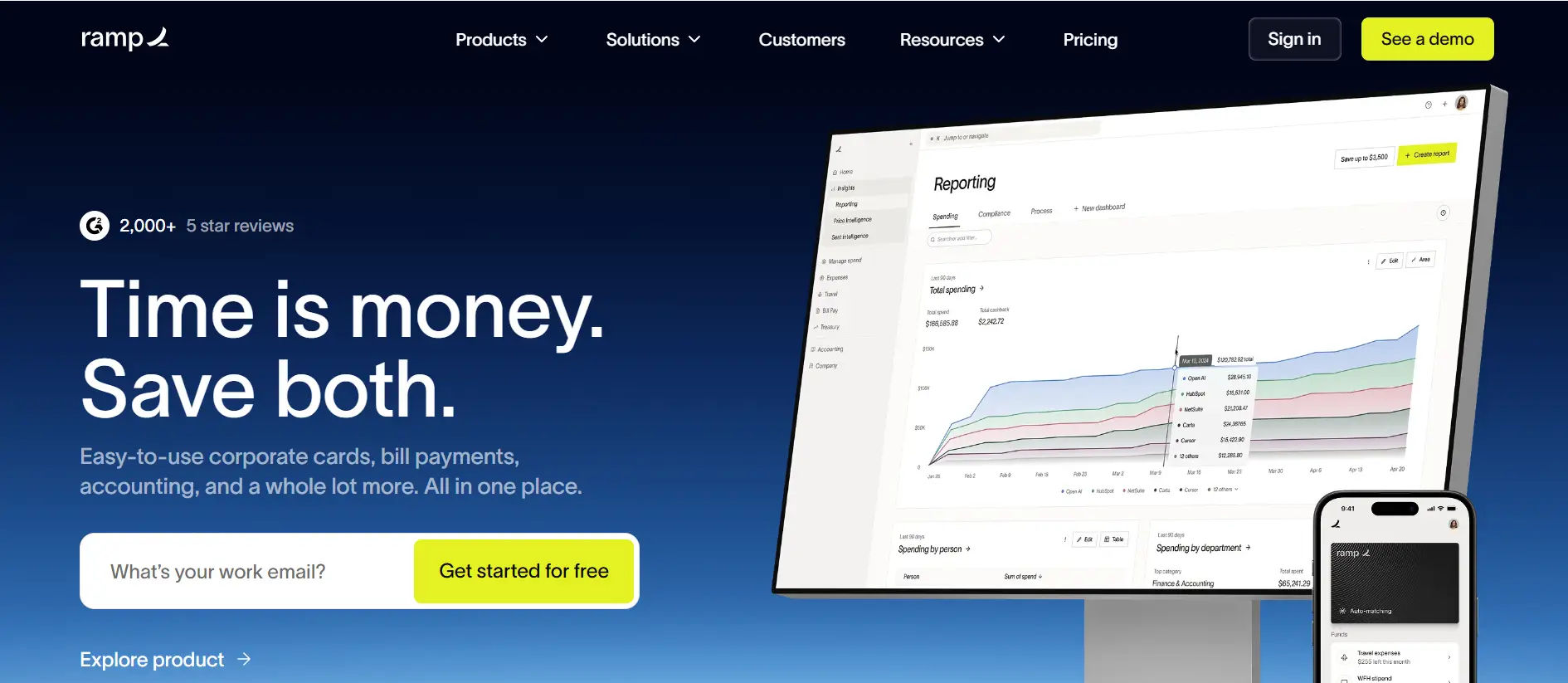
Ramp is a finance automation platform that combines expense management, corporate cards, bill payments, and spend controls into a single solution. It focuses on helping businesses reduce unnecessary spending while improving financial visibility and operational efficiency.
Key Features
- Corporate cards
- AI-powered receipt matching
- Expense automation
- Approval workflows
- Spend controls
- Vendor management
- Bill payments
- Budget tracking
- Real-time reporting
- Accounting software integrations
Pros
- Strong spend management capabilities
- Automated expense categorization
- Excellent financial insights
- Corporate card automation
- Wide range of integrations
What Users Wish Was Different
- Some features are optimized around Ramp’s financial ecosystem.
- Advanced capabilities may require onboarding for finance teams.
- Availability may vary across regions.
Usability
Ramp offers a modern interface that helps employees manage expenses while giving finance teams greater control over company spending.
Why Users Like It
Users value Ramp for its automation, spend visibility, corporate card features, and tools that help reduce manual finance work.
Business Expense Tracker Apps that Suits for Small Businesses
Small businesses need expense tracking software that’s easy to use and scalable. Here are some of the best business expense tracker apps designed to simplify expense management for growing teams.
Pleo
.webp)
Pleo is an expense management platform built for small businesses that want to simplify company spending using smart corporate cards, receipt capture, and automated expense reporting. It helps employees make business purchases while giving finance teams better visibility into expenses. It also helps businesses automate expense processes while maintaining better control and visibility over company spending.
Key Features
- Smart company cards
- Receipt capture
- Automated expense reports
- Reimbursement management
- Approval workflows
- Spending limits
- Budget tracking
- Mobile expense management
- Accounting integrations
- Real-time spending insights
Pros
- Easy for employees to use
- Strong mobile application
- Simplifies company card management
- Automated receipt collection
- Quick expense approvals
What Users Wish Was Different
- Some advanced controls are available in higher plans.
- Feature availability differs across subscription tiers.
- Best suited for businesses adopting company cards.
Usability
Pleo provides a simple mobile-first experience that allows employees to submit expenses quickly while finance teams maintain spending control.
Why Users Like It
Users appreciate Pleo for its smart company cards, simple expense reporting, and automation that reduces administrative work.
Business Expense Tracker Apps for SMBs
The following business expense tracker apps offer the features SMBs need to simplify expense reporting, approvals, reimbursements, and spending control.
Expensify
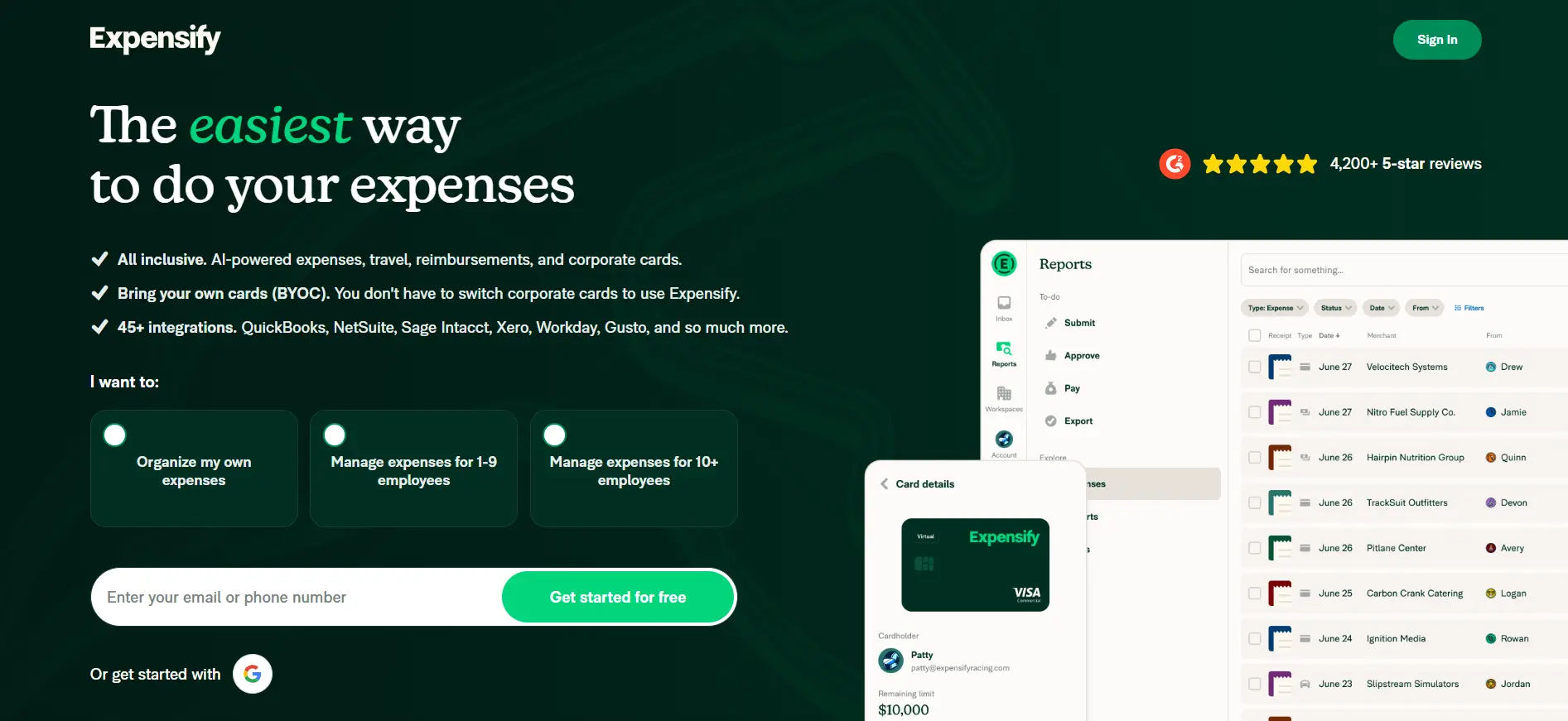
Expensify is a widely used expense management platform that automates receipt scanning, expense reporting, reimbursements, and approvals. It supports businesses of different sizes by reducing manual data entry and simplifying expense reporting processes. With mobile accessibility and integrations with popular accounting software, Expensify simplifies expense management for growing businesses and finance teams.
Key Features
- Smart receipt scanning
- Expense report automation
- Approval workflows
- Corporate card reconciliation
- Mileage tracking
- Reimbursement management
- Travel expense management
- Multi-currency support
- Real-time reporting
- Accounting software integrations
Pros
- Fast receipt scanning
- Easy expense report creation
- Strong mobile application
- Supports global businesses
- Good accounting integrations
What Users Wish Was Different
- Some advanced features require premium subscriptions.
- Custom workflow setup may take some configuration.
- Interface may feel feature-rich for smaller teams.
Usability
Expensify makes expense submission, receipt capture, and reimbursements straightforward through its mobile and web applications.
Why Users Like It
Users like Expensify for its Smart Scan technology, automation, and ability to simplify everyday expense reporting.
Rydoo

Rydoo is a cloud-based expense management platform that helps businesses automate expense reporting, travel expense management, approvals, and reimbursements. It is designed to reduce manual processing while improving visibility into employee spending.
Key Features
- Digital receipt scanning
- Automated expense reports
- Approval workflows
- Mileage tracking
- Travel expense management
- Corporate card integration
- Policy compliance
- Real-time reporting
- Multi-currency support
- ERP and accounting integrations
Pros
- Simple expense submission
- Strong travel expense capabilities
- Good mobile experience
- Automated workflows
- Flexible integrations
What Users Wish Was Different
- Some enterprise features may require higher-tier plans.
- Initial workflow setup may take time.
- Reporting options vary by subscription.
Usability
Rydoo offers an intuitive interface for employees to submit expenses while enabling finance teams to automate approvals and reporting.
Why Users Like It
Users appreciate Rydoo for its travel expense management, receipt scanning, and workflow automation.
Sage Expense Management (formerly Fyle)
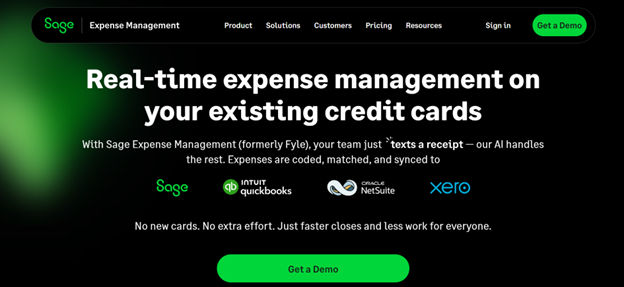
Sage Expense Management (formerly Fyle) is a cloud-based expense management solution that helps businesses automate expense reporting, receipt capture, approvals, and reimbursements. Designed for growing businesses and enterprises, it streamlines expense processes, strengthens expense compliance, and integrates with Sage’s accounting and financial management solutions to improve visibility into business spending.
Key Features
- AI receipt capture
- Automated expense reports
- Credit card reconciliation
- Approval workflows
- Mileage tracking
- Policy compliance
- Budget monitoring
- Real-time analytics
- Mobile expense management
- Accounting software integrations
Pros
- Strong automation capabilities
- Excellent receipt management
- Good accounting integrations
- Easy expense approvals
- User-friendly interface
What Users Wish Was Different
- Some advanced integrations may require premium plans.
- Initial customization depends on business requirements.
- Certain enterprise capabilities are available in higher tiers.
Usability
Sage Expense Management provides a smooth experience for capturing receipts, submitting expenses, and automating finance workflows.
Why Users Like It
Users like Sage Expense Management for its AI automation, fast receipt processing, and seamless integrations with finance software.
Business Expense Tracker Apps for Enterprises
Large enterprises need expense management solutions that offer scalability, advanced controls, and seamless integrations. Here are some of the best business expense tracker apps built to support enterprise expense management.
Coupa
Coupa centralizes business spending by bringing expense management, procurement, invoicing, sourcing, and supplier management into a single platform. Designed for enterprise organizations, it enables finance teams to standardize purchasing processes, and gain deeper insights into company-wide spending. Its configurable workflows support complex approval structures across global operations.
Key Features
- Enterprise expense management
- Travel and expense automation
- Procurement management
- Invoice automation
- Supplier management
- Approval workflows
- Budget controls
- Spend analytics
- Policy compliance
- ERP integrations
Pros
- Comprehensive enterprise spend management
- Strong compliance capabilities
- Advanced reporting and analytics
- Highly configurable workflows
- Extensive ERP integrations
What Users Wish Was Different
- Implementation may require dedicated planning.
- The extensive feature set can involve a learning curve.
- Best suited for medium to large enterprises.
Usability
Coupa provides finance teams with centralized spend management while allowing employees to manage expenses through structured workflows.
Why Users Like It
Users value Coupa for its enterprise-grade controls, spend visibility, compliance features, and powerful analytics.
Brex
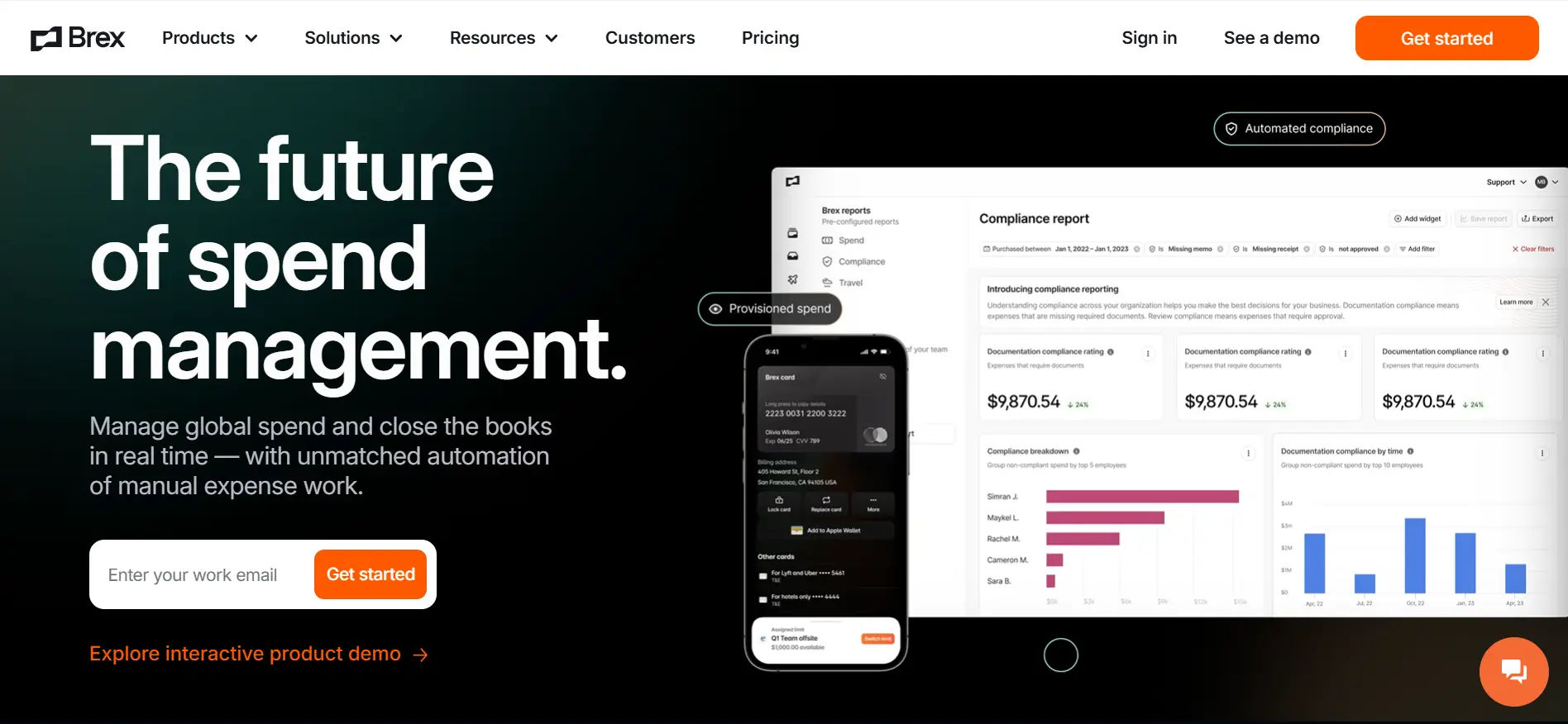
Brex brings together corporate cards, expense management, travel, reimbursements, and spend controls into a single financial platform. Designed for modern businesses, it enables finance teams to manage company spending with greater efficiency while giving employees a seamless way to pay for and submit expenses. Its real-time insights and built-in controls help organizations monitor spending and make faster financial decisions.
Key Features
- Corporate cards
- Expense management
- Receipt capture
- Automated approvals
- Reimbursements
- Spend controls
- Budget management
- Travel expense management
- Real-time reporting
- Accounting integrations
Pros
- Modern and intuitive interface
- Strong corporate card management
- Excellent automation capabilities
- Real-time spending visibility
- Flexible finance controls
What Users Wish Was Different
- Some features are optimized around the Brex ecosystem.
- Availability varies depending on business eligibility and region.
- Advanced capabilities may require additional onboarding.
Usability
Brex offers an easy-to-use platform for managing business spending, reimbursements, and corporate cards from a single dashboard.
Why Users Like It
Users appreciate Brex for its automation, corporate card features, real-time spend visibility, and streamlined expense management.
Benefits of Business Expense Tracker Apps
Managing business expenses manually can be time-consuming and prone to errors. Whether you’re a startup, an SMB, or a large enterprise, these platforms help simplify expense management while improving financial visibility and compliance.
Save Time on Expenses
If you’re still tracking expenses in spreadsheets, you already know how messy it can get. Missing receipts, endless data entry, and manual calculations take up valuable time. An expense management solution takes care of the heavy lifting by turning receipts into expense reports in just a few clicks.
Track Every Dollar
Business expenses can add up quickly, especially when multiple teams are making purchases. Instead of guessing where the budget went, you get a clear view of every expense in one place. That means fewer surprises at the end of the month and better financial decisions.
Never Chase a Receipt Again
We’ve all been there, someone can’t find a receipt when it’s time to submit expenses. With digital receipt scanning, employees can snap a photo the moment they make a purchase. The app stores everything automatically, so receipts are always where you need them.
Speed Up Approvals
Expense approvals shouldn’t take days of back-and-forth emails. The right app sends expense claims directly to the right approver, keeping everything moving without constant reminders. Employees get reimbursed sooner, and finance teams spend less time following up.
Stay Policy Compliant
Every company has an expense policy but enforcing it manually isn’t always easy. Expense tracker apps automatically check claims against your rules, making it easier to catch out-of-policy. This helps reduce policy violations and gives finance teams greater confidence in every expense submitted.
Fewer Mistakes, Less Rework
Typing expense details by hand leaves plenty of room for mistakes. Automated expense tracking reduces duplicate claims, incorrect entries, and missing information, helping finance teams spend less time fixing errors.
Make Reimbursements Hassle Free
No one enjoys waiting weeks to get reimbursed. By automating submissions and approvals, expense tracker apps help businesses process reimbursements much faster, creating a smoother experience for employees and finance teams alike. Employees get reimbursed on time while finance teams spend less time tracking pending claims.
Works With the Software You Already Use
You shouldn’t have to change your entire finance process just to manage expenses. Most modern expense tracker apps integrate with accounting software, ERP systems, payroll platforms, and corporate cards, so everything stays connected.
Impact of AI in Finance Teams and Invoices Management
Artificial intelligence is making expense and invoice management faster, smarter, and more accurate. According to McKinsey report, finance teams using AI spend 20–30% less time on data processing, giving them more time to focus on strategic financial work instead of manual administrative tasks.
With AI-powered expense management, employees simply capture a receipt using their mobile device. The system automatically reads details such as the merchant name, transaction date, amount, tax, and currency using OCR technology, then converts the receipt into a digital expense entry. This eliminates manual data entry, reduces errors, and speeds up expense submissions.
For finance teams, AI automates expense verification, flags duplicate or out-of-policy claims and streamlines approvals.
The result is faster reimbursements, improved policy compliance, better visibility into business spending, and more time to focus on budgeting, forecasting, and financial decision-making.
Gentle Reminder: AI is not here to replace finance professionals, it’s here to remove repetitive work so they can focus on higher-value responsibilities.
5 Questions to Ask Before Implementing an Expense Tracking App
1. Process → AI & Automation
Are we eliminating manual work or simply digitizing it?
If employees still spend time entering data manually, the software isn’t solving the real problem.
2. Features → Business Needs
Do the features match our current and future requirements?
Choose a platform that fits your workflows today and can scale as your business grows.
3. Integration → Productivity
Will it work with the tools we already use?
The more seamlessly it integrates with your accounting software, ERP, Microsoft 365, or corporate cards, the less manual work your team has.
4. Security → Trust
Can we trust it with sensitive financial data?
Expense reports contain sensitive financial and business information, so choosing a secure platform is essential. Look for solutions that offer SOC 2 and ISO 27001 compliance, support GCC and GCC High environments, along with features like data encryption, role-based access controls, and audit trails to help protect your organization’s financial data.
5. ROI → Adoption
Will employees use it, and will it save us time?
An expense tracker only delivers value if it’s easy to adopt, reduces processing time, and improves finance team productivity.
Conclusion
There’s no one-size-fits-all expense tracking app. What works well for a startup may not be the right fit for a growing business or a large enterprise.
We’ve compared some of the leading solutions to help narrow down your options, but the best choice depends on your business goals, existing tech stack, security requirements, and budget.
Take advantage of free trials or demos to find the platform that best fits your team’s workflow.
Frequently Asked Questions
Which features should I prioritize before choosing an expense tracking solution?
Start with receipt capture, approval workflows, expense policy enforcement, accounting integrations, reporting, and mobile accessibility. Once those are covered, evaluate AI automation, analytics, scalability, and ease of use to find the best fit for your business.
How much manual work can an expense tracker app eliminate?
The right platform can automate receipt scanning, expense categorization, duplicate detection, policy checks, approval workflows, and reimbursements. This reduces manual data entry, shortens processing times, and allows finance teams to focus on higher-value work.
Does Expense 365 support corporate credit cards?
Yes, it automatically import corporate card transactions, allowing employees to match receipts without entering expenses manually.
Can finance teams generate custom reports?
Yes, platforms like Expense 365, Expensify, Zoho Expense and Brex allows reporting by department, employee, category, project, location, vendor, or date range to support financial analysis.
How do small businesses set and manage expense policies within the software?
Policies can be configured for spending limits, categories, and approval rules based on business needs.






















