
_mVFFaHUZhS.webp)
Managing your team’s hours shouldn’t feel like solving a puzzle. The right time tracking software makes everything easier, helping you stay organized while keeping your employees happy and productive.
Time Tracking Software for Employees automates timesheets, reduces payroll errors, and improves billing accuracy. The right tool boosts productivity while simplifying payroll and project tracking.
With strong ROI and better overtime control, modern time tracking turns work hours into actionable insights. Proper implementation ensures efficiency, transparency, and long-term growth.
Why Time Tracking Matters for Your Business
Truth be told, manually keeping track of employee time is a hassle. Spreadsheets become messy, timecards are bound to go missing and payroll becomes a biweekly headache. Without an organised system, you destroy money and good times that could be spent expanding your business. Managers are stressed by the chaos of manual tracking, and employees who just want to be paid correctly are confused.
Today there is a better way for employers to track clock in/out times and break periods electronically. It records work hours, organizes data and churns out reports without the manual grunt work. The best part? Your team can get work done instead of time sheets.
What Makes Great Time Tracking Software for Employees?
Start off by knowing what you really want before jumping into some tools. All time trackers are not the same and selecting the wrong one will waste both your money and time. Concentrate on features that help to solve your business problems, as opposed to torturing yourself over fancy extras.
Easy Clock-In Methods
Your workers must have easy time tracking with no frills. The simpler, the more likely it is employees will track their time accurately. Seek out multiple options that cater to varying work scenarios — mobile apps for remote workers, desktop applications for the people in your office and browser extensions for quick access.
Accurate Time Capture
Software should be able to keep accurate track of hours without needing frequent manual changes. Accuracy is important, because even small errors can get magnified as they’re multiplied across your entire work force. Each minute lost adds to your costs and this overtime, break time and project tracking should be automatically captured – so consider tools that can also calculate start times for you.
Reporting Capabilities
Good reports put you in a position to make good decisions about who you staff on what teams and at what cost. You need insight into where time is spent throughout your organization. Data is pointless without insights, so look for tools that convert numbers into actionable information with weekly timesheets, project cost analysis and exportable data for payroll.
Integration Options
Your time tracker should sync with the tools you are already using on a regular basis. You lose the time you’re trying to save by hopping around to multiple platforms. Seamless integration can prevent double entries and error while also increasing efficiency—these could be links with payroll systems, project management solutions, accounting programs and communication tools.
According to a McKinsey & Company report, organizations that digitize and modernize their operations can significantly reduce administrative workload and improve overall efficiency through automation and integrated systems.
Quick Comparison: Find Your Perfect Match
| Software | Starting Price | Best Feature | Microsoft 365 | Mobile App | Invoicing | Ideal For |
| Timesheet 365 | $4.99/user | Native Microsoft integration | ✓ | ✓ | ✗ | Microsoft-centric organizations |
| Toggl Track | $9/user | Beautiful visual reports | ✗ | ✓ | ✗ | Small teams & freelancers |
| Harvest | $10.80/user | Built-in invoicing | ✗ | ✓ | ✓ | Service businesses billing hourly |
| Clockify | $3.99/user | Unlimited free users | ✗ | ✓ | ✗ | Budget-conscious businesses |
| Time Doctor | $7/user | Screenshot monitoring | ✗ | ✓ | ✗ | Remote team accountability |
| Deputy | $2.50/user | Shift scheduling | ✗ | ✓ | ✗ | Retail & hospitality |
| Hubstaff | $4.99/user | GPS tracking & payroll | ✗ | ✓ | ✗ | Global remote teams |
| RescueTime | $12/user | Automatic tracking | ✗ | ✓ | ✗ | Personal productivity |
| Everhour | $8.50/user | PM tool integration | ✗ | ✓ | ✗ | Project-based teams |
| TimeCamp | $2.99/user | Auto-categorization | ✗ | ✓ | ✓ | Agencies & consultants |
10 Best Employee Time Tracking Software
1. Timesheet 365
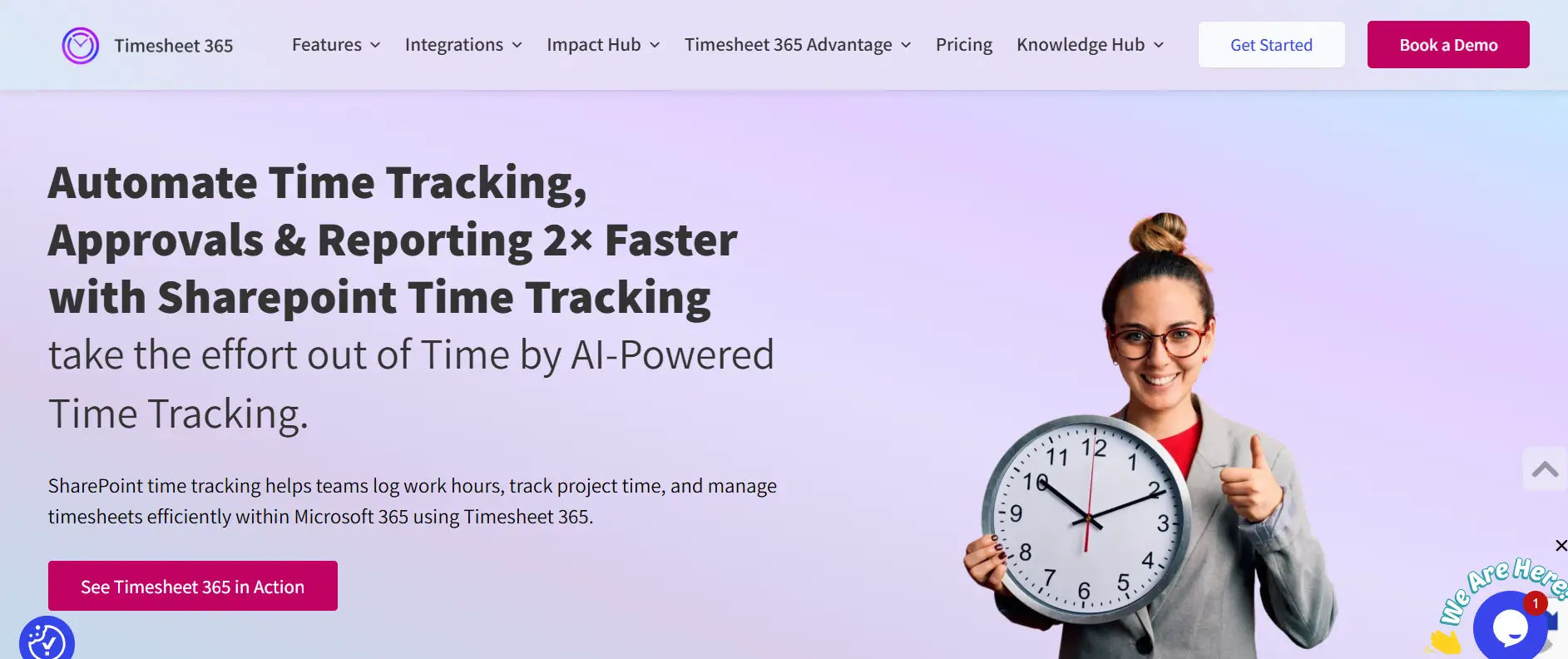
Solution built specifically for the Microsoft 365 user, Timesheet 365 fits your current workflow, like a paper timesheet on your screen. If your workaday life is spent in the Microsoft ecosystem, this tool dials down the friction of moving between apps. Everything occurs within the platforms your team is already familiar with and uses on a daily basis — Teams, SharePoint and Outlook are designed to work together to make time tracking easy.
Best For: Companies that are already on Microsoft 365 and want everything under one platform.
Pricing: Starting from $4.99 per user per month
Upgrade from Manual to Smart Tracking
2. Toggl Track
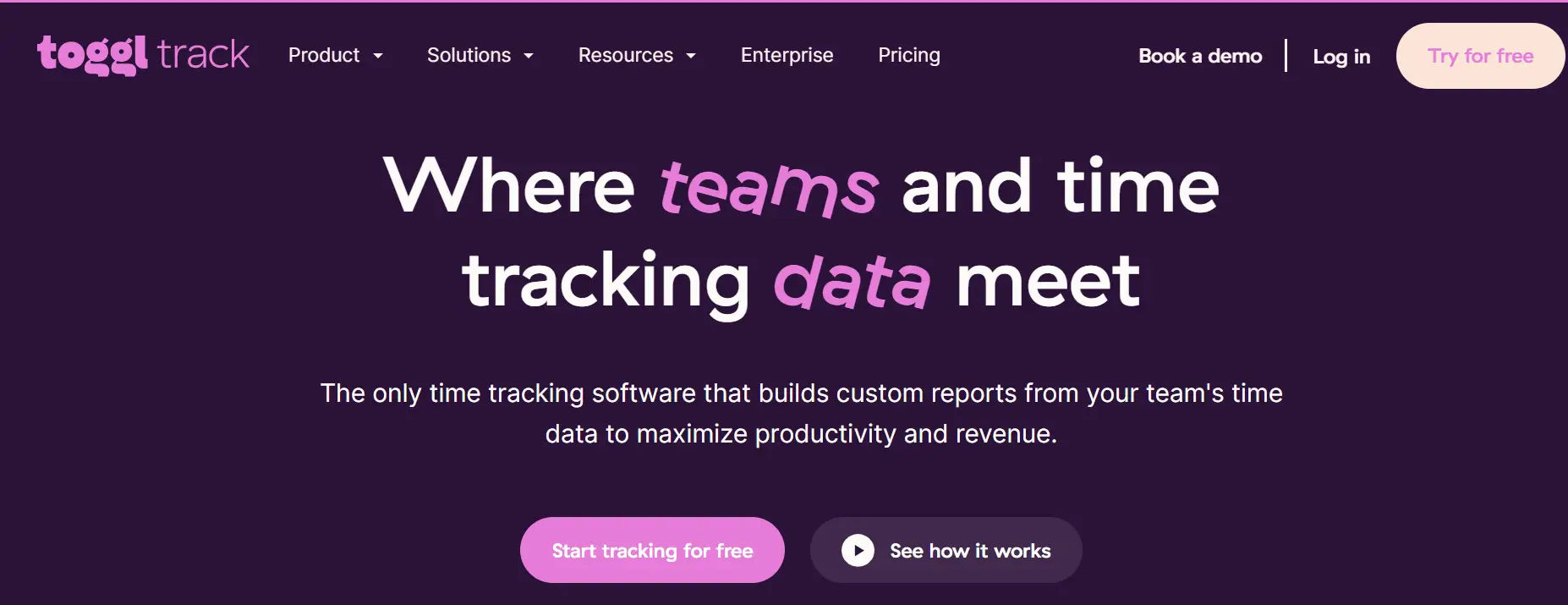
Toggl also offers robust capabilities in addition to its simplicity. The interface is slick and easy to use, so it’s great for teams too which hate clunky software. You can start tracking time as soon as you’re signed up, with no training required, and the visually overarching reports make it simpler to view where your time goes.
Best For: Solo freelancers and small teams who want no-fuss time tracking.
Pricing: Starter – $9/user per month; Premium – $18/user per month
3. Harvest
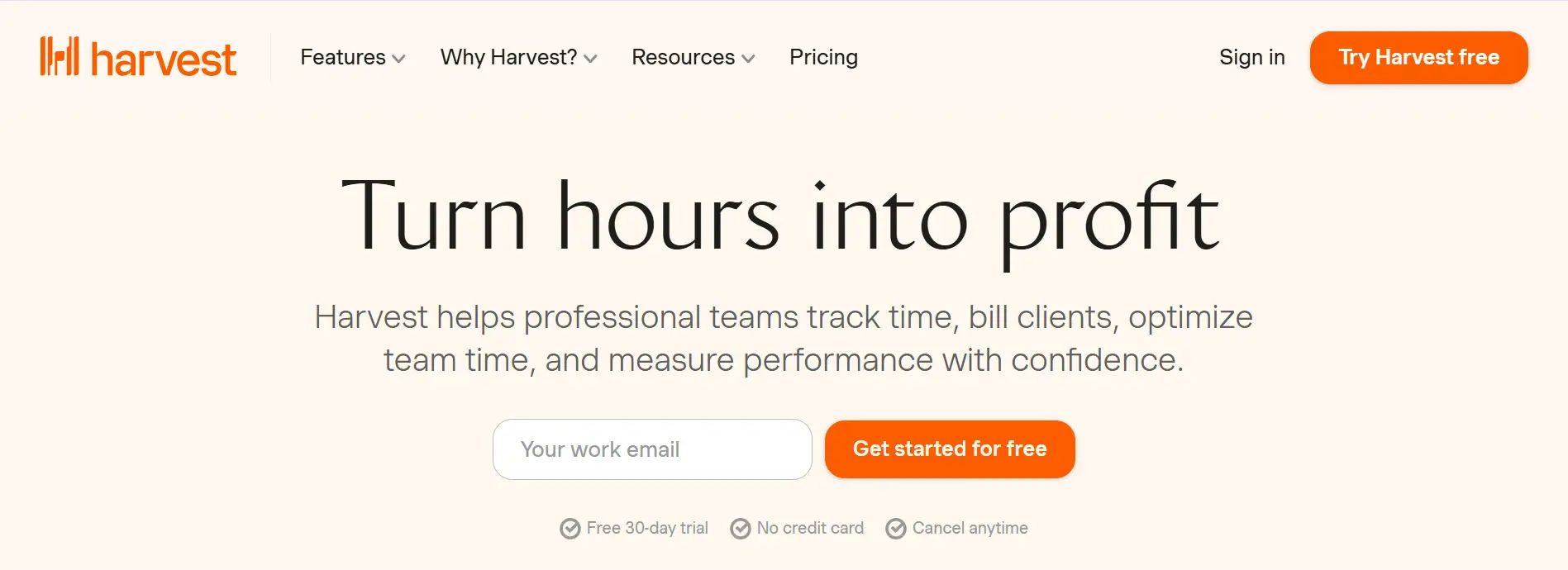
Harvest integrates with time tracking, so you have a whole billing service. Service businesses like how it correlates hours worked to client invoices. Forget manual data entry between systems and tracking down unbilled time that falls through the cracks the smooth transition from time entry to invoice creation streamlines hours of administrative work a week.
Best For: Service businesses that charge clients by the hour.
Pricing: Pro at $10.80/user monthly
4. Clockify
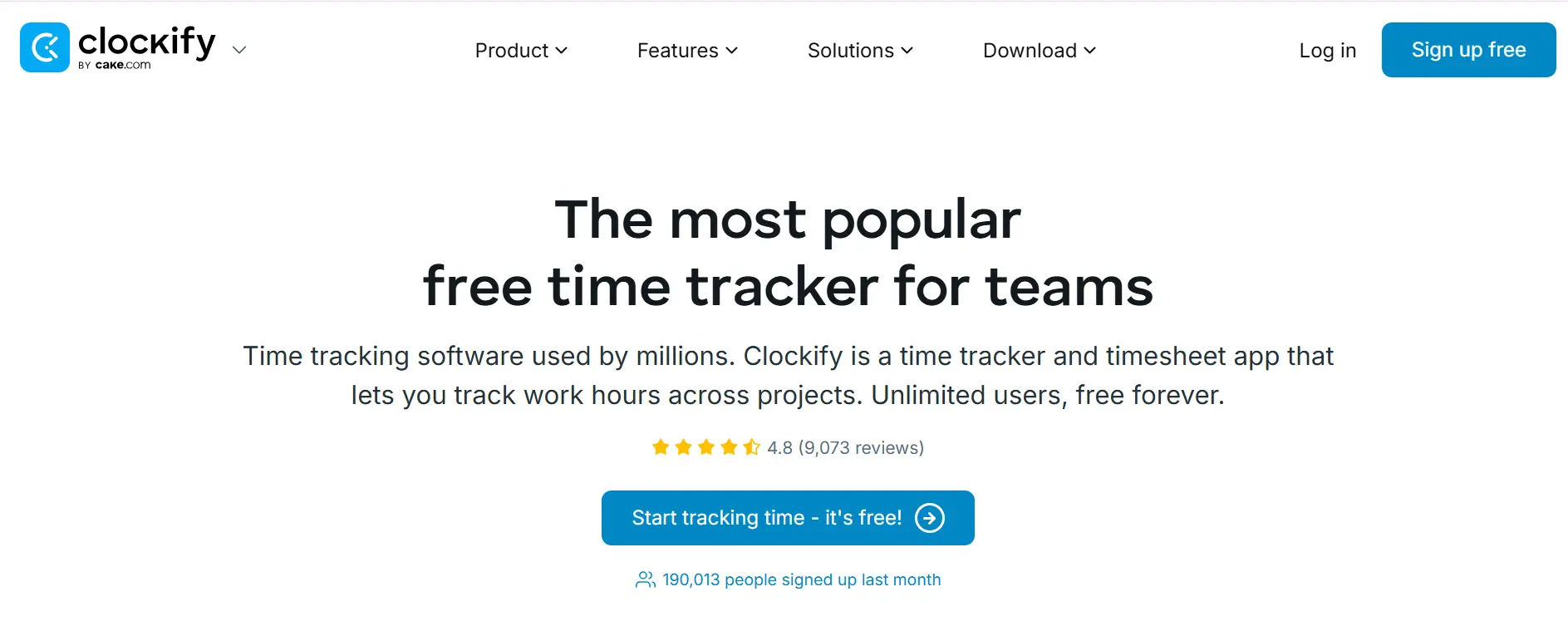
Clockify offers an unlimited number of free plan users, which is rare in this industry. Competitors often bill by user, which can make this cost-friendly option as your team scales. Its generous free tier offers features rival services place behind a paywall, and if you choose to dig into paid plans, they’re affordable, with the kiosk mode and GPS tracking of field teams.
Best For: Budget-conscious businesses needing basic tracking.
Pricing: Basic for $3.99/user; Standard for $5.49/user; Pro 999at $7.99/user per month

10 Best Clockify Alternatives in 2026
5. Time Doctor
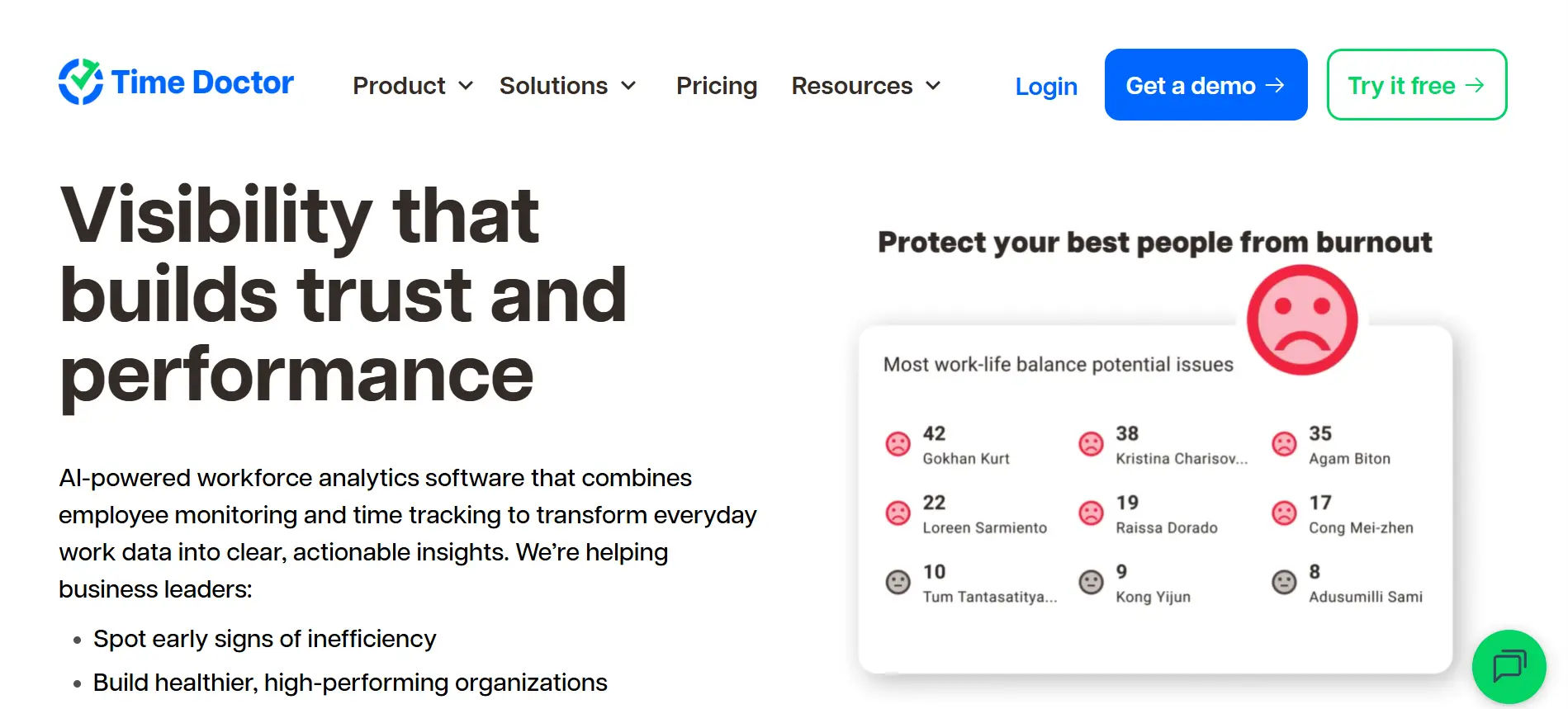
Productivity monitoring with time tracking is the emphasis of Time Doctor. It’s built for managers who want to be able to see what their remote teams are up to. More monitoring than other choices, but this tool offers accountability for remote workers in the form of optional screenshot monitoring and website tracking, as well as distraction alerts that help determine productivity trends without becoming overly intrusive.
Best For: Remote teams requiring accountability measures.
Pricing: Basic at $7/user; Standard at $10/user; Premium at $20/user monthly

Top Time Doctor Alternatives in 2026
6. Deputy
Deputy is a scheduling and time tracking miracle-worker for those that need to schedule employees in shifts. Retail stores, restaurants and healthcare facilities use its work management capabilities. The platform manages complex scheduling rules and labor law compliance on its own, allowing managers to create schedules in minutes, not hours and as it happens employees can receive instant notifications about schedule changes.
Best For: Retail and hospitality businesses with shift workers.
Pricing: Scheduling at $2.50/user; Premium at $4.50/user monthly
7. Hubstaff
Hubstaff provides full-featured time tracking for remote teams and multiple countries. It’s designed for businesses that are managing remote contractors and require intensive activity monitoring. Its payment processing feature ensures that processing payments and paying employees worldwide based on tracked time is a smooth process, and multi-currency support along with international payment options also work towards streamlining global team handling using GPS tracking and geofencing.
Best For: Companies managing remote contractors globally.
Pricing: Starter at $4.99/user; Grow at $7.50/user; Team at $10/user monthly
8. RescueTime
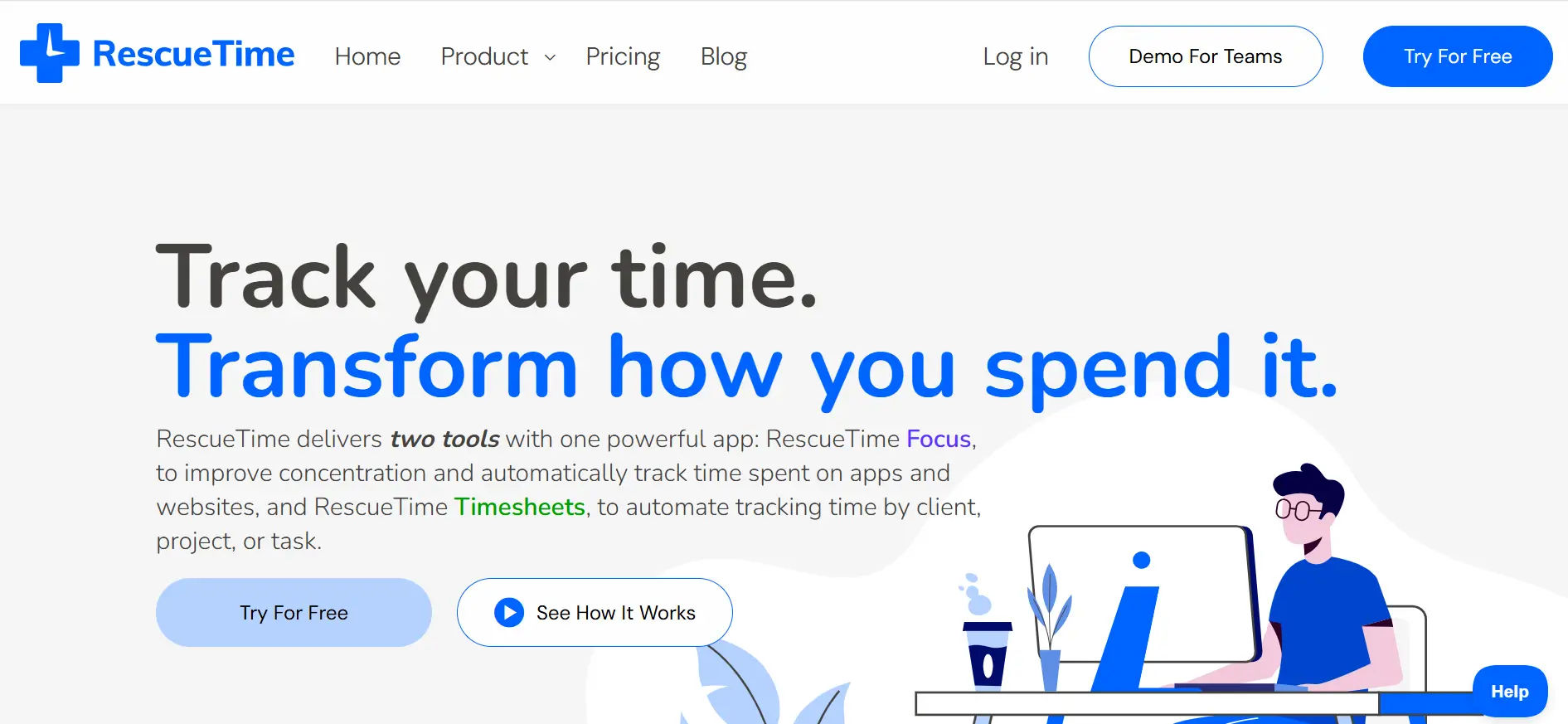
RescueTime automatically tracks time without you needing to start and stop timers. It’s designed to run quietly in the background, learning your work patterns. It’s about personal productivity insights, rather than management-given surveillance in place to make workers understand their own habits and be less creeped out by bosses peering into their computer use although Big Brother is still watching through automatic categorization and detailed productivity scores.
Best For: Knowledge workers wanting personal productivity insights.
Pricing: Premium at $12 monthly
9. Everhour
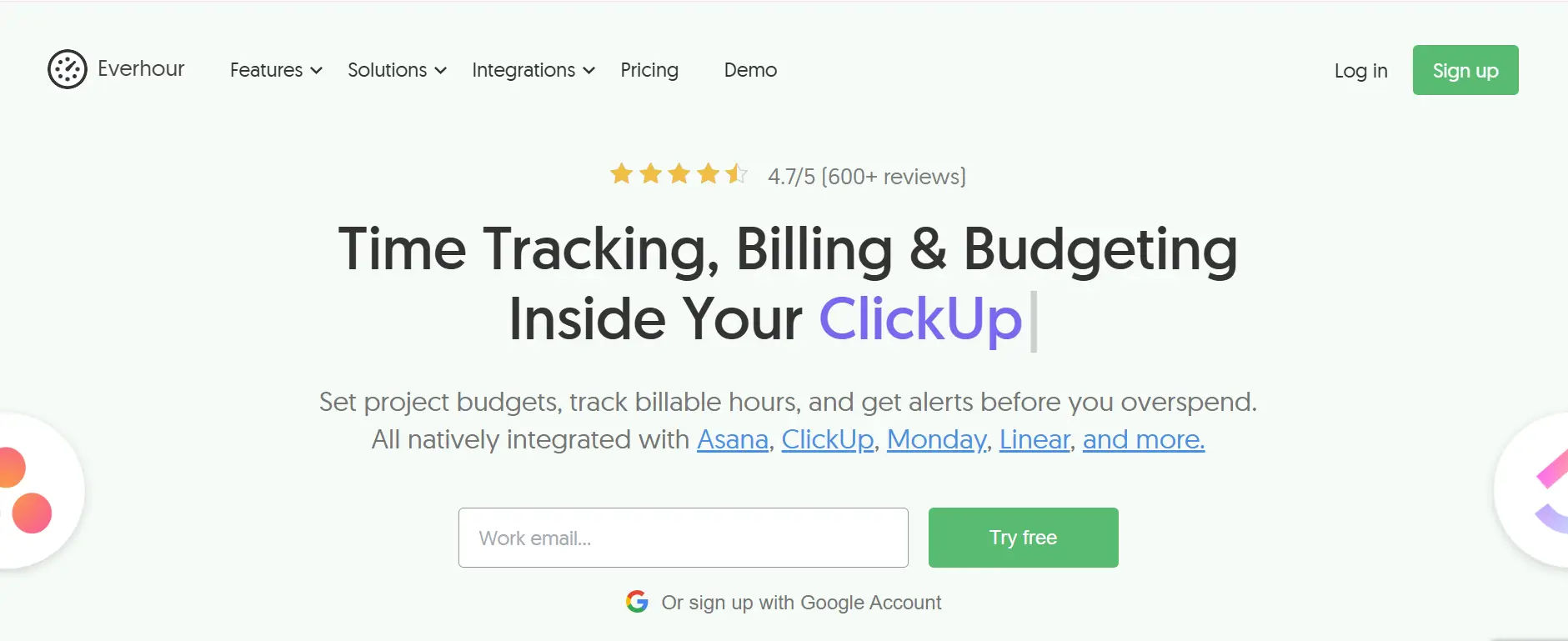
Everhour is built with deep integrations to the project management platform your team already uses. Rather than introducing another tool to the stack, it fits in with your current setup. The native integrations feel as a part of the product rather than awkward add-ons, so time tracking is being done right inside Asana or Trello out-of-the-box without adjusting how your team already works on budget tracking and resource allocation.
Best For: Project-based businesses using popular PM tools.
Pricing: Team at $8.50/user monthly
10. TimeCamp
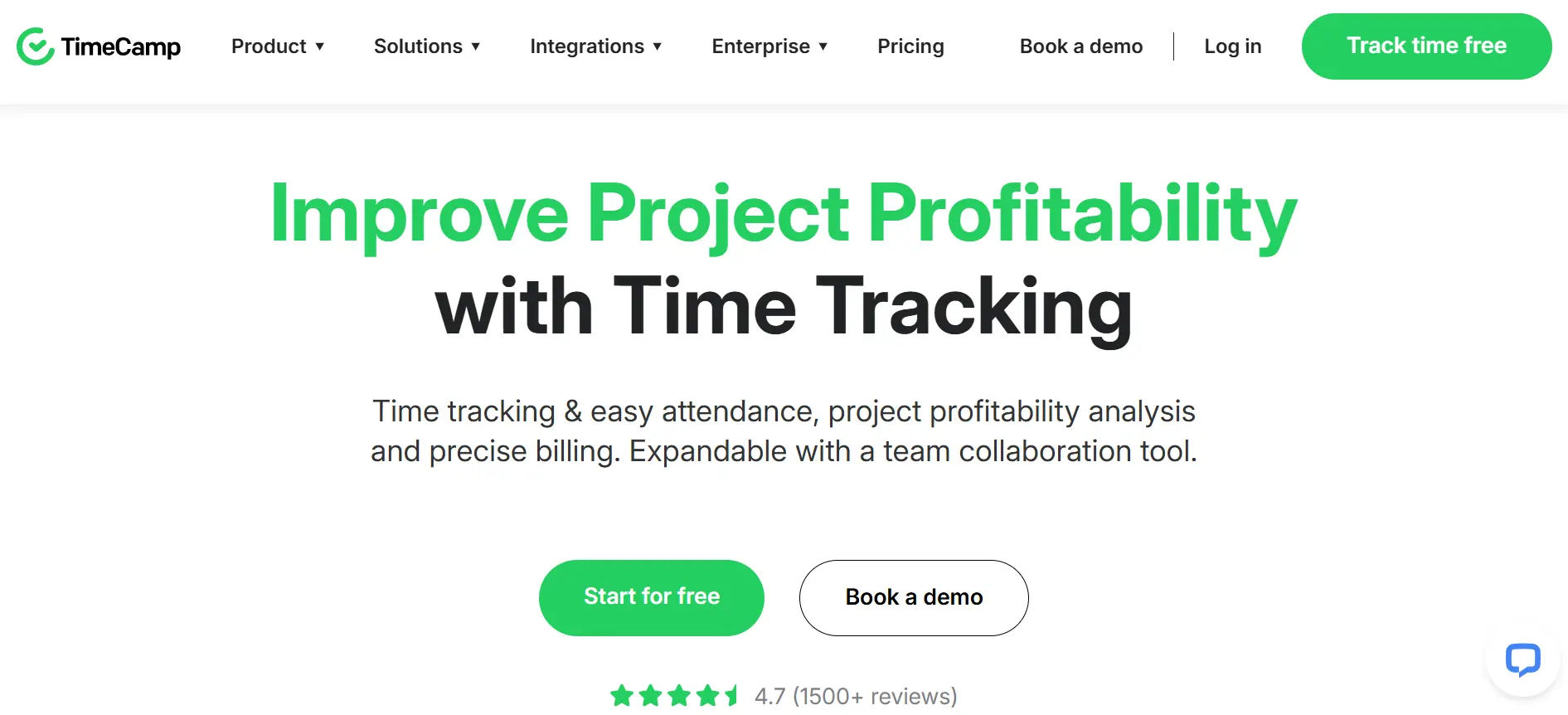
TimeCamp offers effortless and automatic time tracking for employees. It’s learning your work patterns and assigning activities to folders based on keywords.” This saves work for your staff while maintaining accurate records, and the automatic categorization becomes cleverer over time, so you need to make fewer manual adjustments as the AI gets to learn the flow of your work with invoicing features and attendance management functionality thrown in.
Best For: Agencies tracking billable hours across multiple clients.
Pricing: Starter at $2.99/user; Premium at $4.99/user; Ultimate at $7.99/user monthly

Best TimeCamp Alternatives | Comparison Guide (2026)
How to Choose the Right Solution
For Microsoft 365 Organizations
If your business runs on Microsoft 365, you need software that works within that ecosystem. Switching between platforms kills productivity and frustrates employees who are already comfortable with Microsoft tools. Native integration means time tracking happens where your team already works—in Teams, SharePoint, and Outlook—eliminating the need for separate logins and reducing training time.
Best Choice: Timesheet 365 is purpose-built for Microsoft 365 environments with full native integration across SharePoint, Teams, and Outlook plus AI-powered suggestions based on your Microsoft calendar.
For Remote and Distributed Teams
Remote teams need visibility without micromanagement. You want to know work is getting done without hovering over shoulders. GPS tracking, activity monitoring, and screenshot features provide accountability while respecting employee autonomy when used appropriately, helping managers get peace of mind while employees get credit for their work.
Best Choices: Hubstaff leads in comprehensive remote monitoring with GPS and activity levels; Time Doctor offers similar monitoring with productivity ratings; Clockify provides basic remote tracking at budget-friendly prices.
For Service Businesses Billing Clients Hourly
Professional services firms need seamless connections between time tracking and invoicing. Every billable hour must be captured, categorized, and converted to revenue. Missing even 15 minutes per day per employee costs thousands in lost revenue annually, so the right software captures everything automatically and generates professional invoices with supporting detail.
Best Choices: Harvest combines time tracking with robust invoicing and payment processing; TimeCamp offers automatic tracking with invoicing capabilities; Everhour excels at project-based tracking with budget management.
For Retail, Restaurant, and Hospitality Businesses
Shift-based businesses need scheduling integrated with time tracking. You’re managing multiple locations, varying shifts, and complex labor laws. Break requirements, overtime rules, and minimum staffing levels create compliance headaches without the right tools that prevent violations, streamline scheduling, and handle shift changes automatically.
Best Choices: Deputy dominates shift-based industries with comprehensive scheduling and compliance features; Clockify offers kiosk mode perfect for shared devices; Hubstaff provides GPS tracking for multi-location businesses.
For Software Development and Creative Teams
Developers and creatives hate interrupting their flow to log time. They need automatic tracking that captures work without requiring constant manual entry. Integration with development tools like GitHub, Jira, and Asana makes tracking invisible, allowing developers to stay in their code editors while time tracking happens automatically in the background.
Best Choices: Everhour integrates natively with Asana, Jira, Trello, and GitHub; TimeCamp automatically tracks based on keywords and application usage; RescueTime runs silently categorizing activities.
For Small Businesses and Startups on Tight Budgets
Startups need professional features without enterprise pricing. You’re watching every dollar while trying to build systems that scale. Free tiers and affordable paid plans let you implement proper time tracking without breaking the bank, providing professional capabilities that grow with your business while proving value before requiring significant investment.
Best Choices: Clockify offers unlimited users free forever; TimeCamp provides a generous free tier; Timesheet 365 starts at just $3.50 per user for Microsoft 365 users.
The ROI of Time Tracking Software
That’s a positive ROI within the first quarter for most companies and continues to snowball in value the longer you run it since you will have more data feeding into your ad engine.
Reduced Payroll Errors
Manual timekeeping leads to errors, and errors cost real money, he said. Automation helps accomplish that because there are no mistakes in the calculations — and that saves money in corrections, when you’ve overpaid. Even small businesses leave thousands of dollars on the table every single year due to payroll errors – one overpayment to a fired employee is worth more than 12 months of time tracking software for your entire team.
Accurate Client Billing
Service firms are able to recover unbilled hours and resources that were lost in the wind. Even 30 minutes per employee extra, captured daily, adds up in a big way. Those forgotten phone calls and minor fixes now get billed appropriately — even if all you’re able to bill is 2 extra hours a week at $150 per hour, that’s an additional $15,600 in revenue that may have previously slipped through the cracks.
Overtime Management
Visibility into approaching OT thresholds allows managers to proactively adjust schedules, and manage labor cost. You can reallocate work before employees reach expensive overtime rates. Real-time alerts protect you against budget-busting surprises, and because overtime is usually paid at a rate of time-and-a-half of regular wages – having the ability to prevent unnecessary overtime has a direct impact on your bottom line.
Better Project Estimates
Time data from history refines future project estimates to the point that call back underestimation is minimized. You will be crystalclear about approximately how long similar projects really take. When you’re able to create accurate estimates, you maintain better margins and keep your clients happy – underestimating means losing money while overestimating makes your quotes uncompetitive, so having the right data will give you a crucial head start.
Implementation Best Practices
Communicate the Benefits
Don’t just declare “we’re doing time now,” he says. Employees immediately think you don’t trust them, or will micromanage their every move. Instead, talk about how accurate time tracking is a win-win—it’s better for employees (they know they’re getting paid what they’ve earned) and management equally for reasons including accurat pay checks, fair overtime, better project planning all while avoiding the need to micromanage peoples’ time.
Start Simple
Instead of inundating people with complexity, start by rolling out basic features. Learn the basics before incorporating more advanced features. Slow and steady adoption will result in better long-term outcomes—start with simple punch-in/punch-out, then move to basic project/task selection, then weekly timesheet review and finally drill into advanced reporting.
Provide Training
Plan short training sessions that honor everyone’s time. Nobody wants to hear hour long software demos. Provide small focused practical sessions with real examples and use cases from your business 15 minute demo overview, time for hands-on to practice what was covered, a written quick start guide, and recorded videos for future reference.
Address Privacy Concerns
Disclosure what you are tracking and why. Some employees are concerned about being watched, especially if you’re using tracking features. Clear communication can also stop rumors or doubts in their tracks and go a long way in building trust — be transparent about what data is being collected, who has access to that information, how it’s being used for business purposes and what privacy safeguards are in place.
Lead by Example
Managers should first track their own time before demanding it from employees. When implementation is consistent among leadership, employees will follow suit. Nothing kills adoption faster than executives who make them not apply to themselves you can’t “do as I say but not as I do”; managers should be showing off the product while using it.
Conclusion
Choosing the right Time Tracking Software for Employees helps eliminate manual errors, improve payroll accuracy, and increase productivity across your organization. With the right features and integrations, businesses gain better visibility, smarter workforce management, and measurable ROI within months.
Ready to simplify time tracking and boost efficiency? Start your 14-day free trial today and experience how automated tracking can transform payroll, billing, and team productivity — no credit card required.
Join Our Creative Community
Frequently Asked Questions
How do I clock in and out using the software?
Most time tracking software allows you to clock in and out with a single click from a web app, desktop app, or mobile device. In Timesheet 365, you can start and stop your timer directly within Microsoft Teams, SharePoint, or the web app—making it quick and seamless without switching platforms.
Can I view my total hours worked for the week or month easily?
Yes. Time tracking software provides real-time summaries of your daily, weekly, and monthly hours. In Timesheet 365, you can access detailed timesheet views and reports that clearly show total hours worked, project breakdowns, and overtime in just a few clicks.
What should I do if I forget to log my hours?
If you forget to track time, you can manually add or edit entries (based on your company’s permissions). Timesheet 365 also offers reminders and calendar-based suggestions to help you fill in missed hours accurately.
Is there a way to track my breaks during work hours?
Yes. Most employee time tracking software includes break tracking features. With Timesheet 365, you can log breaks separately or configure automatic break rules to ensure accurate payroll and compliance.
How do I start tracking my work hours using Timesheet 365?
Simply log in through Microsoft Teams, SharePoint, or the Timesheet 365 web app, select your project or task, and click “Start.” When you’re done, click “Stop” to record your time. You can also enter hours manually if needed.


_JiluXJRGNl.svg)























