


Every company wants to track performance better, but most tools are built for “someone else’s” team, not yours.
If you use PerformYard or are testing it right now you might be asking: “Is there a simpler, cheaper, or more flexible way to run reviews, set goals, and give feedback?” That’s exactly what this guide answers.
- Teams switch from PerformYard mainly for simpler, faster performance tracking and easier ongoing feedback.
- The right alternative depends on your workflow Microsoft 365 users often prefer Performance Management 365, while others may choose tools like Lattice or 15Five.
- Performance management is moving from yearly reviews to continuous check-ins, goals, and regular feedback.
- Ease of use is critical if a tool is complex, employees won’t use it consistently, reducing its value.
In this post, you’ll see real PerformYard alternatives for 2026, explained in clear, everyday language. You’ll also learn how to pick the right tool for your team size, budget, and real work needs so you avoid choosing a tool that looks impressive online but feels slow, confusing, or too complex when your team actually uses it.
What Is PerformYard and Why Look for Alternatives?
PerformYard is a performance management tool that helps organisations run reviews, set goals, collect feedback, and track progress over time. It gives HR and managers a structured way to measure how employees are doing, not just during appraisal season but across the year.
While PerformYard works well for many companies, it is not the perfect fit for every team. Some organisations notice that:
- It takes too much time and effort to set up or change review workflows.
- Reports and dashboards feel slow, hard to navigate, or buried in menus.
- The system is built around yearly or mid‑year reviews instead of quick weekly check‑ins or ongoing feedback.
As teams grow, hire remotely, or move to hybrid work, they often want more than just formal reviews. They want continuous feedback, simple dashboards, and tools that fit how people actually work every day without extra steps or complicated menus.
That’s why many HR leaders and managers start to look for PerformYard alternatives. They are not just chasing a new brand; they want a tool that is easier to use, faster to set up, and more flexible for real‑world workflows.
When Should You Consider a PerformYard Alternative?
You do not need to switch tools just because a new option appears online. A change only makes sense when your current system slows you down, frustrates your team, or fails to support how your organisation actually works.
If you find that reviews feel like a chore, feedback is rare, and reports are hard to understand, it is time to question whether PerformYard is still the right fit for your team in 2026.
Here are more detailed signs that it may be time to explore PerformYard alternatives:
1. Reviews take too long and feel like a burden
If your review cycles drag on for weeks, and managers and employees keep putting them off, the tool is working against you, not with you.
A long, complex review process can cause people to rush through questions, skip sections, or submit half‑filled forms. This leads to poor‑quality data and makes it harder to have honest performance conversations.
2. People forget dates, skip questions, or feel confused
If your employees often miss deadlines, your managers complain about the number of steps, or your HR team is always sending reminders, something is wrong with the experience.
A good tool should make reviews simple and clear. When people are confused by the layout, wording, or order of questions, they are less likely to give honest feedback or take the process seriously.
3. Feedback happens only once or twice a year
If the only time your team gives feedback is during review season, you are missing the chance to help people improve throughout the year.
Modern teams grow faster when they get regular, small feedback instead of one big event. If you want to move from “annual surprise” reviews to ongoing conversations, your current tool may not be flexible enough.
4. PerformYardfeels too heavy for weekly or monthly check‑ins
If you want weekly or monthly check‑ins but feel like PerformYard is built for long, formal reviews, you are using a hammer for a screwdriver’s job.
A lightweight, simple system for short check‑ins helps managers stay connected with their teams without adding extra steps. Heavy forms and long cycles can kill the habit of frequent feedback before it even starts.
5. Reports are hard to understand or create
If it takes many clicks to reach a simple report, or if the data is hard to read, your leaders are not getting the insights they need.
You may need to see how different teams are doing, which managers are giving the most feedback, or where performance is weak by location. A tool that buries this information behind complex menus or long exports will slow down your decision‑making.
6. The setup feels too rigid
If you cannot easily change forms, review cycles, or workflows for different teams, your HR team is forced to fit every group into the same box.
Support teams, sales teams, and managers may all need different questions, timelines, or rating styles. A flexible alternative lets you tailor the process to real‑world needs instead of changing how people work to match the tool.
7. You want more than just performance reviews
Performance reviews are important, but they are only one part of people management.
If your company cares about engagement, recognition, learning, and career growth, a narrow tool will leave you connecting multiple systems or using spreadsheets on the side. A better alternative can bring reviews, feedback, goals, and engagement into one place instead of forcing you to manage everything in separate tools.
8. Data and insights are hard to share
If HR and leaders struggle to share clear, simple reports with managers or executives, the tool is not helping drive change.
Good performance tools make it easy to export data, share dashboards, or send quick summaries. When you can only access raw data or complex exports, you waste time turning numbers into stories instead of acting on them.
If several of these points match how your team actually uses PerformYard, it may be time to test an alternative. The goal is not to chase a new brand, but to find a tool that fits your team’s size, culture, and daily habits. A small, simple change today can make reviews, feedback, and performance management feel lighter, clearer, and more useful tomorrow.
What to Look for in a PerformYard Alternative
Before you pick a new performance tool, you need clear rules to follow. That way, you can compare options in a fair way and avoid choosing something just because its website looks nice or its price seems low.
The right PerformYard alternative should match how your team actually works not force your team to change how they work.
Flexible Review Workflows
A good tool should let you design review cycles that fit your team, not the other way around.
Look for alternatives that let you:
- Run annual, quarterly, or even monthly reviews, depending on what your team needs.
- Use self‑reviews, manager reviews, or 360‑degree feedback for key roles.
- Design different templates for different teams—sales, support, engineering, and management may all need different questions.
If you cannot change the review flow, add steps, or adjust timing, the tool becomes a box that limits your HR team instead of helping them. The best options give you full control but keep the setup simple enough to manage.
Continuous Feedback (Not Just Reviews)
Year‑end reviews should not be the only place people hear feedback. The best tools encourage small, regular conversations between reviews.
When you look at PerformYard alternatives, check for:
- Weekly or monthly check‑ins that take only a few minutes.
- Simple one‑to‑one meeting templates with clear questions and space for notes.
- Easy ways for employees and managers to share quick feedback right inside the tool.
These habits help managers spot issues early, praise good work often, and turn reviews into a natural part of the year instead of a stressful event. The more feedback happens between reviews, the fewer surprises anyone faces at year‑end.
Goals and OKRs That Connect to Work
Performance tools should connect reviews to real work, not just collect ratings and comments.
A strong PerformYard alternative lets you:
- Track individual goals, team goals, and company‑level OKRs in one place.
- See progress with simple progress bars or status views (for example, “on track,” “at risk,” “completed”).
- Add check‑in questions that link to goals, like “Did this goal help your team this week?” or “What blocked you from moving forward?”
When goals and reviews live together, promotions, salary decisions, and feedback feel more fair and grounded in what people actually did. It also makes it easier to coach employees toward clear, measurable outcomes.
Easy Reports and Simple Dashboards
Leaders, HR, and managers all need fast answers. They do not have time to click through multiple pages or read long blocks of text to understand performance.
Look for tools that offer:
- Clear dashboards that show review completion rates, feedback volume, and basic engagement signs.
- Simple filters by team, role, location, or manager so you can see what is happening in specific groups.
- Easy charts and graphs instead of dense text tables, so trends are easy to read at a glance.
Even if your team is small, simple reporting helps you act quickly when something is wrong. With a good dashboard, you can spot teams that are falling behind, managers who rarely give feedback, or areas where performance is consistently strong.
Simple Enough for Everyone to Use
A tool is only useful if people actually use it. The best PerformYard alternatives are easy to use for managers, employees, and HR all at the same time.
Ask yourself simple questions:
- Can a new employee complete a review or check‑in in five minutes without help?
- Can a busy manager open the tool, finish a quick check‑in, and move on without frustration?
- Does your HR team need a long manual or heavy training to set it up and manage it?
If the answers are “no,” the tool will slow you down, lower participation, and create more work for HR. The right system should feel simple when you first open it and still powerful enough to grow with your needs.
Scalable Pricing and Support
Price matters, but so does what you get over time. A good PerformYard alternative should fit your budget now and stay reasonable as your team grows.
Pay attention to:
- How much the tool costs per user each month and whether discounts are available as you grow.
- Whether it offers free trials, starter plans, or demo periods to test it with real reviews.
- If it is built to handle small teams, mid‑sized companies, and large organisations without major changes in setup or cost.
The right tool should grow with you. It should not become too expensive or too complex when you move from 50 to 500 or 5,000 users. Good support, clear documentation, and easy onboarding also help you avoid getting stuck later.
Top PerformYard Alternatives in 2026
Here are some of the most popular PerformYard alternatives in 2026, explained in simple terms. Each option is built for a specific type of team or need, so you can see which one fits your situation best.
1. Performance Management 365
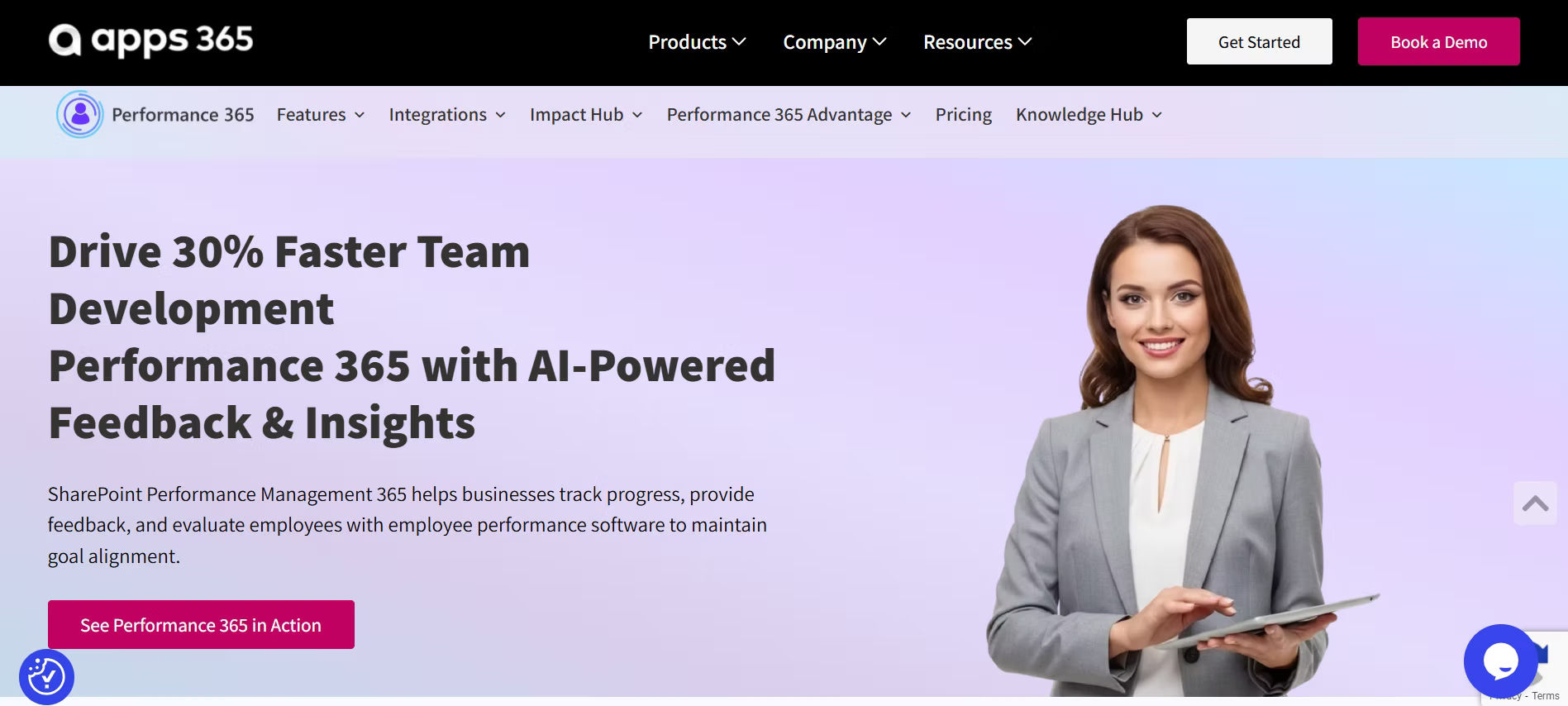
Performance Management 365 (also called Performance 365) is a performance management app built for SharePoint, Microsoft Teams, and Outlook. It runs inside your Microsoft 365 tenant, so employees and managers stay in the same tools they already use every day.
What Performance Management 365 Offers
- Reviews and goal tracking
You can set up structured reviews with custom forms and track KPIs and KRAs tied to individual and team goals.
- Continuous feedback and 360‑degree reviews
The system supports regular feedback and 360‑degree reviews from peers, managers, and direct reports.
- 1‑1 meetings and check‑ins
It includes templates for 1‑1s and short check‑ins that help managers prepare agendas, capture notes, and track follow‑up actions.
- Integration with Microsoft 365
It works with SharePoint, Teams, Power Automate, and Power BI, so you can automate reminders, build dashboards, and keep data inside your ecosystem.
- Data security
The app runs on Microsoft Azure and Microsoft 365 and supports GCC / GCC‑High, so performance data stays inside your tenant.
When Performance Management 365 Fits Well
This tool is a good fit if:
- Your team already uses SharePoint and Teams as main collaboration tools.
- You prefer performance data to stay inside Microsoft 365 instead of syncing with an external cloud.
- You want dashboards and automation through Power BI and Power Automate without extra development.
- You need reviews, goals, feedback, and 1‑1s in one place inside your Microsoft environment.
💼 Ready to Improve Performance Inside Microsoft 365?
2. PeopleGoal
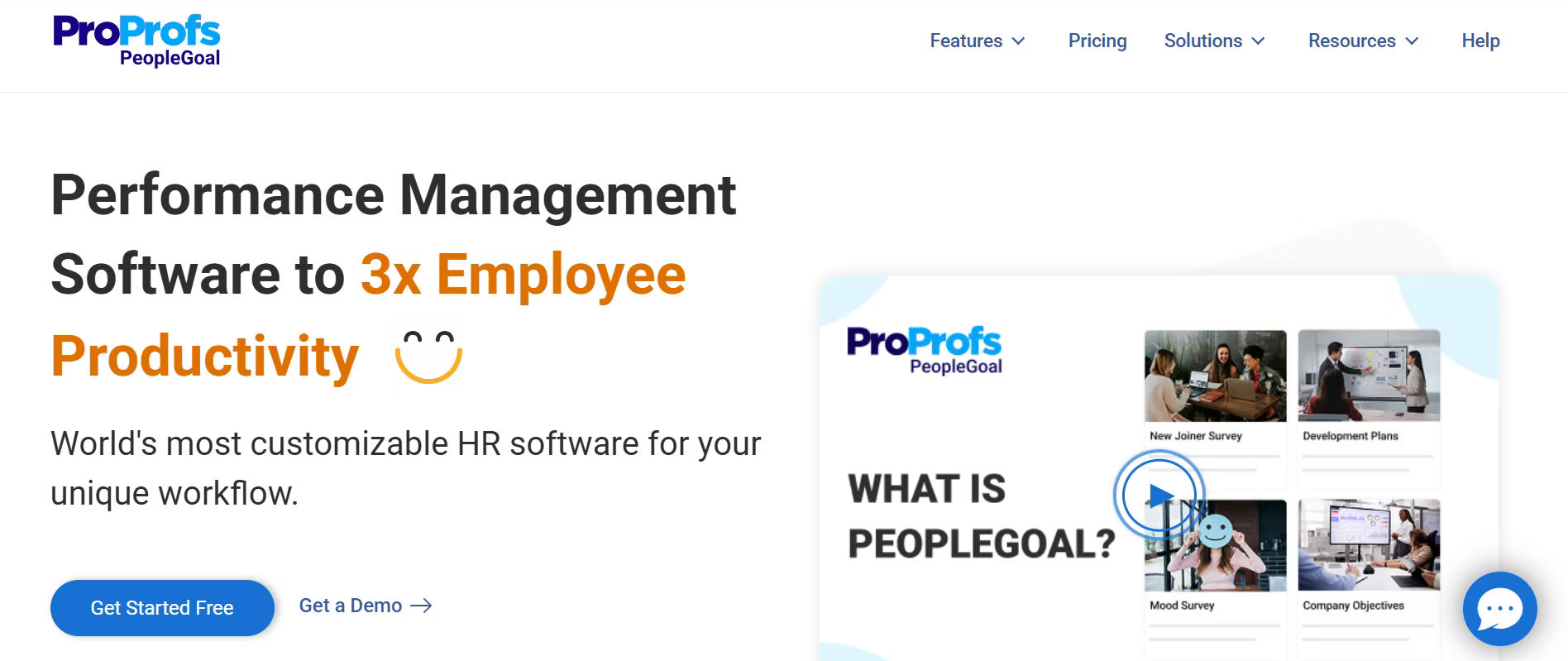
PeopleGoal is a performance and engagement tool that works well for small and mid‑sized teams. It helps you run reviews, track goals, and run engagement activities in one place.
What PeopleGoal Offers
- Flexible performance workflows
You can design your own review cycles, not only use fixed templates.
- Check‑ins and 360‑degree feedback
You can set up 30‑day check‑ins for new hires and 360‑degree feedback for managers.
- Engagement and recognition
The tool includes pulse surveys and simple recognition features where employees can appreciate each other.
- Easy integrations
It connects with tools like Slack and Microsoft Teams, so feedback and reviews live inside your daily chat tools.
When PeopleGoal Fits Well
This tool is a good fit if:
- You want a simple, easy‑to‑use performance system without heavy setup.
- Your team cares about engagement and recognition, not only ratings.
- You prefer a lightweight tool that still covers reviews, goals, feedback, and engagement.
- You want something that is quick to adopt and does not need long training.
3. Lattice
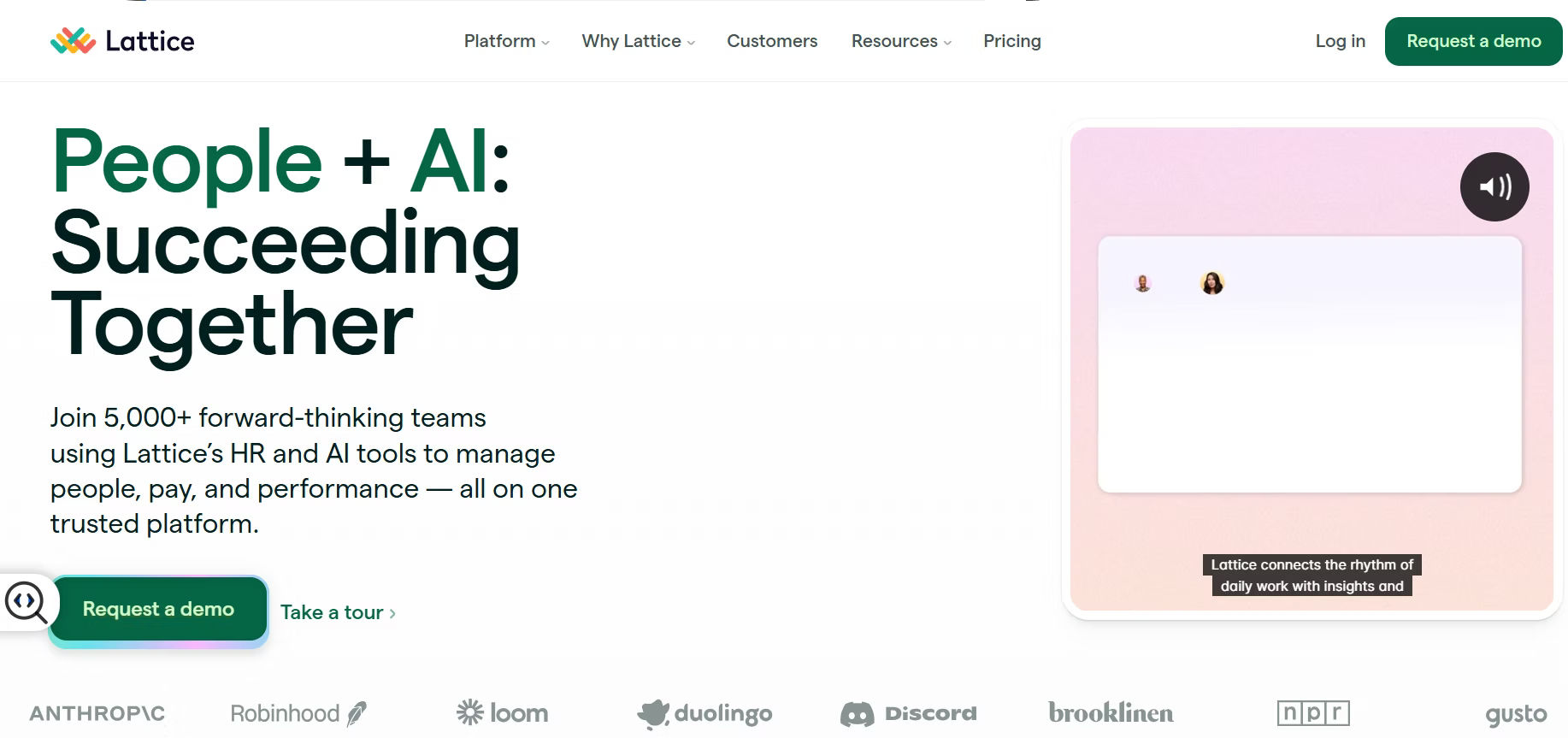
Lattice is a performance management tool focused on regular check‑ins and clear goals. It helps teams stay in conversation about performance all year, not only during review season.
What Lattice Offers
- Frequent check‑ins and status updates
Employees can share quick updates on what they are working on, what they will do next, and any blockers.
- Goal and OKR tracking
Managers and teams can set goals and OKRs and track progress with simple status views.
- 1‑1 meeting templates
It includes templates for one‑to‑one meetings, with space for notes and action items.
- Simple dashboards
You can see how often feedback is given, how many check‑ins are done, and where support is needed.
When Lattice Fits Well
This tool is a good fit if:
- You want weekly or monthly check‑ins in addition to your main reviews.
- Your team wants to link individual goals to company goals in a clear way.
- You use Microsoft 365 or Slack and want a tool that feels at home inside those environments.
- You want to turn performance into a habit, not just an annual event.
4. 15Five
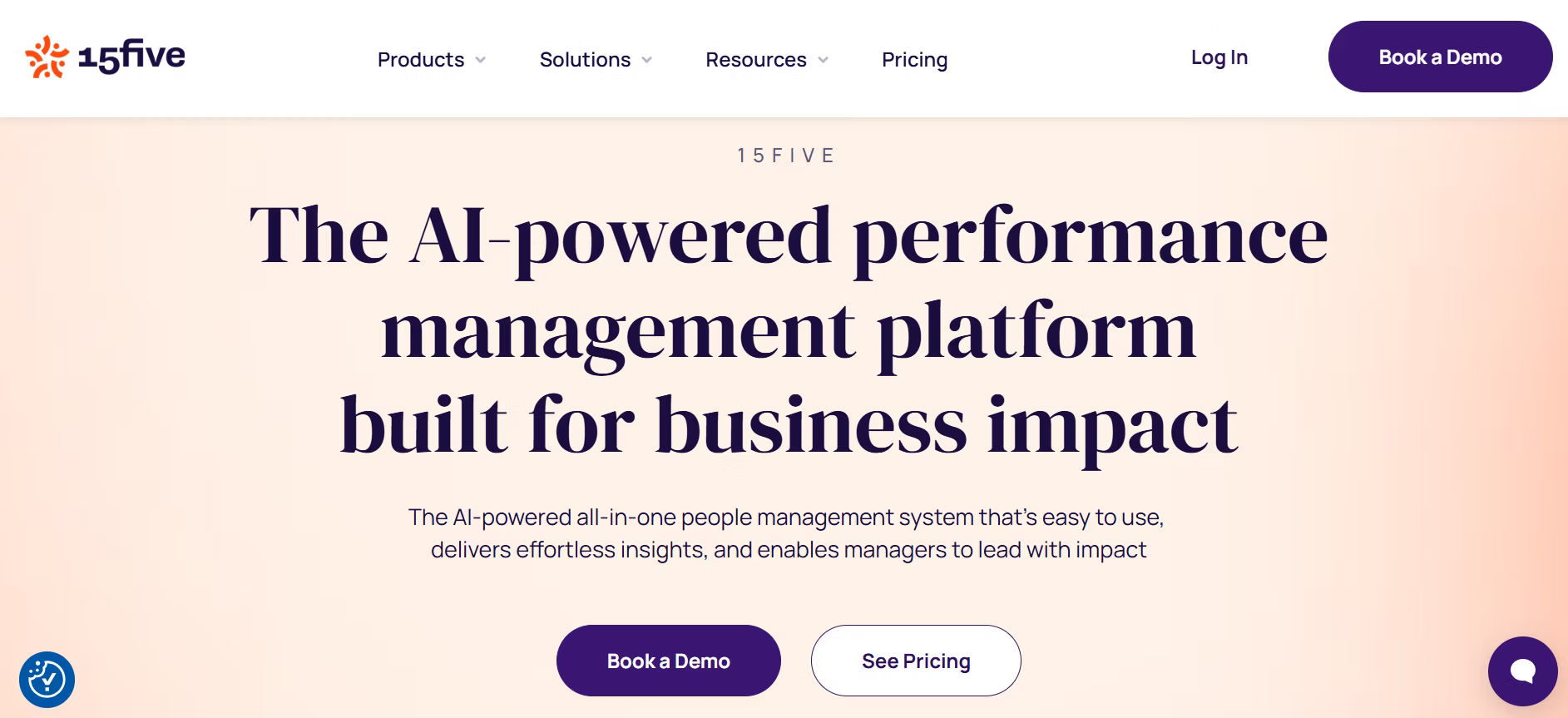
15Five is built around weekly check‑ins and ongoing feedback instead of yearly reviews. It is designed to build a culture of feedback across teams.
What 15Five Offers
- Weekly check‑ins
Employees share what they did, what they will do next, and any blockers in a short form.
- Manager replies and guidance
Managers can respond quickly and guide the conversation, helping employees stay on track.
- Recognition features
The tool includes simple “High Fives” so people can appreciate each other and feel seen.
- Templates for 1‑1s
You can use ready‑made templates for one‑to‑one meetings that keep talks focused and clear.
When 15Five Fits Well
This tool is a good fit if:
- Your team prefers short, weekly updates instead of long forms.
- You want to build a strong feedback and recognition culture.
- Managers want clear templates for 1‑1 meetings and regular check‑ins.
- You care more about morale and engagement than only formal ratings and scores.
5. Leapsome
.avif)
Leapsome combines performance reviews, goals, and learning in one platform. It is built for teams that care about both performance and growth.
What Leapsome Offers
- 360‑degree feedback and structured reviews
You can run 360 reviews and standard performance cycles with clear questions and rating options.
- Goal and OKR tracking
The tool lets you set goals and OKRs across teams and track progress in simple views.
- Learning and development links
It can connect performance results to training courses so employees know what to learn next.
- Reports and dashboards
You can see engagement, feedback, and performance trends across teams and managers.
When Leapsome Fits Well
This tool is a good fit if:
- You want 360 feedback and strong reports for performance and engagement.
- Your team cares about learning and skill development, not only ratings.
- You want goals, reviews, and learning in one place instead of using multiple tools.
- You are ready to invest time in setup to get a powerful, long‑term system.
6. Eletive

Eletive focuses on engagement and manager support between reviews. It is built to surface how people feel while there is still time to act.
- Pulse surveys
You can send short surveys weekly or monthly to check how teams are feeling.
- Engagement dashboards
It shows which teams and individuals are happy, stressed, or need support.
- 1‑1 and goal tools
The tool includes meeting templates and simple goal‑tracking options for managers.
- Action planning features
You can turn feedback into simple action plans that managers can follow.
When Eletive Fits Well
This tool is a good fit if:
- You have many locations or remote workers and need to track engagement.
- You care about employee experience, fairness, and manager support.
- You want to move from yearly reviews to continuous feedback.
- You want clear dashboards that help leaders act quickly when problems appear.
7. Culture Amp
.avif)
Culture Amp is known for engagement surveys and strong reporting. It is built for companies that want to dig deep into culture and experience.
What Culture Amp Offers
- Research‑based surveys
It offers ready‑made questions that measure engagement, culture, and risk areas.
- Benchmarks and comparisons
You can compare your scores with other companies in your size or industry.
- Action planning tools
The tool helps you turn feedback into clear action plans for teams and leaders.
- Reporting and dashboards
You can build rich reports and share them with leaders and managers.
When Culture Amp Fits Well
This tool is a good fit if:
- You run regular engagement surveys and need deep, professional insights.
- Your HR team wants clear, easy‑to‑share reports for leadership.
- You want to prove changes over time with data and benchmarks.
- You are focused more on overall engagement and culture than only day‑to‑day performance.
8. HiBob (Bob)

HiBob is an HRIS (Human Resource Information System) that includes performance features inside the main HR platform. It is built for teams that want one system for HR and performance.
What HiBob Offers
- Performance inside HRIS
You can manage reviews, goals, and people data in the same system your HR team already uses.
- Custom workflows
You can build workflows for onboarding, reviews, and feedback that match your company rules.
- Centralized data
All employee data stays in one place, so you do not need to copy information between systems.
- Reporting options
You can get basic reports and dashboards for performance and HR data.
When HiBob Fits Well
This tool is a good fit if:
- You already use an HRIS and want performance features inside it.
- You need one system for HR and performance instead of many tools.
- Your team is comfortable with a more enterprise‑style HRIS setup.
- You want to keep HR data and performance data in the same place.
9. Personio
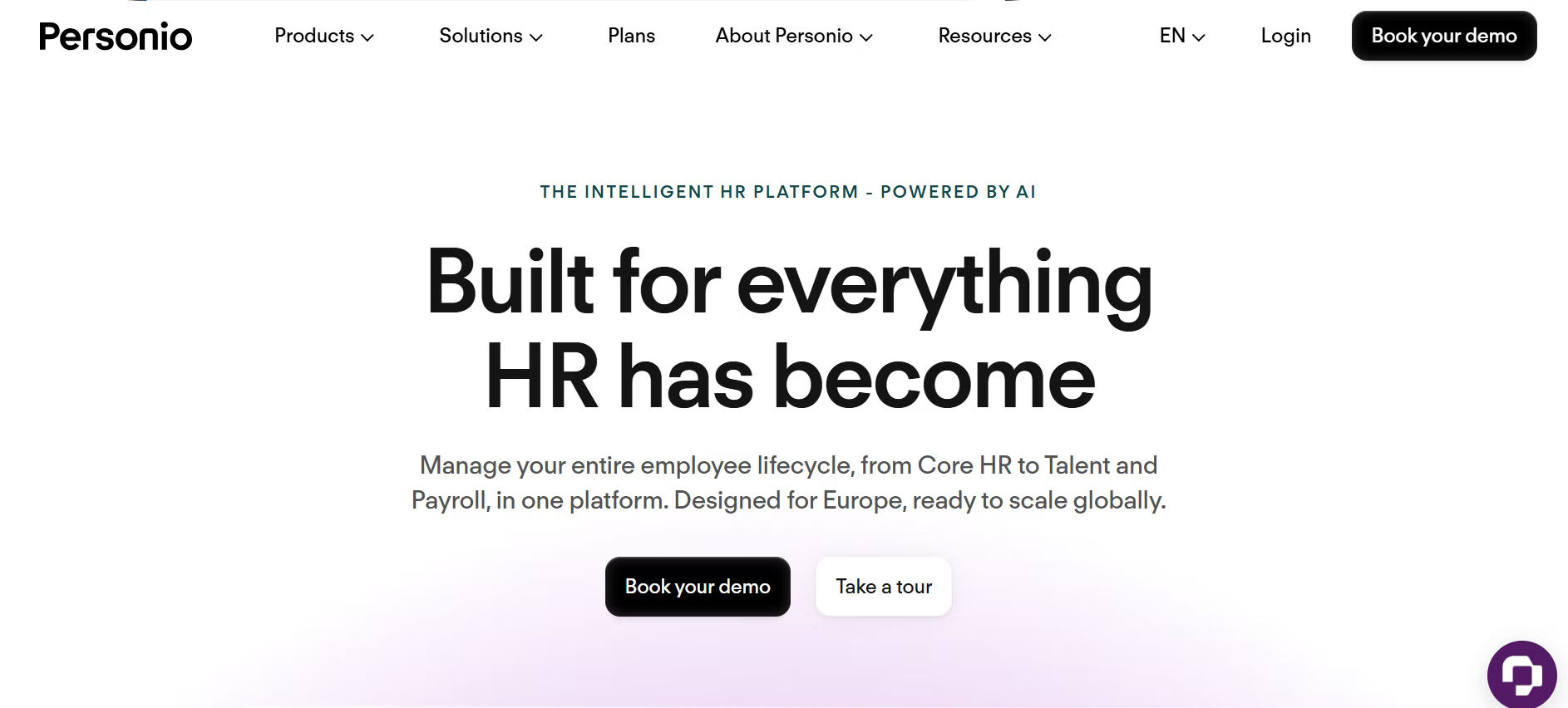
Personio is an HRIS popular with European companies and has a built‑in performance module. It is built for structured HR processes and multi‑language teams.
What Personio Offers
- Performance inside HRIS
You can run reviews and track goals inside the same HR system you use for people data.
- Multi‑language support
It works well for teams that speak different languages in Europe and beyond.
- Goal‑based reviews
Reviews focus on goals and outcomes, not only rating scales.
- Structured cycles
It supports formal performance cycles and continuous feedback for each role.
When Personio Fits Well
This tool is a good fit if:
- Your team is based in Europe or uses many languages.
- You already use Personio or a similar HRIS and want performance inside it.
- You prefer goal‑based, structured reviews over quick, informal check‑ins.
- You are okay with a longer setup period for a more powerful system.
PerformYard vs Alternatives (Quick Comparison Table)
| Tool | Best For | Key Advantage Over PerformYard |
| Performance Management 365 | Microsoft 365 users | Works inside Microsoft tools like Teams, Outlook, and SharePoint with built-in dashboards |
| PeopleGoal | Small and mid-sized teams | Easy setup with check-ins, 360 feedback, and engagement tools in one place |
| Lattice | Continuous performance teams | Supports weekly check-ins and connects goals to daily work |
| 15Five | Feedback-driven teams | Simple weekly updates and recognition features to build feedback habits |
| Leapsome | Performance + learning | Combines reviews, goals, and employee learning in one platform |
| Eletive | Engagement-focused teams | Real-time pulse surveys and actionable insights for managers |
| Culture Amp | Culture and engagement insights | Deep surveys, benchmarks, and strong reporting tools |
| HiBob (Bob) | HRIS-based teams | Keeps performance, HR data, and employee records in one system |
| Personio | European and global teams | Multi-language support with strong HR workflows and goal tracking |
How to Choose the Right PerformYard Alternative
With so many options, it is easy to feel stuck. You do not need the “perfect” tool; you need the right fit for your team, size, and budget. Use these simple questions to narrow your search.
1. What Is Your Biggest Problem Right Now?
Start by listing 1–3 real problems you have with your current system. Being clear here helps you avoid choosing a tool just because its marketing sounds good.
Ask yourself:
- Is it that reviews take too long to complete and people keep rushing at the end?
- Is it that feedback is low‑quality or rare, so you only see surprises at review time?
- Is it that there is no clear link between goals and reviews, so ratings feel random?
If one of these feels true, pick a PerformYard alternative that solves that main pain first. For example:
- If reviews are slow, choose a tool that supports short, simple check‑ins alongside full reviews.
- If feedback is weak, go for a system that makes it easy to give feedback often.
- If goals feel disconnected, choose a tool that links goals and reviews in one view.
2. How Big Is Your Team?
Team size changes what kind of tool you need. A choice that works for 20 people may not work for 500.
Small teams usually need:
- Simple tools with quick setup.
- Few configuration steps so HR and managers can launch fast.
- Light reporting that is easy to read and share.
Mid‑size and large teams often need:
- Better reports and dashboards (by team, manager, location, role).
- More flexible workflows so different departments or levels can use slightly different processes.
- Stronger support and security features (single sign‑on, audit logs, advanced permissions).
When you look at each PerformYard alternative, ask: “Can this grow with us from 50 to 500 to 5,000 users without breaking the budget or becoming too complex?”
3. What Is Your Budget?
Most tools charge per user per month. Some include free trials or starter plans, but not all.
Ask these questions:
- Can you start small and add more features later?
Some platforms let you begin with basic reviews and then add engagement surveys, learning, or advanced reports as you grow.
- Does the price go up fast if you add more users?
Watch for models where the per‑user cost jumps after a certain number of seats.
- Are there extra costs for surveys, learning, or advanced reports?
Some tools include these in the base plan; others put them behind extra fees.
A good PerformYard alternative should not break your budget in the first 12 months. If the total cost feels risky, test a free trial or a small‑team plan first before scaling up.
4. How Tech‑Friendly Is Your Team?
Your team’s comfort with technology matters more than the tool’s feature list.
Some tools are:
- Light and simple, with short forms, clear dashboards, and almost no setup.
- Powerful but complex, with many options that need time and training to get right.
If your managers are busy and your employees are not deeply tech‑savvy, choose a tool that:
- Lets a new employee finish a review in 5 minutes or less without a manual.
- Lets a busy manager open the tool, complete a quick check‑in, and move on.
- Does not require HR to give a long training session before launch.
If your team is comfortable with technology and ready to invest time, then you can choose a more powerful, feature‑rich alternative and build custom workflows over time.
5. How Well Does It Fit Your Existing Tools?
Your new tool should fit your current stack, not force you to change how you work.
Ask:
- Does it work with the tools your team already uses every day?
For example: SharePoint, Teams, Slack, Outlook, or your HRIS.
- Is data easy to move in and out?
Can you import old reviews or goals if needed? Can you export clean reports for leadership?
- Does it feel like an extra step or part of your normal workflow?
If people have to leave Teams, Outlook, or SharePoint to use it, adoption will be slower.
A PerformYard alternative that connects smoothly with your current tools will feel lighter, get used faster, and be easier to keep alive year after year.
How to Migrate from PerformYard to a New Tool
Switching tools can feel scary, but it does not need to be hard. A simple, step‑by‑step plan makes the move smoother and keeps your team confident.
1. Plan Your Migration Early
Before you start, take time to design a clear plan.
Decide:
- What data you need to move
For example: recent reviews, active goals, and important feedback comments.
- What you can leave behind
Old records, outdated ratings, or abandoned projects that are no longer useful.
- Who will own each part of the switch
HR can handle configuration and training, IT can manage security and access, and a project manager can track timelines and blockers.
A clear migration plan reduces confusion, avoids last‑minute surprises, and keeps everyone on the same page.
2. Communicate with Your Team
Tell your team early why the change is happening and how it will help them.
For example:
- “This new tool will make reviews faster and easier to complete.”
- “You will get feedback more often, so there are fewer surprises at year‑end.”
- “The process will feel lighter and more connected to how we already work.”
Explain what will stay the same (like review cycles) and what will change (like the interface or check‑in format). Clear communication builds trust and reduces fear about change.
3. Test Integrations Before Going Live
If your new tool connects with Slack, Microsoft Teams, an HRIS, or similar systems, test everything before full launch.
Check:
- Whether reviews and feedback appear in the right place and sync correctly.
- Whether notes and goals stay connected to the right people and teams.
- Whether reports pull the right data and show the right views (by team, manager, or role).
Fixing small issues during testing prevents bigger problems once your team is live and relying on the tool.
4. Train Your Managers and Employees
Even the best tool fails if people do not know how to use it. Invest a little time in simple training.
Create:
- A short video or step‑by‑step screenshots for new hires so they can complete a review on their own.
- A simple checklist for first‑time managers, showing them how to run check‑ins and give feedback.
- Light support for the first 30 days, such as office‑hour slots or a dedicated help channel where HR can answer quick questions.
This kind of training helps people feel confident, reduces follow‑up questions, and improves adoption.
5. Start Small and Improve Later
You do not need to use every feature on day one. A slow, focused rollout works better than a big, complex launch.
Start with:
- A simple review process that mirrors your existing cycle.
- Weekly or monthly check‑ins to build the habit of giving feedback more often.
- Basic dashboards that show review completion and simple feedback trends.
Once your team is comfortable with the basics, you can add more features over time, such as engagement surveys, recognition, or learning modules. This approach keeps the change manageable and lets your team grow into the full power of the new tool.
6. Keep a Short Feedback Loop After Launch
In the first few weeks, ask your team what is working and what feels confusing.
- Send a short, optional survey or ask for quick comments in a chat channel.
- Pay attention to where people are stuck, what steps they skip, and what questions they repeat.
- Use this feedback to tweak forms, reminders, and training so the tool feels easier to use.
If you listen early, you can fix small issues before they turn into bigger complaints.
7. Keep Old Data Accessible if Needed
Even if you move to a new tool, some people may still need to reference old PerformYard data.
- Export key reports or summaries from PerformYard before you fully switch off.
- Store them in a shared folder or intranet page that managers can access when needed.
- Make it clear that the old data is for reference only and not for new decisions.
This helps avoid confusion about where to look for historical information and keeps the new tool clean and focused on current work.
Conclusion
Choosing the right PerformYard alternative means matching the tool to your team size, budget, and existing tools. Some focus on simple check‑ins, others on engagement, learning, or HRIS integration.
If your team uses Microsoft 365, SharePoint, or Teams, a tool that lives inside that ecosystem can make reviews feel lighter and easier to adopt. Smaller teams need simple setups; larger teams often need stronger reports and security.
A smooth migration, light training, and a phased rollout help your team switch without stress. Over time, this turns performance into regular, useful conversations that support growth.
If you want to test how a PerformYard alternative like Performance Management 365 fits your team, get a 14-day free trial from the product page and run a small pilot before deciding.
Frequently Asked Questions
What are the best PerformYard alternatives in 2026?
A: Top PerformYard alternatives in 2026 include Performance Management 365, Lattice, PeopleGoal, 15Five, Leapsome, Eletive, Culture Amp, HiBob, and Personio. Each is strong for a different use case, from simple check‑ins to deep engagement and HRIS‑based performance.
Is there a free PerformYard alternative with a trial?
A: Many PerformYard alternatives offer free trials or starter plans, such as Performance Management 365, Lattice, PeopleGoal, and Eletive. These let you test reviews, check‑ins, and reports before committing to a paid plan.
Which PerformYard alternative works best with Microsoft 365 and Teams?
A: Performance Management 365 is built for SharePoint, Teams, and Outlook and runs inside your Microsoft 365 tenant. It supports Power BI dashboards and Power Automate, making it a strong fit for teams already using Microsoft 365.
How is Performance Management 365 different from PerformYard?
A: Performance Management 365 keeps performance data inside Microsoft 365, with AI‑assisted feedback, 360 reviews, 1‑1 meeting tools, and Power BI dashboards. PerformYard is a standalone performance platform with strong review forms but less native Microsoft integration.
Can I migrate from PerformYard to another tool easily?
A: Yes. You can plan a simple migration by deciding which data to move, testing integrations, and training your team. A phased rollout starting with a small group helps keep the switch smooth and reduces disruption.
What should I look for in a PerformYard alternative?
A: Look for flexible review workflows, continuous feedback features, goal‑tracking, easy dashboards, simple setup, and fair pricing. The right tool should match your team size, budget, and whether you use SharePoint, Teams, HRIS, or other platforms.
Is there an AI‑powered PerformYard alternative for reviews?
A: Yes. Performance Management 365 uses AI to summarise feedback, highlight strengths and gaps, and suggest talking points for 1‑1s. This helps managers write clearer reviews and saves time during the appraisal cycle.
How do I choose the right PerformYard alternative for my team size?
A: Small teams should pick simple, easy‑to‑use tools with quick setup. Mid‑size and large teams benefit from stronger reports, dashboards, and security. Match the tool to your current size, budget, and which other tools (like Teams, Slack, or an HRIS) you already use.


_JiluXJRGNl.svg)























