

LMS Workflow Automation: Benefits, Tools & Best Practices for Smarter Training

Picture this: Your HR team spends Monday morning enrolling 40 new hires into compliance courses by hand. Tuesday, they send reminder emails to 200 employees who have not finished their training yet. By Wednesday, they are pulling completion reports one by one. Friday comes, and they have barely had time to improve any actual training content.
Here are the key takeaways as points:
- Your team is wasting hours every week on tasks that a simple automation rule can handle in seconds.
- When enrollment happens automatically, new hires start learning on day one not when someone gets around to it.
- Most learners do not finish training because they forgot, not because they didn’t want to a timely reminder fixes that.
- If your LMS can’t connect to your HR tools, you are still doing the hard work manually just in a different tab.
- You do not need a bigger team to train more people you just need the right automations running in the background.
Sound familiar?
This is not a people problem. It is a process problem. And it has a clear solution: LMS workflow automation.
When you automate the routine tasks inside your Learning Management System (LMS), your training runs on its own. Enrollments happen automatically. Reminders go out at the right time. Reports build themselves. Your team gets their time back and your learners get a better experience.
In this guide, you will learn exactly what LMS workflow automation is, why it matters, which tasks to automate first, what tools to use, and how to set it up the right way.
What Is LMS Workflow Automation?
A workflow is a series of steps that happen in a certain order to complete a task. In an LMS, common workflows include enrolling a user in a course, sending a reminder email, issuing a certificate, and generating a progress report.
LMS workflow automation means setting up rules so these steps happen automatically without someone doing them by hand each time.
For example:
- A new employee joins the company → they are automatically enrolled in onboarding courses
- A learner completes a course → they automatically receive a certificate
- A deadline is three days away → learners who have not finished get a reminder email
- A learner fails a quiz → they are automatically assigned a remedial course
You set the rule once. The system does the work every time the rule is triggered.
Why LMS Workflow Automation Matters in 2026
The numbers behind this topic are hard to ignore.
The LMS market is projected to grow from USD 18.9 billion in 2024 to USD 44.5 billion by 2032, at a 14.6% CAGR. More companies are turning to LMS platforms to manage training, and automation is one of the main reasons why.
Workflow automation can reduce repetitive tasks by 60–95%, leading to time savings of up to 77% on routine activities. For training teams managing hundreds or thousands of learners, that kind of time saving is significant.
The global workflow automation market was valued at $20.3 billion in 2023 and is predicted to grow at a CAGR of 10.1% through 2032.
96% of large and mid-size companies use an LMS, and 81% of small companies use one too. That means almost every organization already has the platform in place. What separates the most efficient teams from the rest is whether they have set up automation inside it.
Simply put, if your LMS is running on manual tasks, you are leaving a lot of value on the table.
8 Key Benefits of LMS Workflow Automation
Stop doing the same tasks over and over. Here are 8 ways automation makes your training easier and faster.
1. Saves Time on Repetitive Tasks
The most direct benefit is time. Automating tasks like user enrollment, reminder emails, and basic progress tracking frees up your team’s time so education teams can focus on higher-level activities like developing training content and building personalized learning paths.
Think about how much time your team currently spends on tasks like:
- Manually enrolling users
- Sending deadline reminders
- Generating progress reports
- Issuing completion certificates
- Following up with learners who dropped off
Every one of these can be automated. That frees your team to do work that actually needs a human brain.
2. Fewer Mistakes
When humans do the same task hundreds of times, they make mistakes. Wrong course assigned. Reminder sent to the wrong group. Certificate issued before a course is complete.
Automation follows your rules exactly, every time. There are no typos, no missed steps, and no off days.
3. A Better Experience for Learners
Automated communication keeps learners informed throughout their learning journey receiving timely notifications about available training, completion milestones, and upcoming deadlines. Automated systems can also nudge users who have not completed a module, or offer personalized next steps based on their actions.
Learners do not have to chase information. The system keeps them on track automatically.
4. Consistency Across the Board
When different teams create training content for the same customer groups, work can easily get siloed. Automated workflows help eliminate inconsistencies, ensuring every learner receives the same high-quality experience.
Whether you are training 10 people or 10,000, automation makes sure the process is the same for everyone.
5. Better Data and Reporting
Automated workflows collect data on enrollments, course completion rates, and performance metrics allowing admins to discover where learners drop off and tailor content accordingly.
Instead of pulling numbers manually, automated reports give you a real-time view of how your training program is performing.
6. Faster Onboarding
New employees get enrolled in the right courses the moment they join. They do not have to wait for HR to get to it. Day one training starts on day one automatically.
7. Compliance Made Simple
In industries like healthcare, finance, or manufacturing, missing a compliance training deadline can have real legal consequences. Automation ensures that every required course is assigned, every deadline has a reminder, and every completion is tracked and logged.
8. Scale Without Adding Headcount
70% of business owners believe that automation helps with scaling operations. your organization grows, automation lets your training program grow with it without needing to hire more admins to manage the extra workload.
9 LMS Workflows You Should Automate Right Now
Here are the most common and highest-value workflows to automate in your LMS:
1. User Enrollment
What it looks like manually: An admin receives a new hire list, then manually adds each person to the right courses.
What automation does: The moment a new user account is created (or synced from your HR system), they are automatically enrolled in the courses assigned to their role or department.
Why it matters: No one falls through the cracks. Training starts immediately.
2. Reminder Emails and Notifications
What it looks like manually: An admin checks who has not finished their training, then writes and sends reminder emails.
What automation does: Reminders go out automatically at set intervals — for example, 7 days before a deadline, 3 days before, and on the day itself. Only learners who have not completed the course get the message.
Why it matters: Completion rates go up without any manual effort.
3. Certificate and Badge Issuance
What it looks like manually: An admin checks a completion report, then generates and sends a certificate to each learner.
What automation does: The moment a learner passes the final assessment, a certificate is automatically generated and delivered to them.
Why it matters: Learners get instant recognition, which keeps them motivated.
4. Learning Path Progression
What it looks like manually: An admin monitors who has completed which courses, then manually assigns the next course in a sequence.
What automation does: When a learner finishes one course, the next one in their learning path is automatically unlocked and assigned.
Why it matters: Learning flows naturally without interruptions or delays.
5. Manager or Admin Alerts
What it looks like manually: Managers check in periodically or wait for reports.
What automation does: When a learner completes a course, fails an assessment below a certain score, or misses a deadline, their manager automatically gets an alert.
Why it matters: Managers can step in and support their team without waiting for a report.
6. Re-enrollment for Recurring Training
What it looks like manually: An admin tracks expiration dates and manually re-enrolls people in annual compliance or certification courses.
What automation does: When a certification is about to expire (e.g., 30 days before), the learner is automatically re-enrolled and notified.
Why it matters: Compliance does not lapse just because someone forgot to check the calendar.
7. Progress Reporting
What it looks like manually: An admin exports data, puts it into a spreadsheet, formats it, and sends it to stakeholders.
What automation does: Reports are automatically generated and delivered to the right people on a set schedule weekly, monthly, or on demand.
Why it matters: Decision-makers always have current data without waiting for an admin to pull it.
8. User Provisioning and Deprovisioning
What it looks like manually: When an employee leaves, an admin has to remember to deactivate their account and reassign any incomplete items.
What automation does: When HR marks an employee as inactive in your system, their LMS account is automatically deactivated. When they are promoted or change roles, their course assignments automatically update.
Why it matters: Data stays clean, and you do not have inactive users cluttering your system.
9. Feedback and Survey Collection
What it looks like manually: An admin sends a survey link manually after each course is completed.
What automation does: A post-course survey is automatically sent to the learner the moment they complete the final lesson.
Why it matters: You get more responses because the timing is perfect, and you get consistent data across all courses.
How to Choose the Right LMS for Workflow Automation
Not every LMS has strong automation features. Here is what to look for when evaluating a platform:
Trigger-Based Automation Rules
The LMS should let you set up “if this, then that” rules. For example: If a user completes Course A, then enroll them in Course B. The more triggers available, the more flexible your automations can be.
Common triggers to look for:
- User created or role changed
- Course enrolled or completed
- Assessment passed or failed
- Date or deadline reached
- Group membership changed
Integration With Other Systems
A powerful LMS with robust automation should integrate with solutions your team already uses like CRM platforms (such as Salesforce) or HR systems creating a unified ecosystem where data flows freely.
If your LMS cannot talk to your HR system, onboarding automation breaks down immediately. Look for native integrations with common tools like Workday, BambooHR, Salesforce, Microsoft Teams, Zoom, and Slack.
No-Code or Low-Code Workflow Builder
Your training team should not need a developer to set up automations. Look for a visual workflow builder that anyone can use something where you drag, drop, and connect steps without writing code.
Conditional Logic
Strong automation lets you add conditions. For example: Send this reminder only if the learner has not logged in within the last 7 days. This prevents over-communication and keeps your messages relevant.
Reporting and Analytics
Automation is only useful if you can see whether it is working. Make sure your LMS has built-in dashboards that show completion rates, time-to-complete, drop-off points, and assessment scores ideally updated in real time.
Top LMS Tools With Strong Workflow Automation
Here is a closer look at some LMS platforms that stand out for workflow automation features and operational efficiency.
LMS 365 — Best for Microsoft 365-Based Organizations
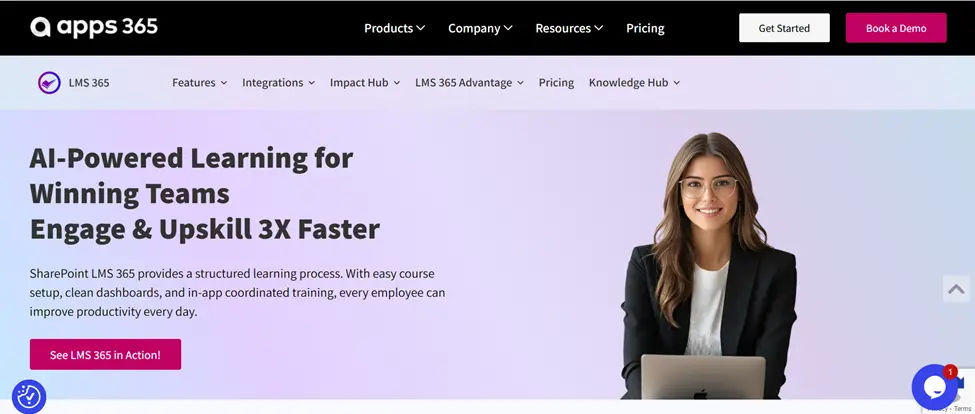
LMS 365 is built directly inside Microsoft 365, which makes workflow automation feel natural for teams already using tools like Teams, SharePoint, Outlook, and Power Automate. Instead of managing training in a separate platform, organizations can automate learning workflows within the systems employees already use every day.
One of the biggest advantages of LMS 365 is its deep integration with the Microsoft ecosystem. Admins can automatically assign training based on job roles, departments, locations, or onboarding status without manually updating learner lists every week.
Key automation capabilities include:
- Automated course enrollments based on user groups or Azure AD data
- Learning reminders and deadline notifications through Microsoft Teams and Outlook
- Approval workflows for certifications and compliance training
- Automatic learning path assignments for onboarding programs
- Real-time reporting dashboards connected to Microsoft Power BI
- Workflow automation using Microsoft Power Automate for custom business rules
For organizations already invested in Microsoft 365, LMS 365 reduces platform switching and simplifies learning operations significantly.
💼 Ready to simplify employee learning inside Microsoft 365??
Docebo
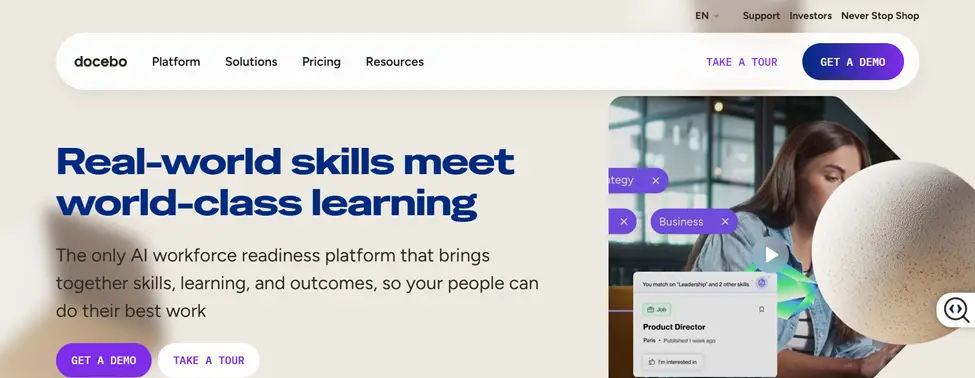
Docebo is a strong enterprise-grade LMS with rule-based automation, deep HR integrations, and AI-assisted content recommendations. It is well-suited for large organizations that need automation at scale.
The platform allows administrators to automate repetitive learning tasks such as enrollments, certification renewals, and learner segmentation. Its AI features also help recommend relevant training automatically based on learner behavior and skill gaps.
Key strengths include:
- AI-powered learning recommendations
- Automated compliance tracking
- Advanced integrations with HRIS platforms
- Scalable automation for global training programs
- Detailed reporting and analytics
Docebo works best for enterprises with complex training structures and large distributed teams.
360Learning
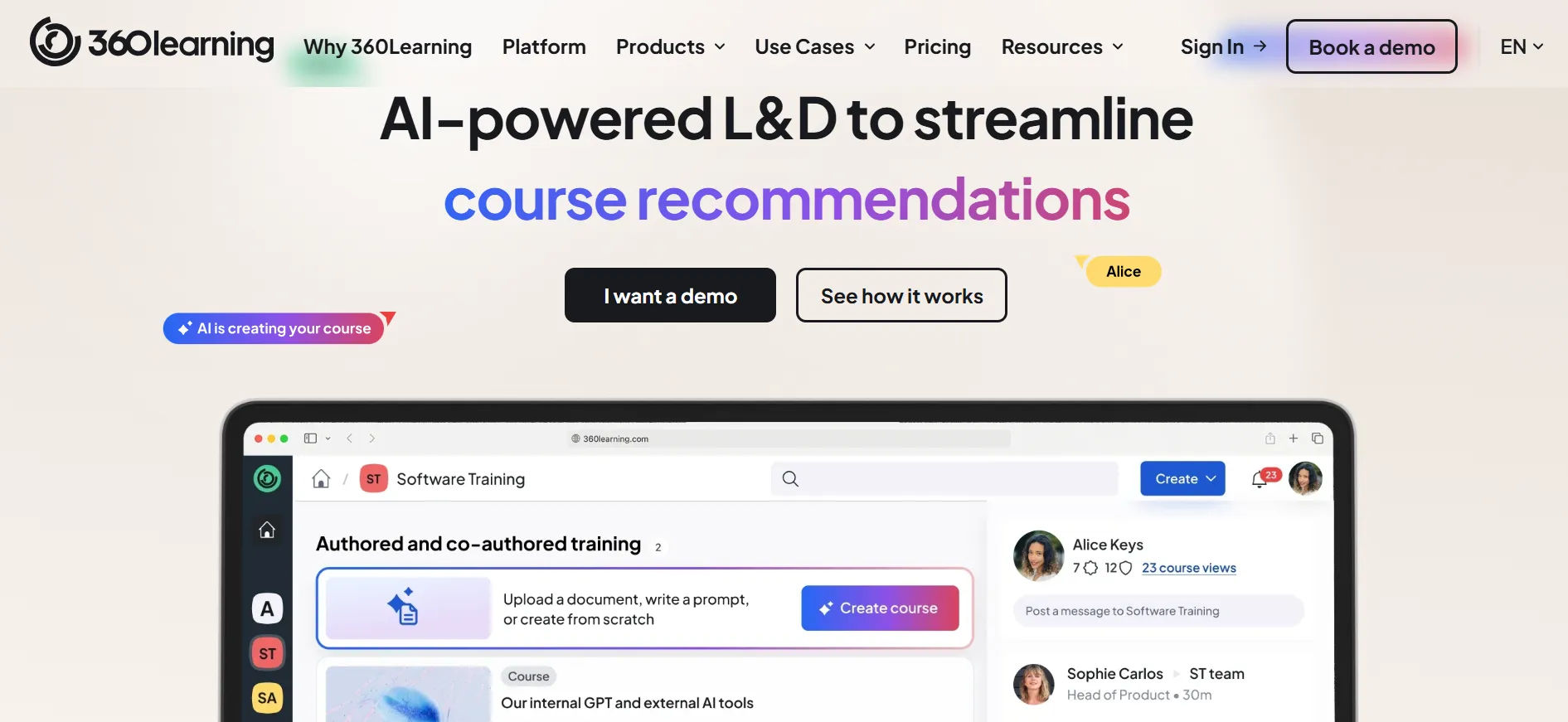
360Learning focuses on collaborative learning with automation built around peer-driven content. It has automated enrollment, notifications, and reporting with a clean interface that non-technical users can manage easily.
The platform encourages internal experts to create and share courses while reducing administrative workload through automation.
Key automation features include:
- Automated learner notifications
- Self-enrollment workflows
- Learning cohort management
- Collaborative course approval workflows
- Automated progress tracking and reporting
It is a strong choice for companies that want a balance between automation and collaborative learning.
Cypher Learning
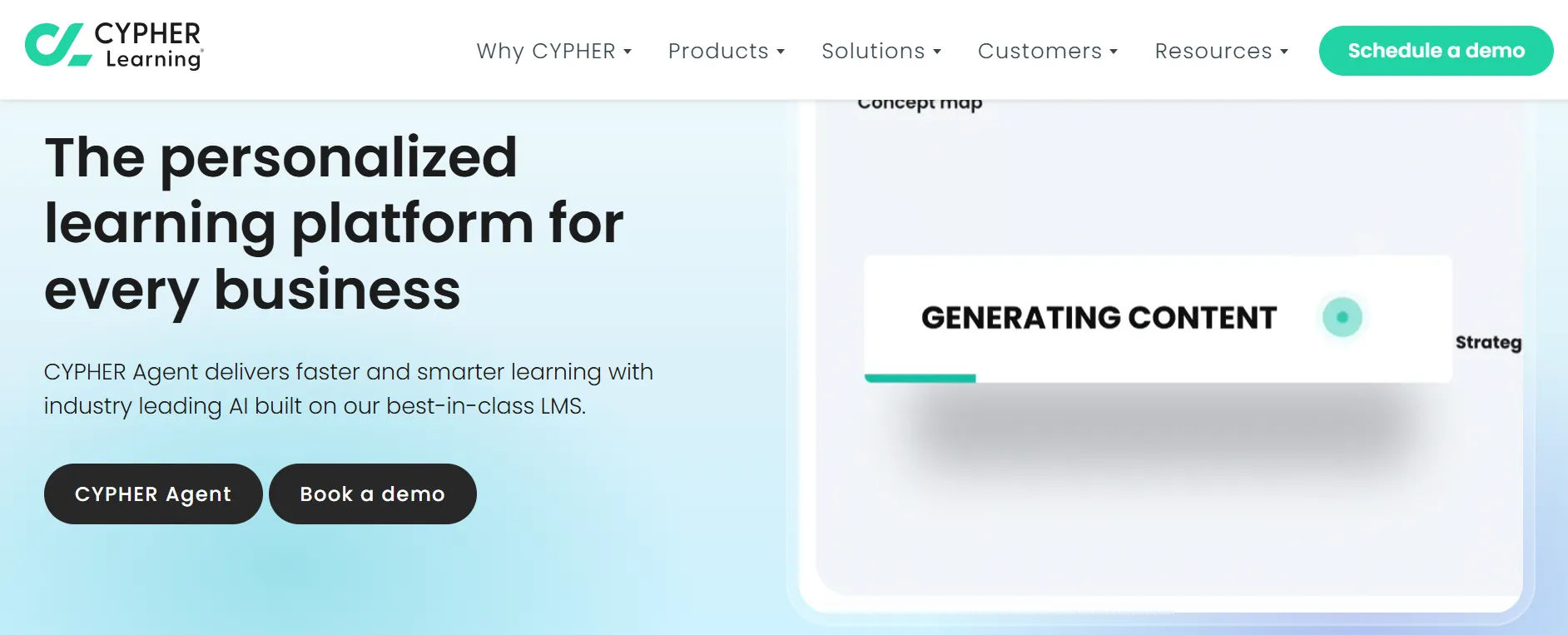
Cypher Learning offers a rules-based automation engine that is one of the most flexible on the market. You can create complex automation sequences with multiple conditions without touching a line of code.
Its visual automation builder makes it easier for administrators to design workflows that adapt to different learning scenarios.
Popular automation capabilities include:
- Conditional learning paths
- Automated assessments and grading
- Smart content recommendations
- Multi-step workflow automation
- Dynamic learner segmentation
Cypher Learning is ideal for organizations that need highly customized training automation.
iSpring Learn
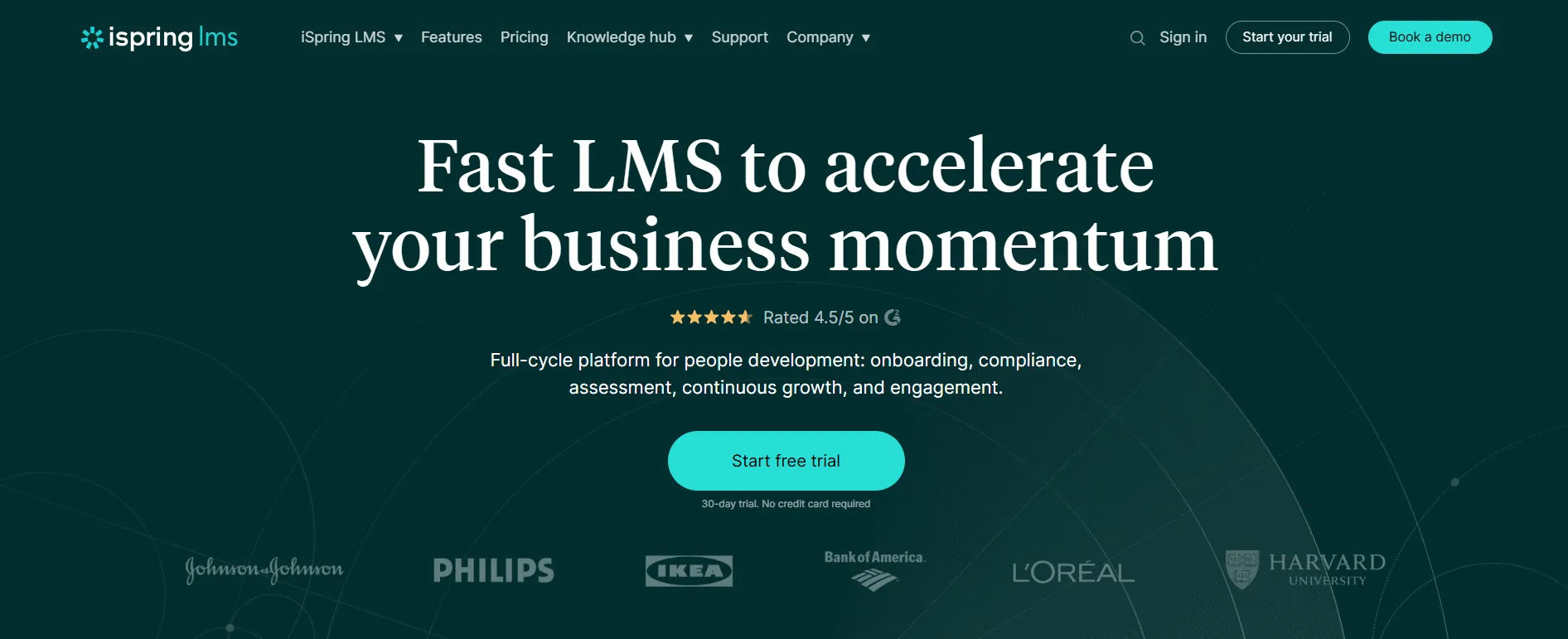
iSpring Learn is known for being easy to set up and use, with automated assignments, deadline reminders, and completion tracking built in. It is a good option for small to mid-size teams.
The platform focuses on simplicity while still offering the essential automation features most companies need.
Core automation features include:
- Automated course assignments
- Reminder emails for overdue training
- Certification renewal tracking
- Learning progress monitoring
- Scheduled reporting
For teams with limited LMS administration resources, iSpring Learn provides a simple and practical setup.
Skilljar
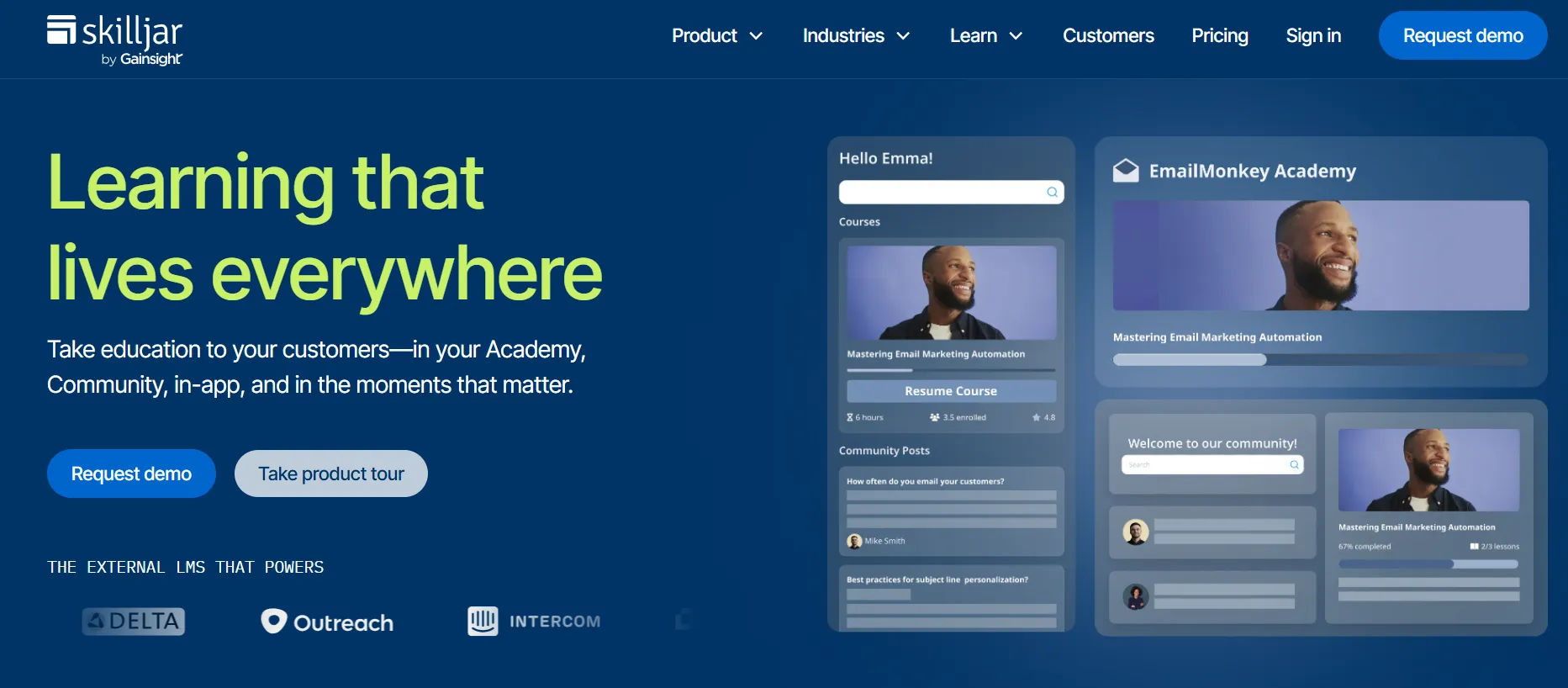
Skilljar lets you set up conditional triggers that automate actions based on specific events such as automatically enrolling new customers upon account sign-up. It is especially popular for customer education and external training programs.
The platform helps companies scale customer onboarding without adding manual training administration.
Automation highlights include:
- Event-based learner enrollments
- Customer onboarding workflows
- Automated learning campaigns
- Progress-based triggers
- Reporting automation for customer success teams
Skilljar is particularly effective for SaaS companies and businesses running customer training programs.
Absorb LMS
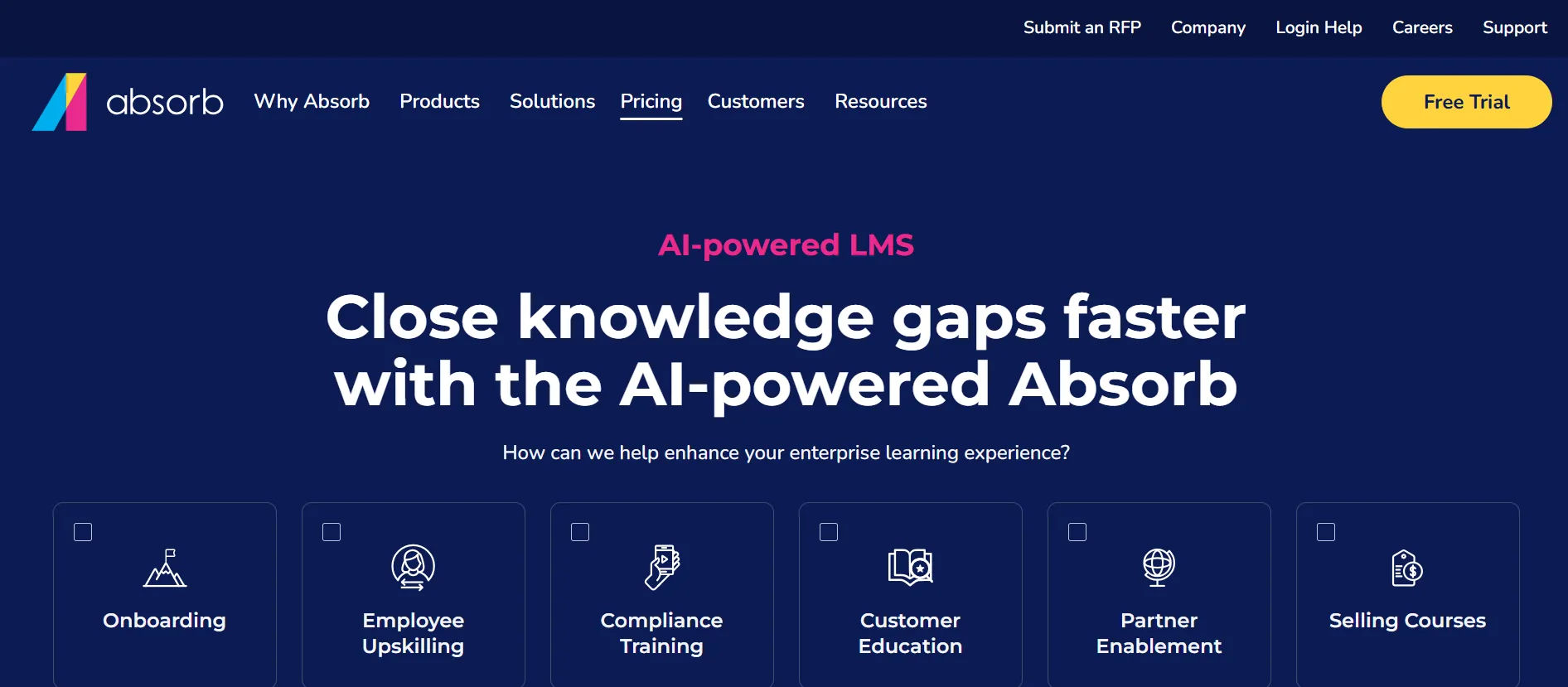
Absorb LMS offers automated reporting, advanced integrations with HR and CRM software, and a highly customizable interface useful for organizations that want automation tied closely to their existing tech stack.
Its automation tools help reduce manual work while supporting personalized learning experiences.
Important automation capabilities include:
- Automated learner group management
- HR and CRM workflow integrations
- Scheduled compliance reporting
- Intelligent course recommendations
- Certification and recertification automation
Absorb LMS is well-suited for mid-size to enterprise organizations looking for flexibility and deep customization.
LMS Workflow Automation vs. Manual Training Management
Task | Manual | Automated |
Enrolling new users | Admin does it one by one | Happens instantly when user is created |
Sending reminders | Admin picks recipients and sends | Sent automatically on a schedule |
Issuing certificates | Admin generates and emails them | Sent the moment a course is passed |
Pulling reports | Admin exports and formats data | Delivered automatically on a schedule |
Re-enrolling for annual training | Admin tracks expiration dates | Triggered automatically before expiry |
Notifying managers | Admin writes individual messages | Sent automatically based on learner actions |
How to Get Started With LMS Workflow Automation
You do not have to automate everything at once. Here is a practical step-by-step approach:
Step 1: Audit Your Current Manual Tasks
Write down every task your training team does repeatedly. How long does each one take? How often does it happen? Which ones cause the most errors or delays?
This gives you a clear picture of where automation will have the biggest impact.
Step 2: Start With the Highest-Volume Tasks
Do not try to automate everything at once. Start with repetitive tasks like sending automated welcome emails to new users or automated reminders for users to complete onboarding.
The highest-volume tasks are usually: user enrollment, reminder emails, and certificate issuance. Start there.
Step 3: Map Out Your Workflow Before You Build It
Before you touch any settings in your LMS, draw out the workflow on paper or a whiteboard. What is the trigger? What happens next? Are there any conditions? What is the final outcome?
A clear map makes it much easier to build the automation correctly.
Step 4: Set Up and Test
Build the automation in your LMS using a small test group first. Trigger the workflow yourself. Check that every step fires correctly. Look for anything that could go wrong with a real user.
Step 5: Monitor and Improve
Learning environments are dynamic. Choose an LMS with a flexible automation engine that lets you easily adjust automations as your needs change.
Once your automation is live, check it regularly. Are completion rates improving? Are reminders sending at the right time? Use your data to refine the rules over time.
Common Mistakes to Avoid
Automating a broken process.
Automation makes a process faster but if the process is already wrong, it just creates problems faster. Fix the process first, then automate it.
Over-communicating with learners.
If every action triggers three emails, learners will start ignoring them. Be thoughtful about how many automated messages you send and make sure each one adds value.
Not testing before going live.
An automation that fires incorrectly can send the wrong course to 500 people. Always test in a controlled environment first.
Ignoring integration.
Automation that lives only inside your LMS is limited. Connecting your LMS to your HR system and communication tools is where the real efficiency gains come from.
Building overly complex workflows early on.
Complex automations can be confusing and prone to errors. Start with straightforward rules and triggers, then gradually add complexity as needed.
LMS Workflow Automation and AI: What Is Coming Next
As of 2024, roughly 47% of LMS platforms incorporate features such as adaptive learning, intelligent tutors, and feedback automation. These systems now dynamically adjust to the distinct requirements of every learner, boosting engagement and retention rates.
AI is making LMS automation smarter. Instead of just following fixed rules, AI-powered systems can:
- Recommend the next course based on a learner’s performance and goals
- Predict which learners are at risk of dropping off before it happens
- Personalize the learning path in real time based on quiz results
- Automatically flag content that is underperforming based on engagement data
LMS tools now use AI to personalize learning, automate tasks, and track performance for better results.
The shift is from automation that follows rules to automation that learns and adapts. For training teams, this means less manual oversight and more intelligent delivery of learning experiences.
Conclusion:-
LMS workflow automation is not about replacing your training team. It is about letting your team spend their time on work that actually needs human judgment building better courses, supporting struggling learners, and improving your training strategy.
The tasks that can be automated enrollments, reminders, certificates, reports do not need a person. They just need a rule. Set the rule once, and the system handles it from that point forward.
By 2026, 30% of enterprises will have automated more than half of their operations. Training programs that adopt automation now will be faster, more consistent, and easier to scale than those that stay manual.
Start small. Pick one repetitive task. Automate it. Measure the result. Then build from there.
Your learners will learn more. Your team will work smarter. And your training program will run the way it should with you in control, not buried in admin tasks.
Frequently Asked Questions About LMS Workflow Automation
What is the difference between LMS automation and LMS integration?
Integration connects your LMS to other systems (like an HR platform). Automation sets rules for what happens when certain events occur. Both work together integration brings the data in, automation acts on it.
Do you need technical skills to set up LMS automation?
Most modern LMS platforms offer no-code workflow builders. You do not need to write code. You do need to understand your training process clearly enough to map it out as a series of steps.
Can small organizations benefit from LMS automation?
Yes. Even with a small team, automating enrollment and reminders saves several hours per week. As the organization grows, that time saving compounds.
What is a trigger in LMS automation?
A trigger is the event that starts a workflow. Common examples: a user account is created, a learner passes a course, a deadline date is reached, or a learner’s role changes.
How long does it take to set up LMS automation?
Simple automations (like a welcome email on enrollment) can be set up in under an hour. More complex sequences with multiple conditions may take a few days of planning and testing.


_JiluXJRGNl.svg)























