

10 Best LearnUpon Alternatives in 2026 for Learning Management

LearnUpon is a well-regarded LMS, but it may not meet every organization’s training needs. Some businesses need deeper Microsoft 365 integration, while others look for greater customization, open-source control, advanced AI automation, or enterprise-level reporting.
- LearnUpon alternatives offer different strengths, from Microsoft 365 integration and AI to affordability and enterprise scalability.
- LMS 365 is ideal for organizations using Microsoft Teams and SharePoint.
- Compare LMS platforms based on features, integrations, ease of use, reporting, AI capabilities, and total cost.
- The best alternative depends on your organization’s training goals, technology stack, and growth plans.
This guide compares the top LearnUpon alternatives in 2026, including approximate pricing, key features, real trade-offs, and the types of businesses each platform is best suited for. The goal is to help you find an LMS that fits your training goals not just one that checks the most boxes on a feature list.
Why Are Companies Looking for LearnUpon Alternatives?
LearnUpon is a capable LMS that helps organizations create courses, manage learners, and track training progress. It works well for many mid-sized businesses with structured onboarding and compliance training needs. However, as organizations grow, their training requirements often become more complex.
Teams usually start evaluating LearnUpon alternatives when they need more flexibility, deeper integrations, or advanced capabilities that better match their workflows.
Microsoft 365 integration
Companies already working heavily in Microsoft Teams and SharePoint often prefer an LMS that fits into their existing workplace environment. Instead of asking employees to switch between different platforms, they look for training experiences built directly into the tools they use every day.
Greater customization and flexibility
Organizations with complex structures, multiple departments, global teams, or unique training processes may need more control over workflows, branding, permissions, and learning paths than a standard LMS setup provides.
More advanced reporting and analytics
L&D and HR teams increasingly rely on data to measure training effectiveness. Some businesses look for reporting that connects easily with tools like Power BI or Tableau to create deeper insights into learner progress, skill gaps, and compliance status.
AI-powered learning capabilities
Modern LMS platforms are adding AI throughout the learning process, from generating course outlines and quizzes to recommending learning paths and summarizing learner performance. Companies exploring alternatives may want AI features built into the core experience rather than added as an extra feature.
Scalability for growing organizations
As companies expand, their training needs often extend beyond employees to customers, partners, franchises, or external audiences. Some teams look for platforms that can support multiple audiences, larger user volumes, and more flexible licensing models.
Easier administration and user adoption
For HR and L&D teams managing hundreds or thousands of learners, ease of administration becomes a major factor. Organizations may look for simpler workflows, automated enrollment, self-service options, and a more intuitive learner experience.
Stronger integration ecosystem
Businesses often want their LMS to connect with their existing HR systems, productivity tools, collaboration platforms, and analytics solutions. A wider integration ecosystem can reduce manual work and create a more connected training environment.
LearnUpon remains a strong LMS choice for many organizations, but the right platform depends on what matters most to your business whether that’s Microsoft 365 integration, AI capabilities, customization, analytics, or scalability.
What Should You Look for in a LearnUpon Alternative?
Choosing an LMS replacement is not just about finding a platform with more features. The right LearnUpon alternative should fit your team’s workflow, integrate with your existing technology, and make learning easier for both administrators and employees.
Before comparing platforms, evaluate these key factors:
1. Ease of Use
A powerful LMS only delivers value if people actually use it. Administrators should be able to create and manage training without complicated processes, while employees should have a simple experience for accessing courses and tracking their progress.
Before deciding, test the actual admin dashboard, not just the learner experience shown in a product demo.
2. Integration Capabilities
Your LMS should work smoothly with the tools your organization already uses. Look beyond basic file imports and exports and check for native integrations with platforms like Microsoft Teams, SharePoint, HR systems, identity providers, and business intelligence tools.
Strong integrations help reduce manual work and keep training data connected across your organization.
3. Course Creation and Learning Management
A modern LMS should support more than uploading training materials. Look for features such as course authoring, learning paths, assessments, quizzes, certifications, and automated enrollment based on employee roles, departments, or training requirements.
The goal is to make it easier to deliver the right training to the right people at the right time.
4. Reporting and Analytics
Training data helps organizations understand what is working and where improvements are needed. Look for detailed reporting on course completion, learner progress, skill development, compliance tracking, and team performance.
Platforms that connect with BI tools can provide deeper insights for HR and L&D teams.
5. AI Capabilities
AI is becoming an important factor when comparing LMS platforms. Useful AI features can help create course drafts, generate assessments, recommend learning paths, and provide insights into learner behavior.
However, don’t choose a platform based only on an “AI-powered” label. During demos, ask vendors to show how AI works with your actual training content.
6. Total Cost of Ownership
The LMS subscription price is only one part of the investment. Consider additional costs such as implementation, content migration, administrator training, integrations, reporting features, and API access.
A platform with a lower starting price may become more expensive if essential capabilities require paid add-ons.
10 Best LearnUpon Alternatives in 2026
The best LearnUpon alternative depends on your organization’s training goals, team size, and technology ecosystem. Below, we compare leading LMS platforms to help you understand their strengths, limitations, and who they are best suited for.
1. LMS 365
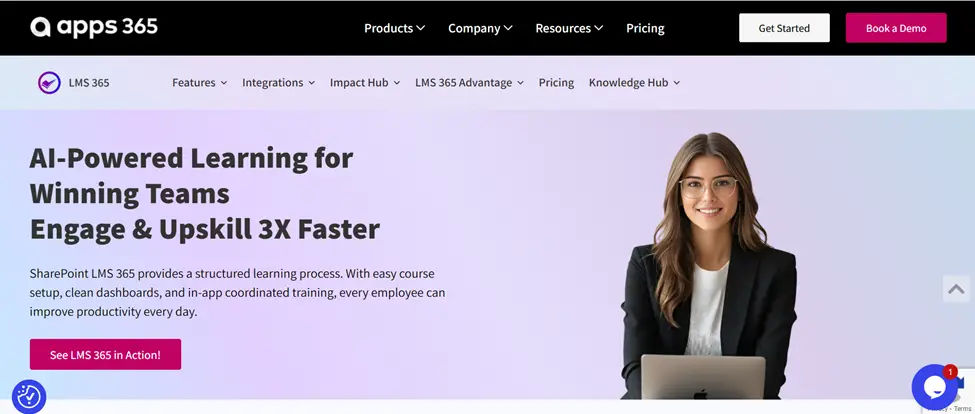
LMS 365 is a Microsoft-native LMS built to run inside Microsoft Teams and SharePoint, so employees complete training in tools they already use daily rather than switching to a separate portal.
Key Features: Native Teams/SharePoint integration, AI-assisted course creation, automated enrollment, learning paths and certifications, compliance training, Power BI reporting, mobile learning.
Pros: Very low adoption friction for Microsoft-centric organizations; reporting lives natively in Power BI; strong for compliance and certification tracking.
Cons: Less compelling if your organization isn’t already standardized on Microsoft 365; smaller third-party content marketplace than Docebo or LinkedIn Learning.
Best for: Microsoft 365 organizations that want training embedded in Teams and SharePoint instead of a standalone system.
Want to deliver training inside Microsoft Teams?
2. Docebo
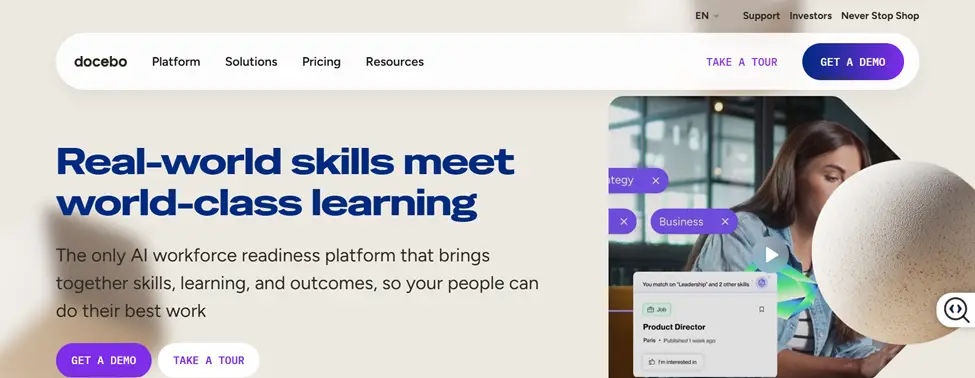
Docebo is an enterprise LMS built for scalable learning management with heavy automation and AI-driven personalization, including for external/extended-enterprise audiences.
Key Features: AI-powered content recommendations, social/collaborative learning, extended enterprise training (partners/customers), advanced reporting, branded learning portals.
Pros: Strong AI recommendation engine; handles internal + external training audiences well; scales cleanly for large, multi-region organizations.
Cons: Pricing and implementation complexity can be significant for smaller teams; steeper admin learning curve.
Best for: Large organizations needing enterprise-grade automation and multi-audience training.
3. TalentLMS
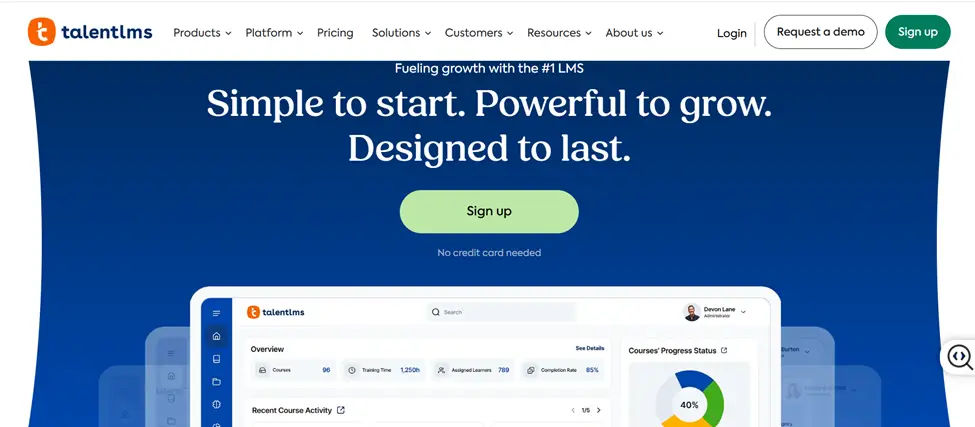
TalentLMS is a lightweight, fast-to-deploy LMS built for small and mid-sized businesses that want training running quickly without enterprise complexity or cost.
Key Features: Fast course creation, employee training management, gamification (badges, levels, leaderboards), reporting dashboards, integrations with common business tools.
Pros: Genuinely easy to set up and administer; transparent, published pricing tiers; good free tier for very small teams.
Cons: Reporting and customization are lighter than enterprise platforms; less depth for complex compliance programs.
Best for: Smaller companies that want a simple, budget-friendly LMS without sacrificing core functionality.
4. LearnWorlds
LearnWorlds is a cloud-based LMS designed for businesses, training providers, and organizations that want to create engaging online learning experiences and deliver courses to employees, customers, or external audiences.
Key Features: Interactive video, course creation, assessments, learning paths, certificates, reporting, white-label customization, and e-commerce tools.
Pros: Strong interactive learning features; supports employee and customer training; offers extensive branding and customization options; useful for businesses that sell online courses.
Cons: Some advanced features are limited to higher-tier plans; may be more than organizations need for basic employee training; pricing can increase as training needs grow.
Best for: Businesses, training companies, and organizations that need interactive course creation, strong customization, and support for both internal and external learning.
5. Absorb LMS
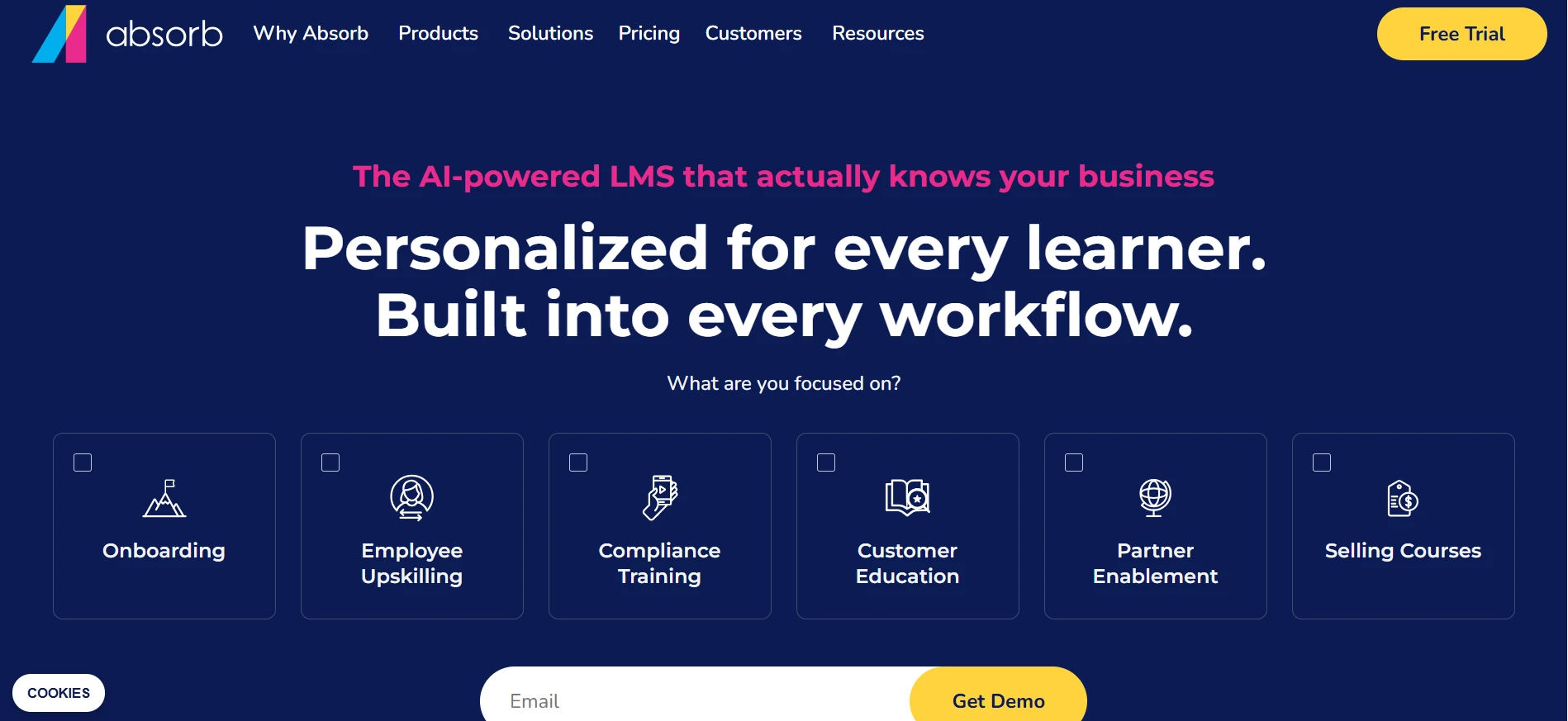
Absorb LMS supports employee training, customer education, and partner learning programs from a single platform, which suits organizations with multiple learning audiences.
Key Features: AI-powered learning tools, automation workflows, advanced analytics, e-commerce learning (sell courses externally).
Pros: Genuinely strong for organizations that need to serve employees, customers, and partners from one system; solid analytics.
Cons: Enterprise pricing puts it out of reach for very small teams; some AI features are still maturing relative to Docebo.
Best for: Organizations managing large-scale, multi-audience learning programs.
6. Cornerstone Learning
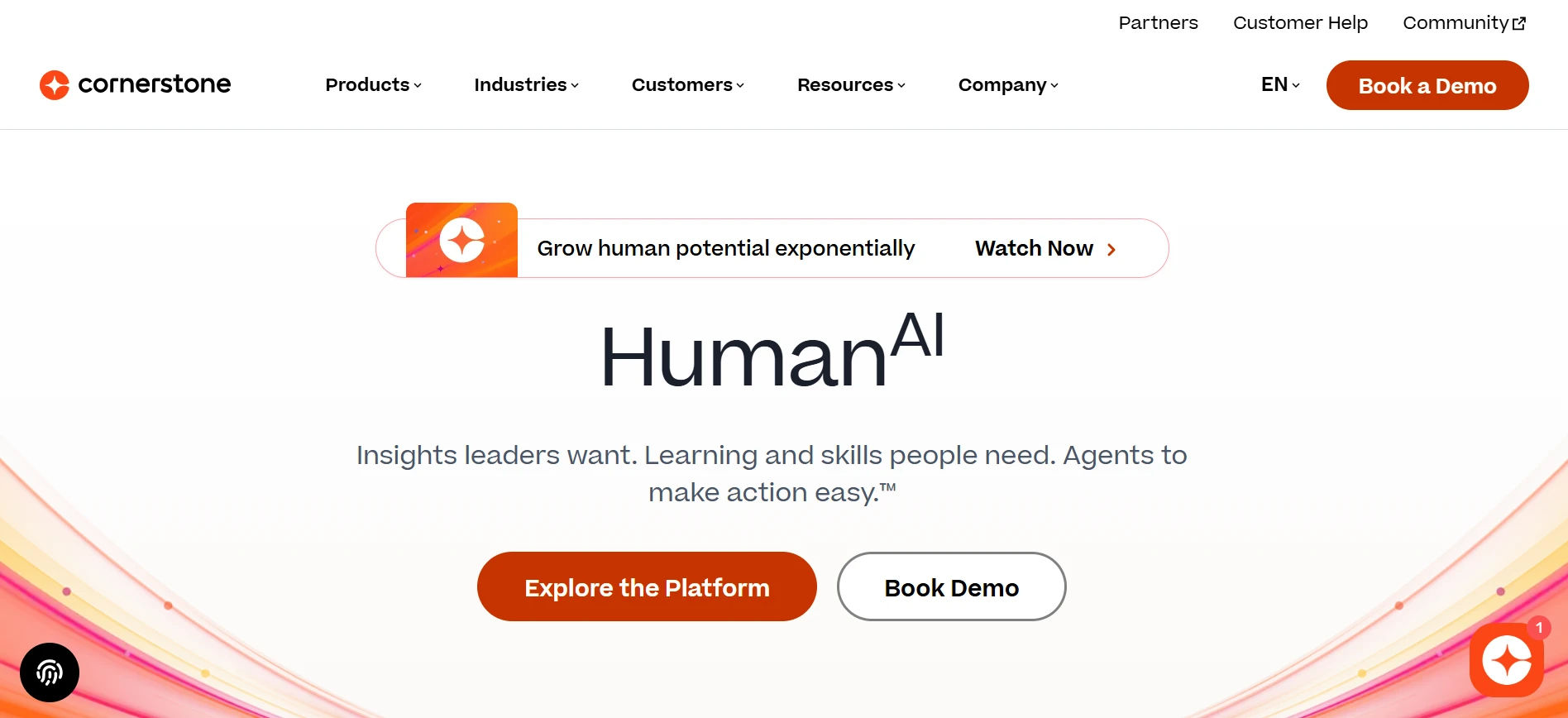
Cornerstone Learning connects learning directly to broader workforce and career development strategy, which fits enterprises already thinking in terms of skills frameworks and succession planning.
Key Features: Skill-based learning paths, compliance management, deep learning analytics, career development/succession planning tools.
Pros: Best-in-class for tying training to career pathing and skills inventories; strong compliance tooling for regulated industries.
Cons: Implementation is a heavier lift; often requires a dedicated administrator or Cornerstone partner to get full value.
Best for: Large enterprises with complex, compliance-heavy training and career-development needs.
7. LinkedIn Learning
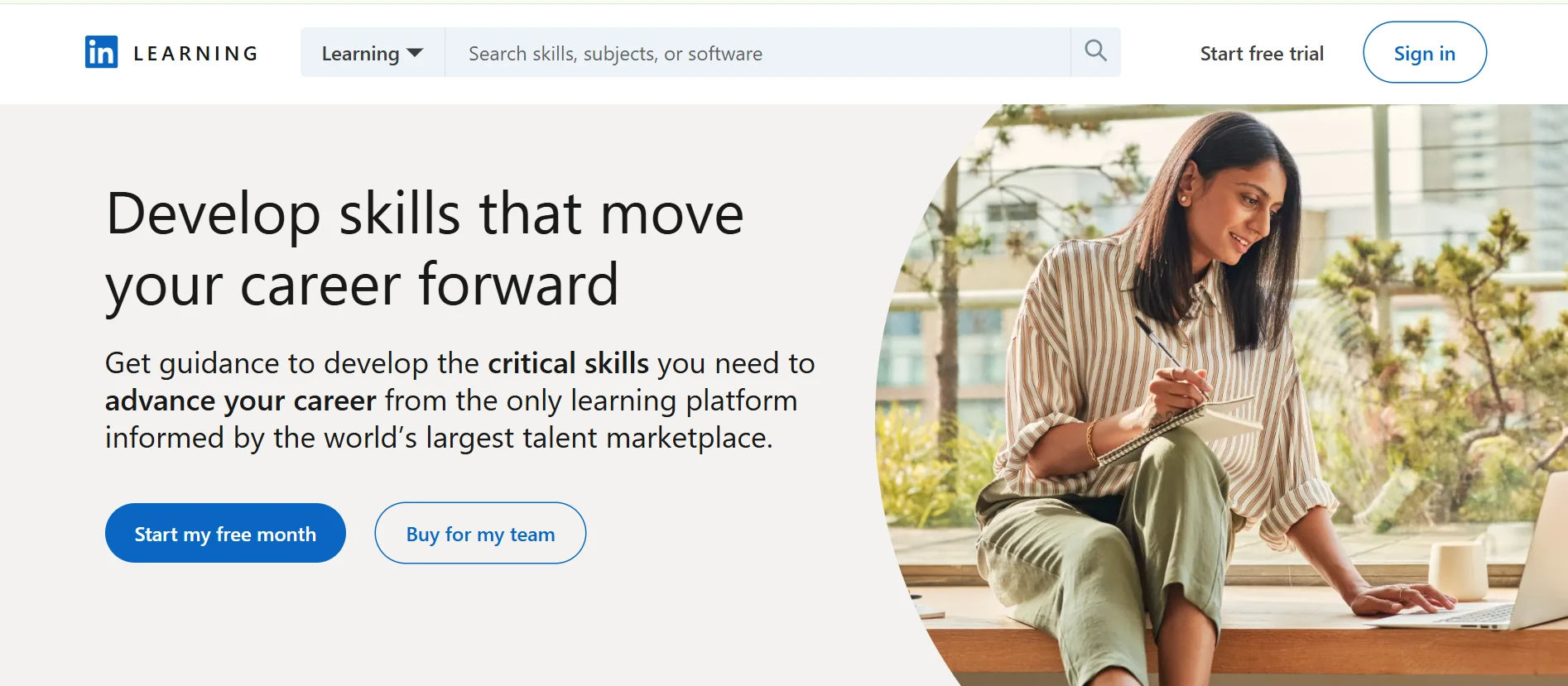
LinkedIn Learning isn’t a course-authoring LMS in the traditional sense — its strength is a large, professionally produced content library, often layered on top of another LMS rather than replacing one.
Key Features: Thousands of pre-built courses, skill content tied to LinkedIn profiles, learning analytics, integrations with other HR/LMS platforms.
Pros: Excellent breadth of ready-made content across business, technical, and creative skills; minimal authoring effort required.
Cons: Weak as a standalone system of record for internal, company-specific, or compliance training; usually needs to be paired with a “real” LMS.
Best for: Companies that want to supplement internal training with a large, ready-to-use content library not as a sole LMS.
8. SAP SuccessFactors Learning
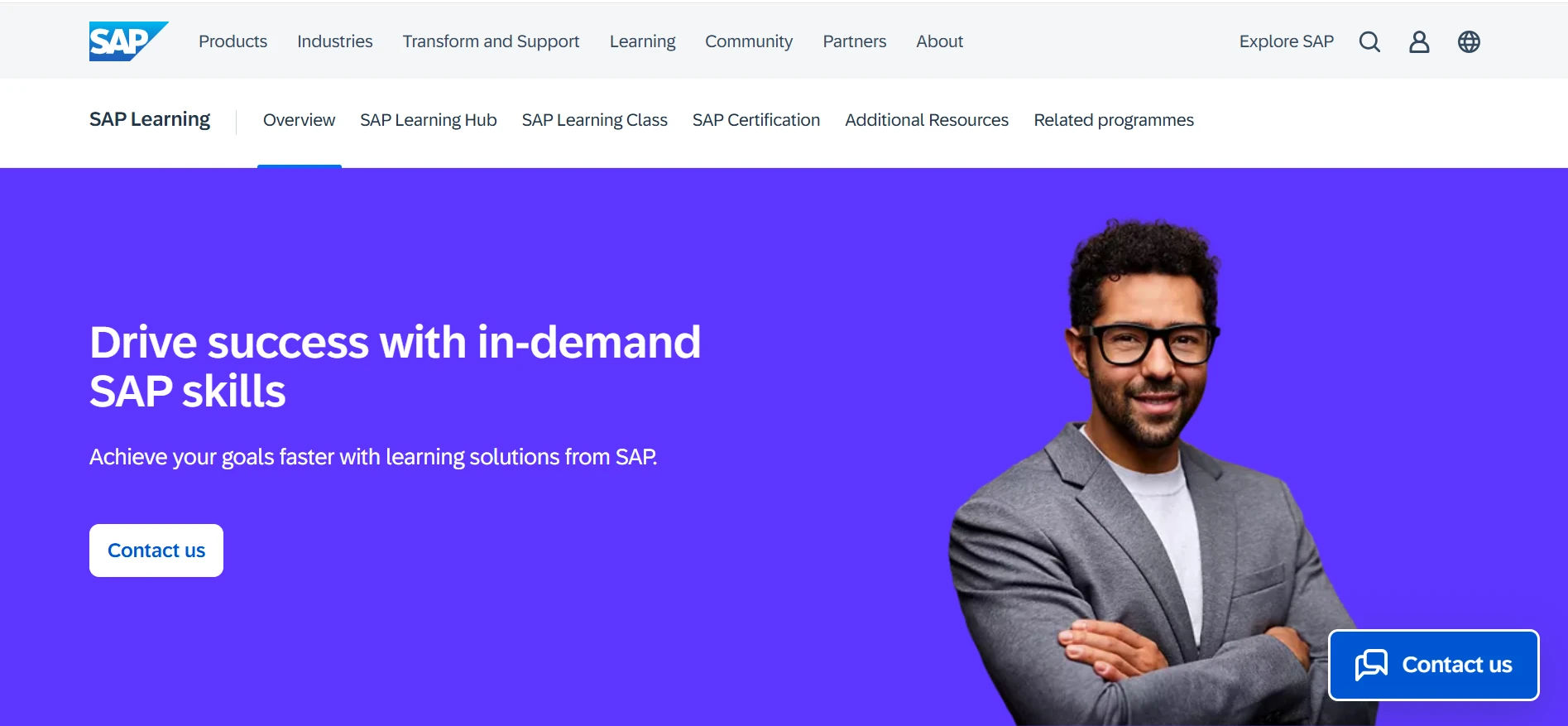
SAP SuccessFactors Learning ties employee training directly into broader HR processes, which is a natural fit for organizations already standardized on the SAP HR suite.
Key Features: Compliance training, employee development tracking, enterprise-grade reporting, native HR system integration.
Pros: Deep, reliable integration if you’re already on SAP SuccessFactors HCM; strong for regulated, audit-heavy environments.
Cons: Overkill and costly if you aren’t already an SAP customer; UI and course-authoring experience lag behind newer, AI-native platforms.
Best for: Large organizations already running SAP for core HR functions.
9. Disprz
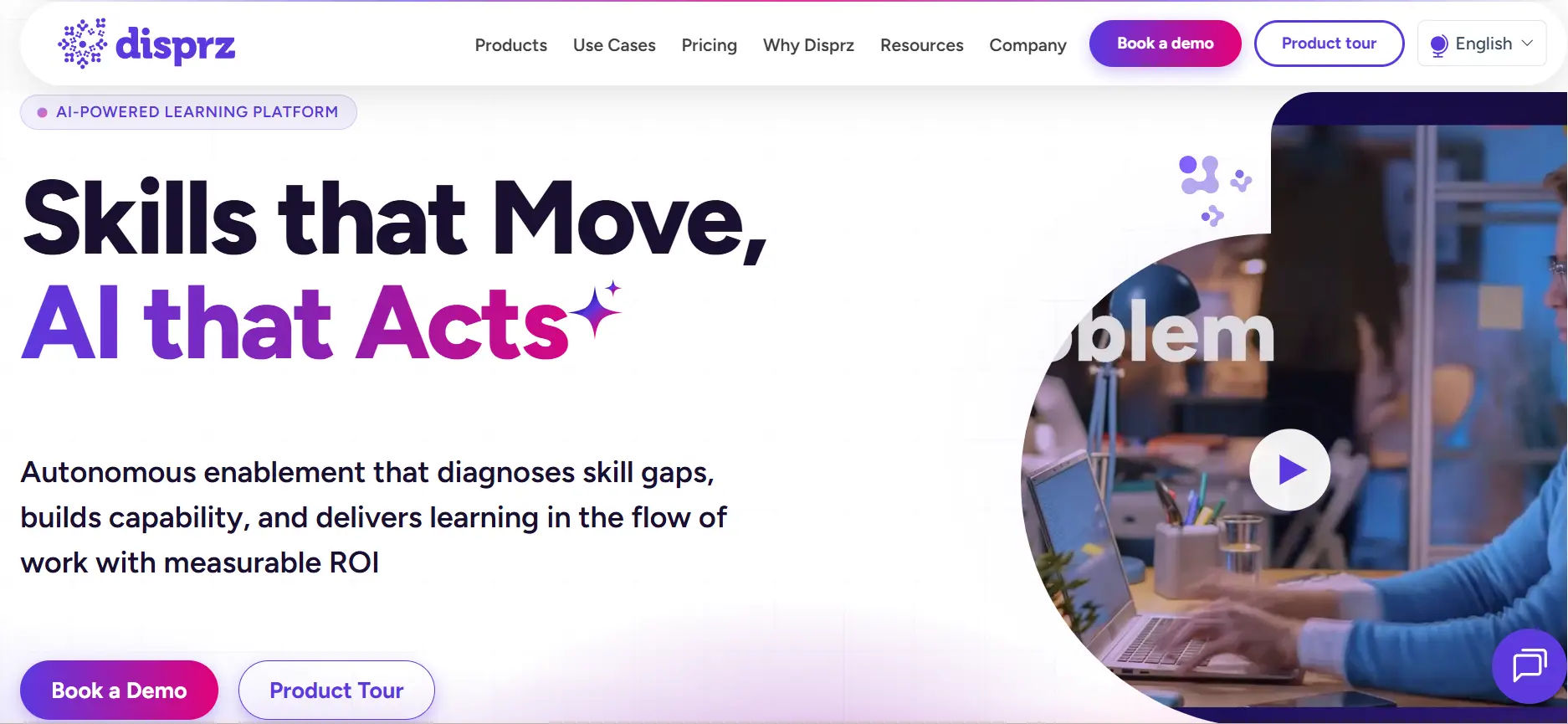
Disprz is an AI-powered learning and skills platform designed to help organizations deliver personalized training, identify skill gaps, and support workforce development at scale.
Key Features: AI-powered learning recommendations, skills management, personalized learning paths, course management, assessments, mobile learning, and learning analytics.
Pros: Strong focus on AI and skills development; personalized learning experiences; helps organizations identify and close skill gaps; suitable for large and growing workforces.
Cons: Advanced features may require more configuration; pricing is not publicly transparent; may be more complex than basic LMS platforms.
Best for: Organizations that want to combine employee training with AI-powered personalization and skills development.
10. 360Learning
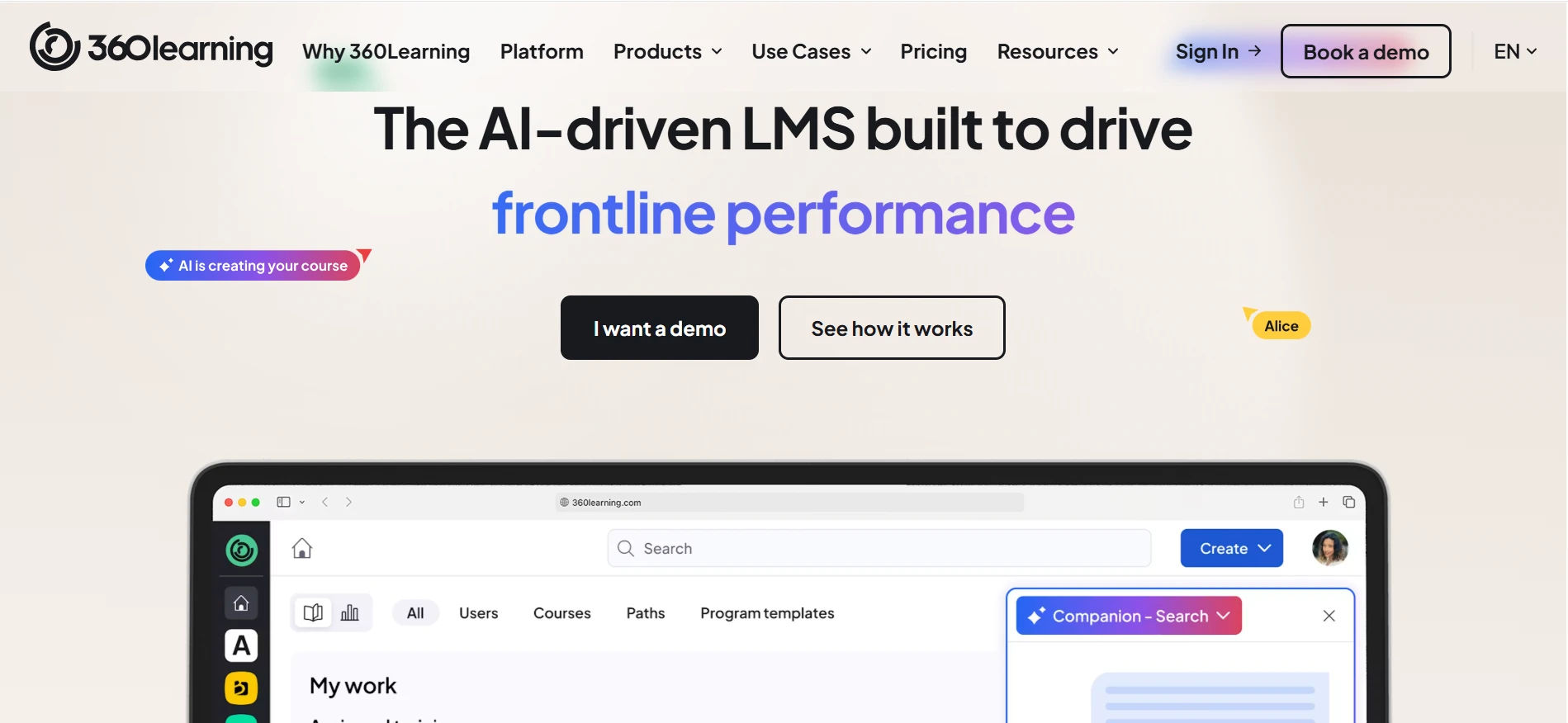
360Learning is built around collaborative course creation, where subject-matter experts and employees co-create training content rather than relying solely on a centralized L&D team.
Key Features: Collaborative course creation, peer learning and feedback loops, AI-powered authoring tools, learning analytics.
Pros: Genuinely different model good fit for fast-scaling companies that want to decentralize course creation; strong peer-review workflow.
Cons: Less suited to organizations that want tight, centralized control over content and approval workflows.
Best for: Organizations that want to decentralize course creation and encourage knowledge sharing across teams.
LearnUpon vs Top Alternatives: Quick Comparison
LMS Platform | Best For | Microsoft 365 Integration | AI Features | Enterprise Ready |
LearnUpon | Corporate training | Limited | Basic | Yes |
LMS 365 | Microsoft 365 organizations | Native | Yes | Yes |
Docebo | Enterprise + extended learning | Available | Advanced | Yes |
TalentLMS | SMB training | Available | Limited | Medium |
Moodle | Custom/open-source needs | Available (plugin) | Depends on plugins | Yes |
Absorb LMS | Multi-audience learning | Available | Yes | Yes |
Cornerstone Learning | Workforce development | Available | Yes | Yes |
LinkedIn Learning | Content library | Available | Limited | Medium |
SAP SuccessFactors | Enterprise HR integration | Limited | Basic | Yes |
Absorb Create | Course authoring | Available | Yes | Medium |
360Learning | Collaborative learning | Available | Yes | Medium |
See how LMS 365 compares with LearnUpon for Microsoft 365 organizations.
How to Choose the Right LearnUpon Alternative
Choosing the right LearnUpon alternative starts with understanding why you’re looking to switch. Some organizations need deeper reporting, while others want better integrations, lower costs, or a platform that fits their existing technology stack. Rather than comparing feature lists alone, focus on the platform that best supports your training strategy, employees, and long-term business goals.
Choose LMS 365 if your organization uses Microsoft 365.
If your employees already work in Microsoft Teams, SharePoint, and Outlook every day, LMS 365 lets them complete training without switching to a separate learning portal. This reduces the learning curve, improves adoption, and keeps training within the Microsoft ecosystem. It’s an excellent choice for organizations that want seamless integration, automated learning workflows, and centralized user management through Microsoft Entra ID (Azure AD).
Choose Docebo if you need enterprise-scale learning with AI capabilities.
Large organizations that train employees, customers, partners, or resellers often need advanced automation and personalization. Docebo offers AI-powered content recommendations, detailed analytics, and support for multiple learning audiences, making it well suited for enterprises with complex learning requirements.
Choose TalentLMS if you want a simple and budget-friendly solution.
For small and mid-sized businesses, TalentLMS provides an easy-to-use interface that can be deployed quickly with minimal training. It’s ideal if your primary goal is delivering employee training without the complexity or cost of enterprise-level platforms.
Choose Moodle if flexibility and customization are your priorities.
Moodle is an open-source LMS that gives organizations complete control over customization, integrations, and hosting. However, it typically requires technical expertise for implementation, maintenance, and ongoing updates, making it better suited for organizations with dedicated IT resources.
Choose Cornerstone Learning if learning is closely tied to talent development.
Large enterprises that want to connect employee training with skills development, succession planning, and career progression may benefit from Cornerstone Learning. Its extensive talent management capabilities make it a strong option for organizations focused on long-term workforce development.
Choose Absorb LMS if you train multiple audiences.
If your organization delivers learning to employees, customers, partners, contractors, or franchisees, Absorb LMS offers flexible user management and learning portals designed to support different audiences from a single platform.
Choose LinkedIn Learning to expand your course library.
LinkedIn Learning is best used as a supplemental learning resource rather than a complete LMS replacement. It provides thousands of ready-made professional development courses that can complement your internal training programs without requiring you to create all content from scratch.
Choose SAP SuccessFactors Learning if you’re already using SAP HR solutions.
Organizations that rely on SAP SuccessFactors for HR processes can benefit from its native integration with employee records, compliance management, and talent development, creating a unified HR and learning experience.
Choose 360Learning if collaborative learning is a priority.
Organizations that encourage subject matter experts to create and share knowledge internally may prefer 360Learning. Its collaborative learning model enables employees to build courses, provide peer feedback, and continuously improve training content together.
Conclusion:-
Choosing the right LearnUpon alternative is about more than replacing your current LMS it’s about finding a platform that supports your learning strategy today and scales with your business tomorrow. Whether you need seamless Microsoft 365 integration, AI-powered learning, advanced reporting, or a cost-effective solution for a growing team, the right choice depends on your organization’s priorities. Compare your options carefully, request product demos, and invest in an LMS that delivers a better learning experience for both administrators and employees.
👉 Looking for a Microsoft 365-powered LMS? Explore
LMS 365 today
Join Our Creative Community
Frequently Asked Questions
1. What is the best LearnUpon alternative in 2026?
There isn’t a single “best” it depends on your priorities. LMS 365 is the strongest choice for Microsoft 365 organizations; Docebo leads for AI-driven enterprise learning; TalentLMS is the best value pick for smaller teams; Moodle wins on customization and cost control for technical teams.
2. Is LMS 365 better than LearnUpon?
For organizations already standardized on Microsoft Teams and SharePoint, LMS 365’s native integration usually reduces friction and improves adoption compared to a standalone LMS like LearnUpon. For organizations not on Microsoft 365, that advantage disappears, and the comparison comes down to features, pricing, and reporting needs.
3. What are the main LearnUpon competitors?
The main competitors include LMS 365, Docebo, TalentLMS, Moodle, Absorb LMS, Cornerstone Learning, LinkedIn Learning, SAP SuccessFactors Learning, Absorb Create, and 360Learning.
4. What's the best LMS for Microsoft Teams specifically?
LMS 365 is purpose-built for Microsoft Teams and SharePoint, offering the deepest native integration of any platform on this list. Docebo and Moodle both offer Teams integrations but not to the same native depth.


_JiluXJRGNl.svg)























