

_eH2jDg7dZ.png)
If your company runs on Microsoft 365 and SharePoint, you have probably compared more than one ticketing tool built for that ecosystem. Two names that come up often are Helpdesk 365 and Plumsail HelpDesk. Both promise to turn scattered emails and Teams messages into organized tickets without leaving Microsoft 365. But they are built with different goals in mind.
- Helpdesk 365 is a full Microsoft 365 helpdesk built for Teams, SharePoint, Outlook, and Copilot, while Plumsail HelpDesk is a lighter, SharePoint-first ticketing add-on.
- Helpdesk 365 leads on AI automation, agentic AI, ticket summaries, and AI-suggested articles, while Plumsail HelpDesk relies on standard triggers and SLA rules.
- Plumsail HelpDesk suits small IT teams that want a simple, no-frills SharePoint ticketing tool with a short learning curve.
- Helpdesk 365 suits growing teams across IT, HR, and finance that need multi-department mailboxes and GCC/GCC High compliance.
Helpdesk 365 leans toward AI-powered automation and support across multiple departments, while Plumsail HelpDesk keeps things simple and SharePoint-native. This guide compares both tools on features, automation, reporting, security, and real G2 ratings, so you can pick the one that actually fits your team.
See AI-powered ticketing in action
What Is Helpdesk 365?

Helpdesk 365 is an AI-powered ticketing system built for IT, HR, and finance teams working inside Microsoft 365. It connects directly with Microsoft Teams, Outlook, SharePoint, Power BI, Power Automate, and Microsoft Copilot, so agents can manage tickets without switching tools they already use every day.
It supports multiple department mailboxes, an asset management module, spam and domain blocking, and availability in 10 languages. Employees can raise tickets through Microsoft Forms, Teams, or email, and AI features such as ticket summarization and intelligent routing help agents move faster. It also includes SLA tracking, real-time notifications, and a self-service portal with a searchable knowledge base to reduce repetitive questions.
On the security side, Helpdesk 365 runs on Microsoft’s infrastructure with data encryption, role-based access, and support for GCC and GCC High environments, a detail that matters for government and defence-related organisations.
None of this needs to be complicated. Most modern IT ticketing systems capture these details automatically the moment a request comes in through email, a web form, or a chat tool like Microsoft Teams.
What Is Plumsail HelpDesk?
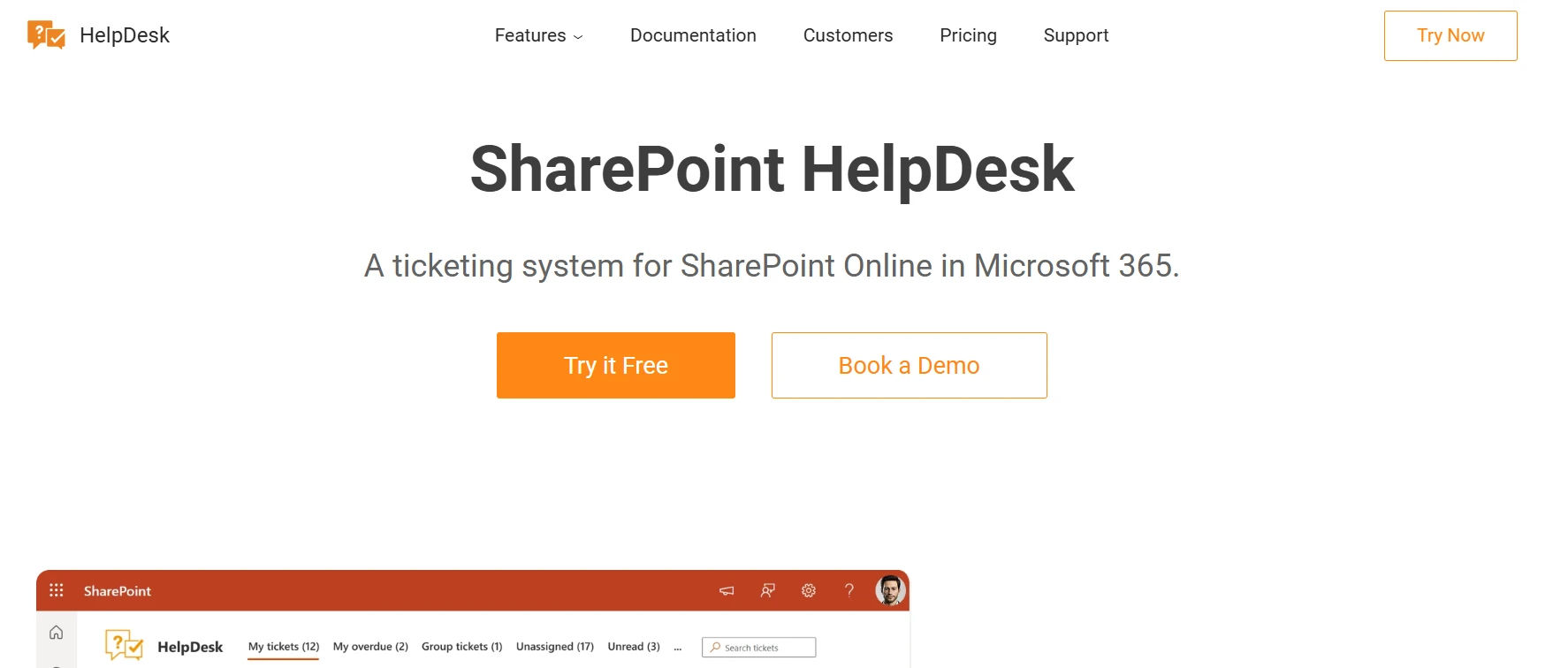
Plumsail HelpDesk is a ticketing and service desk tool built specifically for SharePoint Online, Microsoft 365, and Microsoft Teams. It is designed to feel like a native part of SharePoint rather than a bolt-on app, and setup usually takes about 15 minutes.
Tickets can arrive through email via Outlook or SMTP, a web widget placed on a public or internal site, or through Power Automate and API integrations. Once inside the system, agents can add public or private comments, apply tags and categories, and search across ticket history. Plumsail HelpDesk also includes SLA rules with escalation, basic dashboards for reporting, and business-hours settings so SLA timers pause during holidays and weekends.
It is a solid fit for small IT teams that want a straightforward, list-based ticketing setup without a steep learning curve or a long list of features they will never use.
Helpdesk 365 vs Plumsail HelpDesk: Feature Comparison
Here is a side-by-side look at how the two tools stack up on the features that matter most for day-to-day support work.
Feature | Helpdesk 365 | Plumsail HelpDesk |
Platform focus | Full Microsoft 365 suite (Teams, Outlook, SharePoint, Copilot) | SharePoint-native ticketing |
Ticket channels | Teams, Outlook, Microsoft Forms, web portal | Email/SMTP, web widget, Power Automate, API |
AI features | Agentic AI, AI summaries, AI-suggested articles | None built-in |
Automation | AI-based routing, delegation, scheduled reports | Triggers, schedules, rule-based assignment |
Reporting | Dashboards + Power BI, cross-department views | Basic dashboards + Power BI, limited date filters |
Teams integration | Full ticket lifecycle inside Teams | Status updates and notifications in Teams |
Compliance | GCC & GCC High, Zero Trust model | Standard SharePoint permissions |
Setup time | Under 10 minutes (single tenant) | Under 15 minutes |
G2 rating | 4.7 / 5 (216 reviews) | 4.4 / 5 (19 reviews) |
Ease of Setup and Use
Both tools promise fast setup. Plumsail HelpDesk’s install wizard typically gets teams running within 15 minutes, and G2 reviewers often mention having a working demo in under 10 minutes. It uses familiar SharePoint menus, so anyone already working in SharePoint recognizes the layout right away.
Helpdesk 365 also markets fast deployment, claiming setup in under 10 minutes for a single tenant, though several G2 reviewers note a learning curve once you move past basic ticket handling, especially when configuring automation, custom fields, and multi-team routing. In short, Plumsail HelpDesk tends to stay simple as you scale, while Helpdesk 365 has more to configure but also more room to grow into.
Automation and AI Capabilities
This is where the two products separate the most. Helpdesk 365 has invested heavily in AI: it uses agentic AI that works with OpenAI or Copilot to draft ticket responses automatically, generates AI ticket summaries, suggests knowledge base articles to requesters before they even submit a ticket, and routes tickets intelligently based on content. A delegation feature also makes sure tickets are not left unattended when an agent or approver is on leave.
Plumsail HelpDesk automation is more traditional, triggers and schedules based on ticket events, automatic classification, and assignment rules. It gets the job done for standard workflows but does not offer generative AI features built into the core product. If your team wants AI to actively draft replies and summarize tickets, Helpdesk 365 is ahead here.
Let AI draft your ticket replies
Why Every IT Request Should Become a Ticket
Turn every IT request into a ticket to keep support organized, trackable, and easy to manage.
It gives IT teams clear ownership, better visibility, and fewer missed or delayed requests.
Reporting and Analytics
Helpdesk 365 offers built-in dashboards along with Power BI integration for deeper analysis, letting you track resolution times, agent performance, and ticket volume trends across departments. Plumsail HelpDesk includes its own dashboards and reporting module, and several reviewers highlight solid Power BI connectivity, though some mention limited flexibility, such as not being able to set custom date ranges for reports.
If detailed, cross-department analytics matter to you, Helpdesk 365’s reporting goes a bit further. Plumsail HelpDesk covers the basics well for smaller, single-team support operations.
Microsoft Teams Integration
Both tools integrate with Microsoft Teams, but the depth differs. Helpdesk 365 lets agents view, update, and respond to tickets directly inside Teams, along with AI-assisted replies and real-time notifications. Plumsail HelpDesk also supports Teams so customers and agents can stay updated without leaving their workspace, syncing back to SharePoint lists behind the scenes.
Teams-heavy organizations that want agents to manage the full ticket lifecycle without switching apps will find Helpdesk 365’s Teams experience more built out, while Plumsail HelpDesk’s Teams integration works well for status updates and lighter engagement.
Security and Compliance
Helpdesk 365 highlights GCC and GCC High compliance, a Zero Trust security model, and Microsoft 365 Certified App status, along with role-based access and encryption, making it a stronger option for regulated industries such as government, healthcare, or finance.
Plumsail HelpDesk keeps data inside your own SharePoint environment, encrypts data in transit and at rest, and relies on SharePoint’s native permission model for access control. For most small and mid-size businesses, Plumsail HelpDesk’s security is sufficient, but Helpdesk 365 offers more formal compliance credentials for larger or regulated organizations.
G2 Customer Ratings
- Helpdesk 365: 7 out of 5 (216 reviews)
- Plumsail HelpDesk: 4.4 out of 5 (19 reviews)
Which Tool Should You Choose?
Choose Helpdesk 365 if:
- You support multiple departments, IT, HR, and finance, from one system.
- You want AI-drafted responses, ticket summaries, and AI-suggested articles.
- You need GCC or GCC High compliance for regulated environments.
- You plan to scale support operations across a larger organization.
Choose Plumsail HelpDesk if:
- You run a small or lean IT team with straightforward ticketing needs.
- You want a no-frills, SharePoint-native tool with a short learning curve.
- You do not need generative AI features built into the core product.
- You prefer keeping all ticket data inside your existing SharePoint site.
Conclusion
Both Helpdesk 365 and Plumsail HelpDesk do a good job of bringing structure to support requests inside Microsoft 365. Plumsail HelpDesk wins on simplicity, it is a lightweight, SharePoint-native tool that small IT teams can set up in minutes. Helpdesk 365 wins on depth, AI-powered automation, multi-department support, and stronger compliance credentials make it the better fit for teams planning to scale.
Your choice really comes down to how much automation and cross-department reach you need today, and how much you expect to need a year from now.
Simplify IT support with AI-driven automation, smarter ticket management, and seamless Microsoft 365 integration.
Frequently Asked Questions
Can I migrate from Plumsail HelpDesk to Helpdesk 365 without losing ticket history?
Both tools store tickets in structures that can be exported, Plumsail HelpDesk through SharePoint list exports, and Helpdesk 365 through its admin tools. Plan a data migration step and test it with a small batch of tickets before moving everything over.
Does Helpdesk 365 require a full SharePoint deployment to work?
No. Helpdesk 365 works across Teams, Outlook, and SharePoint, so you are not limited to a SharePoint-only setup the way Plumsail HelpDesk is.
Is Plumsail HelpDesk suitable for HR or finance ticketing, not just IT?
Yes, it can be configured for other departments, but it is most commonly used for IT ticketing because of its simple, SharePoint list-based structure.
Do both tools support multi-department or multi-mailbox setups?
Helpdesk 365 offers native support for multiple department mailboxes out of the box. Plumsail HelpDesk can be replicated across separate SharePoint sites, but each instance needs its own setup.
Which tool has stronger AI automation in 2026?
Helpdesk 365, based on its agentic AI, AI ticket summaries, and AI-suggested knowledge base articles built into the core product.


_JiluXJRGNl.svg)























