


Picking onboarding software usually comes down to two questions: does it fit inside the tools your team already uses, and does it actually get new hires productive faster? Employee Onboarding 365 and BambooHR both promise this, but they take very different paths to get there. This blog breaks down where each platform stands out, where it falls short, and which one is the better fit depending on your setup
- Employee Onboarding 365 runs natively inside SharePoint and Microsoft Teams, so onboarding stays in tools your team already uses.
- BambooHR is a broader HRIS built around employee records, hiring, and time off, with onboarding as one module inside that suite.
- Employee Onboarding 365 covers pre-onboarding, onboarding, and offboarding in one connected app, while BambooHR leans on its own database and add-on modules to cover the same ground.
- Organizations already on Microsoft 365 typically launch onboarding automation faster with Employee Onboarding 365, since there’s no separate platform to set up.
What Is BambooHR?
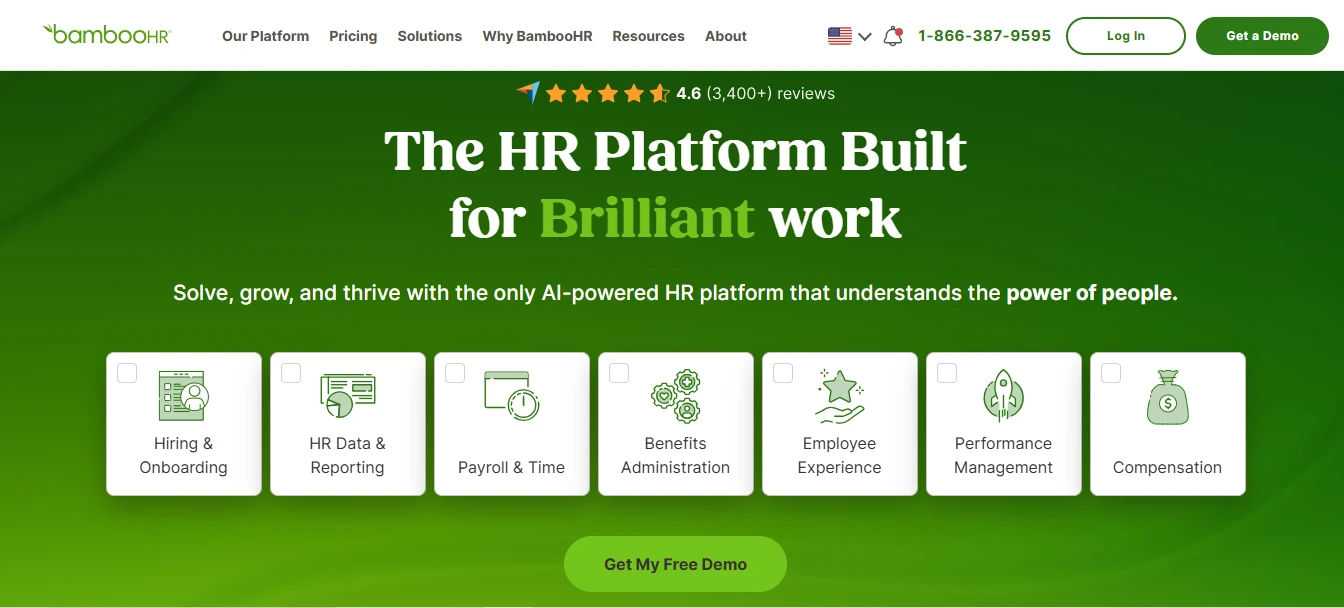
BambooHR is a cloud-based HR platform built to manage the employee lifecycle for small and mid-sized businesses. It’s used across industries with a stated focus on centralizing HR data, tracking time off, and automating administrative work, rather than deep integration with any one productivity suite.
Its core pieces include:
Customizable onboarding checklists
New-hire tasks and e-signatures can be set up per role, letting HR track paperwork completion without chasing employees manually through email.
Applicant tracking system
A built-in ATS handles job postings, candidate pipelines, and interview scheduling, connecting the hiring stage directly to the onboarding checklist once an offer is signed.
Centralized employee database
Employee records, documents, and org charts live in a single system of record, reducing the spreadsheets and shared drives HR teams often rely on otherwise.
Third-party integrations
Connections with tools like Slack, Google Calendar, and Indeed pass data across the hiring and HR stack, though most of these run outside a Microsoft 365 environment.
No native Microsoft 365 integration
Despite broad third-party support, BambooHR isn’t built inside SharePoint or Teams, so employees and HR access it through a separate login rather than tools they already have open.
What Is Employee Onboarding 365?
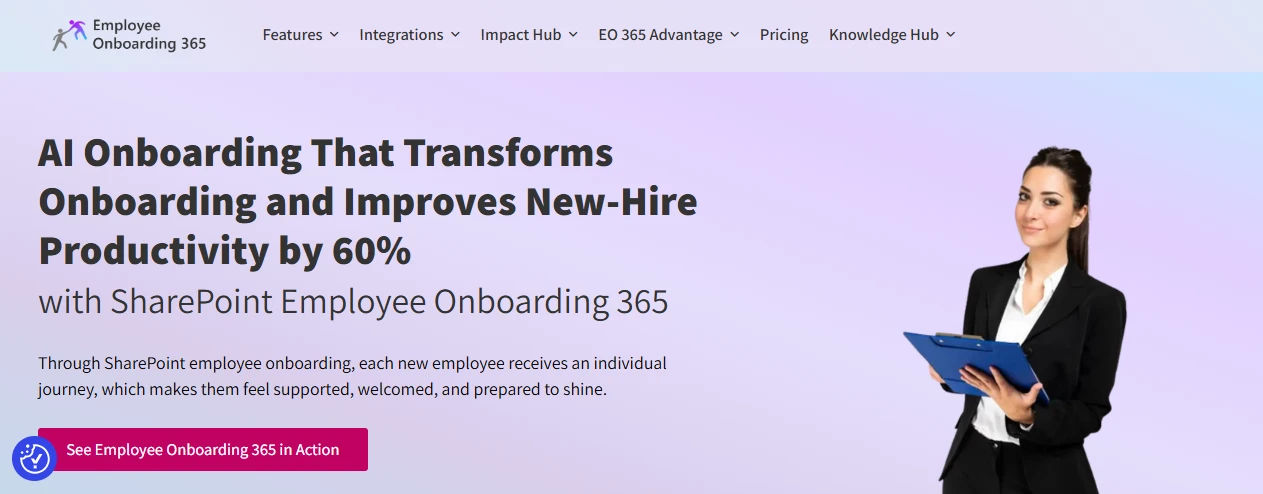
Employee Onboarding 365 is an onboarding application built directly on SharePoint. It deploys as a SharePoint site collection app, a Microsoft Teams personal tab, or a Teams channel tab. It’s designed for organizations already invested in Microsoft 365 who want their onboarding process to live inside tools employees already open every day, instead of learning a separate system.
Automated Microsoft 365 account creation
Once an offer is accepted, user accounts can be created automatically in Microsoft 365, so a new hire has login access ready before day one instead of waiting on IT to manually provision a mailbox, license, and Teams access on their first morning.
Power Automate–driven workflows
Premium automation, including auto-provisioning and multi-step approvals, runs through Power Automate, with the deployment team able to help configure the flows so HR isn’t left building them from scratch.
Full lifecycle coverage
The platform handles pre-onboarding tasks like document collection and forms, the onboarding stage itself with task and approval tracking, and offboarding for exits, access revocation, and knowledge transfer, all inside one connected app rather than three separate tools.
Built-in checklists
An onboarding checklist keeps preboarding and onboarding tasks visible to HR, managers, and new hires alike, so nothing falls through the cracks between the offer stage and the employee’s first few weeks.
See How Employee Onboarding 365 Automates Day One If
your new hires are still waiting on IT for basic account access days after accepting an offer, that delay is worth fixing before it costs you a candidate.
Core Features: Employee Onboarding 365 vs BambooHR
Both platforms cover the onboarding basics, but they’re built around different priorities. Here’s what each one actually offers once you get past the marketing copy, starting with how each handles account access before a new hire’s start date.
Employee Onboarding 365 core features
Automatic Microsoft 365 account creation. User accounts get created in Microsoft 365 as soon as an offer is accepted, so login access, mailbox, and Teams membership are ready before day one.
Power Automate–driven provisioning Premium automation, including approvals and account setup, runs through Power Automate workflows that can be configured to match your existing approval chain.
Pre-onboarding module Handles forms and document collection before a new hire’s start date, so paperwork is out of the way before their first morning.
Built-in onboarding checklist Tracks preboarding and onboarding tasks in one visible list, giving HR, managers, and new hires a shared view of what’s left to do.
Offboarding with access revocation. Manages exits, knowledge transfer, and system access removal, closing out accounts as cleanly as they were opened.
Native SharePoint and Teams deployment Installs directly as a SharePoint app or a Microsoft Teams tab, with no separate platform, license, or login to manage.
BambooHR core features:
Customizable onboarding checklists with e-signatures Role-based tasks and digital signatures let HR track paperwork completion without manual follow-up.
Applicant tracking system Job postings, candidate pipelines, and interview scheduling connect hiring directly to onboarding once an offer is signed.
Centralized employee database Employee records and documents live in one system of record, replacing scattered spreadsheets and shared drives.
Performance management and PTO tracking Pro and Elite tiers extend BambooHR past onboarding into performance reviews, goal tracking, and time-off management.
Reporting and analytics Built-in dashboards give HR visibility into onboarding progress and broader workforce data without exporting to a separate tool.
Third-party integrations Connections with Slack, Google Calendar, Indeed, and 100+ other tools pass data across the hiring stack, largely outside a Microsoft 365 environment.
Employee Onboarding 365 vs BambooHR: Feature Comparison
Putting both platforms side by side makes the differences easier to spot at a glance. The table below lines up the areas that matter most, including how each one handles account provisioning and the broader HR toolset around onboarding.
Feature | Employee Onboarding 365 | BambooHR |
Platform base | Native SharePoint & Microsoft Teams app | Standalone cloud HR platform |
Account provisioning | Automatic Microsoft 365 user creation via Power Automate | No native Microsoft 365 provisioning |
Onboarding checklists | Built-in, with pre-onboarding and onboarding stages | Customizable checklists with e-signatures |
Pre-onboarding | Dedicated module for forms and document collection | Included as part of onboarding workflows |
Offboarding | Built-in offboarding with access revocation | Not a core focus |
Broader HR modules | Focused on the hire lifecycle within Microsoft 365 | ATS, performance reviews, PTO tracking, payroll add-on |
Mobile access | Works through Teams mobile app | Native mobile app with employee self-service |
Best-fit integration | Microsoft 365, SharePoint, Teams | Slack, Indeed, Google Calendar, and general HR stack |
If your team is deciding between the two, here’s a practical way to think about the trade-off: Employee Onboarding 365 reduces the number of separate tools your HR and IT teams need to log into, while BambooHR leans on being a fuller HR system that happens to include onboarding.
Support and Implementation: What Should You Expect?
Beyond features and pricing, how quickly each platform gets up and running and what happens when something breaks matters just as much for a smooth rollout.
- Employee Onboarding 365 installs into your existing Microsoft 365 tenant, so implementation is largely configuration work: setting up checklists, approval flows, and Power Automate provisioning rather than standing up a new system from scratch.
- BambooHR implementation involves migrating employee data into its own database, setting up integrations with your existing tools, and configuring workflows inside a platform separate from Microsoft 365.
- Support for Employee Onboarding 365 typically includes help configuring Power Automate flows specific to your approval chain, since that automation is often the most technical part of setup.
- BambooHR offers standard onboarding support and a knowledge base geared toward its broader HRIS feature set, covering everything from payroll add-ons to performance modules, not just the onboarding module alone.
- Because Employee Onboarding 365 runs on infrastructure you already manage, IT often has more visibility into troubleshooting than with a fully external platform like BambooHR
See What Implementation Looks Like for Your Team
A shorter path from signed contract to a working onboarding flow means new hires feel the benefit sooner
Pricing: What Will You Actually Pay?
Neither platform publishes a flat, one-size-fits-all price, since costs shift based on headcount and which features you need. Here’s how each one structures its pricing.
- BambooHR uses per-employee-per-month pricing across tiered plans (Core, Pro, Elite), with published estimates ranging roughly from $6 to $25 PEPM depending on the source and modules included; exact quotes vary by size and add-ons.
- Employee Onboarding 365 pricing depends on your existing Microsoft 365 licensing and which premium features, like Power Automate provisioning, you turn on, so two organizations on different Microsoft 365 plans may see different costs.
- Because Employee Onboarding 365 runs on infrastructure you likely already pay for, incremental cost is often tied to configuration and support rather than a separate per-seat platform fee stacked on top of what you’re already spending.
Key Metrics That Matter Before You Decide
Beyond feature lists, a few concrete numbers tend to drive the actual decision — worth checking against your own onboarding volume before you commit.
- Time to productive access: Employee Onboarding 365 can have Microsoft 365 accounts, mailbox, and Teams access ready the moment an offer is accepted; BambooHR onboarding tasks can start immediately, but Microsoft 365 provisioning still runs through IT separately.
- Setup timeline: Employee Onboarding 365 configures inside your existing tenant, so rollout is largely a configuration exercise; BambooHR implementation includes migrating employee data into a new database, which typically takes longer.
- Retention impact of structured onboarding: Organizations with a standardized onboarding process see meaningfully higher new-hire retention and faster ramp-up than those without one, regardless of which platform delivers it.
- Modules needed vs. modules used: BambooHR’s tiered pricing means teams often pay for ATS, performance, or PTO modules bundled in even if onboarding is the only feature in active use; Employee Onboarding 365’s cost stays tied to the onboarding and offboarding workflow itself.
- Logins per new hire: Employee Onboarding 365 keeps HR, managers, and new hires inside Teams and SharePoint throughout the process; BambooHR requires a separate login outside Microsoft 365 for every user involved.
Which Platform Fits Your Organization Better?
The right choice usually comes down to what your team already runs on and how much of the HR lifecycle you want one tool to cover.
Choose Employee Onboarding 365 if:
- Microsoft 365 and Teams already form the backbone of how your company works day to day.
- You’d prefer one app handling the full hire journey pre-onboarding, onboarding, and offboarding instead of three separate systems.
- New-hire accounts should be ready inside your existing tenant the moment an offer is accepted, with no extra provisioning step.
- Your team is already comfortable running approvals through Power Automate and wants onboarding tied into that same automation.
Choose BambooHR if:
- You need a single system to manage the full employee lifecycle — hiring, records, time off, and performance not just onboarding.
- Your organization isn’t standardized on Microsoft 365, so a native SharePoint/Teams tool wouldn’t add much benefit.
- You want a dedicated applicant tracking system bundled with onboarding rather than connecting a separate ATS.
- A broad library of third-party integrations outside Microsoft matters more to your stack than staying inside one ecosystem.
Structured onboarding itself pays off regardless of which platform you pick companies with a standard onboarding process consistently see stronger new-hire retention and faster time-to-productivity than those without one, which makes the choice of software less about “if” and more about “which one fits.”
Conclusion
There’s no single winner between Employee Onboarding 365 and BambooHR it comes down to what your team is already built around. If Microsoft 365 and Teams already run your day-to-day work, Employee Onboarding 365 folds onboarding, pre-onboarding, and offboarding into that same environment, so there’s no separate platform to bolt on.
If your organization needs a broader HR system covering hiring, records, and performance alongside onboarding, BambooHR’s breadth is likely the better fit. Either way, the bigger shift is moving from manual, paper-heavy onboarding to something structured and digital the platform you pick is just the vehicle for getting there.
Transform Your Employee Onboarding Experience
Make every new hire’s first day seamless with Employee Onboarding 365. create engaging onboarding journeys that help employees feel welcomed, connected, and productive from day one
Frequently Asked Questions
Can Employee Onboarding 365 work without Microsoft 365?
No. It’s built as a SharePoint and Teams application, so it requires an active Microsoft 365 environment to run
Does BambooHR have a native mobile app?
Yes, BambooHR offers a native mobile app for employee self-service, including PTO requests and access to company documents.
Is Employee Onboarding 365 only for large enterprises?
No. It can be deployed at the site-collection level, which makes it workable for smaller teams already on Microsoft 365, not just large organizations.
Does BambooHR handle offboarding as well as onboarding?
BambooHR isn’t built around offboarding as a dedicated workflow the way it is for onboarding; exits are typically managed through its employee records rather than a standalone offboarding module
Which platform is easier for IT teams to set up?
Employee Onboarding 365 generally requires less setup for IT teams already managing Microsoft 365, since it deploys directly into the existing tenant rather than requiring a new standalone system.


_JiluXJRGNl.svg)























