

The Ultimate Guide: Best Timesheet Application for Every Teams (2026)
_mVFFaHUZhS.webp)
Time is money, and every hour your team has spent counting is worth more than ever. Monitoring employee hours and project time is not a basic function of business; it is the foundation to a smooth, efficient, and productive operation. It is without question that without sound systems for monitoring hours, valuable hours will be lost, deadlines will be missed, and productivity will be diminished.
That’s where a timesheet application comes in. The right solution can turn confusion into clarity, streamline workflows, enhance accountability, and give you a real-time view of how your team is spending their time. a robust employee timesheet application, an easy-to-use online timesheet application, or a versatile application for timesheet management, finding the perfect fit can feel overwhelming but it doesn’t have to be.
• Timesheet applications help businesses track employee hours accurately, reduce manual errors, and improve overall productivity.
• Timesheet 365 offers time tracking, project management, employee monitoring, and payroll automation in one Microsoft 365-integrated platform.
• Real-time dashboards and reporting tools provide valuable insights that help managers optimize workflows and make better business decisions.
• Cloud-based timesheet solutions support remote and hybrid teams by enabling seamless time tracking, approvals, and accountability from any location.
Why Use a Timesheet Application?
A time tracking application is more than just a digital record of hours – it is an exceptional tool that can change an organization’s operations. The right employee time tracking application is beneficial to all aspects of time management, from improving accuracy to generating productivity; it provides structure, visibility, and efficiency. Here are two significant investments in quality time tracking applications that will be game changers.
1. Improve Accuracy
Manual time recording using a spreadsheet or paper record is open to errors. Employees may forget to record hours, or managers may inaccurately add the totals, and this could result in underpayment and lost billable time. A time tracking application removes the need for adding. It will include every minute accurately and take away potential costly errors. Accurate data will save organizations money and provide reliability for performance analysis.
2. Increase Productivity
Knowing where time is assigned allows you to identify bottlenecks and improve flow. Out of a time tracking app, you will be able to identify which tasks take the longest and arrange for those resources to be more productive. Teams will have focus; managers will make data-driven decisions, and businesses will produce max output while not increasing hours. Basically, it provides a tool to convert time tracking into productivity insights.
3. Enhance Transparency
Transparency is critical for building trust and accountability. It allows employees and managers to view work progress in real time. Everyone knows what tasks are being worked on, how long they take, and where improvements can be made. This level of visibility fosters better communication, reduces misunderstandings, and ensures that every team member is aligned with project goals.
4. Simplify Payroll
Payroll can be complicated, especially when dealing with overtime, multiple projects, or hourly contracts. Accurate time tracking automatically feeds into payroll calculations, making wage processing seamless. This reduces administrative headaches, eliminates disputes over hours worked, and ensures employees are paid fairly and on time.
5. Support Remote Work
With teams often spread across different locations and time zones, cloud-based online timesheet applications make it easy for employees to log hours anytime, anywhere. Managers can monitor progress remotely, approve timesheets instantly, and keep projects on track regardless of where team members are working. This approach makes remote and hybrid work seamless, efficient, and fully accountable.
What is Timesheet 365?
Timesheet 365: The Ultimate Timesheet Application for Businesses
Timesheet 365 This is a complete solution for teams already integrated into the Microsoft 365 ecosystem. It offers a safe and simple way for teams to track employee working hours, track progress on projects, and manage labor costs. Timesheet 365 is also preferable to traditional paper methods or existing time tracking solutions you may have, as it is integrated into the Microsoft ecosystem and considers all your existing cloud data to remain secure.
Using Timesheet 365, Employees can easily capture their working hours against tasks, projects, or clients, so the appropriate time is always allocated. Supervisors and gaming managers can take advantage of organized workflows, simplified timesheet approvals, reduced administrative errors, and faster payroll.
.webp)
Timesheet 365 – Advanced Time Tracking & Employee Monitoring
Timesheet 365 is not just a timesheet application. It’s a complete time-tracking and employee monitoring solution, and it enables organizations to track employee activity, improve workflows, and maximize productivity. Its versatile features in time tracking, project management, and employee monitoring make it a high-tier application suitable for any sized company.
Key Features of Timesheet 365
1. Time Tracking and Timesheets
This makes it easy for the employer to accurately track employee time with features that are designed for ease and efficiency:
- Accurate clock-ins and clock-outs
- Customizable timesheets to fit the needs of the business
- Pomodoro timer to create focused working sessions
- Idle time view to combat untracked time caused by gaps in activity
Benefit: Promotes accurate labor tracking, minimizes mistakes in calculations, and enhances the payroll process.
2. Employee Monitoring
Achieve complete transparency into employee productivity using the following:
- Analyze active vs. inactive time
- Review application and website usage
- Take optional screenshots, including support for multiple screens
- Choose the frequency of screenshots based on your workflow
- Enable employees to leave notes on the task.
The benefit of this tool is that it helps provide transparency into day-to-day practices to support managers who may want to identify bottlenecks or enhance performance.
3. Reporting and Dashboard
Making decisions is a breeze with Timesheet 365’s reporting tools:
- Easily analyze data with visual graphs and detailed tables
- Easily keep track of performance across teammates or projects
- User-friendly export to PDF/CSV reports
Benefit: Help managers easily track project status and team effectiveness.
4. Projects and Tasks
Use it to run your projects effectively:
- Insert, organize, and manage tasks under specific projects.
- Later assign team members to their respective tasks.
- Capture different billing rates (hourly or flat fees).
- Track cost in real-time and automatically alert when costs exceed budget levels.
Benefit: Keep teams aligned and allow each project to stay on time and on budget.
5. Invoice and Payroll
Timesheet 365 organizes financial workflows:
- Send invoices for hourly or fixed-fee projects
- Apply taxes and discounts to invoices as needed
- Automatic payroll calculations based on hours logged into Timesheet 365
Benefit: decreases administrative time, minimizes errors, and provides an easier invoice process for clients.
6. Employee Productivity & Features
Observe employee productivity in detail:
- Random screenshots for precise tracking
- Tracking App/URL use
- Dashboards with comprehensive performance data
- Performance reports in detail over a specified date range
Benefit: Provides visibility on employee activities that promote accountability and productivity.
6. Employee Productivity & Features
Observe employee productivity in detail:
- Random screenshots for precise tracking
- Tracking App/URL use
- Dashboards with comprehensive performance data
- Performance reports in detail over a specified date range
Benefit: Provides visibility on employee activities that promote accountability and productivity.
Additional Capabilities
- Over 100 additional features designed to boost productivity
- Competitive pricing for businesses of all sizes
- A strong alternative to Jibble for time and productivity management
Pricing Plans
- Standard: $5 per user/month
- Elite: $7 per user/month
Pro Tip: opt for the annual plan to effectively get six months free
Customer Ratings
- Capterra: 4.9 out of 5
- G2: 4.5 out of 5
Top 14 Best Timesheet Application for 2026: A Complete Guide
Choosing the right timesheet app can make a big difference in productivity, accountability, and payroll accuracy! Whether you’re a small business owner, a freelancer, or on a team that’s fairly large, these 14 tools offer the best ways to track time, manage projects, and optimize workflow. We’ve broken out the features, pricing, pros, cons, and our verdict on each below.
1. Asana
While Asana is not primarily a time-tracking app itself, it provides integrations with services such as Harvest, Everhour, and TrackingTime, which create a powerful combination for tracking time in association with projects. Users can see tasks and deadlines associated with time logs all in one place, minimizing manual entry, and providing better visibility.
Key Features:
- Task and project tracking
- Integration with leading timesheet application
- Automation for repetitive tasks
Pros:
- Excellent project management
- Strong third-party integrations
- User-friendly interface
Cons:
- No built-in timesheet application module
- Premium plans can be expensive
Pricing:
- Basic: Free
- Premium: $10.99/user/month
- Business: $24.99/user/month
Final Verdict:
Asana is ideal for teams that want project management combined with a connected employee timesheet application.
2. TogglTrack
Effortless, Smart, and Clean Time Tracking
Toggl It is one of the easiest to use online timesheets applications and is suitable for freelancers and small teams. Logging your time is simple with Toggl’s click tracking and reporting.
Key Features:
- One-click tracking across projects
- Browser extensions for idle time detection
- Visual reports for better insights
Pros:
- Minimal setup
- Strong reporting capabilities
- Great for freelancers
Cons:
- Limited project management
- Basic admin controls
Pricing:
- Free plan available
- Starter: $10/user/month
- Premium: $20/user/month
Final Verdict:
Toggl is a reliable application for timesheet tracking, ideal for teams seeking simplicity and clarity.
3. Time Doctor
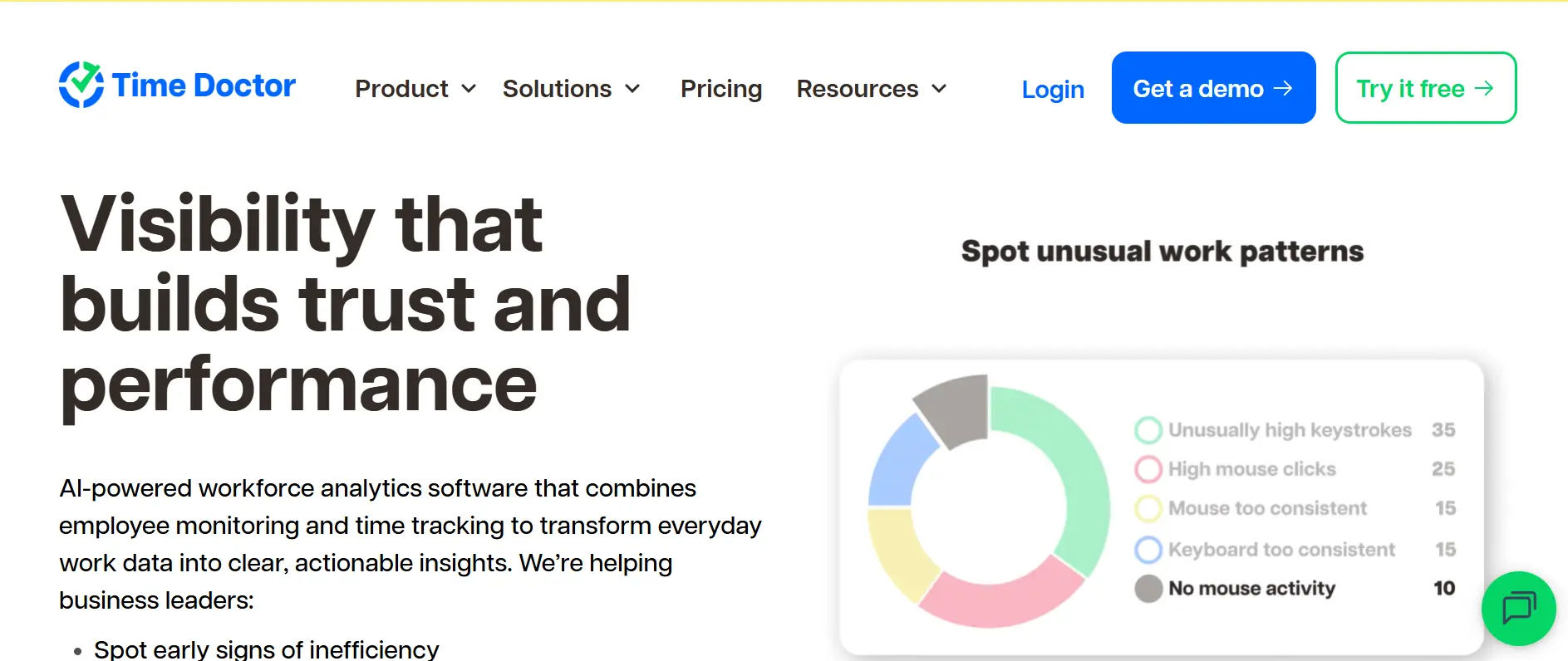
Workforce Productivity Meets Accountability Time Doctor is a powerful employee timesheet application designed for remote teams. You get extensive activity tracking and productivity reporting for accountability.
Key Features:
- Screenshots, app, and website monitoring
- Activity-based reporting
- Integrations with productivity tools
Pros:
- Ideal for remote teams
- Strong integrations
- Detailed productivity reports
Cons:
- Monitoring features may feel intrusive
- Slightly outdated interface
Pricing:
- Basic: $7/user/month
- Standard: $10/user/month
- Premium: $20/user/month
Final Verdict:
Best for teams that need detailed visibility and accountability.
4. TimeCamp
Automatic Time Tracking for Smarter Teams TimeCamp is an online timesheet application developed for automation, intelligently capturing billable and non-billable hours.
Key Features:
- Automatic time capture
- Integrations with 100+ apps
- Categorization of time by project
Pros:
- Automated tracking
- Free tier available
- Strong integrations
Cons:
- Reports can be complex
- Mobile app inconsistent
Pricing:
- Free plan available
- Starter: $3.99/user/month
- Premium: $6.99/user/month
- Ultimate: $10.99/user/month
Final Verdict:
Perfect for Small Medium Business and freelancers looking for reliable, low maintenance.
5. Harvest
Track Time, Manage Invoices, Get Paid Faster Harvest is a reliable employee timesheet application that combines time tracking, invoicing, and expense management features.
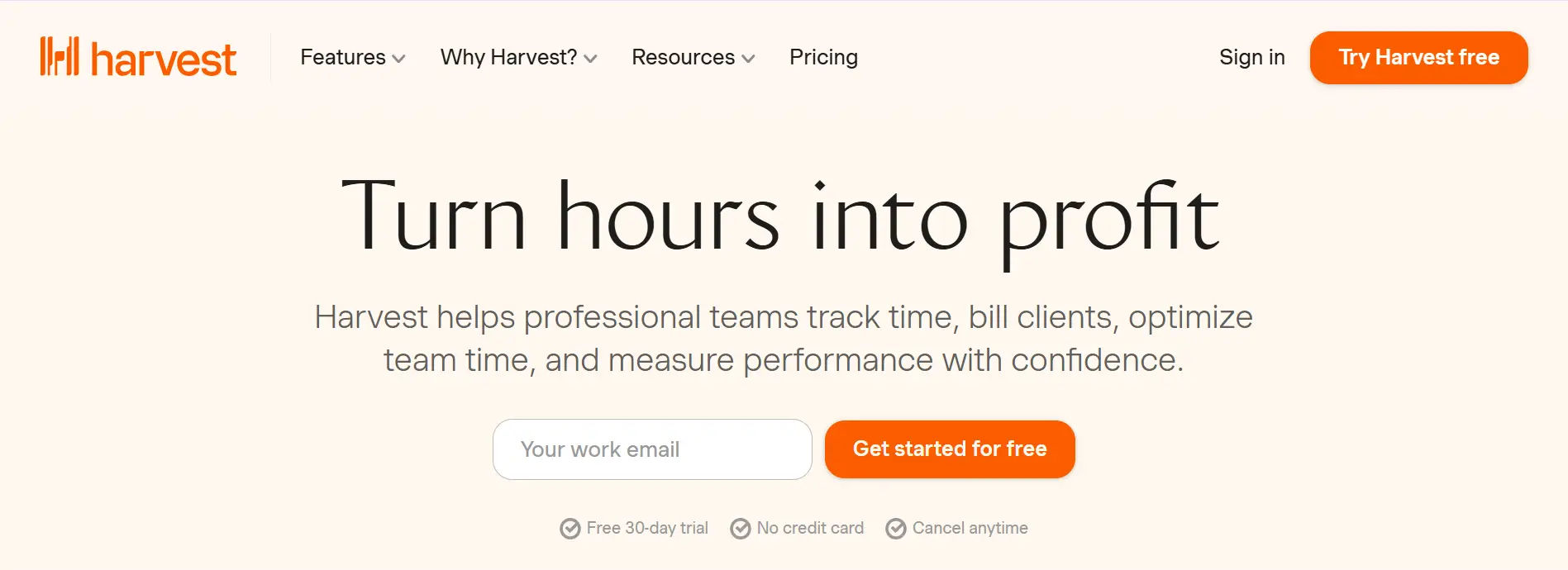
Key Features:
- Invoicing and expense tracking
- Integrations with QuickBooks, Asana
- Budget management
Pros:
- Strong invoicing tools
- Excellent integrations
- User-friendly interface
Cons:
- Limited enterprise scalability
- Basic reporting
Pricing:
- Free: 1 user, 2 projects
- Pro: $12/user/month
Final Verdict:
Ideal for freelancers and small teams seeking a combined time and billing application for timesheet management.
6. RescueTime
Passive Time Tracking for Productivity Insights RescueTime is an online timesheet application that will automatically track computer activity for the user to better understand productivity.
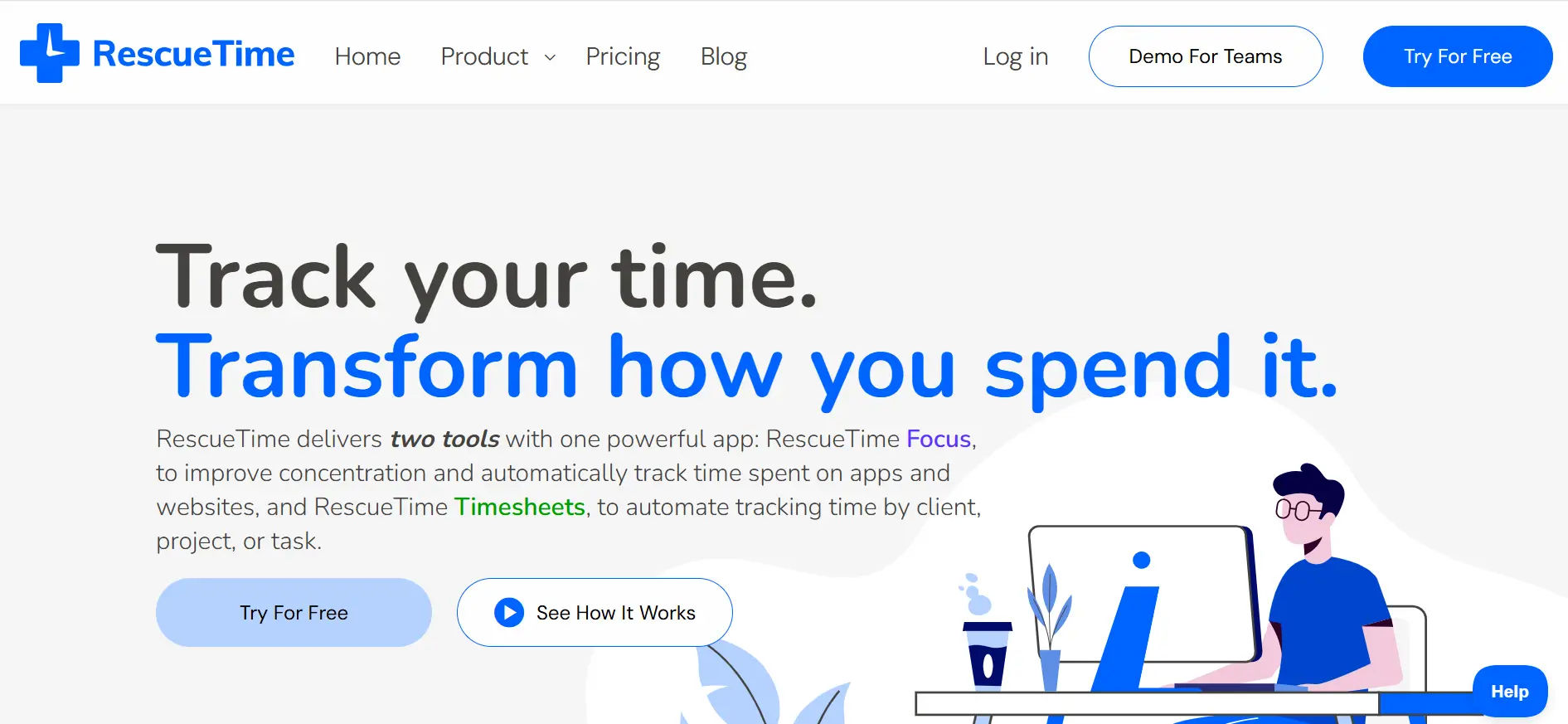
Key Features:
- Automatic activity tracking
- Focus sessions and goal setting
- Distraction blocking
Pros:
- Passive tracking
- Excellent productivity analytics
Cons:
- Not suitable for payroll or team billing
- Limited collaboration features
Pricing:
- Lite: Free
- Premium: $12/month
Final Verdict:
Great for personal productivity insights but not for full timesheet application functionality.
7. Replicon
Comprehensive Timesheet Application for Businesses Replicon is a powerfully designed for businesses of all sizes to enable tracking employee hours, projects, and billing clients easily, and with increasing versatility. Replicon is great for organizations looking to refine time tracking, compliance, and insights into workforce productivity.
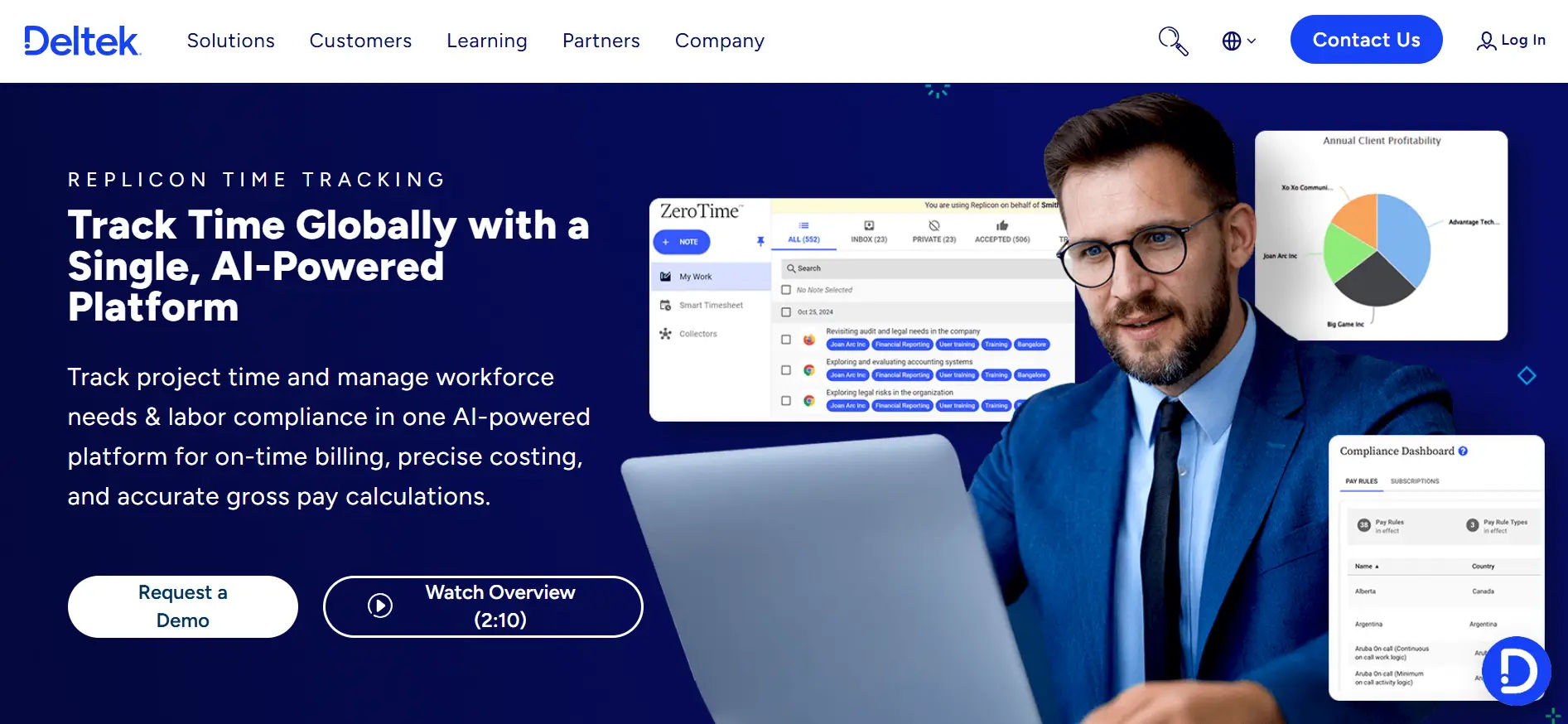
Key Features:
- Time Tracking & Timesheets
- Expense & Project Tracking
- Reporting & Analytics
Pros:
- Highly customizable for different industries
- Strong reporting and analytics capabilities
- Cloud-based and mobile-friendly
Cons:
- Can be complex for small teams or startups
- Pricing may be higher compared to simpler timesheet application
Pricing:
- Custom pricing based on features and team size (contact sales for details)
Final Verdict:
Replicon is one of the best timesheet applications for businesses seeking a scalable, feature-rich application for timesheet management. Its advanced reporting, integrations, and mobile capabilities make it ideal for organizations that need comprehensive time tracking and workforce management.
8. Timely
AI-Powered Automatic Time Tracking
Timely is a modern employee timesheet application that automatically logs work activity, creating accurate timesheets without manual input.
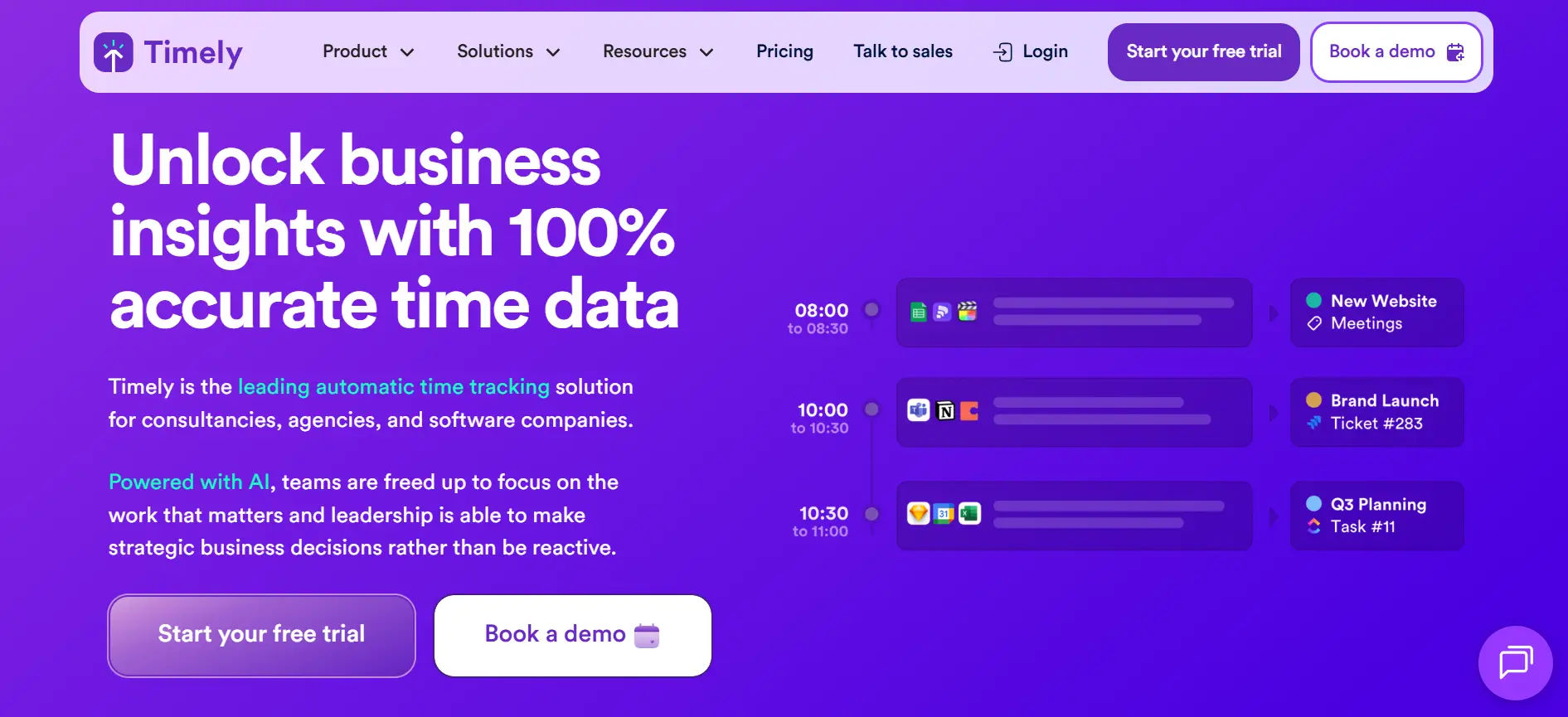
Key Features:
- Memory Tracker logs activity across apps
- Automatic timesheet application generation
- Integrations with multiple platforms
Pros:
- AI-driven automation
- Beautiful interface
- Strong integrations
Cons:
- Expensive for small teams
- Occasional manual adjustments required
Pricing:
- Starter: $11/user/month
- Premium: $20/user/month
- Unlimited: $28/user/month
Final Verdict:
Ideal for professionals seeking a hands-off online timesheet application.
9. Everhour
Seamless Time Tracking for Project Teams
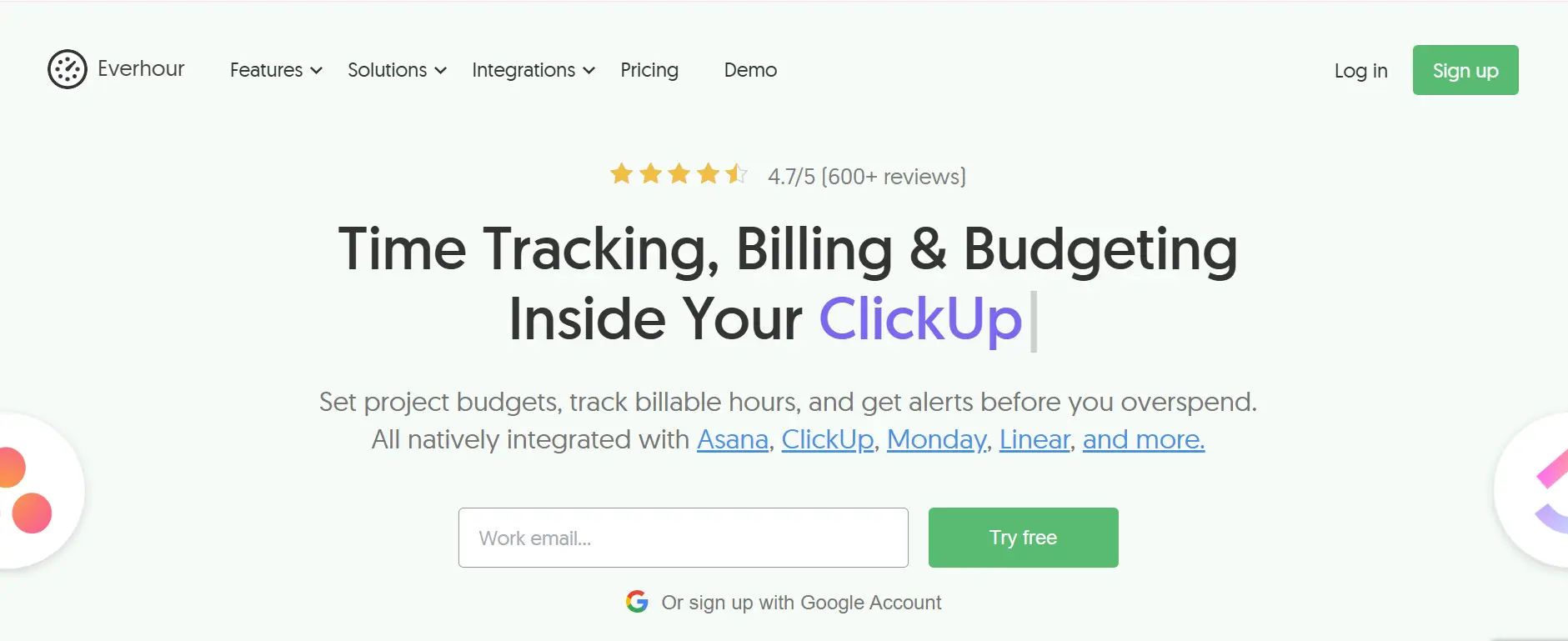
Everhour integrates with project management tools like Asana, Trello, and Jira, providing an embedded timesheet application experience.
Key Features:
- In-app timers
- Transparent reporting
- Project-based time tracking
Pros:
- Deep integrations
- Simple setup
- Accurate tracking
Cons:
- Relies on external project tools
- Limited mobile support
Pricing:
- Free for small teams
- Lite: $6/user/month
- Team: $10/user/month
Final Verdict:
Perfect for teams already using PM tools who need embedded employee timesheet application functionality.
10. Deputy
Simplified Scheduling and Attendance Tracking
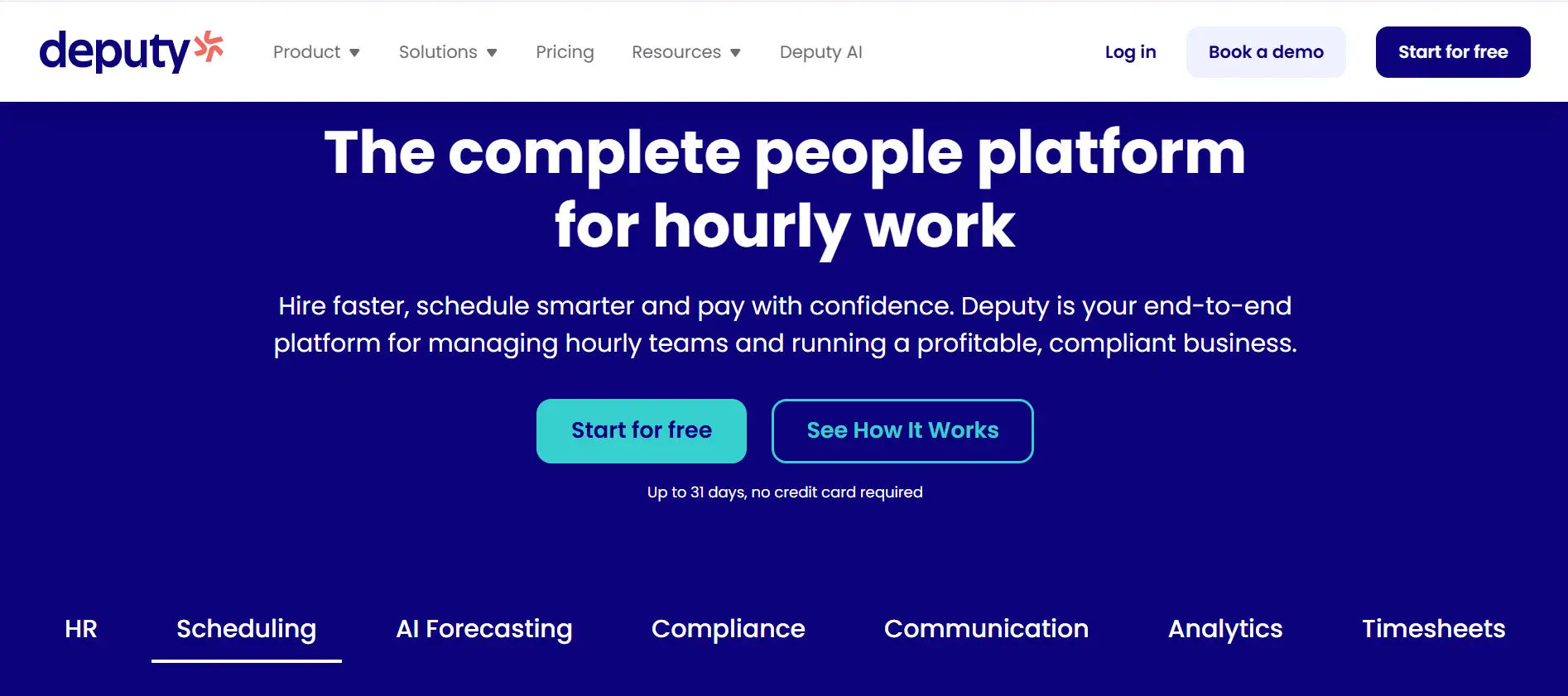
Deputy combine scheduling, attendance, and timesheet application features, ideal for shift-based teams.
Key Features:
- AI-assisted scheduling
- Automatic timesheets from clock-ins
- Payroll integrations
Pros:
- Excellent for shift management
- Mobile-first design
- Strong integrations
Cons:
- Limited project tracking
Pricing:
- Scheduling: $3.50/user/month
- Time & Attendance: $3.50/user/month
Final Verdict:
Best for teams needing accurate attendance and labor cost management.
11. Beebole
Flexible Business Time Tracking Enterprises
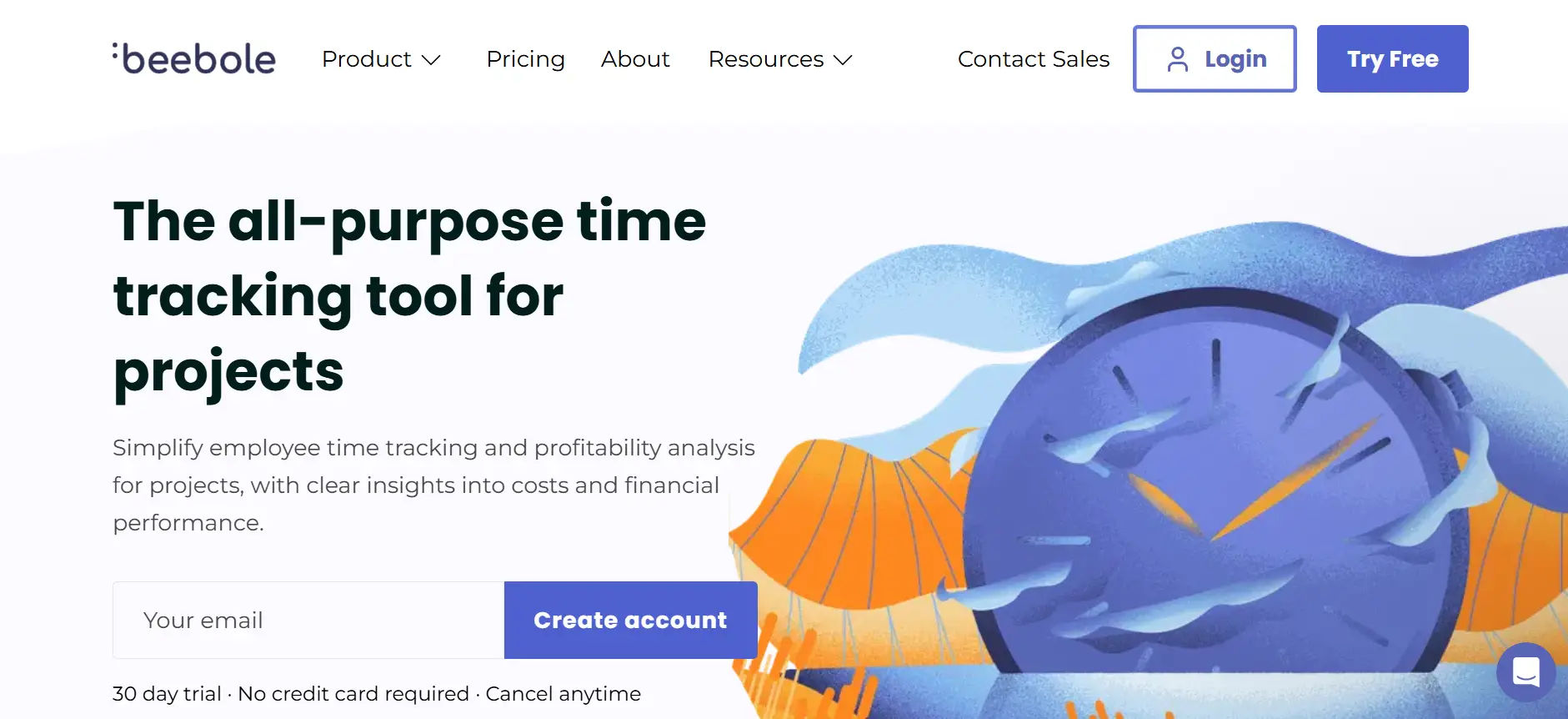
Beebole is a customizable employee timesheet application for larger organizations requiring compliance and detailed reporting.
Key Features:
- Custom reports and approvals
- Budget tracking
- Compliance management
Pros:
- Highly customizable
- Strong reporting tools
- Enterprise-ready
Cons:
- Dated interface
- No free plan
Pricing:
- $6.99/user/month
Final Verdict:
Ideal for large enterprises needing detailed functionality.
12. Jibble
Free Time and Attendance Tracking
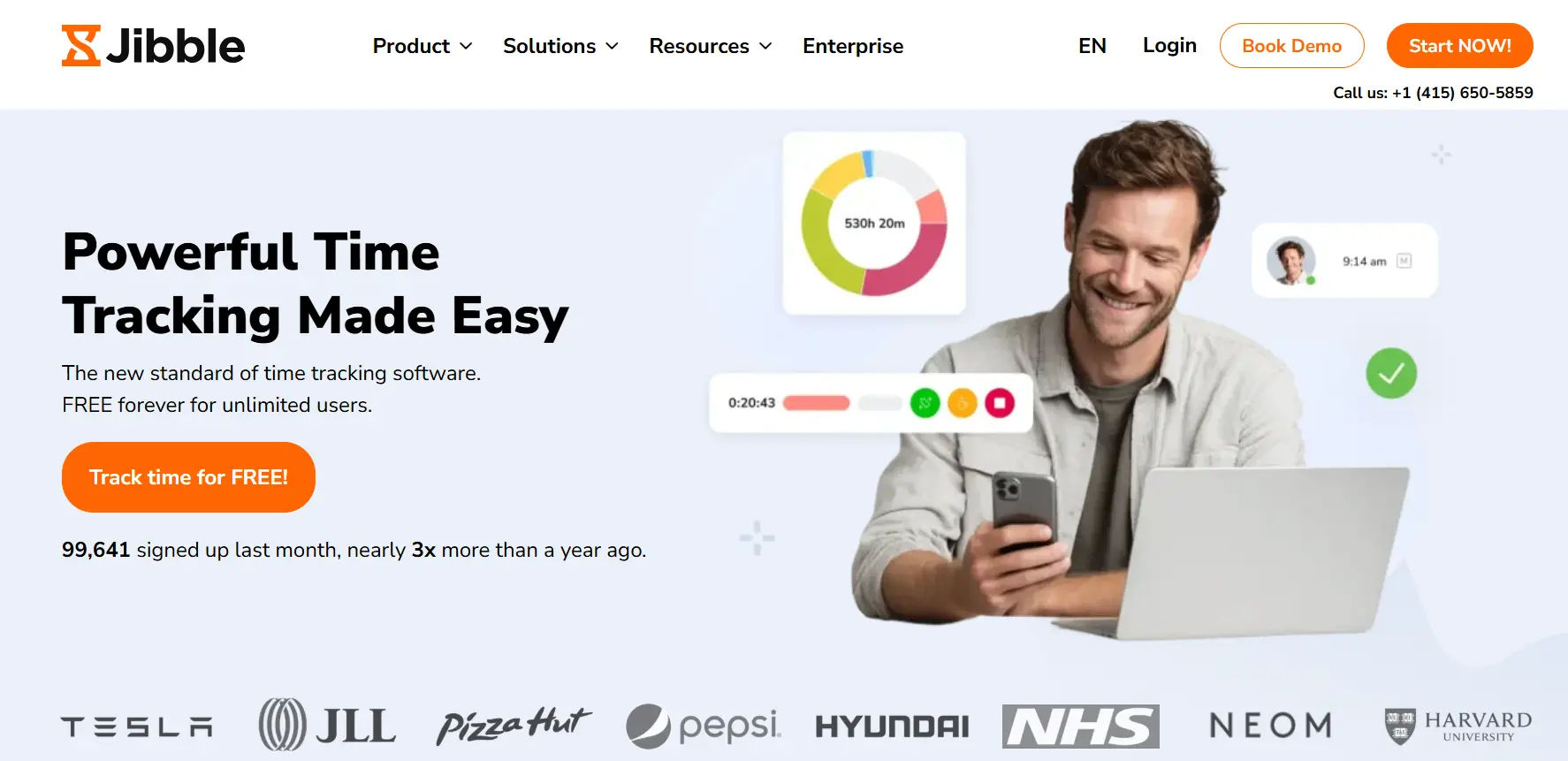
Jibble is a modern online timesheet application suitable for SMEs and startups, offering features like facial recognition and mobile tracking.
Pros:
- Free plan available
- Mobile-first interface
- Attendance verification
Cons:
- Limited analytics
- Fewer advanced features
Pricing:
- Free plan available
- Premium: $2.99/user/month
Final Verdict:
A great entry-level employee timesheet application for small teams.
13. TrackingTime
Collaborative Time Tracking for Teams
TrackingTime offers a visual, calendar-style designed for creative and remote teams.
Key Features:
- Calendar-based task management
- Visual time tracking
- Team collaboration tools
Pros:
- Intuitive visual interface
- Simple reporting
- Team collaboration friendly
Cons:
- Fewer integrations
- Occasional sync delays
Pricing:
- Free plan available
- Pro: $5/user/month
Final Verdict:
Best for creative teams preferring visual timesheet applications.
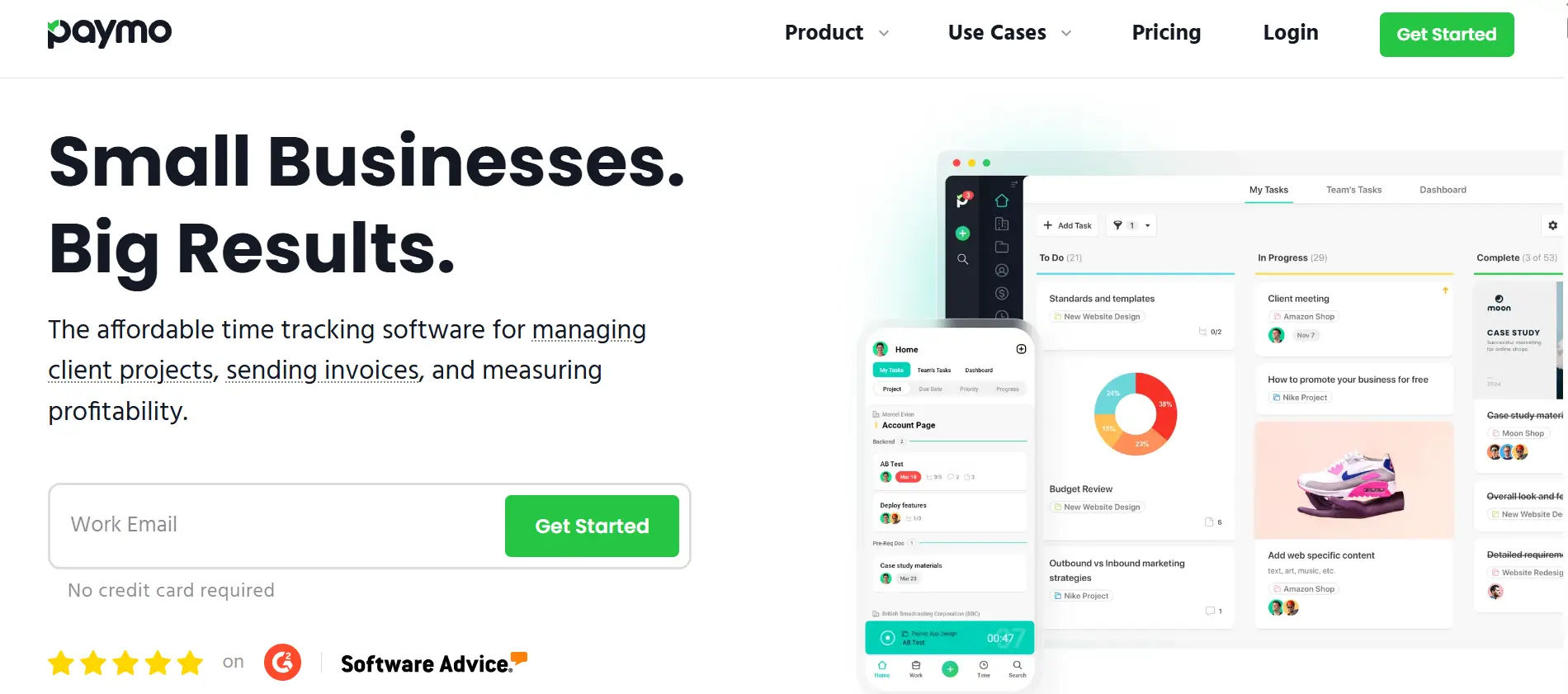
14. Paymo
All-in-One Project and Time Management
Paymo is an integrated timesheet application for agencies and small teams, combining task management, billing, and time tracking.
Key Features:
- Task creation to invoicing
- Time tracking
- Project and billing integration
Pros:
- All-in-one solution
- Great user interface
- Excellent support
Cons:
- Slight learning curve
- Complex reporting
Pricing:
- Free plan available
- Starter: $5.90/user/month
- Small Office: $11.95/user/month
- Business: $24.95/user/month
Final Verdict:
Perfect for small to mid-sized teams looking for an integrated online timesheet application.
How Businesses Benefit from Timesheet 365
Many organizations have transformed the way they track time and manage projects using Timesheet 365, one of the best timesheet applications available.
- Boosted Productivity: Teams using Timesheet 365 have reduced manual tracking errors and gained real-time visibility into tasks, improving overall efficiency.
- Faster Project Completion: Accurate time logging and task management help projects stay on schedule, saving businesses both time and money.
- Seamless Remote Work: With the online timesheet application, employees can log hours from anywhere, enabling flexible and hybrid work setups without losing accountability.
- Data-Driven Insights: Powerful dashboards and reports allow managers to monitor performance, optimize workflows, and make informed decisions.
From creative agencies to tech firms, Timesheet 365 proves that the right employee timesheet application isn’t just a tracking tool; it’s a productivity booster, an accountability enabler, and a project management ally.
Real-World Impact: Why Businesses Choose Timesheet 365
Organizations from every sector are realizing that a trustworthy company can do more than just keep track of hours. They can change productivity, accountability, and management of projects. Timesheet 365 is a quality employee timesheet application that puts your teams in a position to work smarter, not harder.
Key Benefits in Action
1. Time Tracking
Employees can enter hours directly against tasks, projects, or clients with this cloud-based online timesheet. No more messy spreadsheets or missing hours – everything is accounted for every minute.
2. Faster Project Delivery
By tracking time accurately, with the added visibility of your project, businesses are finding quicker turnarounds on work for their clients. Teams are able to stay on schedule by reducing bottlenecks so they can meet deadlines.
3. Increase Accountability and Transparency
Managers understand in real time how teams are spending the hours they are assigned. Time tracking features like task notes, idle time, and user activity monitoring turn Timesheet 365 into an all-in-one timesheet management application.
4. Remote/Hybrid Work
Whether your team is working in the office, remote, or hybrid, your employees will be able to log hours from anywhere with your manager’s access to approve timesheets and see progress on projects.
5. Data-Driven Decision Making
With dashboards and easily exportable reports developed to remove needless spreadsheets, teams can understand productivity, costs, and employee performance to make effective business decisions that drive efficiency.
Success Stories
- Creative Agencies: Reduced project completion times by up to 40% through better time visibility.
- Tech Firms: Improved payroll accuracy and reduced manual entry errors.
- Remote Teams: Enabled flexible work arrangements without compromising accountability or performance.
In short, Timesheet 365 is not just a time tracker; it’s a productivity accelerator, a project management ally, and one of the most reliable best timesheet applications for businesses of all sizes.
Conclusion
Choosing the right timesheet application can make a real impact on your team’s productivity, tracking time, and project management. The right employee timesheet application can ensure time is tracked accurately, your workflow is simplified, and your team is held accountable for their hours across an organization regardless of size.
Timesheet365 is an example of a strong online timesheets application which can turn your operations completely around in terms of accurately recording time, detailed reporting, project management, and even easy remote work. Whether you are looking for the best application for improving payroll, improving accountability, or increasing productivity, investing in a full-featured timesheet application is a smart decision and pays off quickly in terms of time saved, less errors made, and ease of decision making.
In the fast-paced business world, a reliable timesheet isn’t just a tool; it’s a critical part of running a successful, efficient, and accountable team. Start leveraging these solutions today, and watch your projects, teams, and productivity thrive.
Join Our Creative Community
Frequently Asked Questions
What is a timesheet application?
A timesheet application is an online application used by organizations to track employee hours, project and task hours and manage payroll. It replaces manual tracking, either through spreadsheets or paper forms, and offers real-time tracking, transparency, and a more significant opportunity to improve productivity. Other options could employee timesheet applications or online timesheet applications (e.g., a cloud application).
Why should I use a timesheet application for my business?
A timesheet application simplifies the process of clocking in and out, ensures that the time recorded is timely and accurate, and reduces errors in payroll — which is vital to proper resource allocation by the manager and the team. Timesheets establish accountability, allow managers to back productivity with data, make processing a project and payroll more manageable, and perform better. Regardless of whether you choose to use a dedicated application to manage timesheets or an integrated platform such as Timesheet 365 an timesheet application is a transformative platform to improve the efficiency of business results.
What is the best timesheet application?
The ideal timesheet application is determined by the requirements of your business. Timesheet 365, Toggl and Replicon are a few of the comprehensive options for tracking hours, project management and employee oversight. If you are a freelancer or working with a small number of people, there are simple, easy to use employee timesheet applications like Harvest and Jibble. Usability, integrations, reporting and cloud based options are critical factors.
Can I use a timesheet application online?
absolutely! Many modern timesheet applications that are accessed online allow employees to record time from anywhere, regardless of whether they are remote or in the office. With cloud-based solutions now you have access to real time visibility, instant approvals and access across devices, which is perfect for distributed and hybrid teams.
How does a timesheet application improve productivity?
With a timesheet application, it becomes easier to see activities that are taking too long, review idle time, and streamline processes. Their managers can see project progress, schedule resources to successfully complete tasks, and ensure that employees are spending more time on what matters. An employee timesheet application like Timesheet 365 supports smarter decisions and increases overall group productivity.


_JiluXJRGNl.svg)























