
Best ITSM Software for Small Business: Features, Comparisons, and Top Picks

Small businesses need ITSM software that brings tickets, requests, assets, knowledge, and service levels into one manageable system without enterprise-level cost or administration.
The best ITSM software for a small business should be quick to adopt, easy for employees to use, affordable as the team grows, and strong enough to replace email, spreadsheets, and manual follow-ups.
The right choice is not the platform with the longest feature list. It is the one that solves today’s support problems while leaving room for tomorrow’s processes.
This guide compares 10 strong options for Microsoft 365-focused, DevOps-friendly, asset-heavy, AI-driven, and growing IT teams.
- Choose ITSM software around your support model, not vendor feature counts. Ticket volume, agent count, existing tools, asset needs, and process maturity matter more.
- Small businesses usually get the fastest value from incident management, request workflows, SLAs, automation, self-service, knowledge, reporting, and asset context.
- Low-cost software can work well, but integrations, AI, ITAM, advanced reporting, and implementation services affect the real total cost.
- AI performs best when categories, knowledge, ownership rules, and approvals are already clean.
- HelpDesk 365 is a strong fit for Microsoft 365-centric teams; other platforms fit different operating models.
For small teams, simplicity is a capability: fewer clicks, clearer ownership, faster adoption, and less administrative maintenance can outweigh advanced features entirely today.
What Is ITSM Software for Small Business?
ITSM software for small business is a platform that helps a small IT team manage workplace technology services. It usually combines incident tickets, service requests, SLAs, approvals, knowledge, automation, reporting, and sometimes IT asset management. Unlike a shared inbox, ITSM software creates repeatable processes, visible ownership, measurable targets, and a reliable history of work.
IT service management is broader than help desk ticketing. Atlassian defines ITSM as the end-to-end management of IT services, including the processes used to design, deliver, support, and improve them.
A help desk can record “my laptop will not connect.” An ITSM process can connect that incident to the affected device, business impact, SLA, workaround, knowledge article, and future change.
ITSM vs. Help Desk: What Does a Small Business Need?
| Business Situation | Help Desk May Be Enough | ITSM May Be Better |
|---|---|---|
| Very small team | A five-person company with one technical generalist may only need structured ticketing, basic routing, and simple reporting. | Full ITSM may add unnecessary complexity at this stage. |
| Growing business | Basic ticketing can still work if support requests are simple and IT processes are limited. | A 75-person business managing laptops, cloud apps, onboarding, access requests, vendors, and compliance usually benefits from broader ITSM processes. |
| Process complexity | Choose a help desk when the main goal is to organize requests and improve response times. | Choose ITSM when you need incident, problem, change, asset, service request, and configuration management. |
| Advanced features | Avoid paying for complex capabilities your team will not use. | Add features such as change management, CMDB, and release management when outages, audits, risky changes, or service complexity justify them. |
| Best approach | Start with the processes your team can realistically manage today. | Expand into deeper ITSM capabilities as your organization, risk, and service needs grow. |
Why ITSM Software Matters for Small Businesses
Small IT teams feel disorder quickly because one unavailable technician can remove a large share of capacity. Requests arriving through email, Teams chats, phone calls, and hallway conversations create invisible work. Priorities become inconsistent, updates disappear, and repeat issues consume time twice.
ITSM software creates one operating system for support. It records who asked, what is affected, who owns the work, what deadline applies, what was tried, and what happened at closure.
Freshworks’ 2025 benchmark analyzed more than 187 million tickets across over 10,000 organizations and reported 74.14% first-contact resolution and 96.16% SLA resolution in its ITSM dataset. It also reported 65.7% ticket deflection in AI-assisted scenarios. These are vendor-reported benchmarks, not guaranteed outcomes, but they show what disciplined service operations can measure.
Key ITSM Features Small Businesses Should Prioritize
The most useful ITSM features for a small business are centralized ticketing, automated routing, SLA tracking, self-service, a searchable knowledge base, service request forms, approvals, reporting, integrations, and asset context. More mature teams should also consider problem management, change management, CMDB capabilities, remote support, and AI assistance.
Centralized Ticket and Incident Management
Every request should enter a visible queue, receive an owner, and keep its history. Email-to-ticket and Teams intake reduce behavior change.
Service Requests and Approvals
Common work such as laptop requests, software access, onboarding, and equipment replacement should use structured forms and predictable approvals.
SLA Management
Set clear response and resolution targets. Pre-breach warnings are more useful than reports explaining yesterday’s failure.
Knowledge and Self-Service
A knowledge base should answer repeat questions where employees already look for help and give technicians consistent troubleshooting steps.
Automation and Routing
Automate stable decisions: category, priority, assignment, approval, notification, escalation, and closure reminders.
Reporting
Track volume, backlog, aging, first response, resolution time, SLA attainment, reopen rate, top categories, and satisfaction.
IT Asset Management and Integrations
Asset context matters when incidents involve devices, software, warranties, or ownership. Also verify fit with Microsoft 365, endpoint tools, identity systems, remote support, and key business apps.
Benefits of the Best ITSM Software for Small Business
The first benefit is control. Every request becomes visible, assigned, prioritized, and measurable.
Second is faster resolution. Agents can use templates, history, asset details, knowledge, routing rules, and AI assistance instead of rediscovering the same answer.
Third, ITSM software protects service quality as the company grows by standardizing ownership and recurring work.
Fourth, management gets evidence. Instead of saying “IT is overloaded,” the team can show where volume, delays, SLA breaches, or repeat incidents are concentrated.
Employees also get a predictable experience: one place to ask, clear requirements, and visible status. Atlassian notes that structured ITSM can improve request coordination, collaboration, responsiveness, and alignment with business priorities.
10 Best ITSM Software Options for Small Businesses
The best ITSM software depends on how your business operates. A Microsoft 365-focused company may need something very different from a DevOps team, an asset-heavy IT department, or a business preparing to expand service management beyond IT.
The following platforms are evaluated by small-business fit, usability, implementation effort, integrations, ITSM depth, asset-management capabilities, automation, and room to grow.
1. Helpdesk 365
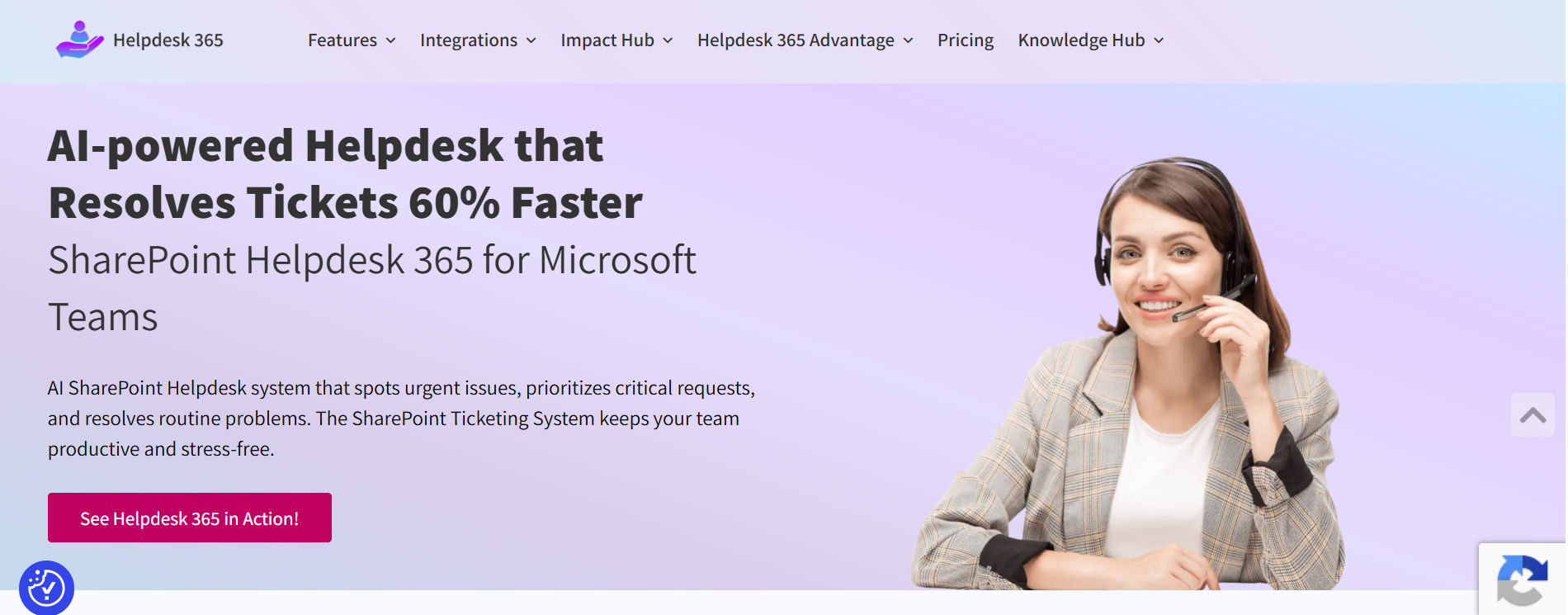
Helpdesk 365 is a strong option for organizations that already rely on Microsoft Teams, SharePoint, Outlook, and Microsoft 365 for daily work. Instead of requiring employees to learn a separate support environment, it brings ticket management into tools they already use.
It supports ticket creation and tracking, automated assignment, SLAs, notifications, knowledge management, reporting, email-to-ticket workflows, and Microsoft 365 integration.
Best fit: Small and midsize organizations that want practical IT support and service management within their existing Microsoft 365 environment.
Strengths:
- Native alignment with Microsoft Teams and SharePoint
- Familiar experience for Microsoft 365 users
- Ticket automation and assignment
- Knowledge base and reporting
- Less need for another standalone employee portal
Consider: Organizations requiring highly advanced ITIL processes, extensive CMDB relationships, or complex enterprise service management should validate those requirements before choosing any lightweight ITSM platform.
💼Already managing employee requests through Teams, Outlook, or SharePoint? See how HelpDesk 365 can turn those requests into structured support workflows.
2. Freshservice
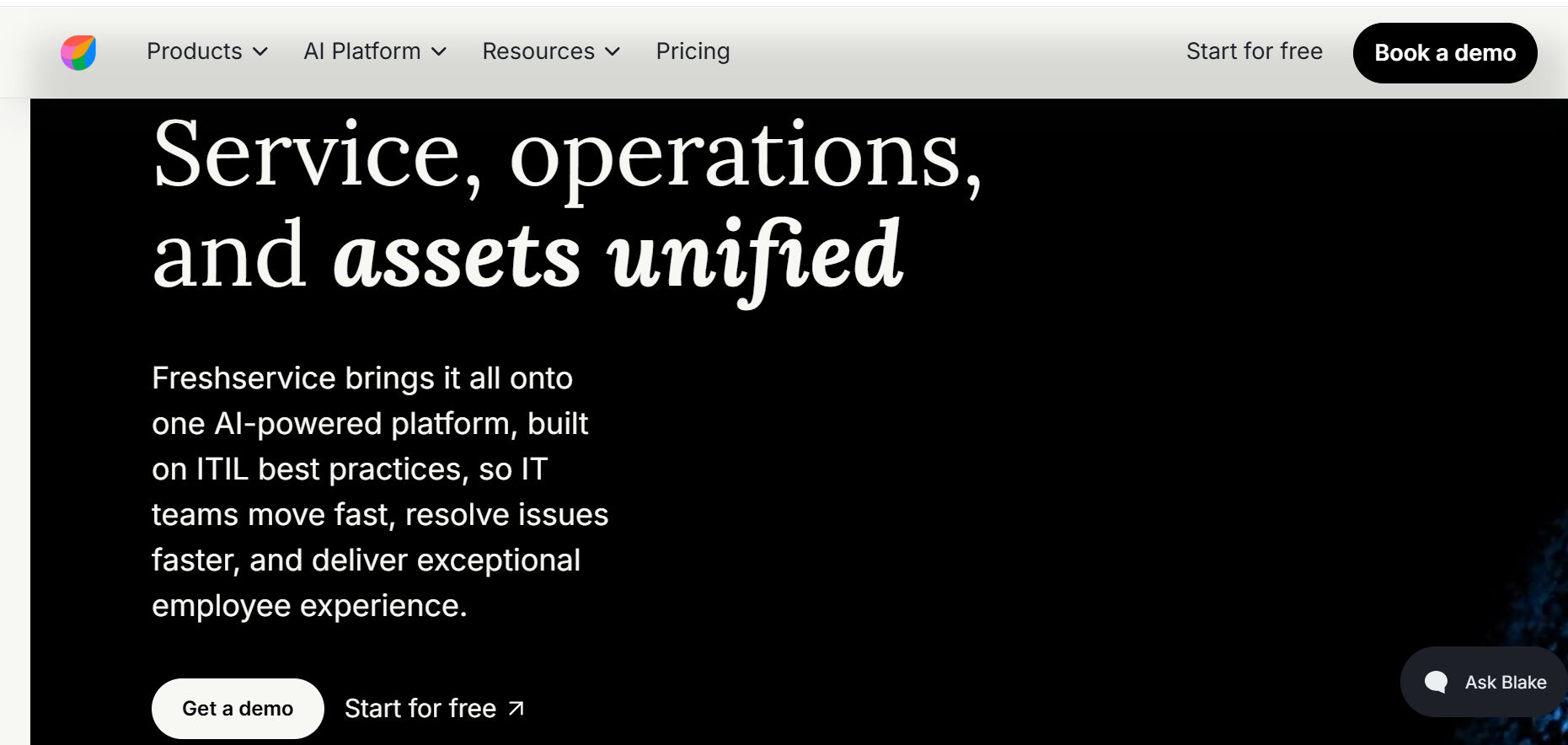
Freshservice is a strong general-purpose ITSM choice for small and midsize organizations. It combines an approachable interface with incident management, service requests, knowledge, automation, SLA management, and more advanced ITSM processes on higher plans.
Best fit: Businesses that want an easy-to-adopt cloud ITSM platform with room to mature.
Strengths:
- User-friendly agent experience
- Service catalog and self-service
- Workflow automation
- Strong reporting
- Broad ITSM capabilities
- AI-assisted service management options
Consider: Advanced ITSM and AI functionality can require higher subscription tiers, increasing total cost as requirements expand.
3. Jira Service Management
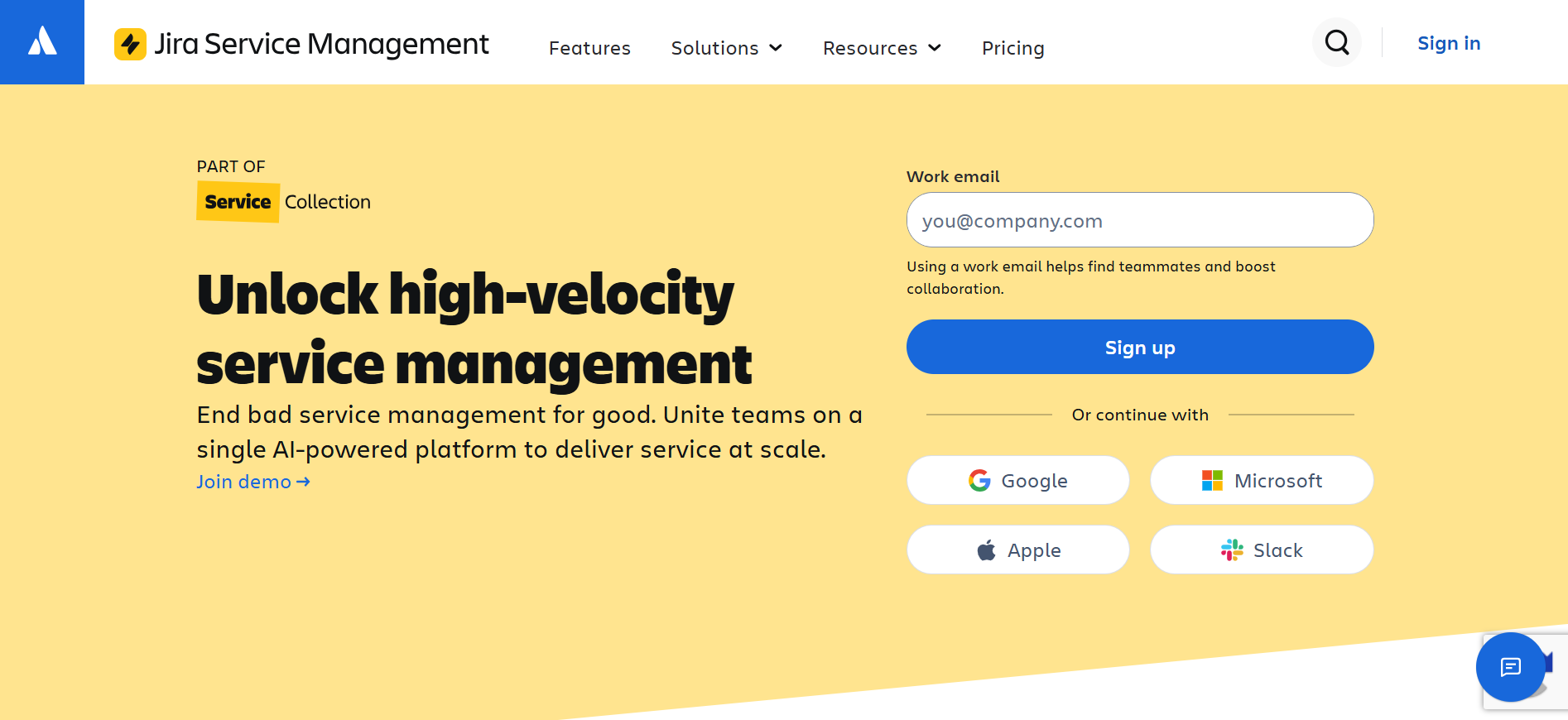
Jira Service Management is especially useful for organizations where IT works closely with developers, engineering teams, or product teams. It connects employee support with incidents, changes, development work, alerts, and knowledge.
Its close integration with Jira and Confluence makes it particularly valuable for organizations already invested in the Atlassian ecosystem.
Best fit: Software companies, technical teams, DevOps environments, and existing Atlassian customers.
Strengths:
- Strong IT and development collaboration
- Flexible workflows
- Incident and change management
- Knowledge integration
- Free option for very small agent teams
Consider: Configuration can become complex, particularly for businesses without experienced Jira administrators.
4. ManageEngine ServiceDesk Plus
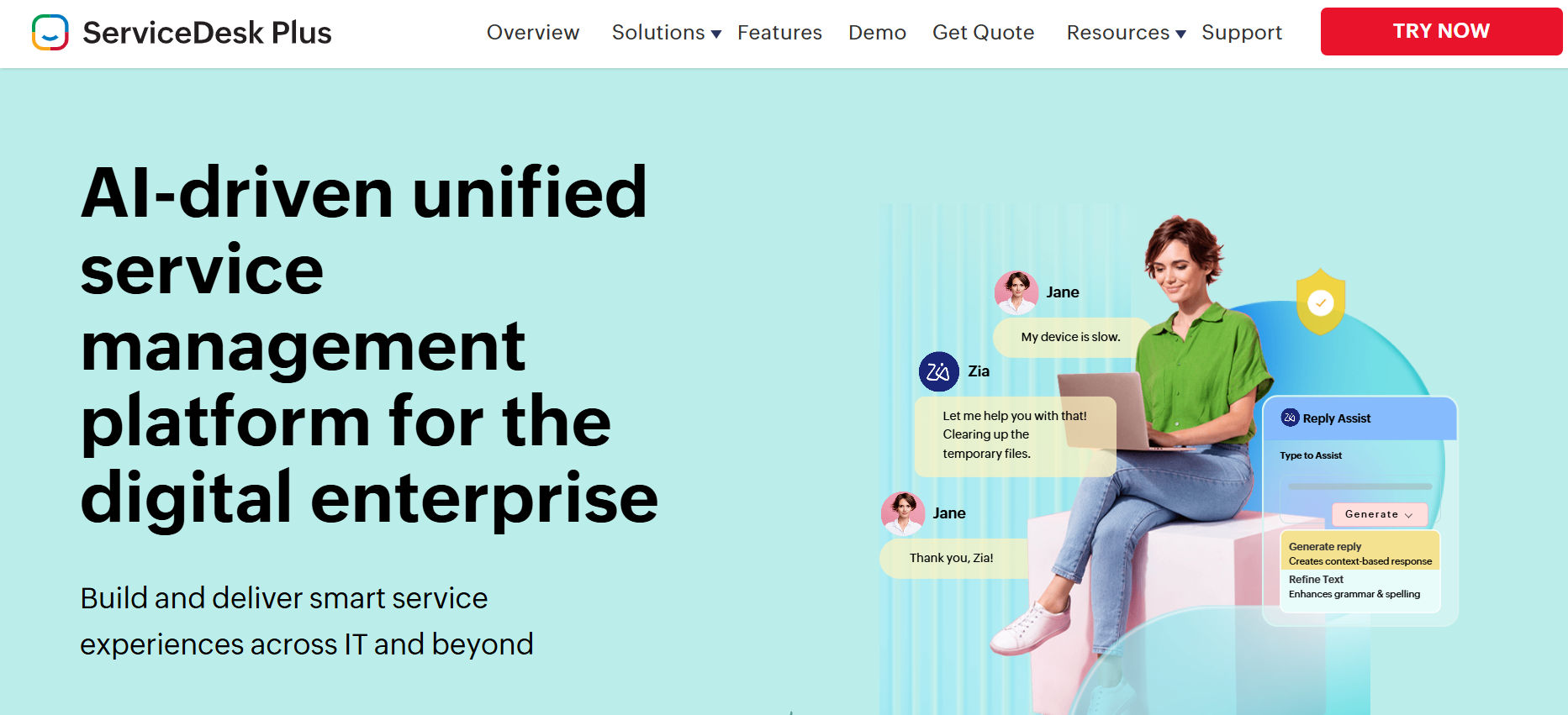
ManageEngine ServiceDesk Plus combines help desk capabilities with IT asset management and broader ITSM processes.
Businesses can begin with core service desk functionality and move toward asset management, problem management, change management, projects, and CMDB capabilities as their IT operations mature.
Best fit: Cost-conscious businesses that want ticketing and IT asset management under one platform.
Strengths:
- Broad ITSM feature set
- Strong asset-management capabilities
- Multiple editions for different maturity levels
- Cloud and on-premises options
- Competitive pricing structure
Consider: Its broad functionality can create a steeper configuration and administration learning curve than simpler products.
5. SolarWinds Service Desk
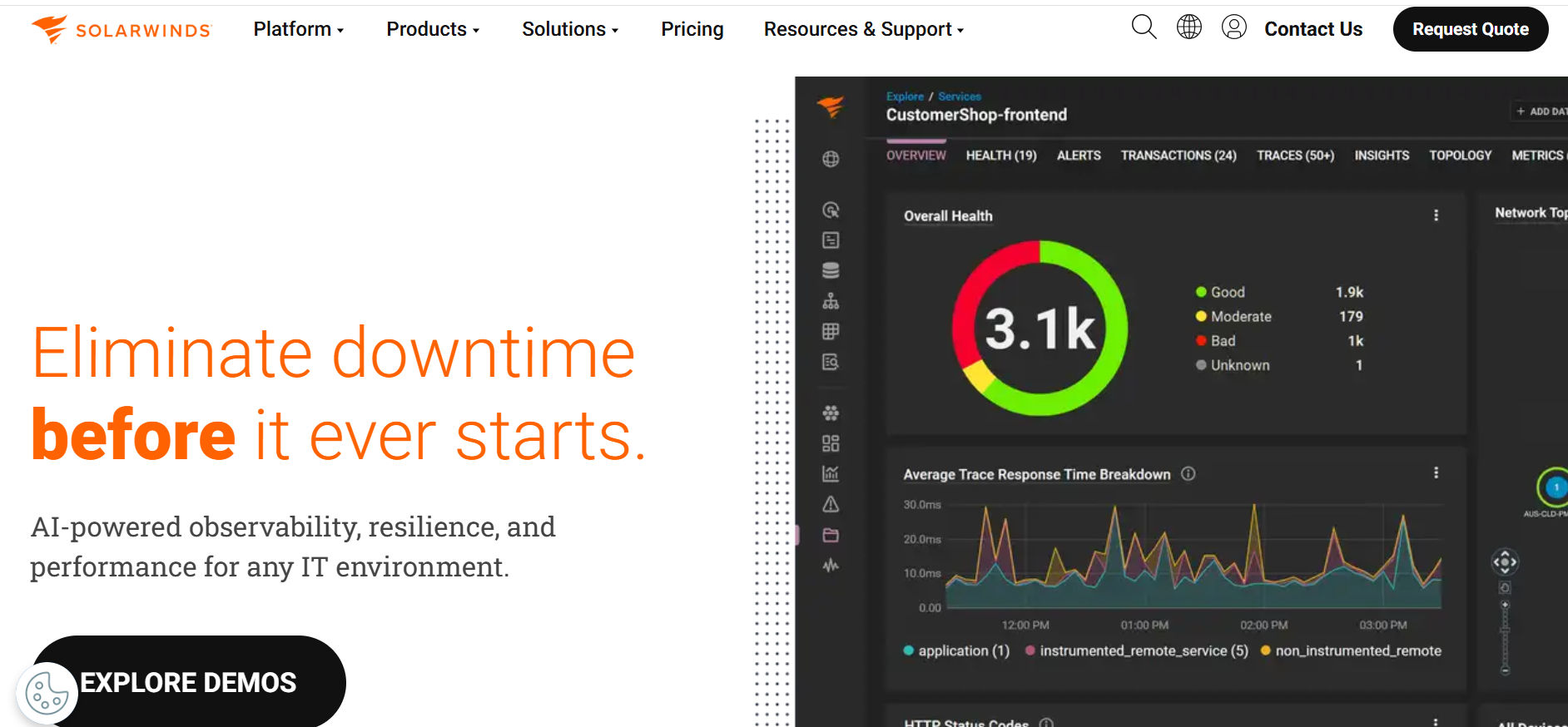
SolarWinds Service Desk combines IT service management with hardware, software, and configuration information.
This makes it useful when technicians frequently need to understand which device, application, or configuration item is associated with an incident.
Best fit: Growing organizations where asset visibility is closely tied to IT support.
Strengths:
- Integrated asset management
- Service catalog
- SLA management
- CMDB capabilities
- Reporting and automation
Consider: Some advanced automation, discovery, AI, and service-management capabilities may require higher subscription levels.
6. InvGate Service Management
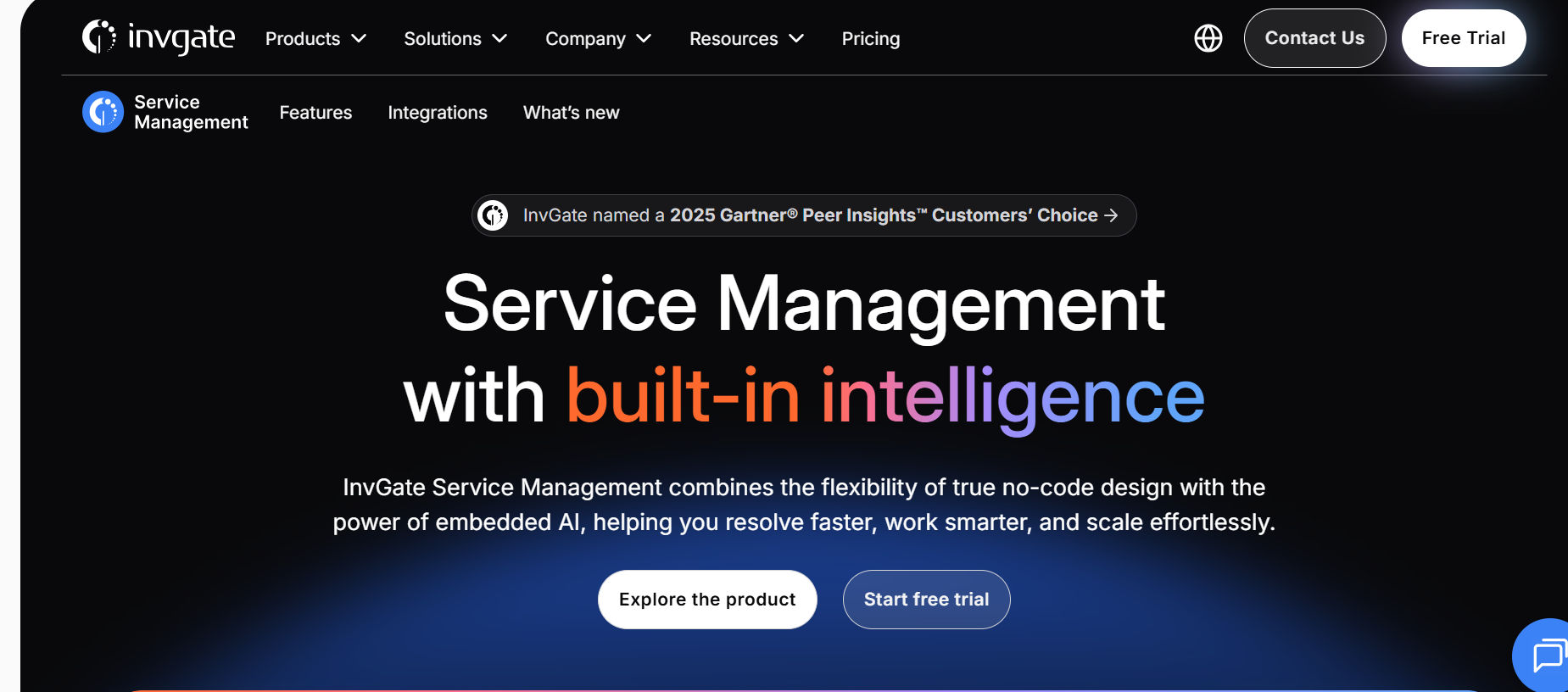
InvGate Service Management focuses on making structured service-management processes easier for agents, administrators, and employees.
Its visual workflow capabilities, dashboards, knowledge management, reporting, and self-service functions can help businesses move beyond basic ticket tracking without immediately introducing enterprise-level complexity.
Best fit: Teams that want stronger ITSM processes while keeping the experience manageable.
Strengths:
- Clean user experience
- Workflow automation
- Useful dashboards and reporting
- Self-service capabilities
- AI-assisted functionality
Consider: Minimum agent requirements and pricing structure should be evaluated carefully by very small IT departments.
7. Alloy Software
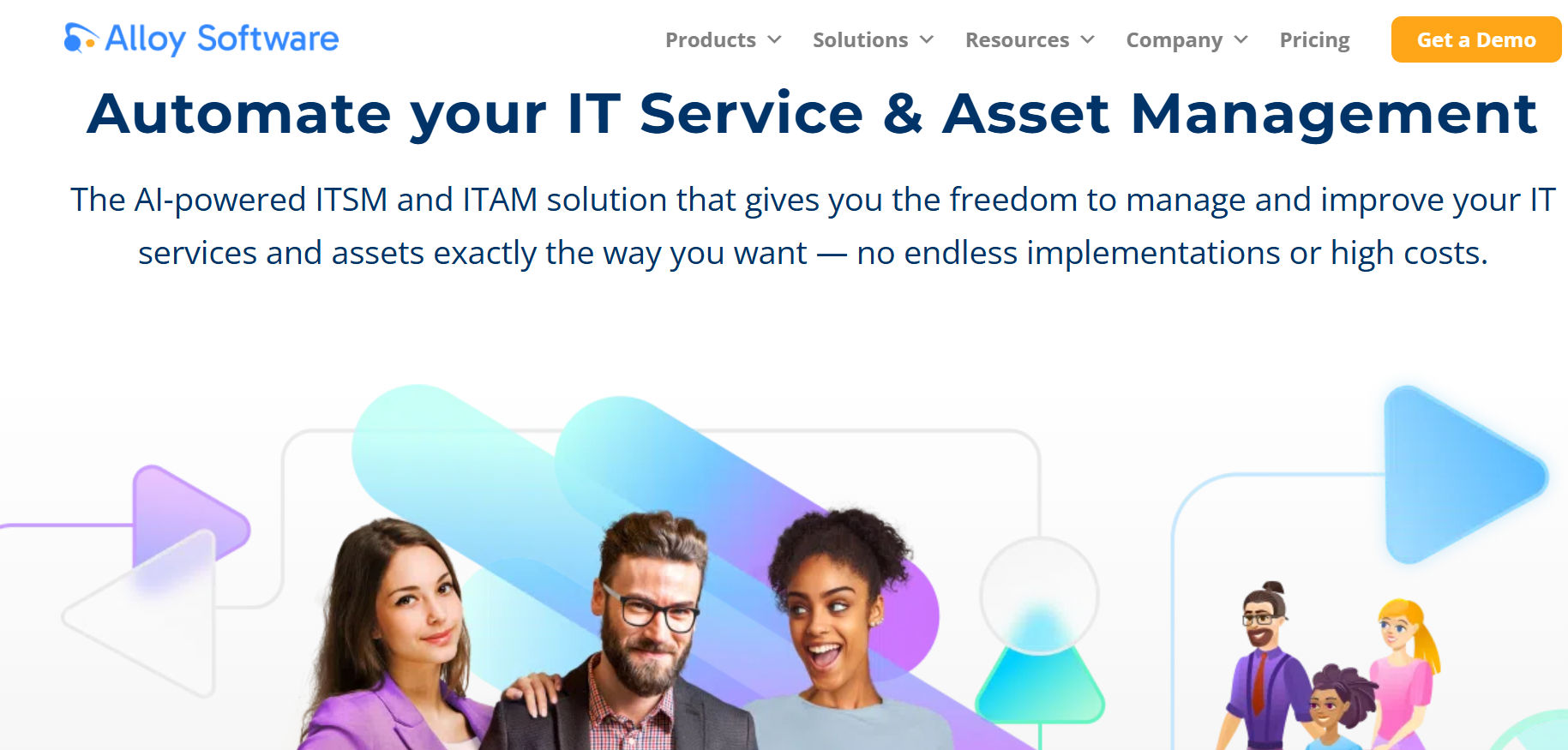
Alloy Software combines service desk functionality with IT asset management, network discovery, automation, knowledge management, and employee self-service.
For smaller IT departments, having service and asset information in one system can reduce the need to maintain separate platforms.
Best fit: Small IT departments that need both ticket management and asset visibility.
Strengths:
- ITSM and ITAM capabilities
- Network discovery
- Knowledge management
- Workflow automation
- Employee self-service
Consider: Organizations that depend on a very large third-party application ecosystem should verify required integrations before deployment.
8. SysAid
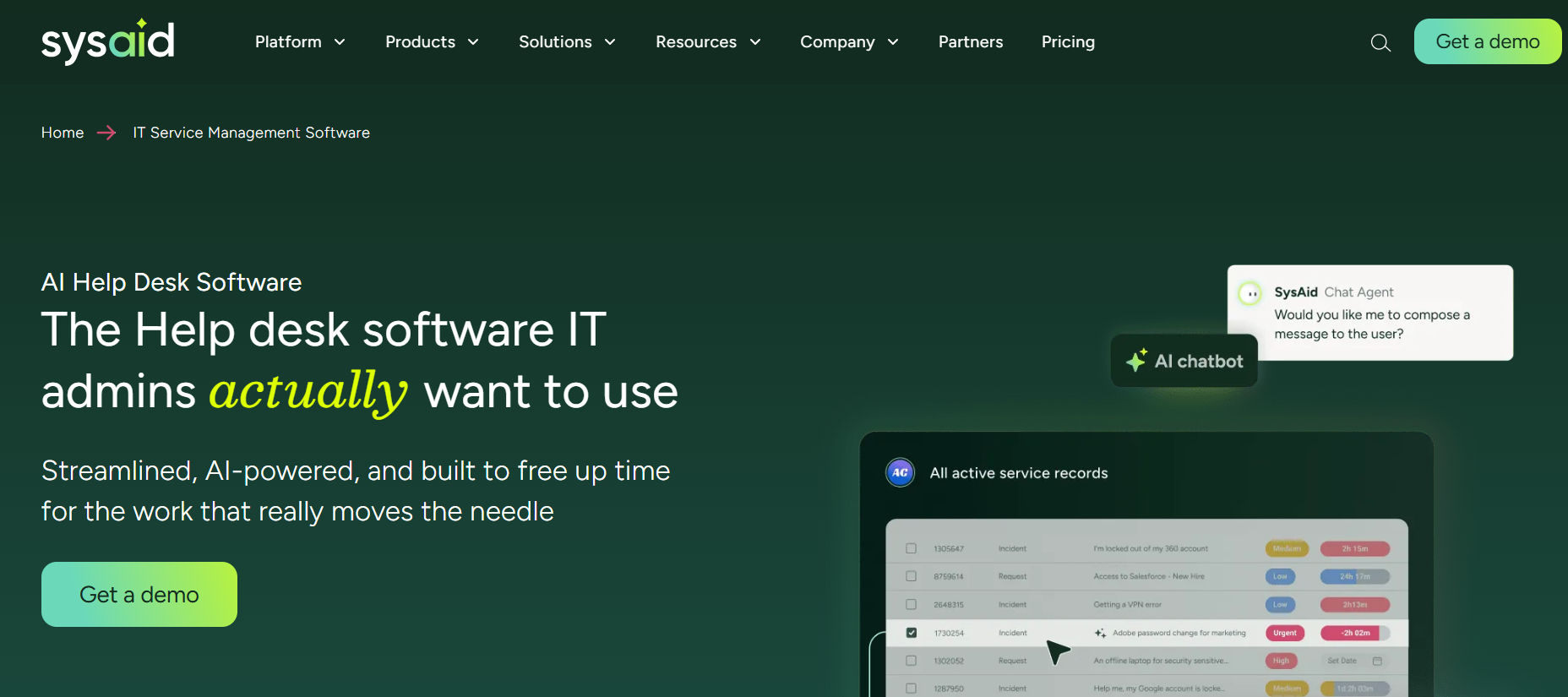
SysAid combines ITSM, automation, self-service, asset management, and AI-assisted support.
Its platform can help technicians classify requests, access asset information, automate common processes, and provide employees with more self-service options.
Best fit: Businesses that want AI functionality and asset management closely connected with IT service delivery.
Strengths:
- AI-assisted ticket management
- Built-in asset management
- Incident and request management
- Problem and change management
- Workflow automation
Consider: Its starting investment can be higher than several small-business alternatives, so organizations should evaluate whether the additional capabilities justify the cost.
9. HaloITSM
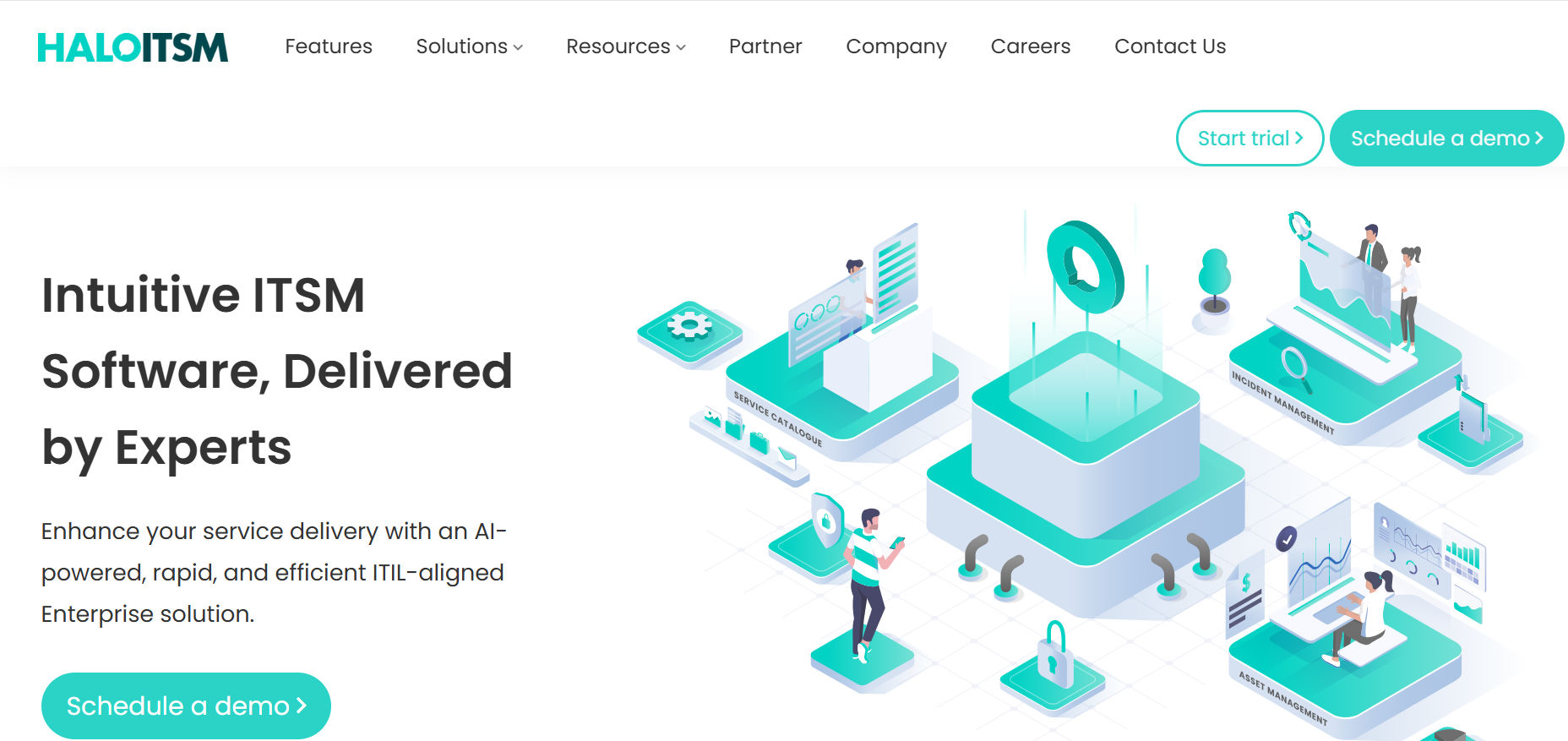
HaloITSM offers a wide range of capabilities across incident, request, problem, change, knowledge, assets, CMDB, reporting, automation, AI, and enterprise service management.
Its broad scope makes it attractive to organizations that may eventually want to extend structured service delivery from IT into HR, facilities, finance, or other departments.
Best fit: Growing organizations looking for a platform that can support broader service-management maturity.
Strengths:
- Broad ITSM functionality
- Flexible workflow automation
- CMDB and asset capabilities
- Enterprise service-management potential
- Strong customization options
Consider: Smaller IT departments should determine whether they need the platform’s breadth because implementation and onboarding may exceed the requirements of a basic service desk.
10. Zendesk Employee Service
Zendesk Employee Service extends the company’s established support platform into internal employee services.
It offers capabilities such as ticket management, employee portals, service catalogs, approvals, SLAs, asset management, automation, knowledge, and AI depending on the selected plan.
Best fit: Organizations where employee experience and multichannel support are major priorities.
Strengths:
- Easy employee support experience
- Strong omnichannel capabilities
- Mature ticket automation
- Knowledge management
- AI-assisted support options
Consider: ITSM functionality varies between plans, and advanced capabilities or AI features can increase total subscription costs.
ITSM Software Comparison Table
Software | Best for | Starting position | Strongest advantage | Main caution |
HelpDesk 365 | Microsoft 365 teams | From $19.99/agent/month annually | Teams and SharePoint fit | Validate deep ITIL needs |
Freshservice | Fast cloud adoption | $19/agent/month annually | Usability and maturity path | Higher tiers for advanced ITSM |
Jira Service Management | DevOps teams | Free up to 3 agents | Engineering integration | Admin learning curve |
ManageEngine ServiceDesk Plus | Budget plus ITAM | From $13/technician/month | Broad functionality | Dense configuration |
SolarWinds Service Desk | Asset-aware support | $39/technician/month annually | ITSM plus CMDB and assets | Advanced features cost more |
InvGate Service Management | Structured ITSM | $1,499/year for 5 agents | Workflow and reporting | Five-agent entry |
SysAid | AI plus ITAM | $89/agent/month | AI and asset context | Higher starting cost |
Alloy Navigator | Small-team ITSM plus ITAM | $19/technician/month | Discovery included | Smaller ecosystem |
HaloITSM | Growth and ESM | Regional per-agent pricing | Broad features in one plan | Required onboarding |
Zendesk Employee Service | Employee experience | $29/agent/month annually | Omnichannel usability | Tier and add-on costs |
For Microsoft 365-first businesses, HelpDesk 365 fits everyday employee tools. Freshservice is stronger for broad cloud ITSM maturity, Jira Service Management for DevOps, ManageEngine and Alloy for cost-conscious ITAM, SolarWinds for asset-aware service management, InvGate for usability, SysAid for AI plus assets, HaloITSM for broad growth, and Zendesk for employee-friendly multichannel support.
Best Practices for Implementing ITSM in a Small Business
The software will not fix unclear ownership. Build the operating model first.
Start with three to five high-volume workflows. Password resets, access requests, onboarding, device issues, and software requests are better starting points than every ITIL process.
Define priority with impact and urgency. Do not let requesters label everything critical.
Set realistic SLAs. Promise what the team can consistently deliver and use pre-breach alerts.
Write knowledge from solved work. Repeated issues should become reusable articles.
Review categories monthly. Too many categories create bad data; too few hide patterns.
Automate only stable rules. If technicians disagree about ownership, fix that before routing automatically.
Measure outcomes. Track backlog age, reopen rate, SLA results, first-contact resolution, and employee satisfaction.
💼Before buying, run a proof of concept using your own ticket types, approvals, and reporting requirements.
The Role of AI in Modern ITSM Software
AI is moving from reply suggestions into classification, routing, summarization, knowledge retrieval, conversational self-service, workflow generation, and autonomous actions.
Freshworks reported 65.7% ticket deflection and 76.6% faster resolution for AI-assisted scenarios in its 2025 benchmark. Zendesk says businesses using its AI Copilot have seen a 20% reduction in average handle time. Treat both as vendor-reported results, not universal promises.
AI magnifies the quality of the system underneath it. If knowledge is outdated, categories overlap, permissions are unclear, and workflows contain undocumented exceptions, AI will not create governance.
Start with low-risk, high-frequency work: summarizing tickets, suggesting categories, drafting responses, recommending knowledge, identifying duplicates, and answering common questions. Add autonomous fulfillment only when approvals, identity checks, audit logs, and rollback paths are clear.
How to Choose the Best ITSM Software for Your Small Business
First, map your top support workflows and ticket channels. Second, define must-have capabilities and integrations. Third, calculate three-year cost, including agents, assets, AI, add-ons, onboarding, and migration. Fourth, test two or three products using real tickets. Fifth, score employee usability and administrator effort. Finally, choose the platform that removes the most work with the least ongoing complexity.
Start With Current Pain
List what wastes time: lost email tickets, missed SLAs, chat-based approvals, poor asset context, repeat questions, or manual reporting.
Separate Must-HavesFromFuture Features
Buy what you need now. Do not pay for advanced release management if the team has no process for using it.
Calculate Total Cost
Include licenses, implementation, migration, asset packs, premium connectors, AI usage, training, and internal administration.
Test With Real Work
Build an access request, incident, approval, escalation, and SLA report. Ask a technician and nontechnical employee to use each product without coaching.
Check Growth Limits and Adoption
Confirm requester limits, asset caps, automation quotas, API limits, storage, environments, and plan jumps. Then choose the product people will actually use.
Conclusion:
The best ITSM software for small business is not the product with the biggest enterprise diagram. It is the platform that gives a small IT team control without becoming another system to babysit.
Start with the problems already costing time: lost requests, manual routing, repeated questions, unclear ownership, missed SLAs, poor asset visibility, and weak reporting. Compare products against those problems.
HelpDesk 365 makes particular sense for Microsoft 365-centric organizations that want service workflows inside Teams and SharePoint. Freshservice suits teams wanting approachable cloud ITSM. Jira Service Management fits DevOps-heavy environments. ManageEngine, SolarWinds, Alloy, InvGate, SysAid, HaloITSM, and Zendesk each become stronger when their specific strengths match your operating model.
Do not buy on a feature checklist alone. Run real workflows, price three-year ownership, involve technicians and employees, and measure how much manual work disappears.
If your small business already runs on Microsoft 365,
Test it with your real ticket categories, SLA rules, and employee request paths.
Join Our Creative Community
Frequently Asked Questions
What is the best ITSM software for a small business?
There is no universal winner. HelpDesk 365 is strong for Microsoft 365-focused organizations, Freshservice for approachable cloud ITSM, Jira Service Management for DevOps, and ManageEngine or Alloy for asset-heavy teams watching cost. The answer depends on your stack, agent count, process maturity, and reporting needs.
Is ITSM software worth it for fewer than 100 employees?
Usually, once support work becomes hard to track. If one or two technicians manage onboarding, access, devices, software, incidents, and employee questions across several channels, structured ITSM can create value well before 100 employees. If requests are rare and one inbox remains manageable, a full platform may be premature.
What is the difference between ITSM and ticketing software?
Ticketing software records and tracks requests. ITSM software adds broader processes such as incident, request, problem, change, knowledge, SLA, service catalog, asset, configuration, and continual improvement. Many small businesses intentionally start with ticketing and expand later.
Should a small business choose free ITSM software?
Free plans are useful for testing or very small teams. Jira Service Management supports up to three agents free. The trade-off is usually limits on automation, support, storage, permissions, reporting, or advanced processes. Judge the paid path before building critical workflows on a free tier.


_JiluXJRGNl.svg)























