

10 Best FastSpring Alternative & Competitors: A Complete Guide

Selling software, digital products, or subscriptions globally means managing billing, taxes, and compliance across many markets at once. FastSpring has long been a popular choice for this, acting as a Merchant of Record for many SaaS and digital-product businesses. But as your business grows, you may need more flexibility, lower fees, or deeper customization which is where these 10 FastSpring alternatives come in
- This guide compares 10 leading FastSpring alternatives for billing, subscriptions, and revenue management.
- Options range from Microsoft 365-native platforms like Revenue 365 to enterprise-grade tools like Zuora.
- Each alternative fits a different business size, billing model, or level of complexity.
- Use the comparison table and feature breakdowns below to match a platform to your specific needs.
Why Look for a FastSpring Alternative?
FastSpring helps companies sell software, digital products, and subscriptions around the world. It handles payments, taxes, and checkout. In many cases, it acts as a Merchant of Record (MoR) — meaning it takes on tasks like collecting sales tax and staying compliant with local rules.
What FastSpring Does Well
- Handles global tax and compliance, so you carry less legal risk
- Supports many currencies and payment methods for cross-border sales
- Offers ready-made billing workflows for renewals, trials, and upgrades
- Includes fraud protection for digital goods and international orders
- Is quick to set up for basic use cases
- Provides solid support during onboarding
Why Businesses Look Elsewhere
Even a strong platform can stop being the right fit as a business grows. Common reasons companies explore alternatives:
- Their business model changes (for example, adding usage-based billing or complex contracts)
- Fees get expensive at high transaction volumes
- They need deeper customization
- Tax handling or local payment support doesn’t match their markets
- They need better reporting, analytics, or faster support
- Onboarding, reliability, or transparency become bigger priorities
Comparing alternatives helps you plan for growth, cut costs, and improve the customer experience.
10 Best FastSpring Alternatives
|
# |
Platform |
Best For |
Standout Feature |
|
1 |
Revenue 365 |
Microsoft 365-centric teams |
Native integration with Teams, Outlook, SharePoint, Power BI |
|
2 |
Chargebee |
Scaling SaaS businesses |
Flexible billing models and deep finance integrations |
|
3 |
Maxio |
Complex B2B SaaS finance |
Revenue recognition and enterprise contract support |
|
4 |
SubscriptionFlow |
Businesses needing custom workflows |
Highly customizable dashboards and metrics |
|
5 |
Zoho Subscriptions |
Existing Zoho users |
Native Zoho CRM and Zoho Books integration |
|
6 |
Recurly |
Predictable, high-growth billing |
Strong dunning and multi-gateway support |
|
7 |
Stripe Billing |
Developer-led teams |
API-first, highly customizable billing logic |
|
8 |
Lemon Squeezy |
Digital product sellers |
Fast setup with built-in tax and fraud tools |
|
9 |
Zuora |
Large enterprises |
Multi-entity billing and audit-ready compliance |
Revenue 365

Revenue 365 is a revenue operations platform built for Microsoft 365 environments. It helps businesses manage invoicing, subscriptions, and billing in one place. It’s certified by Microsoft AppSource and built for teams that want tighter control over back-office billing and revenue.
Because it lives inside Microsoft 365, finance and operations teams don’t need to switch between separate apps to manage billing, approvals, or reporting. This makes it a practical pick for organizations that already rely on Microsoft tools every day and want revenue data to stay in one connected system.
Key Features
- Subscription billing and recurring invoicing
- Custom product catalogs and bundling
- Real-time dashboards and revenue reports
- Integrations with Microsoft Teams, Outlook, SharePoint, and Power BI
- Multi-currency support for global operations
Best for: Microsoft-centric teams that want billing and revenue tools built directly into tools they already use, like Teams, Outlook, and SharePoint.
Stripe Billing
Stripe Billing is part of the Stripe payments ecosystem. It’s popular with developers who want to build custom billing logic using strong APIs, while still using Stripe’s global payment infrastructure.
Because it’s built on Stripe’s infrastructure, teams get global payment coverage alongside full control over how billing logic is built and customized. That flexibility comes with more setup work, since most teams build around the API rather than use pre-built workflows.
Key Features
- API-first, highly customizable billing, plans, and usage models
- Global payment method support and multi-currency
- Strong invoicing and subscription management
- Dunning and failed-payment recovery
- Customer billing portal
Best for: Teams with developer resources who want full control and are comfortable managing or outsourcing tax and compliance separately.
Chargebee
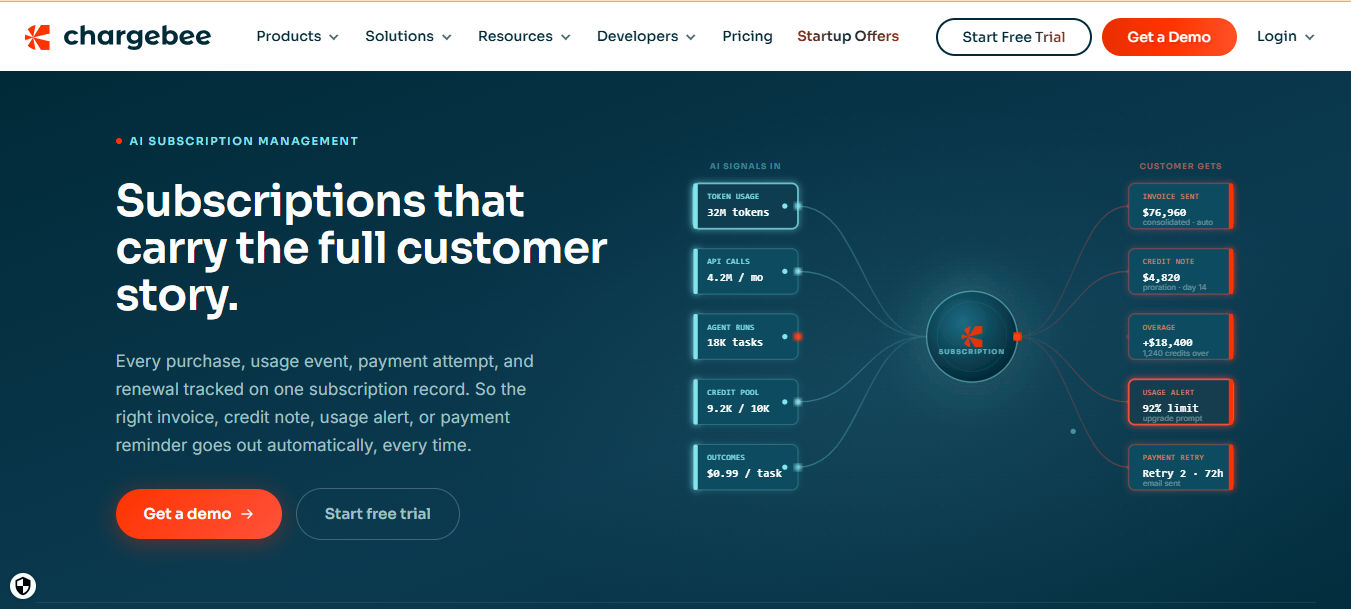
Chargebee supports subscription billing and revenue growth for companies scaling SaaS or recurring-revenue models. It covers the full subscription lifecycle, usage-based billing, and revenue recognition, with strong integrations across payment gateways and CRMs.
Companies often move to Chargebee once they’ve outgrown basic invoicing tools and need more advanced billing logic without building it in-house. Its finance and accounting integrations make it easier to keep revenue reporting accurate as transaction volume grows
Key Features
- Flexible subscription models: tiered, usage-based, metered
- Automated dunning and renewals for failed payments
- Revenue recognition and accounting support
- Wide range of integrations with payment gateways, CRMs, and sales tools
- Dashboards for MRR, ARR, churn, and lifetime value
Best for: Teams that need flexible billing logic, closer finance alignment, and more control over the checkout and upgrade experience.
Maxio
Maxio is built for B2B SaaS companies with complex finance needs, like deferred revenue, usage-based pricing, or enterprise contracts. It formed by combining SaaSOptics and Chargify, adding enterprise-level capabilities.
Maxio suits companies managing layered contracts, multiple pricing tiers, or investor and board-level reporting requirements. Its focus on SaaS metrics and revenue recognition makes it a strong fit for finance teams that need audit-ready numbers on demand
Key Features
- Advanced usage-based and hybrid billing models
- Deferred revenue and revenue recognition tools
- SaaS-specific reporting and financial metrics
- Support for complex contracts, custom plans, and seat-based billing
- Integrations with accounting software and data warehouses
Best for: Growing SaaS businesses that need advanced billing, GAAP-compliant revenue recognition, and strong financial reporting.
SubscriptionFlow
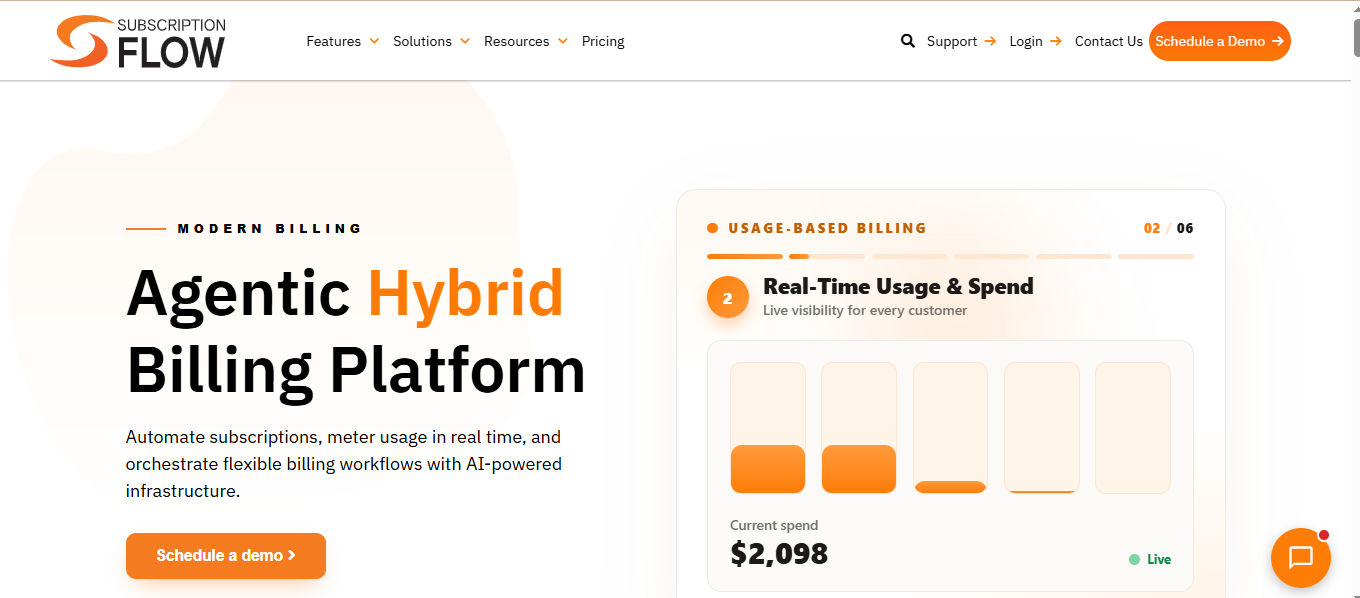
SubscriptionFlow lets companies manage subscriptions, recurring revenue, billing, and analytics with a high degree of flexibility. Its customizable workflows and dashboards make it easier to match your own business processes.
Because the platform is highly configurable, businesses that need workflows tailored to their exact billing process often prefer it over more rigid, one-size-fits-all tools. It also gives finance teams more visibility into how subscription data moves through the system.
Key Features
- Recurring billing with flexible plan setups
- Customizable workflows, metrics, and dashboards
- Automated renewals, dunning, and revenue forecasting
- API and webhook support
- Usage-based or mixed billing models
Best for: Businesses that want more control over data, workflows, and reporting instead of a fully managed Merchant of Record model.
Zoho Subscriptions
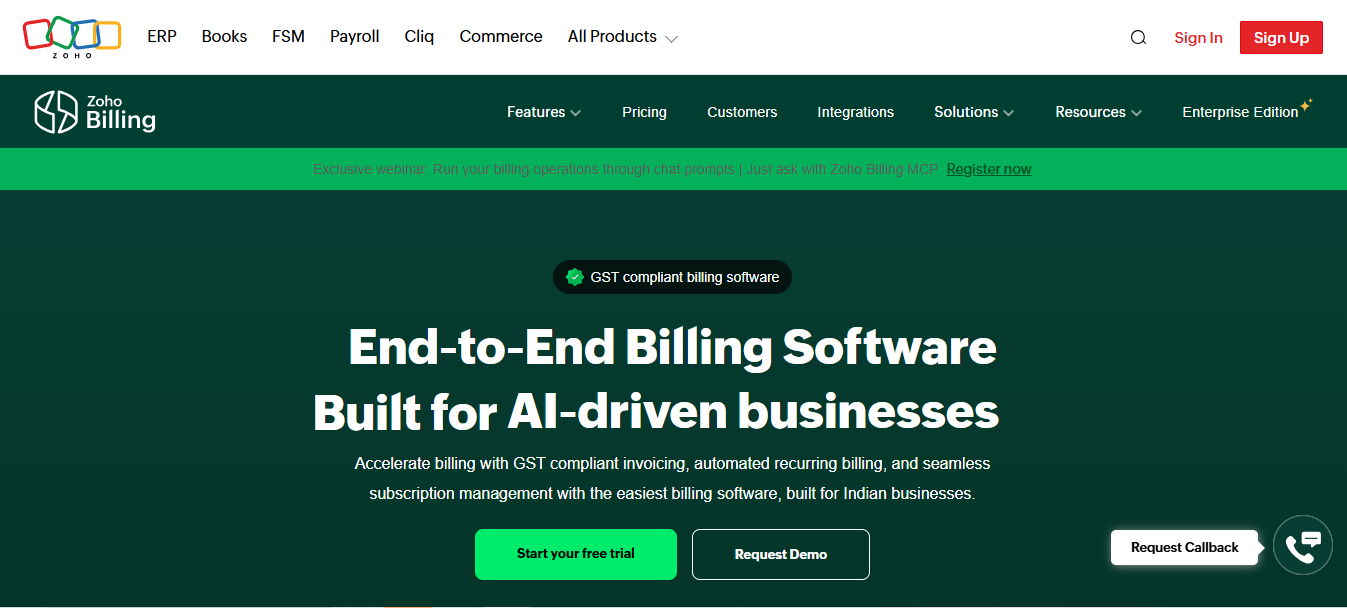
Zoho Subscriptions is part of the wider Zoho suite. It fits businesses that already use Zoho CRM, Zoho Books, or other Zoho apps and want a billing tool that connects with them natively.
Since it connects directly to Zoho CRM and Zoho Books, sales, finance, and support staff can work from the same customer and billing data instead of switching between disconnected systems. This makes it a natural next step for businesses already invested in the Zoho ecosystem.
Key Features
- Recurring billing, trials, promotions, and coupons
- Multi-currency support
- Integration with Zoho CRM and Zoho Books
- Automated email reminders and dunning
- Subscription reporting and dashboards
Best for: Existing Zoho users who want reliable, affordable billing without a full Merchant of Record setup.
Recurly
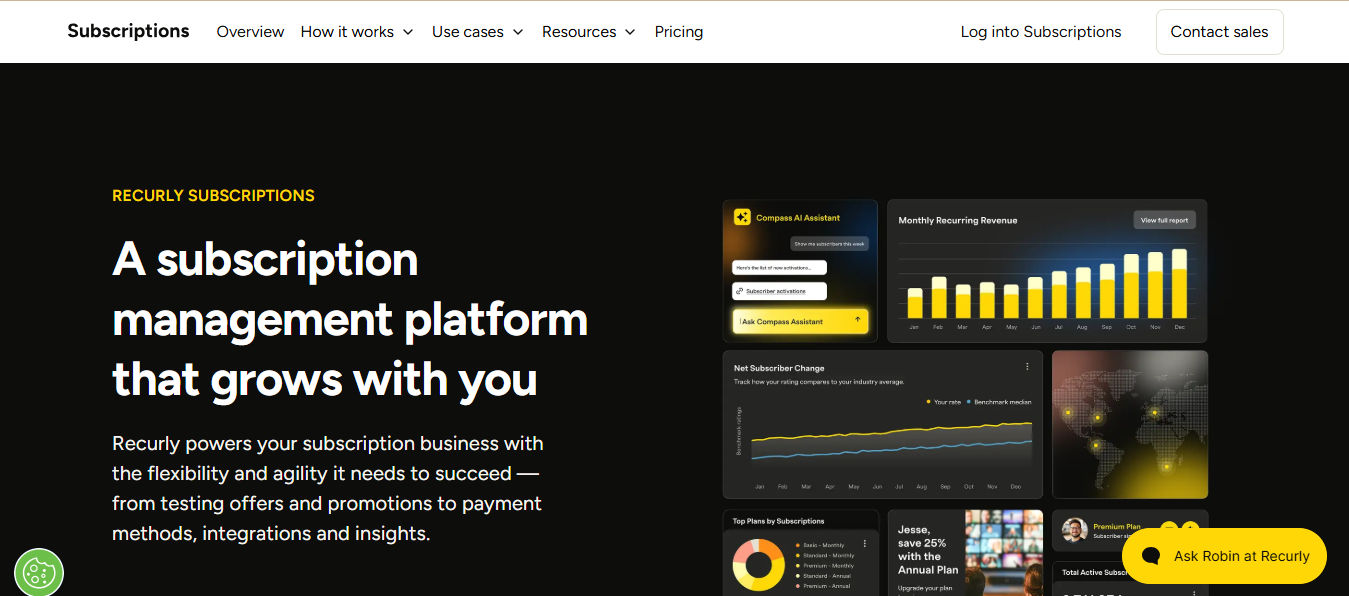
Recurly is a well-established subscription billing platform, especially strong for SaaS and subscription-first businesses. It’s known for reliable automation, broad payment gateway support, and detailed analytics.
Recurly’s focus on dunning and payment recovery helps reduce lost revenue from failed transactions, which matters more as subscription volume grows. It’s often chosen by companies that want dependable, predictable billing performance at scale.
Key Features
- Flexible subscription models: monthly, annual, usage-based
- Dunning, retry logic, and automatic renewals
- Support for multiple payment gateways and methods
- Subscriber metrics, churn tracking, and cohort analysis
- Strong security and compliance features
Best for: Teams that want transparency and control over billing, gateways, and integrations, especially with usage-based pricing.
Lemon Squeezy
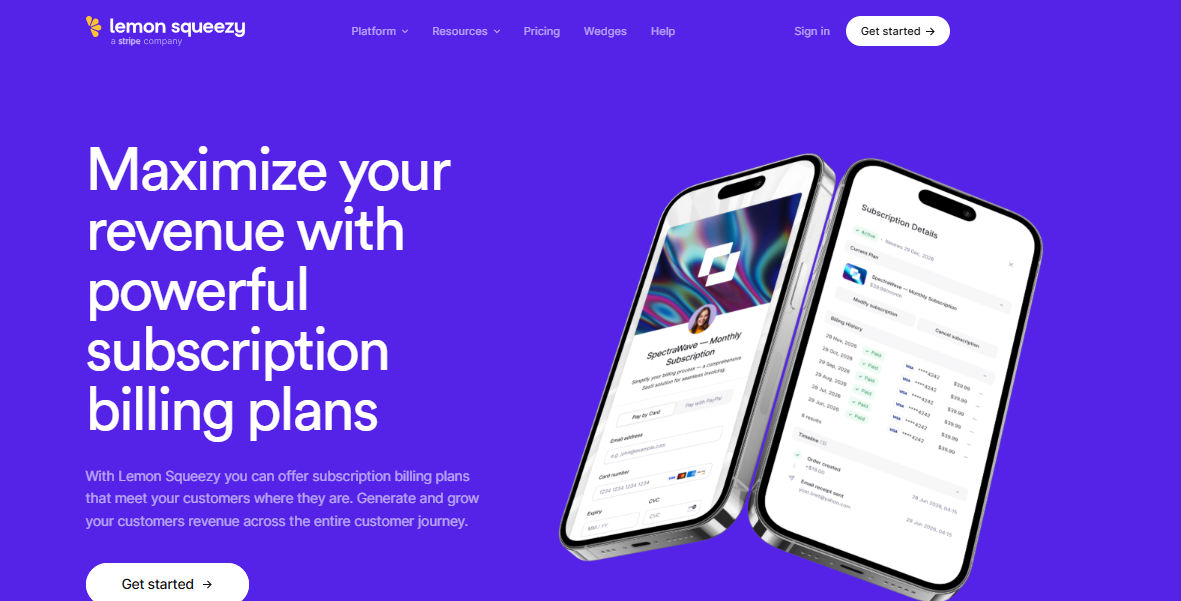
Lemon Squeezy focuses on digital products, subscription billing, and marketplaces, with an emphasis on fast setup. It also acts as a Merchant of Record in some cases, handling much of the administrative work for sellers.
Its streamlined checkout and built-in compliance tools make it easy for smaller teams or solo creators to start selling without hiring dedicated legal or tax support. Setup is generally faster compared to more enterprise-focused platforms.
Key Features
- Flexible billing cycles and proration
- Checkout overlays and hosted checkout pages
- Built-in fraud and tax compliance
- API and webhook integrations
- Built for small-to-mid businesses and creators
Best for: Digital product and creator businesses that want a simple, modern platform with tax and fraud protection built in.
Zuora
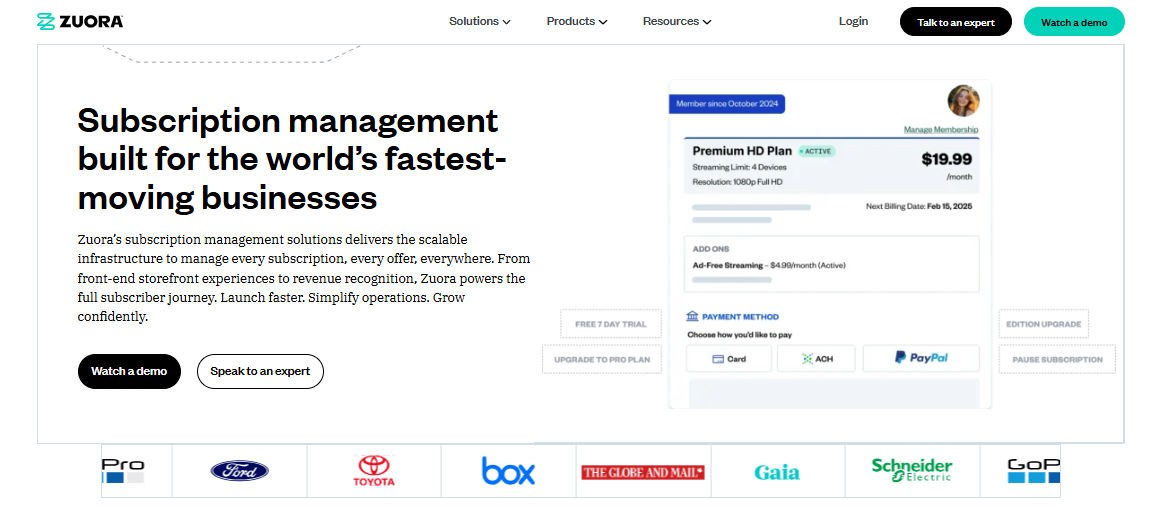
Zuora is built for enterprise-level companies with large-scale subscription revenue, complex billing, and strict regulatory needs across multiple markets.
Zuora is typically adopted by companies with multiple business units, subsidiaries, or complex approval chains that need centralized billing across the organization. Its audit trails and compliance tools also support industries with strict regulatory requirements.
Key Features
- Enterprise billing and contract lifecycle management
- Revenue recognition and multi-period accounting
- Support for global and multi-entity operations
- Integrations with major ERPs and finance systems
- Strong compliance and audit trails
Best for: Enterprises that need advanced billing, revenue recognition, and multi-entity compliance beyond what FastSpring offers.
What to Consider When Migrating From FastSpring
Moving to a new platform affects how your data, subscriptions, and billing processes get transferred. Here’s what to check:
- Data structure: Customer info, subscription details, payment methods, and transaction history need to match the new system’s format. Keep trial periods, billing cycles, and discounts accurate during the move.
- Product and plan mapping: Match your existing products and plans to the new platform’s setup, so pricing and features stay consistent.
- Billing logic: Rebuild any custom billing rules — usage-based pricing, tiered plans, promotions — in the new system.
- Integration points: Reconnect tools like your CRM, accounting software, email platform, or analytics tools to the new system.
- Testing and validation: Test billing cycles, invoices, and subscriptions in a parallel environment before going live.
- Data security and compliance: Make sure customer and payment data meets standards like SOC 2 and ISO during the transfer.
- Migration timeline: Expect the timeline to depend on how many products, plans, integrations, and customers you have.
How to Choose the Right FastSpring Alternative
Setting up recurring billing requires the right combination of technology, legal agreements, and process design. Here is a practical framework to get started:
- Pricing and fees: Check transaction fees, revenue share, recurring costs, and hidden charges like currency conversion or refund fees.
- Merchant of Record vs. self-managed: Decide whether you want the platform to handle tax and compliance, or manage it yourself.
- Global currency support: Look at how many currencies are supported and how accurately the platform converts and prices for each region.
- Subscription flexibility: Check support for usage-based billing, add-ons, upgrades, downgrades, and prorations.
- Revenue recognition: Look for solid audit trails and accounting integrations.
- Scalability and reliability: Confirm the platform can handle your expected growth, with strong uptime and support.
- Support and onboarding: Look for clear documentation, responsive support, and migration help.
- Data ownership and privacy: Check where your data is stored and whether the platform meets standards like ISO and SOC 2.
Conclusion
FastSpring works well for many digital-product and SaaS businesses, especially those that want managed tax, compliance, and global payment support. But as your business grows or changes, its cost, customization limits, or control constraints may start to hold you back.
Explore the alternatives above to find the platform that gives you the right mix of flexibility, control, and room to grow.
Frequently Asked Questions
How does Revenue 365 compare to other FastSpring alternatives?
Revenue 365 focuses on businesses already working inside Microsoft 365. Unlike most other options on this list, it connects directly with Teams, Outlook, SharePoint, and Power BI, so billing and revenue data stay inside tools your team already uses.
Is Revenue 365 suitable for small businesses?
Yes. Revenue 365 works for small and growing teams, especially those that already run on Microsoft 365 and want billing tools without adding a separate, disconnected system.
Does Revenue 365 support multi-currency billing?
Yes. Revenue 365 supports multi-currency billing, which makes it a good fit for businesses that sell to customers in different countries.
Can Revenue 365 handle complex billing scenarios?
Yes. It supports custom product bundling, approval workflows, and role-based access, which makes it a good fit for businesses with layered billing or approval processes.
How much time and effort does migration typically take?
It depends on how many products, plans, and integrations you have. Simple setups can move in a few weeks. Businesses with complex billing rules or many integrations should plan for a longer, phased migration with a testing period before going live.


_JiluXJRGNl.svg)























