

_mVFFaHUZhS.webp)
In today’s fast-paced world, with endless distractions at our fingertips, effective time management is more crucial than ever. That’s where AI-driven time tracking apps come in as a game-changing tool. Not only do they assist in recording hours, but they also provide valuable insights on optimizing your productivity.
Timesheet 365 is a smart automatic time tracking app that not only helps you log hours but also lets your team automate timesheets, uncover actionable insights and increase productivity.
Works with Microsoft 365, project management platforms and payroll systems Easy seamless integration Smooth workflow Zero manual errors Track time easily for both businesses and individuals.
As we enter 2026, the world of productivity tools has undergone a significant transformation, utilizing advanced algorithms and machine learning to cater to our individual work styles. Whether you’re an independent contractor handling numerous tasks or a member of a corporate team focused on streamlining processes, these state-of-the-art programs pledge to transform your daily management practices.
Are you ready to take back control of your schedule and boost your productivity? Let’s delve into the top AI-powered time tracking solutions that will revolutionize your workflow in today’s rapidly evolving digital landscape!
Importance of time tracking in business and personal life
Tracking time is an essential facet of effective management in both professional and personal settings as it reveals, in detail, how time is spent during any given day.
On the corporate side, effective time tracking depicts how time translates into company resources. Time spent on different projects and activities illustrates the strengths and weaknesses of workflows, creating opportunities for more streamlined processes. With improved clarity on the tasks at hand, productivity and overall company profit improve.
On an individual basis, accountability is created through awareness of how activities and time spent are being tracked. Whether being on the job, amusement, or both, habits can be more evident and deliberate choices can be made to improve them.
Good time management is also the key ingredient to stress management. Last-minute sprints to meet deadlines can be avoided. Clarity on objectives is the secret to improved efficiency, and is only made possible by time tracking.
There are many benefits to using an AI-focused time tracking application and they start with the redefined perspective of time and the enhanced time tracking experience through automated data recording and the analysis of the relavant time spent.
Overview of Timesheet 365 and its features
Timesheet 365 is an ai time tracking app that has unique features that makes it stand out from other time tracking apps on the market. They are tailored for both businesses and individuals and have effective time management solutions with easy to use interfaces.
Timesheet 365 is built with cutting-edge technology that gives unique customer experiences through pattern recognition for work activities. Users are able to obtain customized feedback on trends in productivity.
Automation is one of the standout features. Users can create reports with the click of a button, saving time they would have spent on corrections and manual entries.
Timesheet 365 offers integration with other software like calendars and project management apps, making it effective for keeping all data in sync. The app is great for remote workers and busy professionals to help them manage their time with accessibility on the go.
Comparison with other popular time tracking apps on the market
There are many time-tracking apps available. Timesheet 365 has a few standout features that help set it apart from the rest. While others focus on basic time-tracking functions, Timesheet 365 takes time-tracking and integrates it with artificial intelligence.
Apps like Toggl and Harvest are very popular. They are very basic/ a little simplistic. Timesheet 365 offers a lot more detailed analytics. Timesheet 365 can analyze your work patterns and suggest ways to make improvements.
Clockify offers a pretty good free version, but it’s pretty basic when it comes to automation. Timesheet 365 has advanced automation that will help you save hours every week by cutting out time spent on administrative tasks.
Timesheet 365 integrates with many popular project management tools, which helps to make team collaboration more seamless. It also allows managers to share reports
with their teams.
Each app offers something different. Timesheet 365 offers a pretty unique service that the other apps can’t.
Real-life examples and success stories of using Timesheet 365
Timesheet 365 has become essential in many businesses. One digital marketing agency in New York reported a 25% increase in billable hours. Staff found the app helped track time spent on client work more accurately, leading to improved invoicing.
Another case is a freelance graphic designer who used the app to assess her workflow. She realized that her creativity during work suffered after staying up late. Once she improved her work schedule, it was a positive change for her productivity and happiness at work.
An IT company that has remote workers from different countries uses Timesheet 365. With the app, team members were able to foster better collaboration and accountability. As a result, project deadlines were met more consistently.
These stories show the time management, business growth, and employee satisfaction benefits that can be experienced from using a time tracking app.
The Best AI Time Tracking Apps In 2026
Innovations in artificial intelligence have transformed the way time is tracked in the workplace. Modern teams have outpaced the old systems that rely on manual timers and spreadsheets. Time tracking apps powered by AI now capture and analyze work patterns and convert activity into meaningful insights.
From a work perspective, the wish list for 2026 is to gain precision without pressure, visibility without micromanagement, and seamless integration into workflows. Below is a list of the best AI time tracking apps, including our own and the best other apps.
1. Timesheet 365
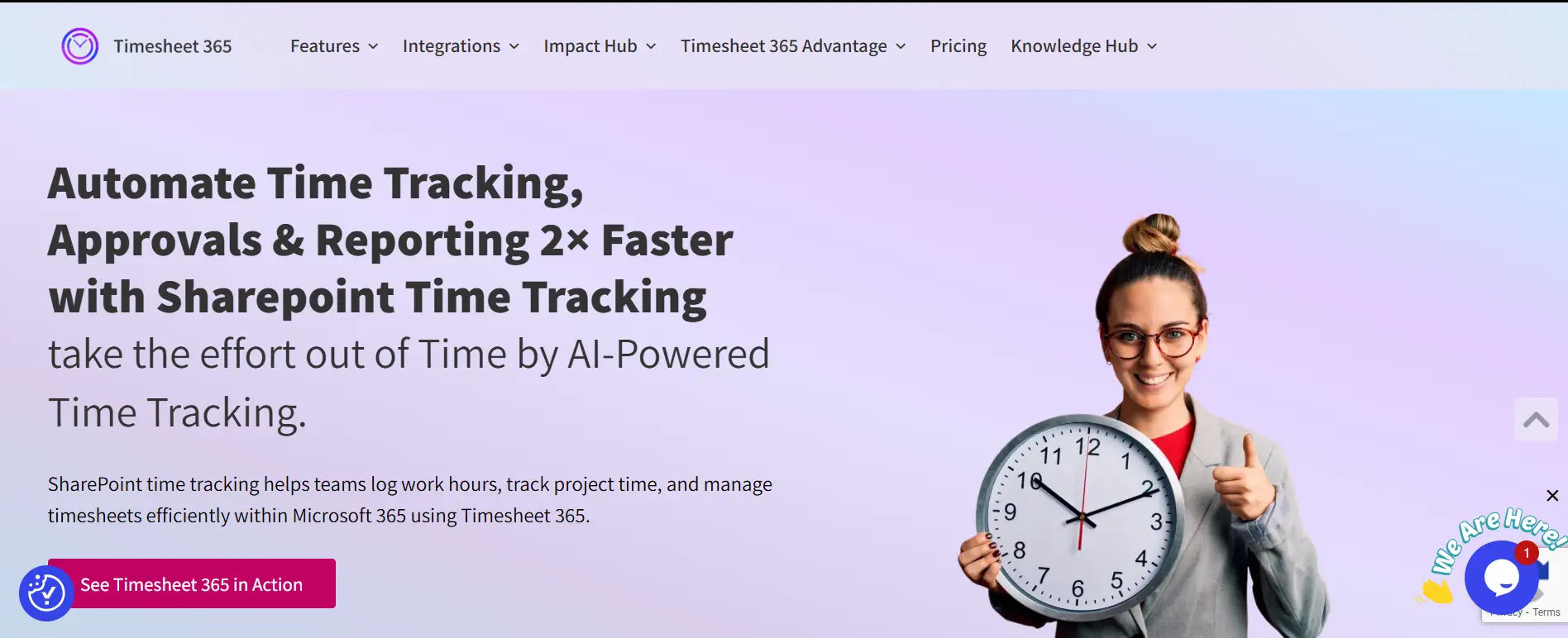
Best for: Organizations that use Microsoft 365
G2 Rating: 4.7 / 5
Capterra Rating: 4.6 / 5
Product Overview
The Timesheet 365 app is designed specifically for Microsoft 365 users, and uses AI to track time. It automatically creates timesheets for work activities done through Outlook, Microsoft Teams, Planner, SharePoint, and Project.
Key Benefits
- Enhances timesheet accuracy
- Elimination of manual time entry
- Reduction of errors in payroll and billing
- Improved timesheet adoption by employees
Top Features
- Timesheets generated by AI
- Integration with Microsoft 365
- Tracking of tasks and projects
- Management of attendance and leave
- Tracking of billable and non-billable hours
- Workflows for approvals
- Dashboards that are secure and have role-based access
Timesheet 365 is suited for growing teams and enterprises that desire intelligent automation and wish to avoid disruptive changes to employee workflows.
2. Toggl Track
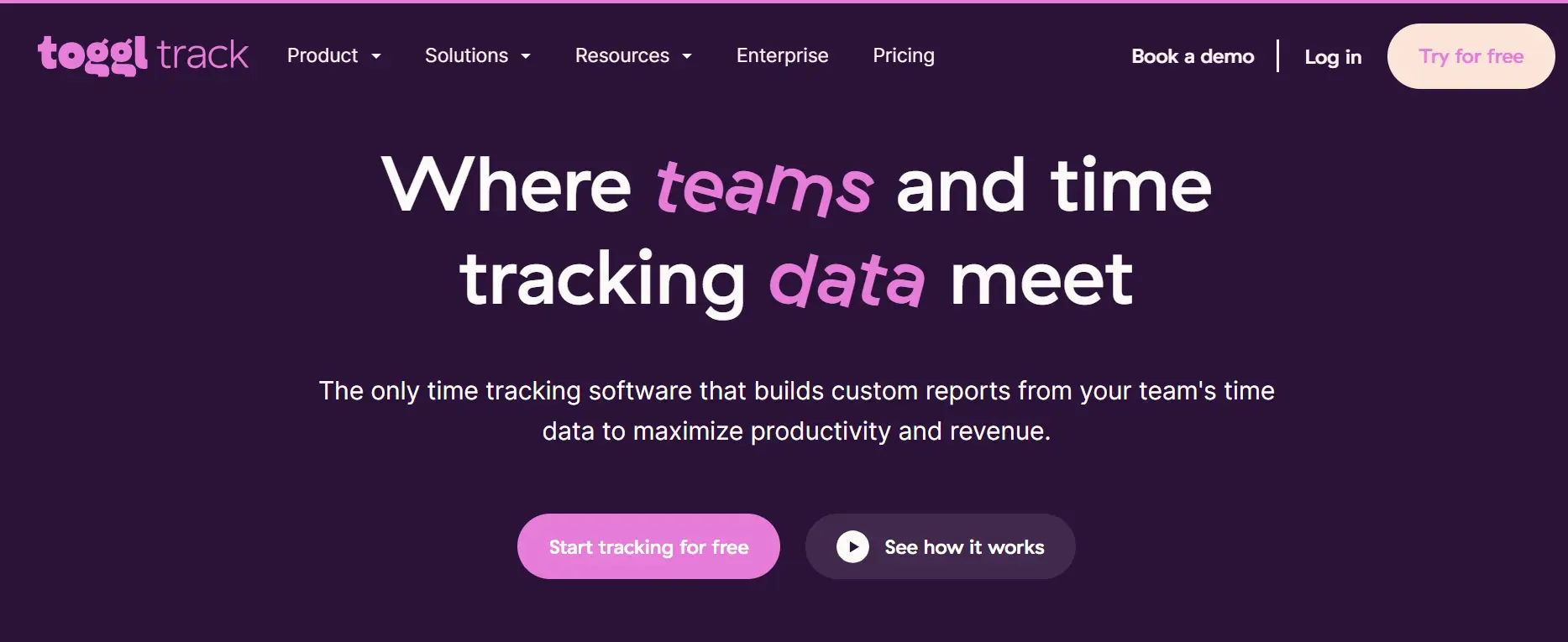
Best for: Freelancers and small teams
G2 Rating: 4.6 / 5
Product Overview
Toggl Track has basic time tracking features and smart suggestions on how to log your time. Toggl Track helps you organize time and understand how you spend your time. It is great for freelancers and teams who want to boost their efficiency.
Key Benefits
- Simple to use
- Multiple ways to track your time
- Productivity tracking
Top Features
- One-click timer
- AI time tracking suggestions
- Reporting on projects and clients
- Integration with other productivity tools
Toggl Track is great for teams that want to prioritize flexibility over structure.
3. RescueTime
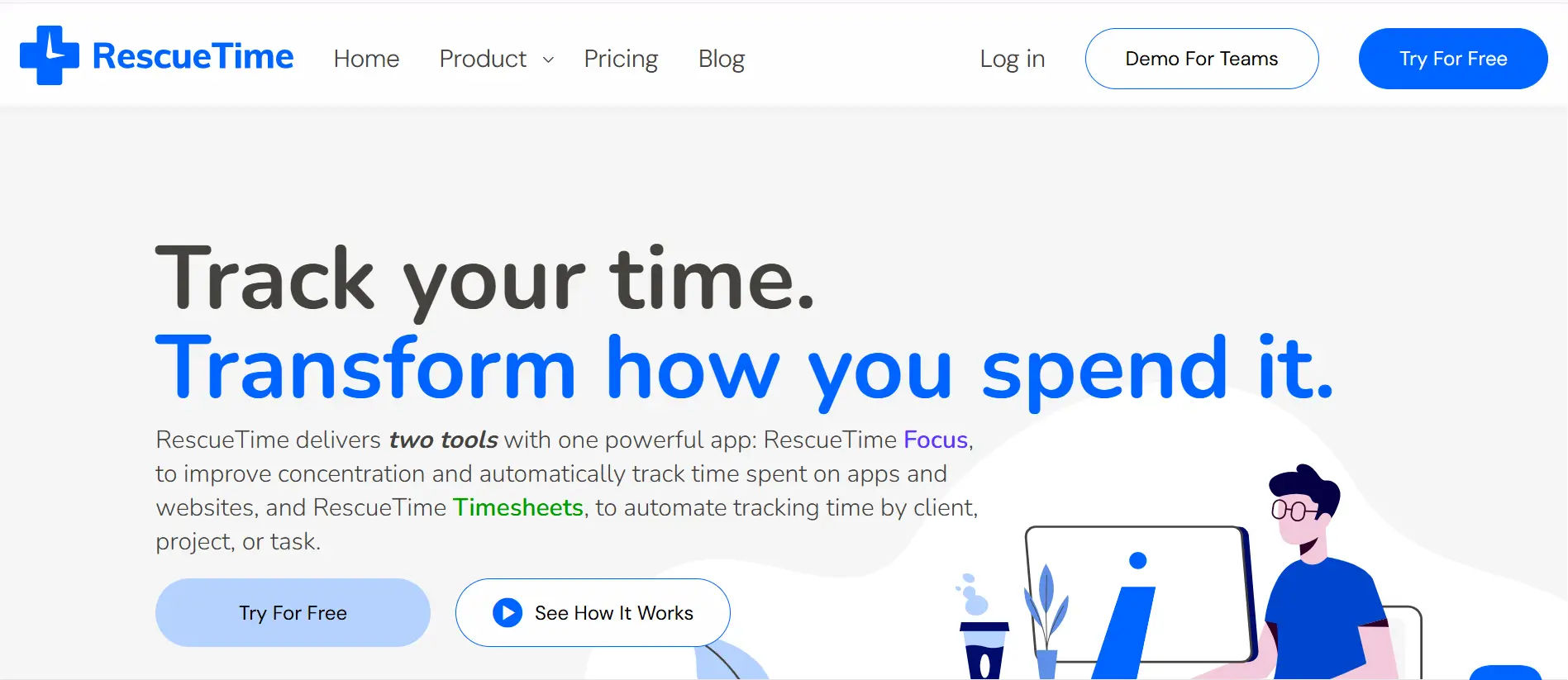
Best for: Personal productivity tracking
G2 Rating: 4.1 / 5
Product Overview
RescueTime runs on its own and uses AI to understand patterns of distractions and lack of focus. It tracks how you spend your time. Great for teams and individuals who want to understand their habits and work more effectively.
Key Benefits
- No tracking tasks
- Enhances concentration
- Prevents burnout
Top Features
- Website and app tracking
- Focus and productivity tracking
- Goal tracking
RescueTime is designed for individuals rather than teams who need a billing focus.
4. Timely
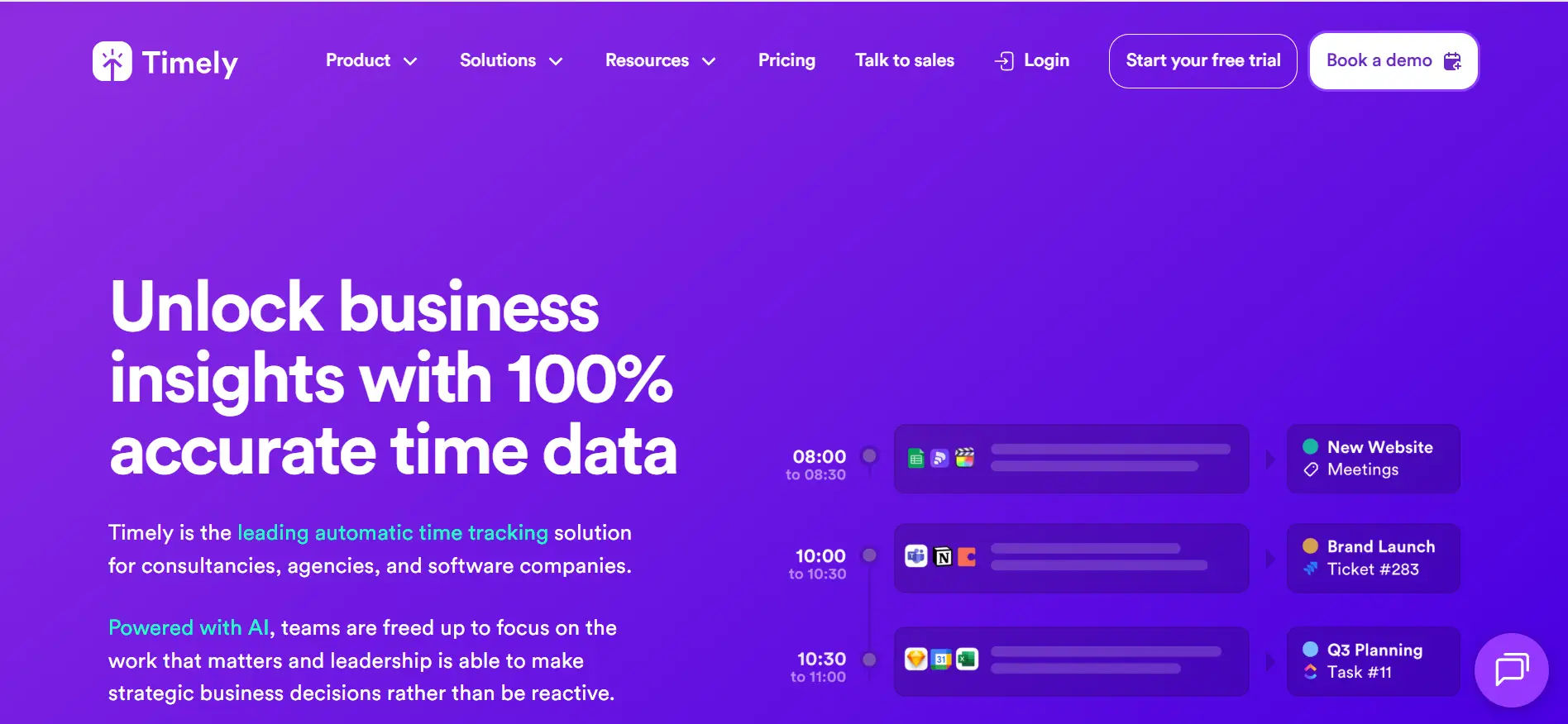
Best for: Teams who want complete automation
G2 Rating: 4.8 / 5
Product Overview
Timely uses AI and machine learning to automatically capture work activity and generate accurate timesheets.
This app tracks how teams work overall and gives a summary of productivity and project advancements. This app is great for professionals and companies that want to manage their time easily.
Benefits
- Integrated automated tracking
- High accuracy
- Decrease administrative duties
Features
- Automatic time capture
- Client project budgets
- Team member scheduling
- Invoices
Timely is a great app for teams that want to have to do as little typing as possible.
5. Harvest
Best for: Agencies and client billing
G2 Rating: 4.3 / 5
Product Overview
This app is Harvest and it focuses on simple time tracking and smooth invoicing without deep AI automation. This app helps teams and freelancers manage their projects, track hours, and easily bill clients. This is great for people who need a simple time management tool.
Benefits
- Simple client billing
- Budget visibility
- Easy reporting
Features
- Time and expense tracking
- Automatic invoicing
- Budget alerts
Harvest works well for service-based businesses.
6. Hubstaff
Best for: Remote and distributed teams
G2 Rating: 4.4 / 5
Product Overview
Hubstaff splits time management and analytics tools for remote teams and field operations. Analytics aren’t limited to time spent; it covers attendance, project progress, and productivity. This is perfect for remote teams and analytics-based distributed teams.
Key Benefits
- Enhanced analytics and reporting
- Payment assistance
- Attendance and productivity reporting
Top Features
- Automatic time management
- Time analytics
- Time and attendance Scheduling integrations
Hubstaff is best for structured remote teams.
7. Time Doctor
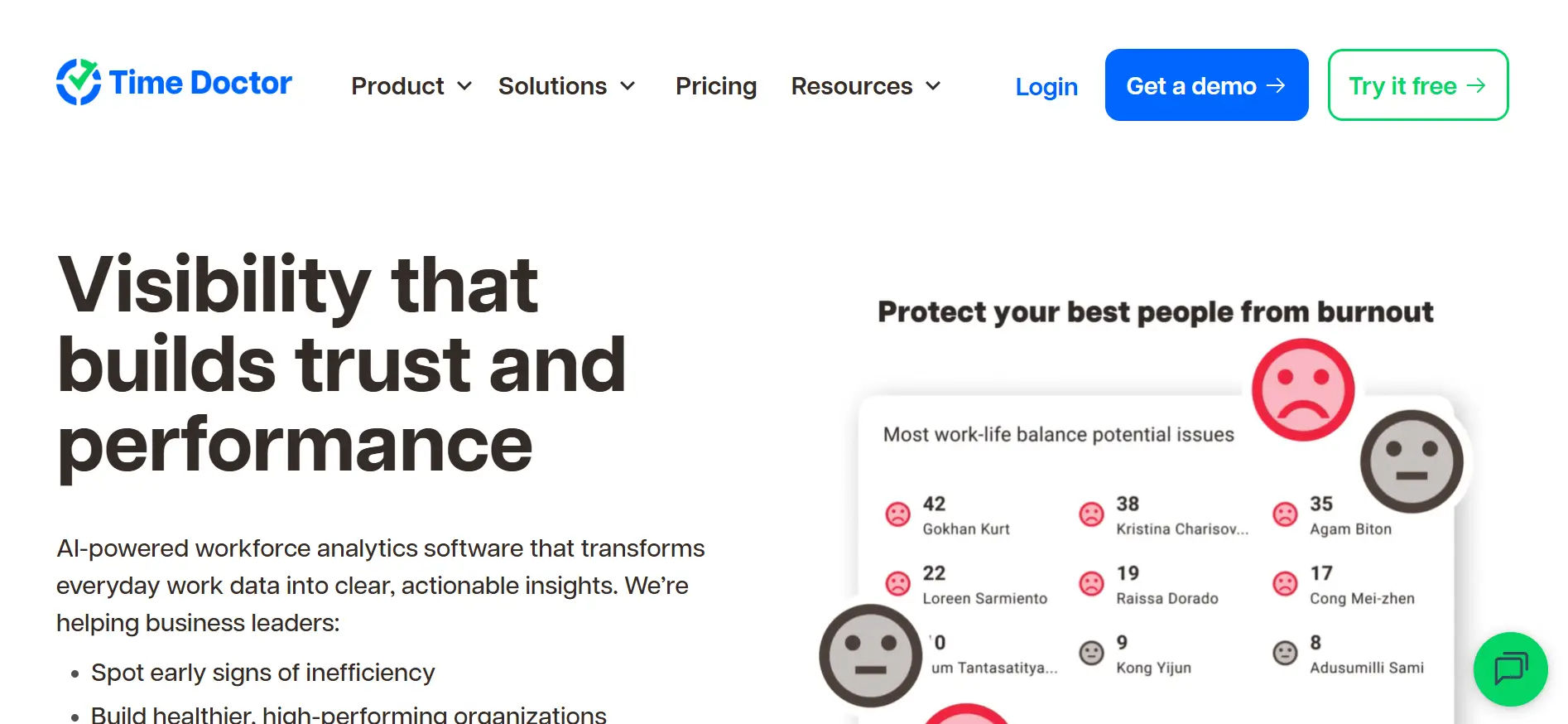
Best for: Focused Productivity
G2 Rating: 4.4 / 5
Product Overview
Time Doctor tracks user time, productivity, and app usage to optimize and drive performance. Aimed to help account driven companies boost accountability and efficiency; for organizations that focus on productivity.
Key Benefits
- Focus enhancement
- Distraction minimization
- Accountability increase
Top Features
- Automatic time management
- Time productive website usage
- Time productive preferential reporting
Policy driven environments are best for Time Doctor.
8. ActiTIME
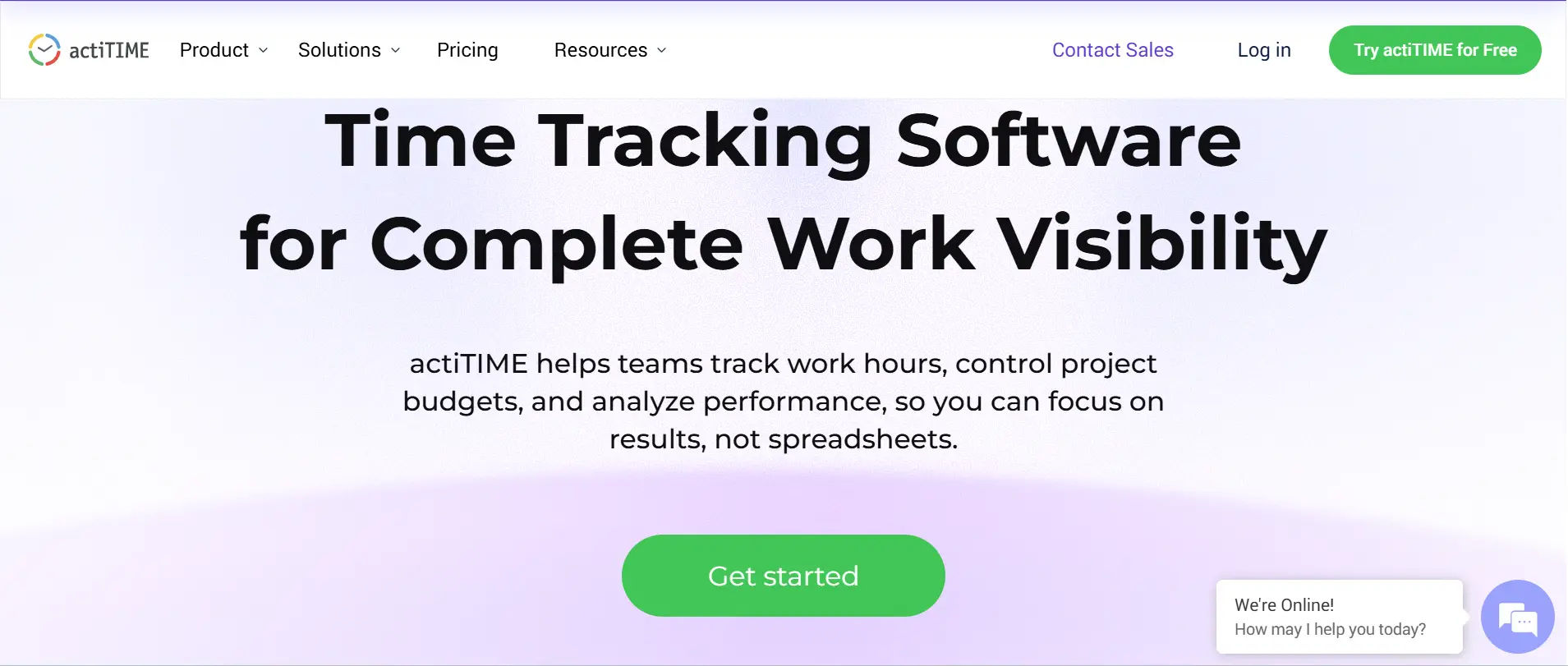
Best for: Time Project-Based Teams
G2 Rating: 4.2 / 5
Product Overview
Intelligent reporting helps actiTIME to accurately report on billable hours, over time, and project cost estimates. It tracks team performance and project efficiency. For companies that strive on effective time and budget management.
Key Benefits
- Billing accuracy
- Improved control over projects
- Trusted data for time management
Top Features
- Time and cost tracking
- Invoicing
- Team management tools
actiTIME is great for professional services.
9. Tick
Best for: Budget-driven project tracking
G2 Rating: 4.5 / 5
Product Overview
Tick is focused on time tracking per project and provides warnings of any potential budget issues. This makes it great for teams aiming to meet deadlines and for companies focused on budget management.
Key Benefits
- Helps to stay within deadlines
- Gives accurate estimates for future projects
- User friendly
Top Features
- Time tracking by task
- Budget comparison
- Project reports
Tick is great for scoped projects.
10. TimeCamp
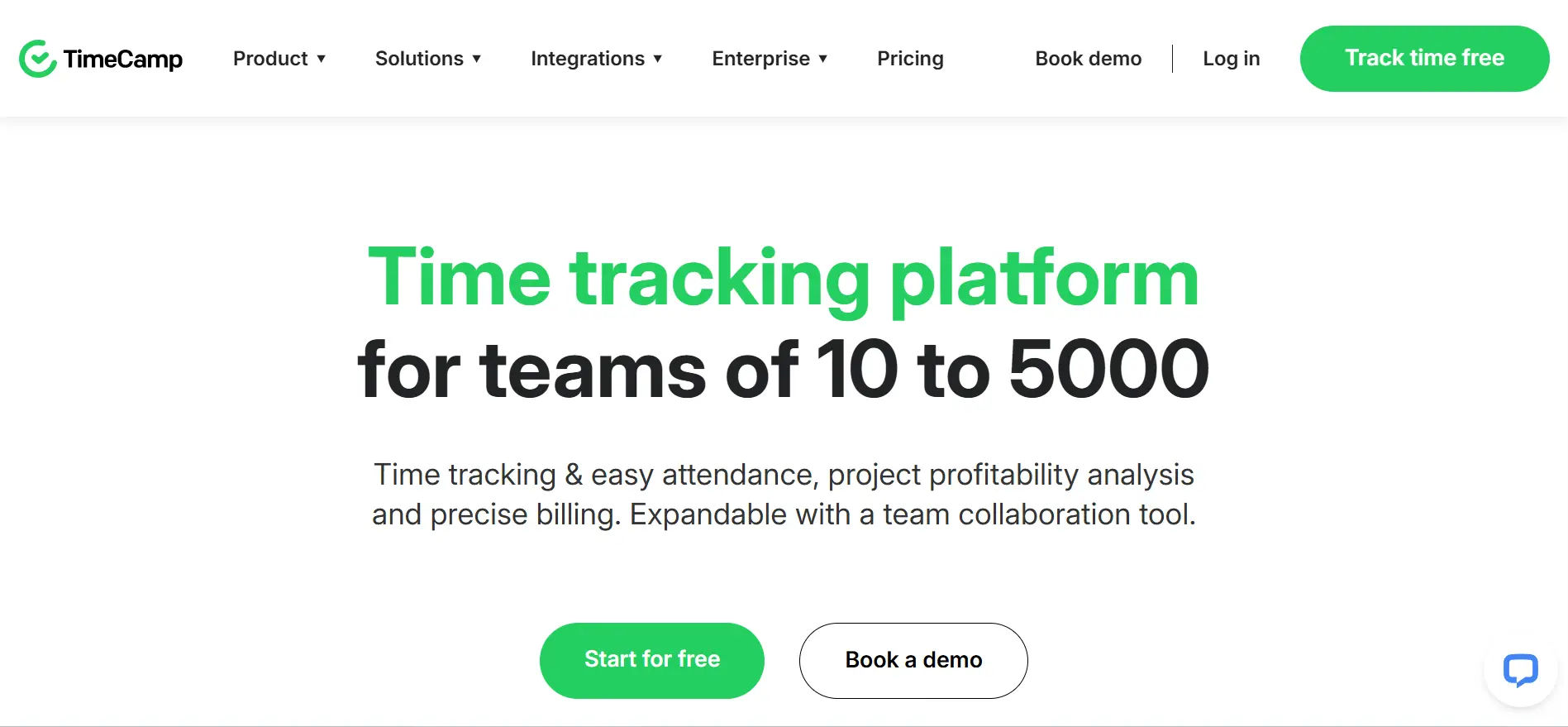
Best for: Small and mid-sized teams
G2 Rating: 4.6 / 5
Product Overview
TimeCamp’s AI works effortlessly to categorize work by automating timesheets and providing in-depth reports on team and individual productivity. This is great for companies looking to manage time more intelligently and need accurate tracking.
Key Benefits
- More time for employees
- More accurate reports for productivity
- Quick learning curve
Top Features
- Automatic time tracking
- Productivity reports
- Invoicing and billing
TimeCamp is great for efficiency and automation.
The AI-powered time tracking app in Future
By 2026 AI-powered time-tracking apps will be able to offer even greater capabilities to users. These tools will become more integrated with other apps and work systems to provide automation in everyday tasks. In addition to automation, these tools will offer users a more customized experience. As an example, users will receive individualized feedback, making the tracking of one’s habits more personalized.
In regard to self-improvement, time-tracking apps will become more versatile, and self-improvement suggestions will be a primary target for these systems. Suggesting a plan of action to eliminate the time wasters by improving efficiency will be possible self-improvement features.
Machine learning’s contribution to the development of time-tracking apps should be given due consideration. These systems will provide a predictive analysis of work patterns, including the anticipated bottlenecks even before they happen so adjustments can be made. User experience will be enhanced even more by the addition of voice recognition technology. Imagine entering tasks or tracking time by simply using your voice.
Time privacy and data security will be more vital than ever, even before the integration of more advanced cloud-based systems. With more reliable systems in place, more companies will be able to more confidently use these advanced tools, Facilitating technological innovation.
Tips for maximizing productivity using Timesheet 365 or similar apps
- Setting goals increases productivity. Timesheet 365 helps you achieve daily goals. Enter what you need to accomplish into the app.
- Use Timesheet 365 reminder and notification features to stay on task. If you get distracted, a prompt will help you regain focus.
- Get the most out of the reporting features. Adjust routines to be more productive with the reports. You can analyze how much you spend on a task to help you optimize productivity.
- Make sure to use calendars and project management tools. Timesheet 365 can integrate with the tools you already use to be more productive.
- Lastly, review your progress frequently. This will highlight what you need to focus on to be successful and improve motivation. Reflecting on tasks increases motivation.
Conclusion: Why Timesheet 365 is the Top Choice
Choosing the right AI time tracking app can transform productivity and efficiency. Timesheet 365 stands out with its user-friendly interface, smart AI features, automated tracking, and seamless integrations. It helps businesses manage operations effectively while giving individuals better insights into how they spend their time for smarter decision-making.
With detailed analytics, customizable reports, and real-time tracking, Timesheet 365 empowers users to focus on what truly matters and achieve maximum results. Take control of your time and boost productivity today – Book a Demo of Timesheet 365 Now and experience effortless time management.
Progress Tracking and Transparent Dashboards
Join Our Creative Community
Frequently Asked Questions
How can Timesheet 365 help my team track their hours more accurately?
Timesheet 365 uses AI-powered tools to make logging hours simple and precise. Teams can record time in real-time, reducing errors and missed entries, so managers get an accurate view of work hours instantly.
What features does Timesheet 365 offer to simplify project management for our company?
It includes task tracking, project allocation, automated reminders, and time approval workflows—all in one platform. This helps managers monitor progress, optimize resources, and keep projects on schedule effortlessly.
Is it easy to generate reports on employee productivity and time spent on projects using Timesheet 365?
Yes! Timesheet 365 offers customizable reporting tools that generate insights on productivity, project hours, and team performance with just a few clicks, saving time on manual calculations.
Can I integrate Timesheet 365 with other tools we already use in our organization, like payroll or project management software?
Absolutely. Timesheet 365 integrates seamlessly with Microsoft 365 and other popular payroll and project management platforms, making data flow smooth and reducing double entry.
What kind of support and training do you provide to help our staff get started with Timesheet 365?
We offer step-by-step onboarding guides, video tutorials, and dedicated support to ensure your team can start tracking time effectively from day one.


_JiluXJRGNl.svg)























