
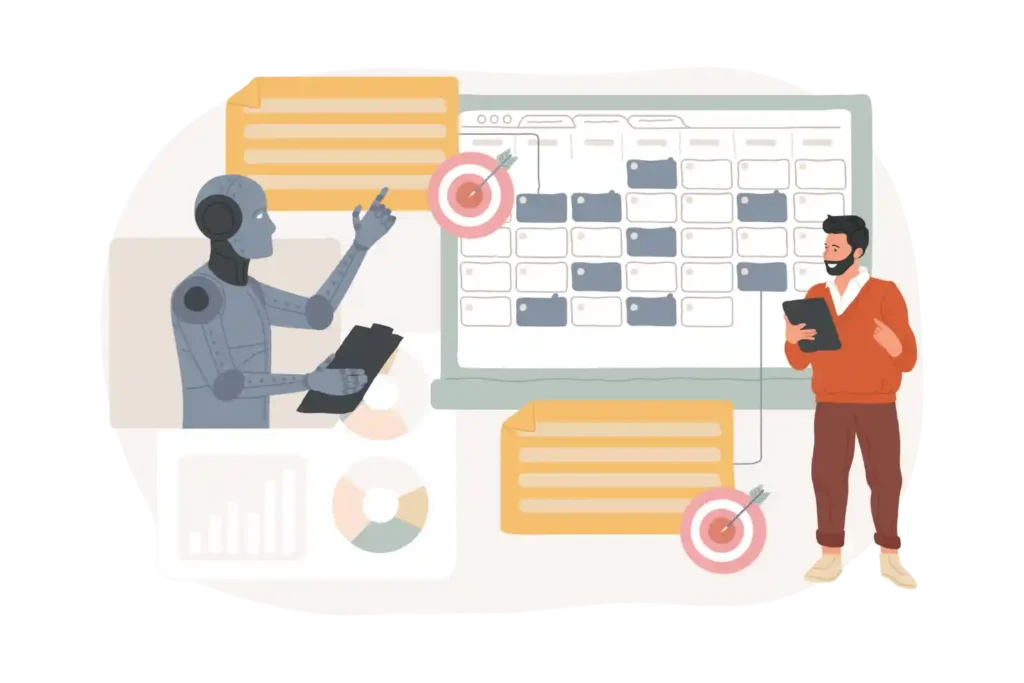
AI SharePoint Task Management: Simplify Tasks and Maximize Success

AI SharePoint task management combines Microsoft SharePoint with AI-powered automation to help teams create, assign, track, and manage work in one place. It reduces manual follow-ups, improves task visibility, and helps teams identify delays before they affect deadlines.
AI SharePoint Task Management is an all-in-one solution that helps teams work smarter and faster. By combining AI insights, SharePoint and Task Management 365, teams can automate tasks, track progress in real time, stay aligned across projects whether in-office or remote. Boost productivity, reduce errors, make better decisions with real-time dashboards and predictive analytics. Book a demo today to see how AI SharePoint Task Management can transform your workflows and empower your team.
With Task 365, organizations can extend their existing Microsoft 365 environment with automated workflows, task dashboards, notifications, reporting, and team collaboration.
Interesting Fact:
- Gartner found that 47% of digital workers struggle to find the information or data they need to perform their jobs effectively. The same research found that the average desk worker uses 11 applications. Centralizing tasks, documents, updates, and workflows can therefore reduce the friction caused by fragmented work tools.
What is AI SharePoint task management?
AI SharePoint task management is the use of Microsoft SharePoint, Microsoft 365 integrations, automation, and AI-assisted capabilities to organize and track tasks. It gives teams one place to manage assignments, deadlines, workflows, documents, progress, and reporting. It can help teams:
- Create and assign tasks
- Automate reminders and workflows
- Track deadlines and progress
- Collaborate through Microsoft 365
- Analyze workload and project status
Benefits of AI SharePoint Task Management
1.Automate Repetitive Task Work
What it does: Automates routine task assignments, notifications, reminders, approval steps, and status updates.
Why it matters: Teams spend less time updating tasks manually and following up on pending work. This gives employees more time to focus on higher-value activities.
Example: When a request is approved, the next task can automatically be assigned to the responsible employee with a due date and notification.
2.Enhance Team Collaboration
What it does: An AI SharePoint task management system gives teams one place to share updates, monitor project progress, exchange documents, and manage tasks. Integration with Microsoft task management tools and Teams keeps project information connected.
Why it matters: Teams gain better visibility into responsibilities, deadlines, and project progress. Clear communication and shared task information can improve accountability and reduce missed updates or deadlines.
Example: Team members can update task progress, share project files, and review responsibilities from the same workspace, helping everyone stay aligned
3.Provide Data-Driven Insights
What it does: AI analyzes task and project data to provide dashboards, reports, productivity insights, workload information, and visibility into upcoming risks. Task Management 365 helps leaders monitor team tasks and project performance from centralized views.
Why it matters: Leaders can use task data to make better decisions about staffing, project timelines, priorities, and resource allocation. This supports more informed project planning.
Example: The AI system can identify tasks that may be delayed and help managers decide whether to change priorities or reassign work.
4.Improve Productivity and Efficiency
What it does: AI-powered task management reduces repetitive manual work by automating reminders, progress tracking, task monitoring, reporting, and other routine activities.
Why it matters: Teams can spend more time on important work instead of manually tracking tasks or sending repeated follow-ups. Automation can also reduce errors and help employees stay aware of deadlines.
Example: The system can automatically send deadline reminders and track task progress, reducing the risk of overlooked tasks and missed due dates.
5.Support Remote and Hybrid Teams
What it does: AI SharePoint task management gives employees access to tasks, updates, project information, and collaboration tools across supported devices and work locations.
Why it matters: Remote and hybrid employees can stay connected to their work without depending on the same physical workspace. Managers also maintain visibility into task ownership and project progress.
Example: An employee working remotely can update a task, review its deadline, check project progress, and collaborate with team members without being in the office.
How AI SharePoint Task Management Works
Step 1: Task Creation and Assignment
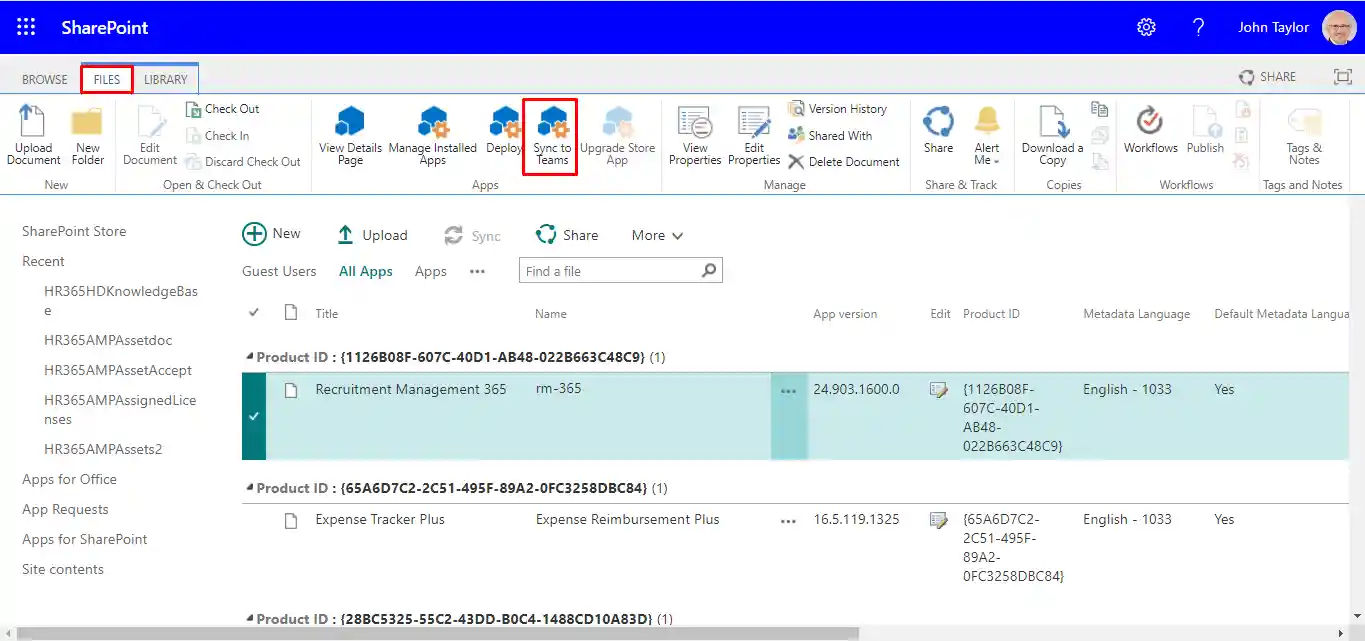
- Teams can create tasks directly in SharePoint Online which enables them to assign work responsibilities and establish project deadlines. The AI system recommends task distribution based on current workload information and existing project priorities.
Step 2: Automated Tracking and Notifications
The AI system tracks task progress while it delivers reminders and identifies tasks that have reached their overdue status. The system guarantees that all tasks remain visible to everyone while establishing responsibility for their completion.
Step 3: Real-Time Collaboration
The system allows teams to conduct discussions about project updates while they can upload documents and provide feedback through Task Management 365 and Microsoft Teams integration.
Step 4: Insights and Reporting
SharePoint Online dashboards show project progress and team effectiveness while they display operational delays. The AI system processes data to generate predictive insights about future tasks and required resource distribution.
AI SharePoint Task Management vs Traditional Task Tracking
| Capability | Traditional Task Tracking | AI SharePoint Task Management |
|---|---|---|
| Task creation | Mostly manual | Manual + automation |
| Assignment | Manual | Rules/AI-assisted where supported |
| Reminders | Manual | Automated |
| Progress visibility | Periodic updates | Central dashboards |
| Microsoft 365 integration | Varies | SharePoint/Microsoft 365 focused |
| Documents | Often separate | Connected with SharePoint |
| Reporting | Basic/manual | Centralized reporting |
| Risk identification | Manager review | AI-assisted where supported |
| Best suited for | Simple independent work | Microsoft 365-based team workflows |
AI SharePoint Task Management Use Cases
Government Agencies
Problem: Government teams often manage high volumes of citizen requests, approvals, and follow-up tasks across different departments.
How AI SharePoint task management helps: SharePoint 365 dashboards can help teams manage and track citizen service requests, approval steps, task status, and assigned responsibilities from one place.
Outcome: Agencies gain better visibility into request progress, reduce manual tracking, and minimize processing errors.
Corporate Teams
Problem: Projects involving multiple departments can make it difficult to track priorities, responsibilities, deadlines, and overall progress.
How AI SharePoint task management helps: Centralized task views help teams monitor cross-department projects, identify important work, and review task and project progress.
Outcome: Corporate teams gain clearer project visibility, better coordination, and more consistent progress reporting.
Project Management Offices
Problem: PMOs need to manage multiple projects while monitoring delays, changing priorities, task ownership, and resource demands.
How AI SharePoint task management helps: AI-powered task insights can help teams identify potential project delays, support task reassignment, and improve workflow planning.
Outcome: Project managers can identify risks earlier, adjust workloads, and keep projects moving toward deadlines.
Remote and Hybrid Teams
Problem: Distributed teams may struggle to maintain visibility, accountability, and communication when employees work from different locations.
How AI SharePoint task management helps: A centralized SharePoint-based workspace gives employees access to tasks, updates, responsibilities, and project information regardless of location.
Outcome: Remote and hybrid teams stay connected, maintain accountability, and gain clearer visibility into ongoing work.
Why Organizations Choose Task 365
Microsoft 365 Integration
Capability: Task 365 connects with Microsoft Teams, SharePoint, Microsoft Planner, Outlook, and other Microsoft 365 tools.
How it helps: Teams can create, assign, update, and track tasks while keeping related files, conversations, and project information connected within their existing Microsoft environment.
Business value: Employees spend less time switching between separate applications and gain a more centralized view of their work.
Evidence: The Task 365 Microsoft Teams integration supports task creation, assignment, updates, reporting, and connections across Teams, SharePoint, Outlook, and Microsoft 365.
AI-Powered Task Automation
Capability: Task Management 365 uses AI-assisted features and workflow automation to reduce repetitive task management.
How it helps: Teams can automate routine actions, create tasks faster, receive reminders, organize priorities, and move work through predefined workflows.
Business value: Employees spend less time on manual task administration and can focus more attention on important work.
Evidence: Task 365 supports AI-assisted task creation, templates, bulk actions, workflow automation, reminders, and priority management.
Task Analytics and Performance Insights
Capability: Task Management 365 provides dashboards, visual boards, reports, and task analytics.
How it helps: Managers can monitor task progress, identify delays, review team activity, and understand which areas require attention.
Business value: Leaders gain clearer information for workload planning, project prioritization, and day-to-day decision-making.
Evidence: Task 365 analytics includes visual boards, task reports, progress tracking, productivity analytics, and real-time task insights.
Mobile Access for Distributed Teams
Capability: Task Management 365 supports access to tasks from mobile devices as well as laptops and desktops.
How it helps: Employees can review tasks, check progress, and update work while away from their main workspace.
Business value: Remote and hybrid teams can maintain task visibility and keep work moving across different locations.
Evidence: Task 365 provides mobile access, including support for iOS and Android devices.
Microsoft 365-Based Security and Access Control
Capability: Task Management 365 uses Microsoft 365 and Azure-based security controls to protect task and project information.
How it helps: Organizations can control who can view or edit tasks through permissions and role-based access. The platform also supports task encryption, secure storage, audit tracking, and access controls.
Business value: Teams can collaborate while maintaining greater control over sensitive task and project information.
Evidence: Task 365 documents Microsoft and Azure protections, ISO 27001 standards, encryption, permissions, role-based access, and task audit trails as part of its security model.
Conclusion
AI SharePoint Task Management functions as an all-in-one solution which enables users to manage their work activities efficiently. The combination of AI insights with SharePoint collaboration tools and Task 365 enables your team to automate their daily tasks while achieving real-time progress monitoring, faster project completion. Start your journey to more efficient workflows, improved team performance and quicker results.
Book a demo today to discover how AI SharePoint Task Management will transform your organization!
Join Our Creative Community
Frequently Asked Questions
What is AI SharePoint Task Management?
It is a system that combines AI and SharePoint to automate, track, manage tasks efficiently, improving collaboration and productivity.
How does AI improve task management in SharePoint?
AI assigns tasks intelligently, predicts delays, sends reminders and provides actionable insights to optimize team performance.
Can AI SharePoint Task Management work with Microsoft Teams?
Yes! Tasks, updates, workflows integrate seamlessly with Teams, SharePoint Online and Task Management 365 for unified collaboration.
What are the benefits of using Task Management 365?
Increased productivity, faster task completion, better team alignment, predictive insights and mobile accessibility.
Is AI SharePoint Task Management secure?
Yes. It uses Microsoft 365 Government security features, compliance tools, access controls for safe and reliable task management.


_JiluXJRGNl.svg)























