

15 Best Asset Panda Alternatives: Features and Comparison Guide

Managing company assets becomes harder as your business grows. Laptops change hands, equipment moves between offices, software licenses expire, and inventory records become outdated. Asset Panda helps businesses organize assets, but it may not fit every team’s budget, workflows, or integration needs.
- The best Asset Panda alternatives address different operational needs.
- Asset 365 focuses on Microsoft 365 asset management. Lansweeper supports IT discovery, while UpKeep and Limble focus on maintenance. Sage Fixed Assets supports financial tracking.
- Choose software based on asset types, workflows, integrations, and long-term costs.
- Always test important business processes before making a final decision.
Fortunately, several Asset Panda alternatives offer different approaches to asset tracking, maintenance, inventory management, and reporting. This guide compares 15 Asset Panda competitors, explains their strengths and limitations, and shows how to choose the right software for your business.
What Are the Best Asset Panda Alternatives?
- The best Asset Panda alternatives include Asset 365, EZO, UpKeep, Freshservice, MaintainX, Lansweeper, and ServiceNow. Each serves different business needs, from Microsoft 365 asset tracking to IT discovery and equipment maintenance.
- For example, Asset 365 suits businesses using Microsoft 365, while UpKeep focuses on maintenance operations.
- The right choice depends on your assets, budget, existing software, and daily workflows.
Why Look for Asset Panda Alternatives?
Asset Panda provides configurable asset tracking, but businesses may explore alternatives when their requirements change.
Common reasons include:
- Pricing: Companies want predictable costs as asset counts grow.
- Usability: Employees need simple check-in and check-out processes.
- Integrations: IT teams want asset records connected to existing systems.
- Maintenance: Operations teams need repairs, schedules, and work orders.
- Reporting: Managers require accurate inventory and ownership records.
- Scalability: Growing businesses need software that supports additional locations and departments.
Before switching, identify which problems your current system cannot solve effectively.
Top 15 Asset Panda Alternatives
1. Asset 365 – Best for Microsoft 365 Asset Management

Asset 365 helps organizations manage company equipment, software assets, and ownership records within their Microsoft 365 environment. It offers a practical option for teams that want to connect asset tracking with familiar workplace tools.
Key features:
- Asset inventory and ownership tracking
- Barcode-based asset management
- Asset assignment acknowledgments
- Maintenance and warranty records
- Depreciation and audit logs
Advantages: Centralized records, Microsoft 365 alignment, and visibility into asset history.
Considerations: Organizations outside the Microsoft ecosystem should review integration requirements.
Best for: IT managers and businesses already using Microsoft 365.
2. EZO – Best for Equipment Tracking
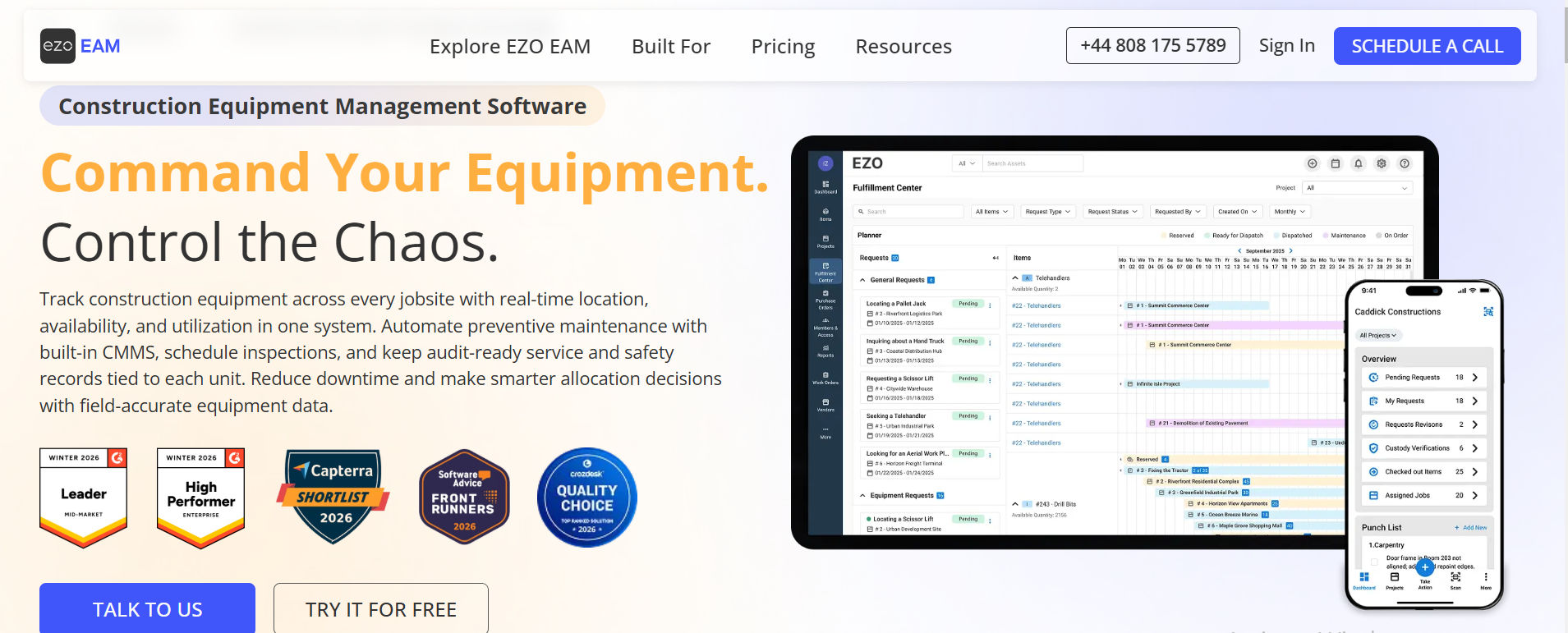
EZO supports organizations managing shared equipment, inventory, and asset assignments. Its workflows help teams organize equipment movement and availability.
Key features:
- Equipment checkouts
- Barcode scanning
- Asset reservations
- Maintenance records
Advantages: Useful for shared equipment and daily inventory operations.
Considerations: Review plan limits and advanced feature availability.
Best for: Small and midsize businesses managing equipment.
3. UpKeep – Best for Maintenance Operations
UpKeep focuses on maintenance activities rather than basic inventory alone. Teams can organize equipment repairs and recurring service tasks.
Key features:
- Work order management
- Preventive maintenance
- Equipment records
- Mobile access
Advantages: Strong focus on maintenance execution.
Considerations: May provide more maintenance functionality than basic asset tracking teams need.
Best for: Facilities and maintenance departments.
4. Asset Infinity – Best for Flexible Asset Tracking
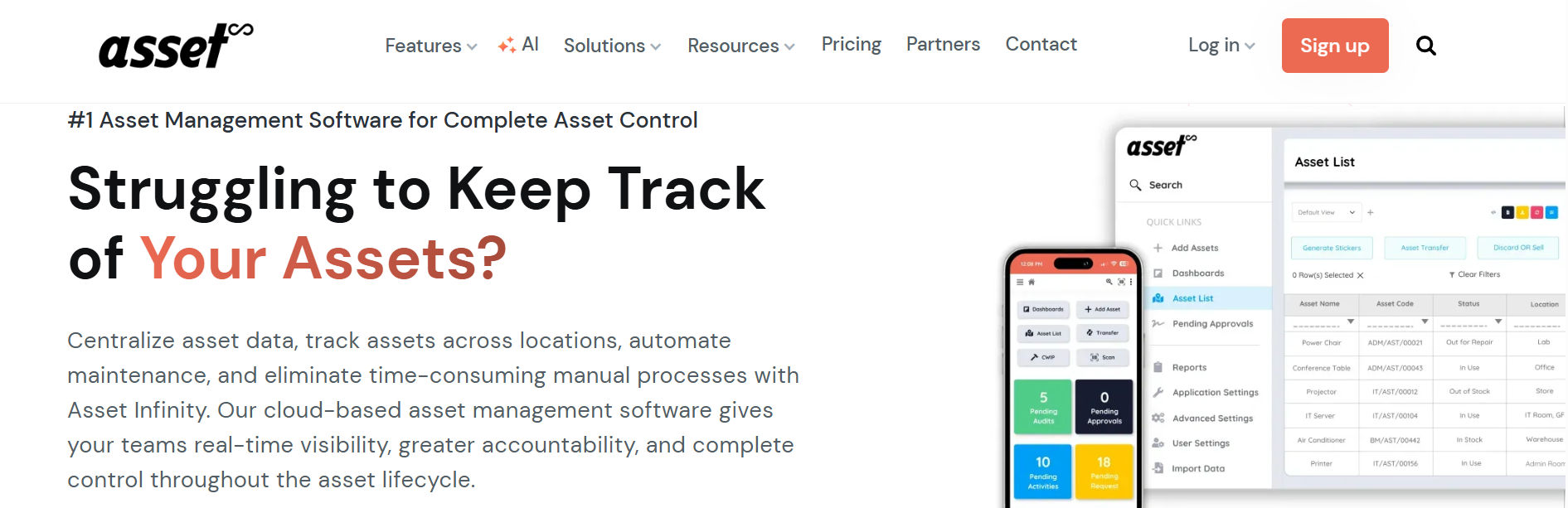
Asset Infinity supports organizations managing different asset categories across departments.
Key features:
- Barcode and QR tracking
- RFID support
- Asset lifecycle records
- Mobile asset management
Advantages: Multiple tracking methods for different equipment types.
Considerations: Confirm reporting and integration requirements during evaluation.
Best for: Businesses managing varied physical assets.
5. Limble CMMS – Best for Preventive Maintenance
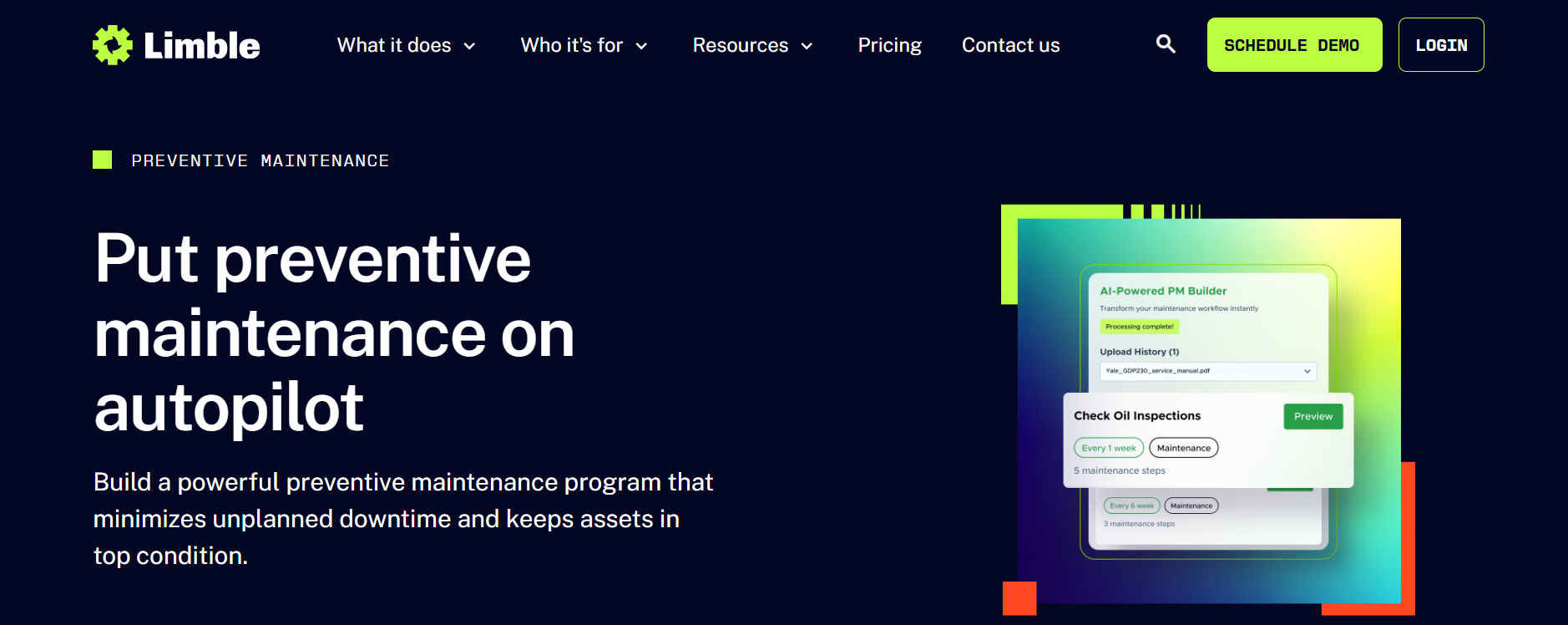
Limble CMMS helps maintenance teams organize recurring equipment service.
Key features:
- Maintenance scheduling
- Work order tracking
- Equipment history
- Maintenance reporting
Advantages: Useful for reducing missed maintenance activities.
Considerations: Implementation may require clearly defined maintenance processes.
Best for: Manufacturing and equipment maintenance teams.
6. Freshservice – Best for IT Service Management
Freshservice combines IT service management with asset-related workflows. It helps IT departments connect support activities with technology records.
Key features:
- IT asset tracking
- Service ticket management
- Software asset management
- IT workflow automation
Advantages: Connects service requests with IT operations.
Considerations: Organizations managing mostly non-IT equipment should assess suitability.
Best for: IT support and service management teams.
7. InvGate Asset Management – Best for IT Asset Discovery
InvGate Asset Management focuses on hardware and software visibility.
Key features:
- IT asset discovery
- Software inventory
- License management
- Asset reporting
Advantages: Helps IT teams maintain technology inventory.
Considerations: Evaluate its fit for non-IT asset categories.
Best for: Organizations managing distributed IT environments.
8. MaintainX – Best for Mobile Maintenance Teams
MaintainX supports frontline employees managing equipment and maintenance tasks.
Key features:
- Mobile work orders
- Preventive maintenance
- Equipment records
- Operational checklists
Advantages: Supports technicians working away from desks.
Considerations: Compare plan limits for advanced reporting and workflows.
Best for: Field maintenance and operations teams.
9. Lansweeper – Best for Network Asset Discovery
Lansweeper helps organizations identify technology assets across networks.
Key features:
- Network discovery
- Hardware inventory
- Software visibility
- IT asset reporting
Advantages: Useful for identifying devices missing from manual inventories.
Considerations: Discovery does not replace every asset assignment or procurement workflow.
Best for: IT infrastructure teams.
10. ServiceNow – Best for Enterprise Asset Management
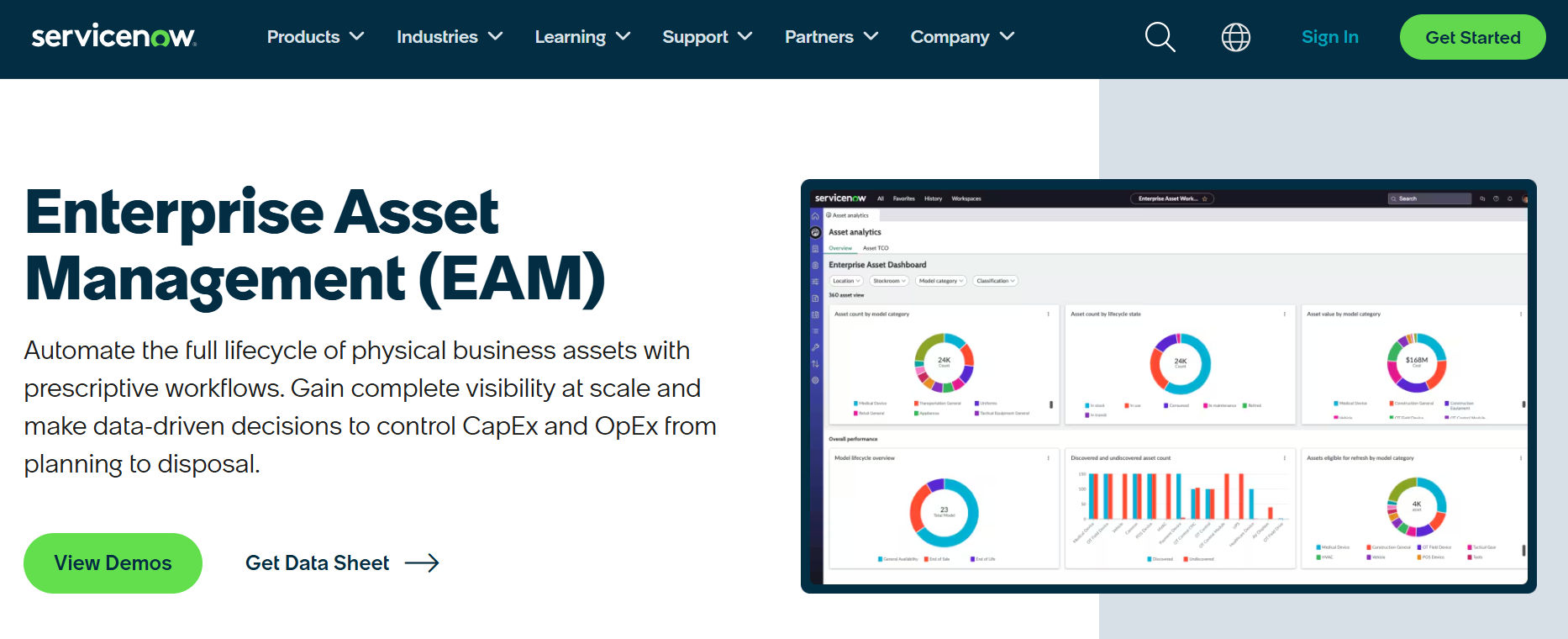
ServiceNow provides enterprise IT asset management capabilities.
Key features:
- Hardware lifecycle management
- Software asset management
- Workflow automation
- IT service integration
Advantages: Supports complex enterprise processes.
Considerations: Configuration, implementation, and licensing require careful planning.
Best for: Large organizations with advanced IT requirements.
11. Zluri – Best for SaaS Management
Zluri focuses on software application visibility and governance.
Key features:
- SaaS application discovery
- Subscription visibility
- License information
- Software management workflows
Advantages: Helps organizations understand software usage.
Considerations: Not a direct replacement for comprehensive physical equipment tracking.
Best for: SaaS-heavy organizations.
12. GoCodes – Best for QR Code Asset Tracking
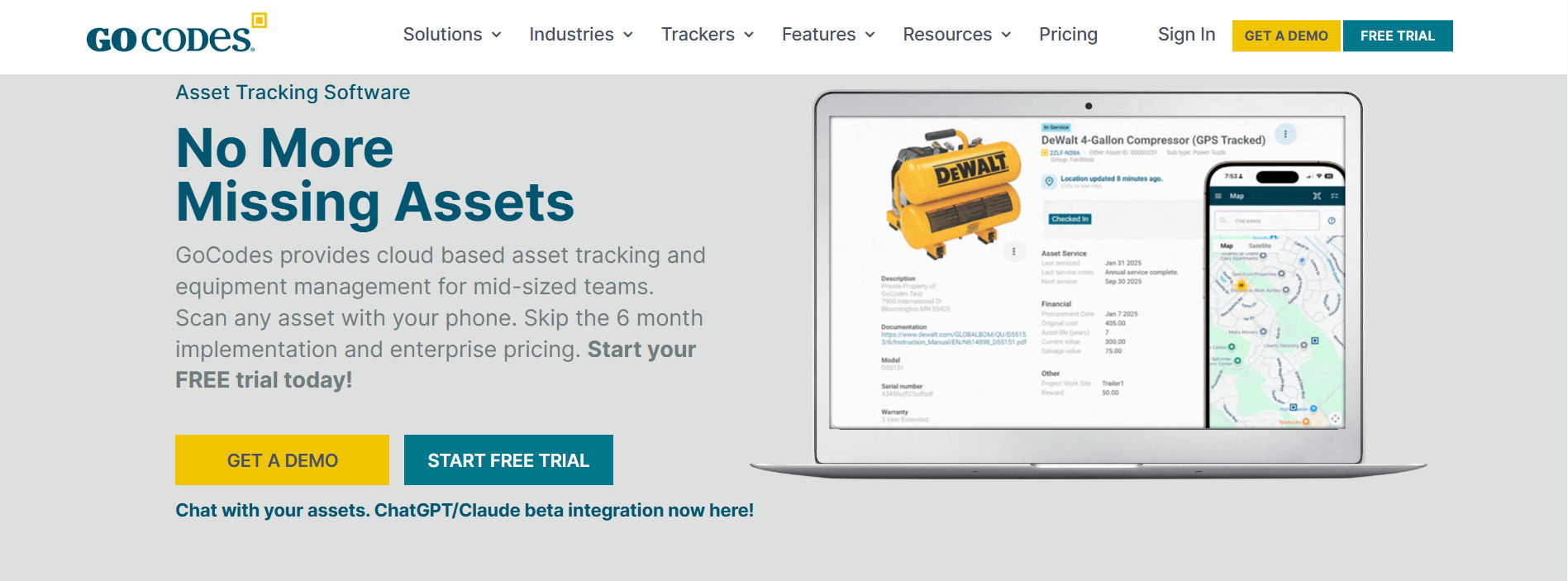
GoCodes helps businesses identify and track physical equipment.
Key features:
- QR code labels
- Equipment tracking
- Location information
- Maintenance records
Advantages: Straightforward identification for mobile equipment.
Considerations: Review integration needs and reporting depth.
Best for: Construction and field equipment teams.
13. Brightly Asset Essentials – Best for Facilities
Brightly Asset Essentials supports facility maintenance and equipment operations.
Key features:
- Work orders
- Maintenance scheduling
- Equipment records
- Operational reporting
Advantages: Designed around facility maintenance processes.
Considerations: May not suit organizations focused mainly on software licenses.
Best for: Facilities and property maintenance teams.
14. Sage Fixed Assets – Best for Financial Asset Tracking
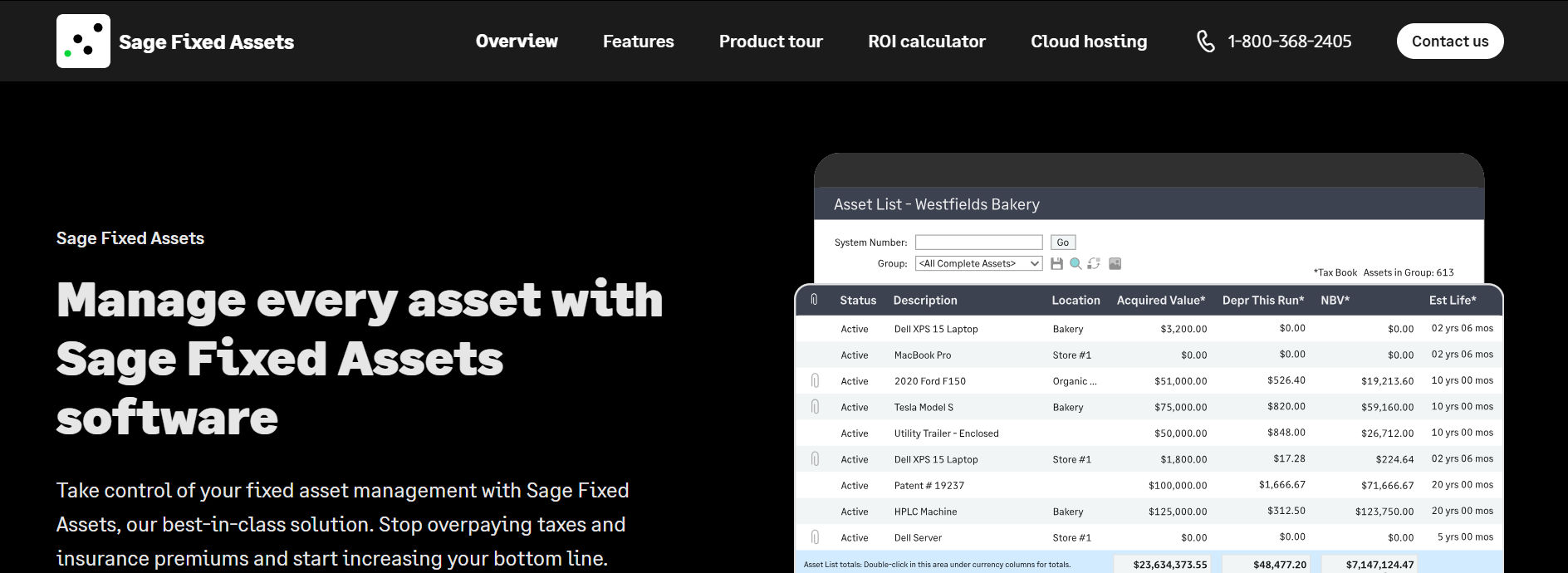
Sage Fixed Assets helps finance departments manage asset accounting.
Key features:
- Depreciation calculations
- Fixed asset records
- Financial reporting
- Asset disposal accounting
Advantages: Focuses on financial asset management.
Considerations: Does not replace every physical checkout or IT discovery process.
Best for: Accounting and finance departments.
15. Hector – Best for Asset Lifecycle Tracking
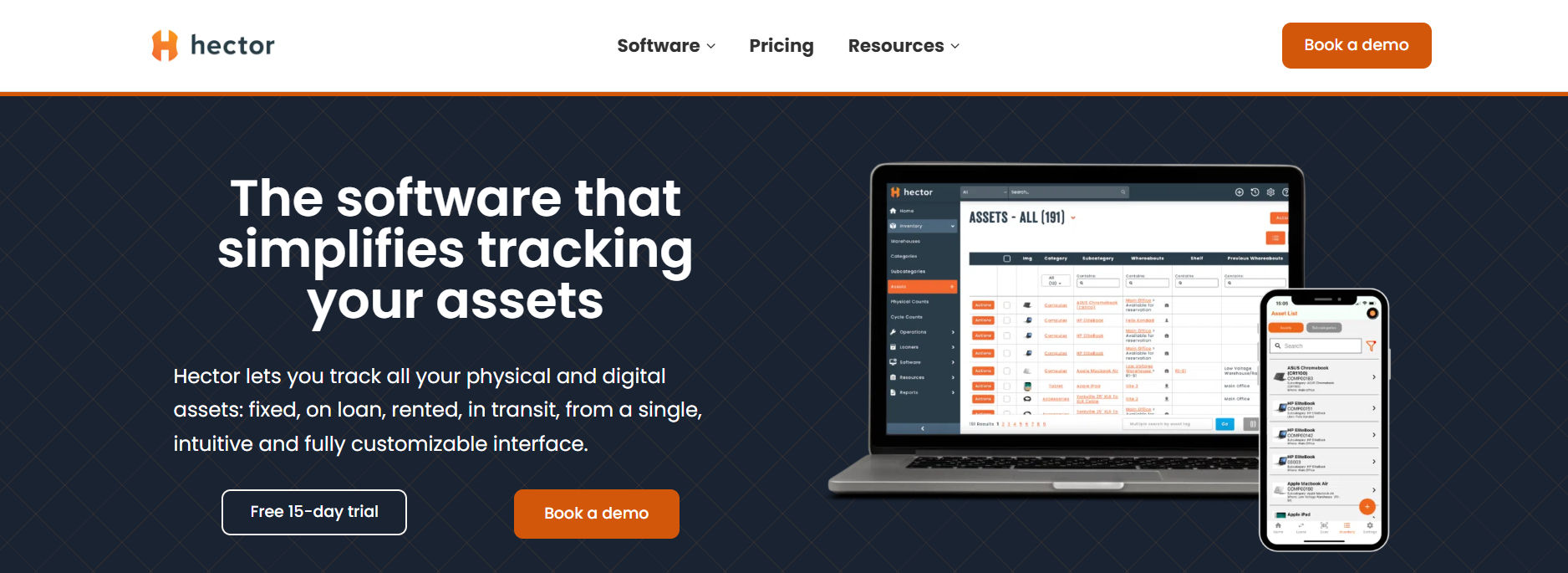
Hector helps businesses organize equipment assignments and asset records.
Key features:
- Barcode tracking
- Equipment assignments
- Repair records
- Inventory management
Advantages: Supports everyday asset accountability.
Considerations: Validate integrations and mobile workflows against business requirements.
Best for: Organizations managing shared equipment.
Asset Panda Alternatives Comparison Table
The following comparison highlights each product’s primary focus rather than assuming every solution offers identical features.
Software | Best For | Primary Strength |
Asset 365 | Microsoft 365 businesses | Connected asset lifecycle tracking |
EZO | Equipment operations | Checkouts and inventory |
UpKeep | Maintenance teams | Work orders |
Asset Infinity | Mixed asset portfolios | Barcode and RFID tracking |
Limble | Maintenance managers | Preventive maintenance |
Freshservice | IT departments | IT service management |
InvGate Asset Management | IT administrators | Asset discovery |
MaintainX | Frontline teams | Mobile maintenance |
Lansweeper | IT infrastructure | Network discovery |
ServiceNow | Large enterprises | Enterprise IT workflows |
Zluri | SaaS management teams | Software visibility |
GoCodes | Field equipment teams | QR code tracking |
Brightly Asset Essentials | Facilities teams | Maintenance planning |
Sage Fixed Assets | Finance teams | Depreciation |
Hector | Equipment managers | Asset assignments |
These categories describe primary use cases, not verified rankings or pricing comparisons.
How to Choose the Right Asset Panda Alternative
Choosing asset management software requires more than comparing feature lists. Start with these practical steps:
- Identify asset types: List laptops, software, tools, furniture, and equipment.
- Define workflows: Document how assets are purchased, assigned, maintained, and returned.
- Check integrations: Confirm compatibility with Microsoft 365, finance systems, and other essential applications.
- Compare costs: Include subscriptions, implementation, training, and additional modules.
- Test usability: Ask employees to complete real asset tasks during a trial.
- Review security: Evaluate permissions, audit records, data handling, and access controls.
Example evaluation:
A hypothetical company manages 500 laptops across three offices. Its IT team needs employee assignments, warranty reminders, and reliable audit records.
Rather than selecting the software with the longest feature list, the team should test whether employees can locate, assign, transfer, and return laptops without losing information.
Asset Management Software Evaluation Checklist
Use this checklist during vendor demonstrations.
Evaluation Area | Question to Ask |
Inventory | Can we import existing records? |
Assignments | Can we identify the current asset owner? |
Maintenance | Can we track repairs and warranties? |
Security | Can we control user permissions? |
Reporting | Can we export accurate audit reports? |
Integration | Does it connect with existing systems? |
Scalability | Can it support additional departments? |
Ask vendors to demonstrate each important feature using sample business data.
How to Switch From Asset Panda
Moving to new asset tracking software requires careful preparation.
- Step 1: Export existing records. Download asset details, employee assignments, locations, and available history.
- Step 2: Clean inventory data. Remove duplicate records, correct missing fields, and standardize asset categories.
- Step 3: Map important fields. Match existing asset IDs, serial numbers, owners, and statuses to the new system.
- Step 4: Run a pilot. Import a small asset group and test assignments, returns, and reporting.
- Step 5: Validate results. Compare imported records with the original inventory before migration.
- Step 6: Train employees. Explain updated workflows and assign responsibility for maintaining records.
Avoid deleting old records until required history and supporting documents have been preserved.
Common Mistakes When Comparing Asset Tracking Software
Businesses sometimes choose software based on price or feature count without testing everyday operations.
Avoid these mistakes:
- Selecting a maintenance platform when basic inventory tracking is sufficient.
- Ignoring migration and employee training costs.
- Assuming barcode scanning automatically provides live location tracking.
- Overlooking permissions and audit history.
- Buying advanced features that employees rarely use.
The best Asset Panda replacement should solve measurable problems without adding unnecessary complexity.
Why Consider Asset 365?
- For organizations using Microsoft 365, Asset 365 offers a connected approach to asset management.
- IT teams can organize equipment records, monitor assignments, document repairs, and maintain audit information.
- Its asset acknowledgment features help record handovers and returns, while software asset records support license and renewal tracking.
- These capabilities are useful when employees change departments, equipment needs maintenance, or managers prepare for inventory reviews.
Want better visibility into your company assets?
Explore Asset 365 and start your 14-day free trial.
Conclusion
Finding the best Asset Panda alternative starts with understanding how your organization manages assets. Some businesses need better IT visibility. Others require maintenance scheduling, software license tracking, or simple employee assignments.
Compare solutions using real workflows, review implementation requirements, and confirm that reporting meets your needs. A well-matched system can help teams maintain accurate records and make more informed asset decisions.
Stop relying on scattered records and manual updates. Track equipment, manage employee assignments, monitor warranties, and maintain organized asset information within Microsoft 365. Start Your 14-Day Asset 365 Free Trial Today
Frequently Asked Questions
What is the best alternative to Asset Panda?
The best alternative depends on business requirements. Asset 365 suits Microsoft 365 users, EZO supports equipment tracking, and UpKeep focuses on maintenance management.
Are there affordable Asset Panda alternatives?
Yes. Several asset tracking platforms offer different pricing models. Compare subscription fees, asset limits, implementation costs, and required features before choosing.
Which Asset Panda alternative works with Microsoft 365?
Asset 365 is designed for organizations using Microsoft 365. It supports asset inventory, assignments, maintenance records, and related management workflows.
Can I migrate asset records from Asset Panda?
Migration may be possible using exported records and supported import methods. Check field compatibility, attachments, historical data, and vendor migration support before switching.
What features should asset tracking software include?
Important features include inventory management, ownership tracking, barcode support, maintenance records, reporting, permissions, and integrations.


_JiluXJRGNl.svg)























