

12 Best Customer Experience Management Software Tools for 2027

A customer contacts your support team about an issue. After waiting for a reply, they explain the same problem to another agent. Even when the issue gets resolved, the experience leaves them frustrated.
This is where customer experience management software makes a difference. It helps businesses understand customer needs, manage support requests, and improve every interaction.
- Customer experience software improves support, satisfaction, and service quality.
- AI automation speeds up ticket resolution and reduces manual work.
- Customer insights help businesses identify issues and improve services.
- Choose software based on features, integrations, and budget.
- Helpdesk 365 offers AI-powered ticketing and Microsoft 365 integration.
But with so many platforms offering AI, automation, and customer analytics, which one should you choose?
In this guide, we compare the 12 best customer experience management software solutions in 2027, covering their features, strengths, limitations, and ideal use cases to help you find the right fit.
What Is Customer Experience Management Software?
Customer experience management software (CXM software) is a platform that helps businesses track, manage, and improve customer interactions across different stages of the customer journey. According to IBM, CXM focuses on understanding and improving customer experiences.
It brings together information from support conversations, surveys, emails, websites, and other channels. Businesses use this information to understand what customers need, identify recurring problems, and improve service quality.
For example, imagine a customer reports a billing issue through email. A customer experience platform can record the request, assign it to the finance team, track progress, and collect feedback once the problem is resolved.
However, not every CXM platform works the same way. Some focus on customer feedback and journey analytics, while others specialize in ticket management, live chat, or contact center operations.
A complete customer experience strategy may involve more than one type of software.
Why Businesses Need Customer Experience Management Software
Good customer experience is not limited to answering questions quickly. Customers also expect clear communication, consistent information, and support that understands their history.
Here are five reasons businesses invest in customer experience software.
1. Customers Expect Faster Support
When customers report an issue, they want to know someone is handling it. Automated ticket assignment, self-service options, and timely updates can reduce unnecessary waiting.
2. Customer Information Is Often Scattered
A customer may contact sales through email, speak with support through chat, and later submit a complaint.
Without shared customer records, employees may miss important details. A connected system makes previous interactions easier to access.
3. Repeated Problems Need Attention
If customers frequently report the same login error, responding to each ticket is not enough.
Customer experience analytics can reveal patterns, helping IT managers identify problems that need a permanent fix.
4. Businesses Need Measurable Feedback
Customer satisfaction scores, survey responses, and support reports show where improvements are needed.
Instead of making decisions based on assumptions, managers can review actual customer experiences.
5. Poor Support Can Affect Retention
Customers remember how businesses respond when something goes wrong.
A reliable support process can build confidence, reduce frustration, and create stronger long-term relationships.
Comparison Table: 12 Best Customer Experience Management Software
Not all customer experience tools solve the same problem. This comparison highlights the primary strength of each platform.
Software | Best For | Main Strength |
Helpdesk 365 | Microsoft 365 businesses | AI-powered ticket management |
Zendesk | Omnichannel customer support | Ticketing and AI assistance |
Freshdesk | Growing service teams | Automation and shared inbox |
HubSpot Service Hub | CRM-connected support | Customer history and retention |
Salesforce Service Cloud | Large CRM-driven businesses | Connected service workflows |
Intercom | Digital-first companies | AI conversations and messaging |
Zoho Desk | Small and midsize businesses | Affordable support operations |
Qualtrics | Customer feedback programs | Voice of Customer analytics |
Medallia | Enterprise CX teams | Experience insights and feedback |
Genesys Cloud CX | Contact centers | Voice, digital, and workforce tools |
Sprinklr | Global brands | Social and digital CX management |
NiCE CXone | Enterprise service operations | Contact center AI and analytics |
12 Best Customer Experience Software in 2027
Compare the 12 best customer experience software tools in 2027. Explore key features, benefits, and use cases to find the right solution for your business.
1. Helpdesk 365
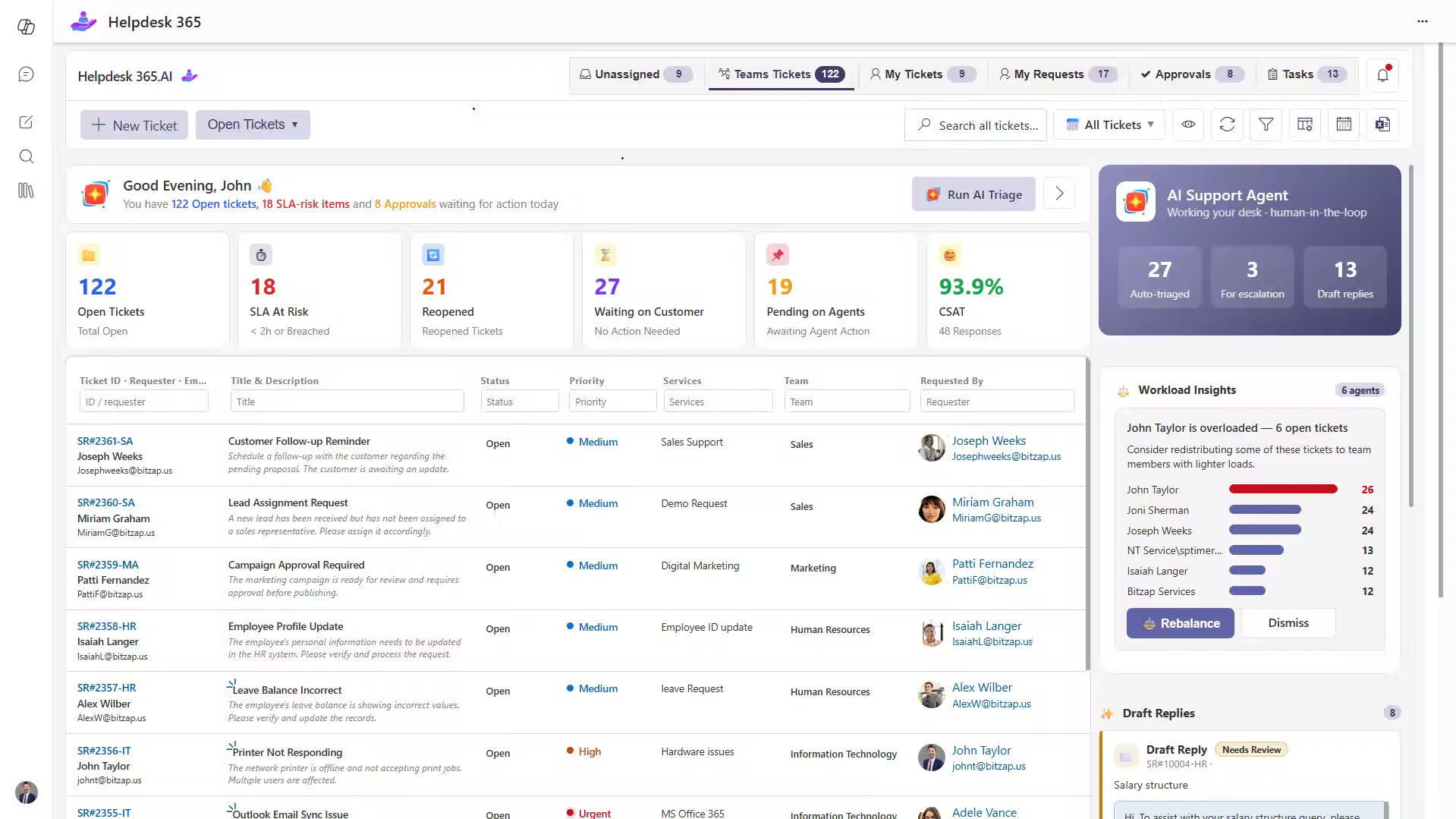
Helpdesk 365 is an AI-powered helpdesk software solution designed for organizations using Microsoft 365, SharePoint, and Microsoft Teams.
It helps IT, HR, Finance, and other departments manage support requests from a central system.
Instead of asking employees to use a separate support portal, Helpdesk 365 allows them to raise and track tickets through familiar Microsoft application.
Key Features
- AI-powered ticket categorization and prioritization.
- Automated ticket routing and workload distribution.
- Microsoft Teams, SharePoint, and Outlook integration.
- SLA management and automated notifications.
- AI Copilot for ticket summaries and reply suggestions.
- Self-service knowledge base and reporting dashboards.
Why Choose Helpdesk 365?
Its Microsoft-native approach makes it suitable for organizations that want to improve internal service experiences using their existing Microsoft environment.
Best For: IT managers, Microsoft 365 administrators, and companies managing employee or departmental support.
Limitations: It is not a replacement for a broad consumer CX analytics platform or a full enterprise contact center.
2. Zendesk
Zendesk is a customer experience software platform that helps businesses manage customer conversations across several channels.
Its ticketing system keeps requests, responses, and interaction history organized in one workspace.
Key Features
- Ticket management across customer channels.
- AI agents and intelligent assistance.
- Live chat, messaging, and voice support.
- Knowledge base and self-service resources.
- Customer satisfaction reporting.
Why Choose Zendesk?
Zendesk is useful when customers contact a business through email, chat, and social messaging. Agents can review conversation history rather than asking customers to explain everything again.
Best For: E-commerce businesses, SaaS companies, and customer service departments.
Limitations: Advanced AI, analytics, and workforce features may increase subscription costs.
3. Freshdesk
Freshdesk helps businesses organize customer inquiries and manage support activities with ticketing, automation, and AI.
Its Freshdesk Omni offering connects different communication channels in a shared agent workspace.
Key Features
- Automated ticket creation and assignment.
- Freddy AI assistance.
- Omnichannel customer conversations.
- SLA tracking and escalation rules.
- Help center and knowledge management.
Why Choose Freshdesk?
Consider a growing online retailer receiving hundreds of questions about delivery, returns, and refunds.
Freshdesk can help classify requests and assign them to the correct team, making daily support work easier to manage.
Best For: Small and midsize businesses expanding their customer service teams.
Limitations: Some advanced capabilities depend on higher plans or additional products.
4. HubSpot Service Hub
HubSpot Service Hub connects customer support activities with sales, marketing, and CRM data.
This makes it useful for businesses that want to understand customer relationships beyond individual support tickets.
Key Features
- CRM-connected ticket management.
- Customer success workspace.
- Omnichannel communication.
- Feedback collection and customer health tracking.
- AI-powered support and reporting.
Why Choose HubSpot Service Hub?
A software company can use customer history to understand which accounts have unresolved issues before renewal discussions.
Support and customer success teams gain better context for follow-up conversations.
Best For: B2B companies and businesses already using HubSpot CRM.
Limitations: Advanced service and customer success capabilities may require higher-tier subscriptions.
5. Salesforce Service Cloud
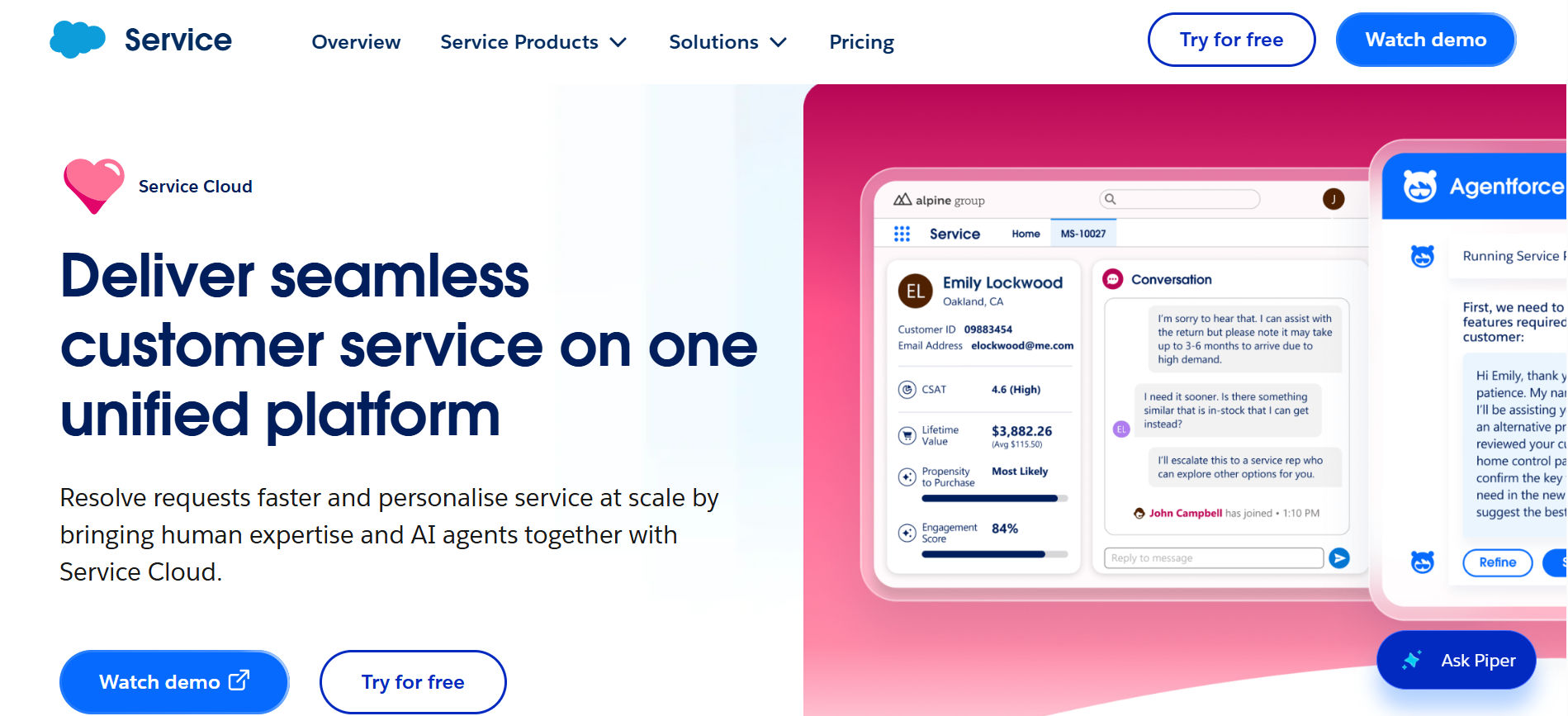
Salesforce Service Cloud, now part of Salesforce’s Agentforce Service offering, provides customer service capabilities connected to Salesforce CRM.
It helps businesses coordinate customer cases, automate tasks, and support service agents with AI.
Key Features
- Case and customer record management.
- AI-powered service assistance.
- Omnichannel routing.
- Service workflows and automation.
- Knowledge management and analytics.
Why Choose Salesforce Service Cloud?
Large businesses often have complex customer records involving sales, service, and account management.
Salesforce allows service teams to work with customer information already stored in their CRM.
Best For: Enterprises with established Salesforce systems and complex service requirements.
Limitations: Configuration, administration, and licensing can require significant planning.
6. Intercom
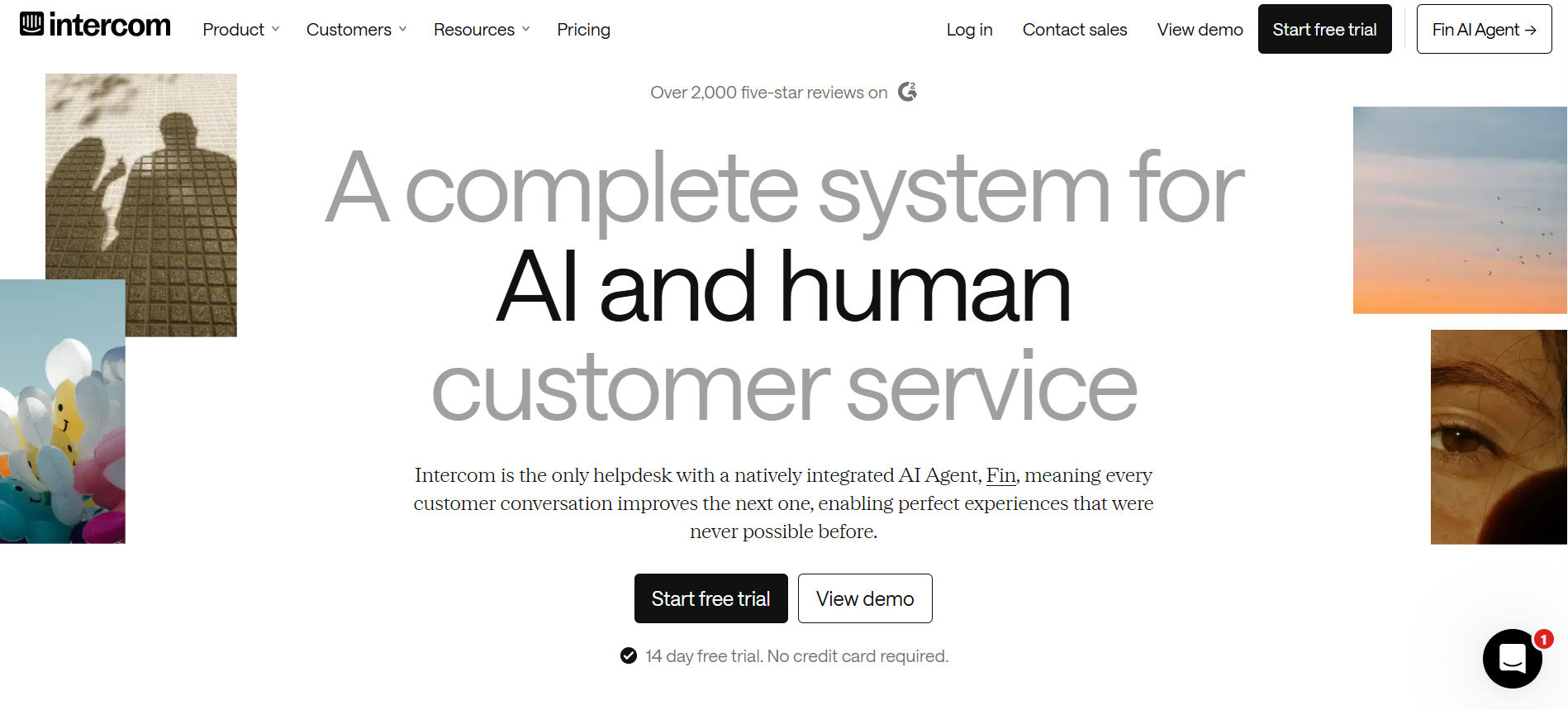
Intercom focuses on digital customer communication, combining an AI agent with tools for human support teams.
Its Fin AI Agent can answer customer questions using approved support content and transfer conversations when human assistance is needed.
Key Features
- Fin AI Agent for customer questions.
- Shared inbox and ticket management.
- Live chat and messaging.
- AI Copilot for support agents.
- Help center and automated workflows.
Why Choose Intercom?
Imagine a SaaS customer asking how to change a subscription setting.
An AI agent can provide instructions immediately. If the request requires account-specific help, the conversation can move to a support employee.
Best For: SaaS businesses and digital-first customer support teams.
Limitations: AI usage charges and subscription costs should be reviewed together.
7. Zoho Desk
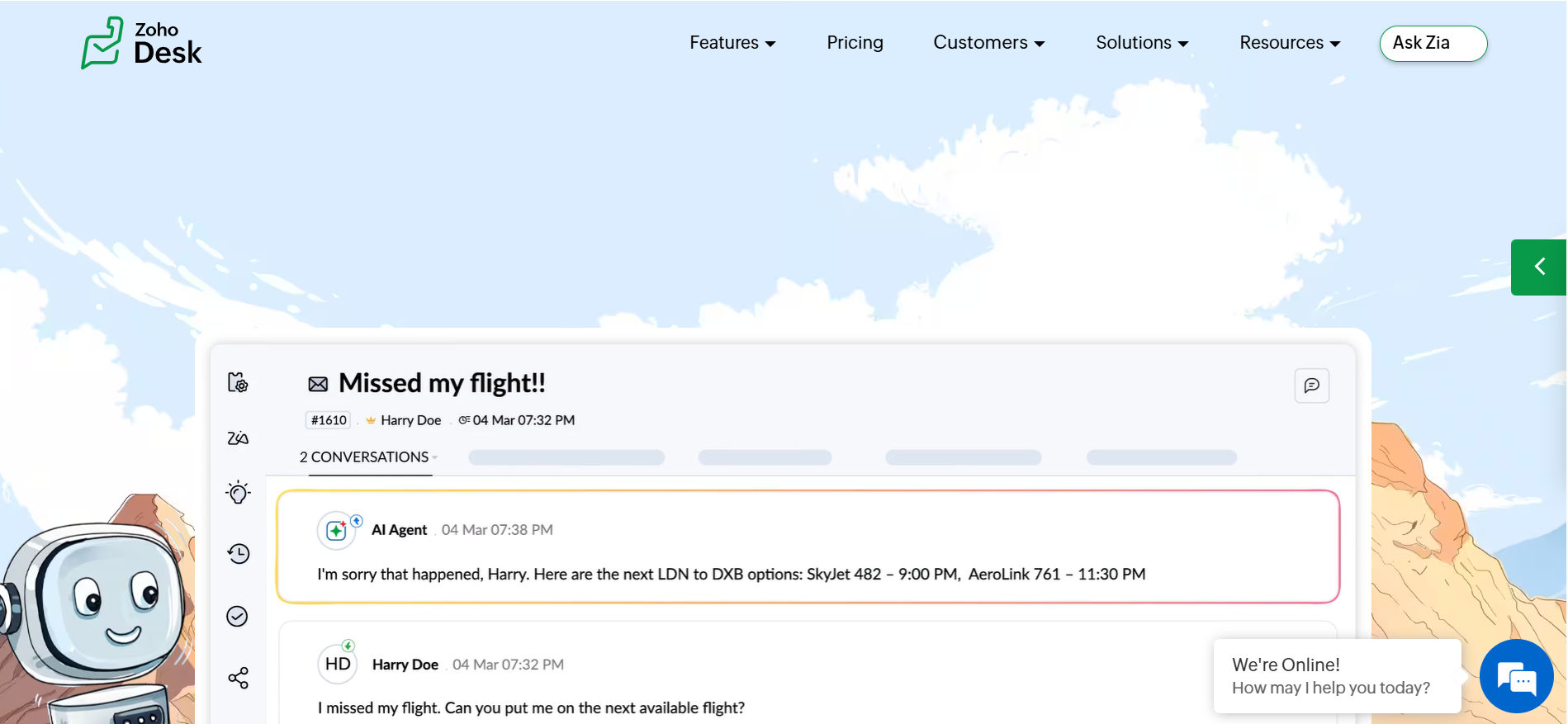
Zoho Desk offers customer support tools designed to manage inquiries, organize tickets, and monitor service performance.
It is especially useful for organizations already working with other Zoho applications.
Key Features
- Multichannel ticket management.
- Zia AI assistance.
- Automated assignment rules.
- Customer self-service portal.
- Reporting and customer happiness tracking.
Why Choose Zoho Desk?
A small business may need a structured way to handle support requests without investing in a large enterprise platform.
Zoho Desk provides a range of ticketing and automation options, with opportunities to connect other Zoho products.
Best For: Small businesses, growing service teams, and Zoho users.
Limitations: Advanced features may require higher plans, and businesses should test integrations with non-Zoho systems
8. Qualtrics
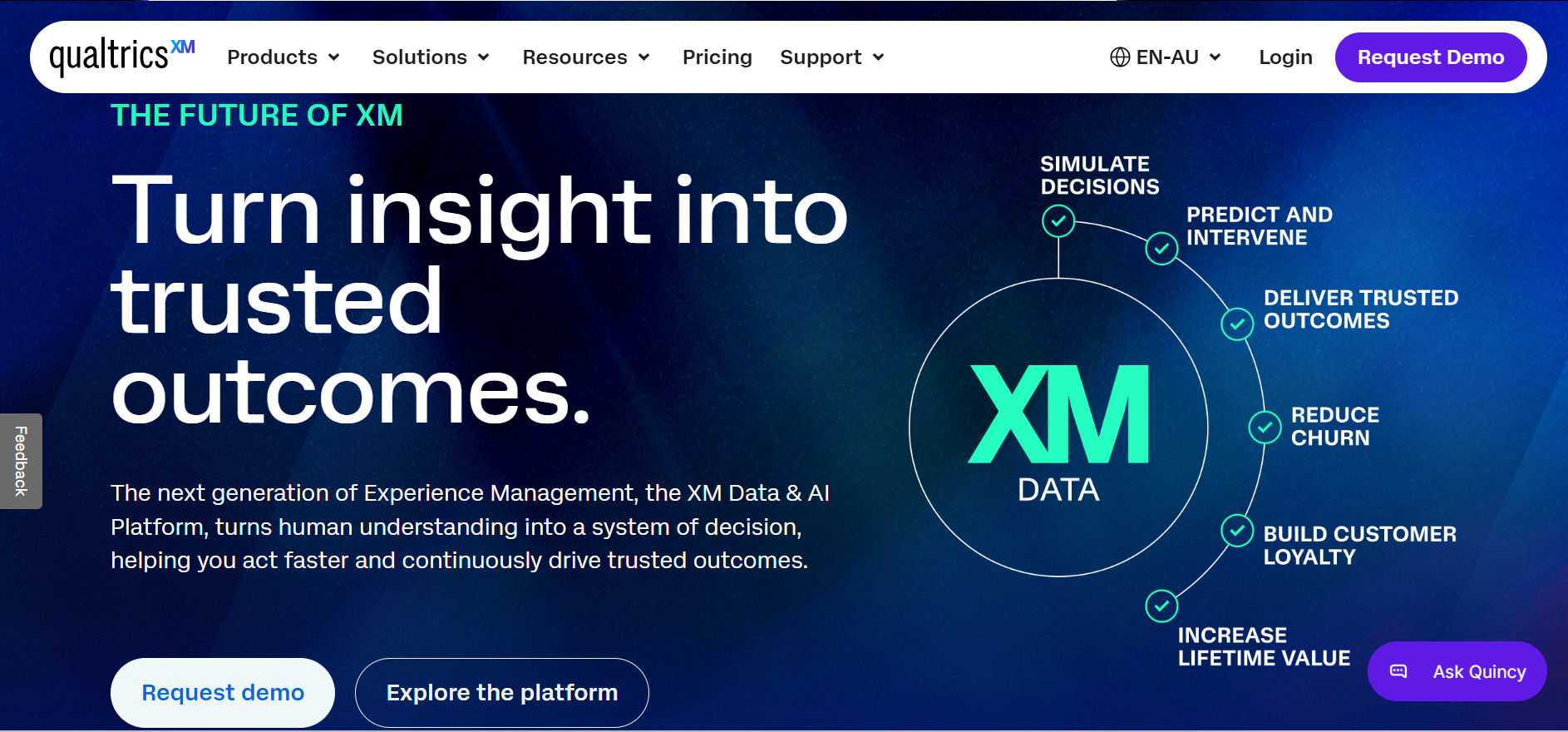
Qualtrics is a customer experience management platform focused on understanding customer opinions, behavior, and feedback.
Unlike a traditional helpdesk, it emphasizes experience measurement and business insights.
Key Features
- Voice of Customer programs.
- Customer surveys and feedback collection.
- Digital experience analytics.
- AI-based insight generation.
- Customer journey and experience analysis.
Why Choose Qualtrics?
A retail business might receive high satisfaction ratings overall while customers repeatedly complain about online checkout.
Qualtrics can help connect feedback with digital behavior, allowing teams to identify which parts of the purchasing journey need attention.
Best For: CX leaders, research teams, and enterprises managing customer feedback programs.
Limitations: It is not primarily designed for everyday IT ticket handling.
9. Medallia
Medallia helps organizations collect customer feedback and connect it with operational data.
Its Experience Cloud platform focuses on understanding customer sentiment and turning findings into business actions.
Key Features
- Customer feedback collection.
- AI-driven text and experience analysis.
- Experience dashboards.
- Cross-channel customer insights.
- Feedback-based action management.
Why Choose Medallia?
A hotel chain can review feedback from different locations to identify repeated complaints about check-in delays.
Instead of treating every comment separately, management can identify common service problems across properties.
Best For: Large organizations with established customer experience programs.
Limitations: Implementation and program management can be demanding for smaller teams.
10. Genesys Cloud CX
Genesys Cloud CX is a cloud-based customer experience platform built around contact center operations.
It combines voice, digital engagement, AI, and workforce tools.
Key Features
- Omnichannel contact center support.
- Intelligent interaction routing.
- AI-powered virtual agents.
- Workforce engagement management.
- Customer journey insights.
Why Choose Genesys Cloud CX?
A financial services company handling large call volumes can use routing rules to connect customers with suitable agents while tracking service demand.
This is particularly valuable when phone support remains a major customer contact channel.
Best For: Enterprise contact centers and organizations with high customer interaction volumes.
Limitations: Its broad capabilities may be unnecessary for smaller teams needing simple ticket management.
11. Sprinklr
Sprinklr provides a unified customer experience management platform connecting customer-facing teams across social, digital, and service channels.
It is designed for businesses managing customer conversations across multiple brands or markets.
Key Features
- Social listening and customer insights.
- Omnichannel service management.
- AI-based sentiment analysis.
- Customer conversation analytics.
- Unified customer information.
Why Choose Sprinklr?
Sprinklr helps businesses manage customer conversations across social media, messaging, and digital channels from one platform. Its AI-powered insights help teams understand customer sentiment, respond to feedback faster, and maintain consistent communication across multiple brands and markets.
Best For: Global brands, large marketing teams, and enterprises managing social customer interactions.
Limitations: The platform’s scope may exceed the needs of small support teams.
12. NiCE CXone
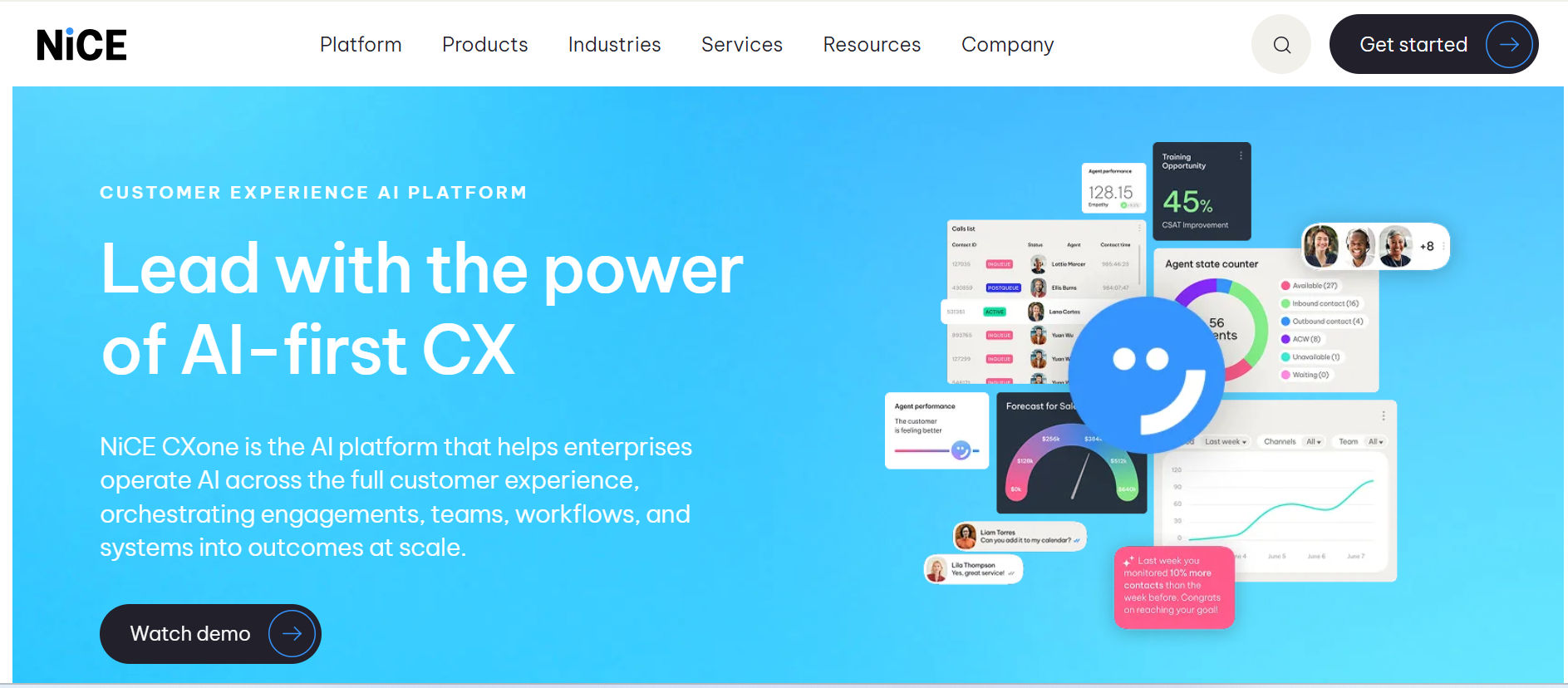
NiCE CXone is an enterprise customer experience platform that connects customer interactions, AI tools, workforce management, and service analytics.
It focuses on managing complex service operations across voice and digital channels.
Key Features
- AI agents and automated customer assistance.
- Omnichannel routing.
- Workforce and quality management.
- Interaction analytics.
- Real-time agent assistance.
Why Choose NiCE CXone?
A large contact center can use conversation analytics to understand why customers call repeatedly, while workforce tools help managers plan agent coverage.
This connects daily support performance with longer-term service planning.
Best For: Large contact centers and organizations with advanced service requirements.
Limitations: Businesses may need dedicated resources for implementation, training, and ongoing administration.
Key Features to Look for in a Customer Experience Tool
Before selecting a customer experience tool, identify which capabilities will solve your organization’s most common problems.
Omnichannel Communication
A useful platform should connect the communication channels your customers actually use, whether email, live chat, phone, social media, or support portals.
AI-Powered Automation
AI can assist with ticket classification, suggested responses, conversation summaries, and routine questions.
However, businesses should test how accurately AI handles real requests before allowing it to take independent actions.
Customer Feedback Management
Look for tools that collect and organize survey responses, complaints, and satisfaction ratings.
Feedback becomes valuable when teams can connect it to a specific problem and take action.
Reporting and Analytics
Dashboards should provide clear information about response times, resolution rates, recurring issues, and customer satisfaction.
For IT managers, SLA performance and ticket ownership may be especially important.
Knowledge Base and Self-Service
A searchable knowledge base helps people solve common problems without contacting an agent.
Useful content might include password reset instructions, billing questions, troubleshooting guides, and account settings.
Integrations and Data Security
Check whether the platform connects with your CRM, Microsoft 365 environment, business applications, and identity systems.
Review access permissions, data storage, audit records, and security requirements before deployment.
Customer Journey Visibility
Customer journey tracking helps businesses understand what happens before and after a service interaction.
For example, repeated contacts after a purchase may indicate unclear onboarding instructions rather than a problem with the support team.
Benefits of a Customer Experience Management Platform
Choosing the right customer experience management platform can create measurable improvements across service operations.
Faster Issue Resolution
Clear ticket ownership, automated routing, and accessible information help agents work through requests with fewer delays.
Better Customer Satisfaction
Timely responses and useful updates reduce uncertainty. Customers are more likely to feel supported when they know what is happening.
Improved Team Productivity
Automation can reduce repetitive administration, giving employees more time to handle requests that require investigation or personal attention.
Stronger Customer Retention
When businesses identify recurring complaints and fix their causes, customers have fewer reasons to leave.
Better Business Decisions
Feedback reports and customer experience metrics help CEOs and department leaders decide where to invest resources.
More Personalized Customer Experiences
Access to customer history and past interactions helps support teams understand individual needs and provide relevant solutions without asking customers to repeat information.
Better Team Collaboration
A shared platform helps sales, support, and IT teams exchange information, track customer requests, and work together to resolve issues more effectively.
Reduced Support Costs
AI-powered automation, self-service options, and better resource management help businesses handle more customer requests while reducing manual work and unnecessary expenses.
Real-World Example: How Elevex Improves Support with Helpdesk 365
Elevex, a Quebec-based material handling company in Canada, uses Helpdesk 365 to manage its support operations more effectively.
The company uses AI-powered features, Power Automate workflows, and automated notifications to organize support requests and maintain clear communication throughout the ticket process.
These capabilities help Elevex reduce its reliance on manual follow-ups, maintain structured ticket management, and improve coordination across support activities.
Key Takeaway: Elevex shows how customer experience software can help businesses manage support requests, improve team collaboration, and provide a more consistent service experience.
How to Choose the Best Customer Experience Software
The best customer experience software depends on your business goals, existing technology, and the types of interactions your teams handle.
Use these steps to make a practical decision.
Step 1: Identify Your Main CX Problem
Start with a specific challenge.
Are customers waiting too long for support? Are employees missing ticket updates? Do managers lack visibility into customer complaints?
A clearly defined problem makes software comparisons more useful.
Step 2: Match the Software to Your Use Case
Different business needs call for different solutions.
- Internal IT and employee support: Consider Helpdesk 365.
- Multichannel customer service: Explore Zendesk or Freshdesk.
- CRM-connected service: Evaluate HubSpot or Salesforce.
- Customer feedback programs: Compare Qualtrics and Medallia.
- Large contact centers: Review Genesys or NiCE CXone.
- Social customer engagement: Consider Sprinklr.
Step 3: Review Your Existing Technology
IT teams should examine integrations before purchasing.
For example, a company using Microsoft Teams, SharePoint, and Outlook may prefer a solution that supports those applications directly.
A Salesforce-based business may place greater value on CRM integration.
Step 4: Calculate the Total Cost
Do not compare subscription prices alone.
Include implementation, data migration, training, AI usage, integrations, and ongoing administration.
Request a clear explanation of which features are included in each plan.
Step 5: Test a Real Support Scenario
A software demo should show more than attractive dashboards.
Ask the vendor to demonstrate how a request enters the system, reaches an agent, gets resolved, and appears in reporting.
Use a common issue from your organization rather than a prepared vendor example.
Step 6: Measure Results After Deployment
Choose a few metrics before implementation, such as:
- First response and resolution time.
- Customer satisfaction score (CSAT).
- First contact resolution rate (FCR).
- Customer effort score (CES).
- Ticket reassignments and SLA breaches.
Compare results with your earlier performance over a suitable period. This will show whether the platform is creating meaningful improvements.
Conclusion
Choosing from the best customer experience management software solutions is not about finding the platform with the longest feature list.
It is about understanding where customers face difficulties and selecting software that helps your team respond effectively.
Qualtrics and Medallia provide deep customer feedback insights. Zendesk, Freshdesk, and Intercom focus on service conversations, while Genesys and NiCE CXone address larger contact center needs.
For businesses already working in Microsoft 365, Helpdesk 365 offers an AI-powered approach to managing internal support requests through familiar applications.
Want to improve support experiences and resolve requests faster?
Join Our Creative Community
Frequently Asked Questions
1. What is the best customer experience management software?
The best choice depends on your needs. Qualtrics is well suited to customer feedback programs, Zendesk supports multichannel service, and Helpdesk 365 focuses on Microsoft 365-based support operations.
2. What is the difference between CRM and CXM software?
CRM software manages customer records, sales activities, and business relationships. CXM software focuses on understanding and improving customer interactions, feedback, and experiences across the customer journey.
Some products provide both capabilities.
3. How does AI improve customer experience management?
AI can categorize support requests, suggest responses, analyze customer sentiment, and identify recurring issues. It can reduce manual work, but businesses still need accurate knowledge sources and human review for sensitive or complex requests.
4. Can small businesses use customer experience software?
Yes. Small businesses can begin with ticket management, customer feedback surveys, and basic automation.
They do not need an enterprise platform unless their support volume or reporting requirements justify it.


























