

Top IT Ticketing Systems to Streamline Support Operations (2026 Guide)
_eH2jDg7dZ.png)
IT support is the backbone of every modern organization. When employees can’t access tools, systems go down, or software breaks, the clock starts ticking, and every minute of downtime costs money, productivity, and trust.
For businesses, understanding how to manage and calculate depreciation for IT assets is essential for accurate financial planning, tax savings, and efficient asset management. In this guide, we’ll cover everything you need to know about IT asset depreciation, including the types of assets, depreciation methods, tax implications, and best practices.
An SharePoint IT ticketing system is the command center that keeps your support operations running efficiently. It transforms chaotic, scattered requests into a structured, trackable, and measurable workflow.
According to a 2025 Deloitte report, organizations using generative AI within their IT ticketing workflows achieved up to a 55% reduction in total ticket volume, a statistic that underscores just how transformative the right platform can be.
Whether you’re a startup evaluating your first help desk tool or an enterprise looking to modernize a legacy system, this guide covers everything you need to make the right decision.
What Is an IT Ticketing System?
An IT ticketing system is a software platform that logs, categorizes, tracks, and resolves every service request and incident your IT team receives, from a forgotten password to a full server outage. Think of it as a high-speed logistics hub where every support issue gets a unique identity, an owner, a priority, and a deadline.
Without a ticketing system, IT teams are forced to manage requests through scattered emails, chat messages, and verbal conversations, a recipe for missed tickets, duplicated efforts, and frustrated employees.
How the ticket lifecycle works:
A user submits a request through a portal, email, chat, or phone. The system auto-generates a ticket with a unique ID and routes it to the right team based on preset rules or AI-driven logic. If the assigned agent cannot resolve it, the ticket escalates automatically to a specialist. Once resolved, it closes and feeds analytics dashboards that surface patterns and performance trends.
Modern AI-augmented platforms go much further than this basic cycle. They can auto-resolve common issues without any human intervention, predict recurring problems before they escalate into outages, and deliver advanced analytics that turn support data into strategic insights.
Key Features of IT Ticketing Systems
Not all ticketing platforms are created equal. When evaluating your options, look for these essential capabilities:
Ticket Lifecycle Management provides end-to-end visibility with status updates, ownership tracking, and SLA countdown timers at every stage of the support process. Every ticket is accounted for, from creation to closure.
Automated Routing and Triage uses rules-based or AI-driven logic to assign tickets to the right team or agent the moment they arrive, eliminating the manual handoff bottleneck that slows down resolution times.
Knowledge Base Integration connects your ticketing system to a self-service portal where users can find answers before submitting a ticket. A well-maintained knowledge base can deflect 30–40% of incoming requests entirely.
Omnichannel Support captures tickets from every channel, email, chat, Microsoft Teams, phone, and social media, and consolidates them into a single unified inbox so agents never miss a request regardless of where it originated.
SLA Management allows you to define, track, and enforce service level agreements with automated alerts that trigger before deadlines are breached, keeping your team accountable and customers informed.
AI and Automation powers auto-categorization, response suggestions, sentiment analysis, and zero-touch resolution for repetitive issues, freeing your team to focus on complex, high-value work.
Role-Based Access Control protects sensitive ticket data by ensuring only authorized personnel can view or act on specific request types, critical for regulated industries.
Third-Party Integrations connect your ticketing system to your broader tech stack including monitoring tools, CRMs, DevOps pipelines, identity management platforms, and collaboration software.
How IT Ticketing Systems Improve Support Efficiency
Implementing the right platform doesn’t just organize your support queue, it fundamentally transforms how your IT department operates.
Faster Resolution Times
Automated routing eliminates the manual handoff bottleneck. Tickets go directly to the right specialist with all relevant context pre-attached, reducing mean time to resolution by up to 60% compared to email-based support models.
Reduced Ticket Volume
AI-powered self-service portals and knowledge base suggestions deflect repetitive questions before they become tickets. A well-configured system can handle 30–55% of incoming requests autonomously, freeing your team for complex, high-priority work.
Complete Visibility and Accountability
Every ticket is timestamped, owned, and fully auditable. Managers can see real-time backlogs, spot SLA risks before they breach, and intervene proactively. The “I never saw that email” problem disappears entirely.
Data-Driven Continuous Improvement
Analytics dashboards reveal your most frequent incident types, slowest resolution categories, and peak request hours. This turns support data into actionable improvement plans, helping you eliminate root causes rather than repeatedly fixing the same symptoms.
Better Employee and Customer Experience
Requesters receive automatic status updates, realistic ETAs, and self-service options at every stage. This transparency dramatically improves satisfaction scores and eliminates the flood of follow-up “where’s my ticket?” messages that consume agent time.
Measurable ROI
Organizations that invest in modern ITSM platforms typically see a return on investment within 6–12 months through reduced resolution times, lower agent headcount requirements, and measurably fewer repeat incidents.
Top IT Ticketing Systems for Different Business Sizes
There is no single best IT ticketing system. The right choice depends on your company size, technical maturity, support volume, and the channels through which your users reach out. Here is how the leading platforms stack up in 2026.
1. Helpdesk 365
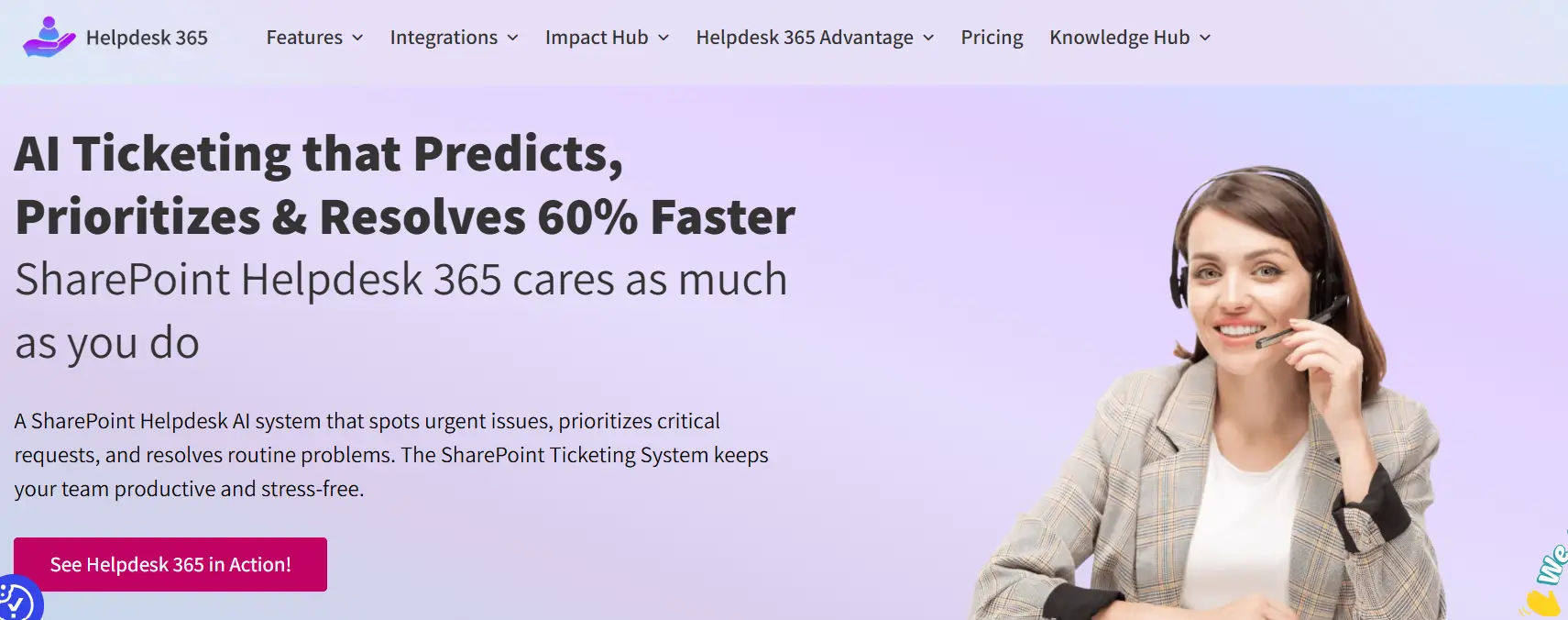
Helpdesk 365 is a robust IT support platform integrated with Microsoft Teams and SharePoint, offering a comprehensive suite for incident, problem, and change management. Built on the Microsoft ecosystem, it ensures seamless collaboration and centralization of ticketing and support operations.
Helpdesk 365 leverages AI-driven automation for ticket categorization, intelligent routing, and self-service options, all within a secure and compliant environment. It’s designed for businesses looking to streamline IT support, improve productivity, and ensure quick resolution of issues, all while maintaining a strong integration with their existing Microsoft tools.
Features:
- Seamless Microsoft 365 Integration: Deep integration with Teams, SharePoint, and Outlook for smooth operations.
- AI-Powered Automation: Automates ticket categorization, prioritization, and routing.
- Self-Service Portal: Provides end-users with the ability to submit tickets, search FAQs, and track progress.
- Incident and Problem Management: Comprehensive tools for managing IT incidents and problems.
- Change Management: Easy-to-use features for tracking, managing, and implementing changes.
- Ticket Tracking & Reporting: Detailed ticket tracking with real-time insights into status and progress.
- Multi-Department Support: Allows cross-department collaboration for resolving issues efficiently.
- Security & Compliance: Adheres to Microsoft’s security standards, ensuring enterprise-grade data protection.
Best for: Organizations using Microsoft 365 who need an intuitive, scalable helpdesk solution integrated with SharePoint and Teams for enhanced IT support and seamless workflows.
2. ServiceNow — Best for Large Enterprises
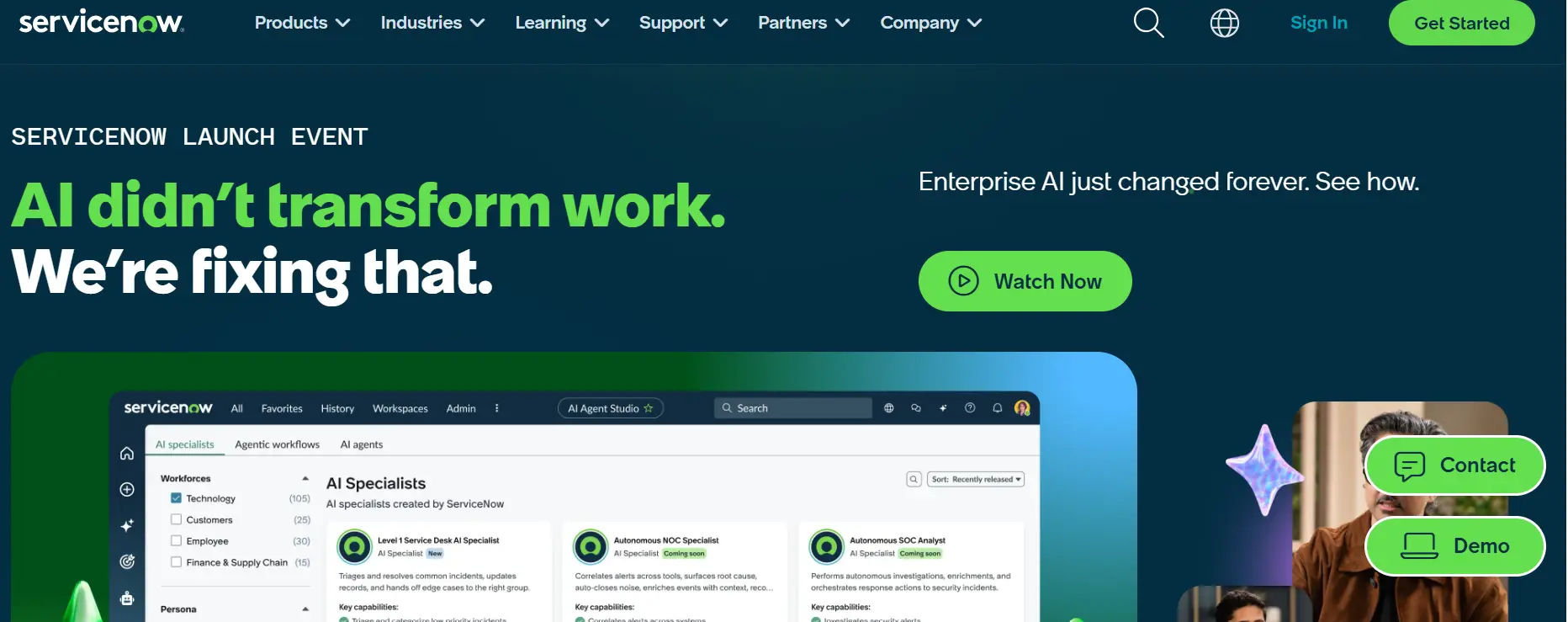
ServiceNow is the gold standard for enterprise ITSM. Its Now Platform delivers a complete suite covering incident, problem, change, and asset management, all governed by ITIL best practices. The built-in Now Intelligence AI handles ticket categorization, virtual agent interactions, and predictive analytics at enterprise scale. It is the platform of choice for organizations with complex multi-departmental IT operations, strict compliance requirements, and the budget to match its capabilities.
Best for: Global enterprises requiring deep ITIL alignment, multi-cloud infrastructure management, and enterprise-grade security.
3. Zendesk — Best for High-Volume Omnichannel Support
Zendesk excels at managing large volumes of support requests across email, chat, phone, and social media in a single unified workspace. Its generative AI features include macro suggestions, automated ticket categorization, and SLA workflows available straight out of the box. It is particularly powerful for B2C teams handling thousands of daily interactions. Note that advanced AI capabilities are locked behind higher pricing tiers, and the platform carries a significant learning curve for complex configurations.
Best for: Fast-growing companies standardizing support across multiple channels with high daily ticket volumes.
4. Freshdesk — Best for Mid-Market Teams
Freshservice offers enterprise-grade ITSM features wrapped in an accessible, modern interface. Its no-code workflow designer allows teams to automate complex multi-step processes without any engineering support, while built-in alert grouping and automatic asset discovery make it a strong choice for IT operations teams. Freshservice consistently delivers some of the fastest time-to-value in the industry, most teams are fully operational within days rather than months.
Best for: Mid-market IT teams that need strong automation and ITOM capabilities without the cost and complexity of enterprise platforms.
5. Jira Service Management — Best for DevOps-Driven Organizations
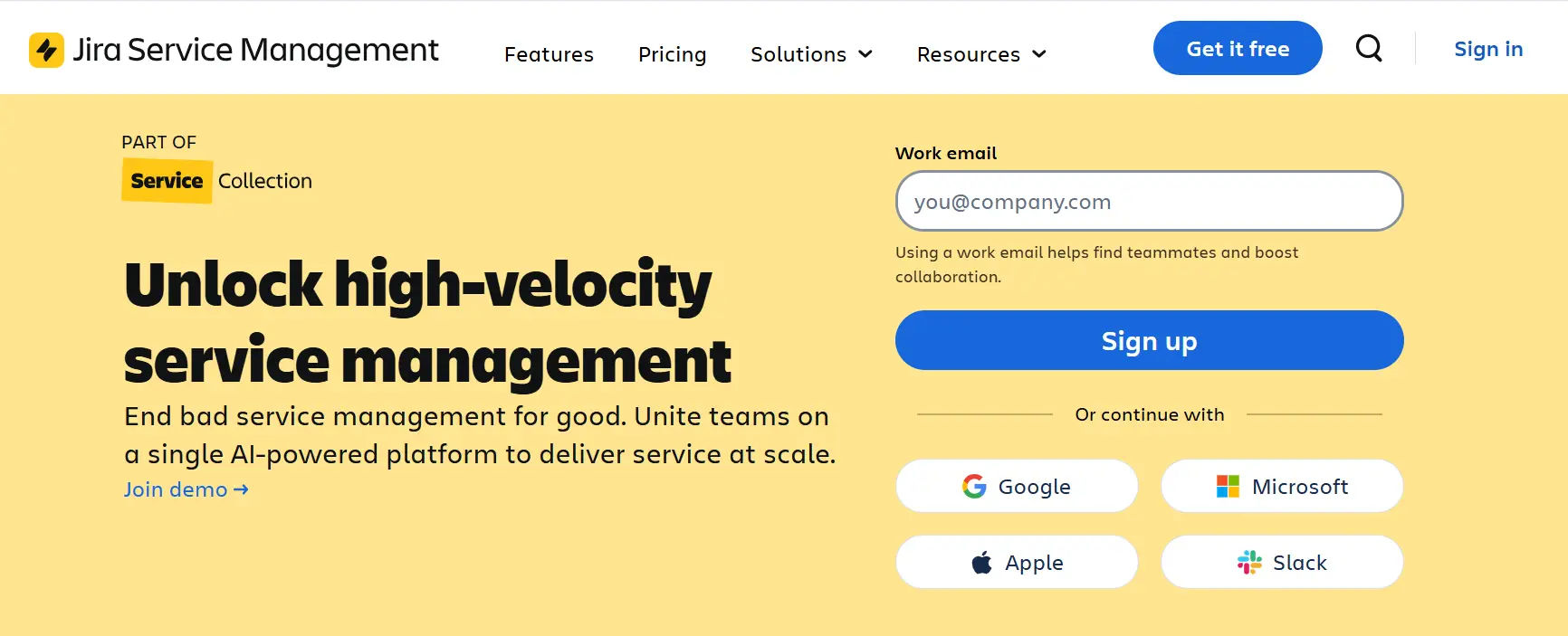
Atlassian’s Jira Service Management bridges the gap between IT support and software engineering. With native issue linking to Jira Software, Confluence knowledge base integration, and an AI-powered virtual agent, it is the platform of choice for organizations where IT and development teams need to collaborate directly on incidents and changes. The shared context between support tickets and engineering sprints dramatically reduces resolution time for technically complex issues.
Best for: Organizations with a strong DevOps culture that need tight integration between IT service management and software development workflows.
6. Zoho Desk — Best Value for Budget-Conscious Teams
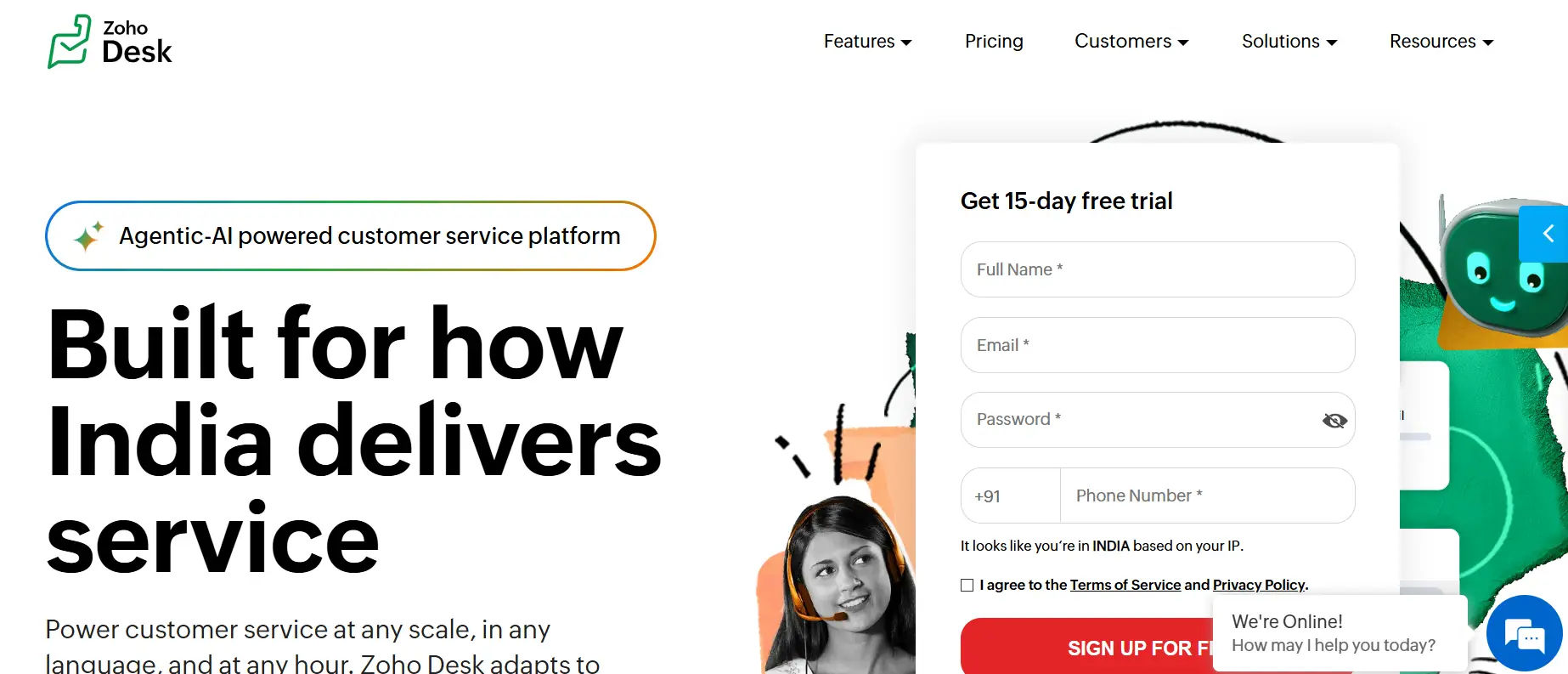
Zoho Desk delivers impressive depth at SMB-friendly pricing. Its Zia AI assistant handles sentiment analysis, response suggestions, and anomaly detection. Multi-brand portals, contextual telephony, and deep integration with the broader Zoho ecosystem, including Zoho CRM, Analytics, and Books, make it the top budget-conscious choice for growing IT teams that want AI-powered capabilities without enterprise-level pricing.
Best for: Small to mid-size IT and operations teams that want flexible, affordable licensing with strong CRM integration.
7. BoldDesk
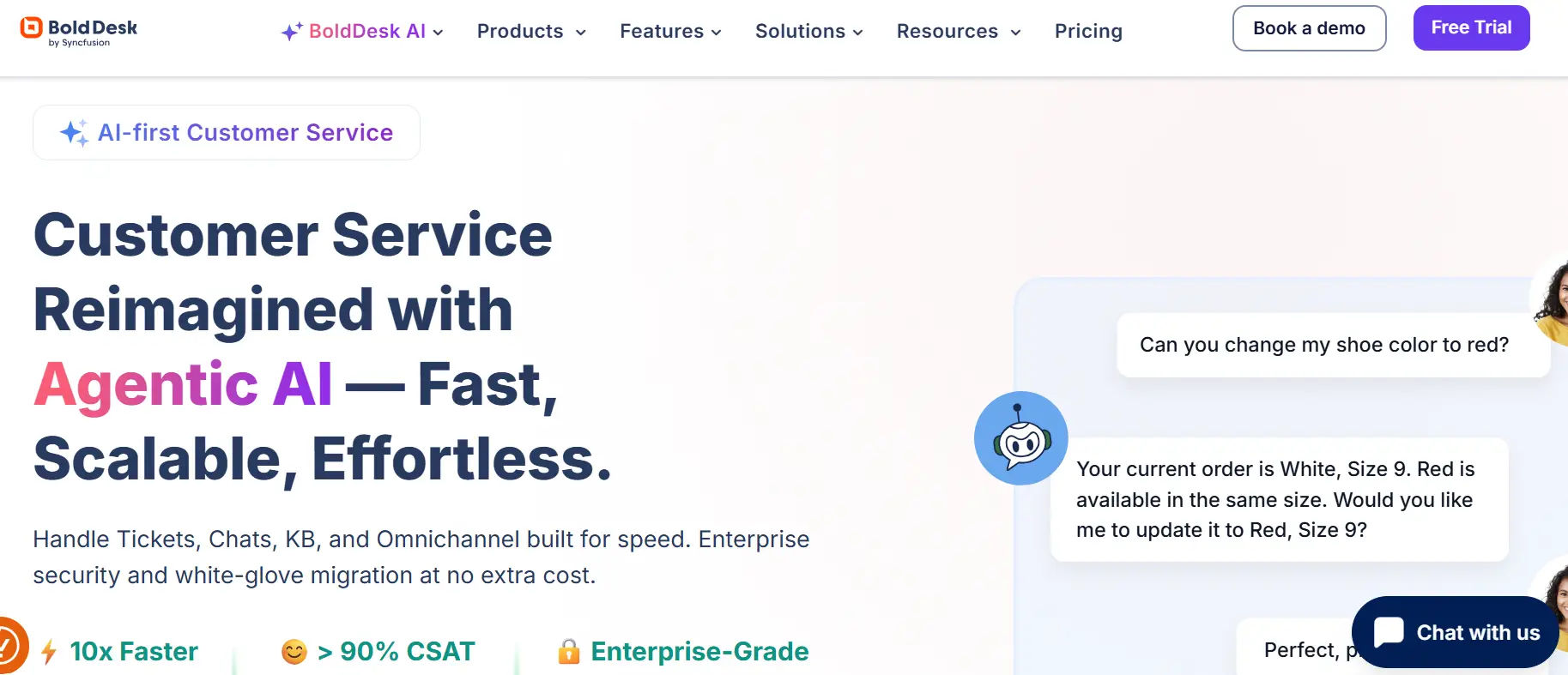
BoldDesk offers a user-friendly IT support platform designed to enhance team collaboration and improve customer satisfaction. It integrates seamlessly with major communication channels like email, Slack, and Microsoft Teams, offering a unified support experience. BoldDesk’s intelligent ticket management system prioritizes and categorizes requests automatically, reducing manual intervention and improving response times.
With built-in automation and customizable workflows, it streamlines support operations while enhancing the productivity of IT teams. BoldDesk also features advanced analytics and reporting tools that help businesses track performance, identify trends, and optimize customer support strategies.
Best for: Small to medium-sized businesses looking for an intuitive and affordable helpdesk solution with robust automation and reporting features to enhance IT support efficiency.
8. Kayako One
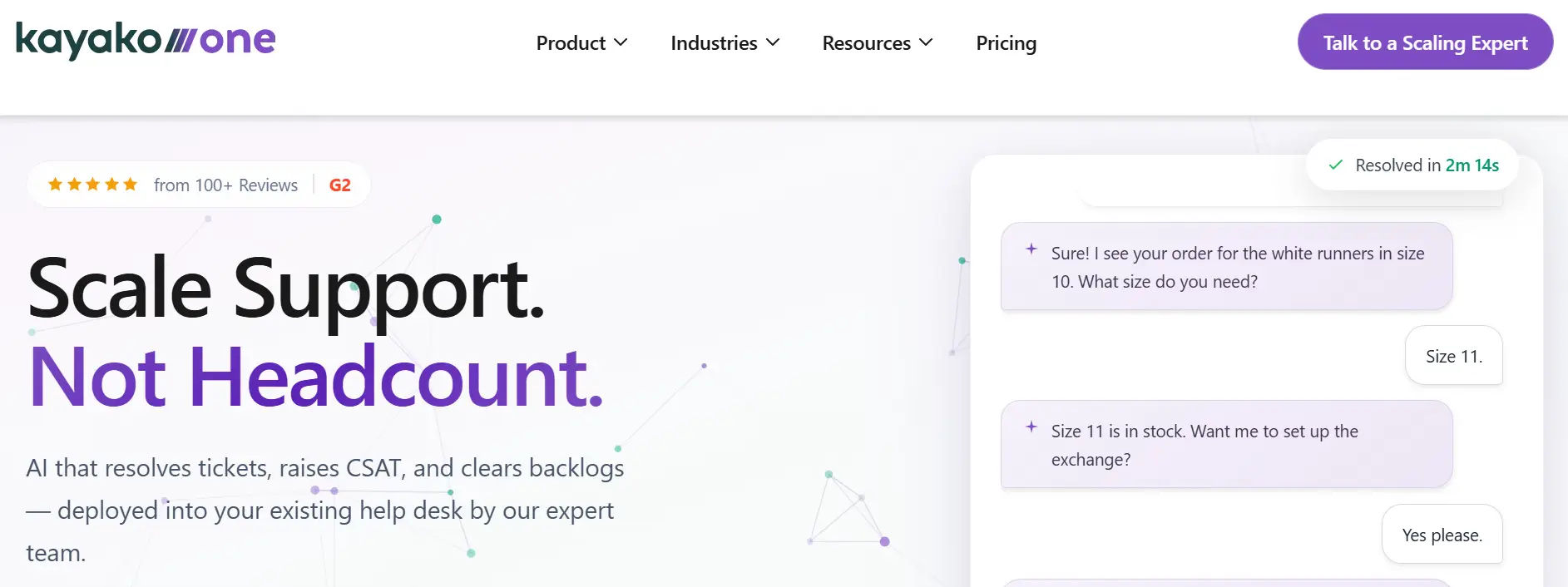
Kayako One is a versatile helpdesk platform that connects customer service teams with personalized support experiences. With native integrations across multiple channels, including email, chat, social media, and messaging platforms like Slack and WhatsApp, Kayako provides a unified view of all customer interactions.
The platform offers AI-powered automation for ticket routing, prioritization, and resolution, ensuring a smooth, efficient support process. Its robust reporting tools and customer insights help teams stay proactive by identifying trends, improving response times, and optimizing support workflows.
Best for: SMBs and customer-centric organizations seeking an all-in-one support platform to enhance communication, streamline workflows, and improve customer satisfaction.
9. Help Scout
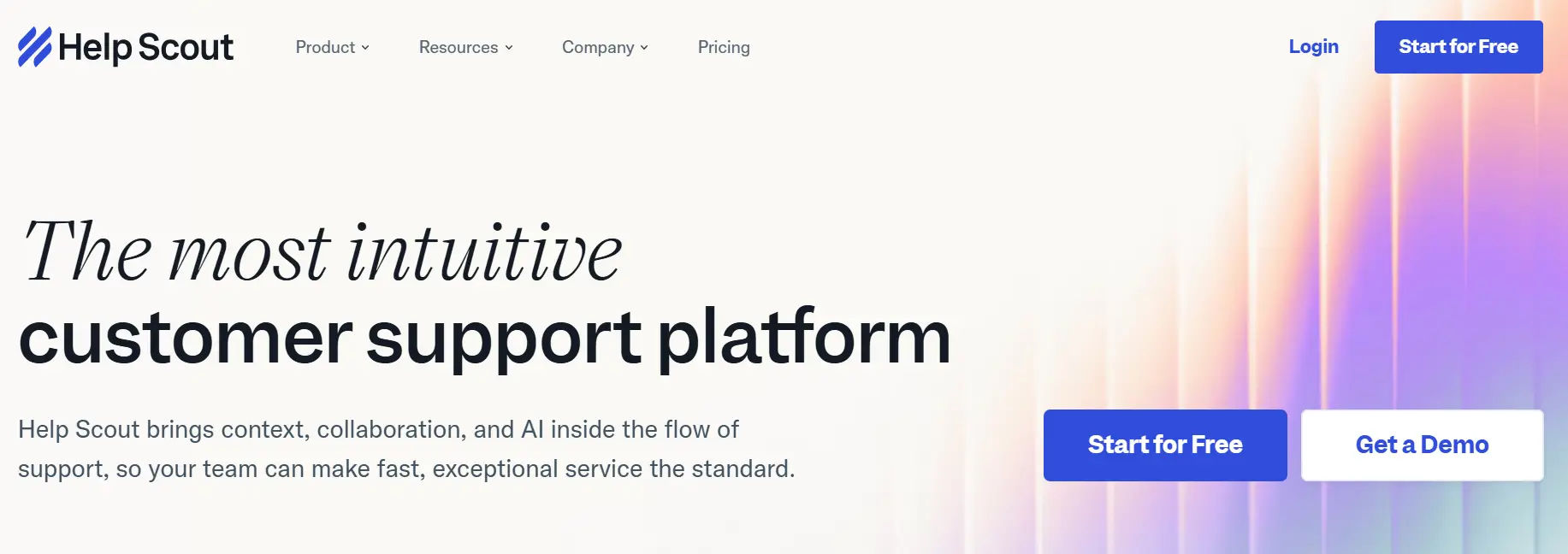
Help Scout provides a powerful yet simple helpdesk solution designed to enhance customer support with seamless collaboration and personalized service. It integrates with email, live chat, and phone support to create a unified view of customer interactions. Help Scout’s shared inbox allows teams to easily manage and respond to tickets, while its robust automation features streamline workflows and reduce response times.
The platform also offers reporting tools that track team performance and customer satisfaction, making it easier for support teams to identify areas for improvement. With its easy-to-use interface and strong focus on customer relationships, Help Scout ensures a positive support experience.
Best for: Small to mid-sized businesses that prioritize delivering personalized customer service at scale, and need a simple, efficient tool to manage multi-channel support.
Integration Capabilities of IT Ticketing Systems
A ticketing system that operates in isolation delivers only a fraction of its potential value. The real power emerges when it is deeply integrated into your broader technology ecosystem.
Collaboration Platforms: Native integrations with Sharepoint and Microsoft Teams allow users to create, update, and respond to tickets without leaving their primary communication tool. This reduces context switching and accelerates response times significantly.
DevOps Pipelines: Connections to GitHub, GitLab, Jenkins, and similar tools allow IT teams to link incidents directly to code commits, pull requests, and deployment events, critical for diagnosing and resolving technically complex issues quickly.
CRM Systems: Integrations with Salesforce, HubSpot, and Zoho CRM ensure that customer context flows seamlessly into every support interaction, enabling more personalized and informed responses.
Monitoring and Alerting Tools: Connections to PagerDuty, Datadog, Splunk, and similar platforms enable automatic ticket creation when monitoring systems detect anomalies, enabling proactive response before users are impacted.
Identity and Access Management: Integrations with Okta, Azure Active Directory, and OneLogin enable automated user provisioning, access requests, and account management workflows directly within the ticketing system.
Analytics Platforms: Connections to Power BI, Tableau, and Looker allow organizations to build custom dashboards that combine ticketing data with broader business metrics for executive-level reporting.
Before selecting a platform, audit your existing tool stack and confirm native integrations rather than just API availability. Native connectors maintain real-time bidirectional data sync without custom engineering, saving significant setup time and ongoing maintenance.
Automation and AI in IT Ticketing Systems
Artificial intelligence is no longer a differentiating feature in IT ticketing, it is rapidly becoming the baseline expectation. Here is how the leading platforms are deploying AI to transform support operations.
Intelligent Auto-Classification uses natural language processing models to read incoming ticket text and automatically assign the correct category, priority level, and routing destination. This eliminates manual triage entirely and ensures consistent classification at scale.
Conversational AI Virtual Agents handle Level 1 requests, password resets, software installations, account unlocks, common FAQ queries, around the clock without any human escalation. Well-configured virtual agents resolve these requests in seconds rather than hours.
Generative Response Suggestions draft contextually relevant replies for agents to review and send with a single click. This accelerates per-ticket handling time dramatically while maintaining quality and consistency across the team.
Predictive Analytics uses machine learning to identify patterns across historical ticket data, flagging recurring issues and predicting infrastructure failures before they cause widespread disruption. This shifts IT from reactive firefighting to proactive prevention.
Sentiment Analysis monitors the language and tone of incoming tickets in real time, automatically flagging frustrated or at-risk users for priority handling before the situation escalates to complaints or churn.
Zero-Touch Resolution takes automation to its logical conclusion, for known, recurring issues, AI triggers automated remediation scripts that resolve the ticket completely without any human involvement. The user receives a resolution notification, often within seconds of submitting their request.
The cumulative effect of these AI capabilities is significant. Teams equipped with modern AI-powered ticketing platforms consistently report not just faster resolution times but a qualitative shift in what their agents spend time on, moving from repetitive, low-value tasks to genuinely complex problem-solving.
Choosing the Best IT Ticketing System for Your Business Needs
With dozens of credible platforms available, the decision framework matters more than any individual feature comparison. Use these criteria to structure your evaluation.
Start with team size and growth trajectory. If you are a startup or small team under 50 employees, begin with an accessible, affordable platform like HubSpot Service Hub or Zoho Desk. The implementation overhead and administrative complexity of enterprise platforms will outweigh their benefits at this scale. If you are mid-market and growing rapidly, prioritize platforms like Freshservice that offer fast deployment and clear upgrade paths.
Map your support channels before evaluating tools. The channels through which your users request support, email, Teams, phone, should directly drive your platform shortlist. A platform with strong omnichannel coverage eliminates the fragmentation that creates support blind spots.
Assess your DevOps maturity. If your IT and engineering teams work closely together on incidents and changes, a platform with native DevOps integration like Jira Service Management will deliver disproportionate value. If your IT team operates independently of engineering, this criterion matters less.
Calculate total cost of ownership, not just per-seat pricing. Implementation costs, admin overhead, training time, and the cost of required integrations often significantly exceed the headline per-agent subscription price, particularly for enterprise platforms that require dedicated implementation partners.
Demand AI capabilities with demonstrated ROI. Every major vendor now markets AI features prominently. Look beyond the marketing language and ask specifically about measurable outcomes: ticket deflection rates, reduction in average handle time, and autonomous resolution percentages achieved by existing customers of similar size and industry.
Verify security and compliance certifications. Match vendor certifications like SOC 2, ISO 27001, GDPR compliance, HIPAA, to your industry’s regulatory requirements. For healthcare, financial services, and government organizations, this is non-negotiable.
Run a structured pilot before committing. Most vendors offer a 14–30 day trial. Use it to test your highest-volume ticket types, integrate your primary collaboration tools, and measure actual agent adoption, not just configured feature counts.
Conclusion
In conclusion, selecting the right IT ticketing system is crucial for optimizing support operations and ensuring seamless issue resolution. A robust system not only streamlines ticket management but also improves team collaboration, response times, and customer satisfaction.
Platforms like Helpdesk 365 integrate seamlessly with Microsoft Teams and SharePoint, offering enhanced automation, real-time insights, and AI-powered ticket categorization. By choosing the right IT ticketing system, businesses can optimize their workflows, reduce manual intervention, and provide a superior support experience, ultimately boosting productivity and client retention.
Join Our Creative Community
Frequently Asked Questions
What is the difference between a help desk and an IT ticketing system?
A help desk refers to the team or organizational function that handles support requests. An IT ticketing system is the software those teams use to manage those requests. Most modern platforms serve both functions and are used interchangeably in conversation, though enterprise ITSM platforms like ServiceNow extend well beyond basic ticketing to include change management, asset tracking, and full IT operations management.
How much do IT ticketing systems cost?
Pricing varies significantly by vendor and tier. Basic plans for tools like HubSpot Service Hub start free, while Zoho Desk begins under $20 per agent per month. Mid-market platforms like Freshservice and Zendesk typically range from $49 to $150 per agent per month. Enterprise platforms like ServiceNow and BMC Helix are quoted based on user count, modules, and contract terms, often ranging from several thousand to tens of thousands of dollars monthly for large deployments.
Can IT ticketing systems integrate with Microsoft Teams or Slack?
Yes. Most leading platforms offer native integrations with both Microsoft Teams and Slack, allowing users to create, update, and respond to tickets directly within their collaboration tools without switching applications. Pylon is built around this model specifically, treating Slack and Teams channels as native support surfaces rather than simple notification endpoints.
What is ITIL and do I need an ITIL-compliant ticketing system?
ITIL (Information Technology Infrastructure Library) is a globally recognized framework of best practices for IT service management, covering incident management, problem management, change management, and service request fulfillment. Large enterprises and regulated industries frequently require ITIL compliance for audit and governance purposes. For smaller organizations with leaner IT processes, a fully ITIL-aligned system may introduce unnecessary complexity — simpler platforms typically deliver better ROI at that scale.
How long does it take to implement an IT ticketing system?
Implementation timelines vary considerably by platform. Freshservice, HubSpot Service Hub, and Zoho Desk can be configured and deployed within days to a few weeks. Zendesk typically requires 2–8 weeks depending on customization requirements. Enterprise platforms like ServiceNow often require 3–12 months with dedicated implementation partners, particularly when migrating from legacy systems or configuring complex ITIL-aligned workflows.
What AI features should I prioritize in 2026?
The most impactful AI capabilities to evaluate are intelligent auto-categorization and routing, a conversational virtual agent capable of autonomously resolving Level 1 requests, generative response drafting that accelerates agent replies, predictive analytics for proactive issue identification, and sentiment analysis that flags frustrated users for priority escalation. Always ask vendors for documented ROI data from comparable existing customers rather than relying solely on capability claims.
Is ServiceNow worth the investment for smaller companies?
Generally, no. ServiceNow is engineered for complex enterprise environments with large IT teams, multiple business units, and extensive compliance and governance requirements. For organizations under 500 employees, the implementation cost, ongoing administrative overhead, and licensing fees typically outweigh the operational benefits. Freshservice or Jira Service Management deliver comparable day-to-day ticketing functionality at a fraction of the cost and complexity for mid-market organizations.


_JiluXJRGNl.svg)























