

The Ultimate Guide to Choosing the Best Employee Onboarding Tool in 2026

A well-built top employee onboarding tool organizes the entire new hire journey from pre-boarding paperwork and compliance training to role-specific learning paths, team introductions, and 30-60-90 day check-ins. The right tool transforms onboarding from a generic checklist into a personalized, engaging, and measurable experience that actually sticks.
- Automate repetitive onboarding tasks to reduce manual effort and improve efficiency.
- Create role-based onboarding journeys that deliver a consistent experience for every hire.
- Integrate onboarding with existing HR and collaboration tools for seamless workflows.
- Track progress and compliance in real time to improve visibility and accountability.
What makes the top employee onboarding tool?
Not all onboarding platforms are created equal. With dozens of options on the market, it can be overwhelming to separate the truly powerful tools from the ones that simply check boxes. Here’s what to look for when evaluating any employee onboarding tool:
Intuitive user interface<
New hires shouldn’t need training to use the onboarding tool itself. Clean, easy-to-navigate dashboards reduce friction and increase task completion rates.
Automated task management
The best tools handle repetitive tasks automatically form collection, IT provisioning reminders, policy acknowledgements, and training assignments.
Customizable workflows
Every role is different. Great onboarding tools let you build department-specific, role-based, or location-based onboarding paths with ease.
Strong integrations
Your onboarding tool should connect directly with your HRIS, ATS, payroll system, Slack, Microsoft Teams, and other tools your team already relies on.
Mobile accessibility
Remote and deskless employees need mobile-first onboarding. A tool that works only on desktop limits your reach and drives down completion rates.
Analytics and reporting
Track onboarding completion rates, new hire satisfaction scores, time-to-productivity, and spot bottlenecks early with built-in reporting dashboards.
Compliance and document management
Collecting, storing, and verifying onboarding documents like I-9s, NDAs, and tax forms should be secure, trackable, and legally sound.
Employee engagement features
Buddy programs, team introductions, culture videos, and milestone check-ins keep new hires connected and motivated well beyond the paperwork phase.
Security and data privacy
Employee data is sensitive. Look for tools with SOC 2, GDPR compliance, role-based access controls, and fully encrypted data storage.
Beyond these core features, consider the quality of customer support, the vendor’s track record, user reviews, and total cost of ownership including setup fees, per-seat pricing, and how long it takes your HR team to get up and running.
Why Your Business Needs an Employee Onboarding Tool
Hiring a new employee is one of the most significant investments a business makes. Yet most companies spend months sourcing, interviewing, and closing the right candidate only to drop the ball the moment that person says yes
Here’s why your business specifically needs one:
New hires decide fast
Employees make up their minds about staying within the first 45 days a disorganized first week sends the wrong message.
HR teams are stretched thin
Manually tracking onboarding tasks across spreadsheets and emails takes hours your HR team doesn’t have.
Consistency matters at scale.
As your team grows, delivering the same quality onboarding experience to every new hire becomes nearly impossible without a dedicated tool.
Compliance cannot be left to chance.
A missed document is a legal risk an onboarding tool tracks every requirement and flags what’s incomplete.
Culture starts before day one.
The best onboarding tools introduce your company’s values and mission before a new hire even walks through the door.
How to Choose the Right Top Employee Onboarding Tool
With so many top employee onboarding tool available in 2026, the key is to stop looking for the “best” tool in general and start looking for the best tool for your specific business.
Know your company size and hiring volume
A startup hiring 5 people a month has very different needs from an enterprise onboarding 200. Pick a tool that matches where your business is today and where it’s heading.
Define your must-haves
Is your priority compliance, engagement, or automation? Knowing your top three requirements before evaluating any tool will save you significant time.
Check integration compatibility
The tool should connect with your existing HRIS, ATS, payroll, and communication platforms otherwise it adds work instead of reducing it.
Test the new hire experience
A tool your HR team loves but new hires find hard to navigate defeats the purpose. Always test both sides before committing.
Consider your budget honestly
Factor in subscription costs, setup f
Top 10 Employee Onboarding Tool in 2026
Choosing the right top employee onboarding tool comes down to one thing: fit. The tools below represent the strongest options available in 2026, each evaluated on workflow automation, integration depth, new hire experience, compliance support, and overall value. Employee Onboarding 365 leads this list as the most complete solution built for Microsoft 365 environments.
1. Employee Onboarding 365
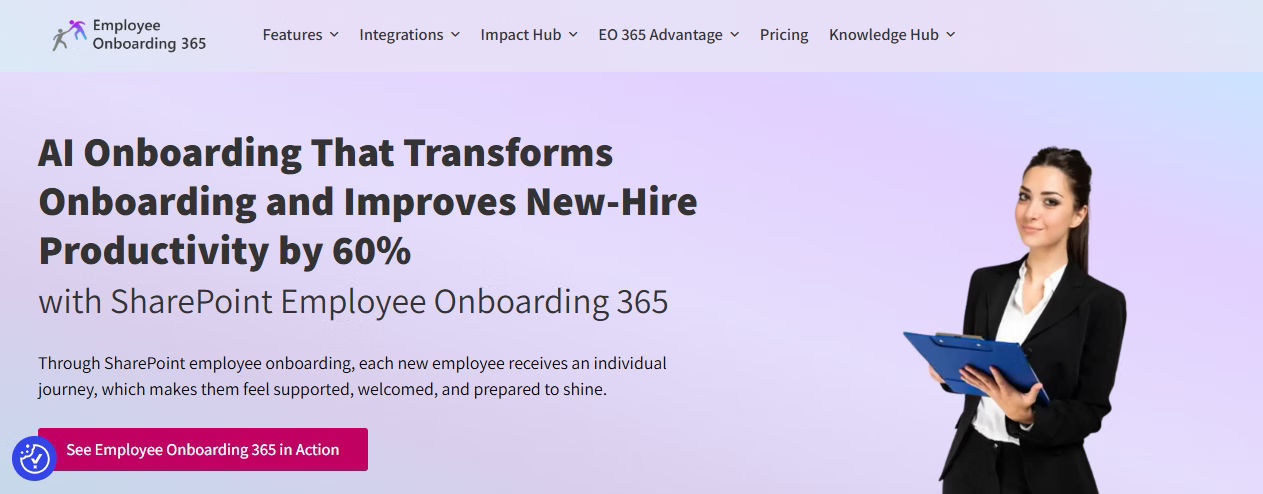
Employee Onboarding 365 is a purpose-built onboarding platform designed to run entirely inside Microsoft SharePoint and Teams. It eliminates the need for third-party platforms by bringing structured onboarding workflows, task automation, document management, and new hire engagement directly into the tools your team already uses every day.
Best for: Organizations running Microsoft 365 that want a fully integrated, no-friction onboarding experience.
Key Features:
- Automated task assignment and escalation workflows built on SharePoint
- Role-based onboarding paths with department and location customization
- Pre-boarding capabilities including digital document collection and e-signatures
- 30-60-90 day milestone tracking with automated check-in reminders
- Native integration with Microsoft Teams, Outlook, Azure AD, and HR365 HRMS
- Compliance document management with audit trails and version control
- Real-time dashboards tracking task completion, time-to-productivity, and new hire feedback
- SOC 2 certified, GDPR compliant, with role-based access controls
Why it stands out: Unlike generic SaaS platforms, Employee Onboarding 365 lives inside your Microsoft ecosystem. There are no new logins, no third-party data risks, and no learning curve for IT. HR teams can launch a fully automated onboarding workflow in days, not months.
2. BambooHR
.avif)
BambooHR is one of the most widely used HR platforms for growing companies. Its onboarding module covers new hire task management, electronic signatures, and basic workflow automation, making it a solid starting point for teams that don’t need deep customization.
Best for: SMBs looking for an all-in-one HR suite with built-in onboarding capabilities.
Key Features:
- New hire packets with e-signatures and automated reminders
- Customizable onboarding task lists for different roles
- Preboarding portal accessible before the start date
- Integration with popular ATS and payroll tools
- Basic reporting on onboarding completion
Limitation: Reporting depth and workflow customization fall short for enterprise-scale hiring.
3. Workday
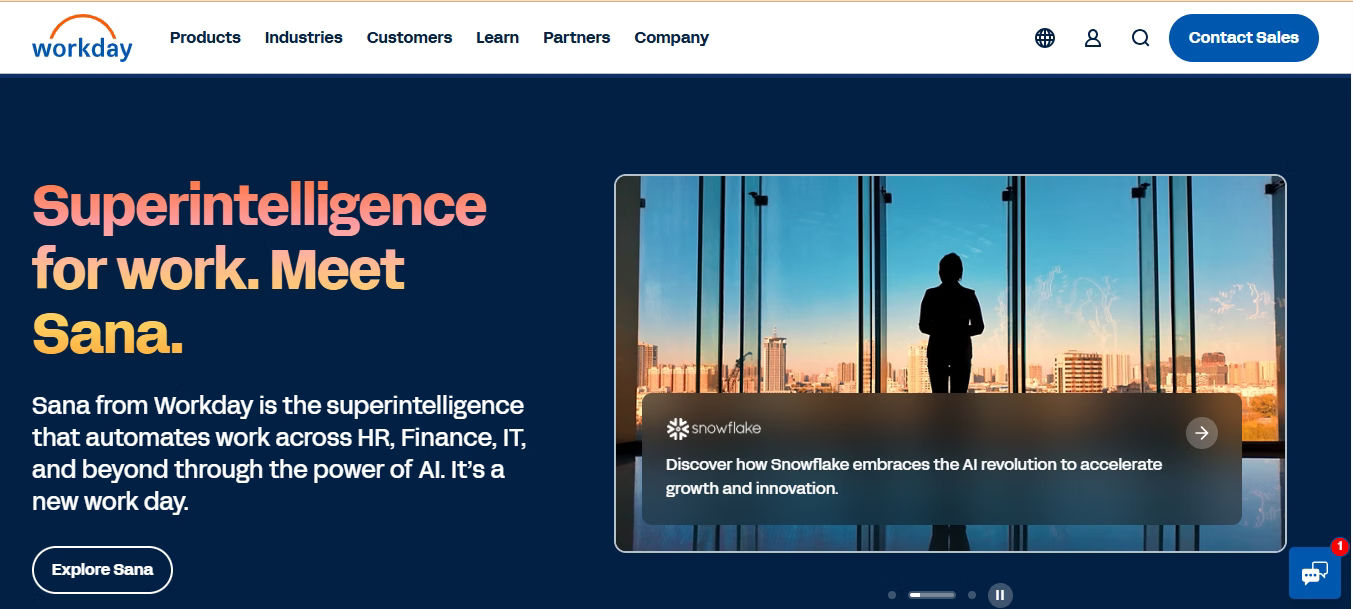
Workday’s onboarding module is part of its broader HCM suite, offering deep integrations with payroll, benefits, and talent management. It’s built for complex enterprise environments with multiple departments, global hiring, and strict compliance requirements.
Best for: Enterprise organizations that need onboarding tightly connected to payroll, benefits, and workforce planning.
Key Features:
- Unified HR, payroll, and onboarding in one platform
- Global compliance support across multiple countries
- Role-based guided onboarding with milestone tracking
- Advanced analytics and workforce reporting
- Configurable workflows for different employee types
Limitation: Implementation is lengthy and expensive, making it a poor fit for mid-market companies.
4. Rippling
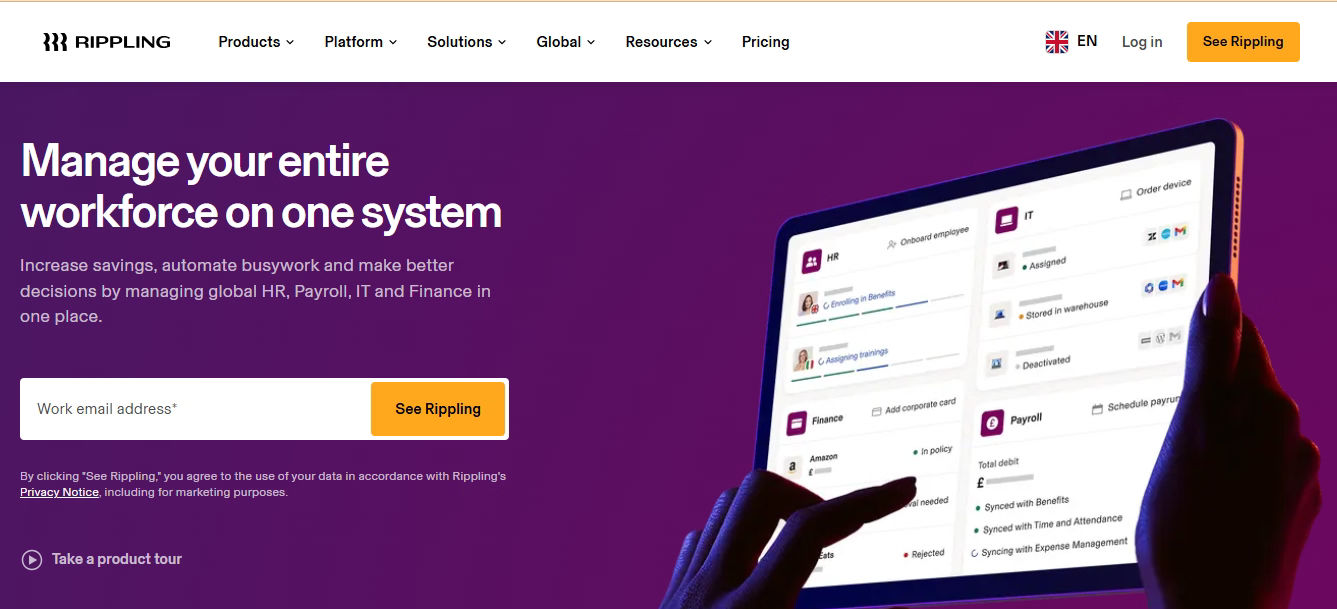
Rippling uniquely bridges HR and IT, allowing companies to onboard employees and provision software, devices, and system access in a single automated workflow. It’s the go-to for tech-forward teams that want day-one readiness without manual IT coordination.
Best for: Tech companies that want HR and IT onboarding automated from a single platform.
Key Features:
- Automated device provisioning and software access on day one
- Payroll, benefits, and HR workflows integrated with IT
- Pre-built app integrations with 500+ SaaS tools
- Custom onboarding workflows by role and department
- Global EOR capabilities for international hires
Limitation: Pricing scales quickly with add-ons, and it can be complex to configure for non-technical HR teams.
5 Gusto
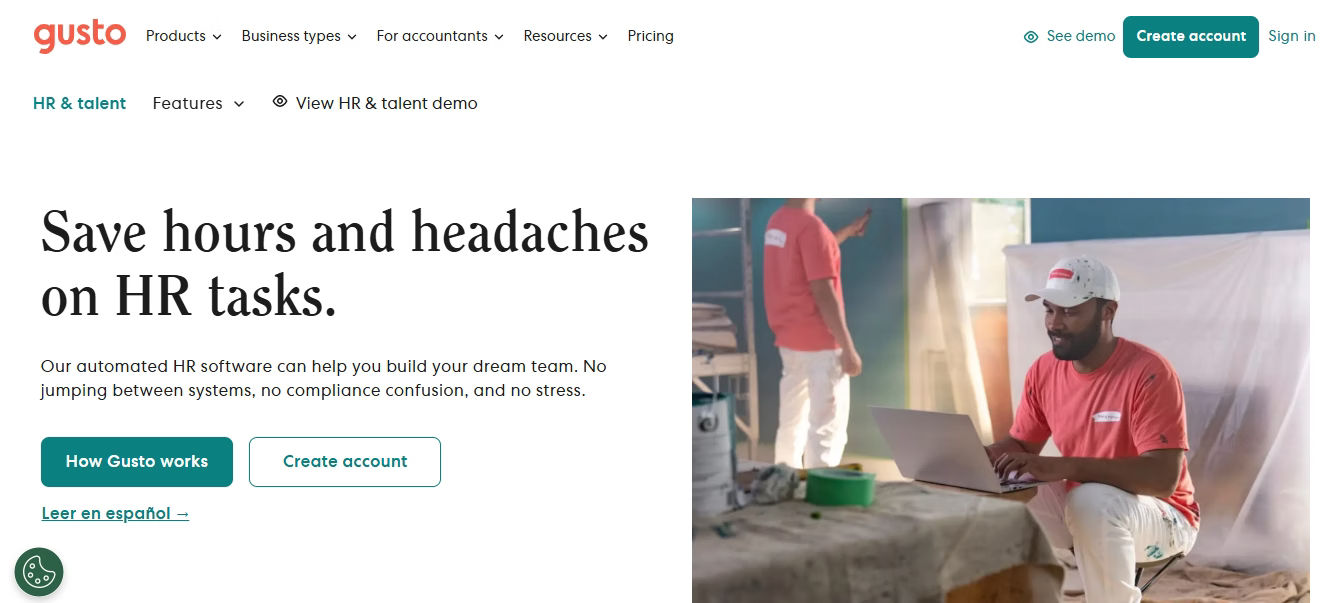
Gusto combines payroll, benefits, and onboarding in one lightweight platform. Its self-service onboarding flow lets new hires complete paperwork, tax forms, and direct deposit setup before their first day, reducing HR admin significantly for small teams.
Best for: Early-stage companies and small businesses that want payroll and onboarding in one affordable tool.
Key Features:
- Self-service new hire onboarding with tax forms and direct deposit
- Offer letter creation and e-signatures
- Benefits enrollment built into the onboarding flow
- Automated state and federal compliance form reminders
- Simple, clean UI requiring minimal training
Limitation: Onboarding customization is minimal and it lacks workflow depth for structured, role-based paths
6. Beyond Intranet Employee
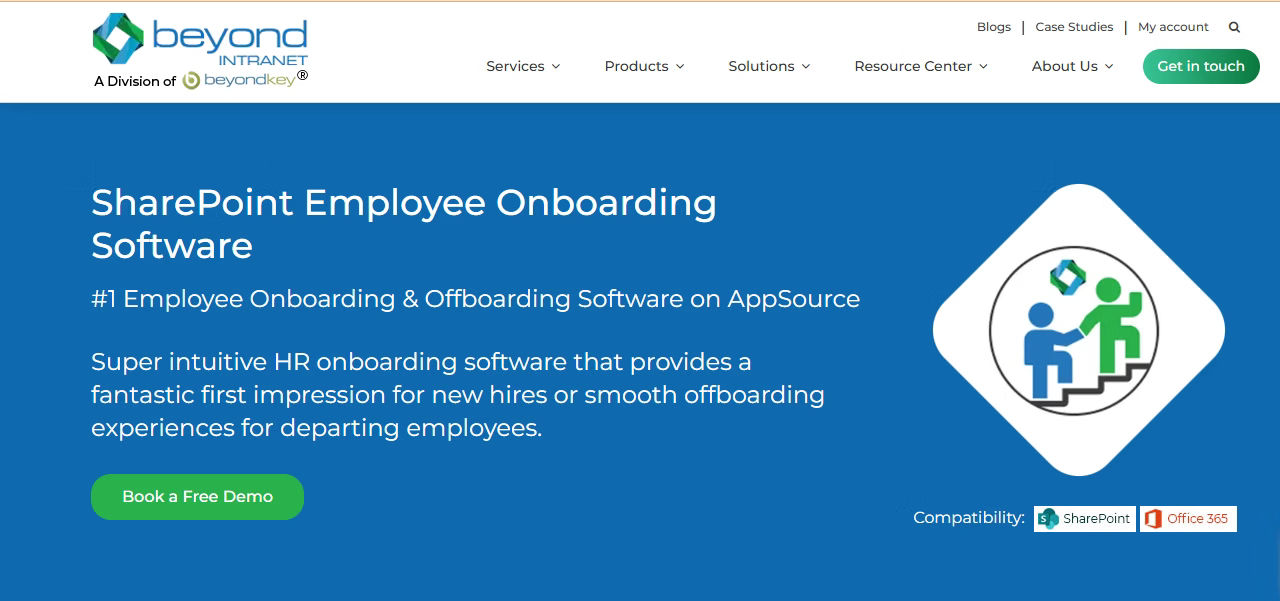
Beyond Intranet’s Employee Onboarding 365 is a Microsoft 365 and SharePoint-based onboarding solution designed to automate and streamline the entire employee onboarding journey. It helps HR, managers, IT teams, and new hires stay aligned through structured workflows, task automation, and a centralized onboarding experience.
Best for: Organizations using Microsoft 365 that want a scalable, automated onboarding solution with seamless collaboration across HR, IT, and business teams.
Key Features:
- Automated onboarding workflows with role-based task assignments
- Employee self-service portal for document submission and task completion
- Pre-boarding, onboarding, and offboarding process management
- Real-time dashboards for tracking onboarding progress and task status
- Integration with Microsoft 365, SharePoint, Teams, and Outlook
- Automated notifications, reminders, and approval workflows
Limitation: Primarily designed for organizations within the Microsoft 365 ecosystem; businesses using non-Microsoft environments may require additional integrations for a fully connected onboarding experience.
7.Zoho People
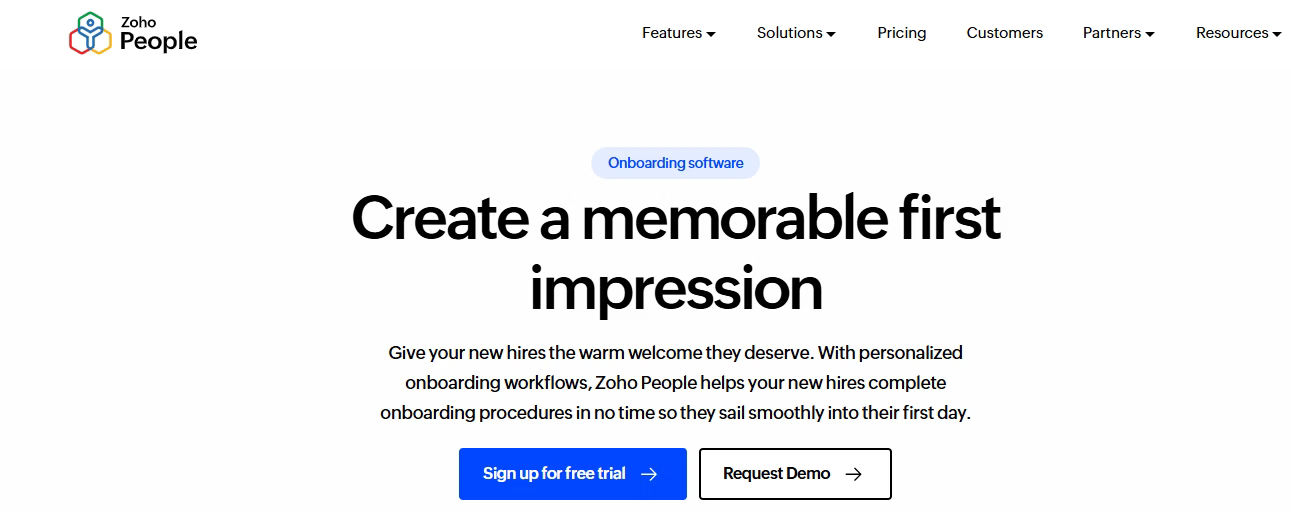
Zoho People extends its cloud-based HR management platform with onboarding capabilities, helping HR teams automate employee onboarding, document collection, and task management from a single system. It is a strong choice for organizations already using the Zoho ecosystem and looking for an integrated HR solution.
Best for: Small to mid-sized businesses seeking an affordable, all-in-one HR platform with onboarding and employee lifecycle management capabilities.
Key Features:
- Automated onboarding workflows with task assignments and approvals
- Digital document collection and e-signature support
- Employee self-service portal for completing onboarding activities
- Customizable onboarding checklists for different roles and departments
- Integration with Zoho applications such as Recruit, Payroll, and People
- Automated email notifications and reminders for stakeholders
Limitation: While effective for HR process management, onboarding customization and collaboration capabilities may be less advanced than dedicated onboarding platforms designed specifically for enterprise-scale onboarding experiences.
8 Monday.com HR
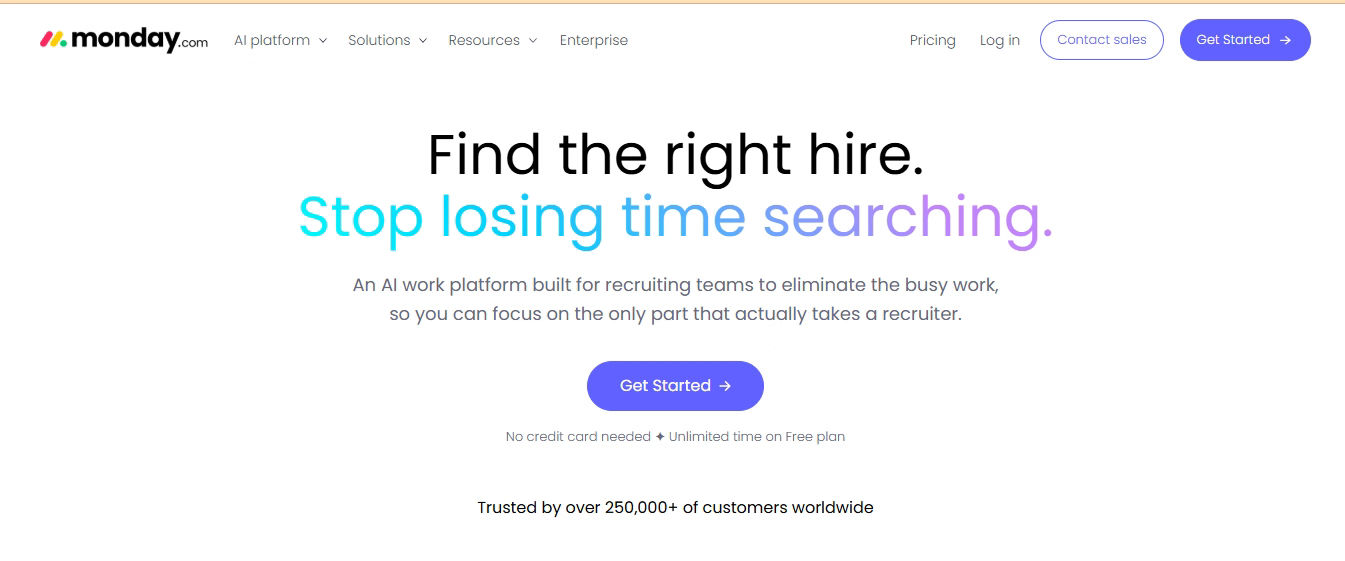
Monday.com HR adapts its work management platform to onboarding, giving HR teams a visual, highly customizable workspace to build and track onboarding workflows. It works well for teams that already use Monday.com and want to extend it into HR.
Best for: Operations and HR teams that want a flexible, no-code workflow builder for onboarding management.
Key Features:
- Visual onboarding boards with task tracking and deadlines
- Customizable templates for different roles and departments
- Automation rules for task assignment and notifications
- Integration with Slack, Gmail, Zoom, and 200+ tools
- Timeline views for tracking new hire progress at a glance
Limitation: Not built specifically for HR; lacks native compliance, document management, and HRIS capabilities.
9. HiBob
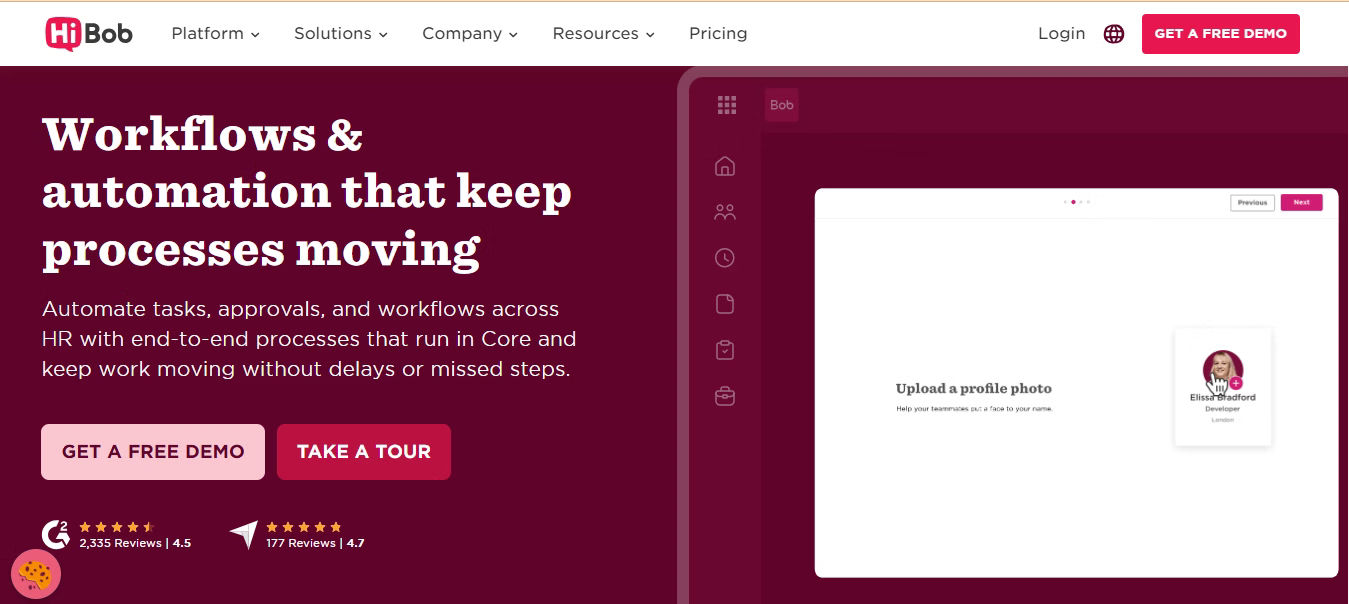
HiBob is a modern HR platform that combines onboarding, employee engagement, and people management into a single solution. Its onboarding tools help HR teams create personalized employee journeys, automate administrative tasks, and provide a welcoming experience for new hires from day one.
Best for: Growing and mid-sized organizations looking for a people-first HR platform that combines onboarding, engagement, and workforce management.
Key Features:
- Customizable onboarding workflows tailored to roles, locations, and teams
- Automated task assignments and reminders for HR, managers, and new hires
- Digital document management and e-signature capabilities
- Personalized onboarding experiences with welcome pages and introductions
- Employee self-service portal for completing onboarding activities
- Onboarding progress tracking and reporting dashboards
- Social features that help new employees connect with colleagues and company culture
Limitation: HiBob’s onboarding capabilities are part of a broader HR platform, which may result in higher costs for organizations seeking a standalone onboarding solution. Advanced customization and integrations may also require additional setup and administrative effort.
10.HROnboard
HROnboard is a dedicated top employee onboarding tool designed to automate and orchestrate onboarding journeys across HR, IT, facilities, and hiring managers. It focuses on delivering consistent, engaging onboarding experiences while reducing manual administrative work through workflow automation.
Best for: Mid-sized and enterprise organizations seeking a specialized onboarding solution with strong workflow automation and cross-departmental coordination.
Key Features:
- End-to-end onboarding workflows with automated task orchestration
- Personalized onboarding journeys based on role, department, and location
- Digital forms, document collection, and compliance management
- Automated notifications, reminders, and approval processes
- Integration with HRIS, payroll, IT, and identity management systems
- New hire portals with onboarding resources and company information
- Real-time tracking and reporting of onboarding progress
- Preboarding capabilities to engage employees before their first day
Limitation: As a specialized onboarding platform, HROnboard may require integration with existing HR systems for complete employee lifecycle management and can involve a longer implementation process compared to simpler HR software solutions.
Top Employee Onboarding Tool Comparison: Feature Matrix
Use this table to compare the top 10 employee onboarding tools side by side across the features that matter most to HR teams.
| Tool | Workflow Automation | Role-Based Paths | Compliance Docs | HRIS Integration | Analytics | Mobile | Pricing |
| Employee Onboarding 365 | ✅ Advanced | ✅ Yes | ✅ Full | ✅ Native M365 | ✅ Real-time | ✅ Yes | $$ |
| BambooHR | ✅ Basic | ✅ Yes | ✅ Yes | ✅ Yes | ⚠️ Limited | ✅ Yes | $$ |
| Workday | ✅ Advanced | ✅ Yes | ✅ Full | ✅ Native | ✅ Advanced | ✅ Yes | $$$$ |
| Rippling | ✅ Advanced | ✅ Yes | ✅ Yes | ✅ Yes | ✅ Yes | ✅ Yes | $$$ |
| Sapling | ✅ Good | ✅ Yes | ⚠️ Limited | ✅ Yes | ✅ Yes | ✅ Yes | $$$ |
| Gusto | ⚠️ Basic | ❌ No | ✅ US only | ⚠️ Limited | ⚠️ Basic | ✅ Yes | $ |
| Greenhouse | ✅ 3Good | ✅ Yes | ⚠️ Limited | ✅ Yes | ⚠️ Limited | ✅ Yes | $$$ |
| ADP Workforce Now | ✅ Advanced | ✅ Yes | ✅ Full | ✅ Native | ✅ Yes | ✅ Yes | $$$$ |
| Zenefits | ⚠️ Basic | ❌ No | ✅ Yes | ⚠️ Limited | ⚠️ Basic | ✅ Yes | $$ |
| Monday.com HR | ✅ Flexible | ✅ Custom | ❌ No | ⚠️ Limited | ⚠️ Basic | ✅ Yes | $$ |
👉 Need a smarter way to onboard employees?
Automate onboarding tasks, improve collaboration, and deliver a seamless experience for every new hire.
How to Roll Out an Top Employee Onboarding Tool Successfully
Choosing the right tool is only half the battle. The way you implement it determines whether new hires actually use it and whether HR teams stick with it. Here is how top-performing HR teams deploy onboarding tools effectively.
1. Map your current onboarding process first
Before configuring any tool, document every step of your existing onboarding process. Identify which tasks are manual, which are delayed, and where new hires get confused. This gives you a clear picture of what needs to be built into the tool and what can be removed entirely.
2. Get IT and HR aligned before launch
The top employee onboarding tool failures happen when HR builds the tool in isolation and IT is surprised on launch day. Bring both teams in early to agree on access controls, system integrations, and data security requirements before any workflow is built.
3. Build role-specific onboarding paths
Resist the urge to create one universal onboarding checklist. Engineers, sales reps, and customer support staff have entirely different day-one needs. Build separate paths for each major role or department so new hires only see what is relevant to them.
4. Test the new hire experience before going live
Create a test account and walk through the entire onboarding journey as if you were a new hire. Check every task, document, and notification. If anything feels unclear or is missing, fix it before your next hire experiences it.
5. Train managers, not just HR
Hiring managers play a critical role in onboarding but are often left out of tool training. Make sure every manager knows how to view their new hire’s onboarding progress, assign tasks, and send check-in reminders directly from the tool.
6. Collect feedback after every onboarding cycle
Send a short pulse survey at the end of week one and again at the 30-day mark. Ask new hires what was clear, what was confusing, and what was missing. Use that data to update your workflows every quarter.
👉 Ready to build a structured onboarding workflow?
See how a centralized onboarding platform can save time and improve compliance.
Metrics That Prove Your Employee Onboarding Tool Is Working
Investing in an top employee onboarding tool is only justified if you can measure its impact. These are the metrics HR teams should track from day one to demonstrate ROI and continuously improve the onboarding experience.
- Time to productivity — How quickly does a new hire reach full output in their role? A well-implemented onboarding tool should reduce this by 20–40% within six months.
- Onboarding task completion rate — What percentage of required tasks do new hires complete within their first week? Aim for above 90%.
- New hire retention at 90 days — Early attrition is expensive. Track how many new hires are still with the company at the 90-day mark and whether your onboarding tool correlates with improvement.
- New hire satisfaction score — Use a simple pulse survey at 30 and 90 days to measure how supported and prepared new hires feel.
- HR hours saved per hire — Calculate how many manual hours your team spent on onboarding tasks before and after implementation. This is usually the clearest ROI number to present to leadership.
- Compliance completion rate — What percentage of required compliance documents are completed on time? This number should be at or near 100% with a good tool.
- Manager satisfaction with onboarding visibility — Ask hiring managers quarterly whether they have clear visibility into their new hire’s progress. If yes, the tool is working.
Conclusion
The right top employee onboarding tool does more than manage paperwork. It sets the tone for a new hire’s entire experience at your company, determines how quickly they become productive, and directly influences whether they stay past the 90-day mark.
The 10 tools covered in this guide represent the strongest options available in 2026. Each has a specific use case where it excels. But if your organization runs on Microsoft 365 and you want an onboarding platform that integrates natively, automates every step, and scales as you grow, Employee Onboarding 365 by Apps365 is the clear choice.
Start with a clear picture of what your team needs, test the new hire experience before committing, and measure the right metrics from day one. Done well, onboarding is not a cost center — it’s a competitive advantage.
👉 See Top Employee Onboarding tool 365 in action
See how teams save time with automated workflows and task tracking.
Personalized Demo Today
Frequently Asked Questions
What is an meant by top employee onboarding tool?
Top employee onboarding tool is software that manages and automates the process of integrating new hires into an organization. It typically covers pre-boarding paperwork, compliance document collection, task assignment, training delivery, system access provisioning, and progress tracking — replacing spreadsheets and manual follow-ups with structured, automated workflows.
What is the best top employee onboarding tool for Microsoft 365?
Employee Onboarding 365 by Apps365 is the leading choice for organizations running Microsoft 365. It integrates natively with SharePoint, Teams, Outlook, and Azure AD, eliminating the need for third-party logins or separate platforms. HR teams get full workflow automation, compliance tracking, and real-time dashboards without leaving the Microsoft ecosystem.
How long does it take to implement an employee onboarding tool?
Implementation time varies by platform complexity and company size. Lightweight tools like Gusto can be set up in a few days. Mid-market platforms like Employee Onboarding 365 or BambooHR typically take one to three weeks for a full rollout including workflow configuration, integrations, and team training. Enterprise platforms like Workday can take several months.
What features should I look for in an top employee onboarding tool?
The most important features are workflow automation, role-based onboarding paths, compliance document management, HRIS integration, mobile accessibility, and analytics. Beyond features, evaluate the quality of customer support, how long the vendor has been in market, and the total cost of ownership including setup fees and per-seat pricing.
Can an top employee onboarding tool help with remote hiring?
Yes. A well-designed top employee onboarding tool is especially valuable for remote and hybrid teams. It enables pre-boarding before the start date, delivers training and policies digitally, connects new hires with team members through structured introductions, and tracks progress without requiring in-person check-ins. Look for tools with strong mobile support and async-friendly workflows.
How does an top employee onboarding tool improve retention?
Poor onboarding is one of the most common reasons new hires leave within the first 90 days. An onboarding tool improves retention by giving new hires a clear, structured path from day one, reducing confusion and delays, connecting them to team culture early, and ensuring they have everything they need to contribute quickly. Companies with structured onboarding see significantly higher 90-day retention rates than those relying on ad hoc processes.


_JiluXJRGNl.svg)























