
SharePoint Kanban Task Manager: Your Path to Smooth Work in 2026

Modern work moves fast. Teams handle more tasks, more tools, more deadlines and more pressure than ever. In the middle of all this, leaders and project owners face one big question: “How can we keep everything organized without slowing down our teams?”
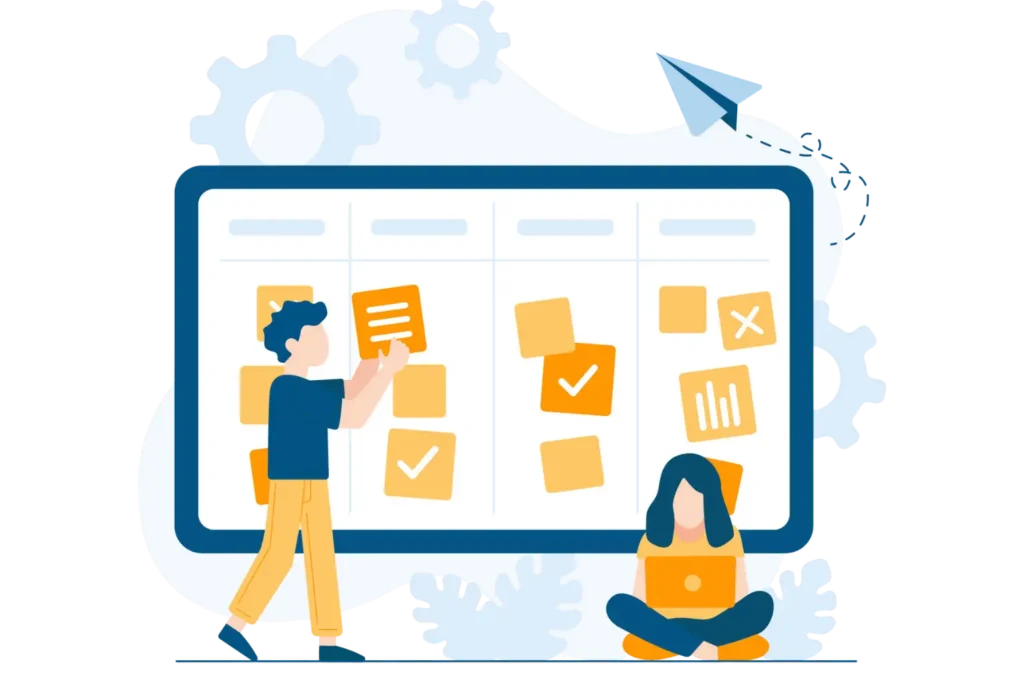
A SharePoint Kanban Task Manager makes work easier by turning tasks into a clear, visual board inside Microsoft 365. Instead of searching through emails or long lists, teams can quickly see what needs to be done, what is in progress and what is finished. Everything stays organized, easy to follow and simple to update.
The tool helps everyone stay on the same page with clear priorities, task owners, deadlines. It works for any team and connects with Microsoft tools like Teams, Power Automate and AI features. With one shared view and a smooth task flow, work feels less stressful and more productive.
The is where SharePoint Kanban Task Manager provides its users with an effective solution through its features. The system combines SharePoint’s established interface with Kanban systems visual representation, which enables teams to work more effectively by reducing their confusion and increasing their confidence levels.
Did you know?
- When teams switch from using lists to Kanban-style boards, they report better workflow visibility, according to 85% of teams.
- The task management tools of Microsoft 365 users enable about 75% of users to achieve better productivity when they achieve full compatibility with their existing systems.
What is a SharePoint Kanban Task Manager?
A SharePoint Kanban Task Manager is a visual task system built inside SharePoint. It lets teams create tasks, move them through stages and track progress using a clean Kanban layout. Think of it as:
- A simple board
- Inside the SharePoint environment
- With drag-and-drop ease
- That everyone can understand immediately
The traditional tasklist system creates problems for users because its design causes task tracking to become difficult. Kanban displays work assignments through dynamic movement and different colors and clear visual elements. The tool enables teams to establish operational processes which function without any complications.
Why Kanban + SharePoint is a Winning Combo
Teams choose this system because it fits naturally into how work already happens inside Microsoft 365. Here is why it feels like the right move for many organizations:
1. Fits Into Your Microsoft Ecosystem:
Your organization uses Microsoft software products which handle all its requirements without needing new software or login credentials. The system operates entirely within SharePoint which enables users to manage their work tasks while using their existing Microsoft task management tools.
2. Makes Work Visual and Easy to Follow:
The system displays all ongoing work activities through visual content which users can track easily.
3. Helps Teams Focus and Think Clearly:
Kanban boards eliminate all unnecessary information which helps teams stay focused on their essential objectives. The system displays only what is vital to show which information needs to be processed. The system reduces anxiety levels while enabling all parties to maintain their shared understanding.
4. Works for Any Team or Industry:
The system enables organizations to handle all their operational requirements, which include managing IT tickets, HR onboarding and marketing plans and construction projects and customer service operations.
5. Scales With Growth:
As your team expands, your board grows with you no problems, no disorder
Why This System Makes Work Smooth and Predictable
The main promise of a SharePoint Kanban Task Manager is simple:
- You always know what is happening.
- Everyone on your team is clear on the next step.
- Nothing gets lost.
Kanban boards create structure in work environments which experience their highest level of activity. The system provides you with a visual flow which leads your day through work activities instead of using multiple scattered spreadsheets and perpetual email exchanges and ambiguous task responsibilities.
How It Enhances SharePoint Task Management
SharePoint already allows teams to store lists, documents, and project details. But lists alone are not enough to manage modern workflows. Here is where Kanban fills the gap:
Adds a visual system on top of SharePoint lists
- Turns simple task items into rich cards
- Lets teams drag tasks through stages easily
- Shows status, deadlines, assignees, and priorities all in one view
This creates a more complete sharepoint task management experience, one that supports both structure and flow.
Connecting With Microsoft Task Management:
Many teams use Planner, To Do, Teams, or Project. But each tool handles work differently. The beauty of a SharePoint Kanban Task Manager is that it fits right in. It supports:
- Microsoft Teams collaboration
- Microsoft 365 permissions
- Document linking and versioning
- Power Automate workflows
- Task management 365 routines
Instead of switching apps or juggling multiple dashboards, teams manage everything in one familiar place. This cuts down on confusion and boosts adoption, because people love tools that feel natural.
Rise of AI Task Management
AI is becoming a standard part of workplace productivity. And while not all Kanban tools have built-in AI, SharePoint-based Kanban systems easily integrate with:
- AI tagging and task suggestions
- AI-driven prioritization
- AI-enhanced reporting
- Automations powered by Microsoft Copilot
This unlocks modern ai task management features inside an environment your team already uses.
How This Tool Lifts Your Entire Workflow
When your team starts using this system, everything just feels easier. You can:
- Work faster because tasks are clear, visual, and simple to manage
- Cut out manual steps with smart automation that saves time every single day
- You need to identify potential risks at the beginning to prevent unexpected issues from derailing your projects.
- Your organization needs to maintain goal alignment between team members while allowing all staff members to work toward the same objectives.
This is where real power shows up. Your Kanban board transitions into a daily operational guide which helps your team maintain their focus and control their work.
What Makes This Tool a Path to Smooth Work?
A truly smooth workday is not about doing more, it is about feeling in control. This tool helps create that experience by giving your team exactly what they need to stay confident and focused. Work becomes smoother when:
- You can see everything clearly, without searching through emails or guessing what is next
- There are no surprises, because tasks, deadlines, and updates are always in front of you
- Tasks move forward naturally, with a simple flow that guides your day step by step
- Everyone knows what to do, so there is no confusion, no waiting and no slowdowns
- The whole team feels in control, working with calm, clarity and shared purpose
SharePoint Kanban Task Manager makes all this possible
1. Predictable Flow:
The system executes tasks in a predetermined sequence which follows a defined path through all stages of its process. The process provides a direct route which leads from the beginning to the end without any possibilities for misunderstanding.
2. Clear Ownership:
The organization established definite responsibility assignments for all tasks which need to be completed. The system eliminates the need for people to ask about ongoing work because it provides complete visibility of all current projects.
3. Fewer Slowdowns:
When something experiences a decrease in speed. The board displays all operational problems which need immediate attention before they become more serious issues.
4. Healthy Work Pace:
Teams stop handling too many things at once. The board encourages focus, helping everyone work smarter.
5. Stronger Collaboration:
The entire team shares access to identical board content which contains all current updates and the organization of their priorities. The system functions as your team’s primary base of operations because it establishes one definitive source of information which connects all team members.
Why Teams Love Kanban
People do not just want another tool. They want a tool that reduces stress, brings confidence, and makes their day feel lighter and more in control. A kanban board delivers exactly that by giving teams:
- Clarity – everything is visible and easy to follow
- Control – tasks stay organized and easy to manage
- Peace of mind – nothing gets missed
- sense of progress – every move forward feels rewarding
- Team unity – everyone works from the same view, the same plan
There is something powerful about it:
- It feels good to drag a task forward.
- It feels good to see the board clean and organized.
- It feels good when your day flows the way it should.
Who Benefit the Most
Project Managers:
They get real-time visibility and predictable outcomes.
Team Leads:
They can guide the team without micromanaging.
Executives:
They see progress at a high level without searching through reports.
Employees:
They enjoy simple, stress-free work planning.
IT Teams:
They love using tools already inside the Microsoft ecosystem.
Why Now Is the Time to Switch
Work today is changing fast, and your tools need to keep up. Here is why this moment matters:
- Work is speeding up, and teams handle more tasks than ever
- Deadlines are tighter, leaving less room for confusion
- Team demands are growing, and expectations are higher
- Leaders need simpler tools, not more complicated systems
A SharePoint Kanban Task Manager gives your team exactly what they need by bringing everything together in one simple, powerful system:
- Clear path so every person knows what to do next
- Smoother day with less stress and fewer surprises
- Predictable flow that keeps work moving naturally
- Sense of achievement as progress becomes easy to see
- Better way to work that lifts confidence and productivity
Conclusion
If your team feels pulled in too many directions, a SharePoint Kanban Task Manager can make work feel easier right away. It gives you a clean and simple way to see tasks, stay organized, keep projects moving. It also works smoothly with sharepoint task management, microsoft task management, task management 365 and new ai task management tools, so everything fits into the system you already use.
Ready to See It in Action?
Book a 14 days free trial demo and see how Task Management 365 with a SharePoint Kanban Task Manager can create a smooth, organized workflow for your team.
Join Our Creative Community
Frequently Asked Questions
What is SharePoint Kanban Task Manager?
It is a visual task tool inside SharePoint that helps teams organize, track, and complete tasks using a simple board layout.
Do I need extra software to use?
No. It works inside your existing Microsoft 365 and SharePoint environment.
Can small teams use it?
Yes. It works for both small groups and large enterprise teams.
How does it help with workflow?
It creates a clear visual path that shows what is pending, in progress or done, making work smoother and more predictable.
Does it support AI?
It easily integrates with Microsoft AI tools like Power Automate and Copilot for automated, smart task suggestions.
Is it hard to learn?
Not at all. Most users understand it within minutes because the board is simple and intuitive.


_JiluXJRGNl.svg)























