
12+ Best Small Business Expense Tracking Apps: Expert's Pick (2027)
Keep your expenses and reimbursements in check with an easy-to-use tool that simplifies your business finances.


What is small business expense tracking?
Small business expense tracking is the process of recording, categorizing, and managing every business expense, including office supplies, software subscriptions, marketing costs, travel, and payroll. It gives small business owners a clear view of where money is being spent and helps improve budgeting, tax preparation, and financial decision-making.
Why tracking expenses matters for small businesses?
Tracking expenses helps small businesses understand where their money goes, control unnecessary spending, and make smarter financial decisions. It also creates accurate records for budgeting, tax filing, reimbursements, and financial planning.
Key Benefits
- Better Cash Flow Control: Track business spending to manage available funds and prepare for upcoming expenses.
Smarter Budget Planning: Understand spending patterns, identify unnecessary costs, and allocate budgets more effectively.
Easier Tax Preparation: Keep receipts and expense records organized for accurate reporting and tax filing.
Reduced Unnecessary Spending: Identify duplicate payments, unused subscriptions, and purchases that exceed budgets.
Faster Employee Reimbursements: Simplify expense submissions and approvals so employees receive payments without unnecessary delays.
Clearer Financial Visibility: Get a complete picture of expenses across departments, projects, and employees.
Fewer Errors and Fraud Risks: Use digital records and approval workflows to catch mistakes and flag suspicious transactions.
Greater Business Scalability: Make informed financial decisions with accurate expense data as your business grows.
Top 15 Small Business Expense Tracking Solutions for in 2027
The right expense tracking software makes it easier to record transactions, automate approvals, manage receipts, and monitor spending in one place. With features like AI-powered receipt scanning, real-time expense reporting, and automated workflows, small businesses can save time and gain better control over their finances.
But with so many options available, finding the right solution can be difficult.
To make your decision easier, we have put together a list of the top 20 expense tracking solutions for small businesses in 2027, comparing their key features, benefits, and suitability for different business needs.
To help you navigate the world of expense tracking, we’ve compiled a list of the 20 best expense tracking software for 2025. These tools will empower you to track business expenses, gain insights into your finances, and optimize your overall accounting processes.
1. Expense Tracker 365
_Uz9SZfkEec.png)
Expense 365 is an AI-powered expense tracking software built directly into Microsoft 365, integrating seamlessly with Teams, Outlook, and SharePoint. It simplifies financial management for small and growing businesses through AI receipt scanning, automated approval workflows, mileage tracking, and real-time reporting. By eliminating manual spreadsheets, it empowers finance teams to effortlessly monitor spending, process employee reimbursements, and maintain accurate financial records with significantly less administrative work.
Expert Opinion:
For small businesses looking to simplify expense management, Expense 365 stands out as the ultimate choice, especially for teams already using Microsoft 365. With AI-powered receipt scanning, automated approvals, and real-time spending insights, it brings essential expense management capabilities together in one place at an affordable price.
Key Features
AI-Powered Receipt Scanning: Automatically extracts expense details from receipts, reducing manual data entry.
Automated Expense Approvals: Simplifies expense reviews with customizable approval workflows.
Employee Reimbursement Tracking: Helps employees submit claims and track reimbursement status.
Corporate Card Tracking: Keeps business card transactions and employee expenses organized.
Mileage Tracking: Records business travel expenses and calculates mileage reimbursements.
Real-Time Expense Reporting: Provides clear visibility into spending across employees, departments, and projects.
Budget Tracking: Helps businesses monitor expenses and avoid overspending.
Expense Policy Management: Ensures employee expenses follow company spending guidelines.
Multi-Currency Support: Simplifies expense tracking for businesses handling international transactions.
Benefits of Expense 365
- Saves Time: Automates receipt capture, expense submission, and approvals to reduce repetitive work.
- Improves Spending Control: Helps businesses track budgets and identify unnecessary expenses.
- Speeds Up Reimbursements: Simplifies claim reviews and reduces approval delays.
- Improves Financial Visibility: Gives finance teams a clearer understanding of spending across the business.
- Supports Compliance: Maintains approval records and expense documentation for easier audits.
- Supports Business Growth: Accommodates expanding teams, departments, and expense management requirements.
Pros
- AI-powered receipt scanning reduces manual entry.
- Customizable approval workflows.
- Centralized expense tracking and reporting.
- Supports mileage tracking and multiple currencies.
- Integrates with Microsoft Teams and SharePoint.
- Offers a 14-day free trial.
Cons
- Best suited for businesses already using Microsoft 365.
Hear From Our Delighted Clients – G2 Platform
“Expense 365 is a great app with excellent support. The advanced features make it a complete tool & has really improved our expense tracking and reporting workflow.”
Pricing
Starting at $3 per user/month
Still Wasting Hours on Receipts, Expense Claims, and Reimbursement Approvals?
Stop letting manual expense tracking slow down your small business. Expense 365 automates receipt scanning, approvals, and reimbursement tracking, so you can save time, reduce errors, and focus on growing your business.
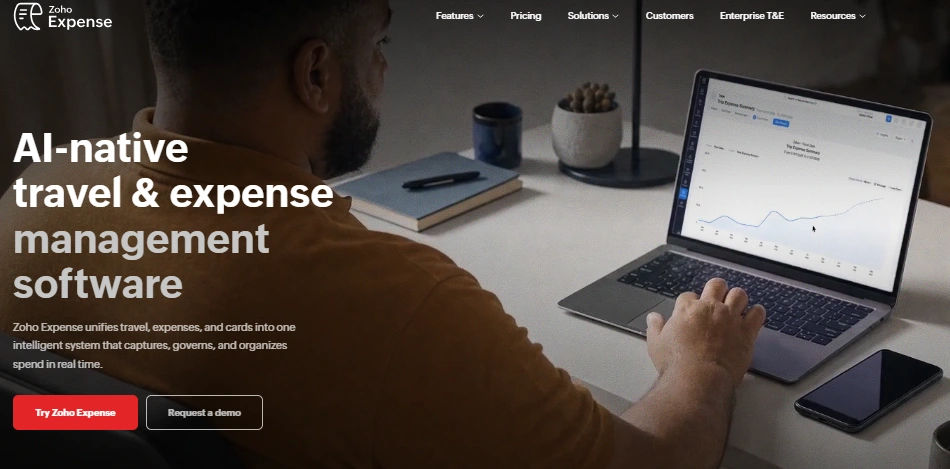
Zoho Expense is an expense tracking platform that helps businesses track spending, scan receipts, and automate reimbursements. It supports expense approvals, corporate card tracking, and travel expense management. Businesses can also use its reporting tools to monitor budgets and understand employee spending patterns.
Key Features
- AI-powered receipt scanning and expense categorization.
- Automated expense approvals and reporting.
- Corporate card transaction reconciliation.
- Mileage and per diem tracking.
- Budget monitoring and policy compliance.
Pros
- Offers a free plan for small teams.
- Supports expense tracking across different currencies.
- Integrates with other Zoho business applications.
Cons
- Receipt scanning limits depend on the subscription plan.
- Advanced features may require higher-tier subscriptions.
- Setting up detailed approval and policy rules may take time.
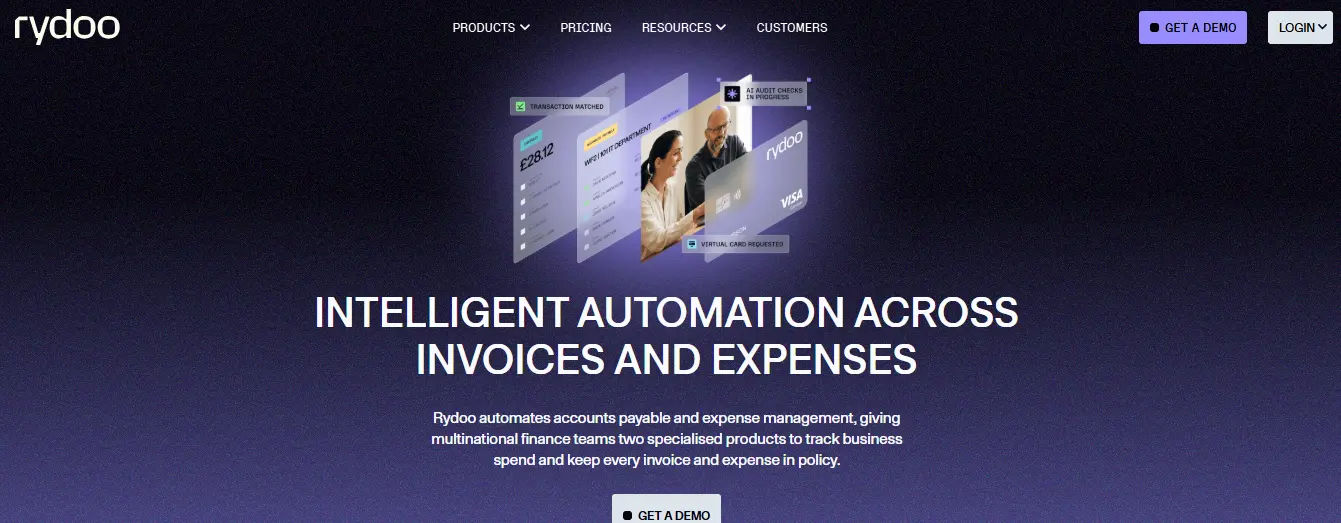
Rydoo is an expense management solution that helps businesses automate receipt processing, expense approvals, and reporting. Employees can capture expenses using their phones, while finance teams can monitor spending and identify policy violations. It is especially useful for organizations handling expenses across multiple countries.
Key Features
- AI-powered receipt scanning.
- Automated expense approvals.
- Mileage and per diem calculations.
- Corporate card reconciliation.
- Real-time expense reporting and policy monitoring.
Pros
- Simplifies employee expense submissions.
- Supports international expense management requirements.
- Helps identify suspicious or non-compliant expenses.
Cons
- Advanced functionality may be unnecessary for very small teams.
- Requires setup for customized spending policies.
- Certain advanced features are offered as add-ons.
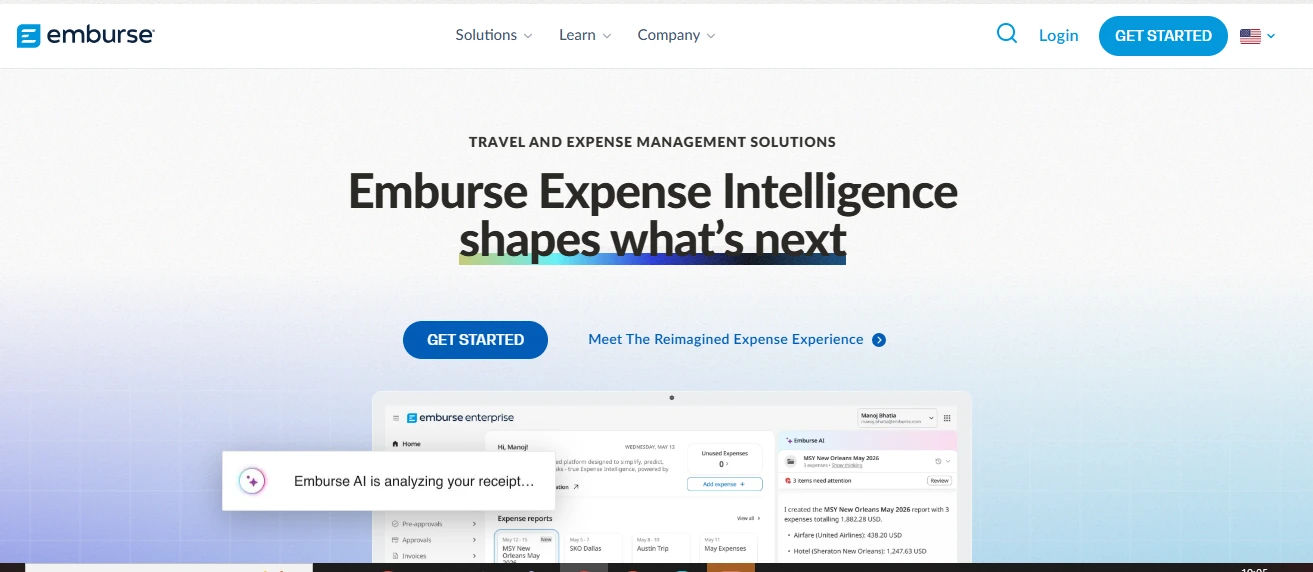
Emburse offers expense tracking for small businesse. Its Emburse Spend platform helps small businesses manage receipts, corporate cards, employee reimbursements, and spending policies. Finance teams can monitor transactions as they happen and reduce manual work during expense reconciliation.
Key Features
- AI-powered receipt capture and matching.
- Corporate and virtual card management.
- Automated expense policy enforcement.
- Employee reimbursements and approval workflows.
- Real-time expense reporting and accounting integrations.
Pros
- Provides real-time visibility into spending.
- Supports multiple corporate card programs.
- Automates receipt matching and expense approvals.
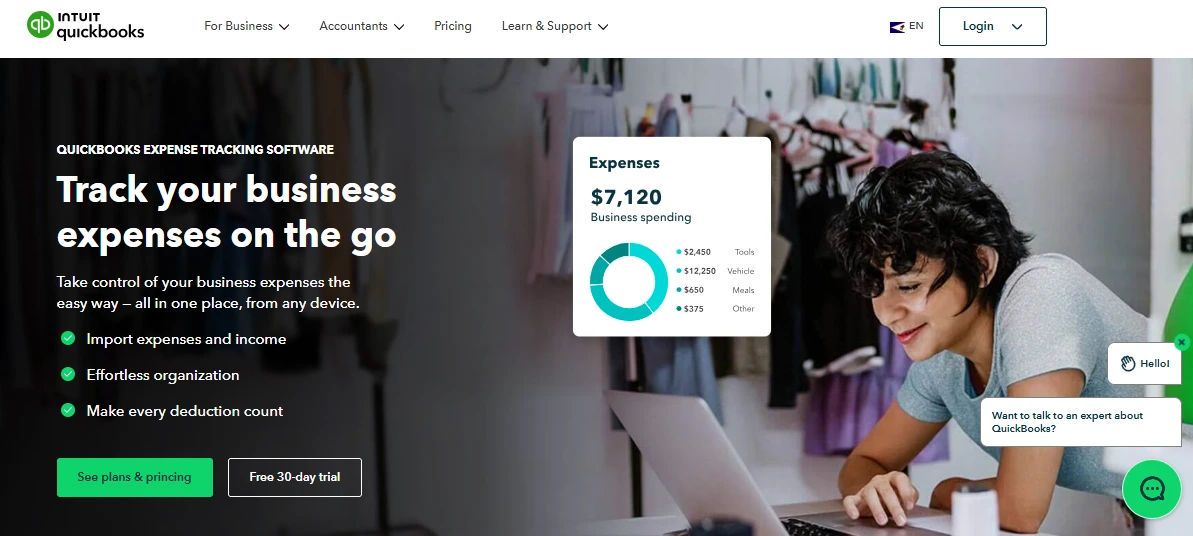
QuickBooks Online is an accounting platform that helps small businesses manage income, expenses, and financial reporting. It automatically imports transactions from connected bank accounts and allows users to organize receipts digitally. Businesses can categorize expenses, monitor cash flow, and maintain financial records for tax preparation.
Key Features
- Automatic bank and credit card transaction imports.
- Mobile receipt capture and matching.
- Expense categorization for tax reporting.
- Cash flow tracking and financial reports.
- Accounting and bookkeeping automation.
Pros
- Combines expense tracking and accounting.
- Helps businesses organize tax-related records.
- Provides visibility into income and expenses.
Cons
- Dedicated expense approval capabilities vary by plan.
- Additional features and integrations may increase costs.
- May require accounting knowledge for advanced workflows.
FreshBooks is an accounting and invoicing platform designed for small businesses, freelancers, and service providers. It helps users record business expenses, organize receipts, and track spending alongside client invoices. Businesses can also assign expenses to projects and identify costs that need to be billed back to customers.
Key Features
- Digital receipt scanning and storage.
- Automatic expense categorization.
- Recurring expense tracking.
- Project-based and billable expense management.
- Expense reports and accounting tools.
Pros
- Simple interface for small business owners.
- Combines invoicing with expense tracking.
- Useful for tracking client-related expenses.
Cons
- Not designed primarily for complex employee reimbursement workflows.
- Advanced corporate spending controls are limited.
- Some accounting features depend on the subscription plan.
SAP Concur Expense is an expense management platform that helps businesses automate expense submissions, approvals, and reimbursements. It connects employee spending with financial systems and provides tools to enforce expense policies. The software supports organizations that need structured workflows, detailed reporting, and travel expense management.
Key Features
- AI-powered receipt scanning through ExpenseIt.
- Automated expense approvals and policy checks.
- Corporate card transaction integration.
- Travel expense management.
- Expense reporting and analytics.
Pros
- Supports complex expense management processes.
- Offers extensive accounting and ERP integrations.
- Provides detailed expense reporting and compliance controls.
Cons
- Advanced configurations may require additional setup.
- Some capabilities are available only in higher-tier plans.
- May be more complex than necessary for basic small-business expense tracking.
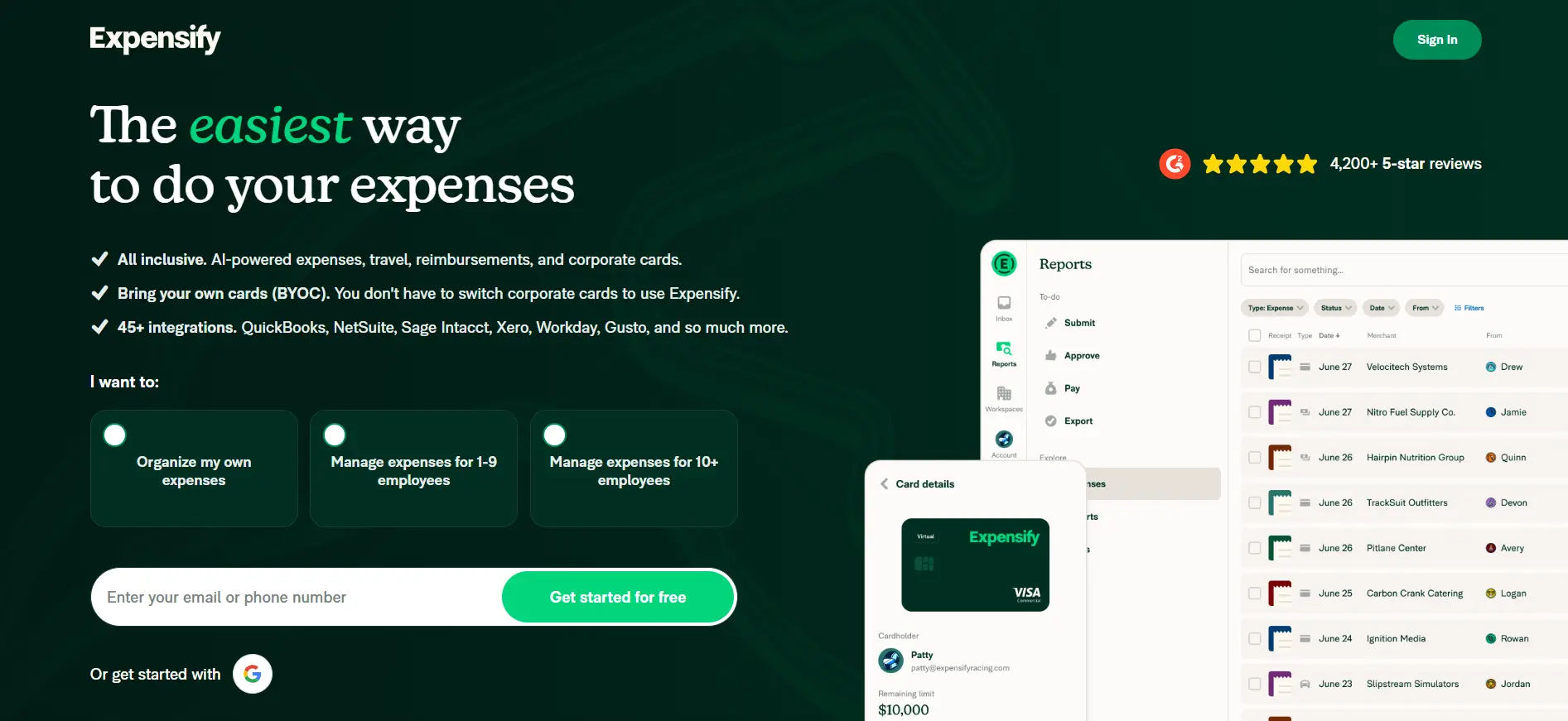
Expensify is an expense management solution that helps to Track business expenses, capture receipts and manage employee reimbursements. Its automated features reduce the need for manual expense reporting. Employees can submit expenses through the mobile app, while finance teams can review transactions and sync approved expenses with accounting software.
Key Features
- SmartScan receipt capture and data extraction.
- Automated expense reporting and approvals.
- Corporate card transaction reconciliation.
- Employee reimbursements in supported countries.
- Accounting software integrations.
Pros
- Simple mobile receipt scanning.
- Reduces manual expense submissions.
- Supports corporate and employee-paid expenses.
Cons
- Advanced features may require paid plans.
- Some payment features depend on geographic availability.
- Pricing and card-related benefits may require careful evaluation.
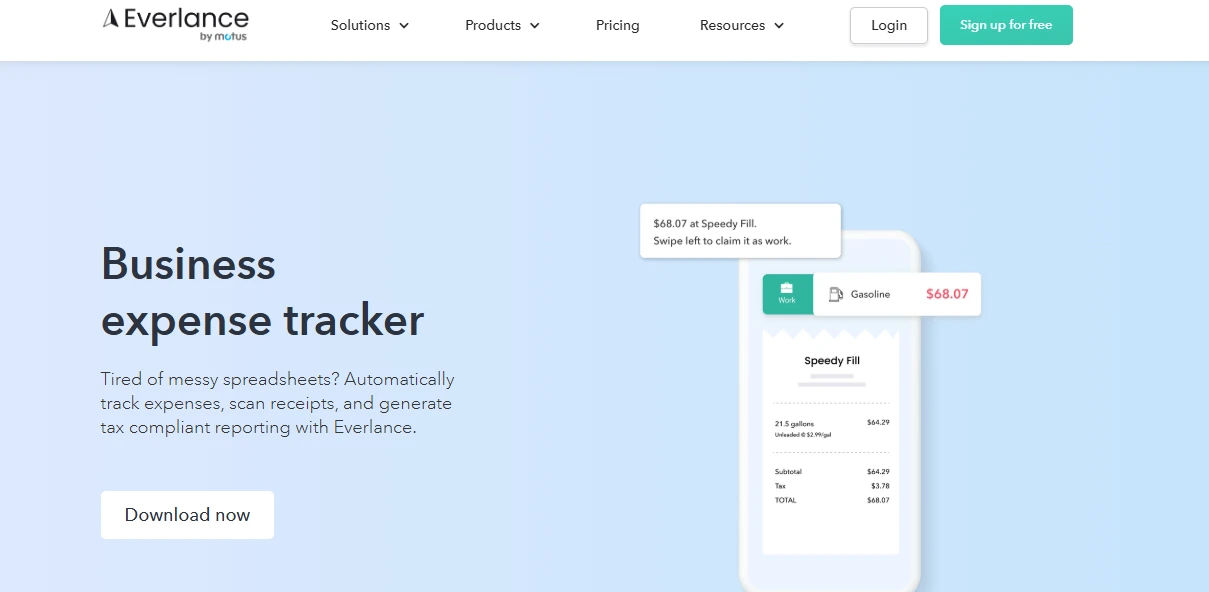
Everlance is an expense and mileage tracking application designed for businesses, independent contractors, and self-employed professionals. It automatically records business trips and helps users organize expenses for reimbursements and tax reporting. It is especially helpful for companies with employees who frequently drive for work.
Key Features
- Automatic GPS-based mileage tracking.
- Business expense categorization.
- Bank and credit card transaction imports.
- Receipt capture and storage.
- Mileage reimbursement reports and team dashboards.
Pros
- Strong mileage tracking capabilities.
- Helps separate personal and business expenses.
- Useful for mobile employees and independent contractors.
Cons
- Less suitable for complex purchasing and procurement processes.
- Advanced corporate card controls are not its main focus.
- GPS tracking can depend on mobile permissions and device settings.
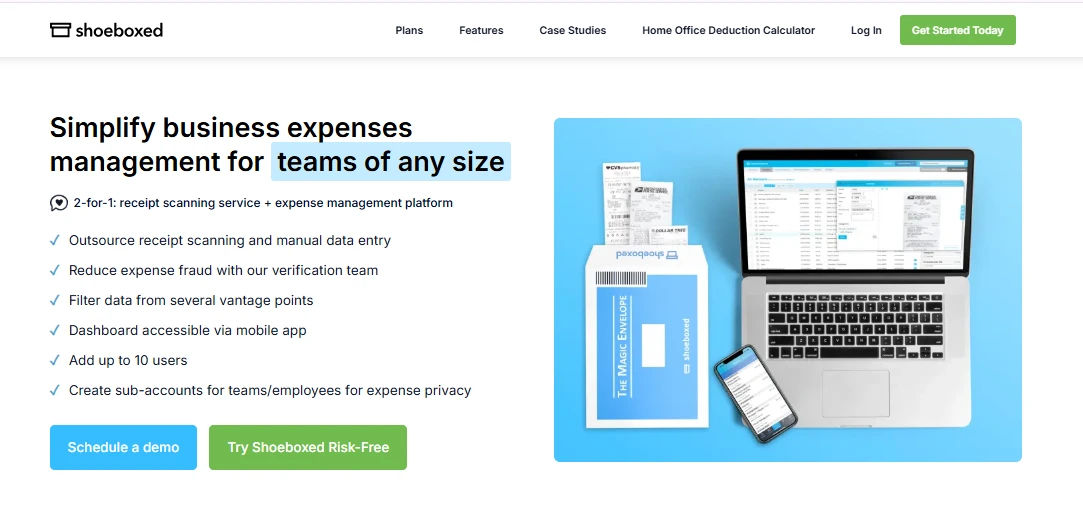
Shoeboxed is a receipt management solution that helps small businesses organize paper and digital expense records. Users can scan receipts through a mobile app or send physical receipts for digitization. It is particularly useful for business owners who handle large numbers of receipts and need organized records for bookkeeping and taxes.
Key Features
- Receipt scanning and digital storage.
- Physical receipt processing through Magic Envelope.
- Expense categorization and reporting.
- Gmail receipt importing.
- Mileage tracking and document organization.
Pros
- Useful for organizing large volumes of receipts.
- Supports both paper and digital receipt capture.
- Makes expense documentation easier to retrieve.
Cons
- Focuses more on receipt organization than complete spend management.
- Limited functionality for complex expense approval workflows.
- Physical receipt processing involves mailing documents.
Xero is cloud-based accounting software that helps small businesses manage their finances, including business expenses. Through Xero Expenses, users can capture receipts, submit expense claims, and review reimbursements. It is suitable for businesses that want expense tracking connected directly to their accounting records.
Key Features
- Mobile receipt scanning and expense capture.
- Employee expense submissions and approvals.
- Bank transaction reconciliation.
- Financial reporting and bookkeeping.
- Expense claims connected to accounting records.
Pros
- Combines accounting and expense tracking.
- Makes it easier to maintain organized financial records.
- Suitable for small businesses already using Xero.
Cons
- Expense management features may require an additional subscription.
- Advanced corporate spending controls are not its primary focus.
- Businesses needing only expense tracking may find the accounting platform unnecessary.
Rippling is a business management platform that connects HR, payroll, IT, and finance operations. Its expense management tools help businesses track employee purchases, automate reimbursements, and enforce spending policies. By using employee information, Rippling can route expenses to the appropriate approvers
Key Features
- Automated expense submissions and receipt matching.
- Corporate cards and spending policies.
- Employee-based approval workflows.
- Payroll-connected expense reimbursements.
- Accounting integration and expense reporting.
Pros
- Connects expense management with employee information.
- Automates approvals based on roles and departments.
- Useful for businesses already using Rippling.
Cons
- May be more extensive than a standalone expense tracker.
- Some capabilities depend on additional Rippling products.
- Initial setup can require multiple policy configurations.
Airbase, now part of Paylocity, is a spend management solution designed to help businesses control purchases, employee expenses, and vendor payments. It connects purchase approvals, corporate cards, and accounting workflows. The platform is useful for companies looking to manage spending before and after transactions take place.
Key Features
- Corporate card and expense management.
- Purchase requests and approval workflows.
- Vendor payment and accounts payable automation.
- Automated accounting and expense reconciliation.
- Real-time spend monitoring.
Pros
- Helps businesses control expenses before purchases occur.
- Combines procurement, payments, and expense tracking.
- Reduces manual accounting and reconciliation work.
Cons
- May be complex for businesses with basic expense tracking needs.
- Implementation may require finance workflow configuration.
- Product packaging should be reviewed under Paylocity for Finance.
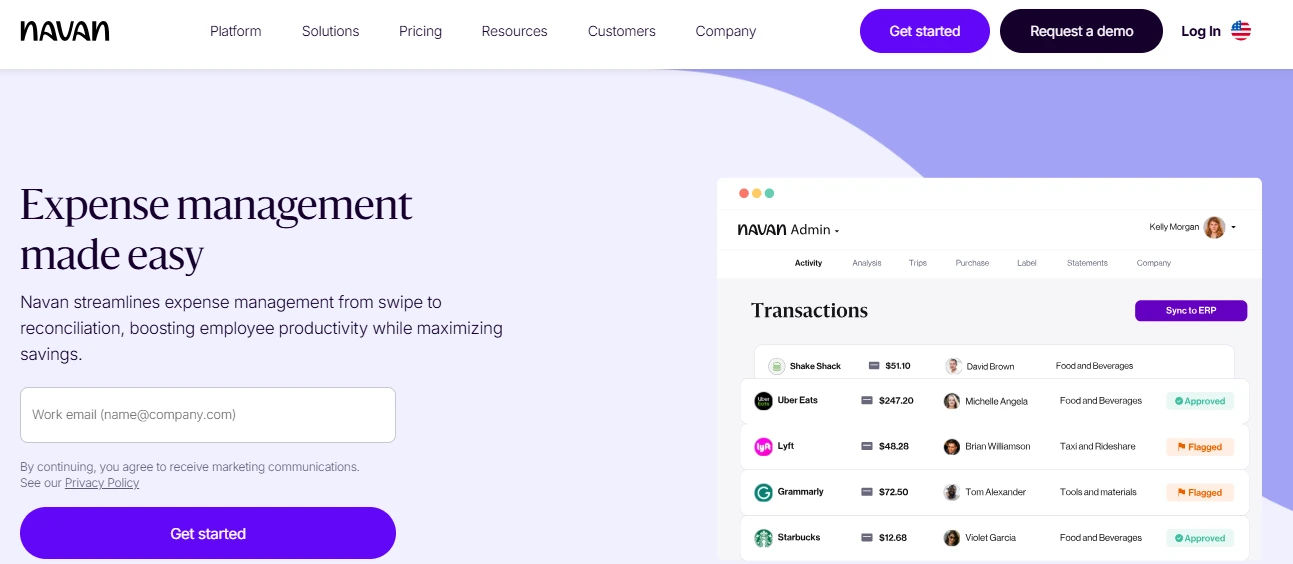
Navan combines travel and expense management into one platform, offering unified oversight of both aspects. It provides real-time financial insights and is user-friendly, making it a top choice for businesses with frequent travel expenses.
Key Features
- Integrated business travel booking and expense tracking.
- Automated expense categorization and reconciliation.
- Corporate card management and spending controls.
- Real-time expense visibility and budget tracking.
- Employee reimbursements and accounting integrations.
Pros
- Combines travel booking and expense management.
- Reduces manual reporting for travel-related purchases.
- Provides spending visibility as transactions occur.
Cons
- Travel-focused functionality may be unnecessary for some businesses.
- Availability of payment features depends on country and eligibility.
- Businesses with simple expense needs may not use the full platform.
Spendesk is a spend management platform that helps businesses manage employee expenses, company cards, invoices, and budgets. It brings business spending into one system, reducing the need to track purchases through multiple tools. Finance teams can monitor expenses, set spending limits, and automate reimbursement approvals.
Key Features
- AI-powered receipt scanning and data extraction.
- Corporate cards with customizable spending limits.
- Automated expense approval workflows.
- Real-time budget monitoring and expense reporting.
- Employee reimbursement and mileage tracking.
Pros
- Combines multiple spending processes in one platform.
- Provides clear visibility into employee and department spending.
- Helps reduce manual expense reporting.
Cons
- May offer more functionality than very small businesses need.
- Initial configuration can require time for multiple approval policies.
- Availability of certain card and payment features varies by country.
Why Expense Tracker 365 is the Best Expense Tracking App for Small Businesses
When it comes to managing small business expenses face unique challenges. They often have limited resources and need tools that are not only efficient but also affordable. Expense Tracker 365 stands out as the best expense tracking and reimbursement app for small businesses, thanks to its user-friendly features, seamless integrations, and flexibility. Here’s why Expense Tracker 365 is the go-to choice for small businesses:
Expense Tracker 365 simplifies the entire process of managing business expenses. Whether it’s tracking daily purchases, categorizing expenses, or analysing spending patterns, the app covers it all. You can automatically import expenses from bank accounts, credit cards, and other financial sources, making it easy to keep a real-time record of your expenses. This comprehensive tracking ensures that small businesses don’t miss any important financial detail.
For small businesses that may not have a dedicated accounting team, the ease of use is a key factor in choosing the right app. Expense Tracker 365 offers a clean and intuitive interface, making it simple for anyone, even with minimal accounting knowledge, to get started. The app is designed to be user-friendly, reducing the learning curve and allowing business owners to focus on what matters most running their business.
One of the standout features of Expense Tracker 365 is its seamless reimbursement process. Business owners and employees can submit expenses quickly, and the app allows for easy approvals. Reimbursements are processed efficiently, and businesses can automate the approval process based on preset rules. This automation saves valuable time, reducing the manual work involved in expense management.
As small businesses often deal with international suppliers or clients, Expense Tracker 365 is a game-changer and pricing plans are starting from just $49. The app supports global transactions, making it easy for businesses with an international footprint to track expenses without worrying about currency conversions. This feature ensures that all expenses, no matter where they occur, are accurately recorded.
Expense Tracker 365 helps small businesses maximize their tax deductions by tracking deductible expenses in real time. This feature is crucial for businesses that want to ensure they are taking full advantage of available tax savings. The app makes tax season less stressful by keeping all receipts, expenses, and deductions neatly organized in one place, ready for easy reference.
Integrating with accounting software is essential for businesses that want to streamline their finances. Expense Tracker 365 easily integrates with popular accounting platforms like QuickBooks enabling seamless synchronization of data. This ensures that expense reports are automatically updated in your accounting system, saving time and reducing errors.
Expense Tracker 365 offers highly customizable reporting features, allowing businesses to generate reports that fit their specific needs. You can track expenses by category, department, employee, or project. These detailed reports help business owners gain deeper insights into where their money is going, which is essential for budgeting and financial planning.
Small businesses need to keep costs low without compromising on quality. Expense Tracker 365 offers an affordable pricing structure that provides excellent value for the features it offers. As your business grows, the app can easily scale to meet your expanding needs, ensuring that it remains an asset as your business evolves.
Being a cloud-based solution, Expense Tracker 365 allows small businesses to access their financial data from anywhere, at any time. Whether you’re in the office or on the go, you can monitor expenses and approve reimbursements with ease. The cloud-based system also ensures that all data is backed up and securely stored, reducing the risk of losing important financial information.
Expense Tracker 365 provides exceptional customer support, which is critical for small businesses that may not have dedicated IT team. Whether you need help setting up the app or troubleshooting issues, their support team is readily available to assist you, ensuring that your business runs smoothly without any unnecessary delays.
Conclusion
To wrap up today’s post on best expense tracking and reimbursement app for small business in 2025 it’s evident that keeping a close eye on expenses is crucial for staying within budget and driving cost savings. The best expense trackers come with features like income and expense tracking, sales monitoring, managing vendors and contractors, organizing receipts and taxes, and automating workflows. Expense Tracker 365 truly excels in this area, offering a comprehensive solution that helps businesses effortlessly stay organized, save time, and make better financial choices. It’s a powerful tool for those who want to streamline their finances and keep everything running smoothly.
Frequently Asked Questions
What is a good app to keep track of business expenses?
A highly recommended app to track business expenses is Expense Tracker 365. It provides an all-in-one solution for:
- Tracking income and expenses
- Managing contractors and vendors
- Organizing receipts and taxes
- Automating workflows
It’s simple to use, offers powerful features, and helps businesses maintain financial clarity and efficiency.
How do small businesses keep track of expenses?
Small businesses typically use the following methods to track expenses:
- Manual tracking: Many businesses use spreadsheets (Excel or Google Sheets) to manually log expenses.
- Accounting software: Tools like QuickBooks, FreshBooks, and Xero automate expense tracking and offer detailed reports.
- Expense tracking apps: Apps like Expense Tracker 365, Zoho Expense, and Wave help streamline the process, making it easier to categorize and track every expense in real-time.
These methods ensure businesses stay on top of their spending and make informed financial decisions.
Which app is best for expense trackers?
The best app for expense tracking depends on the business’s needs. Here are a few top options:
- Expense Tracker 365: An all-in-one solution with features like expense categorization, receipt scanning, and budgeting.
- QuickBooks: Great for businesses that need advanced accounting features along with expense tracking.
- Zoho Expense: Ideal for businesses looking for automated expense reporting and approval workflows.
How can businesses track both personal and business expenses separately?
To keep personal and business expenses separate, businesses can use the following strategies:
- Expense tracking apps: Many apps like Expense Tracker 365 allow users to create multiple categories or accounts (e.g., personal and business) to easily distinguish between the two.
- Dedicated accounts: Businesses often open a separate bank account and credit card for business expenses to ensure they are not mixed with personal finances.
- Budgeting software: Tools like YNAB (You Need A Budget) or Mint can also help set up separate budgets for personal and business expenses to maintain clarity.
What are the benefits of using an expense tracking app?
Using an expense tracking app provides several key benefits:
- Time-saving automation: Apps like Expense Tracker 365 automate categorizing and recording expenses, reducing manual work.
- Real-time insights: Track spending as it happens and gain immediate visibility into your financial health.
- Tax preparation: Keep organized records of all expenses, making tax filing easier and potentially leading to greater tax savings.
- Budgeting and forecasting: Set spending limits, track progress, and adjust budgets to make smarter financial decisions.






















