
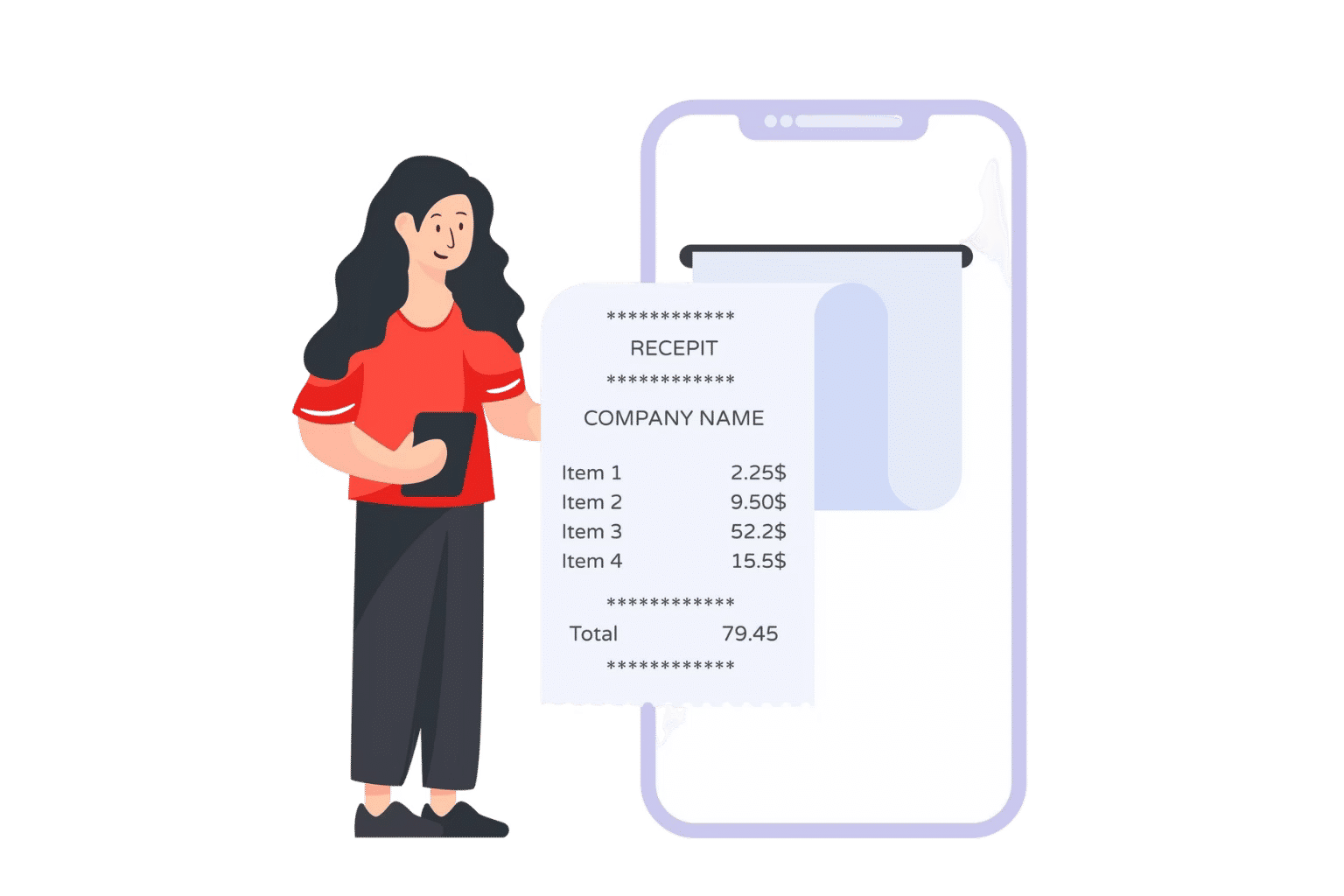
AI Receipt Scanner That Handles Receipts for You
Receipts are scanned instantly with AI, details are auto-filled accurately and matched to the right entries smoothly.
Receipts Scanning made Simple
Instantly capture, organize, and update every receipt with AI-powered precision, creating clear, accurate records for effortless receipt management.
AI Receipt Scanning
Quickly reads every receipt and creates detailed, accurate records to simplify expense tracking immediately.

Auto Fill
Automatically fills in each expense entry with correct data, saving time and keeping records structured.

Smart Match
Updates entries by matching them to the original receipt details, maintaining consistent and precise expense data.

Every Receipt Accurately Captured and Organized
AI expense management solution capture, scan, and categorize every receipt automatically, instantly extracting all details and turning them into perfectly organized. It maintains accurate expense records without any manual entry.
Receipt Tracking
Keep every receipt in one place, track expenses instantly, and never lose important spending information again.
Receipt Auto Scan
Automatically scan every receipt with AI accuracy, turning paper or digital copies into instant, clear expense records.
AI-Powered Data Extraction
AI reads and extracts key receipt details instantly, creating precise, organized entries without manual effort or errors.
Auto-Categorization
Automatically sorts and categorizes expenses based on receipt details, keeping your spending data organized and easy to review.
AI-Powered Receipt Management for Every Expense
AI-powered Expense 365 instantly captures, scans, and categorizes every receipt for clear and accurate expense data.
Save Time
Instantly capture and record every receipt with AI, freeing hours of manual work and letting you focus on priorities.

Accurate Records
AI reads every receipt detail perfectly, creating precise, organized expense records that reduce mistakes and simplify financial management.

Real-Time Tracking
Categorized expenses appear immediately after scanning, giving full visibility into spending patterns and enabling smarter, faster decisions.

Secure Storage
All receipts are stored digitally and safely, keeping your expense records accessible, organized, and protected from loss or misplacement.

Manage Your Receipts Efficiently for Accurate Expense Records
Frequently Asked Questions
Does the AI receipt scanning system integrate with accounting software like QuickBooks, Xero, or Zoho Books?
Yes. The AI receipt scanner can connect directly to major accounting systems, automatically pushing scanned receipt data into ledgers and expense reports to streamline bookkeeping.
Is the AI receipt scanner capable of processing receipts in multiple languages?
Yes, it can interpret receipts in multiple languages. The AI intelligently identifies text and numbers across different scripts, enabling global businesses to manage expenses without language limitations.
How does the AI receipt scanning system capture receipts from a smartphone camera?
Users can simply snap a photo of a receipt with their phone. The AI receipt scanner automatically enhances the image, detects relevant fields, and extracts key information instantly for expense tracking.
Which file formats can the AI receipt scanning system handle, such as PDF, JPG, PNG, or email attachments?
The AI receipt scanner supports PDFs, images (JPG, PNG). It reads and extracts data accurately from all these formats, making it flexible for any submission method.
How does the receipt scanning app match scanned receipts with purchase orders in real-time?
The AI receipt scanner compares scanned receipt details with existing purchase orders by analyzing vendor, date, and total amounts. It highlights discrepancies immediately, ensuring accurate and compliant expense processing.
How does AI receipt scanning streamline expense tracking?
It uses AI and OCR to capture key details and automatically categorize expenses, reducing manual work and errors.