Recurring Billing
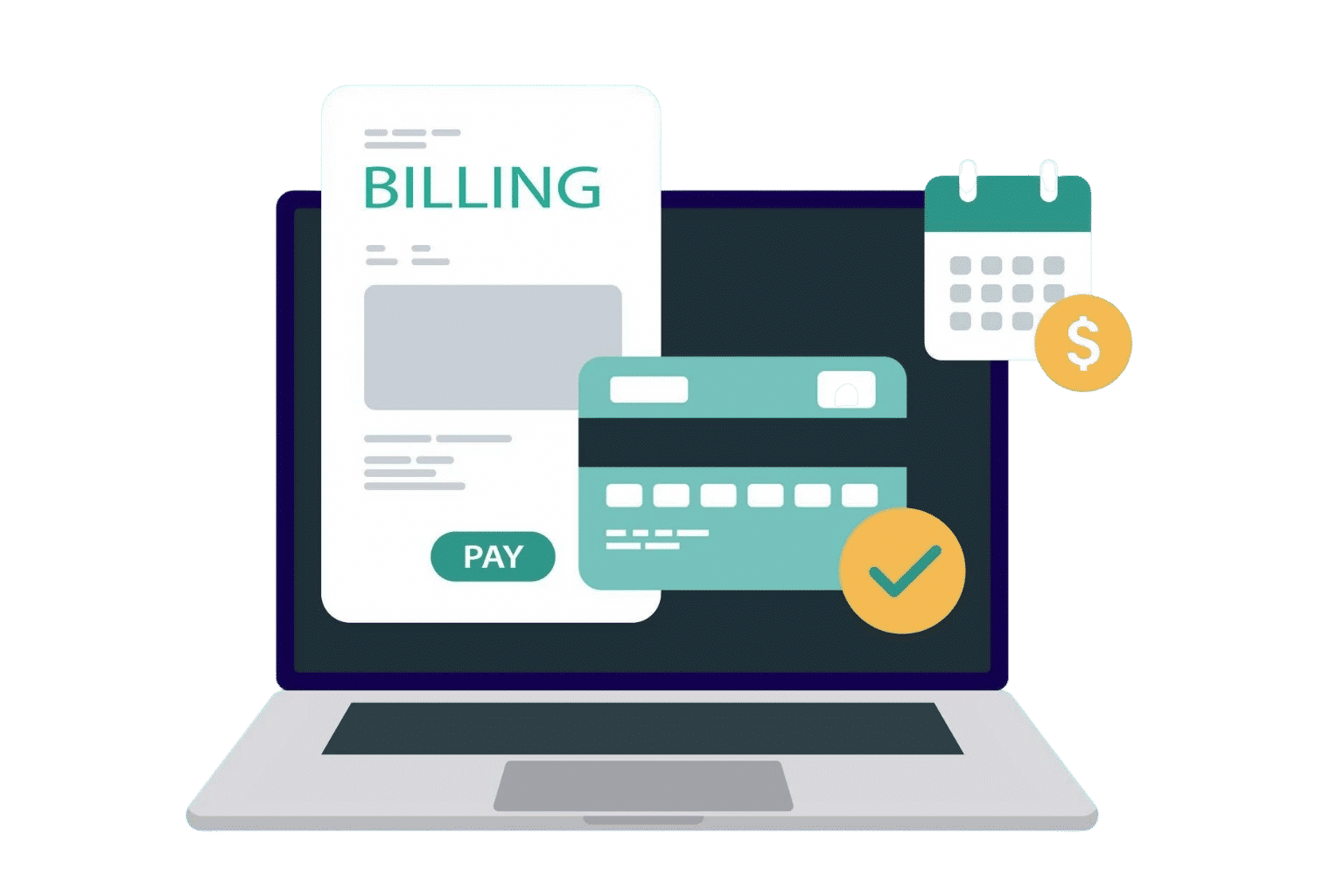
Recurring Billing. Scheduled Once. Paid Every Time
Set up your billing schedule once. Invoices go out on to the right clients, with the right amounts, without anyone having to remember to send them.
Billing That Scales With Your Business
When your billing system grows with your client list, adding ten new accounts feels no different from adding one.

Scheduled Billing
Choose weekly, monthly, quarterly or any custom cycle. Invoices go out on the date you pick, every period, without a single manual step.

Auto-Send & Delivery
Invoices land directly in your client's inbox the moment they are due. No login, no reminder, no waiting for someone to press send.

Live Payment Status
See which invoices are paid, pending, or overdue in a single view. No need to chase spreadsheets or dig through sent emails to find out.
Full Billing History
Every invoice ever sent is saved and searchable. Pull up a client's complete billing record in seconds useful for audits or client queries.

Every Invoice Scheduled, Sent, and Tracked in One Secure Platform
From billing frequency to tax rules to client-specific pricing you set it up once and the system handles the rest. Whether you have five clients or five hundred, the setup stays clean.
Custom Billing Cycles
Set invoices to repeat daily, weekly, monthly, quarterly, or on a custom date — per client, per contract, or per service
Auto-Calculated Amounts
Quantities, rates, and taxes are calculated automatically. Update a rate once and it applies to all future invoices in that schedule.
Branded Invoice Templates
Every recurring invoice goes out with your logo, company details, and payment instructions. No manual editing each cycle.
Payment Reminders
Set automatic follow-up reminders for unpaid invoices at intervals you choose — so you never have to chase payments yourself.
Where Recurring Invoicing Makes the Biggest Difference
It does not matter what kind of business you run if you bill the same clients on a regular schedule, recurring invoicing saves you real time and money.

Focus on the work. The invoicing handles itself
Long-term contracts bill automatically every month no reminders, no manual sending, no lost time at the end of a project cycle.
Project billing that goes out on time, every time
Set your billing schedule once and every invoice goes out exactly when it should, keeping projects on track and cash flow predictable.
Long projects, automatic invoices, zero admin overhead
Multi-month contracts run on their own billing schedule from day one so you're never pulling yourself out of deep work to chase an invoice.
Get paid on schedule without stopping work to send an invoice
Automated billing means every payment lands when it's due no interruptions, no admin pile-up, no awkward follow-ups with clients.

Get Your Recurring Invoicing Running in Under 10 Minutes
Frequently Asked Questions
Recurring invoicing lets you create an invoice schedule for a client once, and then the system sends those invoices automatically on the dates you set weekly, monthly, quarterly, or any custom interval. You do not need to manually create or send invoices for repeat clients ever again.
Yes. Each client can have their own billing cycle, amount, and schedule. One client can be billed on the 1st of every month, another on the last Friday of each quarter all from the same account, managed in one place.
You can update any recurring invoice schedule at any time. Changes take effect from the next billing cycle, and the previous invoices stay saved exactly as they were sent. You always have a clean, unaltered record of past billing.
Yes. You can set up automatic payment reminders that go out a set number of days before and after the due date. If an invoice is still unpaid, the system follows up on your behalf so you do not have to chase clients manually.
Yes. Any recurring schedule can be paused and reactivated whenever you need. This is useful when a client goes on a project hold or during seasonal breaks you keep the setup intact without having to rebuild it from scratch.
Yes. Every invoice that has ever been sent through a recurring schedule is saved and searchable. You can filter by client, date range, status, or amount — and export the data for accounting or audit purposes in PDF or Excel format.