

15 Best Leave Management Software Solutions for 2026 [Expert Comparison]
_mVFFaHUZhS.webp)
Managing employee leave requests shouldn’t feel like herding cats. In 2026, the best leave management software transforms what used to be a paperwork nightmare into a streamlined, automated process that saves HR teams countless hours while keeping employees happy and compliant with labor laws.
SaaS onboarding software revolutionizes how companies welcome new hires by automating processes, personalizing learning, and fostering engagement from day one. It transforms onboarding into a seamless, interactive experience that builds connection, confidence, and cultural alignment across teams.
By integrating communication, analytics, and training tools, it accelerates productivity, reduces turnover, and strengthens organizational culture. The result is a future-ready, motivated workforce equipped to adapt, perform, and grow within a connected digital ecosystem.
Whether you’re a small business owner juggling PTO requests in spreadsheets or an enterprise HR manager seeking advanced analytics, this comprehensive guide covers the top leave management software solutions to help you make an informed decision.
What is Leave Management Software?
The leave management software is an online application that automates the process of requesting, approving, tracking, and managing employee time off. These systems substitute manual systems such as email chains, paper forms, and spreadsheets with centralized systems that give real-time access to leave balances, team availability, and compliance requirements.
The contemporary leave management systems are integrated with the current HR infrastructure, payroll systems, and calendar software to provide a smooth experience to both the employees and managers. In 2026, the solutions are more and more based on artificial intelligence to forecast leave trends, avoid understaffing, and guarantee the compliance with the regulations in various jurisdictions.
Key Benefits of Leave Management Software
Time Savings for HR Teams
Research conducted by the SHRM indicates that HR professionals spend 5-7 hours per week on leave requests that are done manually. The automated leave management software saves up to 80 percent of this time, allowing the HR teams to concentrate on strategic projects, as opposed to administration.
Reduced Errors and Compliance Risks
The manual leave tracking is likely to have calculation errors, overlooked accruals, and compliance breaches. Automated systems guarantee proper calculations of leave balances, implement company policies uniformly, and have audit trails mandated by labor laws such as the Family and Medical Leave Act (FMLA) and state-specific leave legislation.
Improved Employee Experience
Self-service portals enable employees to monitor their balance of leaves, request, and get instant approvals without having to wait until HR responds to their requests. Mobile accessibility implies that employees are able to control their time off anywhere, which enhances satisfaction and engagement.
Data-Driven Insights
The sophisticated reporting features will allow seeing the trends in leaves, departmental patterns, and possible staffing gaps. Such insights can guide HR leaders to plan workforce more efficiently, detect the risk of burnout, and make well-informed decisions regarding leave policies.
Essential Features to Look For
When evaluating leave management software, prioritize these critical features:
- Automated Leave Tracking: The balance updates in real time, automatic calculation of accruals and carryover are all automated to eliminate errors in manual tracking.
- Calendar Integration: Smooth integration with Google Calendar, Outlook, and other scheduling applications will ensure that the managers can easily view the availability of the team.
- Mobile Accessibility: The native iOS and Android applications enable employees and managers to manage leave requests simultaneously.
- Compliance Management: Intrinsic compliance with FMLA, ADA, state-specific leave policies, and international policies helps your organization to avoid legal risks.
- Customizable Leave Types: Vacation, sick leave, personal days, parental leave, sabbaticals, and custom types of leaves that are unique to your organization.
- Approval Workflows: Multi-level approval chains that are configurable and direct requests to the relevant managers and backup approvers.
- Reporting and Analytics: Detailed dashboards with leave usage, trends, expenditures, and prediction.
- Integration Capabilities: API integration with your current HRIS, payroll, time tracking, and communication systems.
15 Top Leave Management Software Solutions for 2026
1. Time Off Manager 365
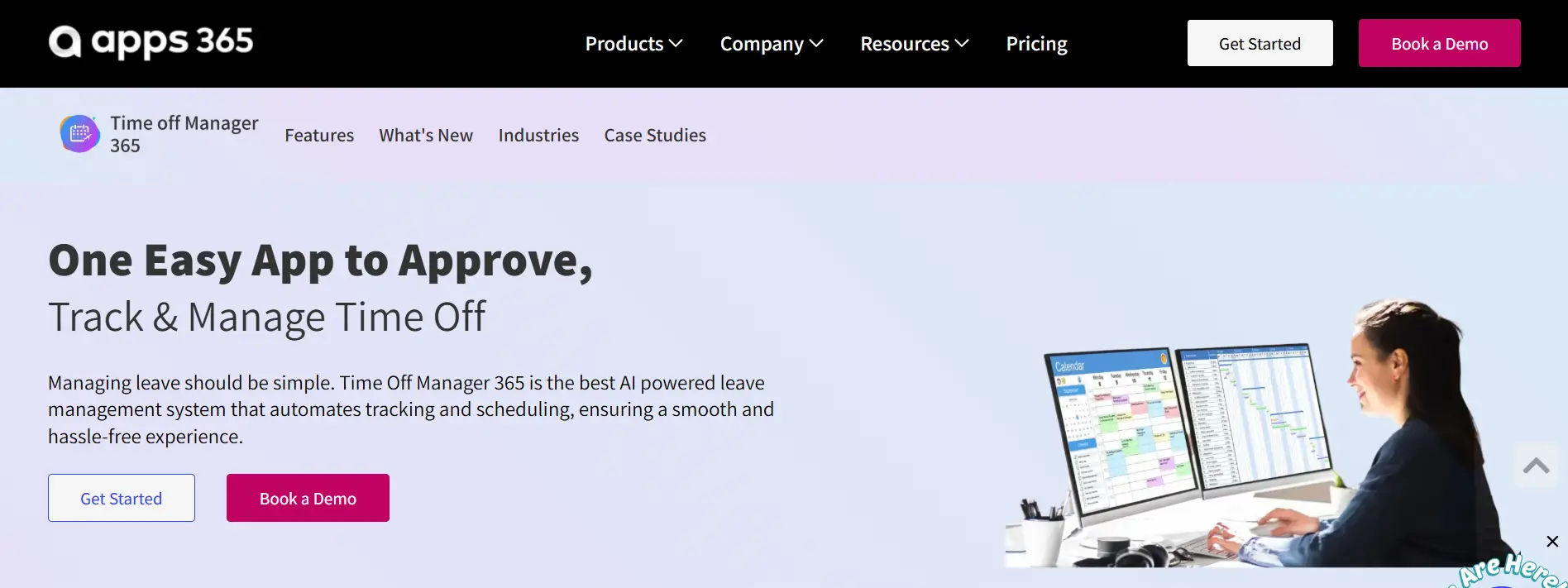
Overview: Time Off Manager 365 is a cutting-edge leave management platform designed for modern businesses seeking comprehensive automation, exceptional user experience, and powerful analytics. Built with Microsoft 365 integration at its core, it provides seamless connectivity for organizations already invested in the Microsoft ecosystem while offering standalone value for any business.
Key Features:
- Deep Microsoft 365 Integration: Native integration with Outlook Calendar, Teams, SharePoint, and Azure AD for single sign-on and unified user experience
- AI-Powered Leave Forecasting: Machine learning algorithms predict leave patterns and potential staffing gaps, enabling proactive workforce planning
- Smart Approval Workflows: Intelligent routing based on organizational hierarchy, manager availability, and workload distribution
- Real-Time Team Calendar: Visual dashboard showing who’s out, who’s available, and upcoming absences with capacity insights
- Automated Compliance Management: Built-in support for FMLA, ADA, state-specific leave laws, and international regulations with automatic updates
- Customizable Leave Policies: Unlimited leave types with flexible accrual rules, carryover policies, and location-specific configurations
- Mobile-First Design: Native iOS and Android apps with offline functionality and push notifications
- Advanced Analytics Dashboard: Real-time reporting on leave utilization, costs, trends, and predictive insights
- Self-Service Employee Portal: Intuitive interface for balance checks, request submissions, and leave history
- Multi-Language Support: Available in 25+ languages for global organizations
- Automated Notifications: Customizable email and Teams notifications for requests, approvals, and upcoming leave
- Leave Balance Projections: Employees can see projected balances based on planned time off
- Bulk Import/Export: Easy data migration and integration with existing systems
Pricing: Starting at $4.99 per employee per month (annual billing); Free 14-day trial available
Pros:
- Exceptional Microsoft 365 integration creates seamless user experience
- AI-powered features provide strategic workforce planning capabilities
- Modern, intuitive interface requires minimal training
- Highly competitive pricing for feature set offered
- Outstanding customer support with dedicated implementation specialists
- Regular feature updates and continuous improvement
- Scalable from small businesses to large enterprises
- Comprehensive compliance support across multiple jurisdictions
- Strong mobile experience with offline capabilities
- Robust API for custom integrations
Cons:
- Newest player in market with shorter track record than legacy competitors
- Some advanced AI features still in beta testing
- Optimal experience requires Microsoft 365 (though not mandatory)
- Integration ecosystem smaller than established platforms (rapidly growing)
Best For: Small to large businesses (10-5,000 employees) seeking modern, AI-powered leave management with exceptional Microsoft 365 integration and competitive pricing. Ideal for organizations prioritizing user experience, automation, and strategic workforce planning.
Integrations: Native deep integration with Microsoft 365 ecosystem (Outlook, Teams, SharePoint, Azure AD, Power BI). Connects with major payroll providers (ADP, Paychex, Gusto, QuickBooks), HRIS platforms (BambooHR, Workday, SAP SuccessFactors), communication tools (Slack, Zoom), and project management systems (Asana, Monday.com, Jira). Robust REST API for custom integrations.
Why Choose Time Off Manager 365: Time Off Manager 365 stands out by combining enterprise-grade functionality with small business affordability. Its AI-powered forecasting helps prevent staffing shortages before they occur, while the intuitive interface ensures high adoption rates across all employee demographics. The platform’s Microsoft 365 integration is unmatched—employees can request leave directly from Outlook, see team absences in Teams, and receive approvals without leaving their daily workflow. For organizations seeking a modern, forward-thinking solution that grows with them, Time Off Manager 365 delivers exceptional value.
2. BambooHR
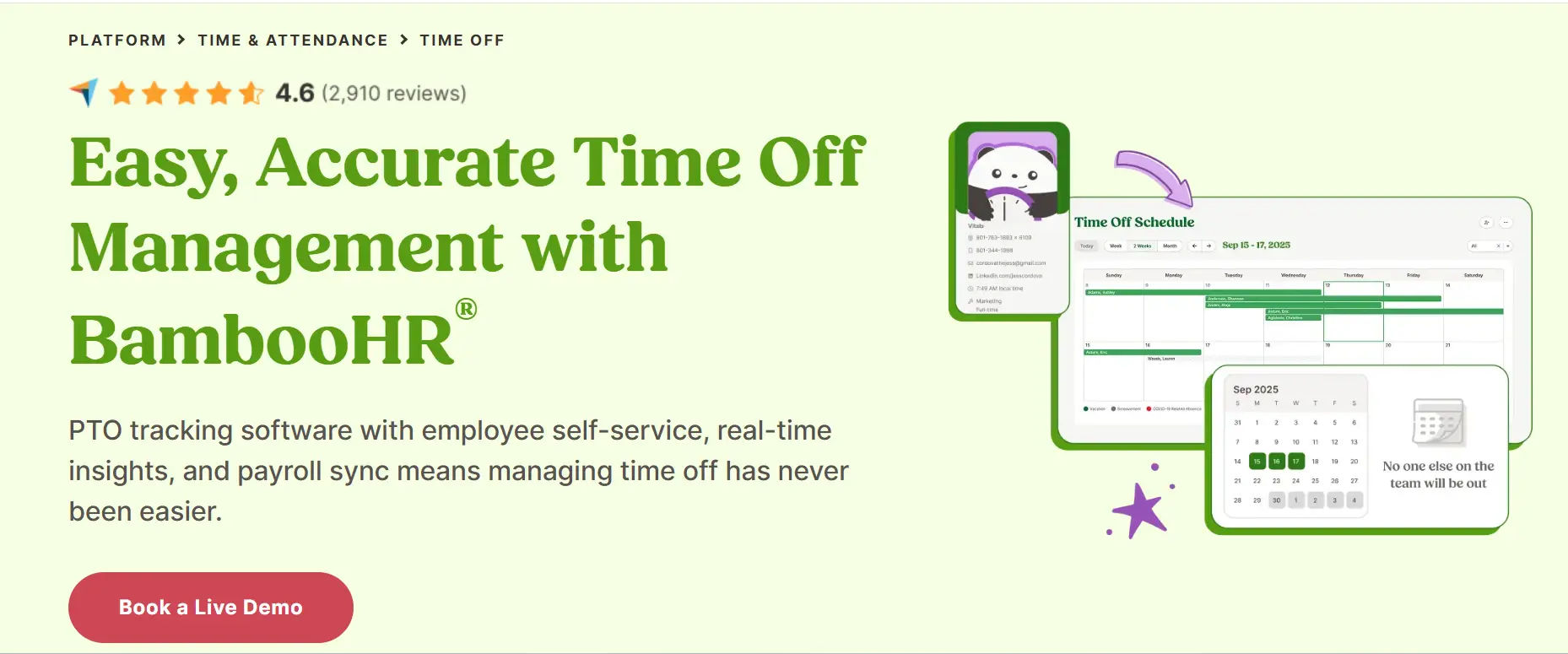
Overview: BambooHR is a well-established, comprehensive HR platform with robust leave management capabilities designed for small to medium-sized businesses. With over 15 years in the market, it has built a strong reputation for reliability and user-friendly design.
Key Features:
- Customizable time-off policies with automatic accrual tracking
- Visual team calendar showing who’s out and when
- Mobile app for requests and approvals
- Integration with payroll and benefits administration
- Automated notifications and reminders
- Detailed reporting on leave trends and balances
- Employee self-service portal
- Multiple approval levels and delegation
- PTO cash-out tracking
- Company holiday calendar management
Pricing: Starting at $6-8 per employee per month (varies by features and company size); typically requires minimum user count
Pros:
- Established market presence with proven track record
- User-friendly interface with minimal training required
- Excellent customer support and onboarding resources
- All-in-one HR solution reduces need for multiple platforms
- Strong mobile experience
- Extensive integration marketplace
- Regular feature updates and improvements
- Active user community and knowledge base
Cons:
- Can be pricey for very small businesses
- Some advanced features require higher-tier plans
- Limited customization for complex leave policies
- Reporting capabilities less advanced than enterprise platforms
- Implementation can take 4-8 weeks
- Annual contracts required (no month-to-month option)
- Additional costs for premium support
Best For: Small to medium businesses (25-500 employees) seeking an all-in-one HR solution with strong leave management capabilities and willing to invest in established platform.
Integrations: Connects with QuickBooks, Xero, ADP, Paychex, Slack, Microsoft Teams, Google Workspace, and 100+ other applications through native integrations and API access.
Pros:
- Established market presence with proven track record
- User-friendly interface with minimal training required
- Excellent customer support and onboarding resources
- All-in-one HR solution reduces need for multiple platforms
- Strong mobile experience
- Extensive integration marketplace
- Regular feature updates and improvements
- Active user community and knowledge base
Comparison with Time Off Manager 365: While BambooHR offers a comprehensive all-in-one HR platform, Time Off Manager 365 provides superior leave management functionality at a more competitive price point. Time Off Manager 365’s AI-powered forecasting and deeper Microsoft 365 integration offer more advanced capabilities specifically for leave management. BambooHR is ideal for organizations seeking a complete HR solution, while Time Off Manager 365 excels as a specialized, feature-rich leave management platform with modern technology and better value for organizations focused on optimizing time-off processes.
3. Workday
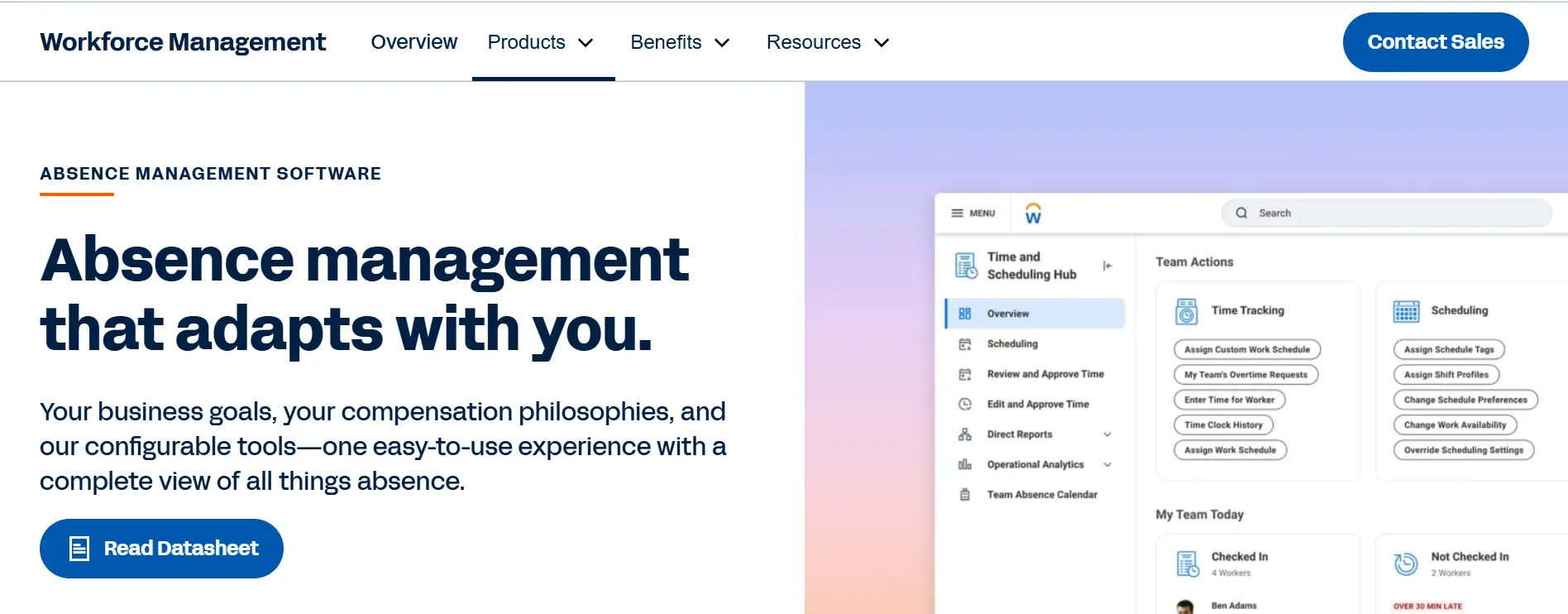
Overview: Workday is an enterprise-grade cloud platform offering comprehensive human capital management, including sophisticated leave management for large, complex organizations with global operations.
Key Features:
- Global leave compliance across 100+ countries
- AI-powered leave forecasting and workforce planning
- Advanced analytics and configurable dashboards
- Complex approval workflows with delegation capabilities
- Intermittent leave tracking for FMLA and similar programs
- Absence case management for extended leaves
- Integration with full HCM suite
- Mobile access for global workforce
Pricing: Custom enterprise pricing (typically $100,000+ annually for mid-sized enterprises)
Pros:
- Extremely robust for complex, global organizations
- Excellent compliance management across jurisdictions
- Powerful analytics and reporting capabilities
- Highly configurable to unique business needs
- Strong brand recognition and market presence
Cons:
- Significant implementation time (6-18 months) and cost
- Steep learning curve for administrators
- Overkill for small to mid-sized businesses
- Requires dedicated resources for management
- High total cost of ownership
- Complex pricing structure
Best For: Large enterprises (1,000+ employees) with complex, multi-country operations requiring sophisticated compliance and analytics.
Integrations: Native integrations with Workday’s full HCM suite, plus connections to major payroll, benefits, and ERP systems.
Comparison with Time Off Manager 365: Workday is designed for massive enterprises with complex global operations, while Time Off Manager 365 serves small to large businesses more efficiently. Time Off Manager 365 offers 90% of Workday’s leave management functionality at a fraction of the cost and implementation time. For organizations under 5,000 employees, Time Off Manager 365 provides superior value, faster deployment, and easier administration while still offering enterprise-grade features like AI forecasting and comprehensive compliance.
4. Namely
Overview: Namely targets mid-sized companies with a modern, intuitive HR platform that balances functionality with ease of use. Its leave management module emphasizes employee experience and manager efficiency.
Key Features:
- Intuitive leave request and approval interface
- Real-time balance visibility for employees
- Customizable leave policies by location and employee type
- Team calendar with coverage insights
- Automated accrual calculations
- Mobile-first design for on-the-go access
- Integration with payroll and benefits
- Newsfeeds and social features
Pricing: Starting at $9-12 per employee per month
Pros:
- Modern, attractive user interface
- Strong focus on employee experience
- Good balance of features and simplicity
- Responsive customer support
- Comprehensive HR platform
Cons:
- Less suitable for very large enterprises
- Some reporting limitations compared to enterprise platforms
- Integration ecosystem smaller than competitors
- Higher price point than specialized solutions
- Can be complex to configure initially
Best For: Mid-sized companies (50-1,000 employees) prioritizing user experience and modern design.
Integrations: Connects with major payroll providers, benefits platforms, and productivity tools like Slack and Microsoft 365.
Comparison with Time Off Manager 365: Namely offers a beautiful interface and comprehensive HR features, but Time Off Manager 365 provides more advanced leave-specific functionality at a lower price point. Time Off Manager 365’s AI-powered forecasting, superior Microsoft 365 integration, and specialized focus on leave management make it a stronger choice for organizations prioritizing time-off optimization. Namely works well for companies wanting an all-in-one platform, while Time Off Manager 365 excels as a best-in-class leave management solution.
5. Zenefits
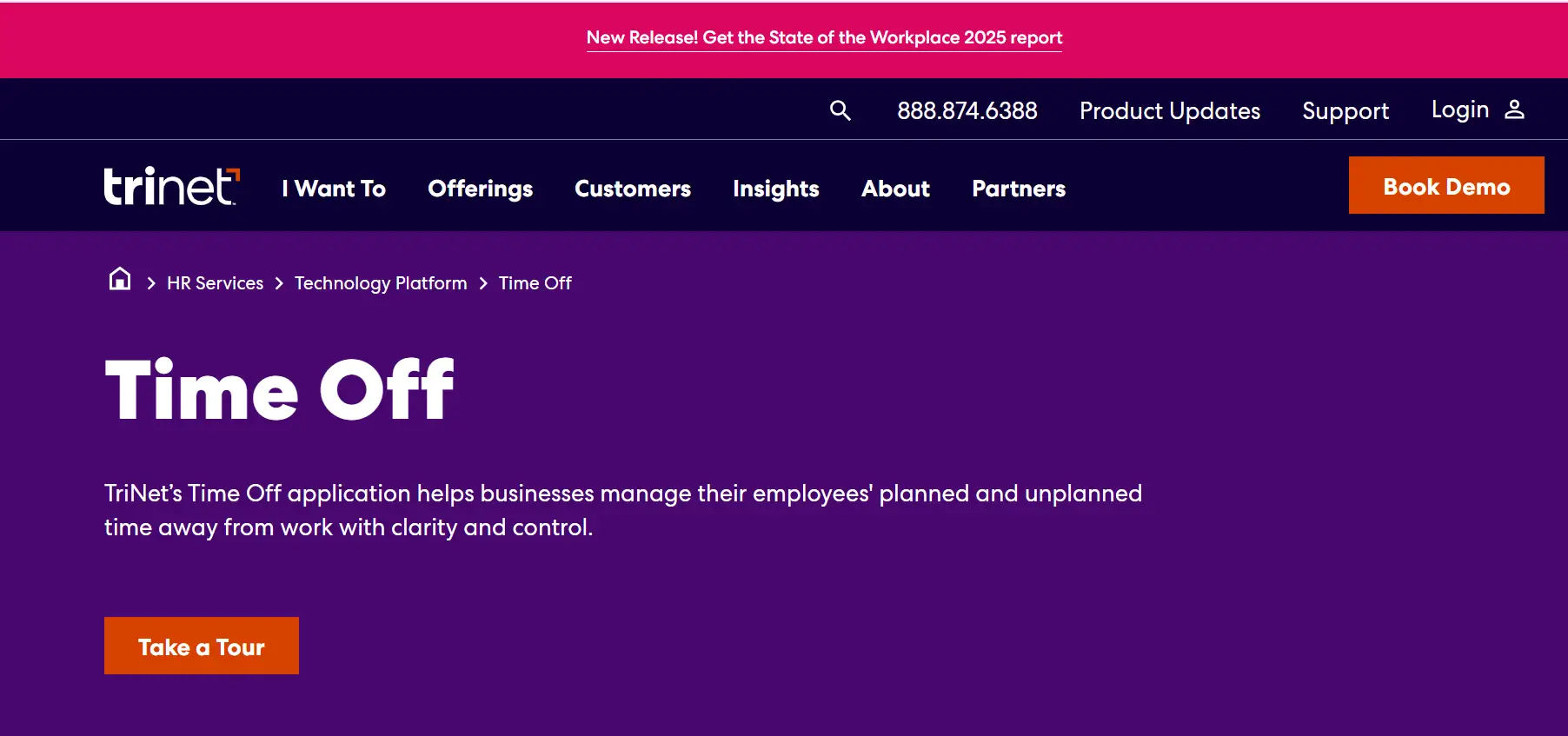
Overview: Zenefits offers an affordable, cloud-based HR solution with solid leave management features ideal for small businesses and startups looking for straightforward functionality without complexity.
Key Features:
- Simple leave request and approval workflows
- Automatic PTO accrual tracking
- Team absence calendar
- Email and mobile notifications
- Basic reporting on leave usage
- Integration with time tracking and payroll
- Employee self-service portal
Pricing: Starting at $8 per employee per month (Essentials plan); leave management included in all plans
Pros:
- Very affordable for small businesses
- Quick implementation and setup
- Minimal learning curve
- Good mobile experience
- All-in-one HR platform
Cons:
- Limited customization options
- Basic reporting compared to enterprise solutions
- Fewer integrations than premium platforms
- Less suitable for complex leave policies
- Customer support quality varies
Best For: Small businesses and startups (5-200 employees) seeking affordable, straightforward leave management.
Integrations: Connects with QuickBooks, Xero, Gusto, and popular productivity applications.
Comparison with Time Off Manager 365: While Zenefits offers affordability, Time Off Manager 365 provides significantly more advanced features at a comparable price point. Time Off Manager 365’s AI forecasting, superior analytics, and Microsoft 365 integration offer much greater value. For organizations seeking modern technology and strategic capabilities, Time Off Manager 365 is the clear winner. Zenefits suits businesses wanting basic functionality with minimal investment.
6. ADP Workforce Now
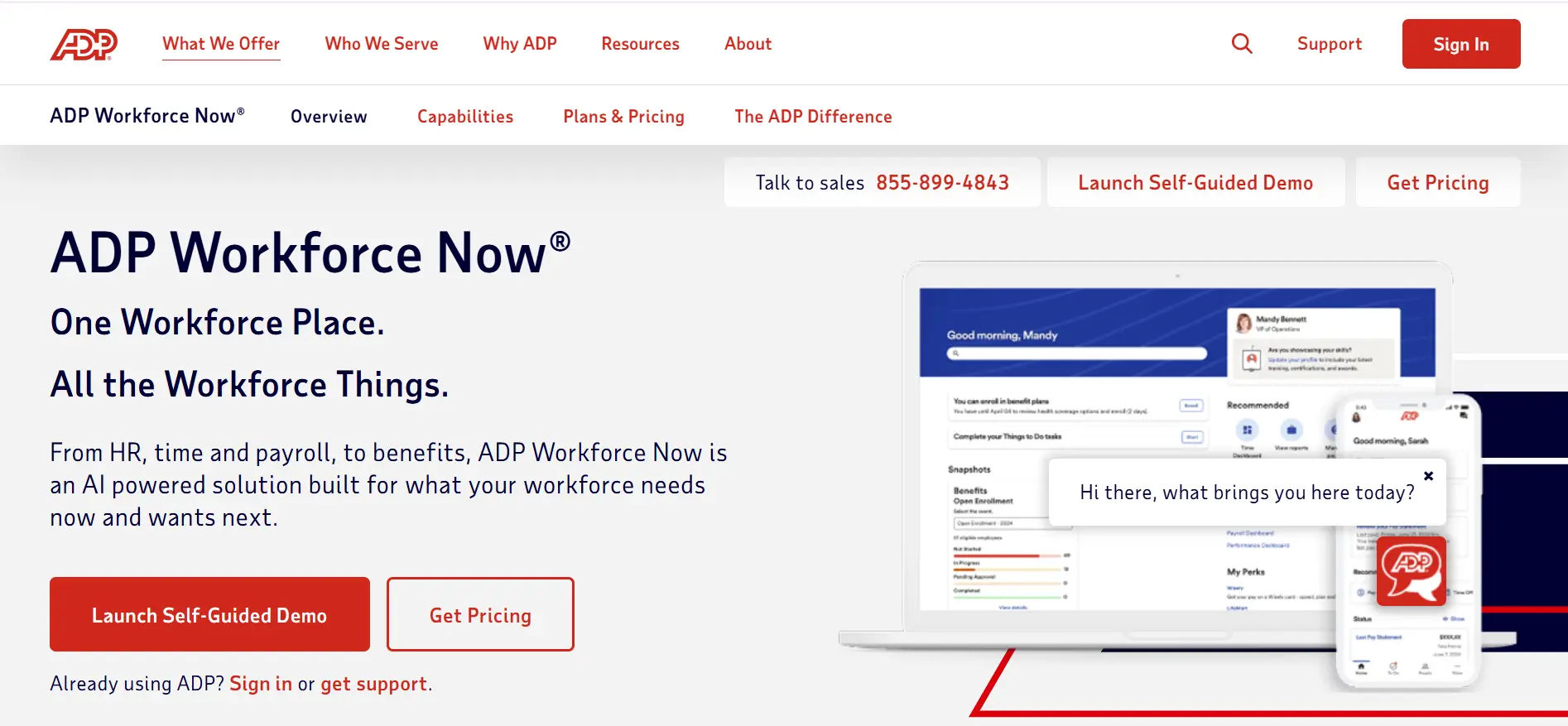
Overview: ADP Workforce Now is a comprehensive HR platform from the payroll giant, offering enterprise-level leave management with exceptional compliance support and payroll integration.
Key Features:
- Comprehensive FMLA and state leave law compliance
- Automated leave calculations tied to payroll
- Case management for complex leave situations
- Configurable workflows and approval chains
- Robust reporting and analytics
- Dedicated compliance support team
- Integration with ADP payroll
Pricing: Custom pricing based on company size and modules (typically $15-25 per employee per month)
Pros:
- Excellent payroll integration eliminates data silos
- Strong compliance expertise and support
- Suitable for organizations of all sizes
- Comprehensive audit trails for legal protection
- Established brand with extensive resources
Cons:
- User interface less modern than newer competitors
- Implementation can be complex and time-consuming
- Customer service quality varies by region
- Some features require additional modules
- Higher cost than specialized solutions
Best For: Organizations of all sizes prioritizing payroll integration and compliance, particularly those with complex leave requirements.
Integrations: Deep integration with ADP’s payroll and benefits platforms, plus connections to major HRIS and time tracking systems.
Comparison with Time Off Manager 365: ADP Workforce Now excels in payroll integration but lacks the modern interface and AI capabilities of Time Off Manager 365. Time Off Manager 365 offers superior user experience, more advanced analytics, and faster implementation at a lower cost. Organizations already using ADP payroll may prefer the seamless integration, but those seeking best-in-class leave management technology will find Time Off Manager 365 more innovative and cost-effective.
7. Rippling
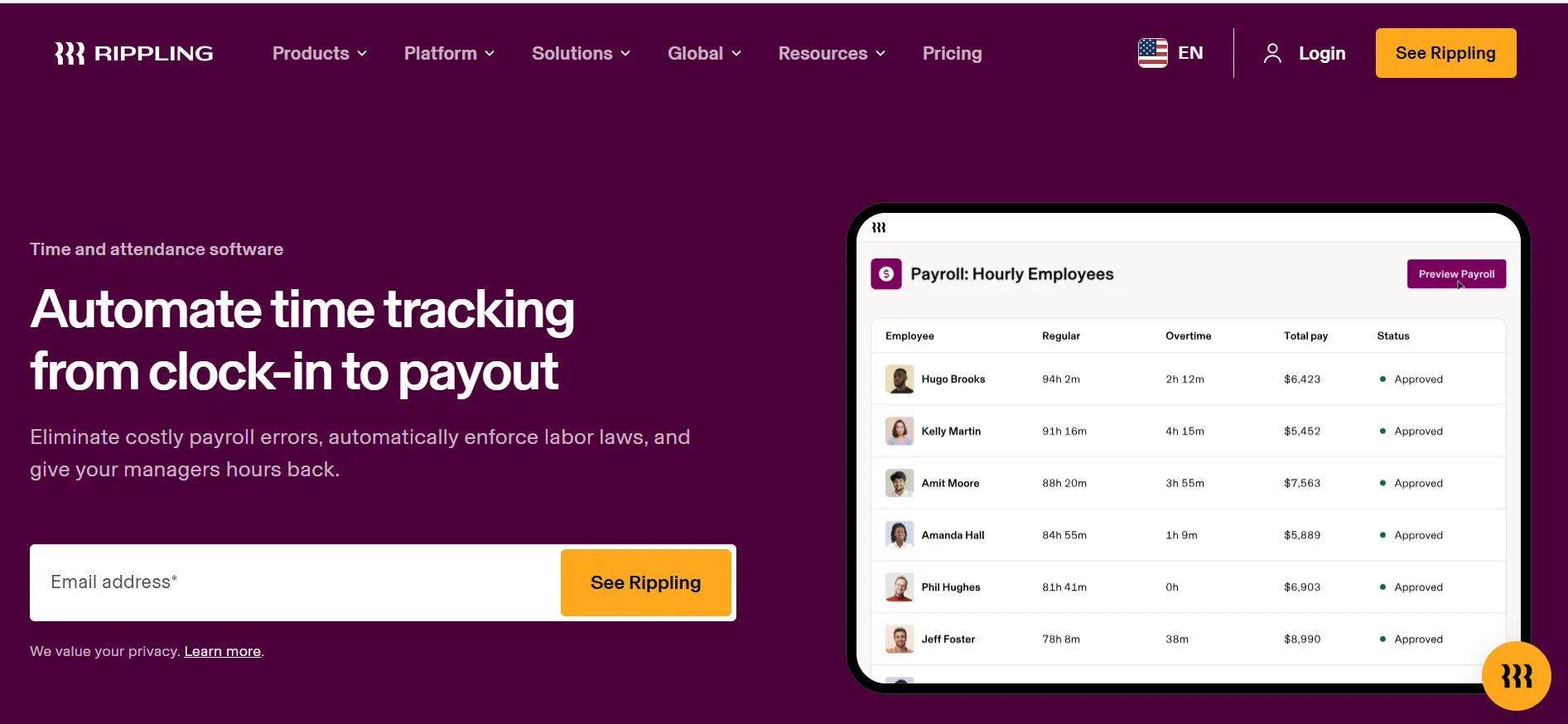
Overview: Rippling is a modern, all-in-one platform that combines HR, IT, and finance functions. Its leave management capabilities leverage automation and integration to create a seamless experience.
Key Features:
- Unified platform connecting leave, payroll, and benefits
- Automated policy enforcement and accrual calculations
- Smart approval routing based on organizational structure
- Real-time team availability insights
- Customizable leave types and policies
- Advanced workflow automation
- Device and app management integration
Pricing: Starting at $8 per employee per month (plus $35 base fee)
Pros:
- Exceptional integration across HR, IT, and finance functions
- Modern, intuitive interface
- Powerful automation capabilities
- Fast implementation compared to enterprise platforms
- Innovative feature development
Cons:
- All-in-one approach may include features you don’t need
- Pricing can increase significantly with add-ons
- Relatively newer player with shorter track record
- Some advanced features still developing
- Customer support can be inconsistent
Best For: Tech-forward companies (20-2,000 employees) seeking unified HR, IT, and finance management with strong automation.
Integrations: Native integrations with 500+ applications across HR, finance, and productivity categories.
Comparison with Time Off Manager 365: Rippling offers impressive all-in-one functionality, but Time Off Manager 365 provides superior leave-specific features and better value for organizations not needing IT/finance management. Time Off Manager 365’s AI forecasting is more advanced, and its Microsoft 365 integration is deeper. For companies focused specifically on optimizing leave management, Time Off Manager 365 delivers better specialized functionality at a lower total cost.
8. Factorial HR
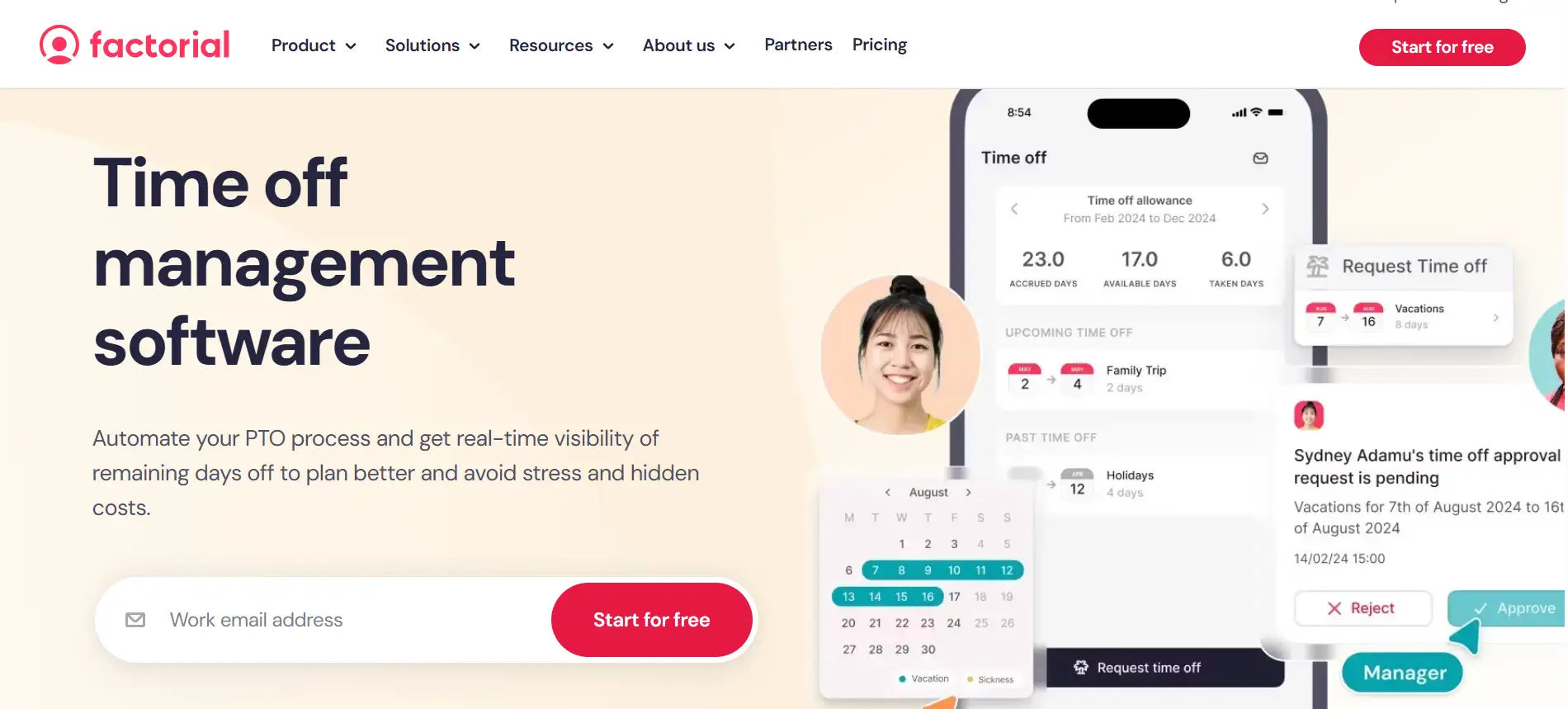
Overview: Factorial is a European-based HR platform gaining traction globally, offering comprehensive leave management with particular strength in multi-country compliance and affordable pricing.
Key Features:
- Multi-country leave policy management
- Automated accrual and balance tracking
- Visual team calendar with absence overview
- Mobile app for requests and approvals
- Customizable approval workflows
- Detailed analytics and reporting
- Document management
Pricing: Starting at $5-7 per employee per month
Pros:
- Very competitive pricing
- Strong multi-country compliance (especially Europe)
- Modern, clean interface
- Quick setup and onboarding
- Growing feature set
Cons:
- Smaller integration ecosystem than US-based competitors
- Less established in North American market
- Some features still rolling out
- Customer support primarily during European hours
- Limited advanced analytics
Best For: Small to medium businesses (10-500 employees) with European operations or seeking affordable, modern leave management.
Integrations: Connects with major payroll providers, Slack, Google Workspace, and Microsoft 365.
Comparison with Time Off Manager 365: Factorial offers competitive pricing and European compliance strength, but Time Off Manager 365 provides more advanced AI capabilities and superior Microsoft integration. Time Off Manager 365’s forecasting, analytics, and automation features are more sophisticated. For North American businesses or those seeking cutting-edge technology, Time Off Manager 365 is the stronger choice. Factorial works well for European-focused companies prioritizing basic functionality and affordability.
9. Personio
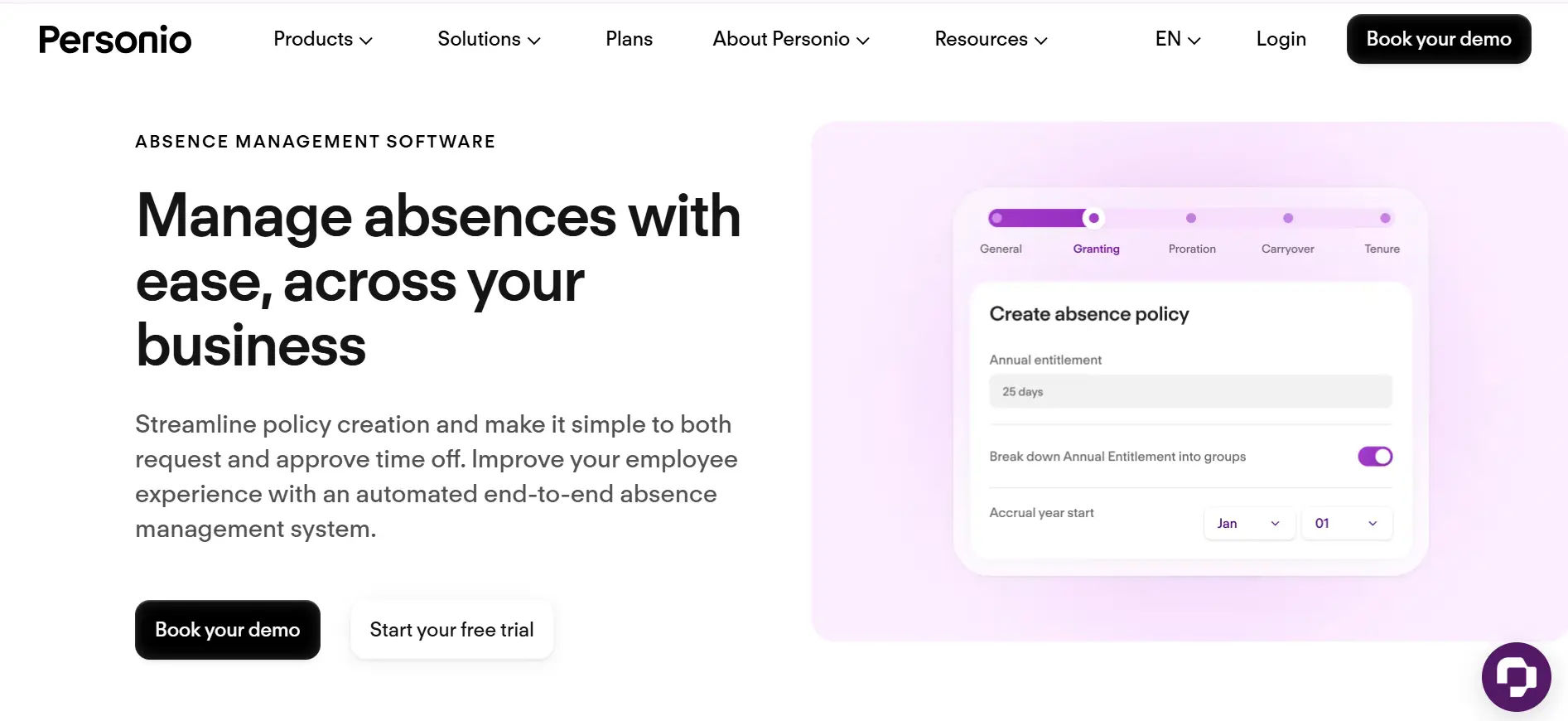
Overview: Personio is a comprehensive HR platform popular in Europe, offering robust leave management alongside recruitment, payroll, and performance management capabilities.
Key Features:
- Flexible leave policy configuration
- Automated accrual calculations with carryover rules
- Team absence calendar with capacity planning
- Mobile-first request and approval experience
- Comprehensive compliance for European labor laws
- Advanced reporting and analytics
- All-in-one HR suite
Pricing: Custom pricing (typically €6-12 per employee per month)
Pros:
- Excellent for European compliance requirements
- All-in-one HR platform reduces vendor complexity
- Strong customer support and resources
- Continuous feature development and updates
- Good mobile experience
Cons:
- Primarily focused on European market
- Limited presence in North America and Asia
- Some integrations require custom development
- Higher cost than basic leave management tools
- Implementation can be lengthy
Best For: European companies (50-2,000 employees) seeking comprehensive HR management with strong leave capabilities.
Integrations: Connects with European payroll providers, DATEV, Slack, and major productivity tools.
Comparison with Time Off Manager 365: Personio is ideal for European all-in-one HR needs, but Time Off Manager 365 offers superior leave management specialization with more advanced AI features. Time Off Manager 365’s forecasting, Microsoft 365 integration, and modern technology stack provide better value for organizations prioritizing leave optimization. For North American businesses or those seeking best-in-class leave management, Time Off Manager 365 is the clear winner.
10. Calamari
Overview: Calamari is a specialized leave and attendance management solution designed for small to medium businesses seeking focused functionality at an affordable price point.
Key Features:
- Intuitive leave request and approval system
- Automatic leave balance calculations
- Team calendar with absence visualization
- Clock-in/clock-out time tracking
- Customizable leave types and policies
- Basic reporting and exports
- Slack integration
Pricing: Starting at $2-3 per employee per month
Pros:
- Extremely affordable pricing
- Focused solution without unnecessary complexity
- Easy setup and minimal learning curve
- Good integration options for its price point
- Combines leave and time tracking
Cons:
- Limited advanced features compared to comprehensive platforms
- Basic reporting capabilities
- Smaller customer support team
- Less suitable for large enterprises
- No AI or predictive features
Best For: Small businesses and teams (5-100 employees) seeking affordable, straightforward leave management without enterprise complexity.
Integrations: Connects with Slack, Google Calendar, Microsoft 365, and popular project management tools.
Comparison with Time Off Manager 365: Calamari offers rock-bottom pricing but lacks the advanced features that make Time Off Manager 365 valuable. Time Off Manager 365’s AI forecasting, comprehensive analytics, and superior user experience justify the modest price difference. For organizations seeking strategic value from leave management (not just basic tracking), Time Off Manager 365 provides significantly better ROI despite slightly higher cost.
11. Timetastic
Overview: Timetastic is a UK-based leave management solution known for its simplicity, visual calendar interface, and team-focused approach to absence tracking.
Key Features:
- Visual wallchart showing team absences
- Simple leave request and approval process
- Automatic leave allowance calculations
- Email and Slack notifications
- Department and location-based views
- Basic reporting and exports
- Public holiday management
Pricing: Starting at $2 per employee per month
Pros:
- Extremely simple and intuitive
- Visual calendar makes team planning easy
- Very affordable pricing
- Quick implementation (minutes, not weeks)
- No long-term contracts
Cons:
- Limited advanced features
- Basic compliance support
- Minimal customization options
- Not suitable for complex organizational needs
- No mobile app (responsive web only)
Best For: Small teams and businesses (5-50 employees) prioritizing simplicity and visual team planning over advanced features.
Integrations: Connects with Slack, Microsoft Teams, Google Calendar, and basic export to payroll systems.
Comparison with Time Off Manager 365: Timetastic wins on simplicity and low price, but Time Off Manager 365 offers exponentially more value for growing organizations. Time Off Manager 365’s AI forecasting, advanced analytics, compliance management, and native mobile apps provide capabilities that Timetastic can’t match. For businesses planning to scale or needing strategic leave management, Time Off Manager 365 is worth the investment.
12. Vacation Tracker
Overview: Vacation Tracker is a lightweight leave management solution that integrates directly into Slack and Microsoft Teams, making it ideal for remote and distributed teams already using these platforms.
Key Features:
- Native Slack and Teams integration
- Simple request and approval workflows within chat platforms
- Automatic balance tracking and accruals
- Team calendar visibility
- Customizable leave types
- Basic analytics and reports
- Bot-based interactions
Pricing: Starting at $2-3 per user per month
Pros:
- Seamless integration with existing communication tools
- Minimal disruption to employee workflows
- Very affordable pricing
- Quick setup and adoption
- Good for remote teams
Cons:
- Limited standalone functionality
- Dependent on Slack or Teams ecosystem
- Basic reporting compared to comprehensive platforms
- Less suitable for complex compliance needs
- No advanced analytics or forecasting
Best For: Remote and distributed teams (10-200 employees) heavily using Slack or Microsoft Teams for communication.
Integrations: Deep integration with Slack and Microsoft Teams; connects with Google Calendar and basic HRIS platforms.
Comparison with Time Off Manager 365: Vacation Tracker offers convenient Slack/Teams integration, but Time Off Manager 365 provides much deeper Microsoft 365 integration plus standalone value. Time Off Manager 365’s native Outlook, Teams, and SharePoint integration is more comprehensive, and it offers AI forecasting, advanced analytics, and compliance features that Vacation Tracker lacks. For organizations seeking more than basic tracking, Time Off Manager 365 delivers significantly greater value.
13. Deputy
Overview: Deputy is a workforce management platform that combines scheduling, time tracking, and leave management, particularly well-suited for shift-based and hourly workforces.
Key Features:
- Leave requests integrated with shift scheduling
- Real-time availability and coverage insights
- Mobile app for frontline workers
- Automatic leave accrual based on hours worked
- Compliance with wage and hour laws
- Time and attendance integration
- Shift swapping and management
Pricing: Starting at $4.50 per employee per month
Pros:
- Excellent for shift-based workforces
- Strong mobile experience for hourly employees
- Integrated scheduling prevents understaffing
- Good compliance support for wage and hour laws
- Popular in retail, hospitality, healthcare
Cons:
- More complex than needed for office-only workforces
- Scheduling features may be unnecessary for some organizations
- Pricing increases with advanced features
- Learning curve for administrators
- Focus on hourly workers, less ideal for salaried
Best For: Organizations with shift-based, hourly, or frontline workers (restaurants, retail, healthcare, hospitality).
Integrations: Connects with major payroll providers, POS systems, and accounting platforms like QuickBooks and Xero.
Comparison with Time Off Manager 365: Deputy excels for shift-based workforces, while Time Off Manager 365 is better for professional/office environments. For organizations with primarily salaried employees, Time Off Manager 365’s AI forecasting, advanced analytics, and Microsoft 365 integration provide superior value. Deputy is the right choice for businesses managing hourly shifts; Time Off Manager 365 is ideal for knowledge workers and professional services.
14. Zoho People
Overview: Zoho People is part of the comprehensive Zoho suite, offering affordable leave management with good customization options and integration across Zoho’s ecosystem.
Key Features:
- Customizable leave types and policies
- Automated accrual and balance tracking
- Multi-level approval workflows
- Team calendar and availability views
- Mobile app for requests and approvals
- Comprehensive reporting and analytics
- Integration with Zoho suite
Pricing: Starting at $1.50-3 per employee per month
Pros:
- Extremely affordable pricing
- Good customization capabilities
- Seamless integration with Zoho ecosystem
- Suitable for organizations of various sizes
- Comprehensive feature set for the price
Cons:
- User interface less modern than newer competitors
- Best value requires using other Zoho products
- Customer support quality can vary
- Some features require higher-tier plans
- Steeper learning curve
Best For: Small to medium businesses (10-500 employees) already using or open to Zoho’s ecosystem of business applications.
Integrations: Deep integration across Zoho suite (CRM, Books, Projects); connects with Google Workspace and Microsoft 365.
Comparison with Time Off Manager 365: Zoho People offers unbeatable pricing for Zoho ecosystem users, but Time Off Manager 365 provides a more modern, specialized leave management experience. Time Off Manager 365’s AI capabilities, superior Microsoft 365 integration, and intuitive interface justify the modest price difference. For organizations not committed to Zoho’s ecosystem or seeking cutting-edge leave management, Time Off Manager 365 is the better investment.
15. Sesame HR
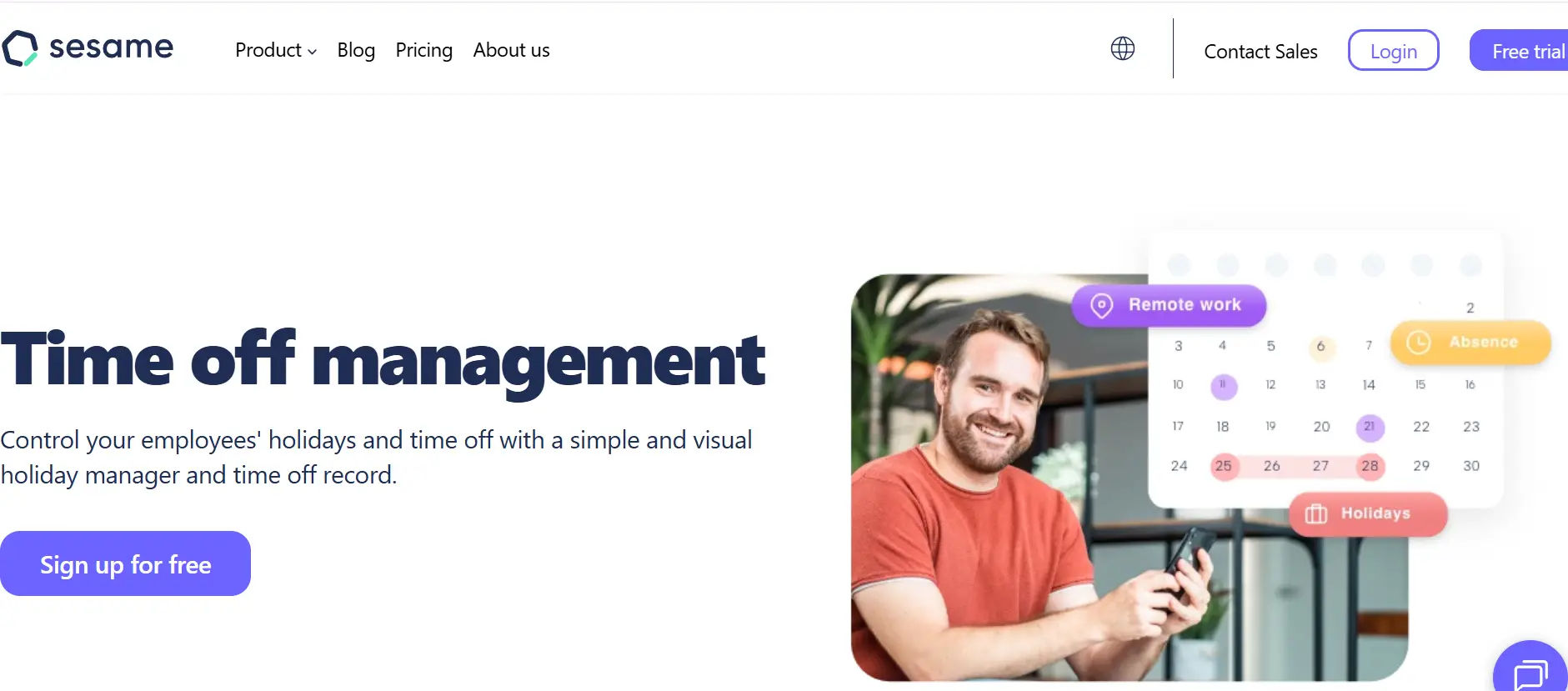
Overview: Sesame HR is a European HR platform offering comprehensive leave management with strong focus on user experience and visual design, gaining popularity among SMBs globally.
Key Features:
- Intuitive leave request interface
- Visual team calendar with absence patterns
- Automated policy enforcement and calculations
- Mobile app for on-the-go management
- Customizable workflows and approval chains
- Time tracking integration
- Document management
Pricing: Starting at $4-6 per employee per month
Pros:
- Modern, attractive user interface
- Good balance of features and simplicity
- Affordable pricing for feature set
- Strong customer support
- Growing international presence
Cons:
- Smaller market presence than established competitors
- Some integrations still developing
- Limited advanced analytics
- Primarily focused on European market
- No AI or predictive features
Best For: Small to medium businesses (20-300 employees) seeking modern, affordable leave management with good user experience.
Integrations: Connects with popular payroll providers, Google Workspace, Microsoft 365, and Slack.
Comparison with Time Off Manager 365: Sesame HR offers a pleasant interface at competitive pricing, but Time Off Manager 365 provides more advanced functionality and better Microsoft integration. Time Off Manager 365’s AI-powered forecasting, superior analytics, and deeper Microsoft 365 connectivity offer greater strategic value. For organizations seeking modern design plus cutting-edge capabilities, Time Off Manager 365 is the superior choice.
Leave Management Software Comparison Table
| Software | Best For | Key Strength | Mobile App | AI Features |
| Time Off Manager 365 | All businesses (10-5000) | AI forecasting + MS365 | ✓ | ✓ |
| BambooHR | SMBs (25-500) | All-in-one HR | ✓ | Limited |
| Workday | Enterprise (1000+) | Global compliance | ✓ | ✓ |
| Namely | Mid-sized (50-1000) | User experience | ✓ | ✗ |
| Zenefits | Small (5-200) | Affordability | ✓ | ✗ |
| ADP Workforce Now | All sizes | Payroll integration | ✓ | ✗ |
| Rippling | Tech-forward (20-2000) | Automation | ✓ | Limited |
| Factorial | SMBs with EU ops | Multi-country | ✓ | ✗ |
| Personio | European (50-2000) | EU compliance | ✓ | ✗ |
| Calamari | Small (5-100) | Price/simplicity | ✓ | ✗ |
| Timetastic | Small teams (5-50) | Visual calendar | Web only | ✗ |
| Vacation Tracker | Remote teams | Slack/Teams | ✓ | ✗ |
| Deputy | Shift workers | Scheduling | ✓ | ✗ |
| Zoho People | Zoho users (10-500) | Ecosystem value | ✓ | ✗ |
| Sesame HR | SMBs (20-300) | Modern design | ✓ | ✗ |
How to Choose the Right Leave Management Software
Selecting the ideal leave management solution requires careful consideration of your organization’s unique needs, constraints, and growth trajectory. Follow this framework to make an informed decision:
Assess Your Company Size and Needs
mall Businesses (5-50 employees):
Consider Time Off Manager 365 for its perfect balance of affordability, modern features, and scalability. Alternatives like Timetastic or Calamari offer basic functionality at lower prices but lack growth capabilities.
Medium Businesses (50-500 employees):
Time Off Manager 365 excels here with AI forecasting, advanced analytics, and Microsoft 365 integration. BambooHR is an alternative if you need all-in-one HR functionality.
Large Enterprises (500+ employees):
Time Off Manager 365 scales effectively to 5,000+ employees with enterprise-grade features at mid-market pricing. Workday suits organizations over 5,000 with complex global operations.
Budget Considerations
Calculate total cost of ownership beyond per-user pricing:
- Implementation and setup fees
- Training and change management costs
- Integration development expenses
- Ongoing support and maintenance
- Potential additional modules or features
According to HR technology research, organizations should budget approximately 1-3% of their total HR budget for leave management technology, including implementation and ongoing costs.
Time Off Manager 365 offers exceptional value with transparent pricing ($4.99/user/month), free implementation support, and no hidden fees—delivering enterprise features at small business prices.
Implementation Timeline
Consider your urgency and capacity:
- Immediate need (1-2 weeks): Time Off Manager 365 offers rapid cloud deployment with guided setup wizards
- Standard timeline (1-3 months): Most mid-market solutions like BambooHR or Namely
- Complex implementation (3-12 months): Enterprise platforms like Workday
Time Off Manager 365 typically deploys in 1-3 weeks including data migration, configuration, and training—significantly faster than competitors.
Conclusion
Choosing the right leave management software in 2026 transforms HR operations from reactive administration to strategic workforce planning. Time Off Manager 365 leads the market by combining AI-powered forecasting, seamless Microsoft 365 integration, and enterprise-grade features at just $4.99 per employee monthly delivering unmatched value for organizations seeking modern, scalable solutions that grow with their business needs.
Don’t let outdated leave tracking hold your business back in 2026. Start your free 14-day trial of Time Off Manager 365 today and experience how intelligent automation, intuitive design, and deep Microsoft ecosystem integration revolutionize leave management while saving time, reducing compliance risks, and empowering your entire workforce.
Upgrade your leave management system and streamline your HR processes with Time off manager 365. Try it now!
Join Our Creative Community
Frequently Asked Questions
How does Time Off Manager 365 simplify the leave management process for our HR team?
Time Off Manager 365 automates leave tracking, approvals, and balance calculations in real time. This reduces manual work, eliminates errors, and gives HR full visibility into employee availability from one centralized dashboard.
Can we customize leave types and policies to fit our company's specific needs using your software?
Yes, you can fully customize leave types, accrual rules, carryover limits, and eligibility policies. The platform supports standard and organization-specific leave policies, making it flexible for businesses of any size.
Is it easy for employees to request time off, and how can managers approve or deny requests through the platform?
Employees can request leave in just a few clicks via web or mobile apps. Managers receive instant notifications and can approve or reject requests quickly, with full visibility into team calendars and leave balances.
What kind of integration features does Time Off Manager 365 offer with Microsoft 365, and how do they benefit our organization?
Time Off Manager 365 integrates seamlessly with Microsoft 365 tools like Outlook, Teams, and SharePoint. This ensures leave data syncs automatically with calendars and workflows, improving communication and planning.
How does your software help ensure compliance with labor laws and regulations regarding employee time off?
The software supports compliance with regional and global leave regulations by enforcing policy rules, maintaining accurate records, and providing audit-ready reports. This helps organizations reduce compliance risks and stay legally aligned.


_JiluXJRGNl.svg)























