

_mVFFaHUZhS.webp)
Time is the one resource that cannot be recovered once spent and yet most businesses still struggle to account for it accurately. Time tracking software has quietly become one of the most essential tools in the modern workplace, helping teams understand where hours go, how projects stay profitable, and whether billing reflects actual effort.
A contract management system software streamlines how teams draft, organize, and oversee contracts from start to finish all in a centralized platform. It minimizes mistakes, improves efficiency, and simplifies the entire workflow for both legal and business departments.
This guide covers 10 of the strongest Toggl Track alternatives available today. Whether you need deeper project management integration, team monitoring features, Microsoft 365 compatibility, or a more affordable pricing tier, this list will help you find a tool that fits without having to guess your way through a dozen free trials.
Why Look for a Toggl Track Alternative?
Toggl Track is genuinely good at what it was built to do: start a timer, attach it to a project, and produce a report. For solo professionals and small teams with minimal complexity, that simplicity is a feature, not a limitation. However, businesses are not static. Their tools need to evolve alongside them.
Here are the most common reasons people start exploring alternatives:
- Pricing that does not scale well — Toggl Track’s paid plans can feel steep for teams that need features like project forecasting, billable rate controls, or team dashboards.
- No built-in GPS or shift scheduling — Field teams, construction firms, and businesses with shift-based workers need tools that go beyond the desktop timer.
- Limited payroll and invoicing — Toggl Track does not offer native payroll integrations or robust invoicing, which means more manual work downstream.
- No proof-of-work features — Toggl Track has an explicit anti-surveillance policy, which is great for trust-first cultures but leaves managers without visibility when they genuinely need it.
- Integration gaps — While Toggl Track connects with a number of tools, certain workflows especially around Microsoft 365 or enterprise project management suites require more native support.
- Outgrowing the feature set — Teams that started with Toggl Track often find that as they scale, they need resource planning, workload reporting, or multi-level approvals that the platform does not provide.
None of these are reasons to dismiss Toggl Track. They are honest signals that a specific team, at a specific stage, may need something different.
What Is Toggl Track?
Toggl Track is a cloud-based time tracking platform founded in 2006 by an Estonian software consultancy. What began as an internal tool to log billable hours and provide transparency to clients eventually grew into one of the most recognizable names in time tracking. The product is available across web, desktop, and mobile, and supports tracking via manual entry, start/stop timer, and calendar integrations.
Its core strengths lie in simplicity and speed. Setting up projects, clients, and tasks takes minutes. The interface is clean and uncluttered. Reports are visual and exportable. These qualities made Toggl Track the default recommendation for freelancers and lean teams for nearly two decades.
Pros of Toggl Track
- Clean, minimal interface that reduces the learning curve for new users
- Generous free plan with support for unlimited projects and up to five users
- Reliable timer across web, desktop, and mobile with background sync
- Strong reporting with visual breakdowns by project, client, and team member
- Calendar view for tracking time directly against scheduled events
Cons of Toggl Track
Every tool has trade-offs, and Toggl Track is no different. These points are not criticisms — they reflect the realities of a platform that was designed with a specific audience in mind. As business needs shift, some of these limitations become relevant.
- No native payroll integration — teams need to manually move data to payroll platforms
- No built-in invoicing tools, which means billing happens in a separate system
- Advanced features like project forecasting, manager roles, and billable rate controls are locked behind higher-priced plans
The time tracking software landscape is wide and competitive. There are platforms built specifically for agencies, construction teams, enterprise services firms, Microsoft-first organizations, and budget-conscious startups. The tools below each address one or more of the gaps identified above and in many cases, go further.
Top 10 Toggl Track Alternatives & Competitors
1. Timesheet 365
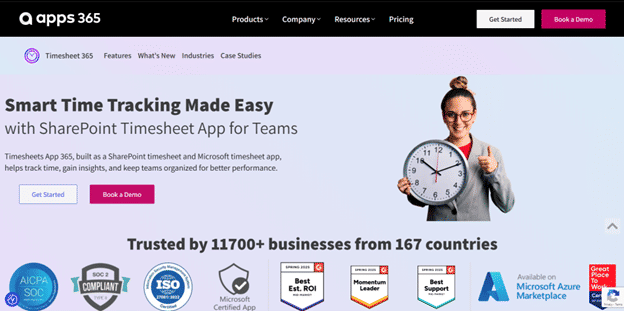
Timesheet 365 is a time tracking and workforce management solution built natively inside the Microsoft 365 ecosystem. Designed for organizations that have already invested in Microsoft Teams and SharePoint, it brings time tracking into the environment employees already use every day without requiring a separate login, a new app download or a workflow change.
What sets Timesheet 365 apart from general-purpose trackers is its deep integration with Microsoft infrastructure. Time entries link directly to Teams channels and SharePoint lists, approvals flow through existing organizational hierarchies, and all data stays inside the organization’s own Microsoft 365 environment a significant advantage for compliance-sensitive businesses and those operating under GCC standards.
The platform includes AI-powered tools for task monitoring, automated timesheet generation, and resource allocation. For businesses running on Microsoft 365 that find Toggl Track’s third-party integration cumbersome or want their time data within the same governed environment as their emails and documents, Timesheet 365 is a practical and well-rated choice.
Key Features
- Native Microsoft Teams and SharePoint integration for tracking time without leaving the Microsoft 365 environment
- AI-powered automated timesheets that reduce manual entry and flag anomalies
- Multi-level timesheet approval workflows aligned to organizational reporting structures
- Clock-in/clock-out functionality with support for multiple shift configurations
- Real-time task and project tracking with budget monitoring
- Resource allocation tools that give managers visibility into team capacity across projects
- Customizable fields for capturing project-specific data such as cost codes or client references
- GCC-compliant data handling, keeping all time data securely within the Microsoft 365 tenant
G2: 4.8/5
Capterra: 4.8/5
2. Timely
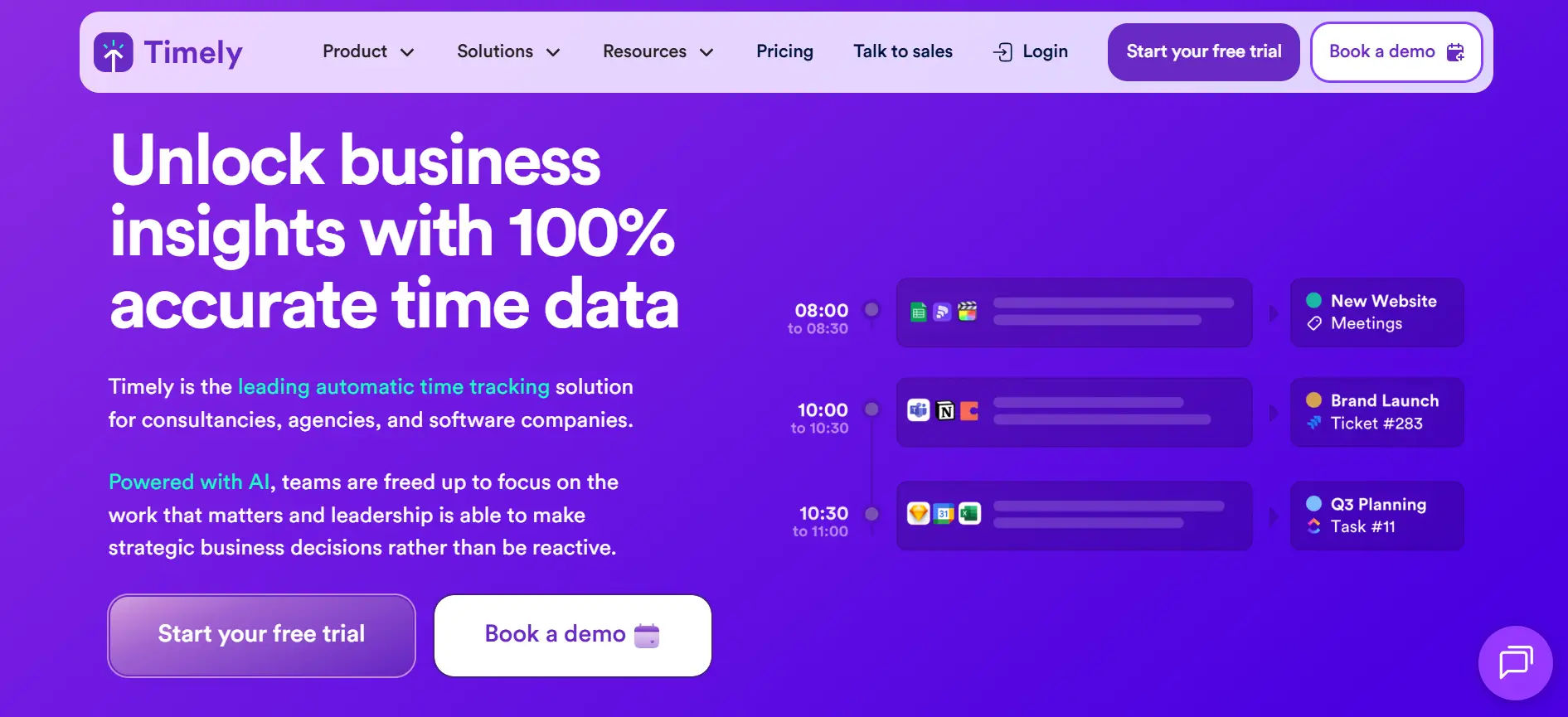
Timely takes a fundamentally different approach to time tracking. Rather than asking employees to manually start and stop timers, it runs passively in the background and automatically records every app, document, call, and meeting throughout the workday. Users then review their activity log and assign time blocks to the appropriate projects a process that takes minutes rather than hours.
Key Features
- Automatic time tracking that captures all computer activity in the background, requiring no manual timers
- AI memory log that learns patterns over time and suggests how logged activities map to projects
- Privacy-first design: all captured data is visible only to the individual user, never to admins
- Team dashboard that shows project progress and capacity without exposing individual activity logs
G2: 4.8/5
Capterra: 4.7/5
3. Hubstaff
Best for: Distributed and remote teams that need time tracking combined with workforce visibility
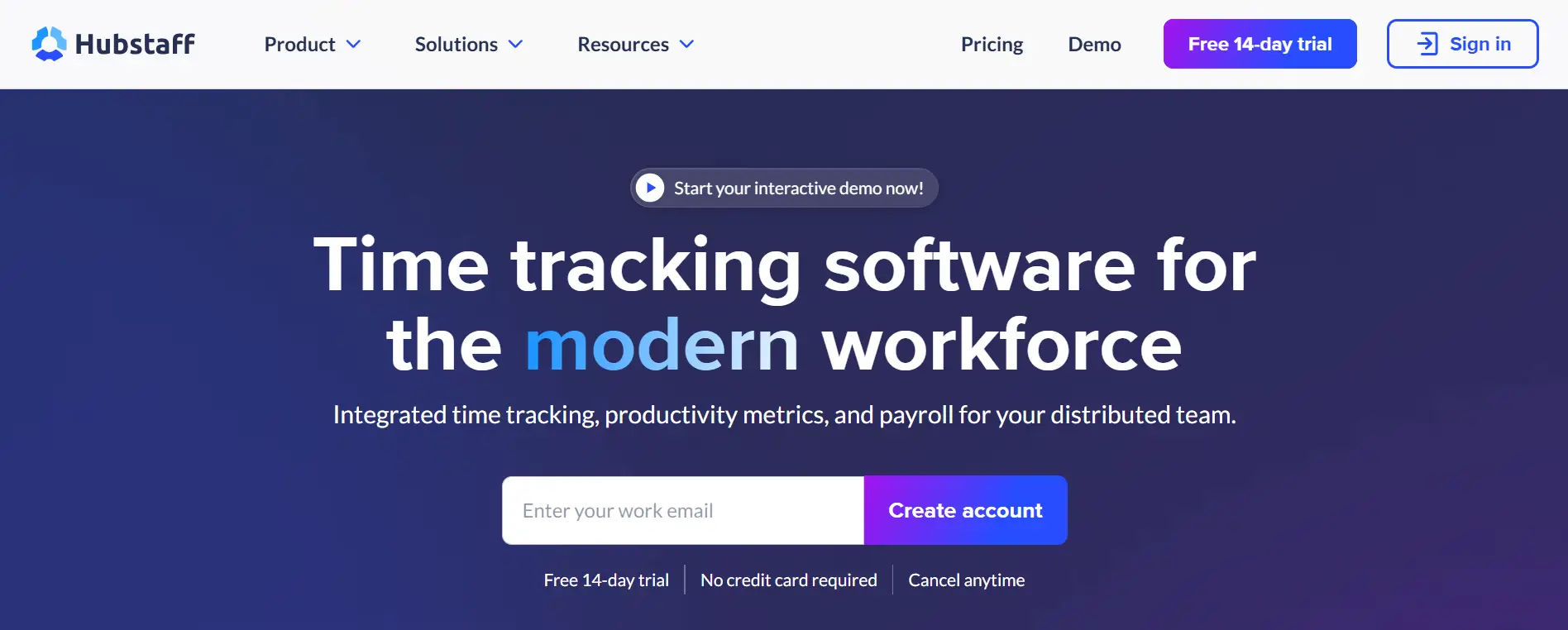
Hubstaff is one of the most feature-rich time tracking platforms available, designed specifically for distributed and field-based teams. It goes well beyond time logging to offer GPS tracking, geofencing, productivity monitoring, automated payroll processing, and employee scheduling all from a single dashboard.
For businesses managing remote workers across multiple locations, Hubstaff provides a level of operational visibility that no-frills trackers simply cannot match. Managers can view real-time location data, set geofences that automatically clock workers in and out when they arrive at a job site, review screenshots at configurable intervals, and access app and URL usage data to understand how time is actually being spent.
Key Features
- GPS tracking with real-time location monitoring and route recording for field teams
- Geofencing that automates clock-in and clock-out based on physical arrival at designated locations
- Activity monitoring with optional screenshots, app tracking, and URL usage reports
- Automated payroll with support for PayPal, Wise, and direct bank transfers based on tracked hours
G2: 4.3/5
Capterra: 4.6/5
4. Paymo
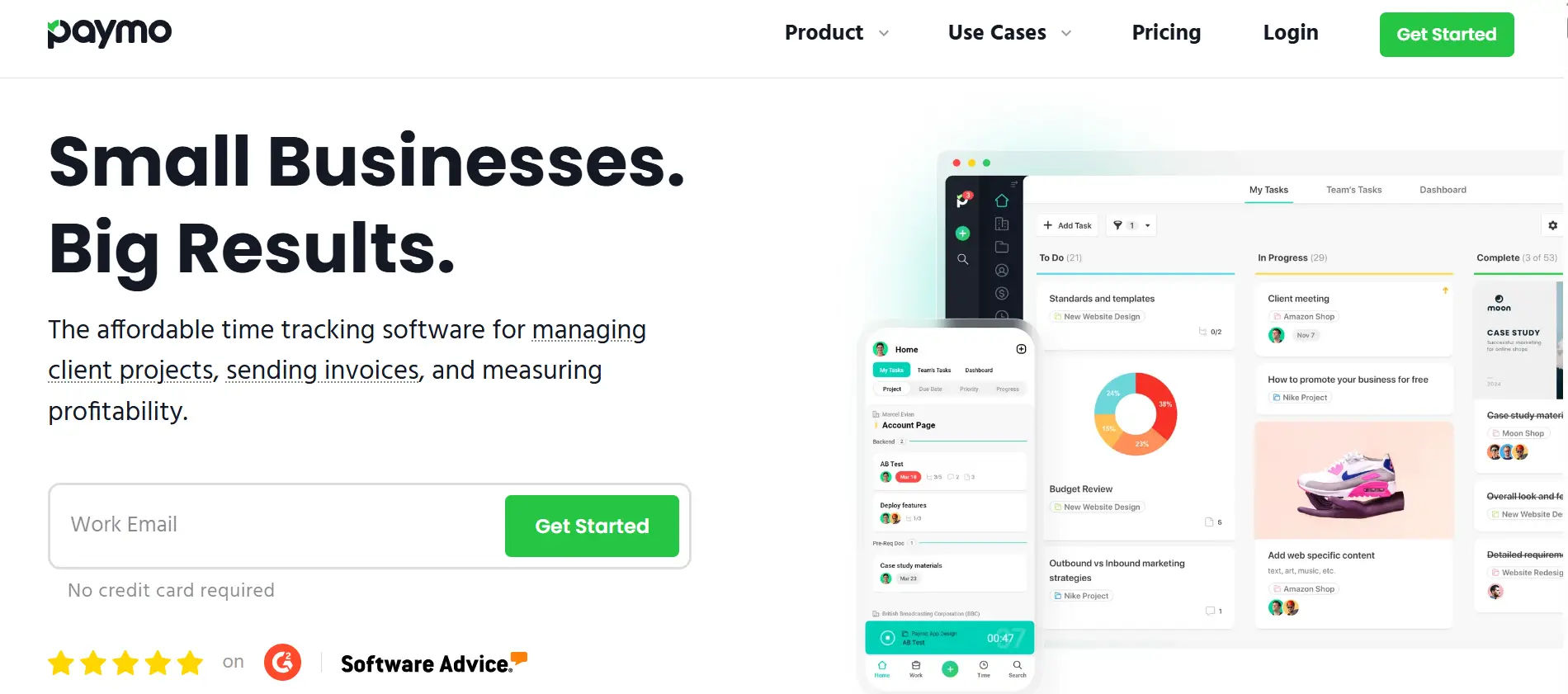
Paymo is a project management platform that puts time tracking at its center rather than treating it as a feature bolted on afterward. It is built for freelancers, small agencies, and professional service teams that need to manage client work from initial task assignment all the way through to the invoice without switching between multiple tools.
Key Features
- End-to-end project management with task boards, Kanban views, Gantt charts, and table views
- Automatic desktop time tracking via Paymo Track that records app usage for later assignment
- Pomodoro timer support for structured work sessions with customizable interval lengths
- Invoicing and online payment collection built directly into the platform
G2: 4.6/5
Capterra: 4.7/5
5. Apploye
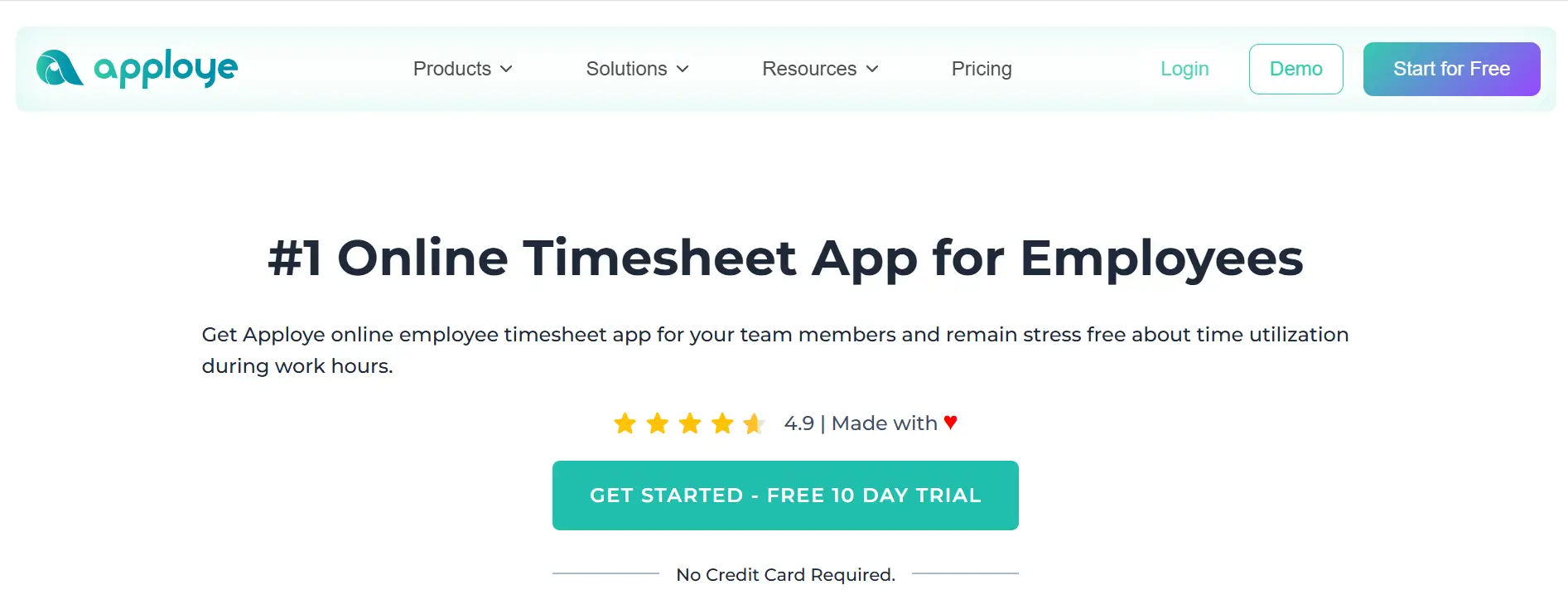
Apploye is a time tracking and employee monitoring platform designed to serve a wide range of teams from individual freelancers to enterprise organizations at a price point that makes it accessible without cutting corners on features. It combines time tracking, screenshot monitoring, productivity reports, GPS attendance, and task management into a single dashboard, making it one of the more comprehensive tools in the mid-market segment.
Key Features
- Automated time tracking with idle time detection and manual entry support
- Screenshot monitoring with configurable frequency optional and adjustable per team preference
- App and URL tracking to provide activity-level insight into how work time is spent
- GPS-based attendance tracking for verifying location at specific job sites
G2: 4.6/5
Capterra: 4.7/5
6. My Hours
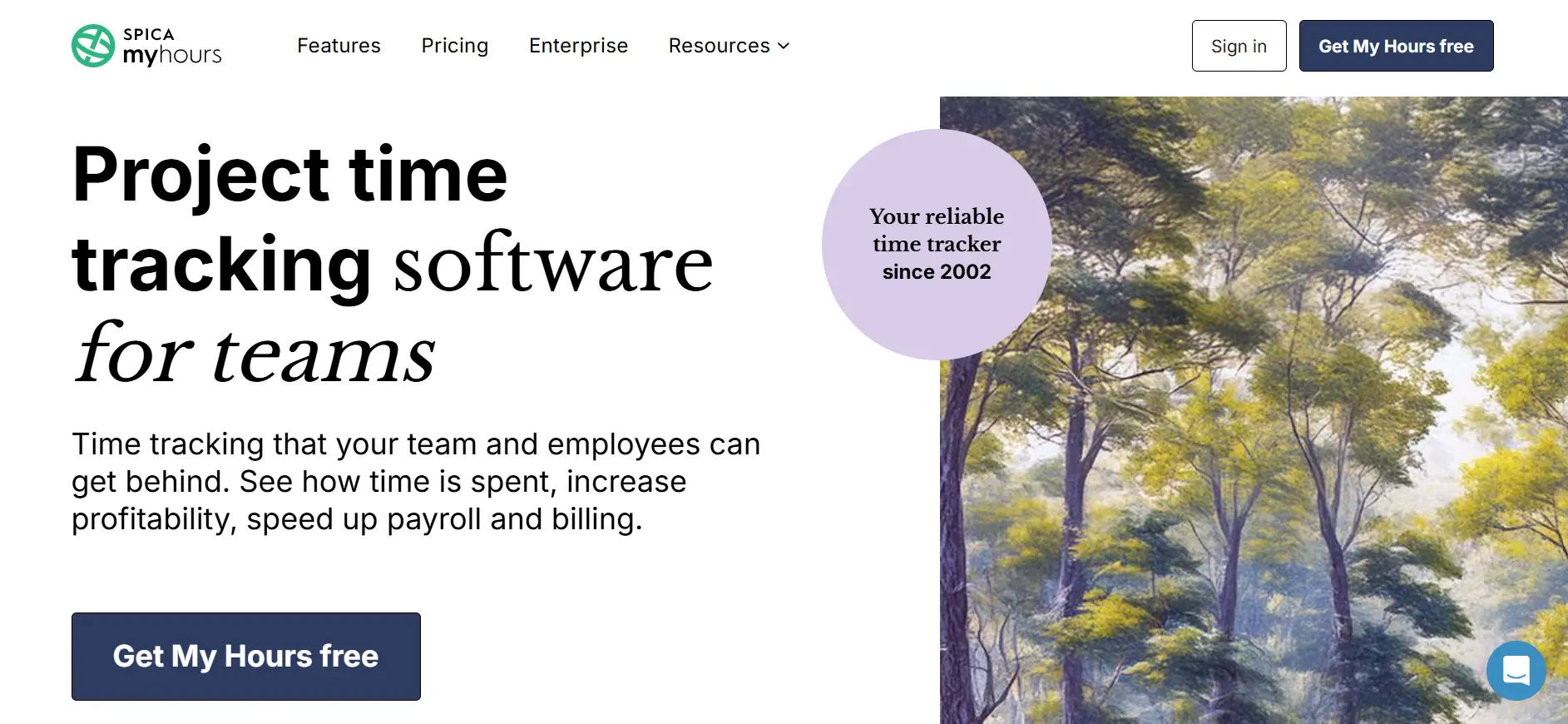
My Hours is a focused, no-frills time tracking tool built for freelancers and small teams that bill clients by the hour. It does not try to be a project management suite, a payroll platform, or an employee monitoring system. Instead, it does one thing well: helping users log time accurately, understand where that time went, and turn it into an invoice.
The platform’s pricing model is one of its strongest selling points. My Hours offers a fully functional free plan that covers unlimited projects, clients, and tasks — a rarity in this space. The paid plan, which unlocks invoicing, team administration, and timesheet approvals, is positioned at a price significantly below most competitors.
Key Features
- Unlimited project and client tracking on the free plan with no cap on log history
- Start/stop timer and manual time entry with project and task categorization
- Detailed time reports filterable by client, project, team member, and date range
- Billable and non-billable hour separation for accurate client billing
G2: 4.6/5
Capterra: 4.8/5
7. Clockify
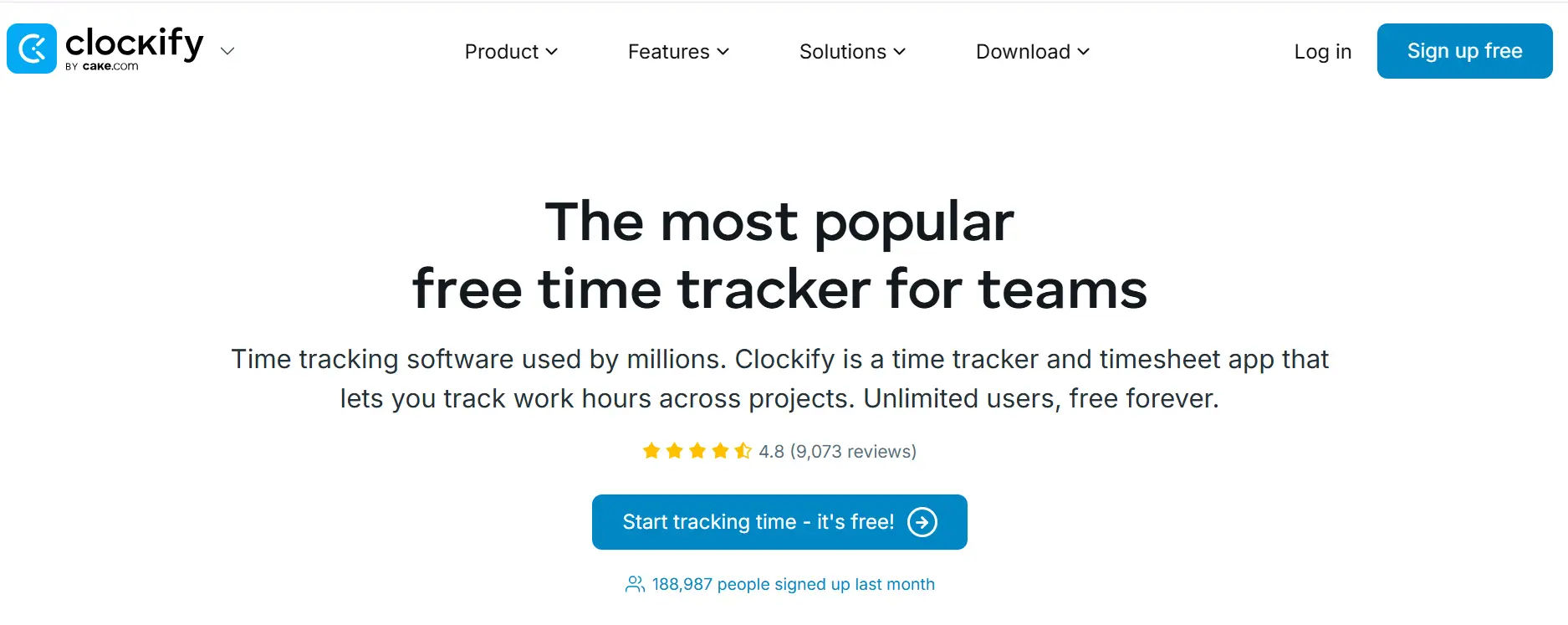
Clockify has grown to become one of the most widely used time tracking tools globally, largely on the strength of its free plan. Unlike most competitors that cap free usage at a few users or a limited number of projects, Clockify’s free tier supports unlimited users, unlimited projects, and unlimited time tracking making it an attractive starting point for growing teams watching their software budget.
Beyond the free plan, Clockify offers a structured set of paid tiers that unlock features like GPS tracking, audit logs, budgeting, project forecasting, and advanced reporting. For teams that need to move beyond basic logging without committing to premium pricing, Clockify represents one of the more flexible progressions in the market.
Key Features
- Free plan with unlimited users, unlimited projects, and unlimited time entries — no user caps
- Timer-based and manual time entry with project, task, and client tagging
- Visual reporting dashboard with breakdowns by project, user, date, and billing status
- GPS tracking and geofencing available on higher-tier plans for field teams
G2: 4.5/5
Capterra: 4.8/5
8. TimeCamp
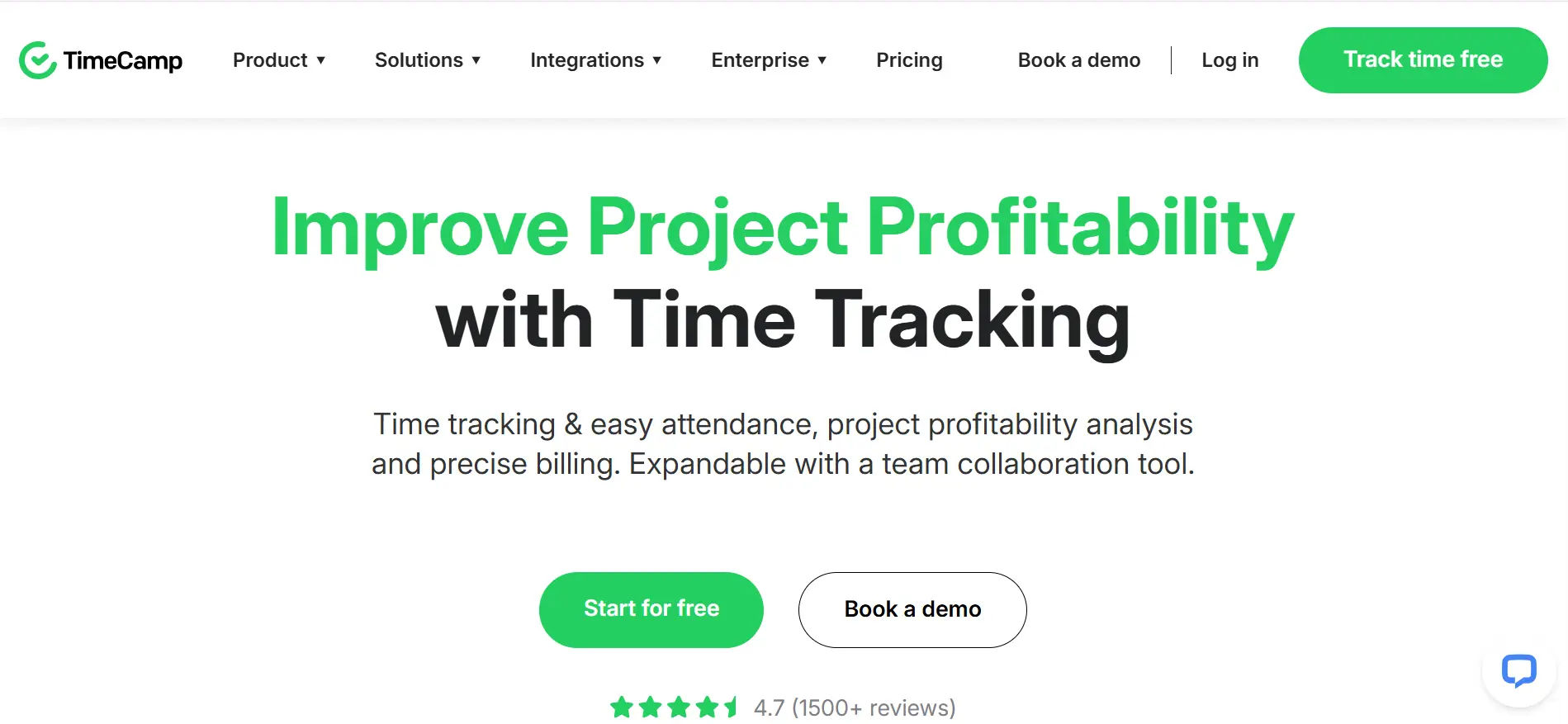
TimeCamp is a time tracking platform known for its keyword-based automatic tracking system a feature that sets it apart from most competitors. Instead of relying on app categories alone, TimeCamp can be configured to automatically assign time entries to specific projects based on keywords found in document titles, URLs, or application names. This makes it especially useful for teams working across diverse tasks where manual categorization would otherwise create significant overhead.
Key Features
- Keyword-based automatic time tracking that assigns entries to projects using configurable rules
- Manual and automatic tracking modes, giving users the choice based on their workflow preference
- Idle time detection that pauses tracking during periods of inactivity and prompts user review
- Project budget monitoring with visual progress indicators and cost tracking
G2: 4.7/5
Capterra: 4.7/5
9. Harvest
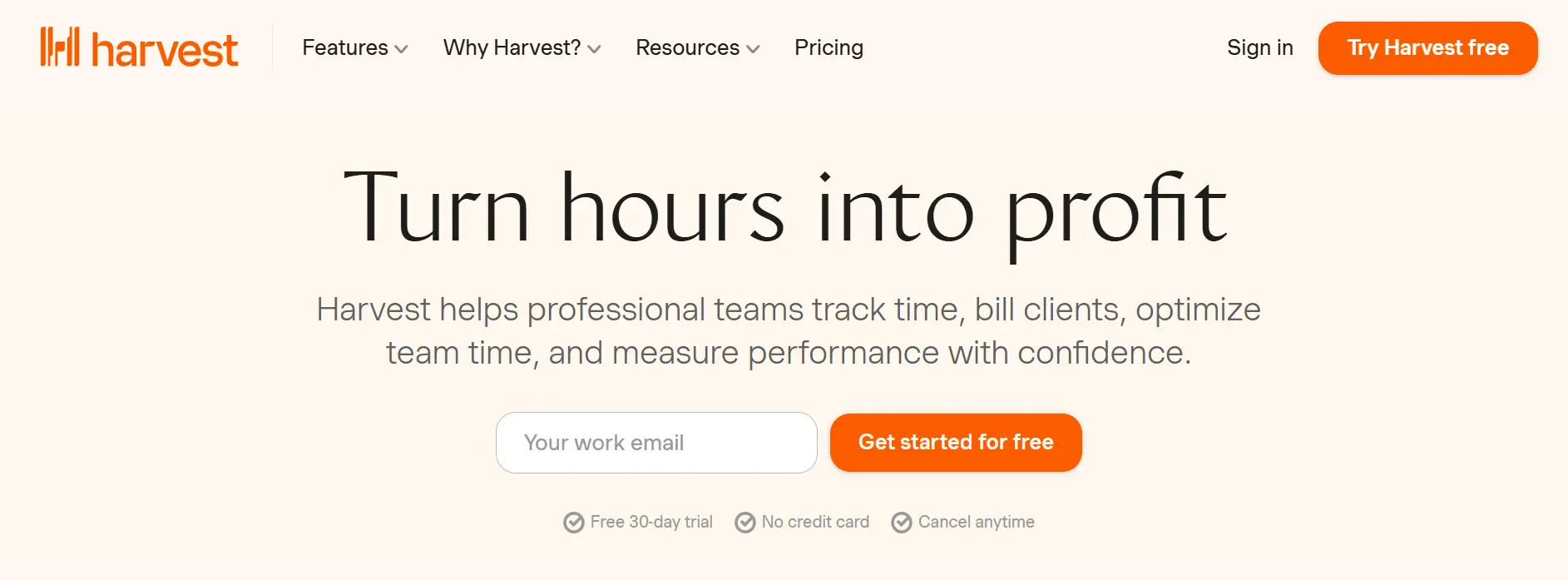
Harvest has been a trusted time tracking and invoicing tool for over a decade, originally built for creative and services-based teams that needed a clean way to log client hours and send professional invoices. Its reputation for simplicity and reliability has made it a long-standing fixture among agencies, consultants, and remote teams.
Key Features
- Clean, minimal interface with a shallow learning curve suited to teams with varying technical experience
- One-click timer start and stop with project and client assignment from a persistent browser bar
- Automated invoice generation from tracked billable hours, with support for recurring invoices
- Online payment collection integrated directly into invoices via Stripe and PayPal
G2: 4.3/5
Capterra: 4.6/5
10. Deltek
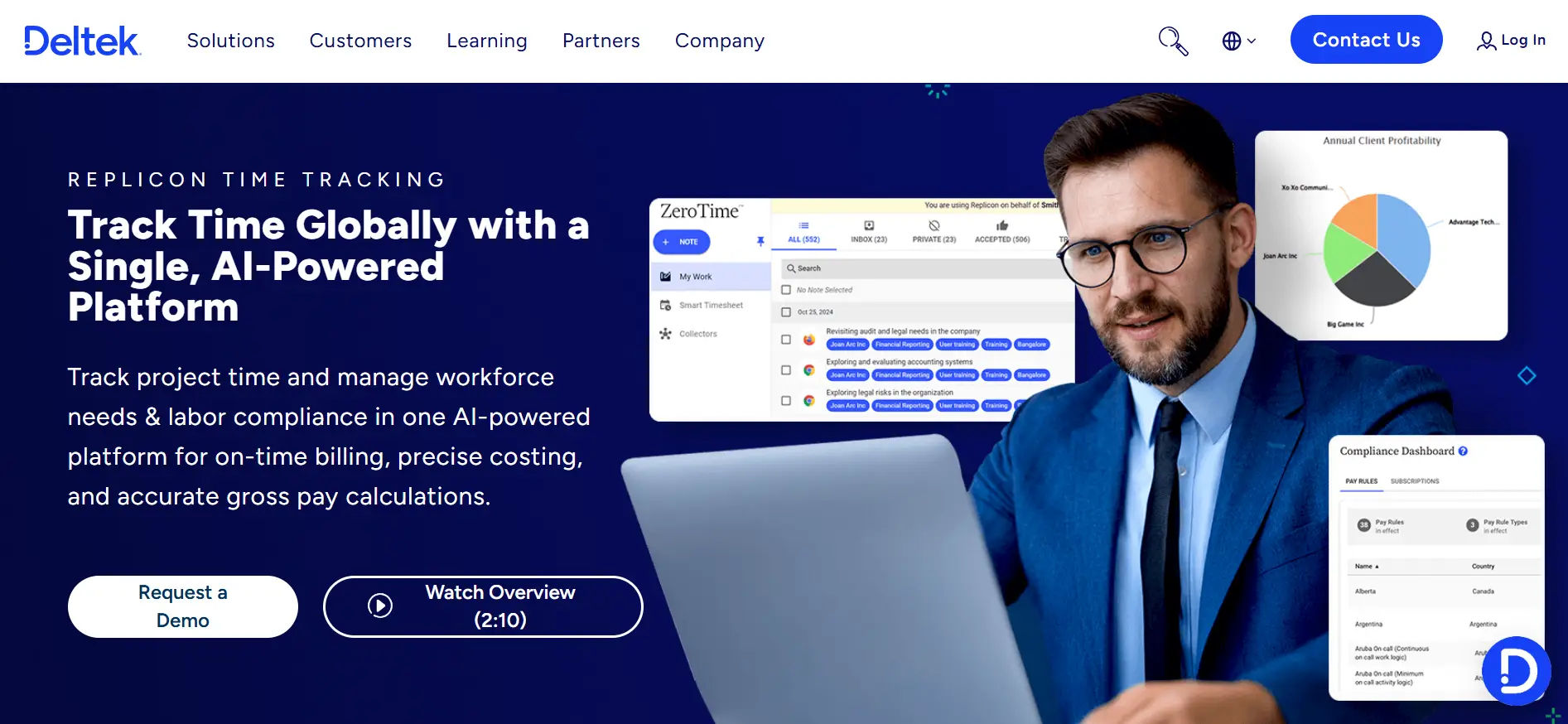
Deltek is an enterprise resource planning (ERP) platform purpose-built for project-based businesses in architecture, engineering, construction, government contracting, and professional services. Time tracking in Deltek is not a standalone feature it is one component of a comprehensive system that covers project financials, resource management, compliance reporting, and business development.
Key Features
- Project-based ERP covering time tracking, financial management, billing, and resource planning in one platform
- Labor distribution and cost accounting for government contracting and compliance reporting
- Multi-project financial reporting with real-time visibility into project profitability and overhead allocation
- Resource management tools for planning team capacity across long-duration projects
G2: 4.0/5
Capterra: 3.9/5
Best Practices to Choose a Toggl Track Alternative
Evaluating time tracking tools requires more than checking a feature matrix. The right platform depends on your team’s size, how you bill, where your employees work, and what your operational priorities actually are. Here are the considerations that matter most.
- Start with the problem, not the feature list
Identify what Toggl Track is not doing well for your team today. Is the issue billing accuracy? Remote team visibility? Microsoft 365 compatibility? Each problem points toward a different category of solution. Trying to match features without anchoring to a real problem leads to buying software that looks good in demos but adds no value in practice. - Evaluate the total cost of ownership
Per-user monthly pricing is rarely the full picture. Look at what features are locked behind higher tiers, whether onboarding or implementation costs apply, and how pricing scales as your team grows. A tool that appears affordable at five users may become costly at fifty. - Test the workflows your team will actually use
Most tools offer free trials. Use that time to simulate real tasks: log time across multiple projects, generate a report, export a timesheet, or create an invoice. If the daily workflow feels laborious during the trial, it will not improve after the purchase. - Consider where your team works
Desk-based teams, remote teams, and field teams have different requirements. A tool optimized for in-office knowledge workers may lack the GPS features a construction firm needs. A platform built for surveillance may undermine the trust culture a fully remote agency has spent years building. - Check integration compatibility with your existing stack
Time tracking data does not exist in isolation. It feeds into payroll, accounting, project management, and client billing. Verify that the platform integrates with the specific tools you already use not just a broad category of tools. A native Xero integration is different from a generic Zapier connector. - Get input from the people who will use it daily
The most common reason time tracking initiatives fail is adoption. If the tool is not genuinely easy for the people logging hours, they will find workarounds or stop logging entirely. Including frontline team members in the evaluation process dramatically improves adoption rates.
Conclusion
Toggl Track is simple and popular, but that simplicity can limit growing teams. As workflows evolve, teams often need more control, insights, and integrations. It works best for basic tracking, but not for complex or scaling operations.
Modern alternatives like Timesheet 365, Timely, and Hubstaff address these gaps with automation, deeper tracking, and seamless workflows. Each tool is designed for different team needs and working styles.
Join Our Creative Community
Frequently Asked Questions
What is the closest free alternative to Toggl Track?
Timesheet 365 is not free but serves as a strong Microsoft 365-integrated alternative to Toggl Track for teams needing seamless tracking.
Which Toggl Track alternative is best for Microsoft 365 users?
Timesheet 365 excels for Microsoft 365 users with direct integrations into Teams, SharePoint, Outlook, and Planner.
Is there a Toggl Track alternative with built-in invoicing?
Timesheet 365 focuses on time tracking and reporting rather than native invoicing, prioritizing Microsoft ecosystem workflows.
Which alternative works best for remote team management?
Timesheet 365 supports remote teams through Teams integration, approvals, and reports while keeping data in your Microsoft tenant.
How should I decide between all these Toggl Track alternatives?
Choose Timesheet 365 if Microsoft 365 integration is key; trial it to test Teams/SharePoint time logging for your workflow.


_JiluXJRGNl.svg)























