

_mVFFaHUZhS.webp)
If you’re searching for a Clockify alternative, this comprehensive guide compares the top 10 competitors, highlights their unique strengths, and provides actionable best practices to help you select the right time tracking solution for your business needs.
Timesheet 365 is a Microsoft-focused time tracking solution built for SharePoint and Microsoft 365, offering native integration, advanced approvals, and Power BI analytics. It’s best for organizations that rely heavily on the Microsoft ecosystem.
Clockify is a simple, flexible time tracking tool with a generous free plan, fast setup, and broad integrations. It’s ideal for small teams needing easy, cross-platform time tracking.
Time tracking for business is very important as it will be easier to manage project resources and productivity. Clockify is great for a lot of companies, but it doesn’t always work for your specific company. If you need more advanced integrations or additional analytics, customizing your feature in another platform could be worth considering.
This article details the top 10 alternatives to Clockify and analyzes each of their features, benefits, and ease-of-use to help you choose wisely.
Why Look for Clockify Alternatives?
As favored as it may be, however, Clockify isn’t always the best fit for every team. Here’s why companies tend to consider the options:
- Integration Requirements: If your team works in Microsoft 365, SharePoint, or a unique project management tool, you may require other options are compatible with your ecosystem.
- Premium Reporting: Few specific analytics that are more than what Clockify offers might be needed for some businesses.
- Industry-Specific Features: Some industries — legal or healthcare for example, or consulting — might require tools specific to billing, compliance, profitability tracking.
- Scalable: As your business grows, you may need tools with richer functionality for bigger teams.
- Pricing: Brush back on some of those costs you paid with Free Cask Time Clockify Though free for smaller teams, larger groups may find others offer better value.
Clockify A versatile and free time tracking solution
Clockify is one of the more well-known and user-friendly time tracking solutions that’s consistent with its no-hassle approach. It facilitates project tracking, time logging and reporting for small teams, freelancers and startups. But some teams may need more features or integrations than Clockify provides.
Pros of Clockify
- Free plan with unlimited users and projects
- User-friendly design for time recording in a simple way
- Support manual/administrative and auto time entries
- Simple reporting and project tracking was built in
- Available on any device ( web, desktop, mobile apps)
- It can be used with apps such as Trello, Asana and QuickBooks
- Cloud and on-premise options available
- Paid plans are reasonably priced for additional features
Cons of Clockify
Although Clockify is a great solution for some, business needs vastly differ between companies. As organizations scale or needs change you might need to look for alternatives to handle your workflows or technical requirements.
Comparison of Timesheet 365 vs Clockify
| Feature | Timesheet 365 | Clockify |
| Microsoft 365 Integration | Native SharePoint web parts, Teams integration, and seamless compatibility with Microsoft 365 apps. | Basic Teams and Outlook integration. |
| SharePoint Integration | Full SharePoint Online and on-premise compatibility, including SPFx permissions. | No direct SharePoint integration. |
| Pricing Model | Annual subscription with an enterprise focus, tailored for Microsoft 365 users. | Freemium model with per-user monthly/annual billing for advanced features. |
| Free Plan | Trial available, but no permanent free tier. | Unlimited users and projects on the free plan, ideal for small teams. |
| AI-Powered Features | AI reminders, anomaly detection, and automated compliance monitoring. | Basic automation, but lacks advanced AI features. |
| Mobile Experience | SharePoint-based mobile access, leveraging Microsoft 365 mobile apps. | Dedicated iOS and Android apps for time tracking. |
| Reporting Capabilities | Power BI integration for advanced analytics and customizable dashboards. | Built-in reporting with export options, but limited customization. |
| Approval Workflows | Multi-level approval workflows with SharePoint permissions. | Approval workflows available on paid plans. |
| Setup Complexity | Requires SharePoint knowledge for setup, ideal for Microsoft 365 users. | Quick setup with minimal technical requirements. |
| Scalability | Scales seamlessly within the Microsoft ecosystem. | Scales across various platforms and industries. |
| Third-party Integrations | Microsoft-compatible tools like Teams, Planner, and Power BI. | 100+ integrations with business tools. |
10 Best Clockify Alternatives & Competitors
1. Timesheet 365
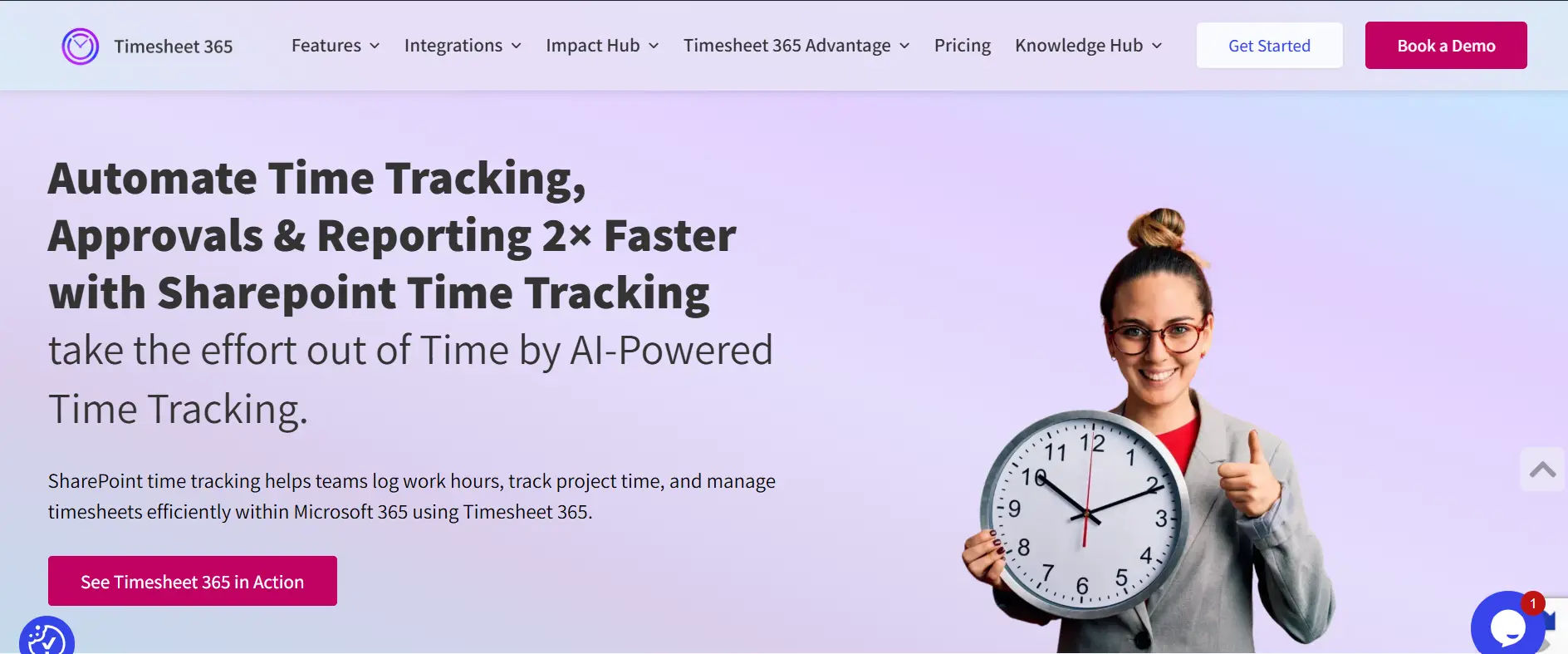
Timesheet 365 is a time tracking app that replicates the good and old corporate punch card system. With strong integration to Microsoft, it enables automation of workflows, secure approval and configurable reporting. The solution allows precise time tracking, real-time data insights, as well as compliance while keeping information at home in the Microsoft ecosystem.
8 Key Features:
- Native SharePoint and Teams integration
- AI-powered reminders and anomaly detection
- Customizable multi-level approval workflows
- Analytical Power BI to see your data in detail
- Mobile-friendly SharePoint access
- Microsoft 365 centralized data storage
- Automated compliance monitoring
- Flexible project and task management
- Customizable software plans
Why Timesheet 365 is the best Clockify alternative:
If you are deeply entrenched in the Microsoft 365 environment than Timesheet 365 offers unmatched interoperability with your existing systems, insights derived from AI and built for the enterprise grade security provisions.
Ratings:
- G2: 4.8/5
- Capterra: 4.5/5
A satisfied client shared a positive review for on G2
2. Timesheet Pro 365
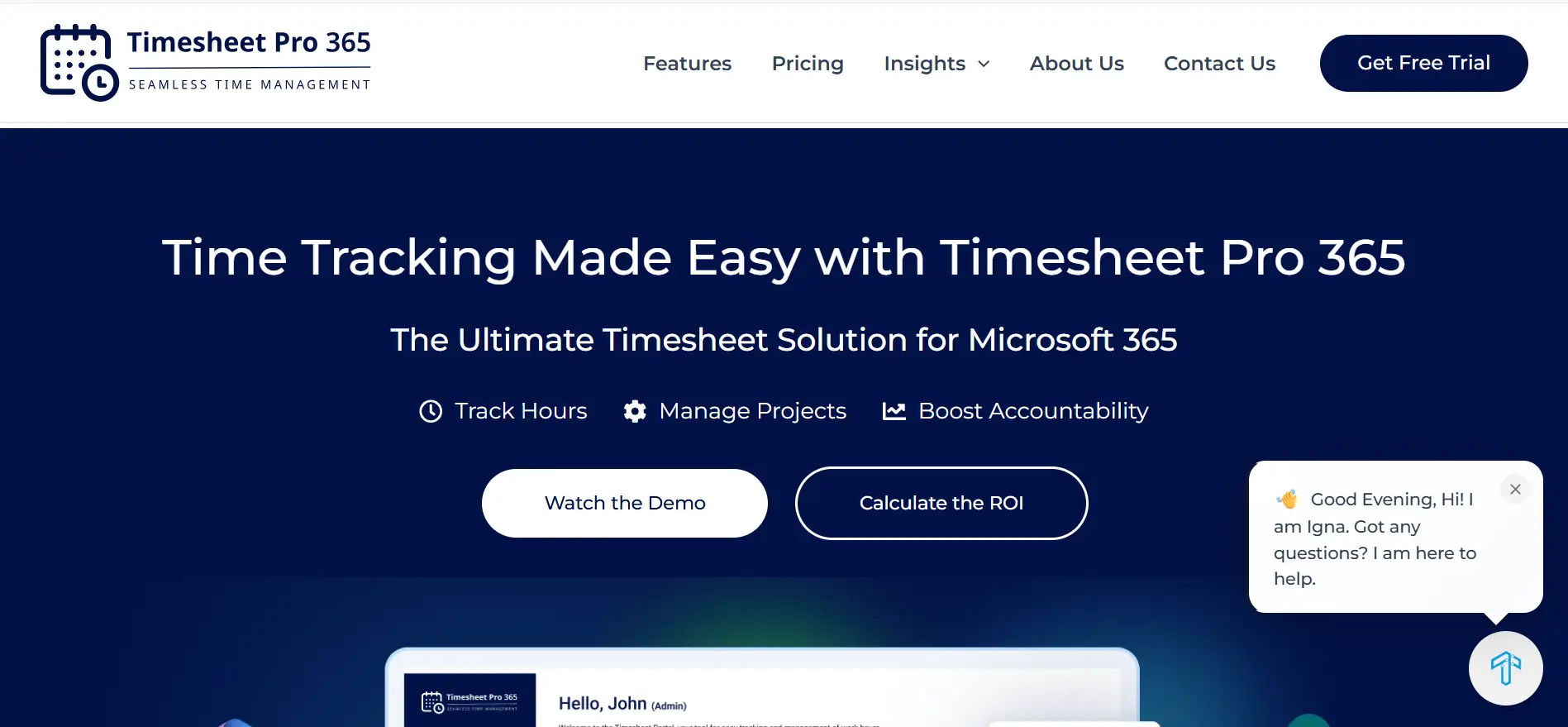
Timesheet Pro 365 is an enterprise-class time tracking tool with a high degree of Solutions for Advanced Gantt based project planning and billing on top of Microsoft Office 365. It makes project tracking be easy by allowing you to approve project expenses, activities, and other types for billing reports. It will help achieve clear insight of costs incurred plus resource usage across the team.
8 Key Features:
- High compatibility with Microsoft 365 and SharePoint
- Automated invoicing and billing features
- Project-based tracking and reporting
- Integrated with Power BI for visualization analytics
- Mobile and web-based access
- Customizable approval workflows
- Integration with Microsoft Project
- Secure, centralized data storage
Why Timesheet Pro 365 is the best Clockify alternative:
For organizations that require powerful project-based reporting and billing collections in the Microsoft class platform, use Timesheet Pro 365.
Ratings:
- G2: 4/5
- Capterra: 4/5
3. Office 365 Timesheet
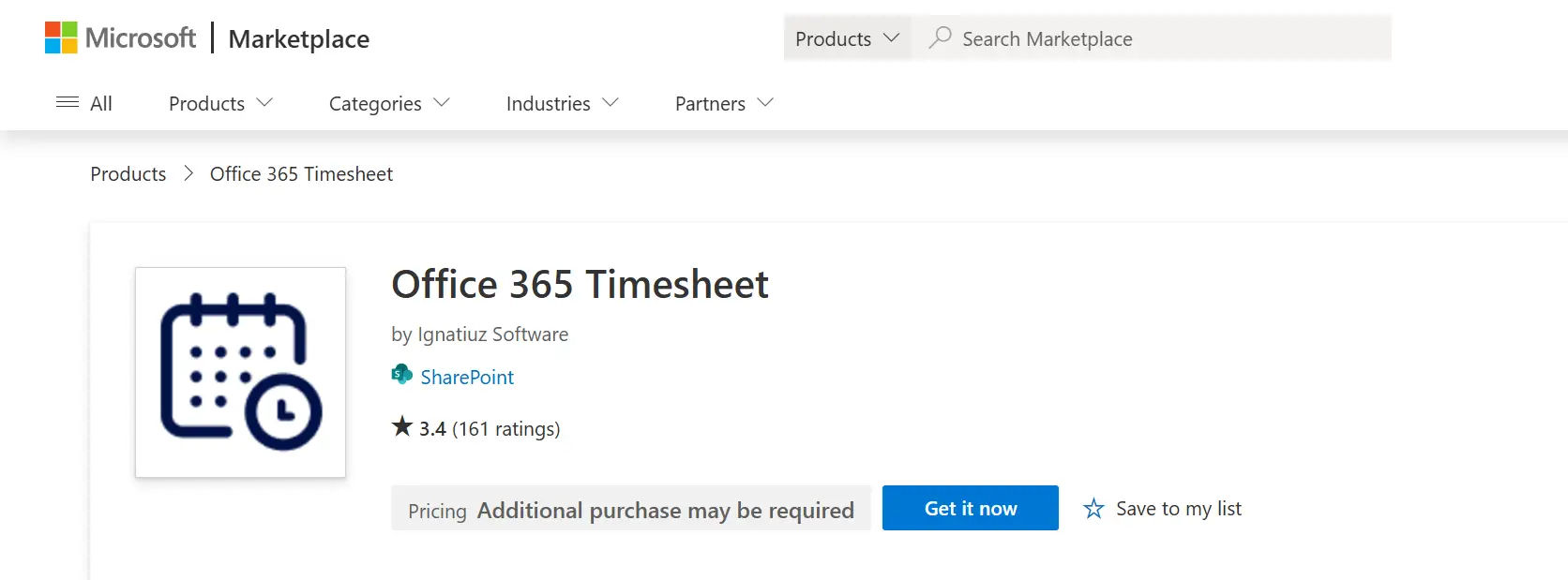
Office 365 Timesheet provides simple time tracking for your organization’s project in the Microsoft productivity suite. It’s created for teams who want a straightforward and reliable way to track time, submit timesheets and generate simple reports – with all information in one place and 100% aligned with Microsoft 365 ecosystem.
8 Key Features:
- Comprehensive SharePoint Online integration
- Teams and Planner compatibility
- Power BI and Excel reporting choices
- Mobile-first design for on-the-go tracking
- Task and project management tools
- Automated timesheet approvals
- Timesheet history tracking
- Applicable to organizations of all sizes
Why Office 365 Timesheet as a Clockify Competitor:
Ideal for teams that are interested in tight integration with Office 365 tools like Teams, Planner and SharePoint.
Ratings:
- G2: 4/5
- Capterra: 4.2/5
4. Toggl Track
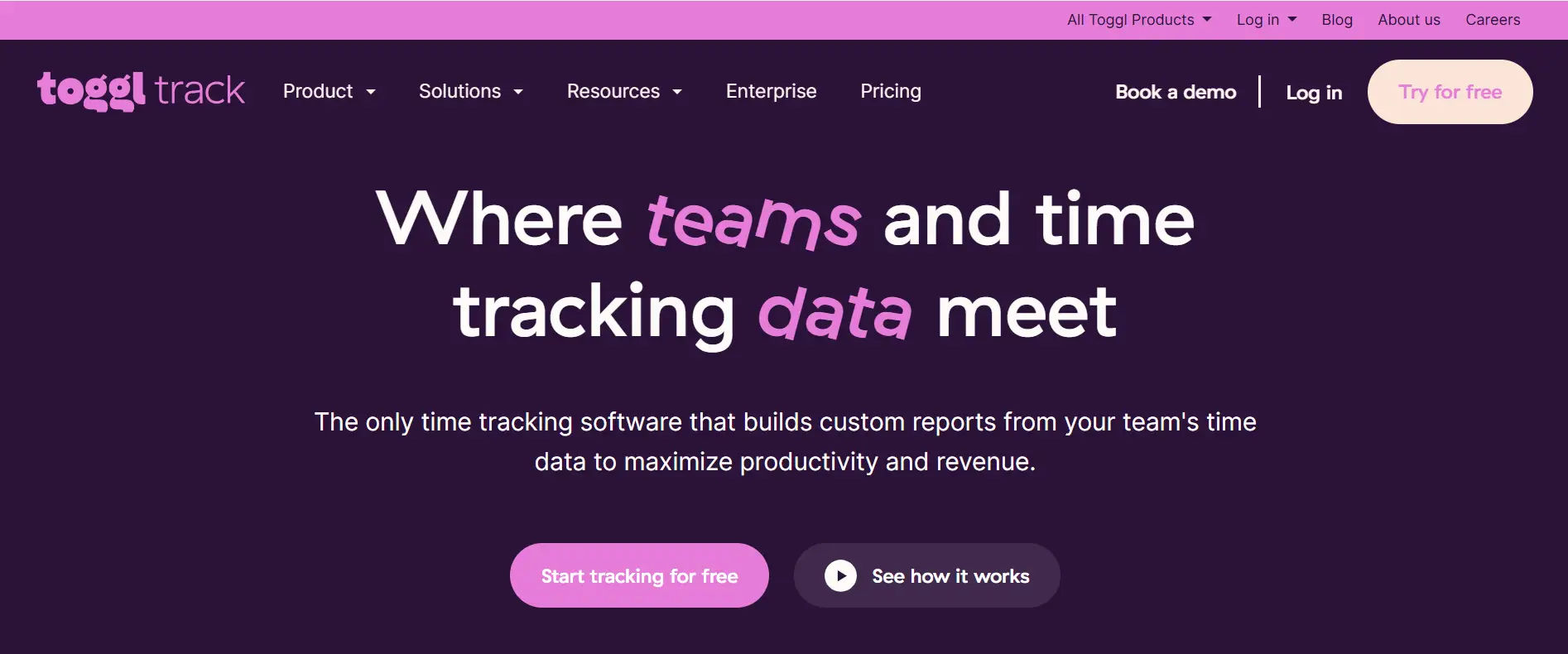
Toggl Track is one of the easiest apps to use and also offers a neat cross-plaform desktop app, too. It offers simple and easy time tracking, plus way more features you will love! Get connected right away with popular productivity tools, has never been so fun getting things done – for freelancers, teams and small companies.
8 Key Features:
- One-click timers and idle detection
- Advanced reporting and analytics tools
- Integration with 100+ apps
- Mobile, desktop and browser extension support
- Project and task management for teams
- Billable rates and project budgets
- Calendar integrations
- Exportable reports for billing
Why Toggl Track Is a Better Clockify Alternative:
Toggl Track is great for people and teams who want an easy-to-use time tracking tool with robust reporting.
Ratings:
- G2: 4/5
- Capterra: 4.2/ 5
5. Timeneye
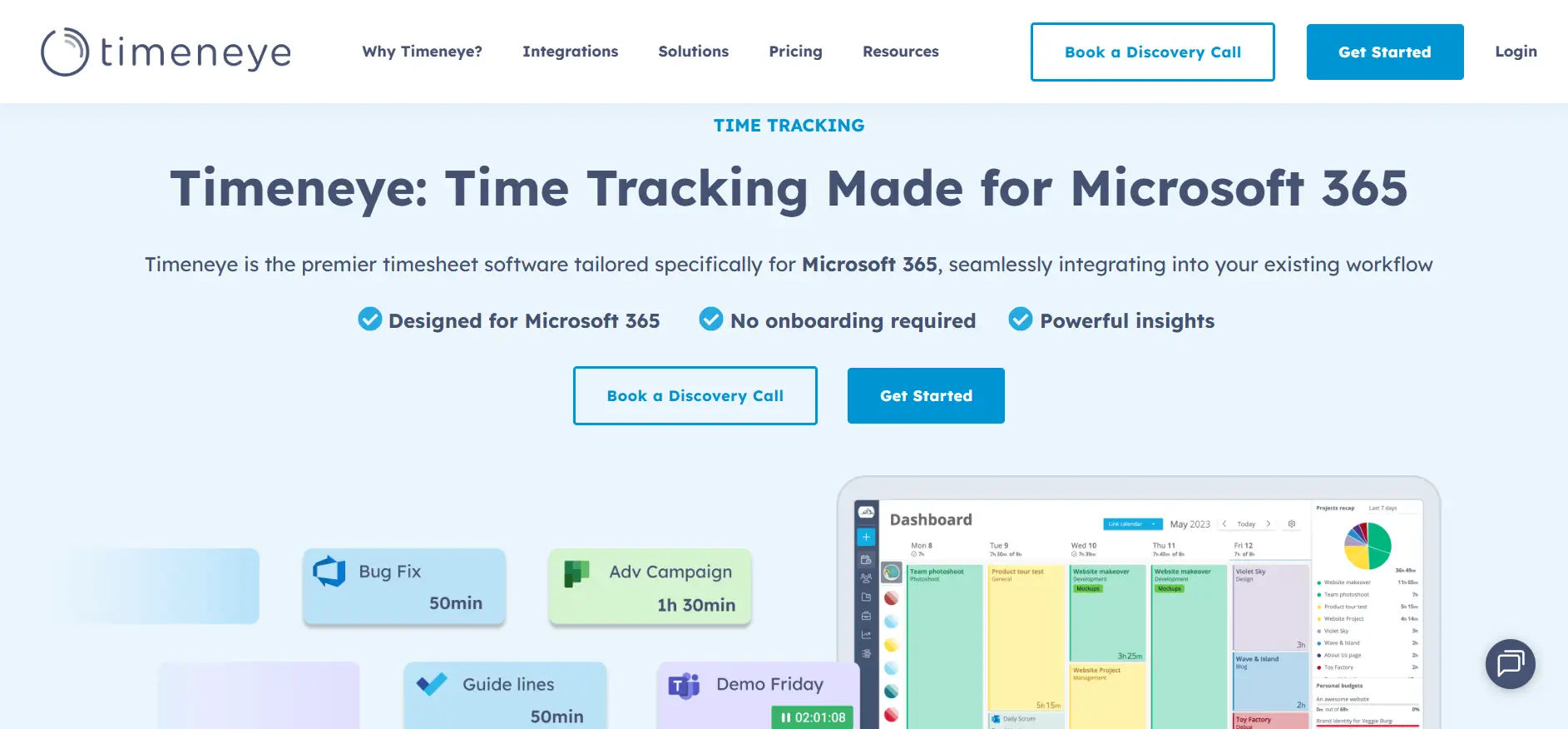
Timeneye is an intelligent time tracking tool that offers integrations and smart features for small medium-sized companies. It allows teams to track time on tasks, monitor work progress and ensure that everyone can look back with total transparency using simple reports and dashboards to promote better planning, improve productivity and make more profitable decisions.
8 Key Features:
- Automated time tracking suggestions
- You can sync with Microsoft Planner and Outlook
- Project/task management tools
- Customizable reporting dashboards
- Budget and cost tracking
- Mobile and desktop access
- Collaborative team features
- Powerful analytics tools
Why Choose Timeneye instead of Clockify:
Timeneye The ideal time tracking solution for Microsoft-powered teams who need user-friendly automation along with simple reporting.
Ratings:
- G2: 4.4/5
- Capterra: 4.3/5
6. Jibble
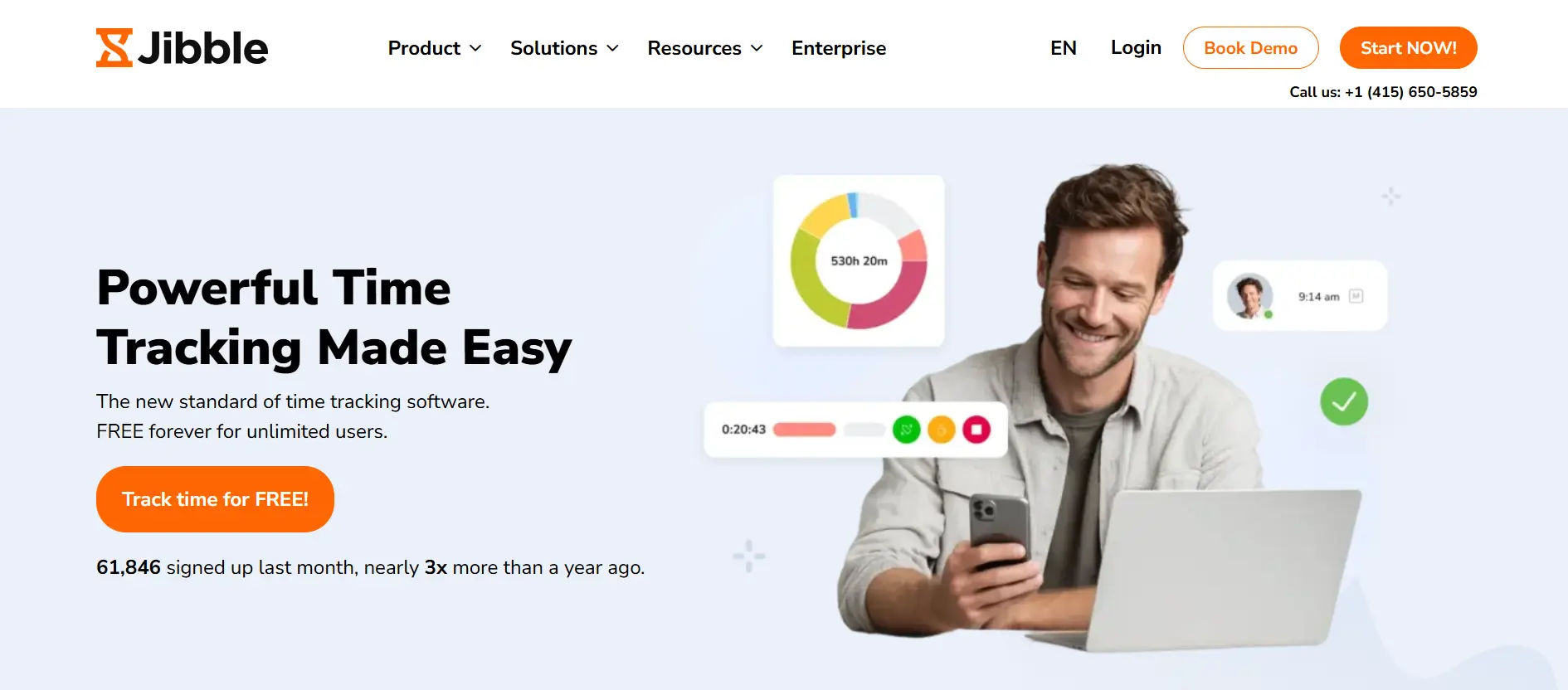
Jibble is time tracking and attendance software with geofencing and facial recognition features that cater to businesses with remote employees such as field services or a sales team. It allows employees to quickly and accurately clock in or out, reaches all of the time theft prevention benefits of time clock and in addition provides a real-time attendance report as soon as possible for company managers to manage remote workers with more control.
8 Key Features:
- Attendance monitoring with AI facial recognition
- GPS/geofencing for location-based tracking
- Time-off and leave management tools
- Mobile-first design with kiosk capabilities
- Overtime and break tracking
- Teams, Slack and QuickBooks integrations
- Detailed reporting
- Free plan available
Why Jibble is Suitable as an Alternative to Clockify:
Jibble is a great option for companies that require more in-depth attendance tracking and location-based features.
Ratings:
- G2: 4.5/ 5
- Capterra: 4.8/5
7. Timeclock 365
Another Microsoft focused time tracking app, Timeclock 365 has native SharePoint integration and simplified workflows. It supports recording of work hours, approval handling and simple statistics, in a way that is fully compliant with Microsoft 365 using familiar user experiences.
8 Key Features:
- Time tracking with SharePoint integration
- Project and task management features
- Custom approval workflows
- Mobile and web-based access
- Microsoft 365 compatibility
- Notifications and reminders
- Secure data storage
- Any size Payroll Team-scalable
Why Choose Timeclock 365 as an Alternative to Clockify:
A solid option for businesses that leverage Microsoft 365 and want native integration, combined with no-fuss features.
Ratings:
- G2: 4.5/5
- Capterra: 4/5
8. Timeghost.io
Timeghost.io is a Microsoft 365 focused time tracking AI, which records users working time by integrating with Teams and Outlook. It automatically captures work activity in the background and enables additional manual entries to be tracked, with clear visibility into time, enabling teams to increase accuracy, productivity and preserve workflow while keeping time transparent.
8 Key Features:
- Teams and Outlook integration
- Automated time suggestions
- Project management and tracking
- Advanced reporting with Power BI
- Multi-level approval workflows
- Payroll and Billing export features
- Mobile-friendly design
- Centralized data storage
Why Choose Timeghost. io as a Clockify Alternative:
A great pick for Teams-oriented businesses that seek to automate time-smarting.
Ratings:
- G2: 4/5
- Capterra: 4.6/5
9. Beebole
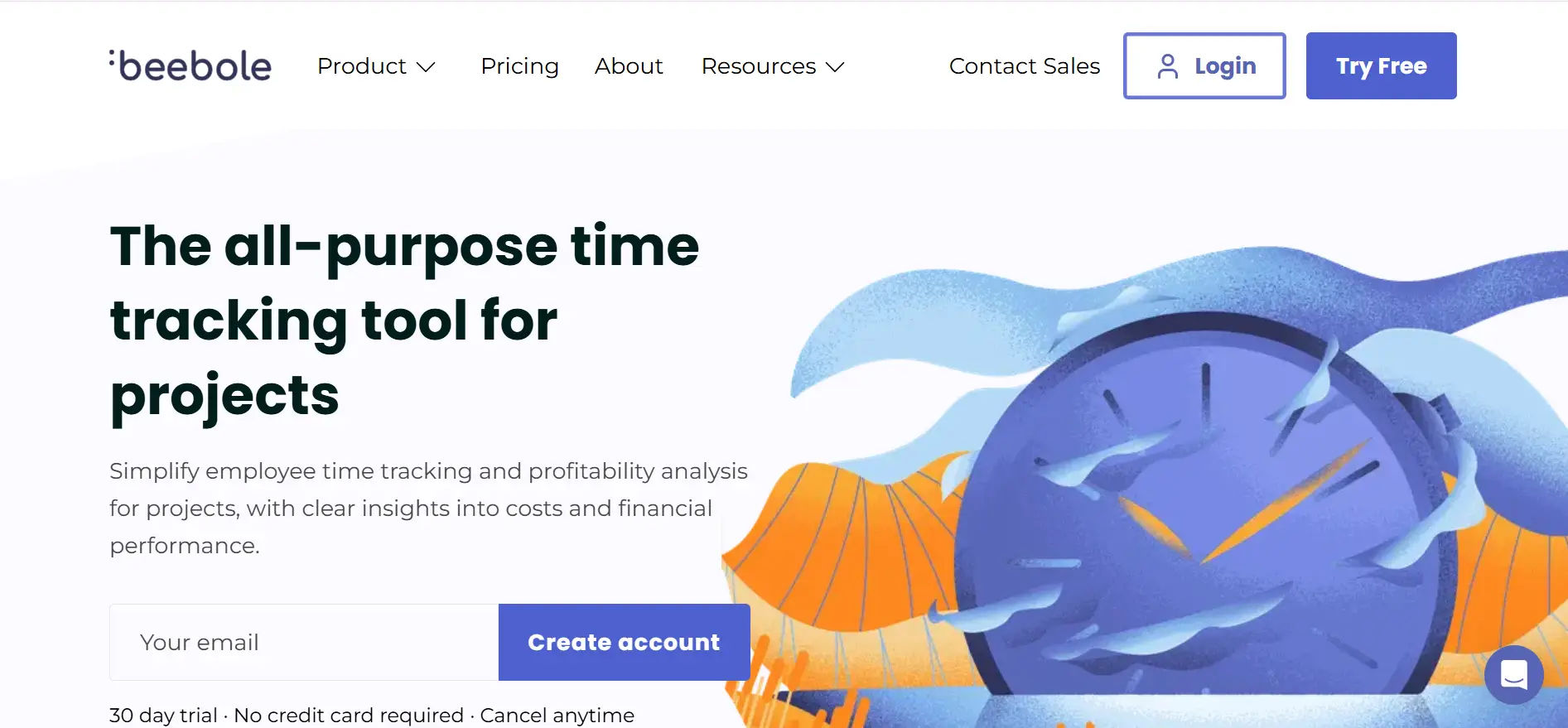
Beebole offers time tracking solutions and provides ways to get insights on your business type project-based organisation. It provides accurate time and cost collection, advanced reporting and integrates with the financial structure enabling teams to have an in-depth understanding of project performance, profitability, resource utilization.
8 Key Features:
- Customizable dashboards for analytics
- Project and client budget tracking
- Exportable reports for invoicing
- Mobile and web access
- Multi-level approvals
- Google Workspace/Microsoft 365 integration
- Activity monitoring features
- Automated reminders
Why you should choose Beebole as your alternative to Clockify:
Beebole is Suitable for: For Businesses requiring comprehensive analytics and project profitability monitoring.
Ratings:
- G2: 4/5
- Capterra: 4.2/5
10. HR Timesheet 365
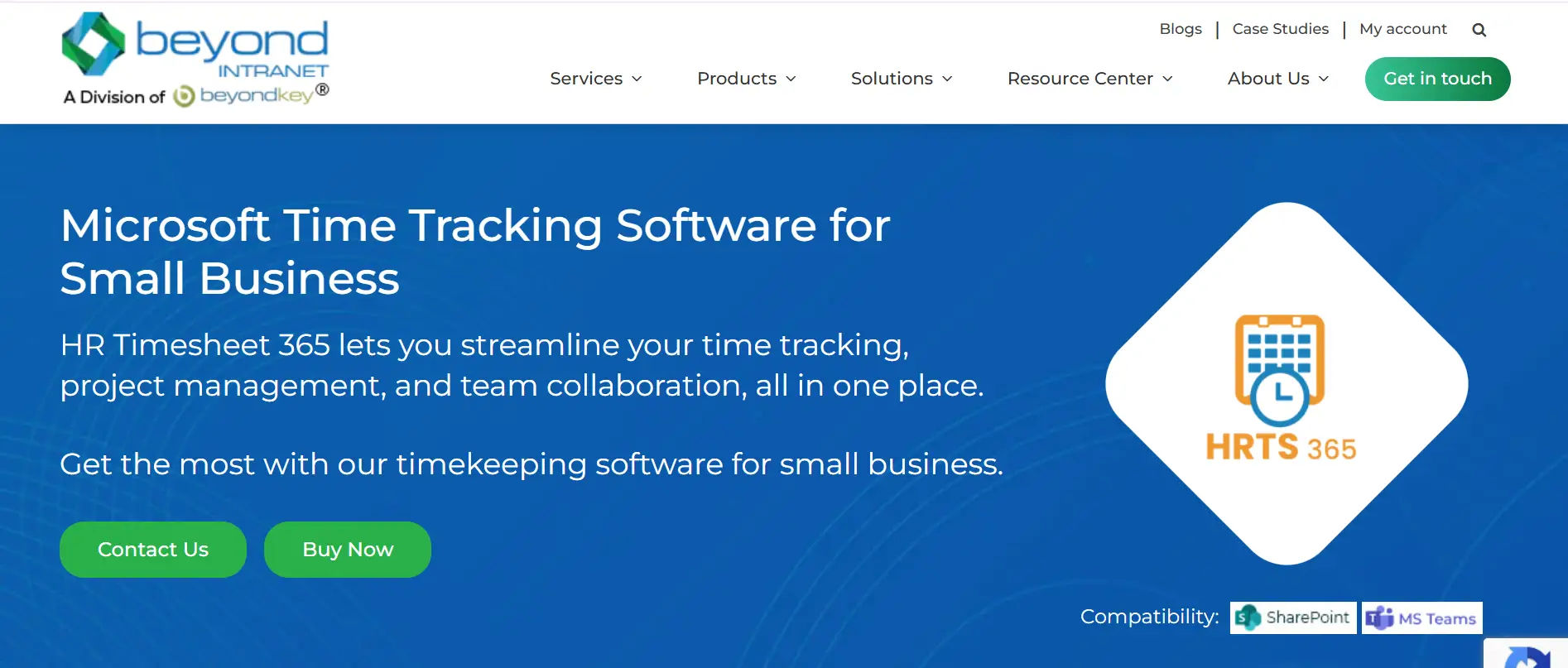
HR Timesheet 365 is an integrated timesheet and HR management for Microsoft 365. It integrates time tracking with staff information, approvals, and reporting to allow organizations to manage workforces more efficiently, improve visibility with graph reporting, and ensure consistent use of Microsoft 365 and SharePoint workflows.
8 Key Features:
- Unified HR and timesheet management
- Microsoft 365 and SharePoint integration
- AI-powered HR insights
- Employee directory management
- Multi-level approval workflows
- Project and task tracking
- Power BI analytics
- Mobile accessibility
Why HR Timesheet 365 is the Best Clockify Alternative For Your Business:
A great choice for companies wanting an HR and time tracking combination that integrates with Microsoft 365.
Ratings:
- G2: 4.5/5
- Capterra: 4/5
Best Tips for Selecting an Alternative to Clockify
- Set clear time tracking goals for your organization, including project visibility, billing accuracy, compliance, or productivity tracking.
- Opt for a solution that integrates with your other tools – such as those you use in Microsoft 365, SharePoint, Teams and your accounting software – to help make the transition seamless.
- Evaluate security and regulatory needs – eg, data residency, access controls the ability to fit with internal standards and regulations.
- Test the usability with you team to make sure that it’s a solution, which can be easily adopted and reduce manual effort.
- Compare pricing and specs closely to deliver long-term value rather than concentrating on price only.
- Make the platform scalable so that it can accommodate new growth in users, projects, and reporting needs.
- Thoroughly consider your data migration because you don’t want to experience loss in data, downtime, or irregular reporting while transferring the information.
Conclusion
Clockify is a solid time tracker, but it’s not the only option out there. A few other options are strong in particular aspects—such as Microsoft 365 integration, advanced analytics, or industry features. Through taking the time to assess your needs and investigate what is on offer here, you have the ability to discover which time tracking solution is best suited for your company’s goal.
Join Our Creative Community
Frequently Asked Questions
Why should I consider a Clockify alternative?
Businesses often need specialized features, deeper integrations, or advanced reporting that Clockify may not provide.
Which alternative is best for Microsoft 365 users?
Timesheet 365, Timesheet Pro 365, and Office 365 Timesheet offer excellent compatibility with Microsoft 365.
Are there free options similar to Clockify?
Yes, Jibble and Toggl Track provide robust free plans suitable for small teams and freelancers.
How do I migrate my data from Clockify to another tool?
Export your data from Clockify in CSV format, then import it into your new platform using its import tools.
What features should I prioritize in a time tracking tool?
Focus on integrations, reporting, mobile functionality, approval workflows, and security to match your business needs.


_JiluXJRGNl.svg)























