
_eH2jDg7dZ.png)
Most B2B businesses accumulate software tools without proper visibility into their usage, resulting in unnecessary subscription costs and inefficiencies. A key issue is the lack of formal records for expired or redundant tools that need removal from workflows. The outcome? Overspending. Recent reports show companies waste 35% of their cloud computing budgets due to limited transparency and control over costs.
In 2026, the best Software Asset Management (SAM) tools help businesses track licenses, ensure compliance, and optimize software usage, preventing costly fines.
These solutions offer automation, real-time reporting, and integration with IT systems, streamlining audits and improving cost efficiency for better software management.
What is SAM?
Software Asset Management (SAM) is a strategic approach to managing an organization’s software assets. Key aspects include:
- Full Lifecycle Management: Tracks software from purchase to retirement.
- License Visibility: Helps organizations know what software they own and how it’s used.
- Cost Optimization: Reduces overspending on unused or underutilized licenses.
- Compliance Assurance: Ensures adherence to software licensing agreements and avoids audit penalties.
- Data-Driven Decisions: Provides insights to support smarter IT and business strategies.
With SAM, software management becomes a tool for efficiency, compliance, and cost control.
Why Use a Software Asset Management Tool?
Let’s explore this through a case study. A pharmaceutical company was using numerous SaaS applications but faced challenges in tracking consumption, identifying unauthorized apps, calculating licensing positions, and validating billing accuracy. By deploying a software asset management tool, the company could retrieve essential software usage data, leading to optimized renewals based on actual usage and the reclamation of inactive users, reducing costs.
This case study illustrates how SAM tools are foundational to managing the software lifecycle more effectively. But the benefits don’t stop there. Here are more reasons to invest in SAM tools:
- Cost Savings: asset management tools provide clear visibility into software usage, helping avoid unnecessary expenses and ensuring optimal use of licenses.
- Audit Preparedness: Monitoring software consumption helps businesses avoid true-up charges during vendor audits or contract renewals.
- Risk Mitigation: Poor software license management leads to wasted resources and legal risks from non-compliance. Asset management software help track and manage licenses to ensure audit readiness and compliance.
- Cloud Cost Control: Without asset management software, cloud spending is often wasted due to a lack of cost transparency and control. Asset management software will automate to find wasteful spending and fix inefficiencies.
- Cloud Optimization: IT asset management tools enable businesses to adjust aspects of cloud costs, such as auto-scaling, continuous monitoring, and reducing unnecessary environments to enhance transparency and cost-efficiency.
- Compliance with On-Premises Software: asset management tool track consumption, optimize licenses, and help businesses maximize their software budgets for both cloud and on-premises software.
Key Features to Look for in the Best SAM Tools
- Automated Software Discovery
A strong SAM tool should automatically detect all software installed across endpoints, servers, and cloud environments, ensuring no asset goes untracked. - License Management and Optimization
This feature helps compare purchased licenses with actual usage, enabling organizations to reclaim unused licenses, avoid over-licensing, and reduce software spend. - Usage Tracking and Analytics
Detailed usage insights allow IT teams to understand how frequently software is used, identify underutilized applications, and make informed renewal decisions. - Compliance Monitoring and Audit Readiness
Continuous compliance tracking ensures alignment with licensing agreements and reduces the risk of penalties during vendor audits. - Integration with IT Asset Management (ITAM)
Seamless integration with ITAM systems connects software data with hardware, users, and vendors, offering a complete view of IT assets. - Automation and Workflow Management
Automating approvals, renewals, alerts, and software lifecycle tasks minimizes manual effort and improves operational efficiency. - Reporting and Dashboards
Customizable reports and visual dashboards provide clear insights into software usage, costs, and performance to support strategic decision-making.
How to Choose the Right Software asset management Tool?
Asset Management 365
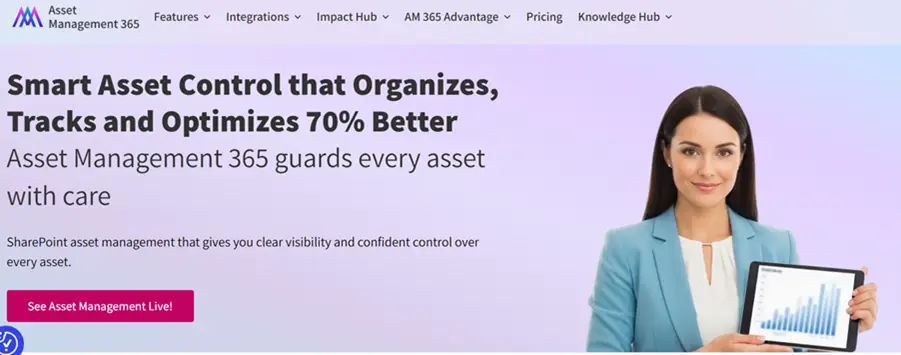
Asset Management 365 is a comprehensive solution designed to help organizations track, manage, and optimize IT assets throughout their entire lifecycle—from procurement to retirement. It enables teams to maintain complete asset visibility, reduce operational risks, and make smarter financial decisions with ease.
Key Features:
- Customizable asset attributes to capture detailed information such as serial numbers, ownership, location, and warranty details.
- Seamless synchronization with Microsoft 365 and SharePoint to centralize asset data in one secure platform.
- Automated asset lifecycle workflows that streamline procurement, maintenance, and disposal while controlling costs.
- Clear asset relationships linking devices to users, vendors, contracts, and incidents for better traceability.
- Powerful reporting and analytics to evaluate asset performance, optimize spending, and support informed purchasing decisions.
ServiceNow
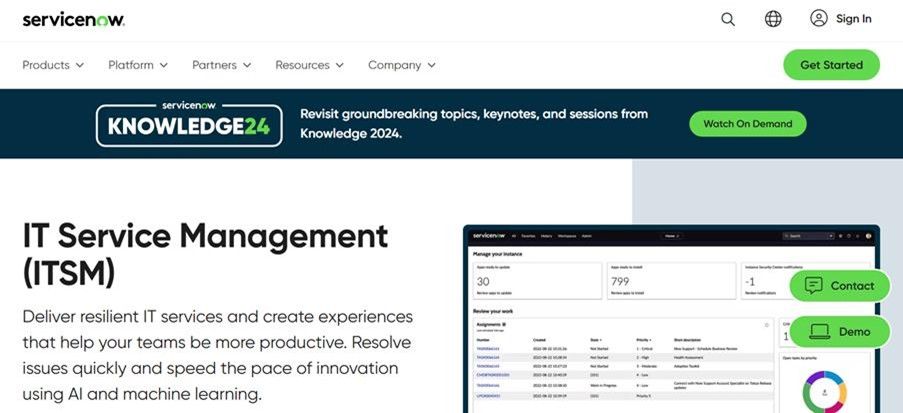
ServiceNow’s IT asset management software automates software lifecycle management, controls spending, and reduces risks, all from a centralized platform.
Key Features:
- Automated software allocation for new employees.
- SaaS overview dashboard for cost and usage analysis.
- License compliance tracking to reduce audit risks and ensure adherence to vendor agreements.
- Integrated workflows for software request, approval, and renewal management.
- Centralized visibility into software assets across on-premises and cloud environments.
Certero
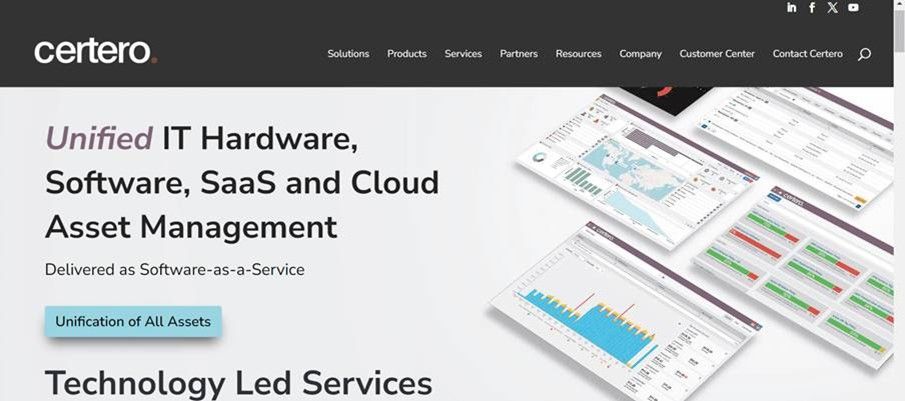
Certara provides enterprise-level asset management solutions, optimizing software licenses and ensuring compliance with key vendors.
Key Features:
- Comprehensive discovery and inventory across hardware, software, cloud, and mobile assets.
- License entitlement and optimization to reduce overspend and improve compliance.
- Real-time usage tracking and analytics for informed decision-making.
- Automated compliance reporting to simplify audits and licensing reviews.
- Integration with IT service management (ITSM) tools to streamline workflows.
Flexera One

Flexera’s SAM tool provides deep insights into software licensing, usage, and cloud costs with an extensive entitlement library.
Key Features:
- Unified discovery and inventory for on-premises, cloud, and virtual environments.
- License optimization and entitlement management to reduce overspending and ensure compliance.
- Software usage analytics with detailed reporting for smarter procurement decisions.
- Cloud cost management and governance to control multi-cloud expenditures.
- Integration with ITSM and financial systems to align asset data with business processes.
Matrix42
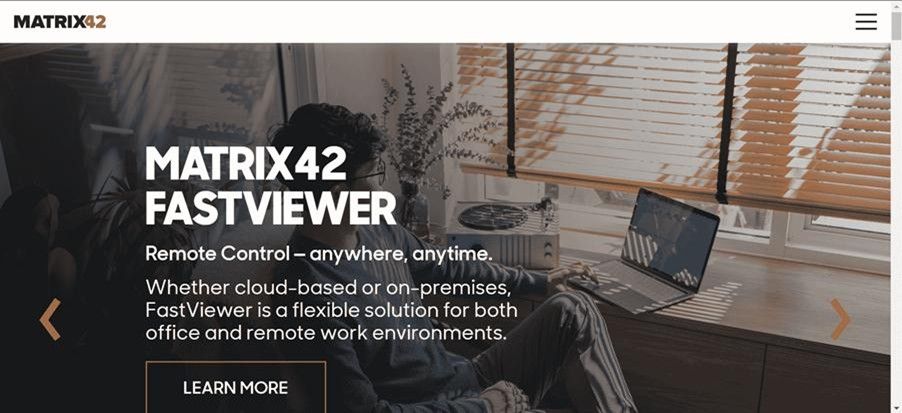
Matrix42 gives IT teams visibility into software licenses and cloud spending, helping cut costs and reduce compliance risks.
Key Features:
- End-to-end asset lifecycle management from procurement to retirement.
- Automated discovery and inventory of hardware and software across networks.
- Centralized license management and compliance tracking to reduce audit risks.
- Integration with ITSM workflows for streamlined service delivery.
- Real-time analytics and reporting for visibility into usage, costs, and performance.
IFS Assyst
IFS Assyst offers enterprise-level service management with automated workflows and real-time IT ecosystem insights.
Key Features:
- End‑to‑end IT asset lifecycle management from purchase to disposal.
- Automated discovery and inventory across devices, software, and cloud resources.
- Centralized license and compliance tracking to help reduce audit risk and costs.
- Integrated service‑aware workflows that connect asset data with IT service management.
- Real‑time reporting and analytics to monitor usage, performance, and total cost of ownership.
Alloy Software
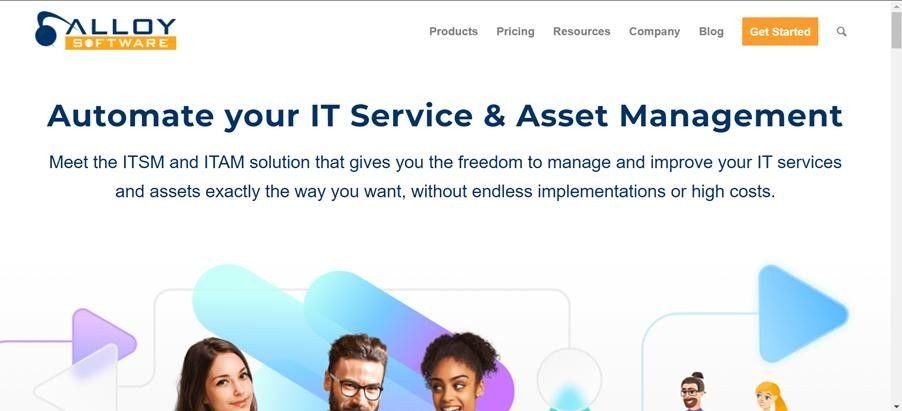
Alloy Software optimizes spending and ensures compliance with automated scanning, approval workflows, and asset tracking.
Key Features:
- Automated IT asset discovery and inventory across hardware and software to maintain a complete and accurate asset database.
- Full asset lifecycle management from procurement to retirement for better control and visibility.
- Built‑in Software Asset Management (SAM) that tracks licenses, usage, and compliance to reduce costs and audit risk.
- Centralized Configuration Management Database (CMDB) that connects assets, contracts, users, and incidents for informed decision‑making.
- Contract and vendor management with alerts for renewals and expirations to avoid overspending.
- Workflow automation for asset requests, approvals, and lifecycle processes to streamline operations.
Pricing:
- Starts at $19/tech/month.
Zluri
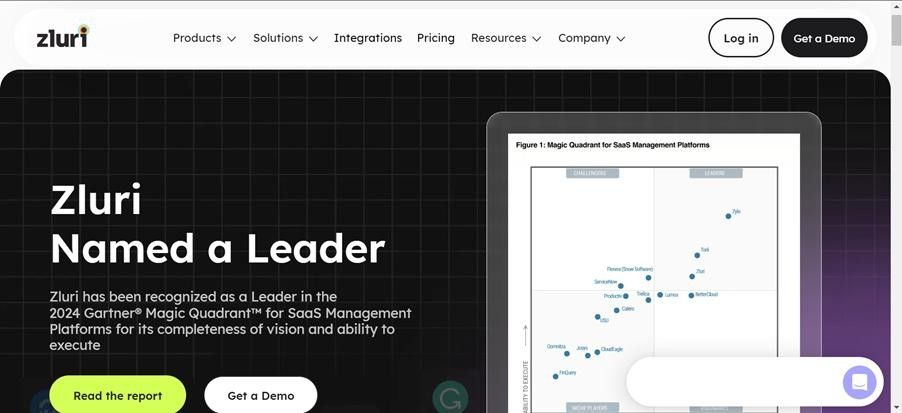
Zluri offers 360-degree visibility into SaaS apps and helps control spending by reclaiming unused licenses.
Key Features:
- Comprehensive Software & SaaS Discovery: Detects and inventories SaaS applications across your organization using extensive discovery methods and integrations for full visibility.
- License & Subscription Management: Tracks software licenses, subscription types, user roles, and spending to identify unused licenses and optimize allocations.
- Renewal Alerts & Calendar: Provides proactive notifications and a renewal calendar to help IT teams stay ahead of contract expirations and payment deadlines.
- Automated License Workflows: Automates license requisition, approvals, provisioning, and revocation—especially during onboarding and offboarding.
- Vendor & Contract Management: Centralizes vendor data, contracts, and license agreements for better negotiation, compliance, and spend control.
- Usage Monitoring & Insights: Offers detailed usage data to help teams spot under‑utilized apps, reduce SaaS waste, and make data‑driven decisions.
Xensam
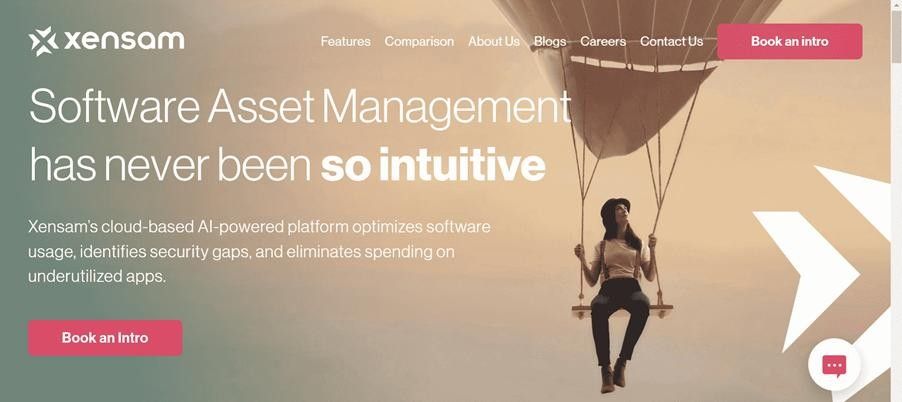
Xensam uses AI to track SaaS apps, optimize software spending, and identify security vulnerabilities.
Key Features:
- AI‑Powered Software Discovery & Normalization: Automatically identifies and catalogs applications across hybrid IT environments with high accuracy, including SaaS and on‑premise software.
- Real‑Time License Compliance & Tracking: Continuously monitors license entitlements and usage to help reduce audit risk and ensure compliance.
- Active Usage Analytics & Cost Optimization: Tracks actual software usage and customizable pricing to uncover underutilized licenses and reduce software spend.
- Custom Notifications & Alerts: Provides configurable alerts for key events like expiring licenses, contracts, and usage thresholds.
- Advanced Reporting & Dashboards: Offers detailed insights with built‑in reports and dashboards for usage trends, cost savings, and compliance.
- Automated Organizational Mapping & Workflows: Simplifies onboarding of assets and users with rule‑based automation tied to directories like Active Directory.
EZO AssetSonar
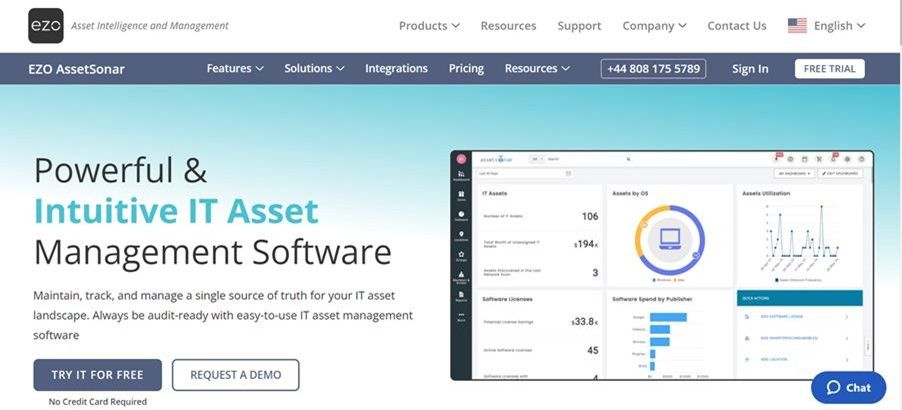
AssetSonar manages and tracks software lifecycles, licenses, and contracts with automated scanning and reporting.
Key Features:
- Comprehensive IT Asset Lifecycle Management: Track hardware, software, and SaaS assets from procurement through retirement with real‑time visibility and lifecycle workflows.
- Automated Discovery & Inventory: Agent‑based scanning, network discovery, and integrations (e.g., MDM) automatically populate and update your asset repository without manual effort.
- Software License & Compliance Management: Centralize software assets, monitor license usage, reclaim unused licenses, and ensure ongoing compliance with vendor agreements.
- Configuration Management Database (CMDB): Maintain a 360° view of asset relationships, dependencies, and configurations for better impact analysis and incident resolution.
- Depreciation & Contract Tracking: Monitor asset depreciation, track contracts, warranties, and vendor details to optimize IT spending and renewal planning.
- Custom Reports & Alerts: Generate tailored reports and set automated alerts for key events like low stock, renewals, and audit readiness.
Pricing:
- Starts at $69.99/month.
Conclusion
Choosing the best Software Asset Management solution goes beyond simply tracking licenses—it enables organizations to gain full visibility into software usage, control costs, and maintain compliance in a complex IT landscape.
An effective SAM tool helps eliminate unused licenses, reduce audit risks, and support smarter decision-making through accurate data and reporting. With features like automation, lifecycle management, and seamless integrations, the right solution transforms Software Asset Management into a strategic asset that improves operational efficiency, optimizes IT investments, and supports sustainable business growth.
Join Our Creative Community
Frequently Asked Questions
What is Software Asset Management (SAM)?
Software Asset Management is a strategic practice to manage and optimize an organization’s software applications across their entire lifecycle—from procurement to retirement—to ensure efficient use, compliance, and cost control.
Why is SAM important for businesses?
SAM helps organizations gain visibility into software usage, reduce overspending on unused licenses, limit audit risks, and make more informed IT investment decisions.
What features should the best SAM solution include?
Top SAM tools typically offer automated discovery and inventory, license reconciliation, usage tracking, reporting dashboards, compliance monitoring, and integration with IT asset management systems.
How does SAM help with compliance?
A good SAM system continuously tracks software entitlements and usage, helping organizations stay aligned with licensing agreements and avoid penalties from compliance audits.
Can SAM reduce software costs?
Yes. By identifying unused or under-utilized licenses and optimizing renewals and purchases, SAM can significantly reduce software costs and waste.
Should my business use a dedicated SAM tool?
If your organization uses multiple software vendors, complex licensing models, or wants to maintain compliance and financial efficiency, a dedicated SAM tool is highly recommended.
What types of organizations need SAM?
Any business that relies on software—especially medium to large enterprises with many users, diverse applications, or audit exposure—benefits from implementing SAM practices.


_JiluXJRGNl.svg)























